Week- 5 - Solid meshing
Aim :- To create TETRA meshing for rear view mirror model along with proper geometric clean-up within given geometric clean-up.
Procedure :-
1) Extract the file :-
This is the first step to extract the file from .IGS file to .ANSA file. After that check the orientation of given geometry and change the element length on perimeter to 1 mm by using (mesh mode-Perimeter-Length)
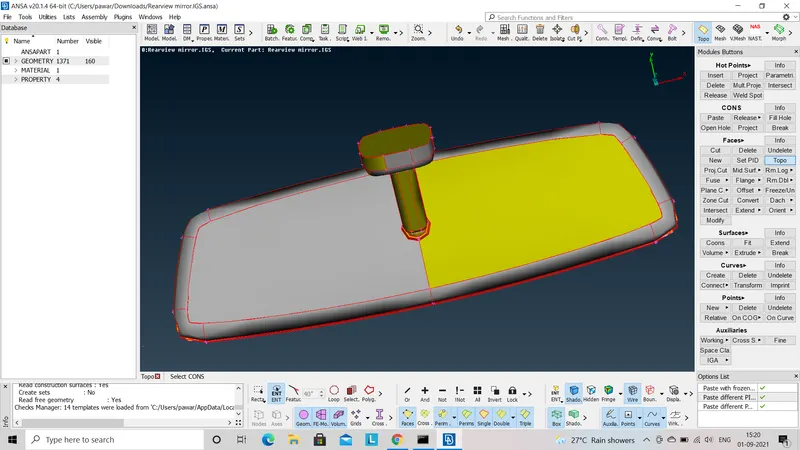
2) Geometric clean-up :-
Geometric clean-up is the very first step and important step for all the type of modelling. First go for (Check manager - Geometry - Run). After that if it shows any error like niddle shaped, tripple corns etc.go for auto fix option by clicking right click on error space.
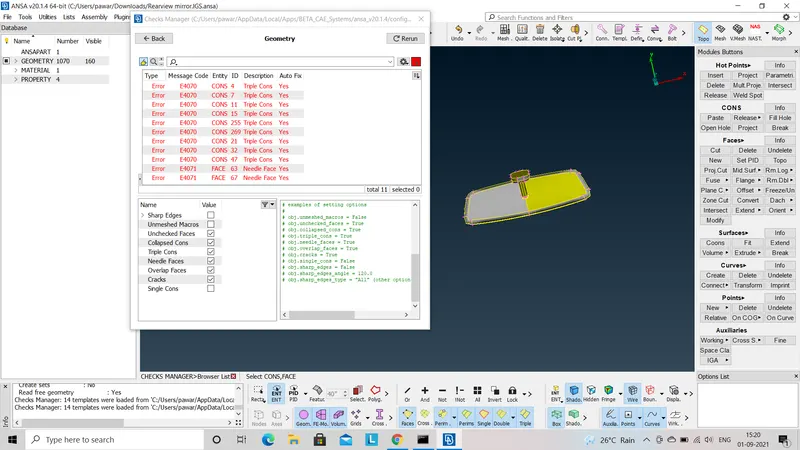
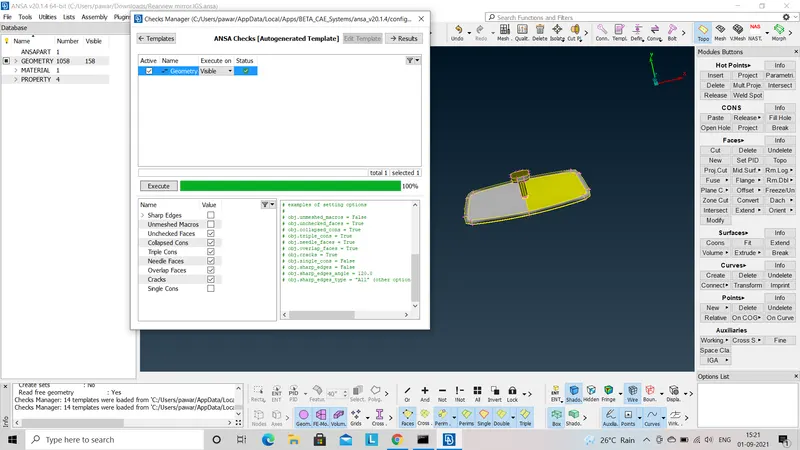
3) Defeaturing :-
As per given quality criteria of min. length and max. length we have to remove all unneccesory edges, unnecessory corns such that distance between two near corns is equal or less than 0.5.
4) Meshing (Tria/Ortho-tria) :-
After defeaturing go for ( Meshing-Mesh generation-Batch mesh ) before that assign quality criteria and also assign quality parameter as per given information. We have to select tria or ortho-tria element as per requirment i.e. we have to use ortho tria element for curved surface and tria element for plane surface. After that to improve mesh pattern use reconstruction (Shell mesh-Reconstruction-Select).
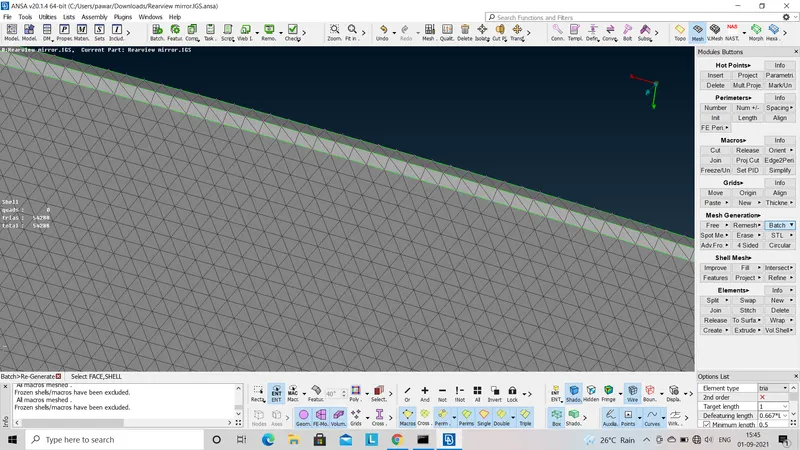
Meshing is done for different parts seperately as per following fig. :-
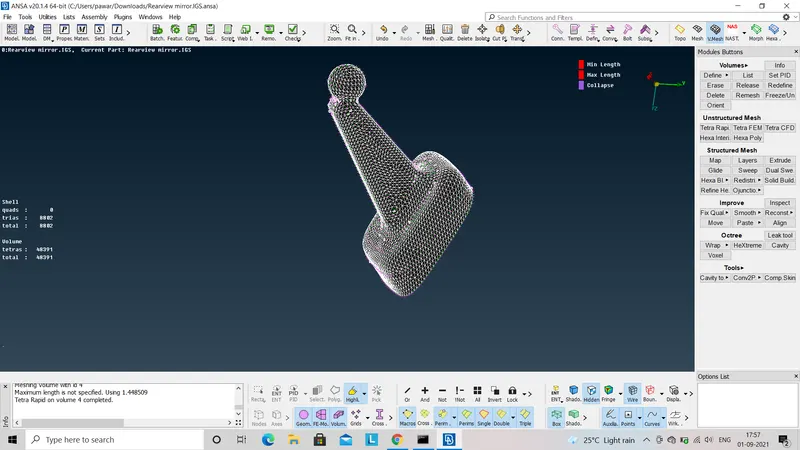
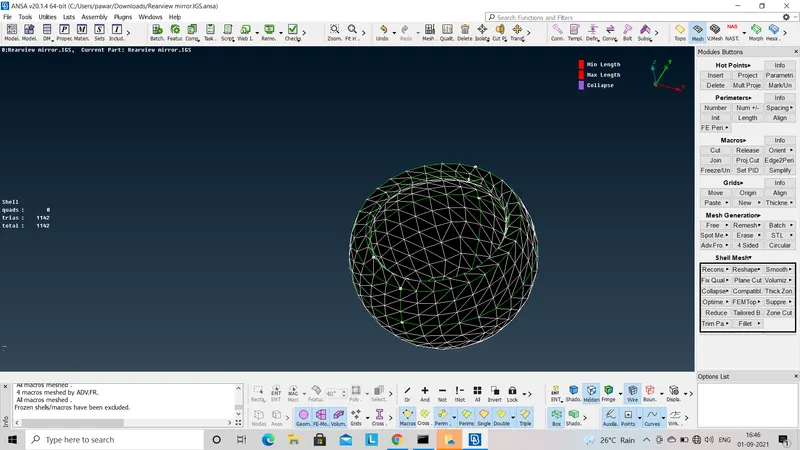
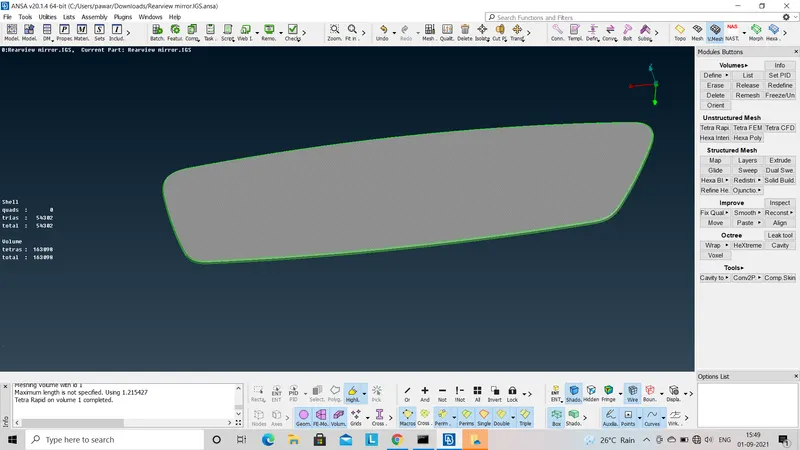
5) Volume define :-
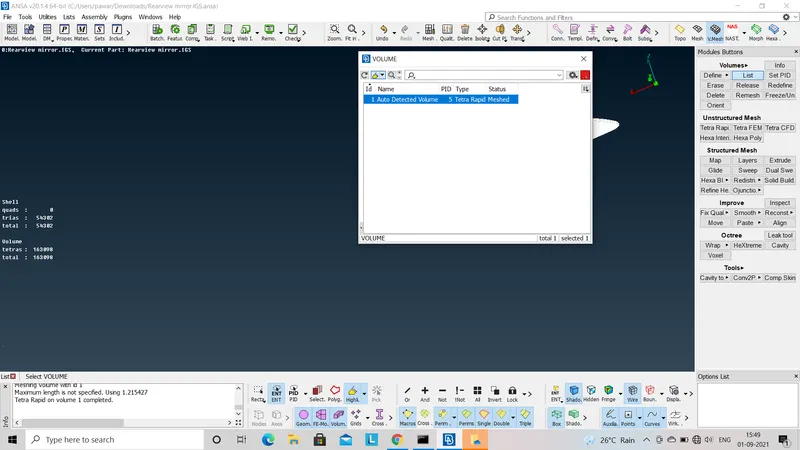
After doing mesh on surface we have to extract that mesh to whole geometry. For that first step is to define volume by using (vol.mesh - Volume - Define - Seelct - Manual.) After assigning volume it gives undefined and unmeshed part. By right clicking and seelcting remesh option as following fig. it gives define and mesh model.
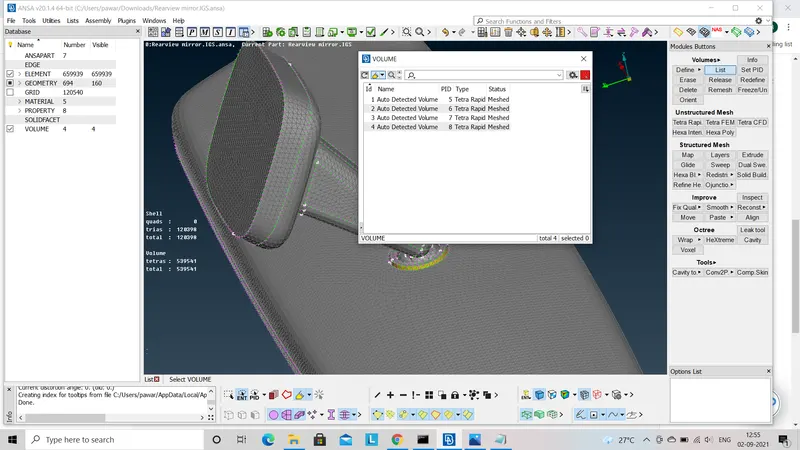
6) Quality check :-
After doing mesh on whole body we have to check quality criteria of Tet collapse. If some parts are fail to this quality criteria then we have to update mesh near to it by using (Mesh module - grids - MV Free).
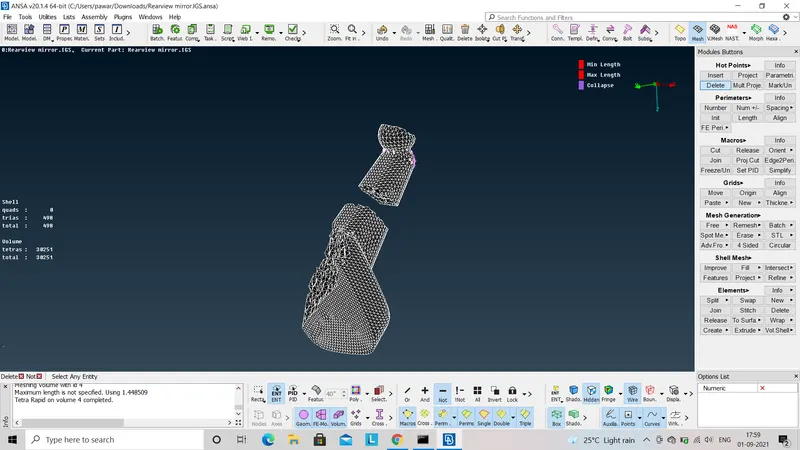
In this way I completed Tetra meshing on whole model. When I see model from inner side it shows unstructured pattern of mesh so that this tetra mesh is called as unstructured mesh.
Learning Outcome :-
By the completion of this challenge I am able to do mesh given 2D element with given quality criteria and volume mesh of whole model within given quality criteria. also learnt that where to use tria mesh or ortho-tria mesh.
Conclusion :-
In this way we can check geometry also 2D mesh on surface also assign volume to the model and extract meshing to whole model using terta meshing.