Week 6 - Creating connection for Rear door
AIM
To perform the suitable connections for the given door component.
PROCEDURE
- First import the given component in ANSA.
- The mesh is already present in the component.We want to Perform connections to the component.
- First seperate the component and given the different PID to it by using SETPID option.
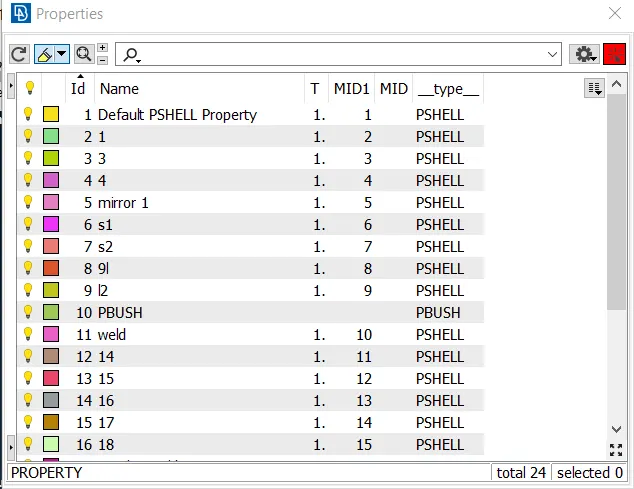
- Then create a connection to the door hindge using bolt connection.
- By creating bolt first create COG to the holes and convert to 3D curve then go to connection manager and assign Rigid bolt to it.
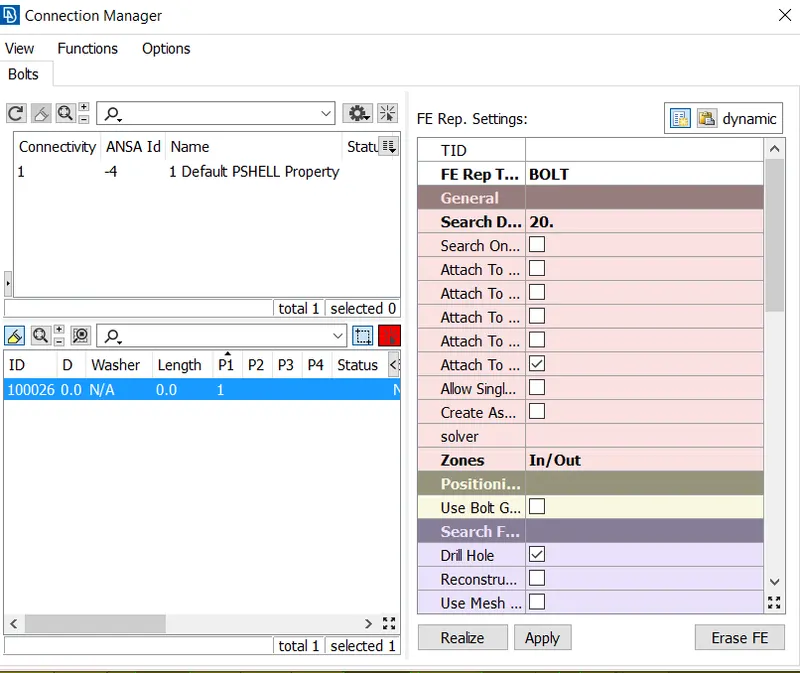
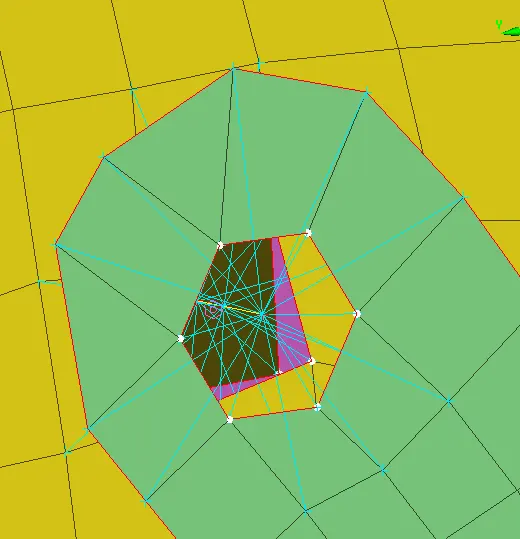
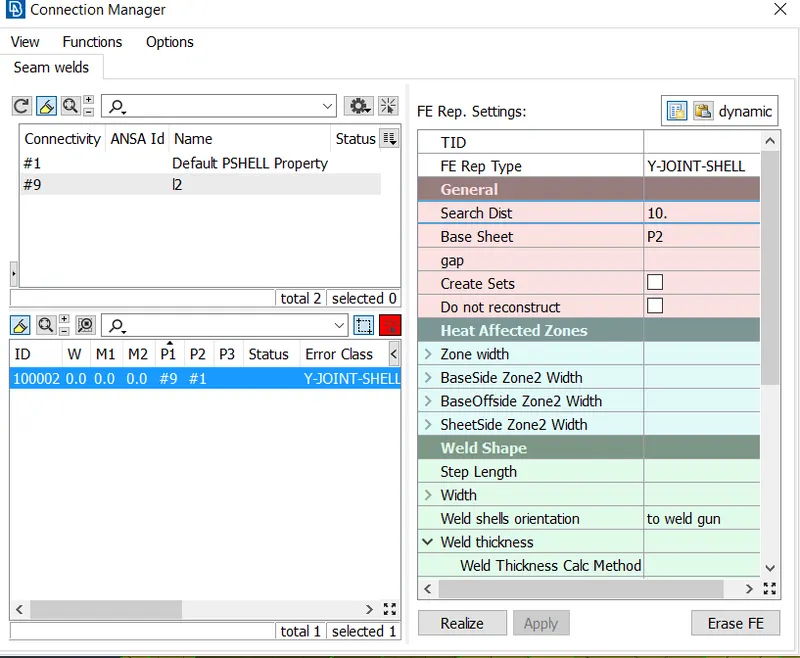
- After that seamweld is done for the another hindge.
- For that first create a curve using fearure to curve option and create it then convert the curve into seam line and go to connection manager then create weld to it.
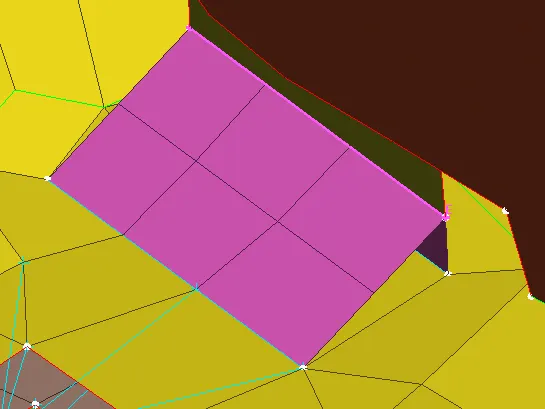
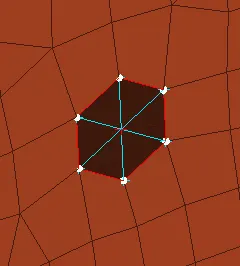
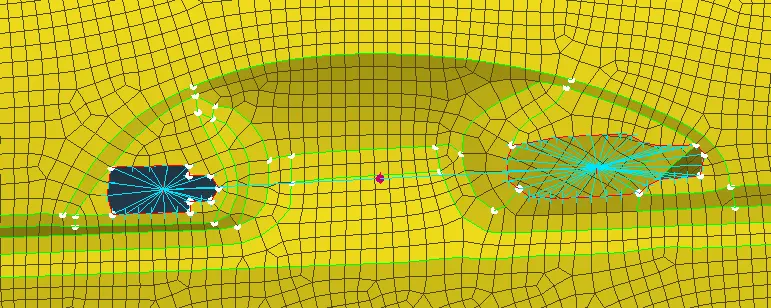
- Then create RBE2 to normal holes present in all the component.
- Then create CBUSH to the mirror surroundings.
- For that first create the curve in edge of the mirror by using Feature to curve option.
- And convert the curve into spot line in curve option.
- Then relaize the CBUSH in connection manager with distance of 10mm.
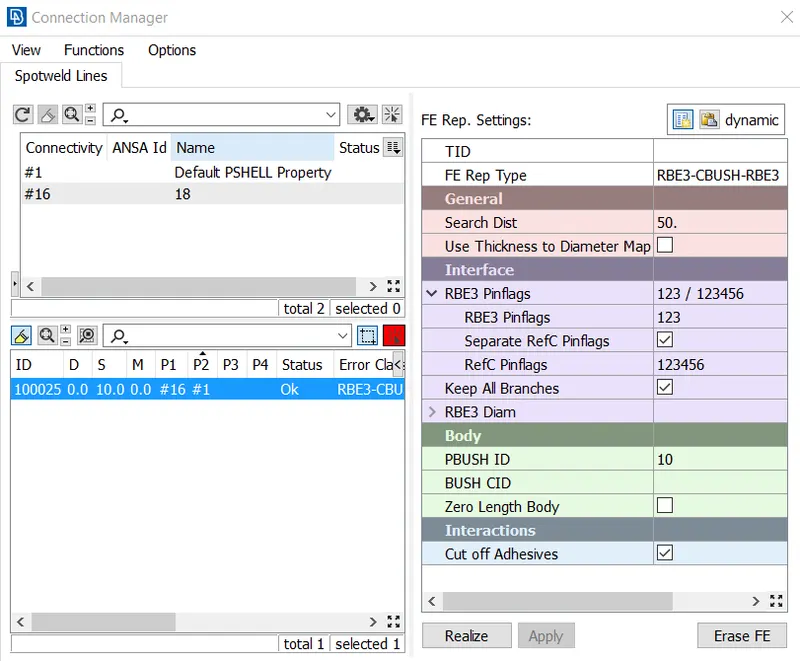
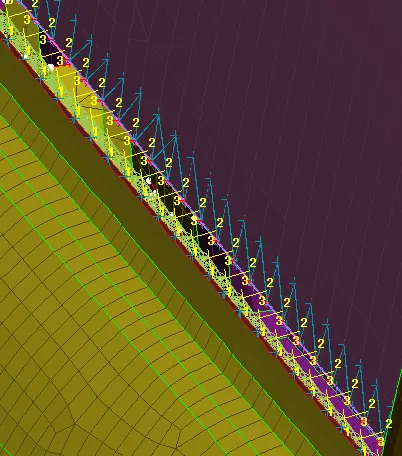
- CBUSH should be connected to mirror and the outer bush.
- After that same process is done for all edges of the mirror.
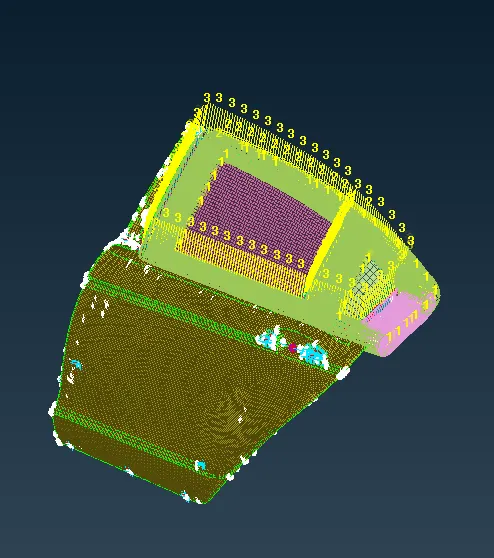
- And connection is given to all inner components to the outer surfaces.
- Then in the door lock use RBE2 for both holes.
- And then use the RBE2 two node option to center node of the two rigid connectors.
CONCLUTION
Thus the given component is perform a suitable connections.