Week 6 - Creating connection for Rear door
Aim
To create PIDs for different component and deploy connection to given Rear Door
Procedure
Step1: Import of FE model
Open ANSA software ->file->open -> select the component
Rear door is imported
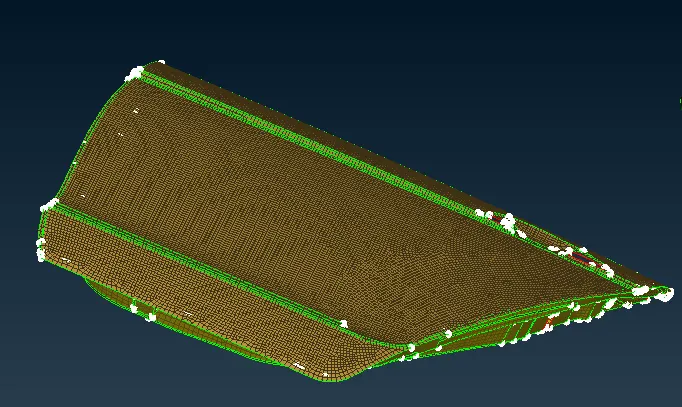
Step2: Dimension Measurement
Measure the dimension for each of the component for check search distance
Step3: Creating PID for different parts
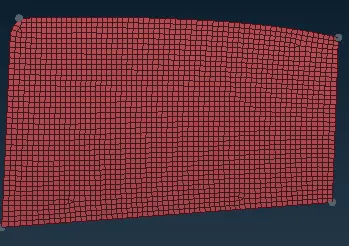
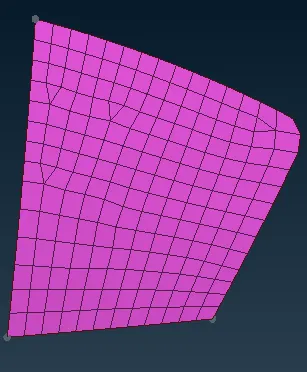
- fig Glass window 2. fig Small Glass window
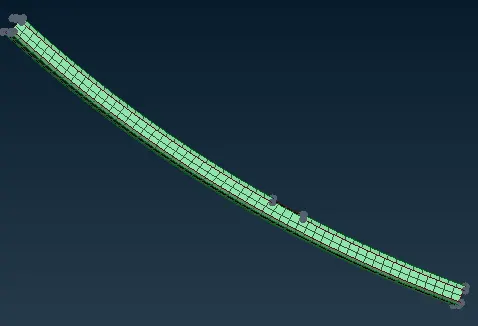
- 4fig weatherstrip
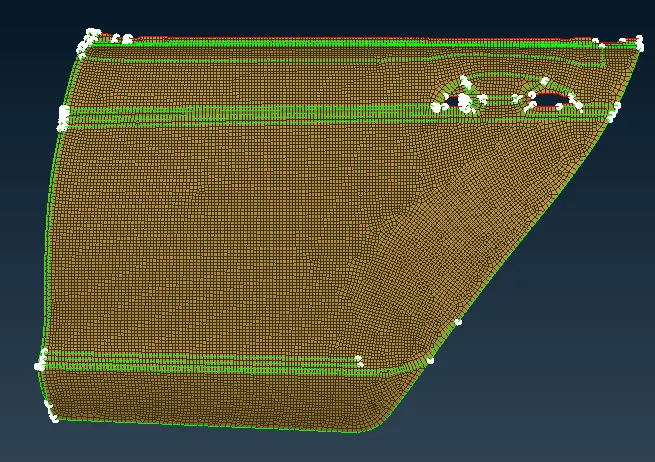
- 5 Fig outer door
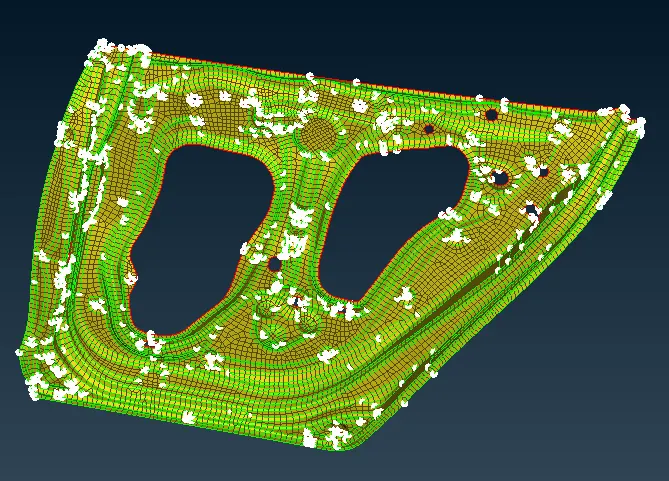
fig 5 Inside door
Step4: Assigning Different connections
- Spot weld (RBE3-CBUSH-RBE3)
- connection between Door glass and weatherstripping(rubber)
The FE model of glass converted to curve by feat2Curve command (in mesh mode) After generating curve, curve is conveted to spot weld.
To do so following step is used
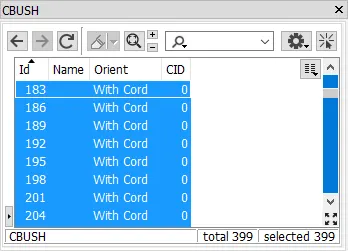
Go to Assembly Tab->convert ->select curve ->select the curve middle mouse click->spot weld after this go to Connection manager select the spot weld curve->Middle mouse click ssign P1 & P2, S,Search distance and type of connection(RBE3-CBUSH-RBE3) and than Apply and Realize
where S is Distance between two bush.
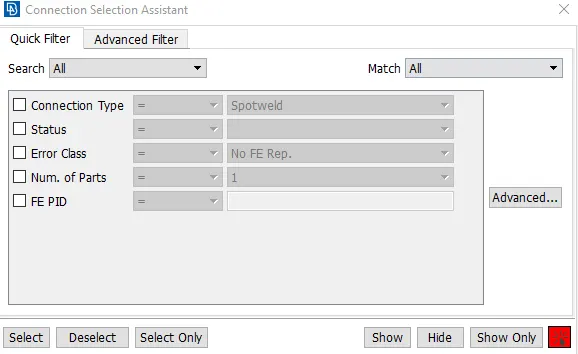
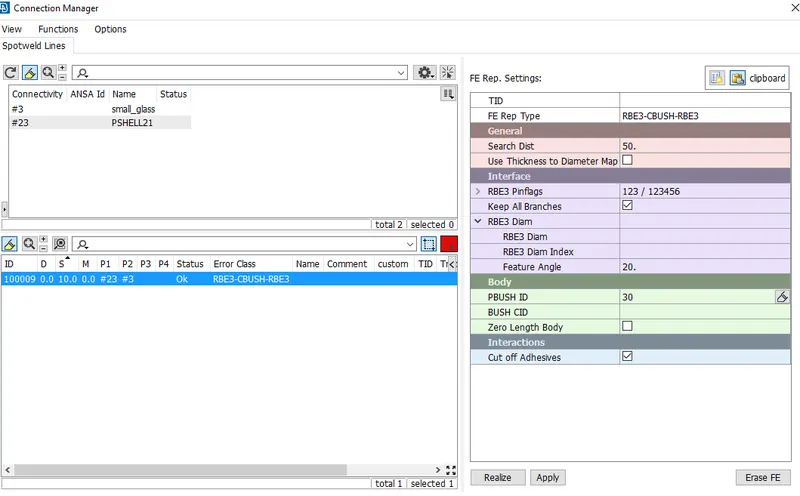
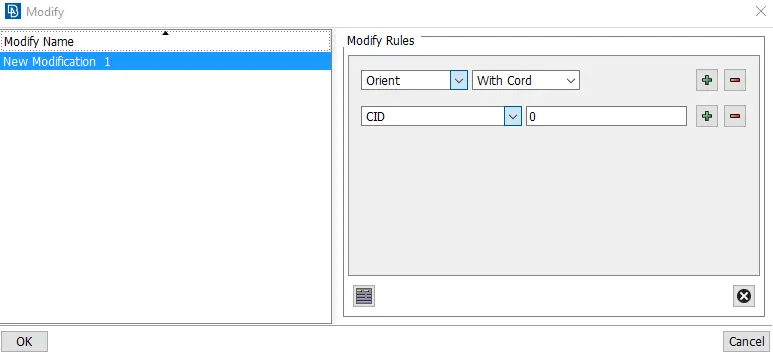
Apply applying connection between Door glass and weatherstripping(rubber), we need to connect all the bush to Vehicle or Global coordinate system
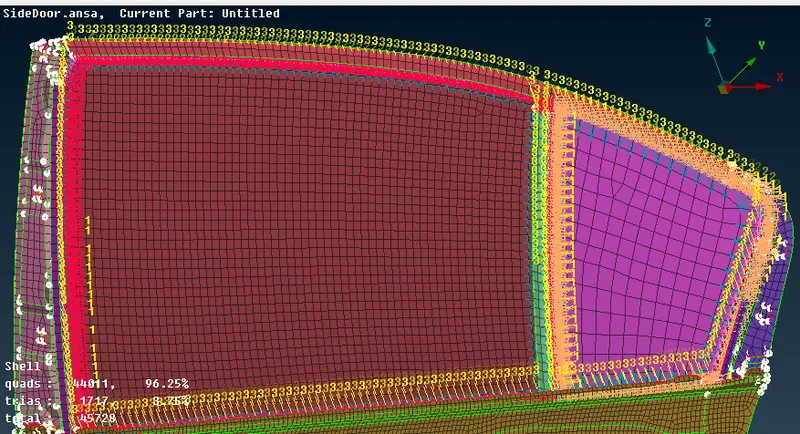
- I. Bolt Connection
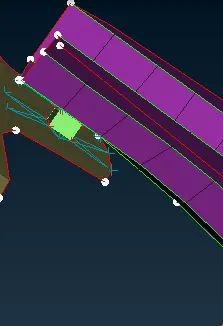
Create COG point on one of the three PID, now the point will have to convert bolt as shown below
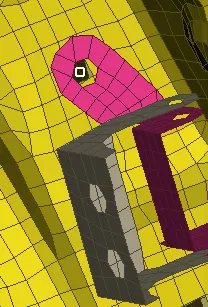
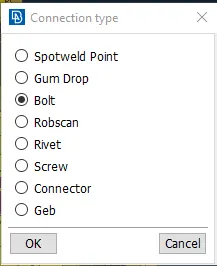
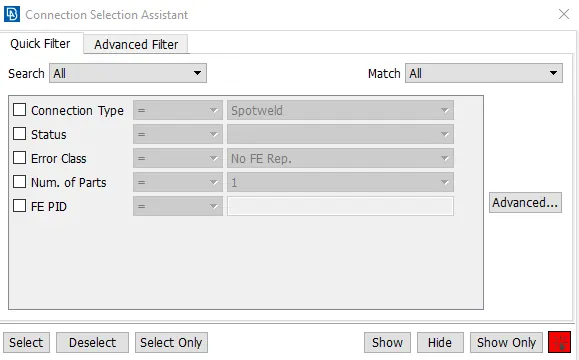
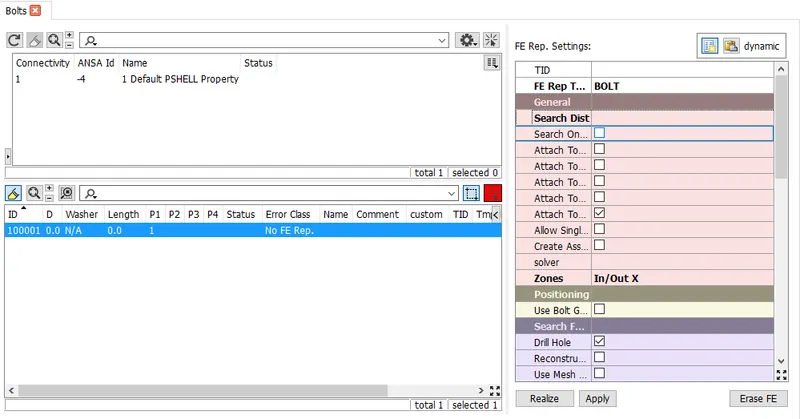
Apply all the parameter for bolt
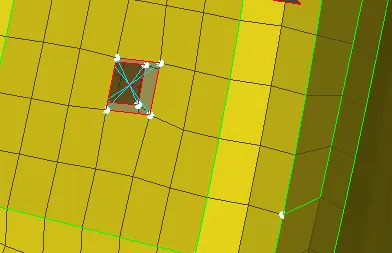
- Door Handle connection
Take many node RBE2 apply on both the hole side than connect to many node RBE2
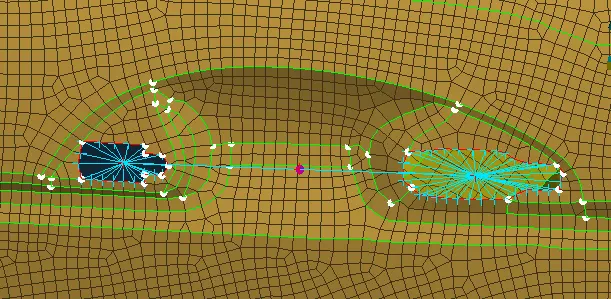
After applying connection assign mass to the handle.By CONMi->CONM2->select the master node ->middle mouse click assign 100g mass.
- Connection on Hinge (between door and vehicle body)
since the door will rotate about Z-axis so Degree of freedom is not constrained rotational Z-axis.
RBE2->many node->select the node->apply it, repeat for all three remaining than apply 2 node RBE2 between two master node
Go to info on CM(DOF) remove 6.
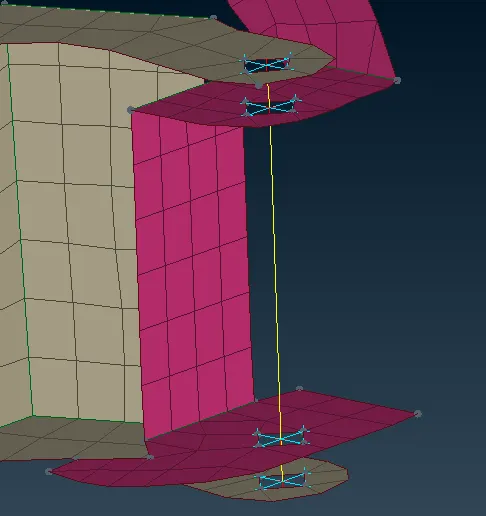
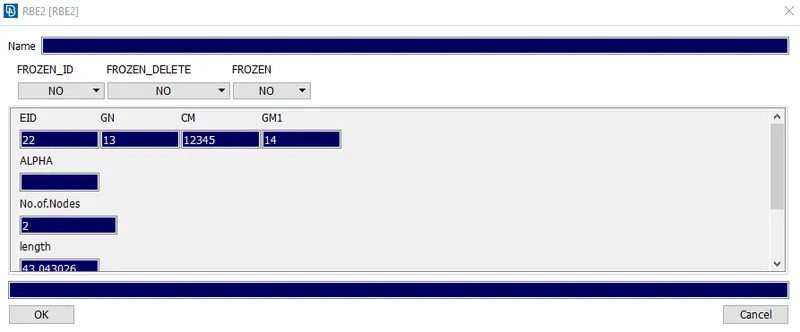
- Other Connection
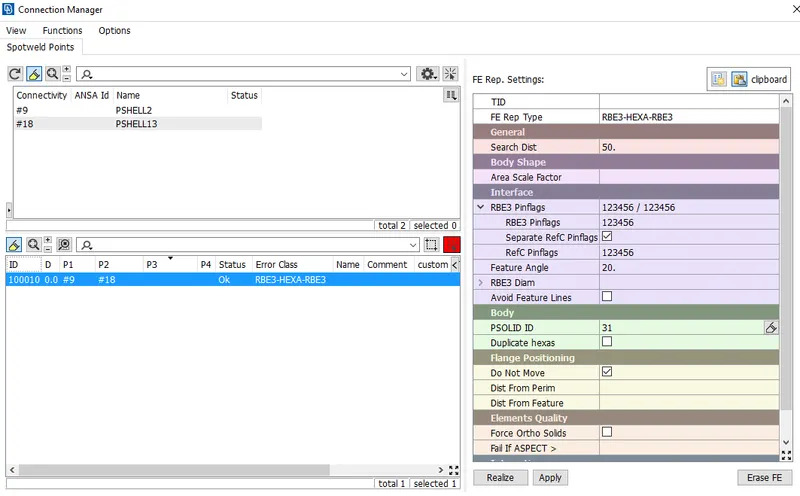
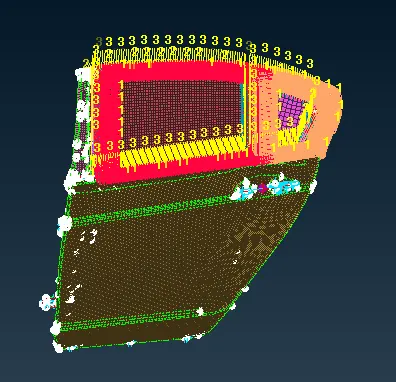
Final connection model as shown below
Learning Outcomes:
Able to understand the concept of assigning PIDs and different types of connection & theories behind its. Moreover where and which connection to deploy
Conclusion
All the connection for given Rear door is deployed and PIDs is assigned