Week 6 - Creating connection for Rear door
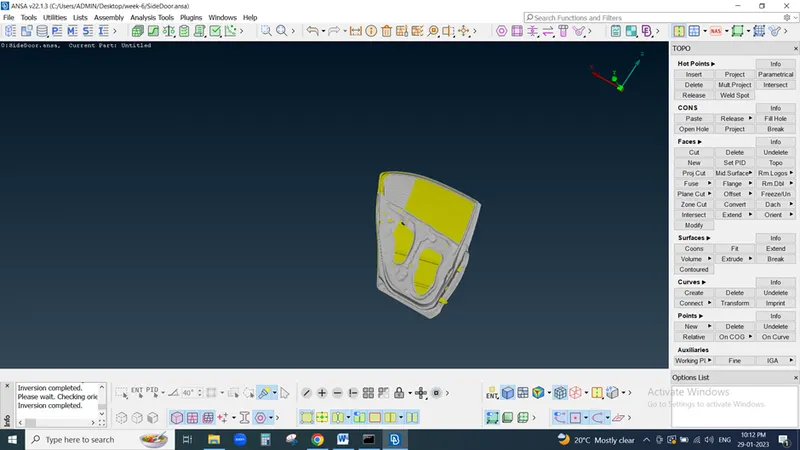
Here we first open Component and check all parts of that component also check geometry also
we have to done following operation
-To Create seperate PID's for indivisual parts of this car door.
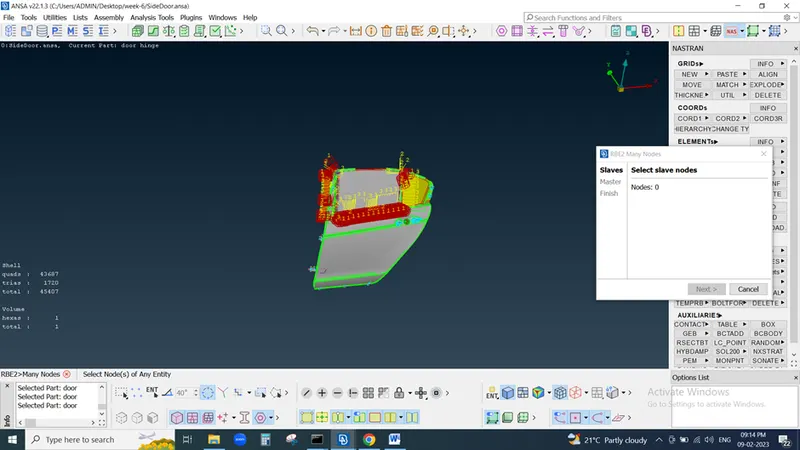
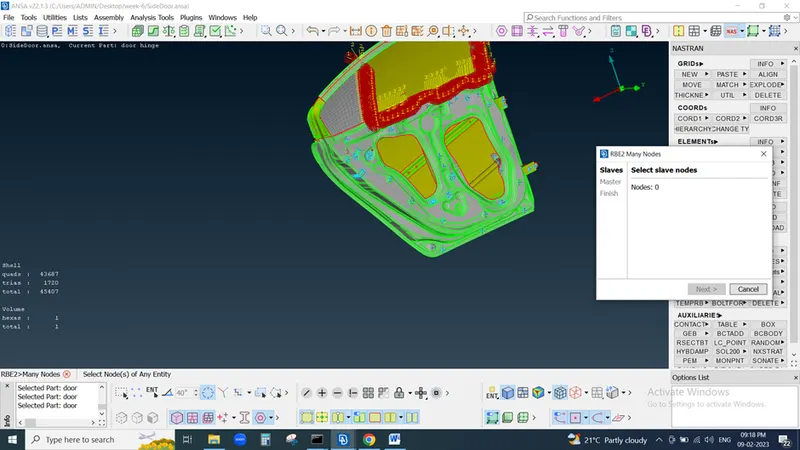
-To Create RBE2 1D elements for bolt joints.
-To Create RBE2 on door handle and then applying mass on center.
-To Create RBE3-HEXA RBE-3 element for the spot weld joint.
-To Create RBE-3 CBUSH RBE-3 elements for weather strips.
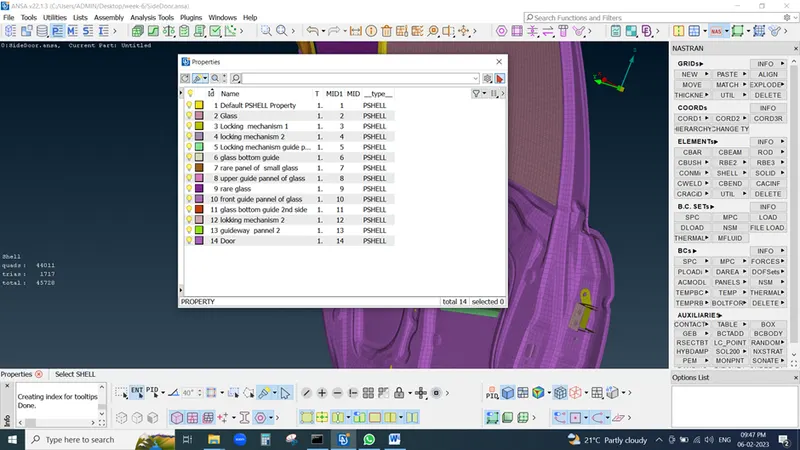
So first we create different PID of each and every part because it need while performing connection operation
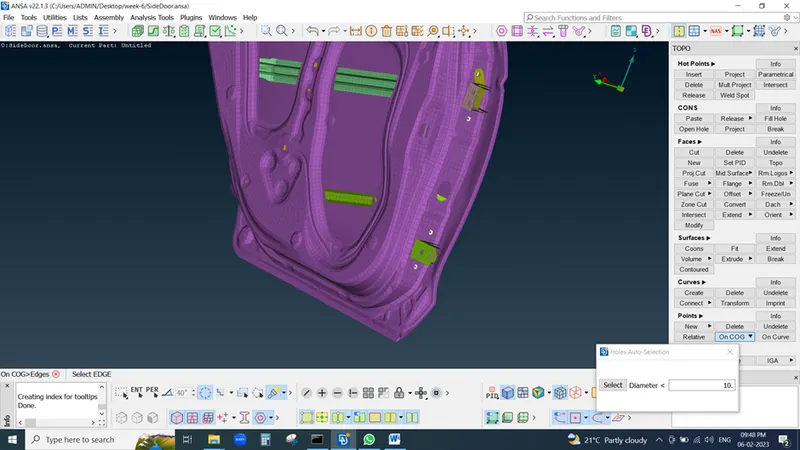
Now for door and vehicle body we connected bi using bolt assembly so we need to create bolt connection so we take centre by sing COG Command
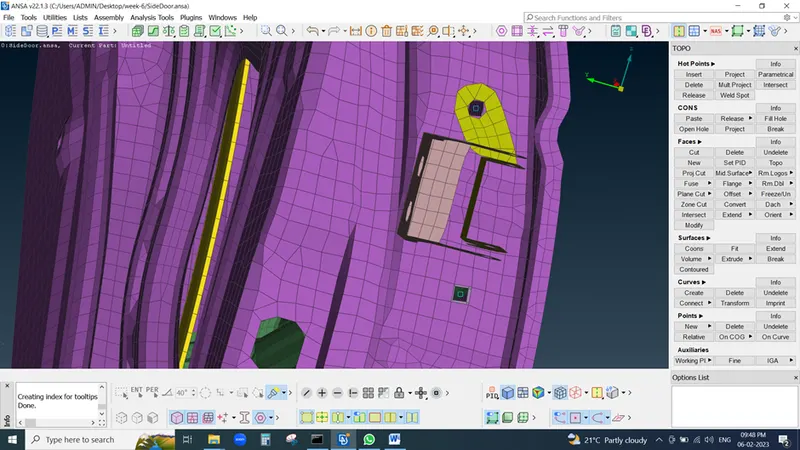
midle click then rectangle produce in hole
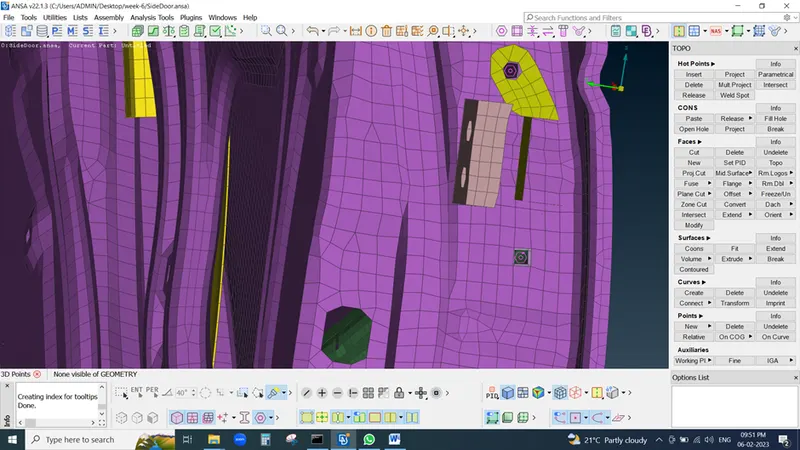
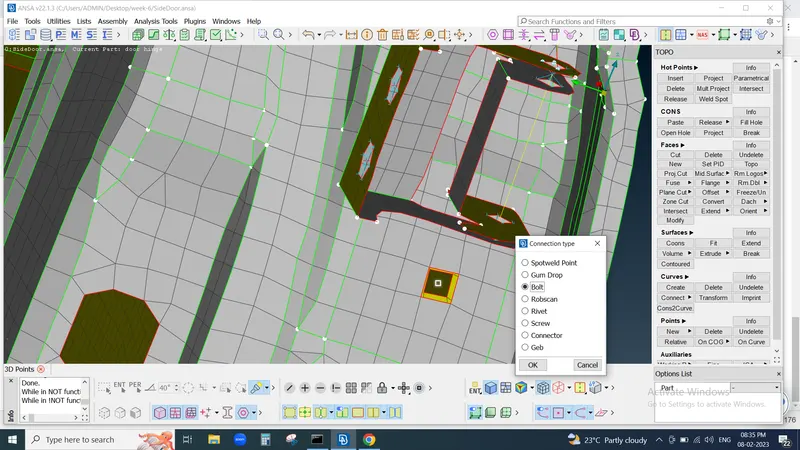
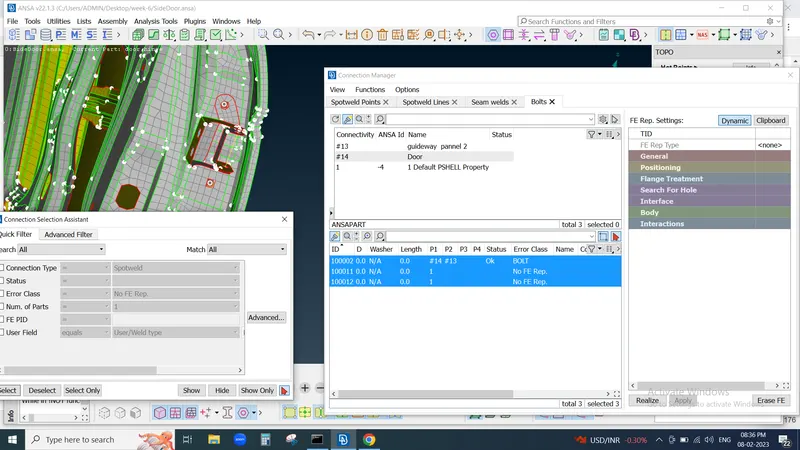
then we convert into 3D point and select again this point and midle click then new windo pop-up here we select bolt and bolt shape will produce then we go to connection manager by select this bolt shape and middle click on that then new window pop-up here
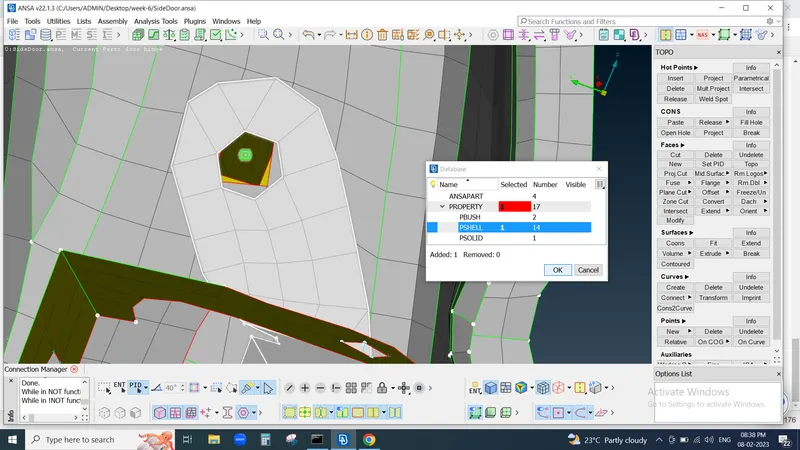
then need to assign property of each shell then we can seen status found OK
Anothe way is that we can also perform REB many nodes then 2 nodes for connection
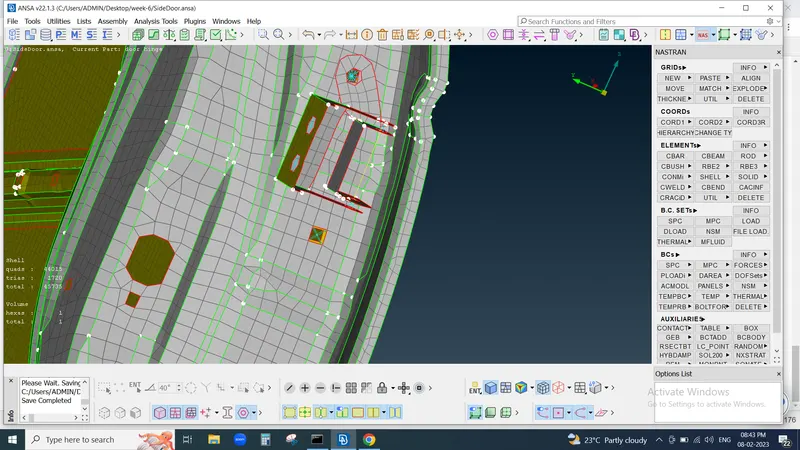
Similary also do welding Operation
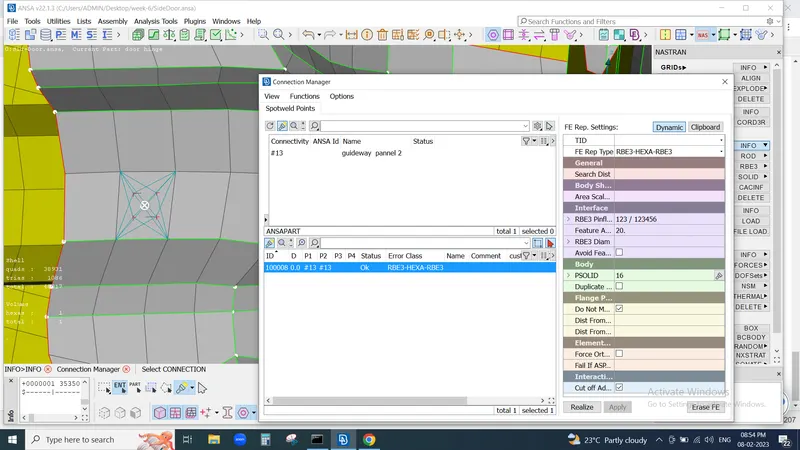
now goint to connection of glass & Door by using C bush
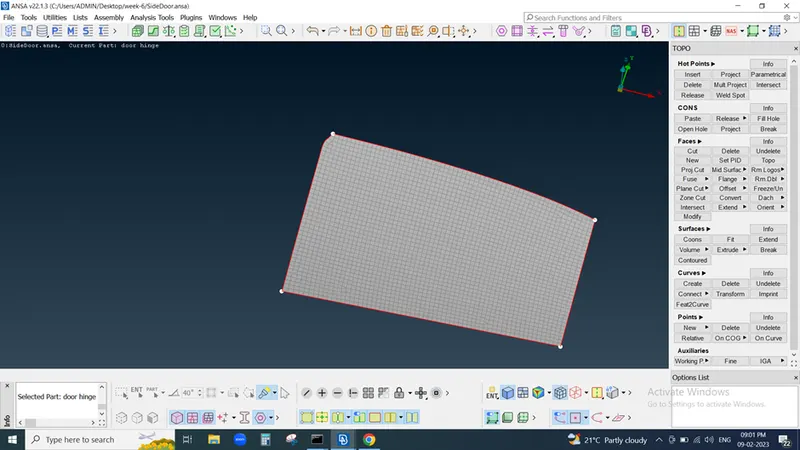
we first perform Inot operation and take glass seperatly
In classic Meshing go to perimeter< feature2curve make it curve line
then go to Topo modul and coonect that many curves in single curve if required
then click on ALL command and select converter command opction and click on curve
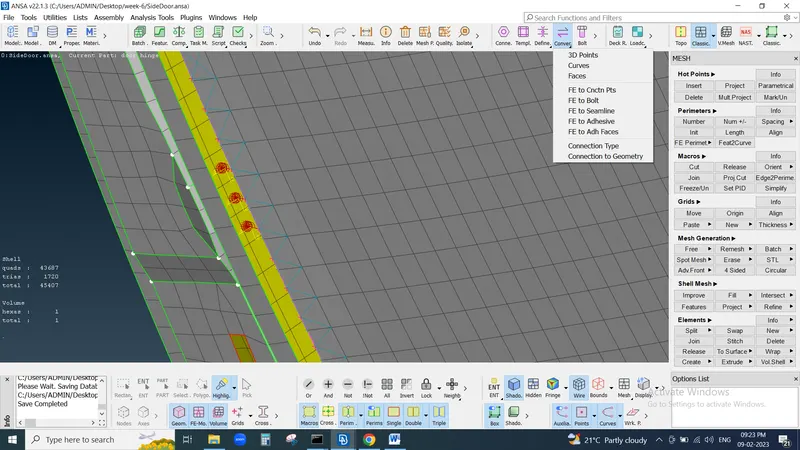
press middle mouse button and again go to connection command select curve
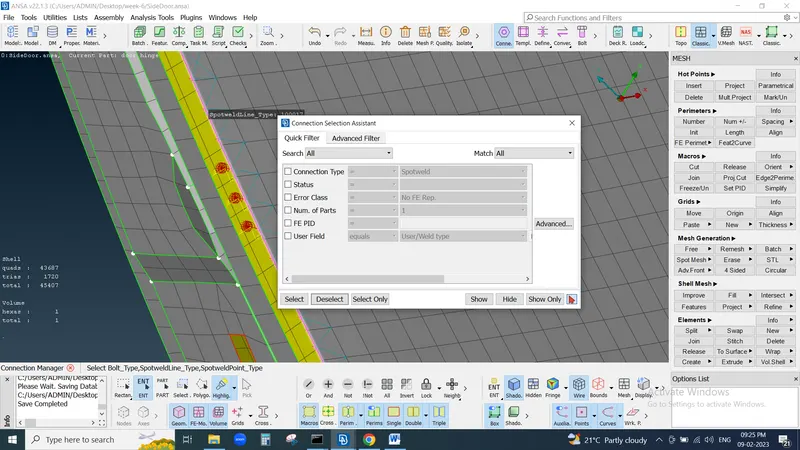
then new window pop-up
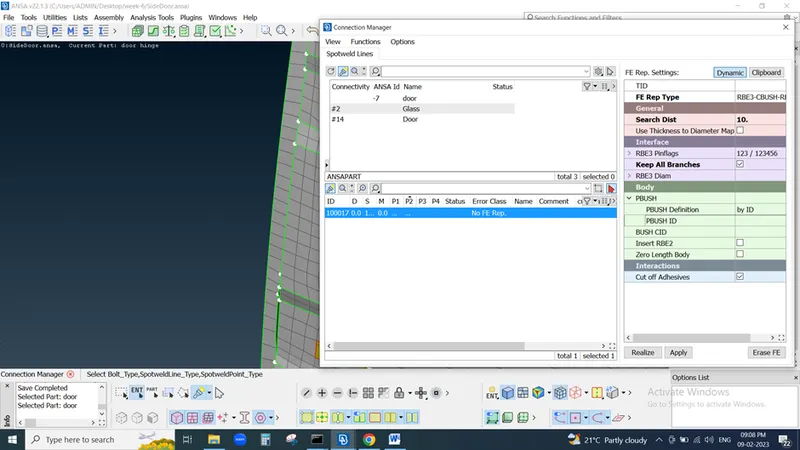
select P1 , P2 and Put S defould as 10 , FE Rep Type REB3-CBush-REB3
search distance 50 (adjust as per available space)
click on select all branches
cread new bush Id by click on Shift +?
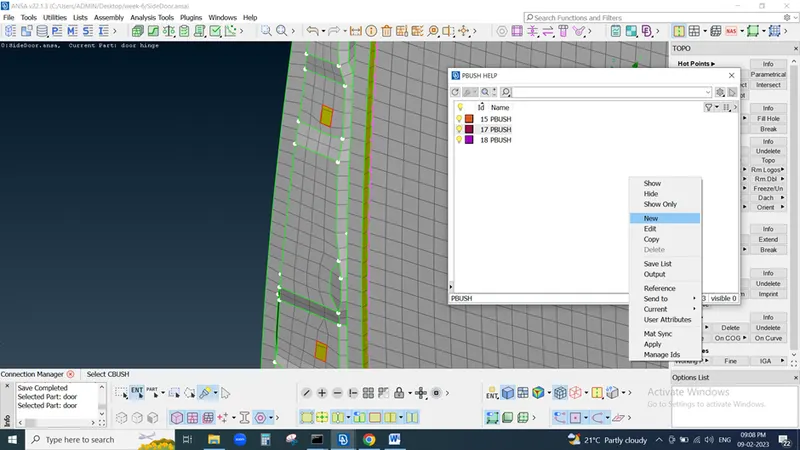
Create new bush ID and hit on apply and then Realize
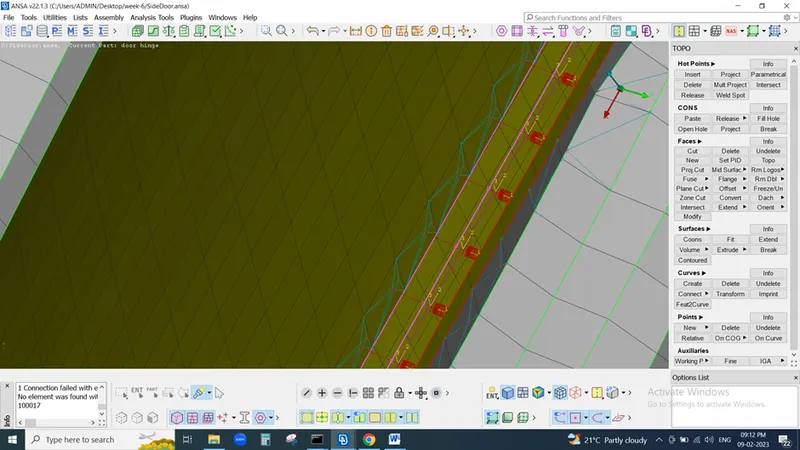
our Bush Connection is completed.
Conclusion
We are able to perform a Connection of the door using the following Features.
i. Setting Up new PIDs.
ii. Realizing Bolt Connection.
iii. RBE2 Connection in Nastran Deck.
iv. RBE3 Connection in Nastran Deck.
v. Realizing Spot Weld Connection.
vi. Setting Up CBUSH.