Week 6 - Creating connection for Rear door
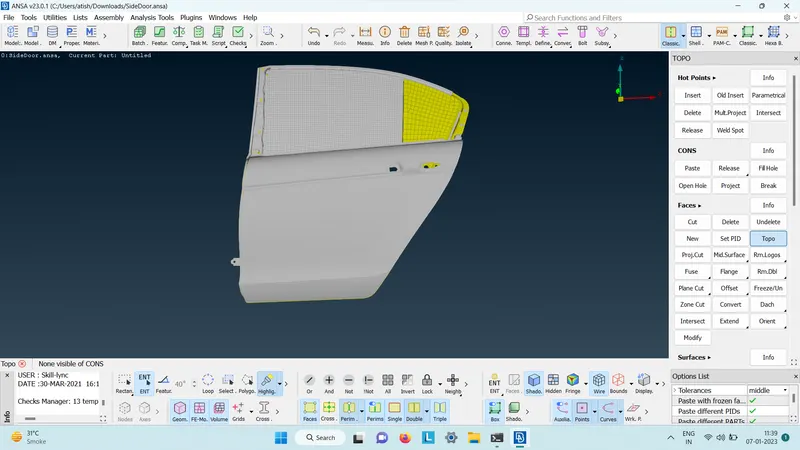
Aim: Connection of door.
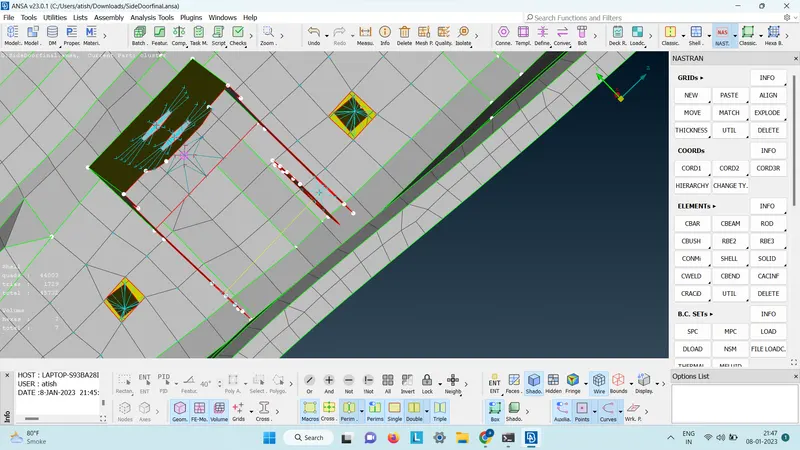
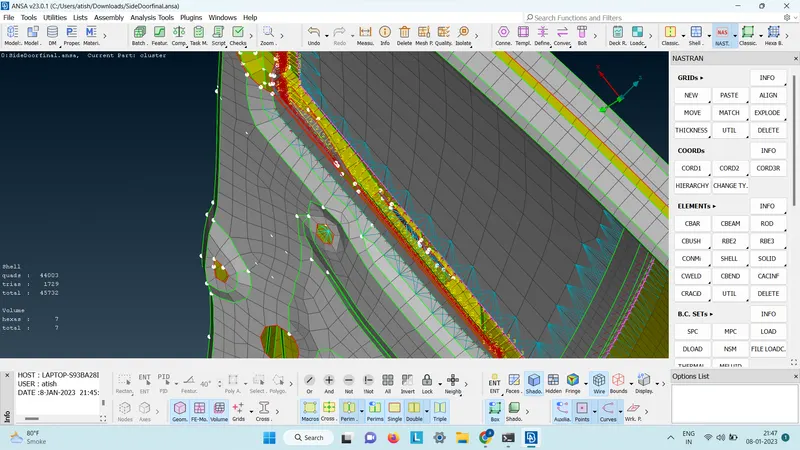
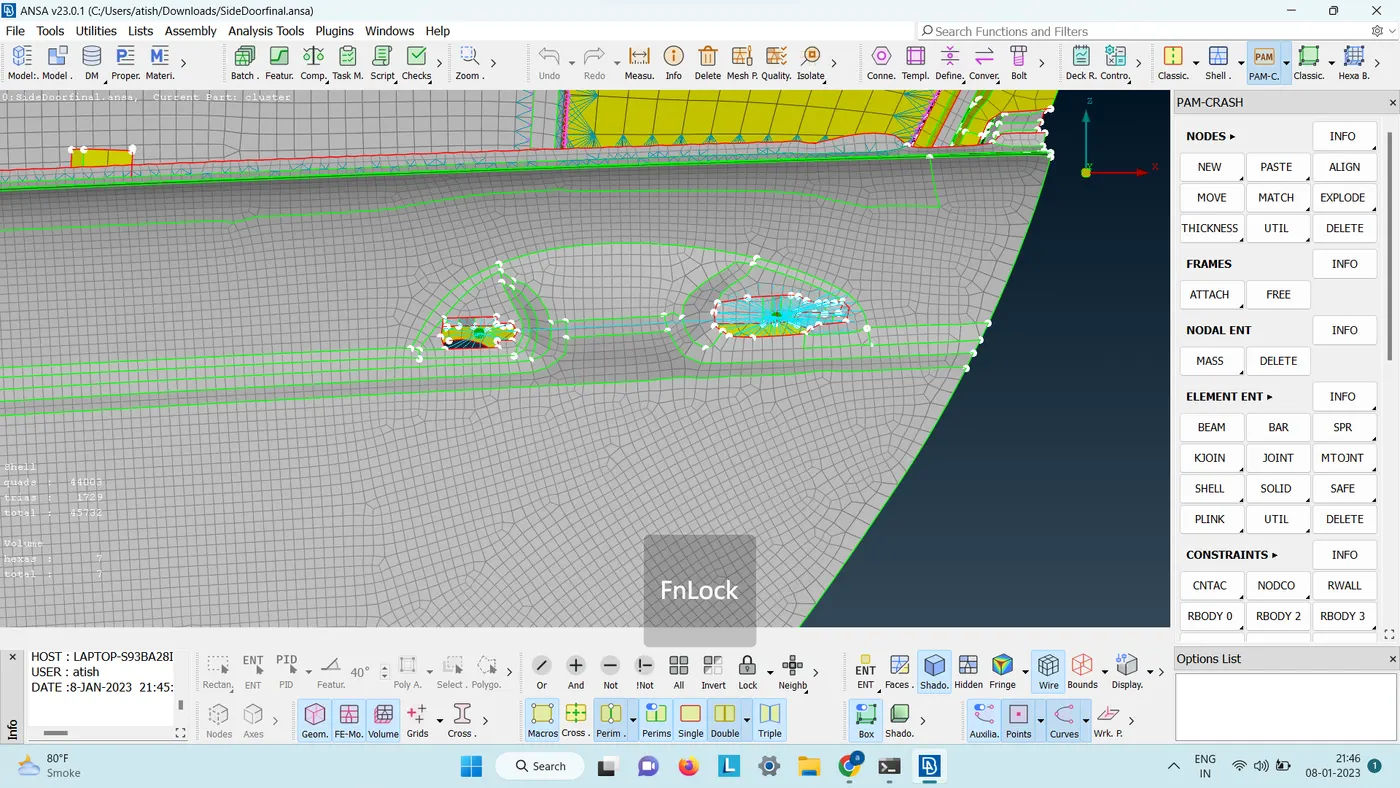
procedure: 1) For bolt connection: Nastran>RBE2>many nodes>select slave nodes>next>finish.
2) for cluster: Nastran>RBE2>two nodes>select 2 master node>middle click.
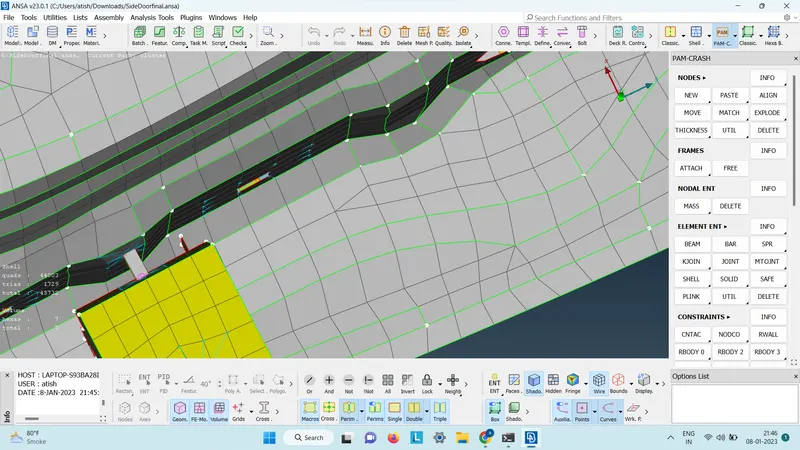
3) for mirror: make a curve around the mirror > convert> curve > select the mirror curve made from con2curve/ feat2curve > go to connection> select the 3D curve> give p1 and p2> FE rep type: RBE3-CBUSH-RBE3> give search distance>keep all brach on>bush ID> apply> release .
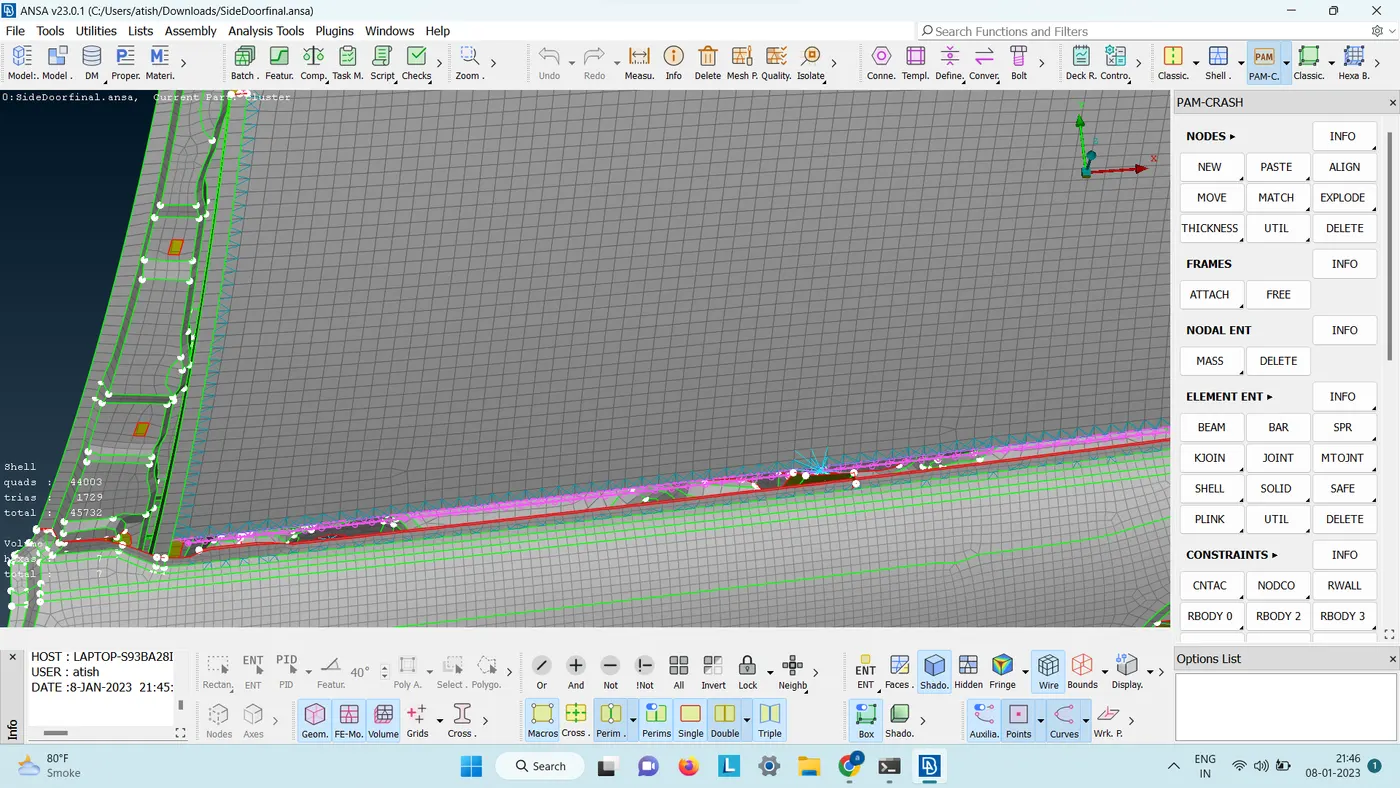
4) for spot wield : go to cog > select node>hit middle click>CONVERT>go to 3D points> select the point created from cog>go to connection > select p1 and p2> fe type: RBE3-HEXA-RBE3> enter search distance>RBE3 123456> psolid id>aplly >realize.
learning outcome: learned new connection types and wield types.
conclusion :made use of different connection to connect the door properly.