Week 6 - Creating connection for Rear door
AIM :
To create different PID for the different component to the given rear door FE model and deploy connection to the given model.
PROCEDURE :
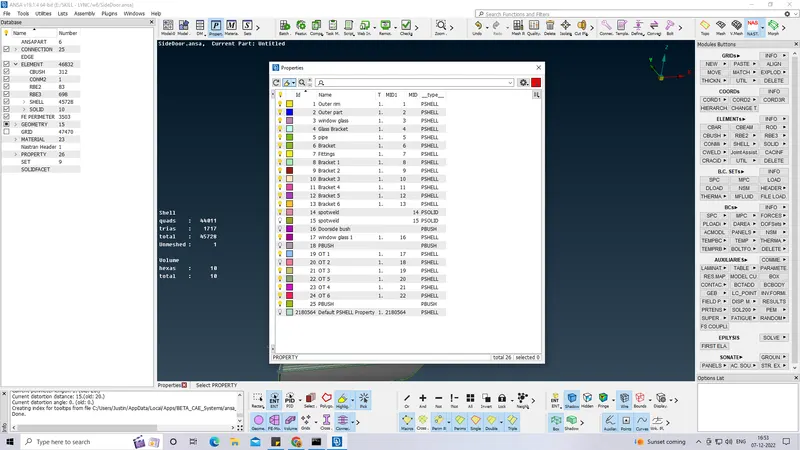
- Different PID is created to the given model as shown below.
- Connections are deployed using the nastran deck RBE2 and RBE3 for the opening part repectively.
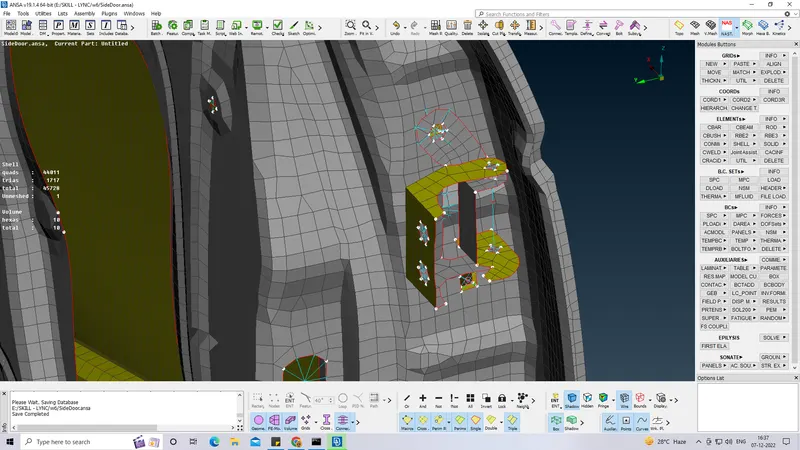
- COG 3D point is created and converted into bolt.
- Then connection as been deployed using connection manager.
- The zone with shown below is IN/OUT X.
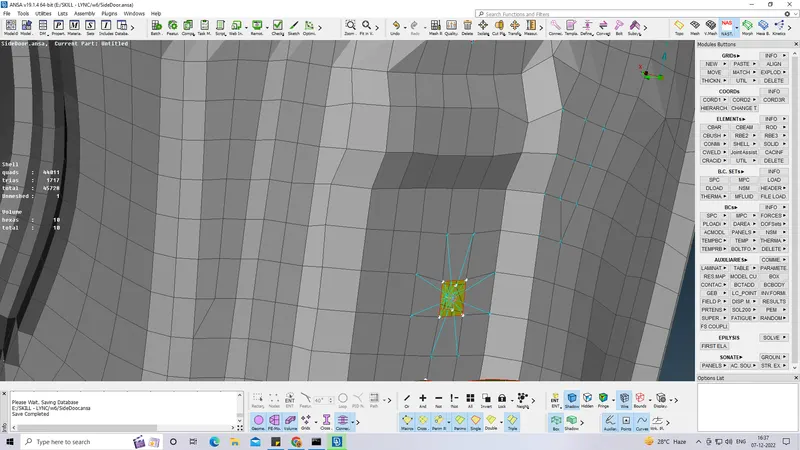
- Using COG - EDGE , the 3d point as been created.
- Then it as been converted into spot weld point.
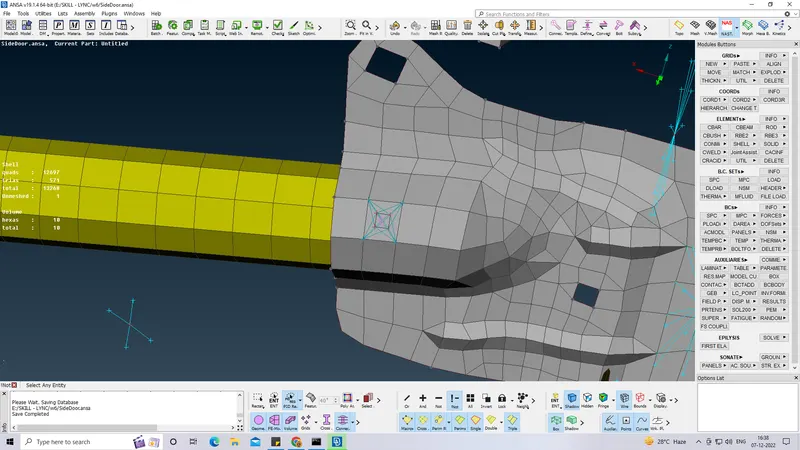
- Spot weld as been deployed to each and every floating component.
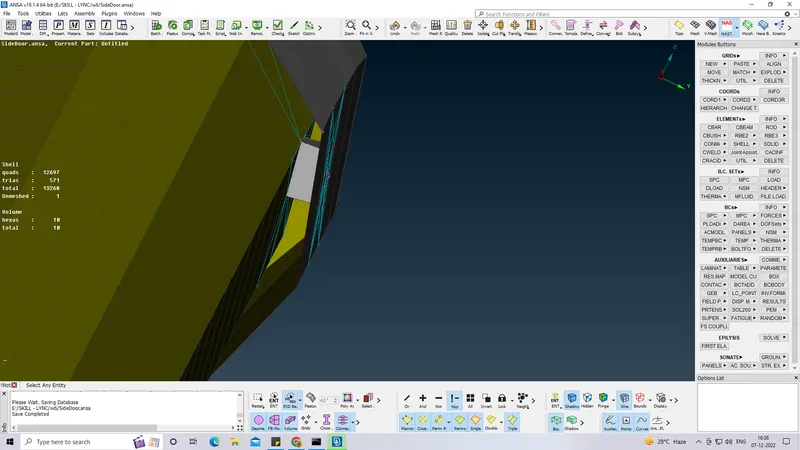
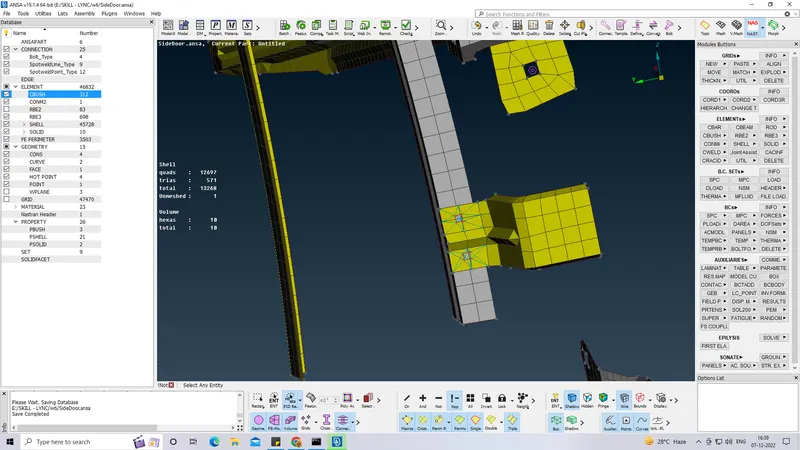
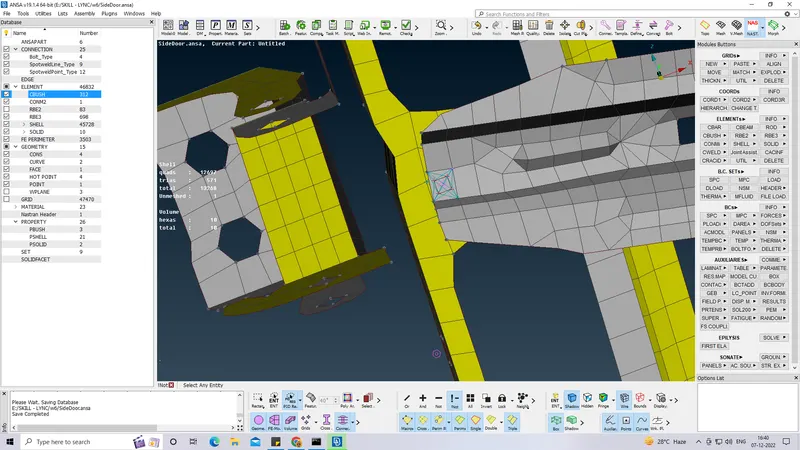
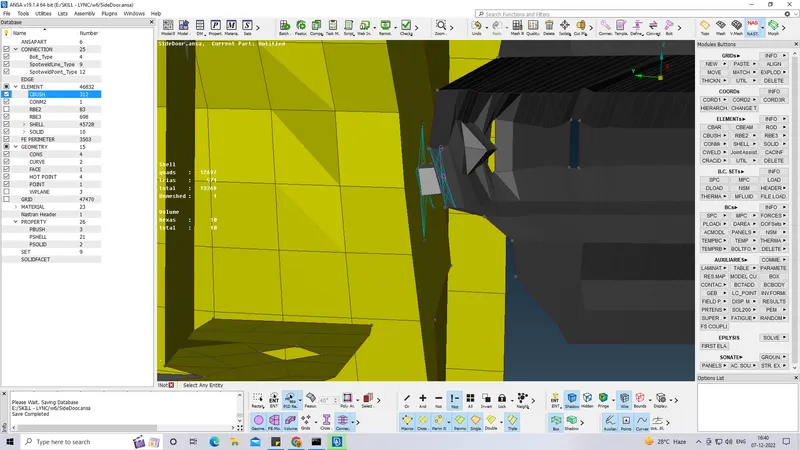
- Mass of the hand Bar is also been register.
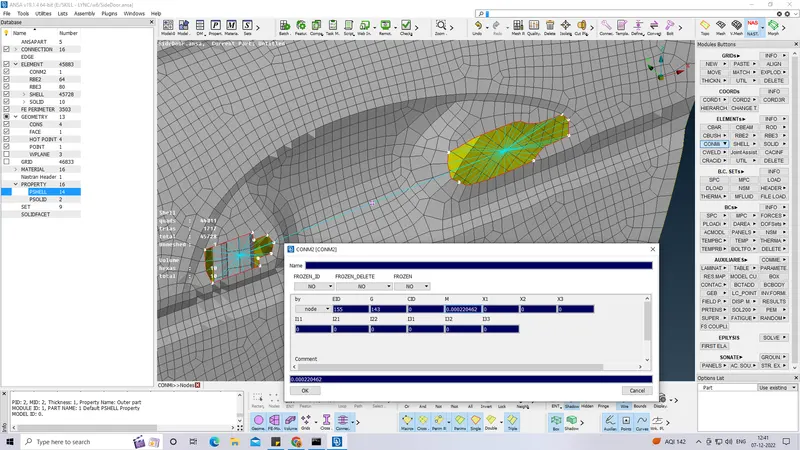
- Cbush as been created to the window glass.
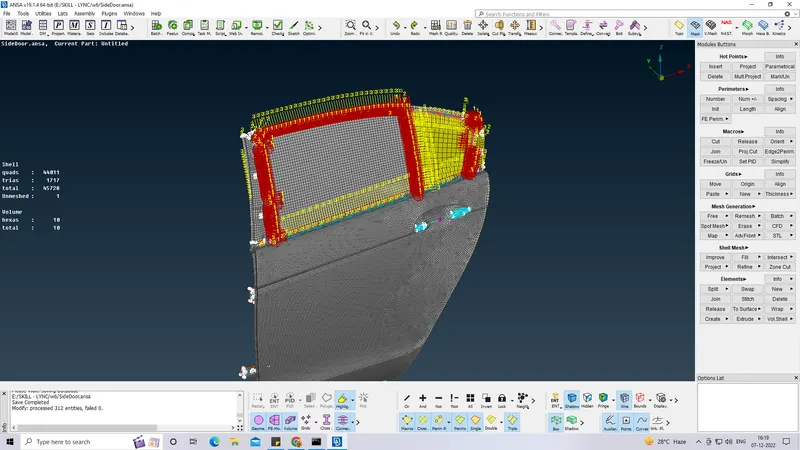
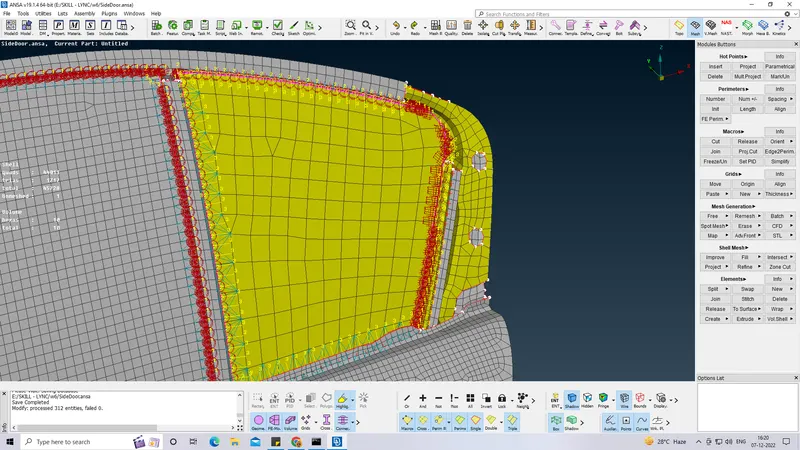
- The Co-ordinates of the cbush is been changed using one shot with cord and CID=0.
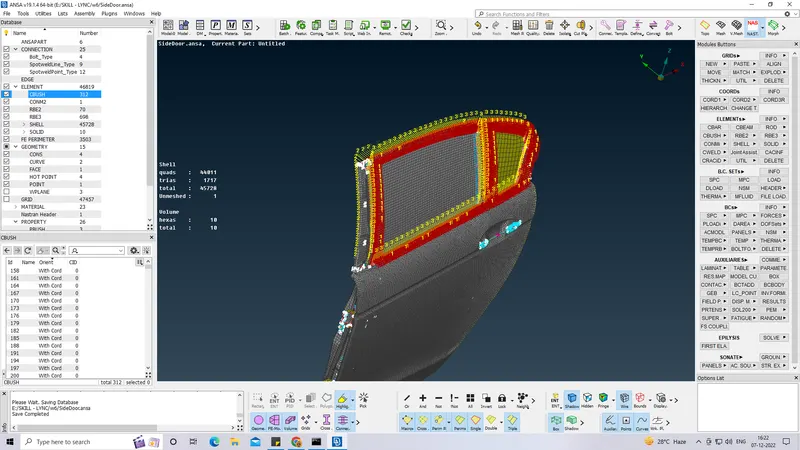
- Each and every slot which should be rigidize is been connected.
- Floating component is been attached and made as rigid.
LEARNING OUTCOMES :
- Learned how to make connections.
- Got an understanding in where to use RBE2 and RBE3.
- Idea of Cbush and deploying it.
- Leraned to deploy spot weld.
- Understanding on types of connections.
CONCLUSION :
Different PID for the different component to the given rear door FE model is been created and connection to the Rear door model includinf welds and cbush as been deployed.