Week 6 - Creating connection for Rear door
AIM: Create the connections for the rear door model wherever it is required using the bolted joints, welded joints, CBUSH connection and conn mass.
PROCEDURE:
- Import the FE rear door model into the ansa.
- Then based on the geometry model indications we need to apply the connections wherever required.
- The bolted connections are used near the hinges, we can use either RBE2 from NASTRAN deck module or from connection manager using the 3D points converted to bolted connection.
- For bolted connection if we do by using the connection manager we have to specify the PIDs, search distance and can also choose the washer data based on the requirement.
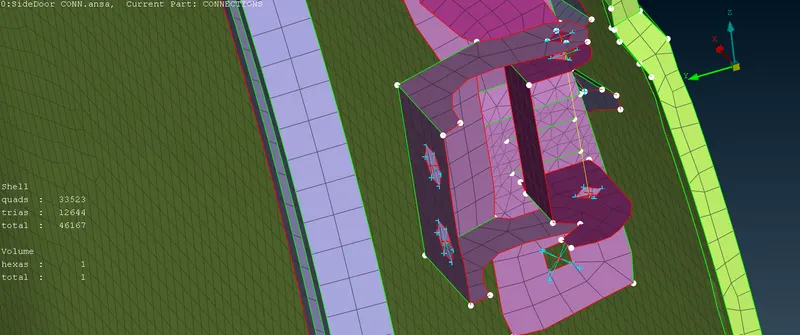
- Near the glass to door connection we have to use the CBUSH using the RBE3-CBUSH-RBE3 element by creating the spot weld line and applying the PIDs for glass and door, we have to give the search distance, create the PBUSH ID and realize the connection. Then the these local co-ordinate system of CBUSH are converted to global co-ordinate system.
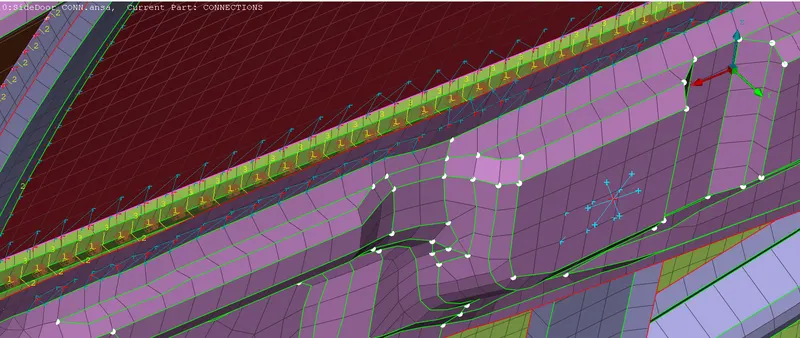
- The spot weld connection is made near the safety rod of the door on either side of the rod by creating the 3D points and convert that point spot weld and use the connection manager to RBE3-HEXA-RBE3 connection for spot weld connection.
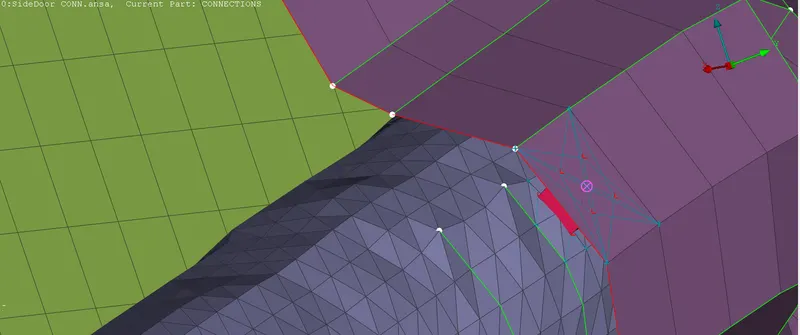
- For creating the spot weld connection we need to make sure that the elements and area of top and bottom PIDs should be nearly parallel and equal.
- Near the door handle use RBE2 and use the CONN MASS in the NASTRAN deck module.
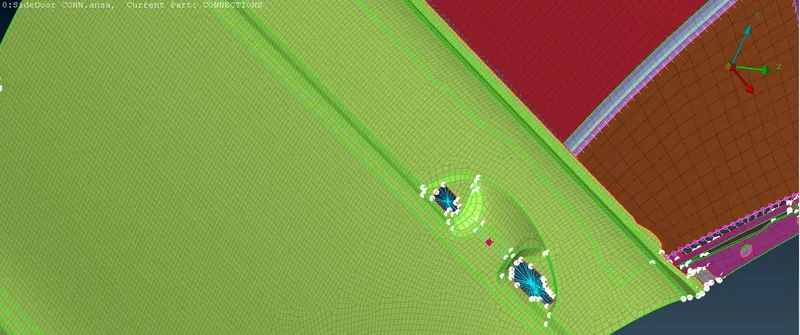
- The remaining portions we need to use rigid body connections using RBE2 to transfer the loads.
LEARNING OUTCOMES:
- During this challenge I learned how to deal with different kinds of connections like Spot weld, Bolted joints, CBUSH connections and rigid body connections. I understood where and why these connections are to be used.
CONCLUSIONS:
- The connections are made for the rear door model using the BOLT, SPOT WELD, CBUSH, CONN MASS and RBE2 connections wherever it is required.