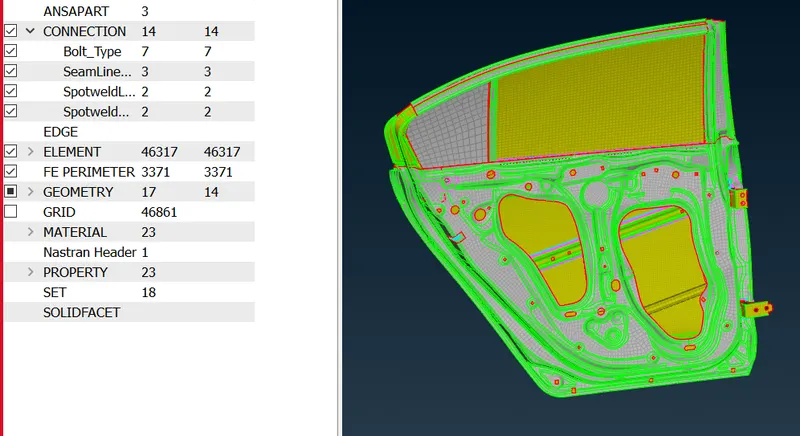
Week 6 - Creating connection for Rear door
LIVE BATCH STUDENT
Aim: To create connections such as seam weld, spot weld, bolt, rbe2 and cbush.
Steps:
- Import the file into ANSA.
- Create connections as mentioned below:
A) For bolts: Create ON COG point for the center > Convert 3D points To Bolts > Connection Manager > Type - Bolt > Add search distance and select P1 & P2 > Realize
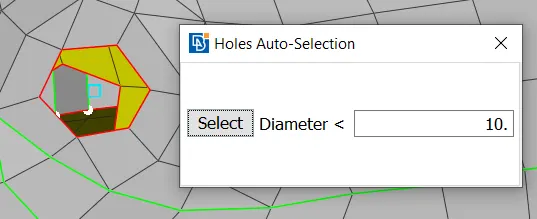
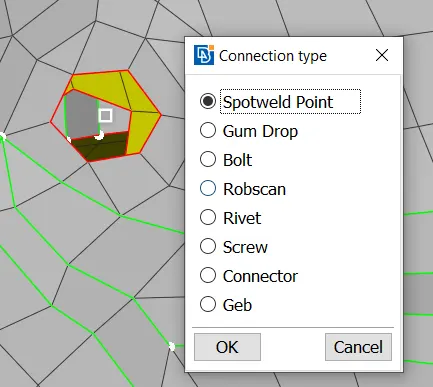
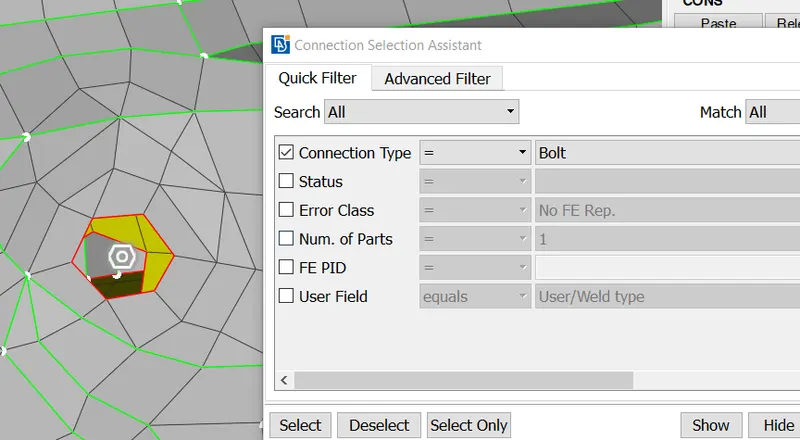
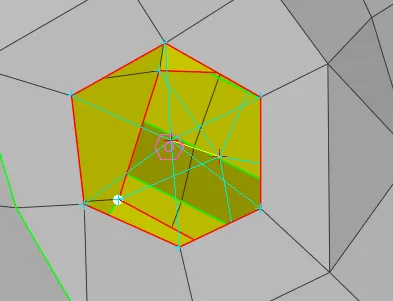
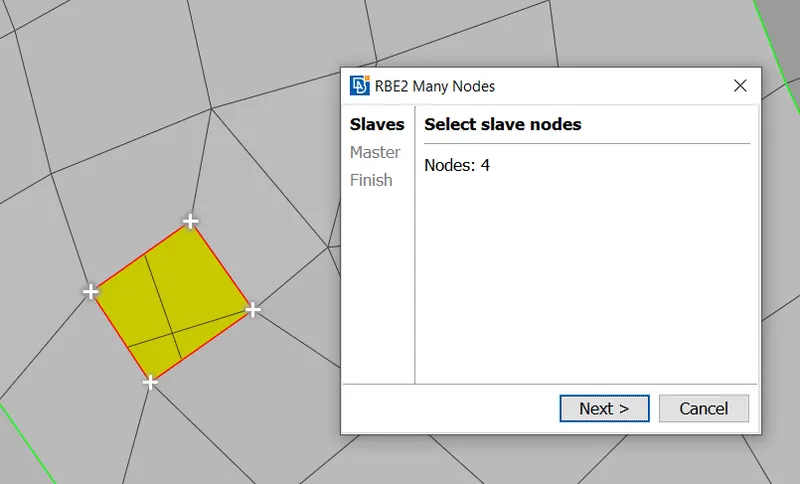
B) For rbe2: Go to NastranTAb > select RBE2 > by outer path select nodes > Master > Finish.
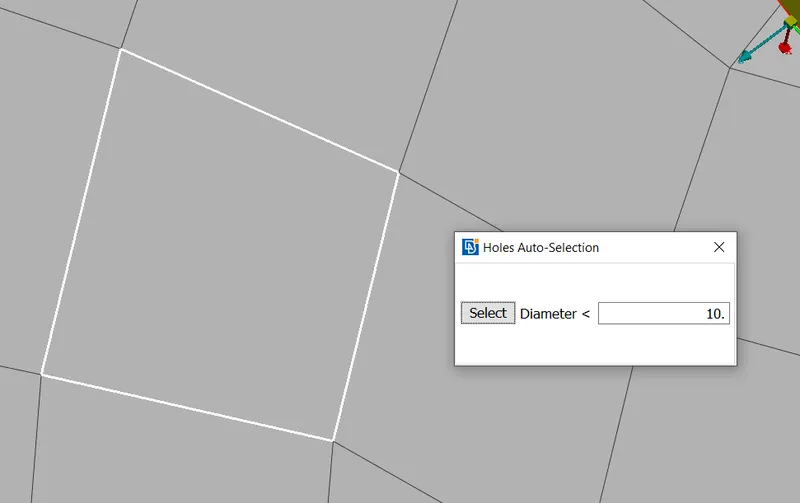
C) For SpotWeld > Create ON COG point for the center > Convert 3D points To Bolts > Connection Manager > Type - Bolt > Add search distance and select P1 & P2 > Realize
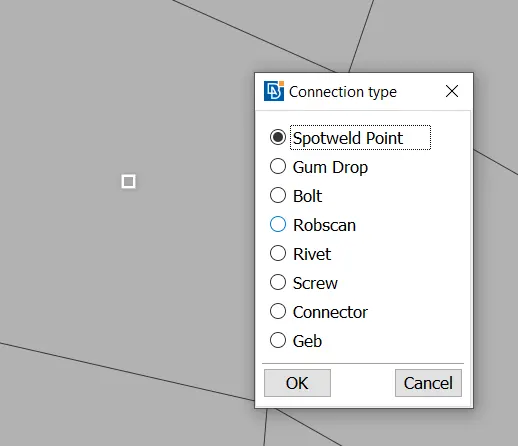
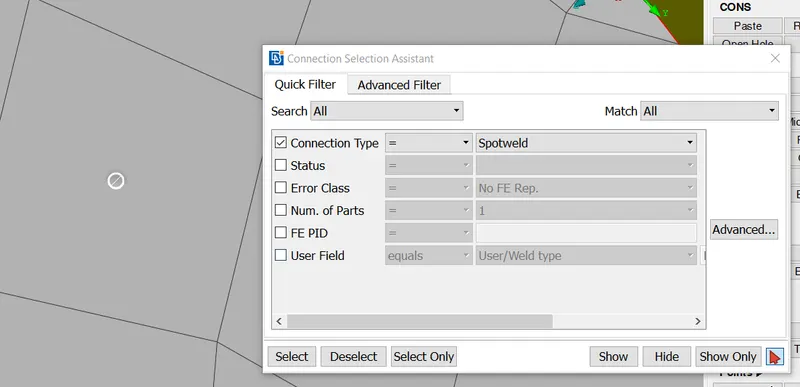
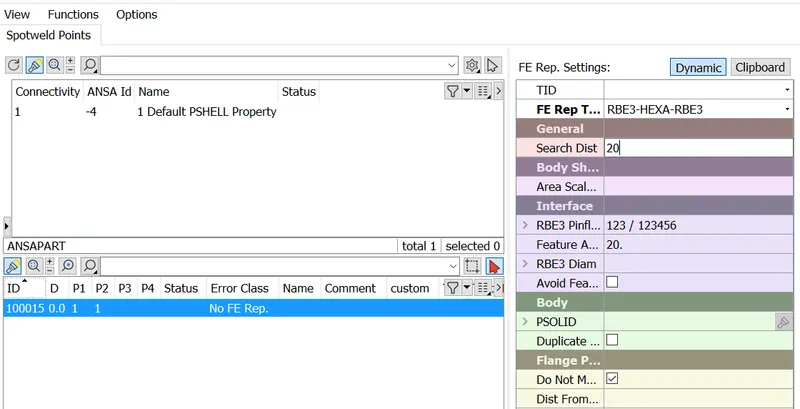
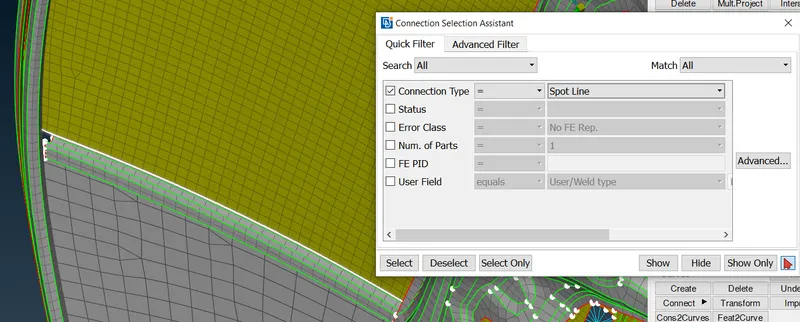
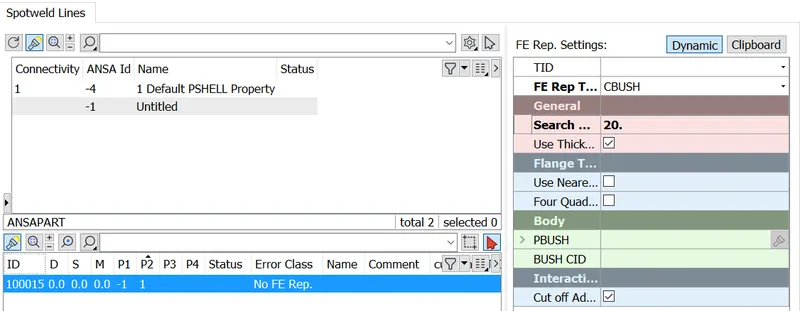
C) For CBush: Create Curves > Convert Curves to SpotLine > Connection Manager > Type - SpotLine > Add search distance and select P1 & P2 > CBush > Realize
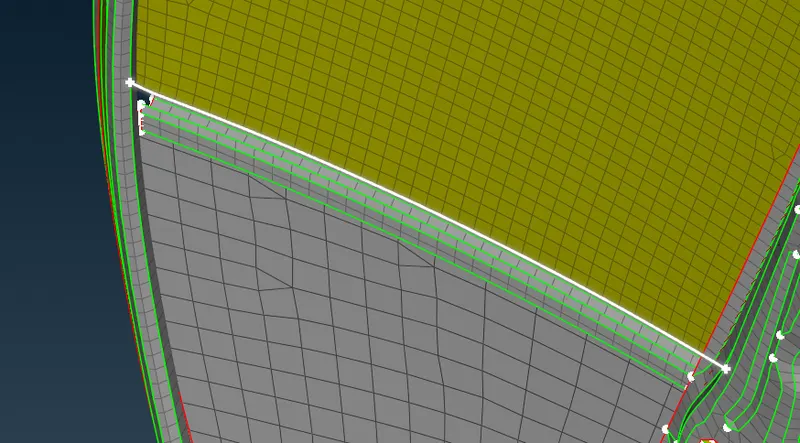
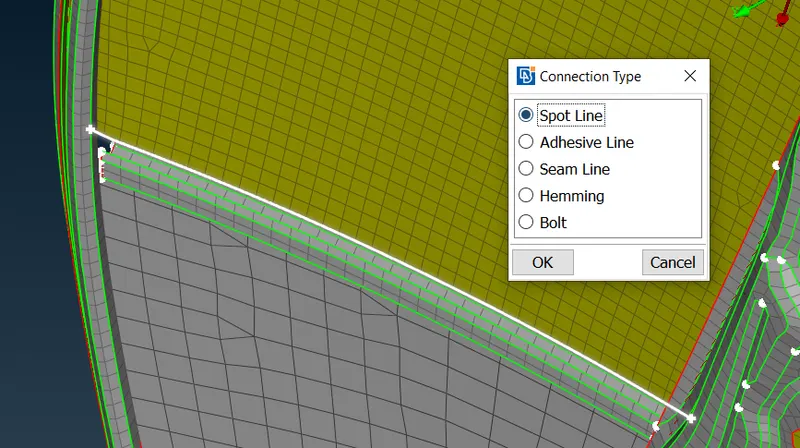
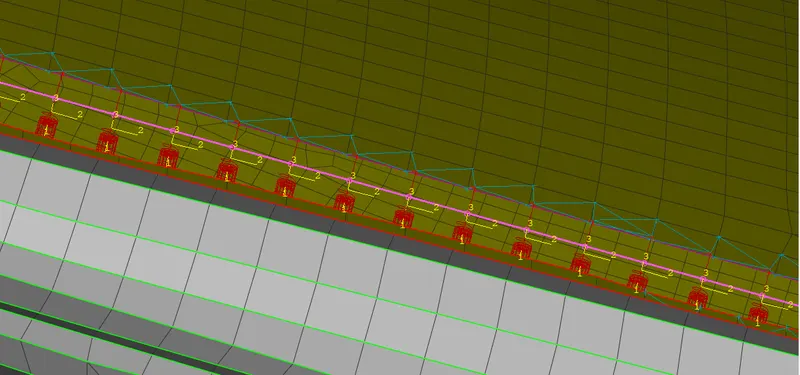
Similarily we can perform for seamweld.
Conclusion: Connections such as seam weld, spot weld, bolt, rbe2 and cbush were successfully added to the car door.
Final image of the model is shown below with 14 connections: