Week 6 - Creating connection for Rear door
Aim : Creating connection for Rear door using ANSA preprocessor.
software used : ANSA .
procedure :
Step 1: Open ANSA preprocessor and import the CAD geometry with FE model.
Step 2: Swith off the CAD geometry and start working on meshed FE model.
Step 3: Change PIDs of the FE model by creating new parts ( properties>new>pshell>select the micro area> Apply).
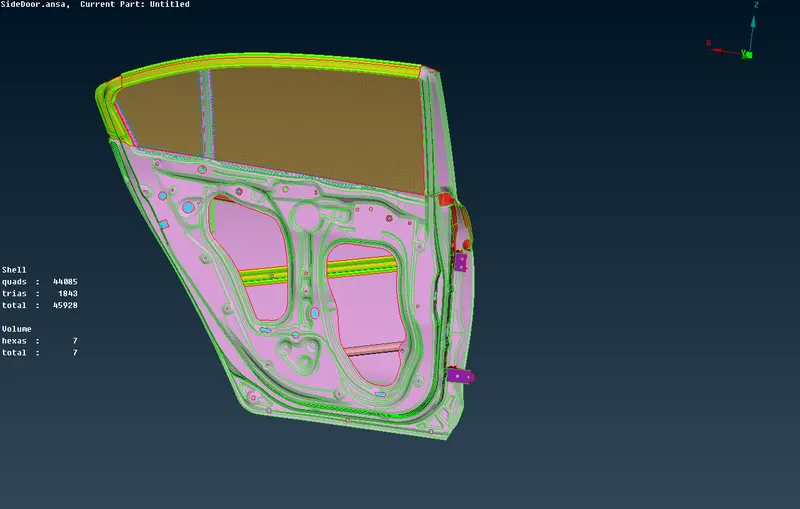
Step 4: Now give the RBE2 connections where ever is required to rigidize bitween holes.(Nastran decks> Elements>RBE2>Many nodes>Select nodes by loop > Apply).
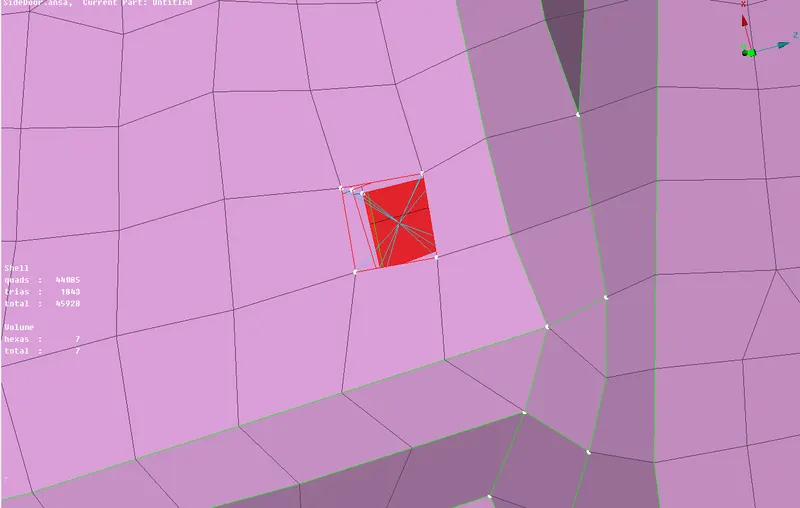
Step 5: Now give the connections to the hinges by using RBE2 and joining a steam between the nodes ( Nastran decks> Elements>RBE2>Many nodes>Select nodes by loop > Apply> select 2 Nodes RBE2 and join two nodes ).
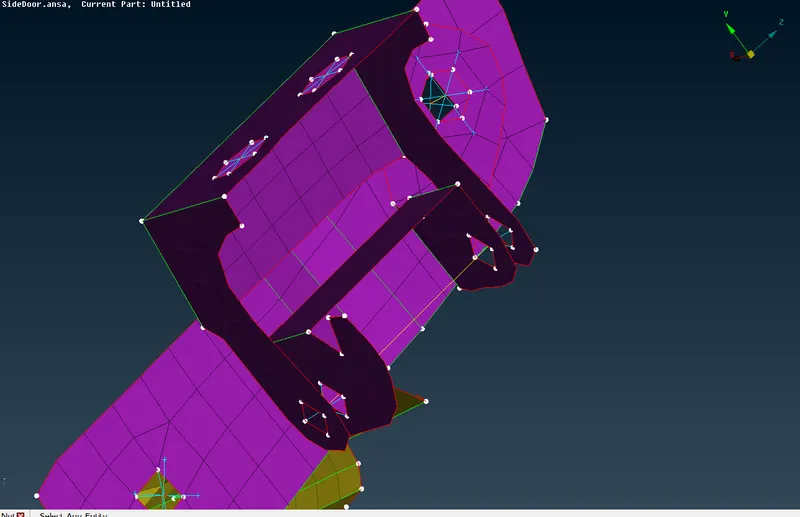
Step 6: Give the rotation of hing of the door along Z axis ( Nastran decks> Elements>Info> Select the stem > Give CM 12345>Ok).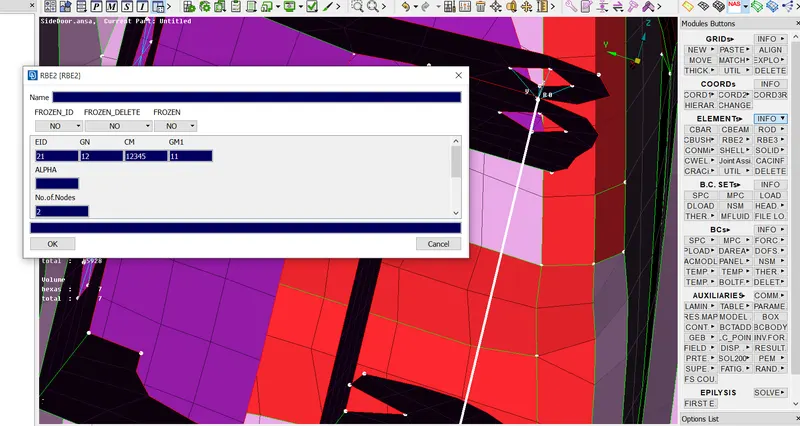
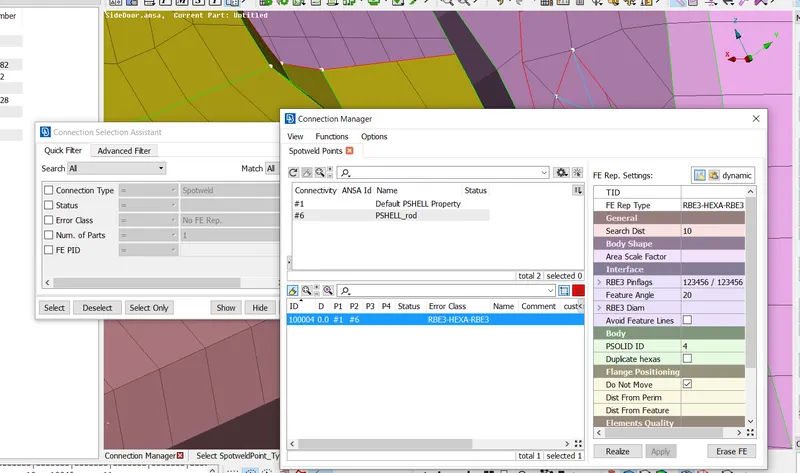
step 7: Start doing spot welding connections where ever is required (Topo > Points> On COG> Select edges> Apply > Convert> 3D points> Connection manager> select the 3D point >ok> give P1 and P2> FE rep type > RBE3-HEXA-RBE3> Search distance 10> RBE3 pinflags 123456> Select PSOLID ID > Apply > Realize).
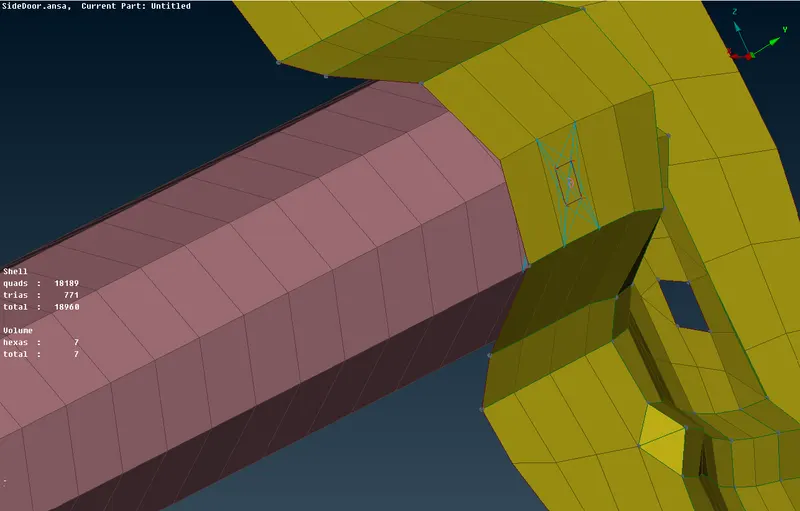
step 8 : Make connection for door handle and give mass to it ( Nastran deck> Elements>RBE2>Many nodes>Select nodes by loop > Apply> select 2 Nodes RBE2 and join two nodes).
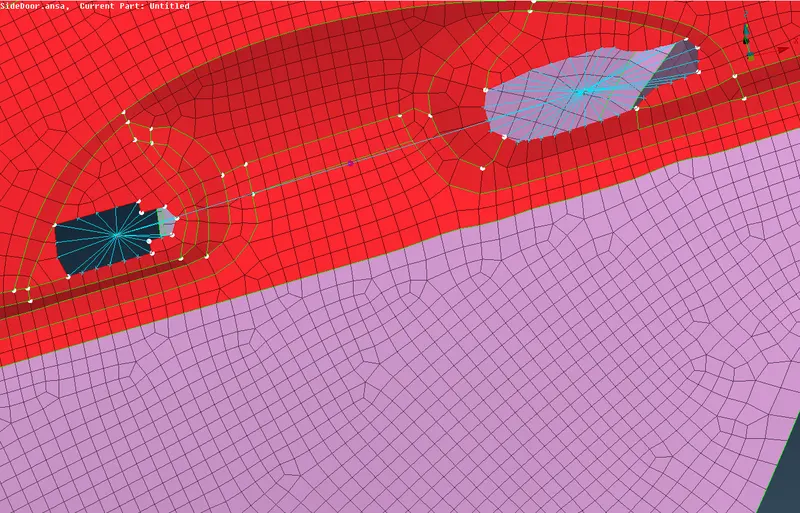
step 9: Give Mass to the handle (Nastran deck> Elements> CONMi >CONMi 2> Nodes> select the center node and give the mass> ok).
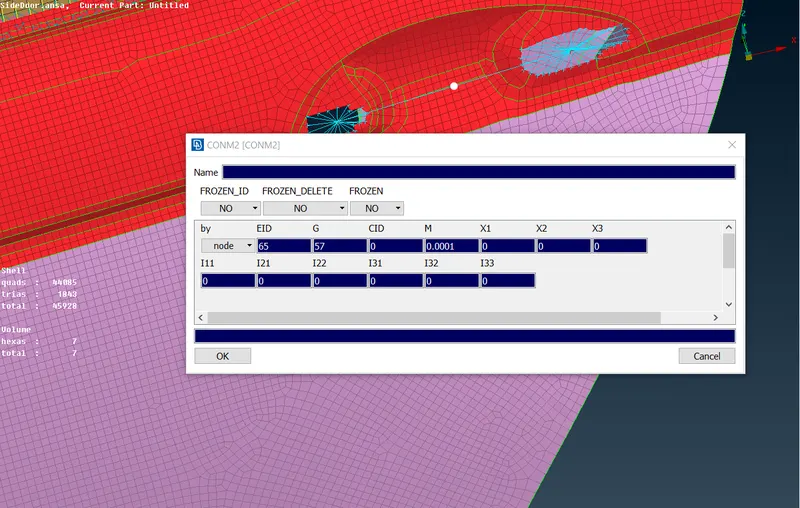
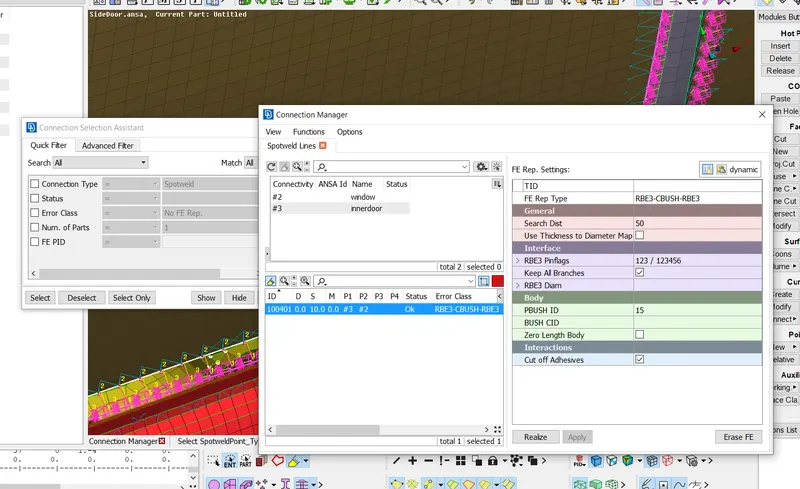
Step 10 : Give weather strip connections to the windoes ( Topo> Curves> cons2curves> select the cons of the window and apply >ok>Conver > curves> Spotline > Connection manager> select the curve > ok> give spacing 10 > select P1 P2> FE rep type > RBE3>CBUSH>RBE3>Search distance 50 > Keep all branches > set PBUSH ID> Apply> Realize ).
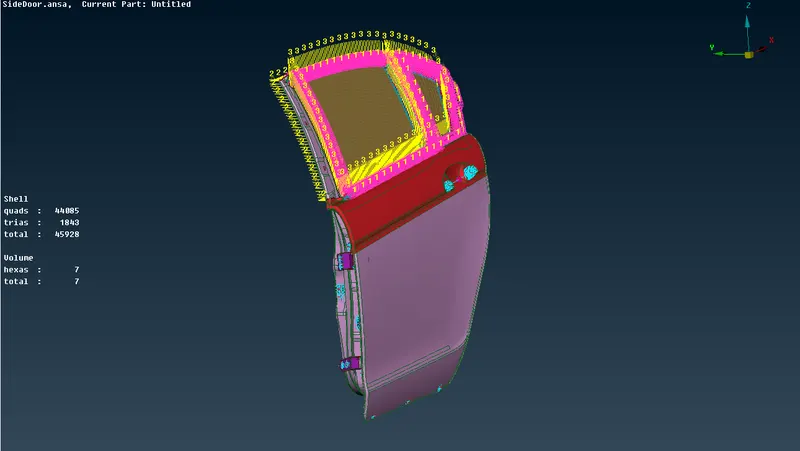
Step 11: Orent the CBUSHING connection.
step 12: save the model.