Week 6 - Creating connection for Rear door
Aim:
The aim is for the given Rear door FE model, Create and Apply different PIDs for different componentsa and to perform suitable connections.
Procedure:
The given model is opened in the ansa by open command,
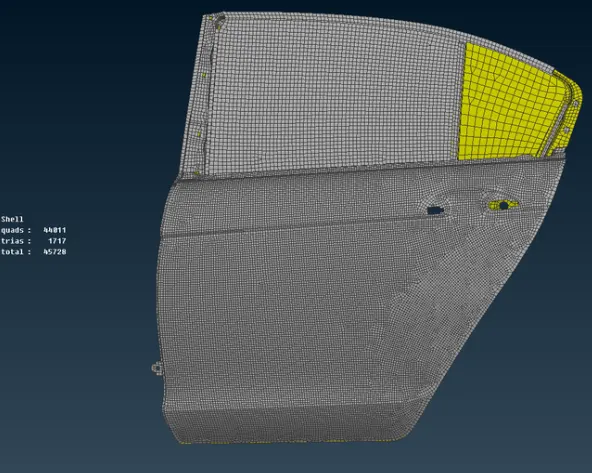
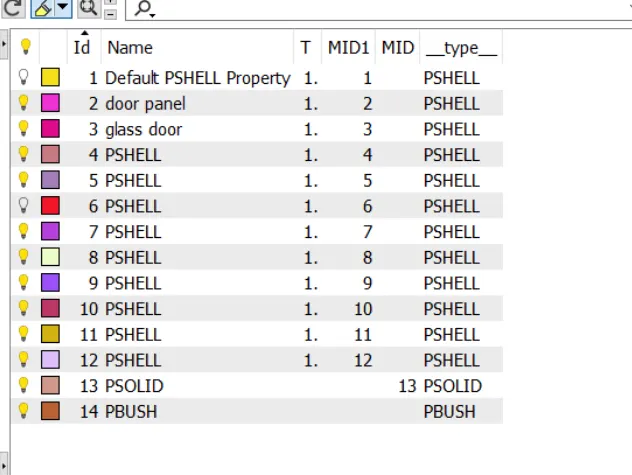
After importing the model it has one PID,so it splitted into different using set pid in topo and selecting the region,
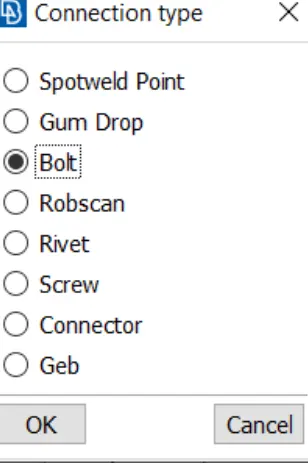
Then Bolt connection has been made are going to fit in the model as it has 3d point near holes using COG in topo,
Then it is connected into bolt washer points using assembly tab,
The selected zones are provide with the zones similiar and use realize option,
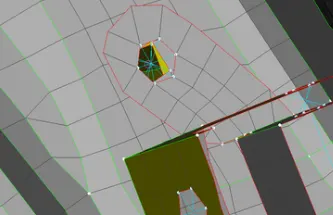
Then spot weld connection created using cog points in the topo and select the edge, and creating the point and select the spot weld connection,
Make sure the connection is in set to RBE3-HEXA-RBE3 and search dist is 50,
The spot weld is created,
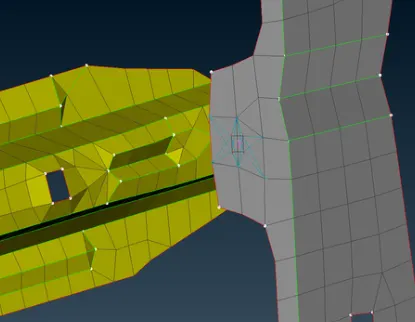
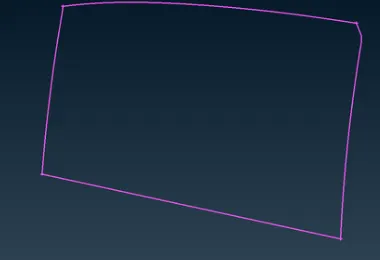
Then create a curve in mesh - perimeters- feat to curve option and select the curve,and create a curveusing the spotline,
In connection manager the values assign to the property,
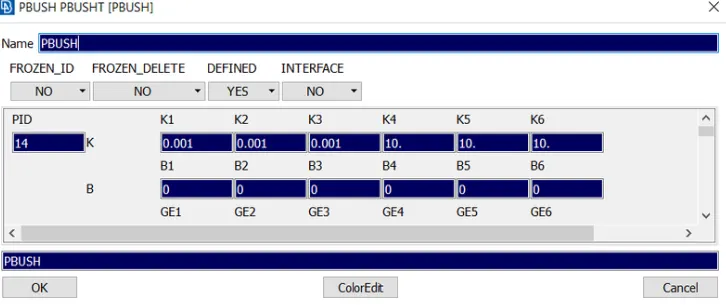
Then it is created,
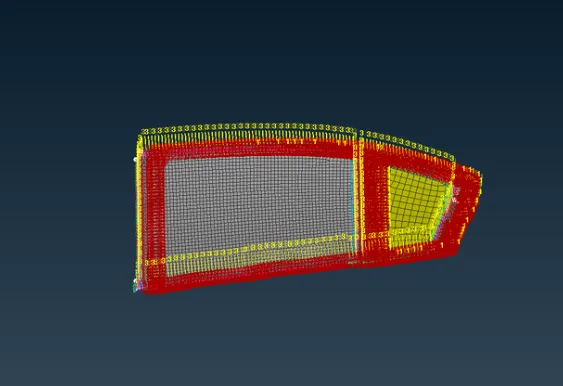
Then the RBE2 connection is provide to the door handle by providing the spider connection between two holes of the door in form of centroid, using COG point in nastran module,
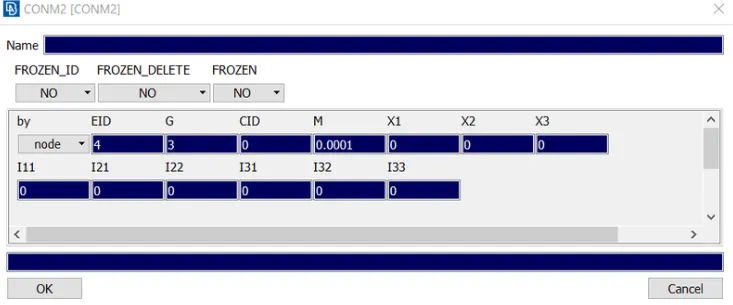
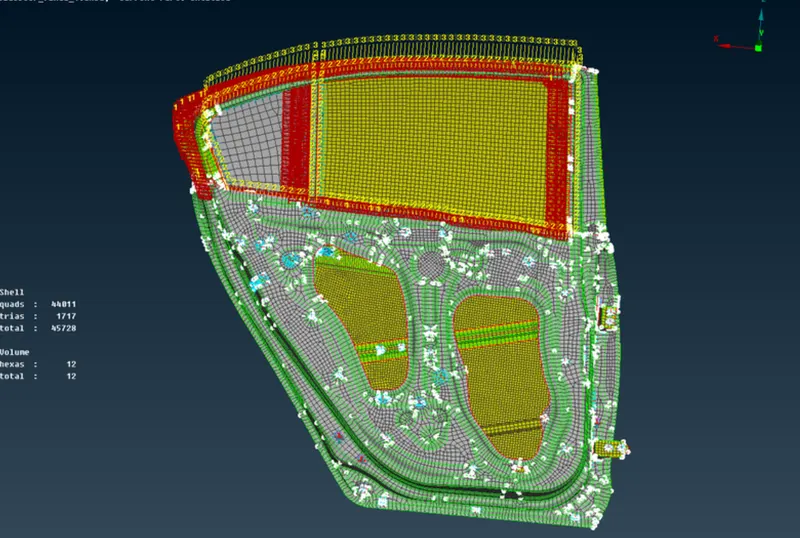
Then the connections are made,and the final model is look as in the image,
Learning outcomes:
Leared the apply of PID for different elements and the Spot weld, bolt, cbush,RBE2 connections.
Result :
Thus for the given model the connections are made successfully, and model attached.