Week 6 - Creating connection for Rear door
AIM:
To create and apply different PID'S and deploy the FE connections to the given model.
OBJECTIVE:
To perform the required connection for the model.
PROCEDURE:
1.IMPORTING:
1.Import the given model to the ANSA work area.
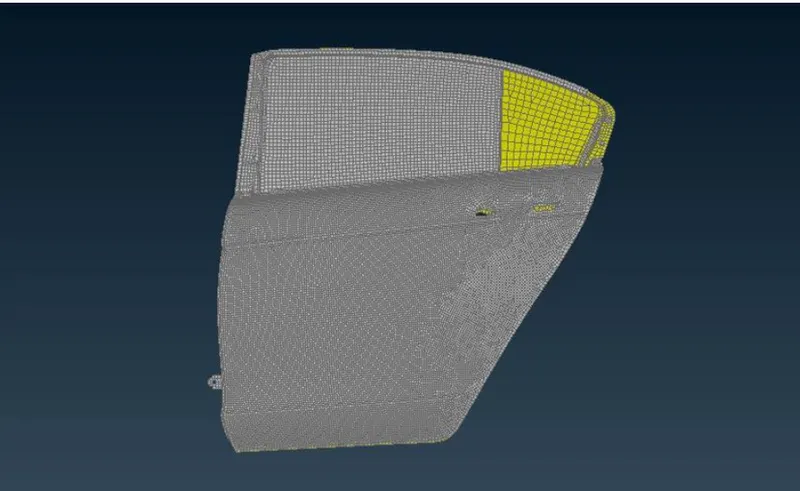
2.PID CREATION:
1.Analyze the different parts present in the model and create PID'S to apply for each part.
2.Since the given modelled using shell element, we create PID for shell elements PSHELL in ANSA.
3.To create PID, Goto Lists > Properties > Right Click > New > PSEHLL > PSHELL.
4.Apply the PID to the desired elements in the model.
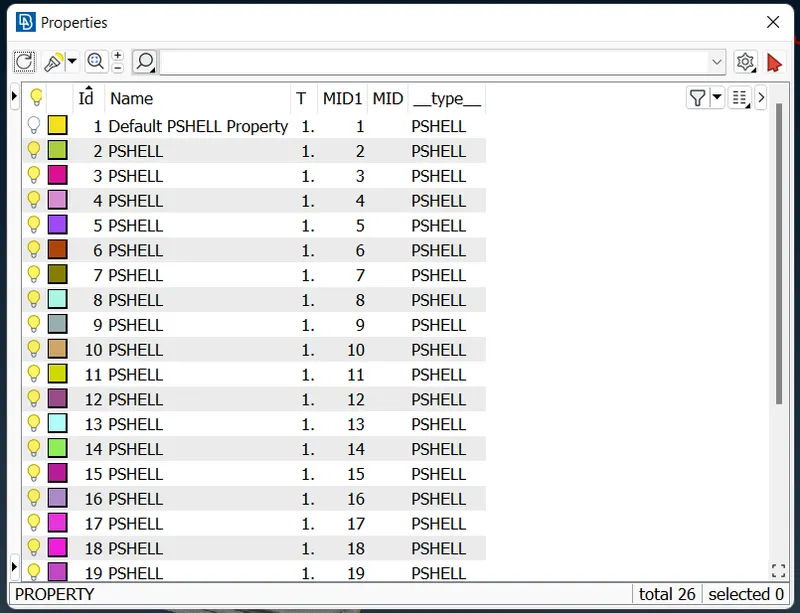
5.So after seperation I got 26 shell parts.
3.CREATING CONNECTIONS:
I)RBE2 CONNECTION:
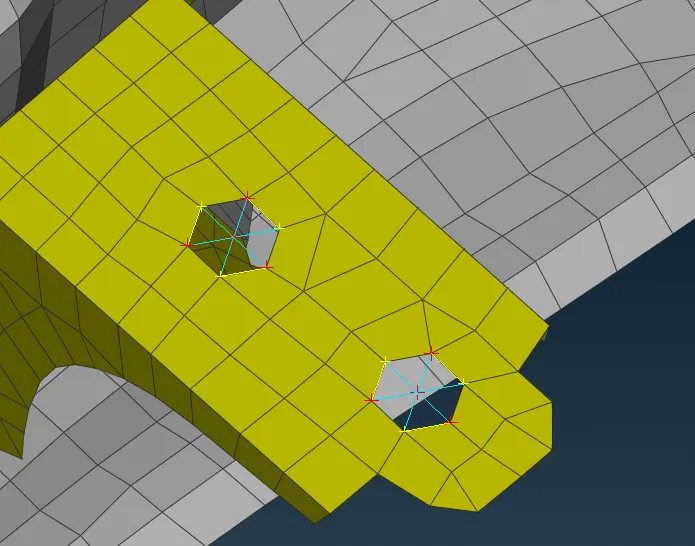
a)Many nodes RBE2:
1.Goto Modules > Decks > Elements > RBE2 > Many Nodes.
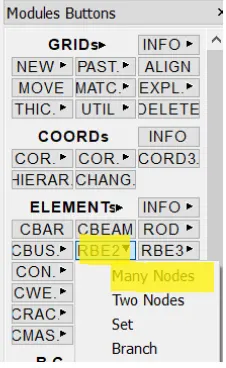
2.The highlighted portion is the path used.
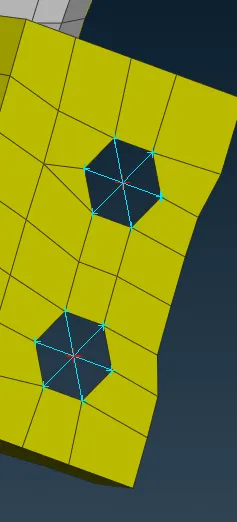
b)Two nodes RBE2:
1.Goto Modules > Decks > Elements > RBE2 > Two Nodes.
II)SPOT WELD CONNECTION:
1.To create a spot weld connection a point needs to created at the point of connection .
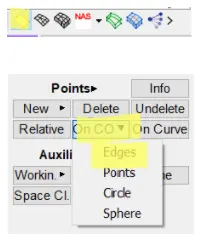
2.From topo deck > Points tab > On COG > Select the nodes > Middle click.
3.Click convert > 3D points > Select the COG point created > Middle click > Choose spotweld > Middle click.
4.Goto Connection manager > Select the spotweld point > Middle click.
III)SEAM CONNECTION:
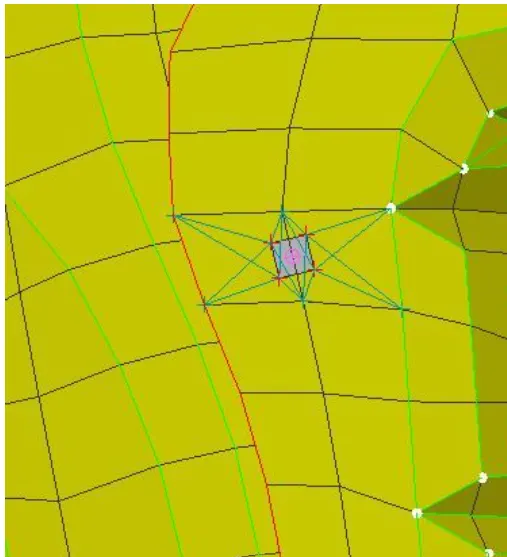
1.To create a seam connection a curve needs to be defined which acts as a seam line for the connection.
2.Connect the lines using the Curves > Connect > Multi option.
3.Connect the curve to seam line, Assembly > Convert > Curves > Select the curve > Seam line >OK.
IV)RBE3-CBUSH-RBE3:
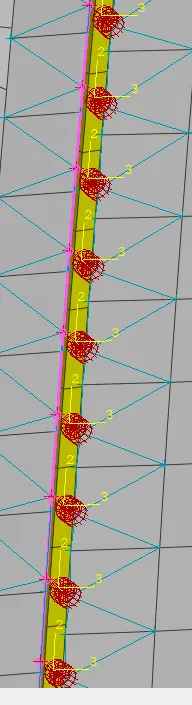
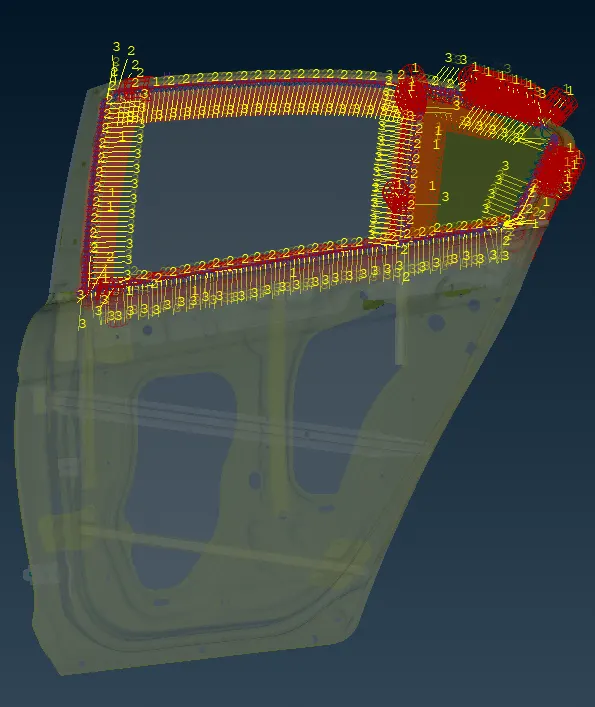
1.The connection between the door window and weathership will have a CBUSH connection which has stiffness in 3 directions.
2.To create a CBUSH connection we need a spot line at the location connection.
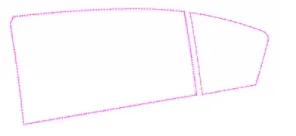
3.To deploy the CBUSH connection go to Assembly > Connection Manager > Select the curve > Select FE type = RBE3 + CBUSH + RBE3 and select the P1 and P2 as door and window respectively.
4.Give necessary inputs click on APPLY > Click on realize.
OBSERVATION:
1.Thus i learned different types of 1D connections.
2.Generating connection to the automotive rear door part and seating parts.
RESULT:
Thus the creation and applying different PID'S and deploy the FE connections to the given model is performed sucessfully.