Week 6- Challenge
AIM:
To extract the midsurface for the given component and mesh it with given quality criteria.
METHODOLOGY:
- Importing the model.
- Cleaning the imported geometry.
- Extracting the midsurface for the geometry.
- Meshing the surfaces with given quality criteria.
INTRODUCTION:
A hood is hinged cover of the motor vehicles. It allow access to the engine components and other components like radiator,coolant pump etc. It can be designed according to driver. The material used for hood is same as other car body components like aluminium, steel.
PROCEDURE:
Importing:
- Import the model as the file is in .stp file importing is different.
- Click on file option, select import and click on geometry.
- Select the STEP option and open the geometry.
- Click on “import”.
-
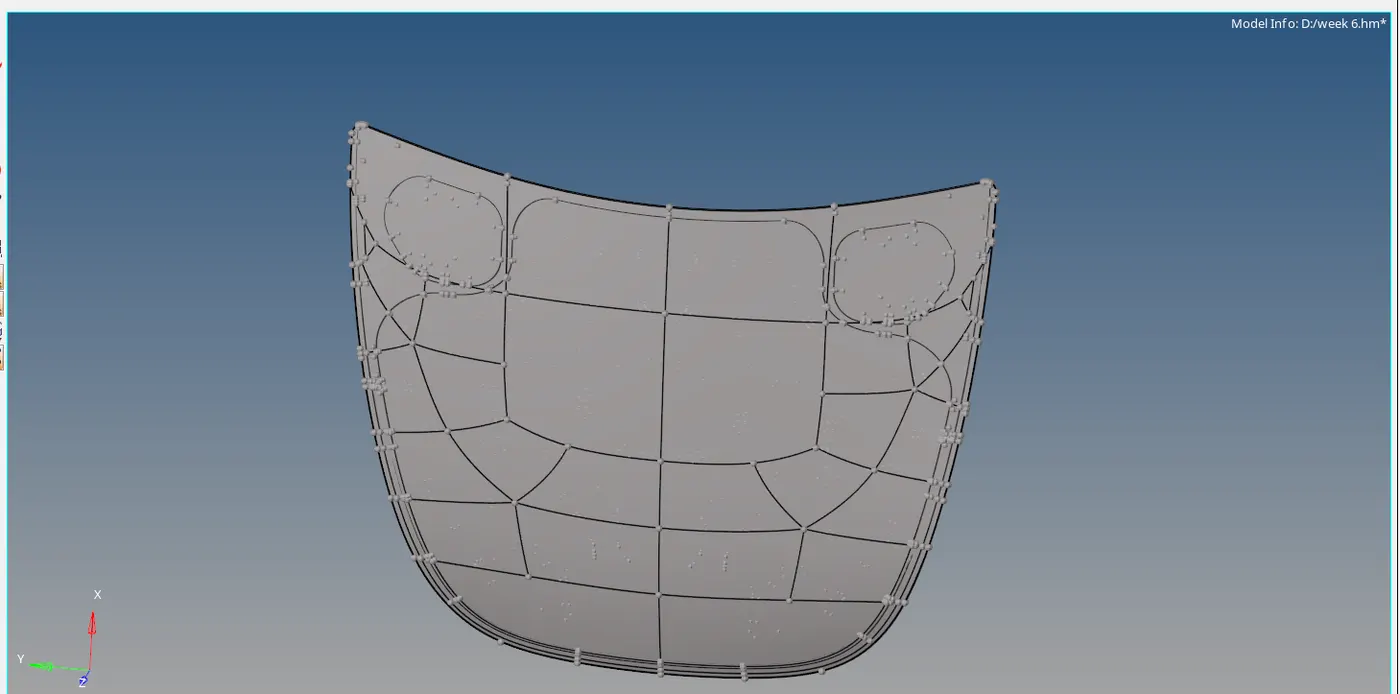
Figure-1 (Import the model)
Clean up:
- Clean up the each component with different options like
- Toggle
- Add / remove point
- Split surf node
- Split surf line

Figure-2 (clean up tools)
Midsurface & Meshing:
Hinge :-
- Select the hinged component and click on midsurface.
- Select the surfaces and click on extract.
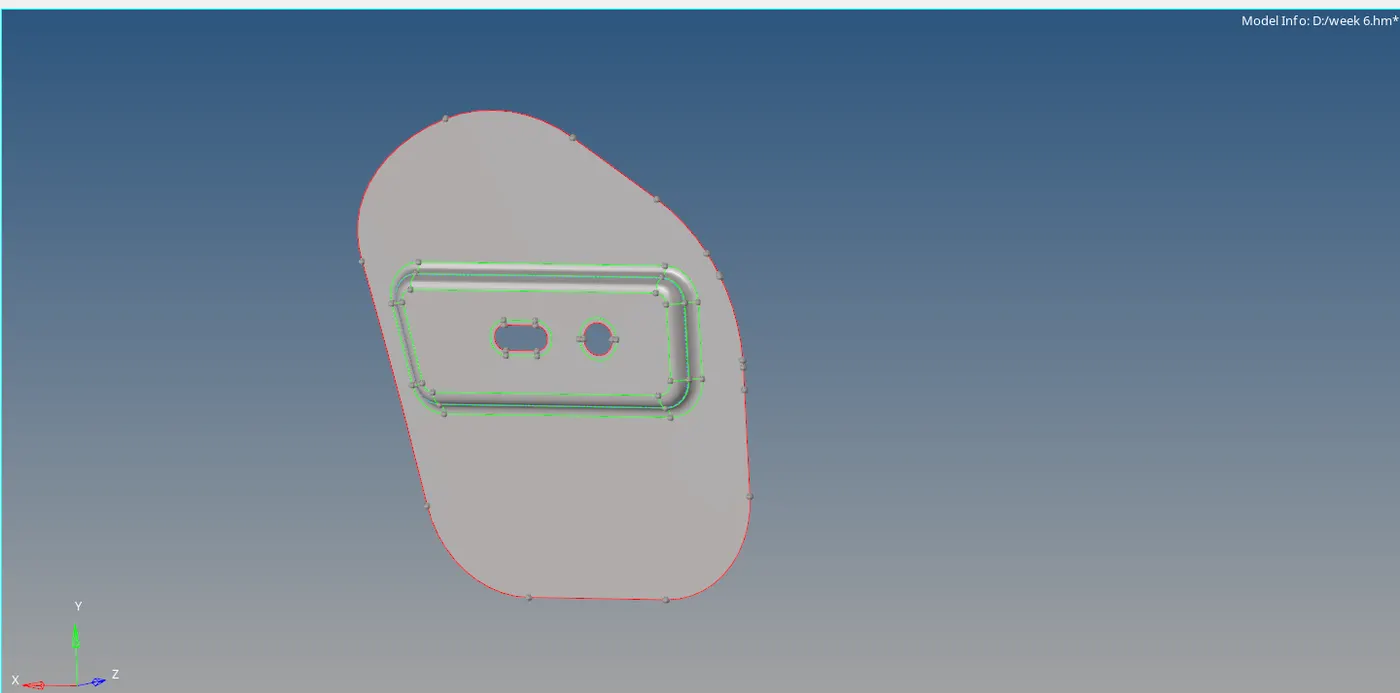
Figure-3(midsurface)
- Select the “Preferences” and click on “Criteria file settings”.
- Enter the given quality criteria values and click on “ok”.
- Go to “automesh” , click on surface and mesh it.
- Select the element size as “5” and element type as “mixed” and click on “ok”.
- Check for the errors, if any go to “quality index”.
- Choose the correct option to solve the errors.
- After meshing is done, go to “edges” (shortcut shift + F3).
- Select the elements, click on “find edges” and free edges is highlighted in red colour.
- Click on “tools”>> “reflect”.
- Select the elements duplicate them the select the nodes to reflect and click on reflect.
- The two hinges were meshed perfectly with given quality criteria.
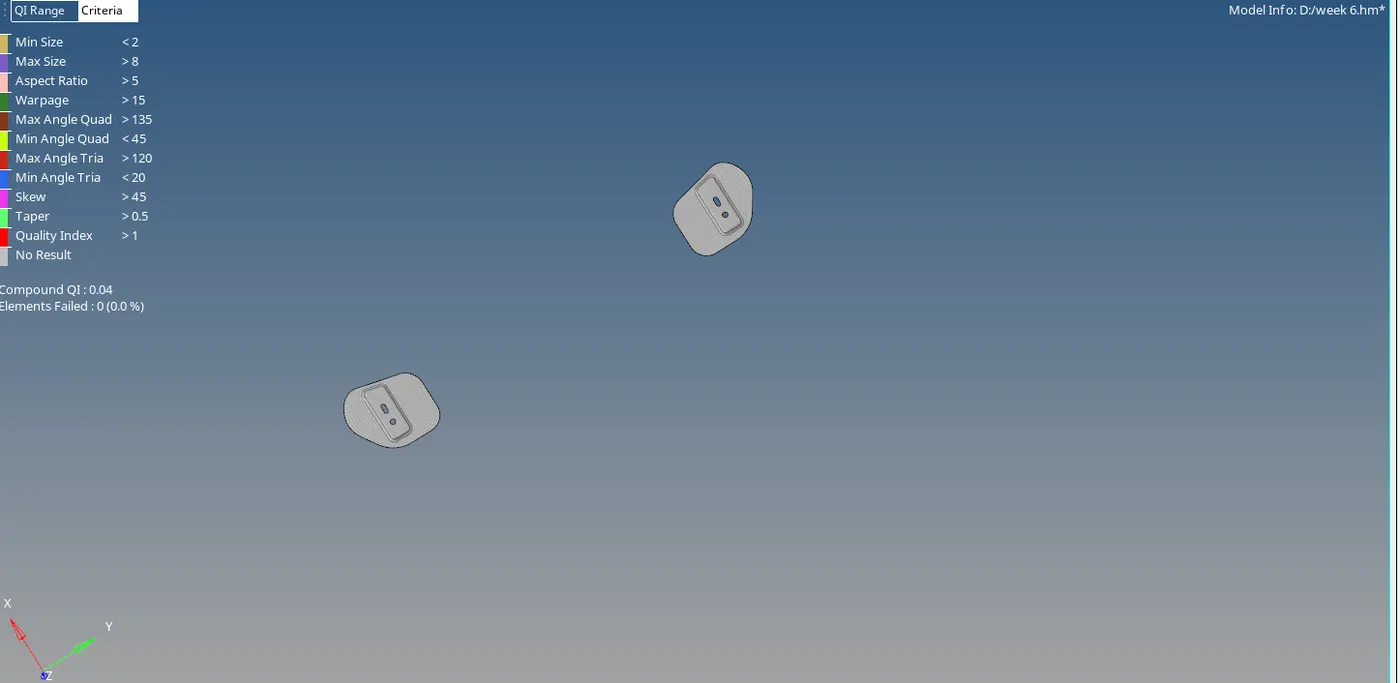
Figure-4(Reflected hinges)
Latch:
- Select the latch component and click on midsurface.
- Select the surfaces and click on extract.
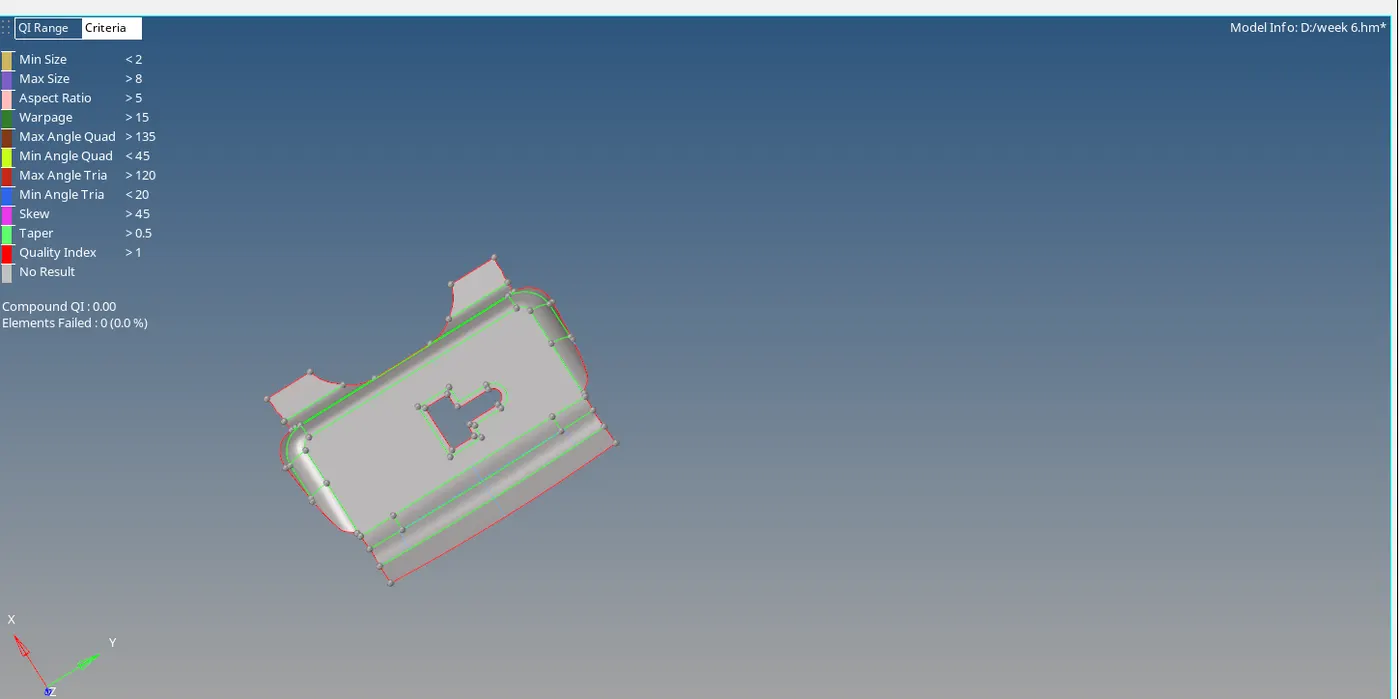
Figure-5(latch midsurface)
- Select the “Preferences” and click on “Criteria file settings”.
- Enter the given quality criteria values and click on “ok”.
- Go to “automesh” , click on surface and mesh it.
- Select the element size as “5” and element type as “mixed” and click on “ok”.
Figure-6(meshed latch)
- Check for the errors, if any go to “quality index”.
- Choose the correct option to solve the errors.
- After meshing is done, go to “edges” (shortcut shift + F3).
- Select the elements, click on “find edges” and free edges is highlighted in red colour.
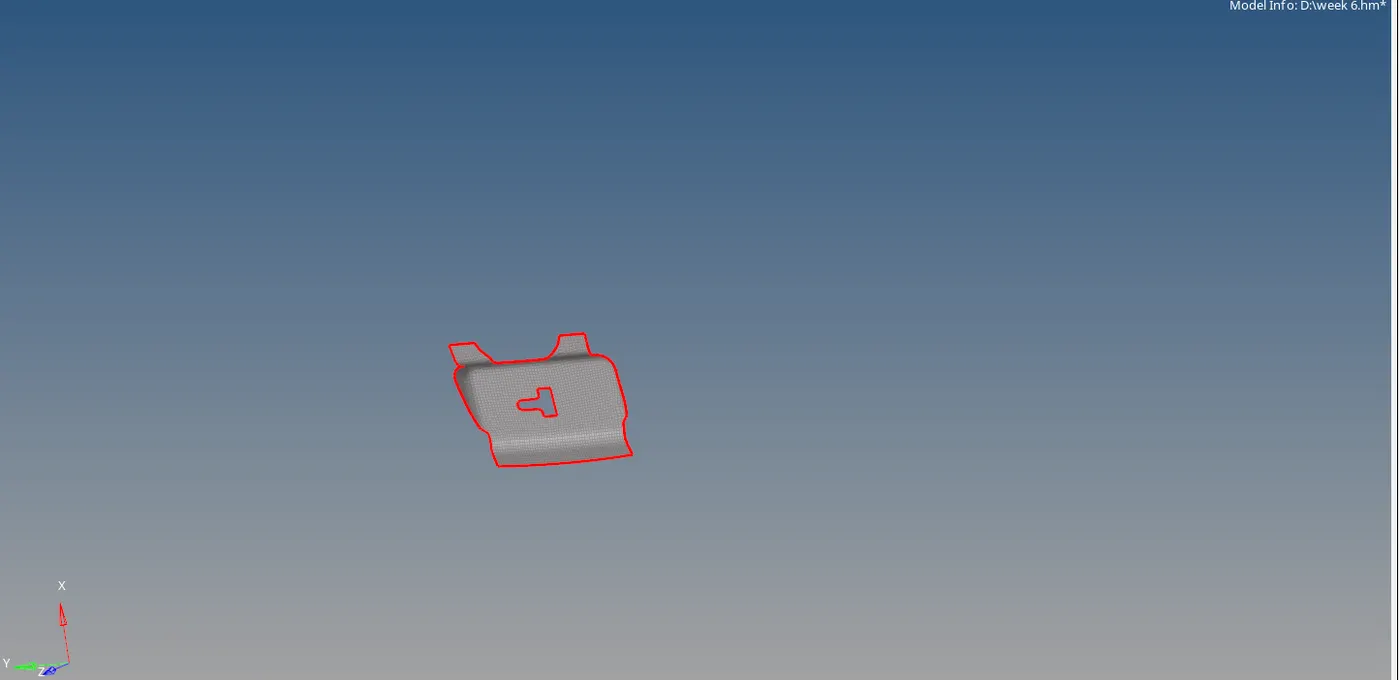
Figure-7
Outer and Inner Hood:
- Select the component and click on midsurface.
- Select the surfaces and click on extract.
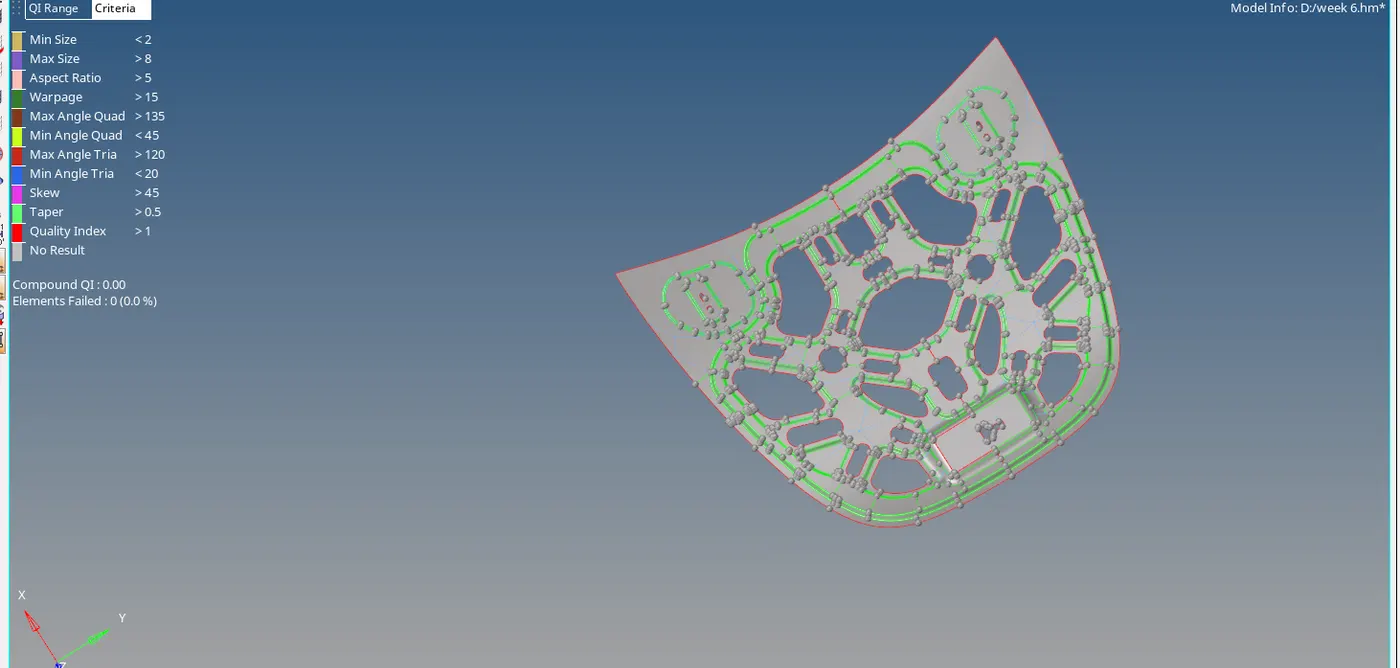
Figure-8,(inner midsurface)
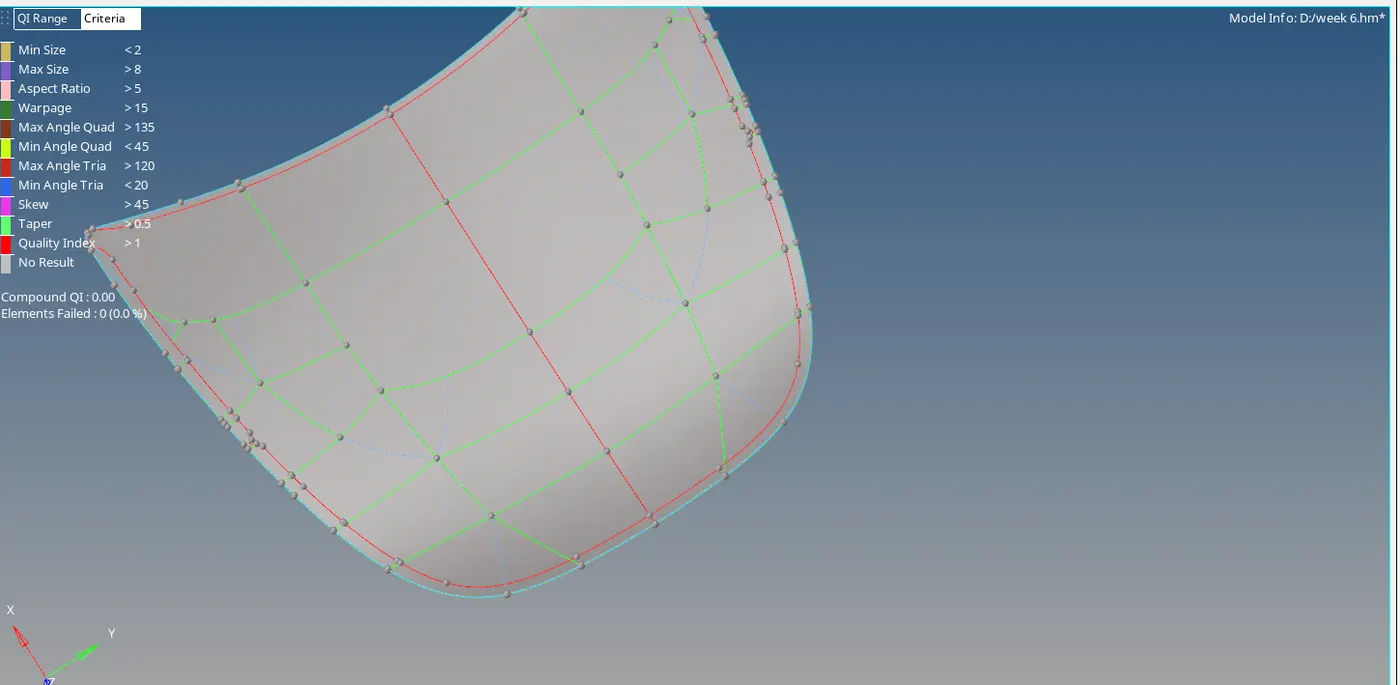
Figure-9(outer midsurface)
- Now delete the half portion of the created midsurface.
- Go to “quality edit” and delete the unnecessary lines.
- Create the small portions by splitting the geometry.
- Select the “Preferences” and click on “Criteria file settings”.
- Enter the given quality criteria values and click on “ok”.
- Go to “automesh” , click on surface and mesh it.
- Select the element size as “5” and element type as “mixed” and click on “ok”.
- Check for the errors, if any go to “quality index”.
- Choose the correct option to solve the errors.
- After meshing is done, go to “edges” (shortcut shift + F3).
- Select the elements, click on “find edges” and free edges is highlighted in red colour.
- Check the errors, if any patch the elements by “replace” option.
- Delete the elements if any duplicate elements were created.
- After clearing the errors, go to “tools” , click on “reflect”.
- Select all elements and duplicate them.
- Again select all elements and select the nodes and click on reflect.
- Now complete model is meshed with given quality criteria and with zero errors.
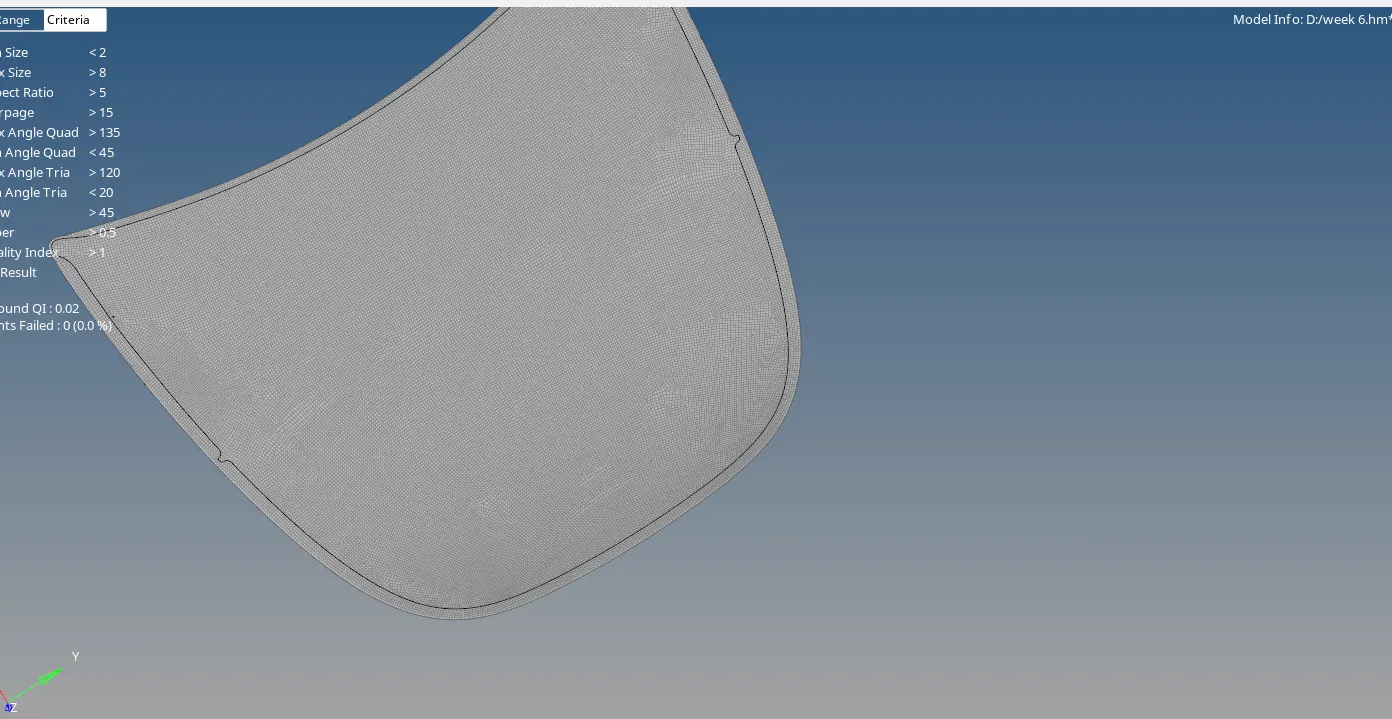
Figure-10 (outer hood with zero errors)
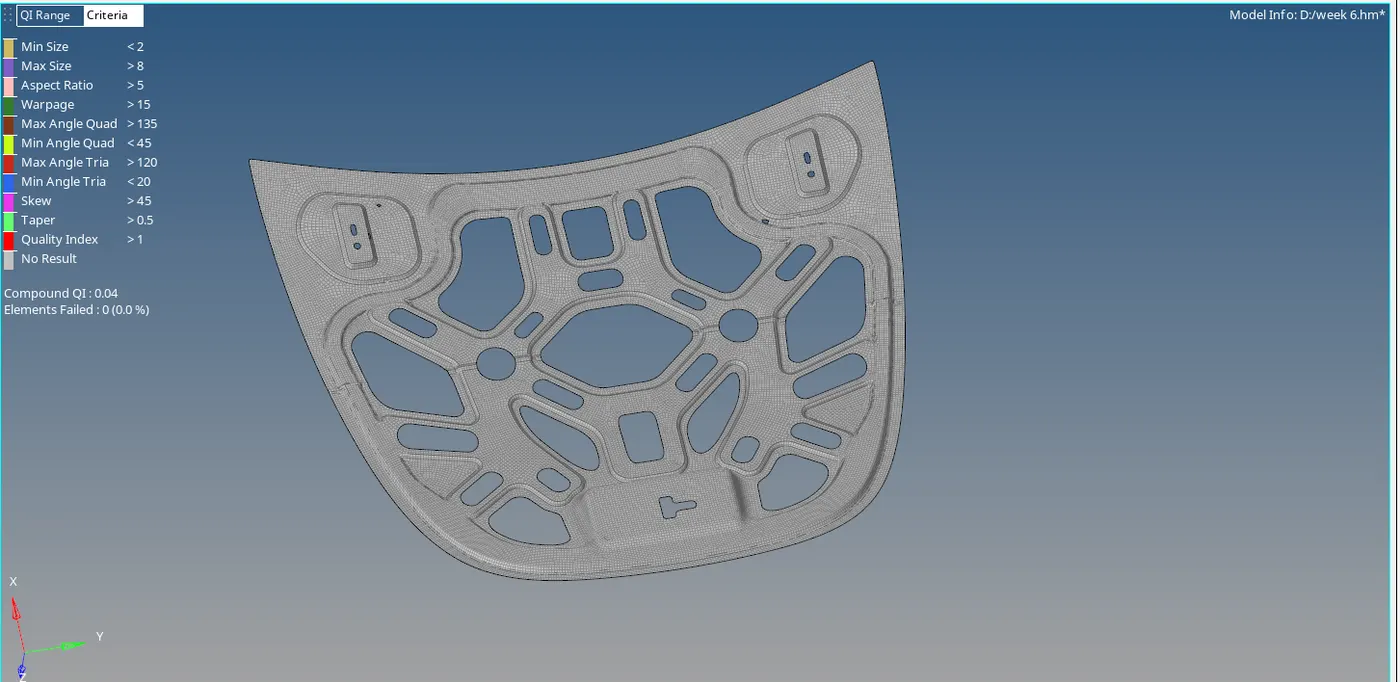
Figure-11(inner with zero errors)
LEARNING OUTCOME:
- Get to know different options like
- Toggle
- Translate
- Quick edit tools
- Meshing tools
- Quality index tools
- Reflect
- Replace
RESULT:
The given model is done with extracting the midsurface and meshing with given quality criteria to each component.
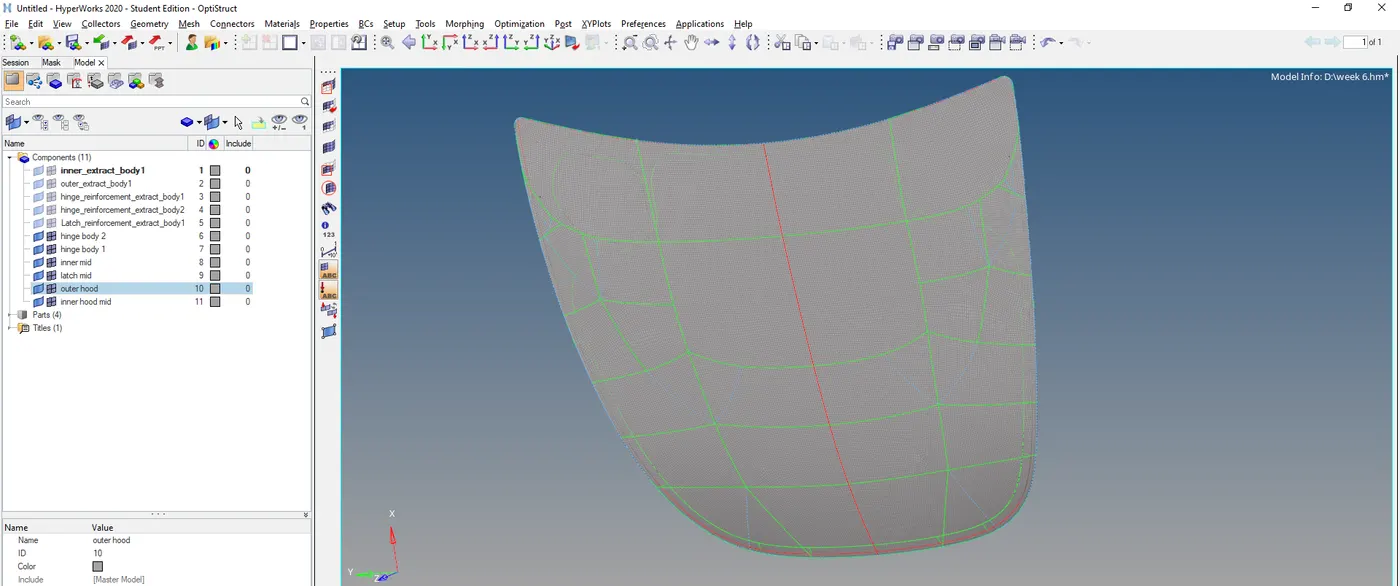
Figure-12 (final outcome)