Calculate the Stretch Ratio by comparing the ELFORM (-2,-1,1,2) with Ogden_Material Model in LS_DYNA
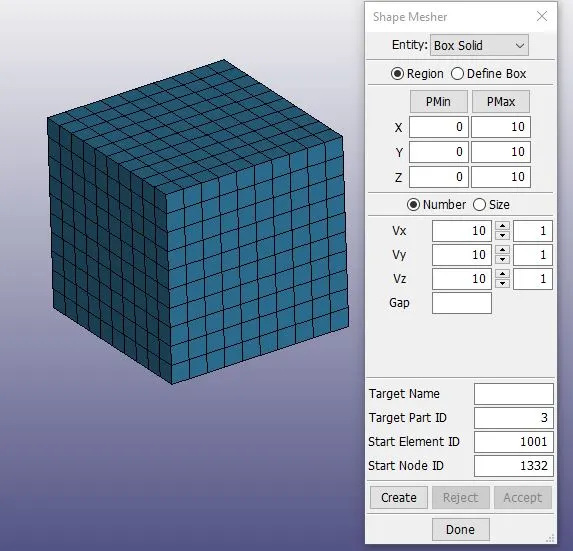
Objective: Create a block of 10mmx10mmx10mm dimension with 10 elements for each direction and use the material card attached (Ogden_Material.k) that is representative of the
material properties from the above figure. Use appropriate boundary conditions to simulate tensile behavior for the model and finally compare the results from your simulation to the plot
above up to stretch ratio 5. Only the uniaxial plot is to be compared. Compare the results for the simulation using ELFORM = 1, 2, -1, -2.
Theory: Hyper elasticity is the capability of a material to experience large elastic strain due to small forces. So a hyperelastic material is still an elastic material, but the linear elastic
theory is not able to describe the material behavior. Their stress-strain relationship can be defined as non-linear elastic, isotropic, incompressible, and generally independent of strain rate.
Hyperelastic materials also called Cauchy-elastic materials, which means that the stress is determined by the current state of deformation and not the path or history of deformation.
The strain energy function says nothing about the Poisson's ratio or the amount of deformation that a material will undergo under loading.
The stretch ratio is defined as the ratio of the deformed length divided by the initial length: lo/li.
The formula used for the calculation :
1. True Strain: ln(1+Engineering Strain)
2. True Stress: Engineering Stress * (1+ Engineering Strain)
3. Stretch Ratio: Lo/Li = 1+ Engineering Strain
Box Created:
All Keywords:
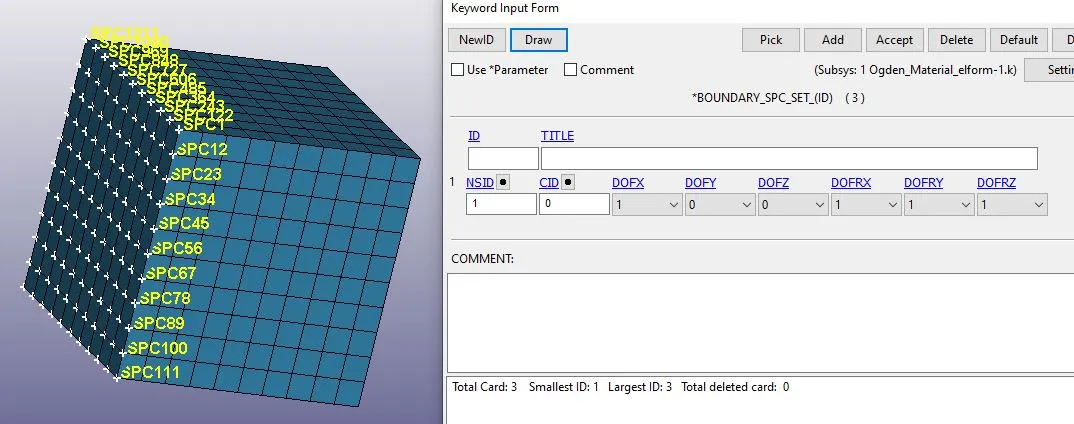
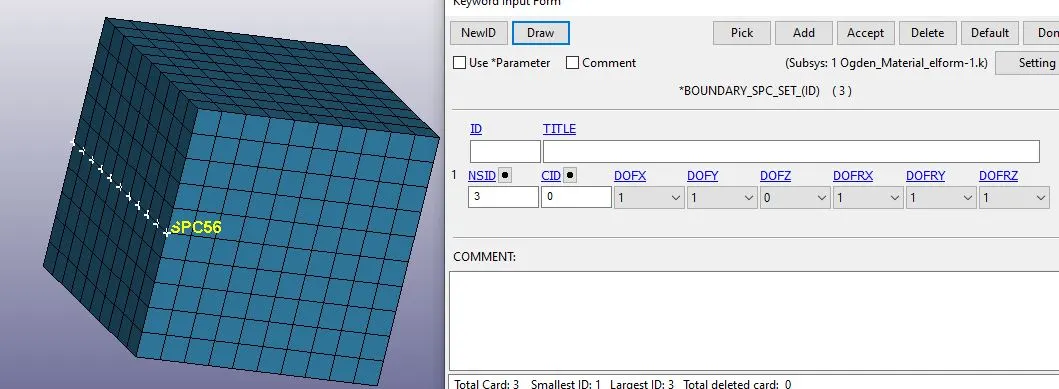
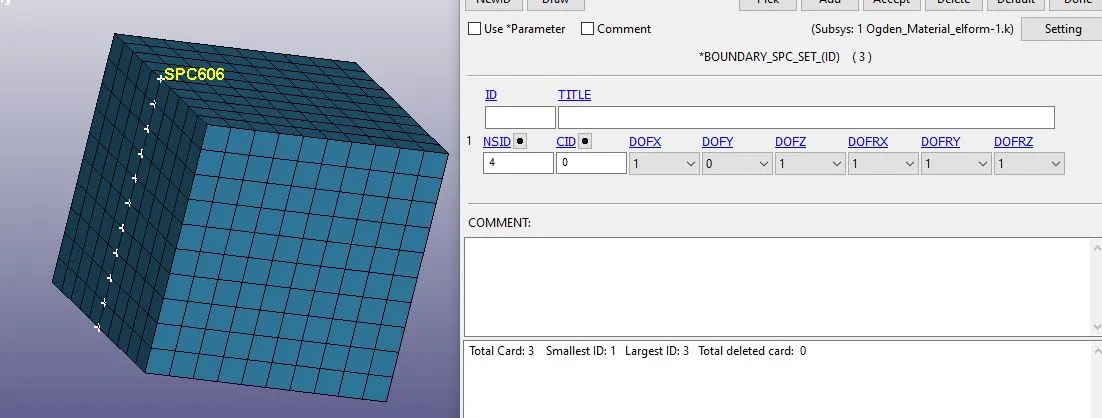
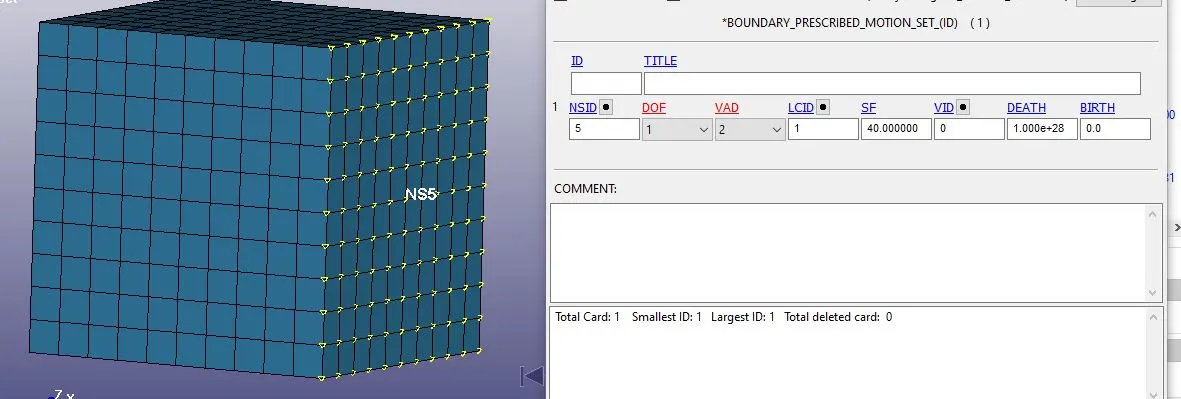
As the material is Hyperelastic so it will have larger displacement and strain rate so need to be constrained in Y and Z direction to avoid rotation about it.
Part Card:
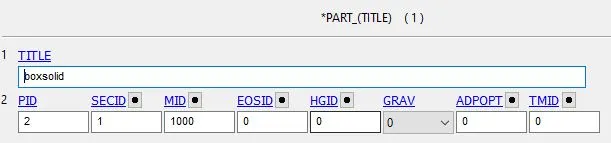
Elform:
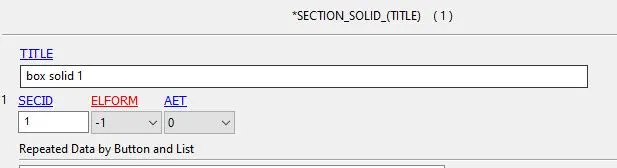
A defined formulation for the solid Box.
Control Cards:

To define the time to complete the simulation.

IAUTO Automatic time step control flag
ITEOPT Optimum equilibrium iteration count per time step
ITEWIN Allowable iteration window. If iteration count is within ITEWIN Iterations of ITEOPT, the step size will not be adjusted for the next step.

Activate implicit analysis and define associated control parameters. This keyword is required for all implicit analyses.
Displacement:
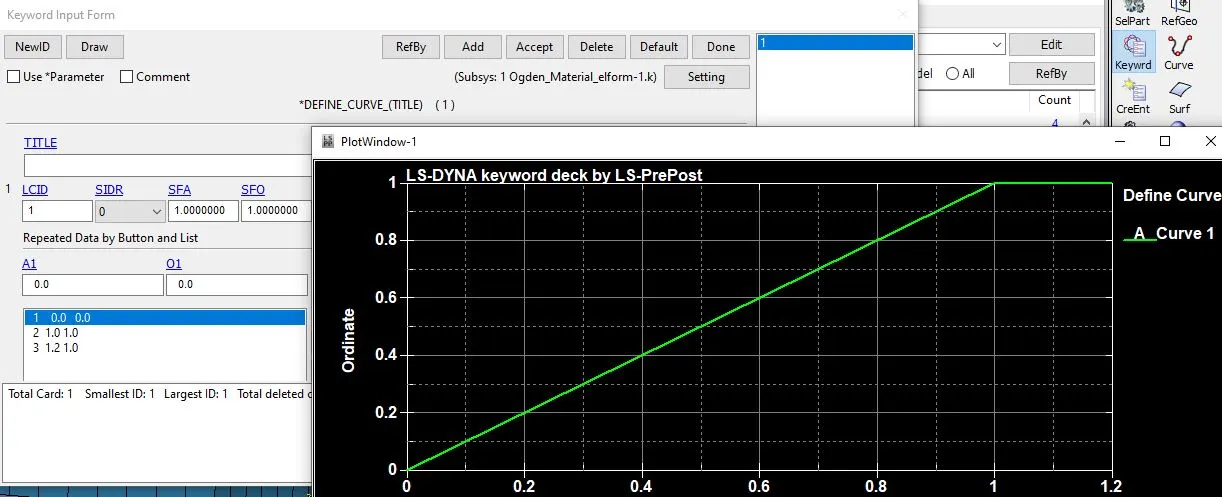
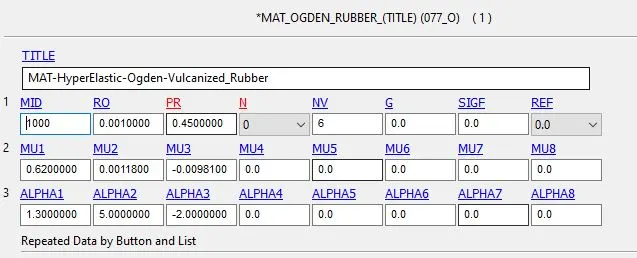
Material Card:
Solutions:
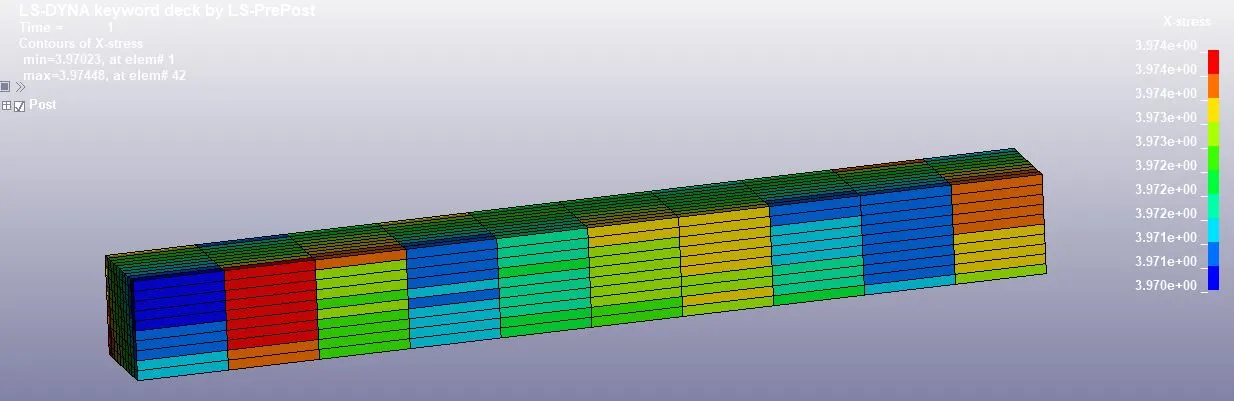
X- Stress:
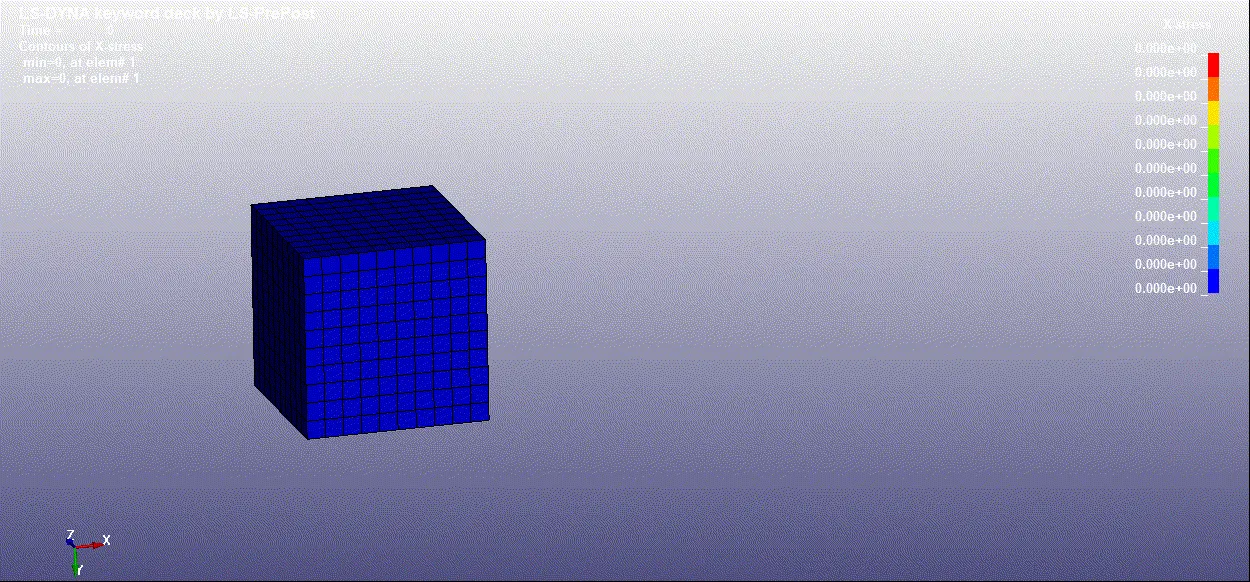
ELFORM = 2
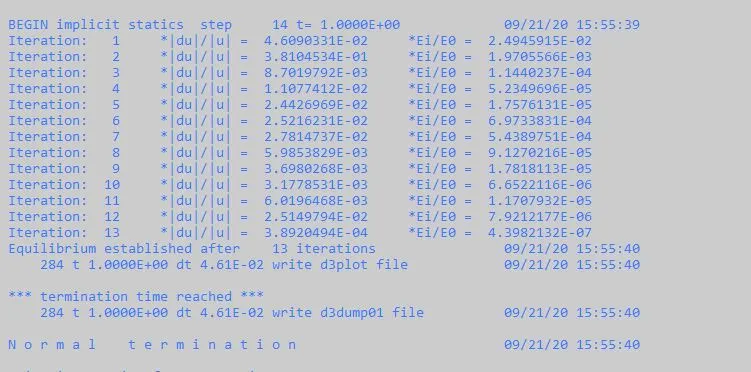
ElFORM = -2
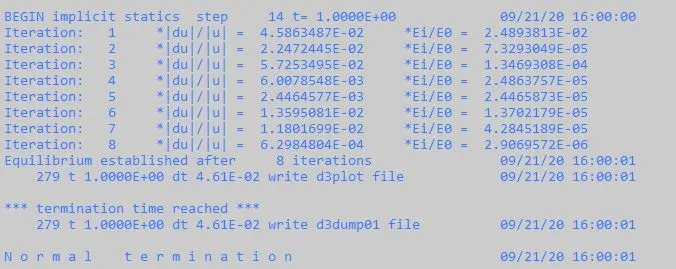
Results and Plots:
ELFORM:=Element formulation options
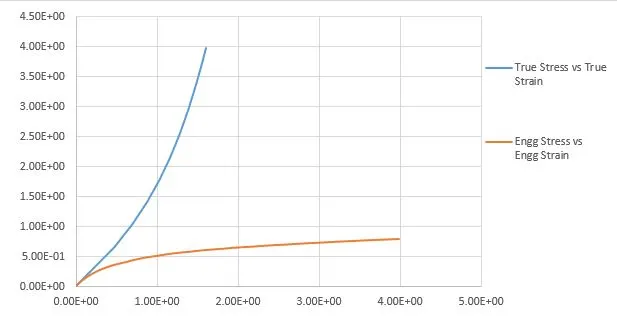
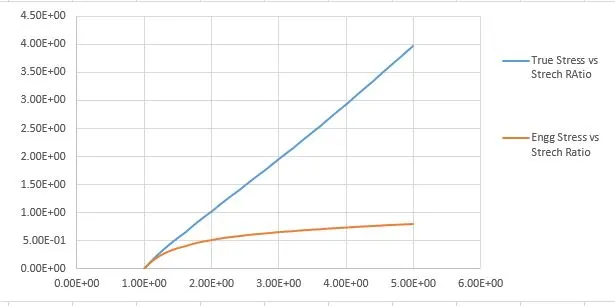
ELFORM: = 1
Stress vs Strain: Stresses vs Stretch Ratio:
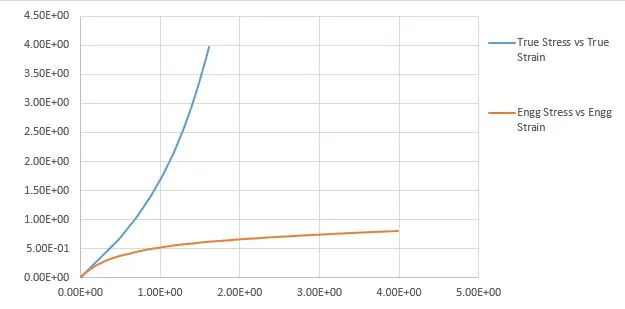
ELFORM: = -1
Stress vs Strain: Stresses vs Stretch Ratio:
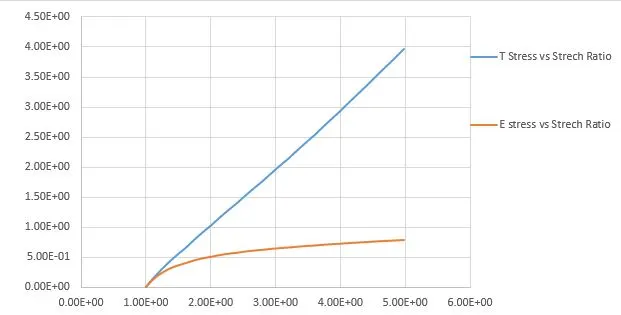
ELFORM: = 2 fully integrated S/R solid
Stress vs Strain: Stresses vs Stretch Ratio:
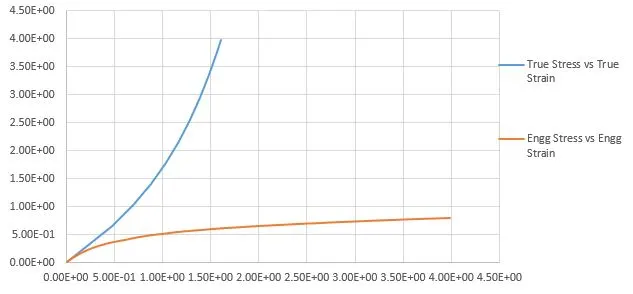
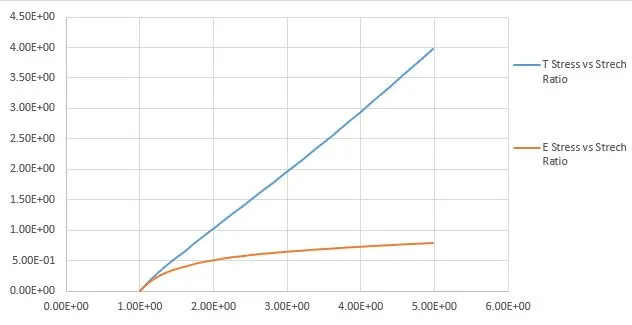
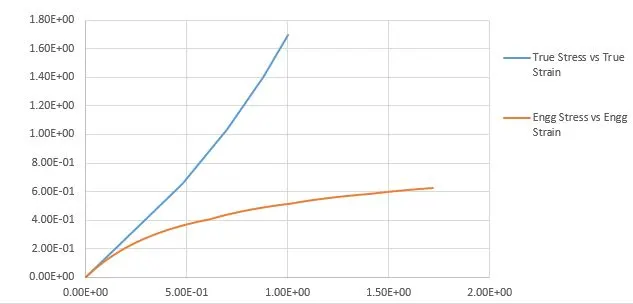
ELFORM: -2 fully integrated S/R solid intended for elements with poor aspect ratio, accurate formulation.
Stress vs Strain: Stresses vs Stretch Ratio:
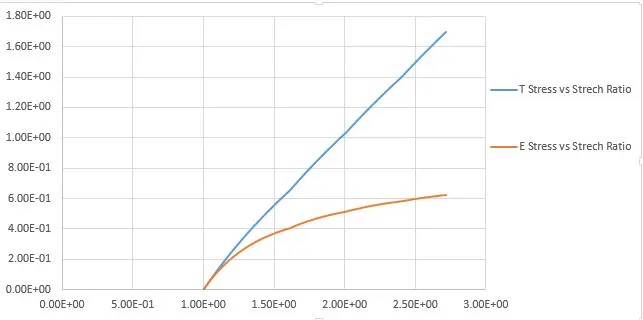
Conclusion:
From the above simulation, we can clearly see that changing the formulation change in the iteration Element Formulation 1 -1 & -2 others had a slight hourglass effect on the results that
can see the stress value in the excel sheet. However, element formulation 2 is the best option to go with because it is fully integrated with a good aspect ratio and accurate formulation.
We can observe that plot are almost the same so we choose the formulation according to the integration points of an element because higher the integration point better the accuracy so
for solid ELFORM is perfect.