Week 6-3D Tetra Meshing Challenge
3D Tetra meshing challenge
Objective:
· To learn about the application of 3D tetra element.
· And to learn how to mesh with 3D elements for more than 6mm thickness.
Procedure:
· Tetrahedral is a four- nodded solid element which can be generated through the tria element by creating a volume and also through the existing volume of the geometry.
· These elements are used where the geometry has high thickness and complexity. The below attached image is a representation of a Tetra element. Tetra element will have 4 triangular faces with four nodes joining them together.
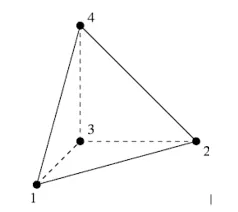
· Methods to generate tetra meshing namely,
· There are three methods to generate Tetra Meshing as stated below:
1. Conversion
of 2D tria to Tetrahedral Elements, by using Tetra Mesh panel.
2. Using the Quick Tetra Mesh, from the Utility panel.
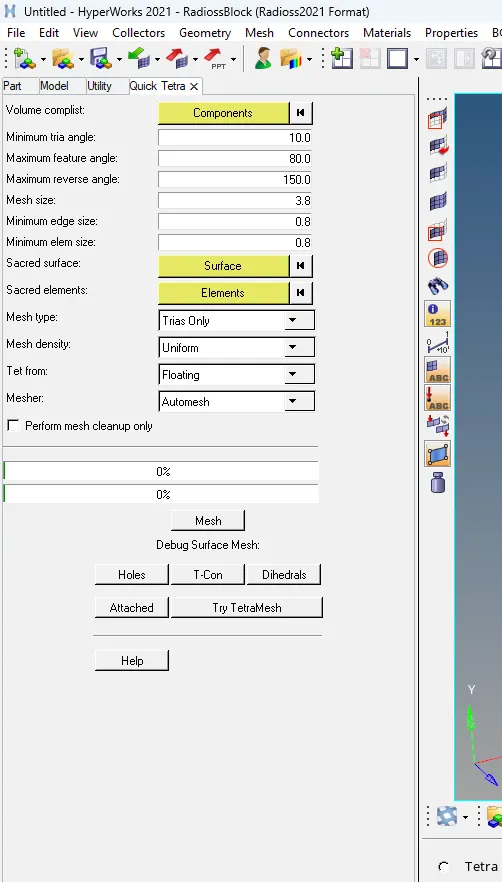
3. Using the Volume Tetra Mesh panel.

· In conversion of 2D tria to tetrahedral elements, in order to delete solids.
· And apply 2D tria elements to the component.
· And goes to 3D option convert the 2D elements in the tetra element.
· And using quick tetra mesh by utility panel give element size and select the component.
· And finally, directly create 3D volume elements by using 3D volume tetra mesh panel.
· And to select the element parameters such as element size and tet collapse value.
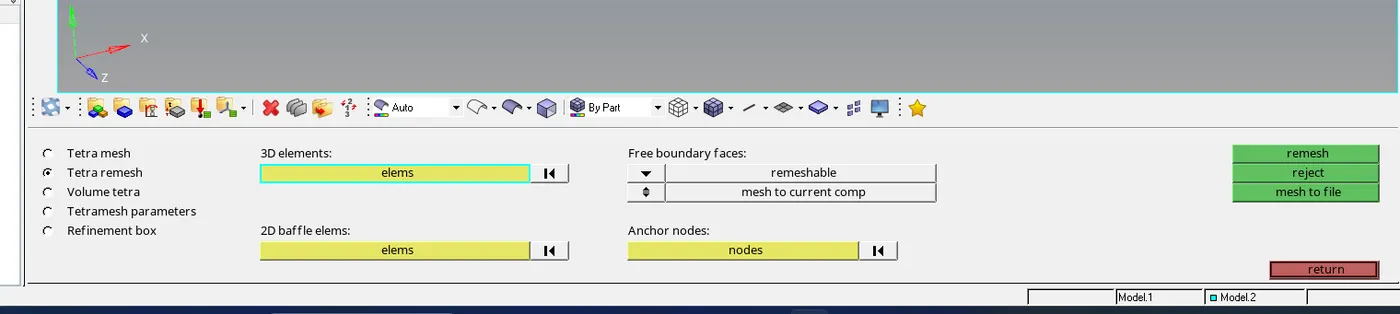
· To clear failed Tet collapse by using translate command to adjust the node.
· And using remesh command to clear failed tet collapse.
Meshed model:
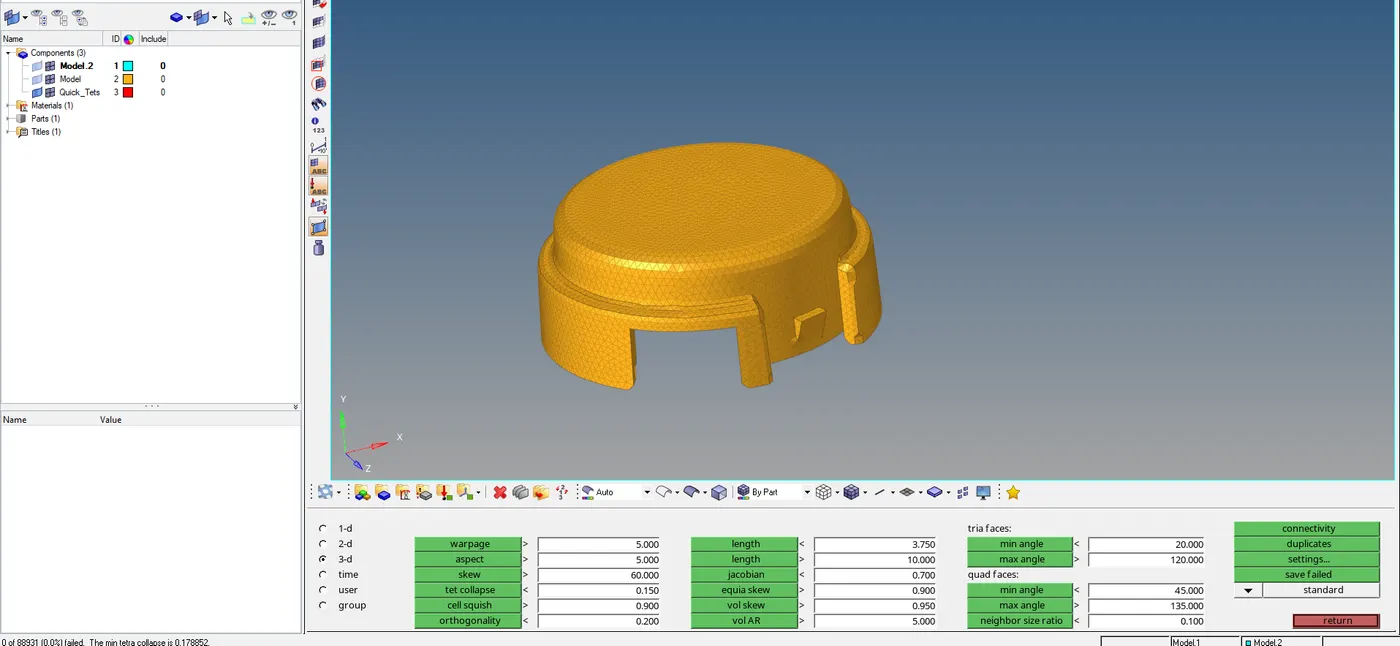
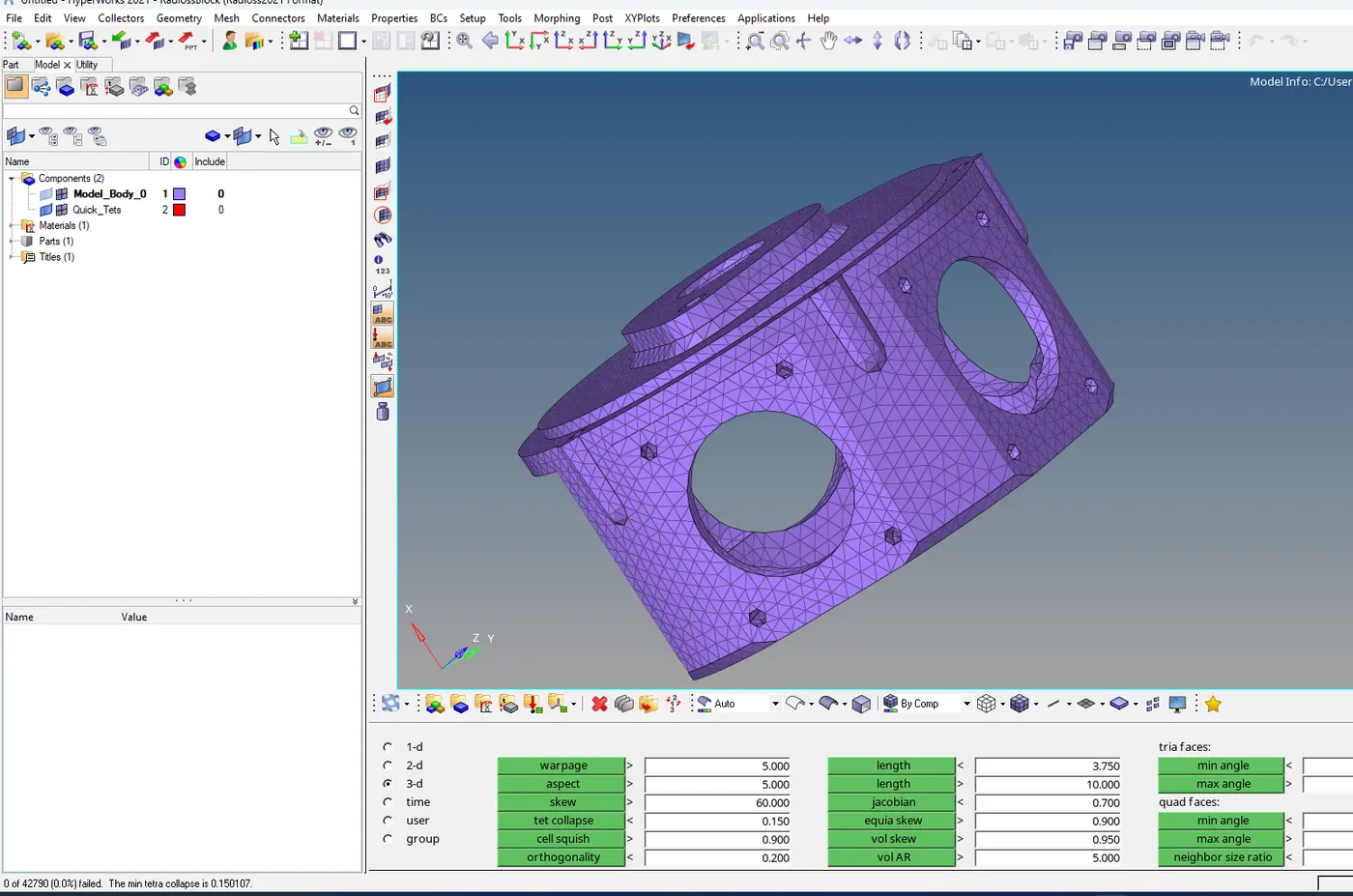
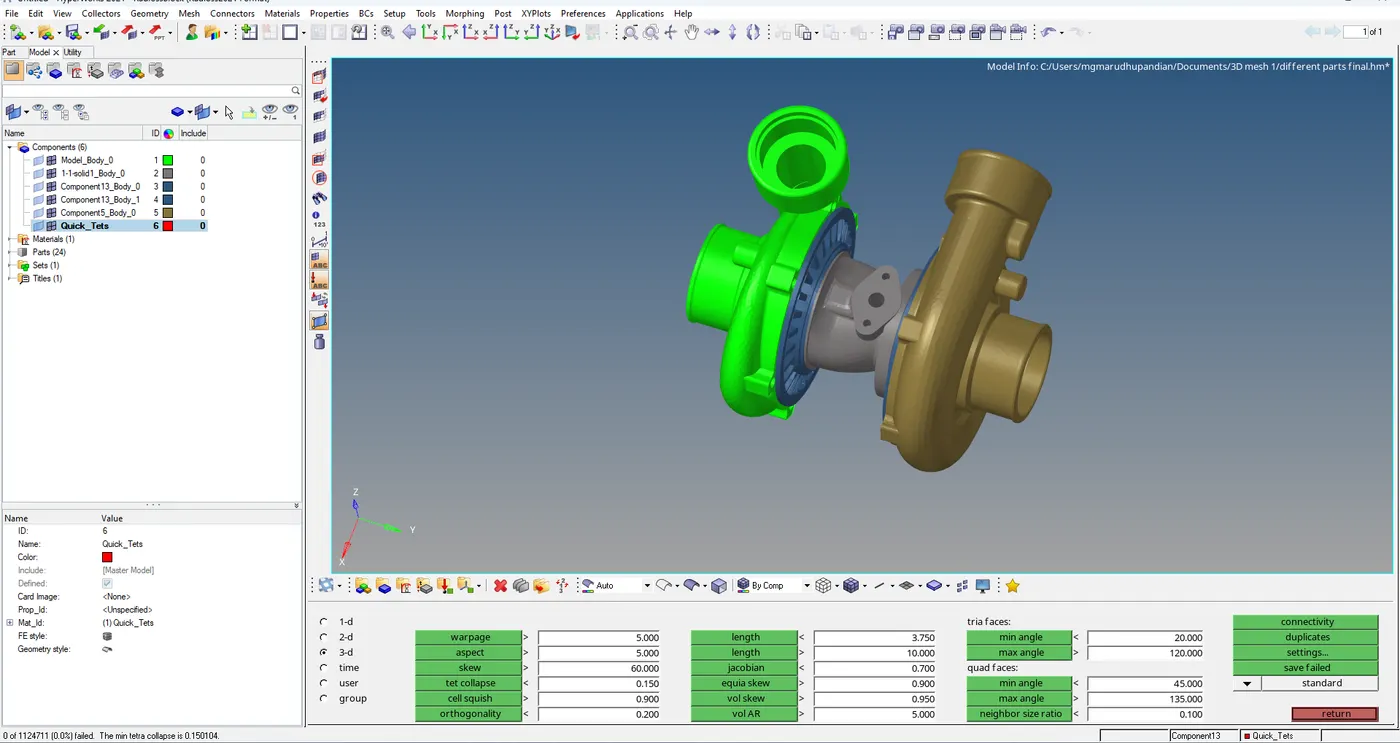
Result:
The given components have successfully completed of 3D tetrahedral meshing.