Week 6-3D Tetra Meshing Challenge
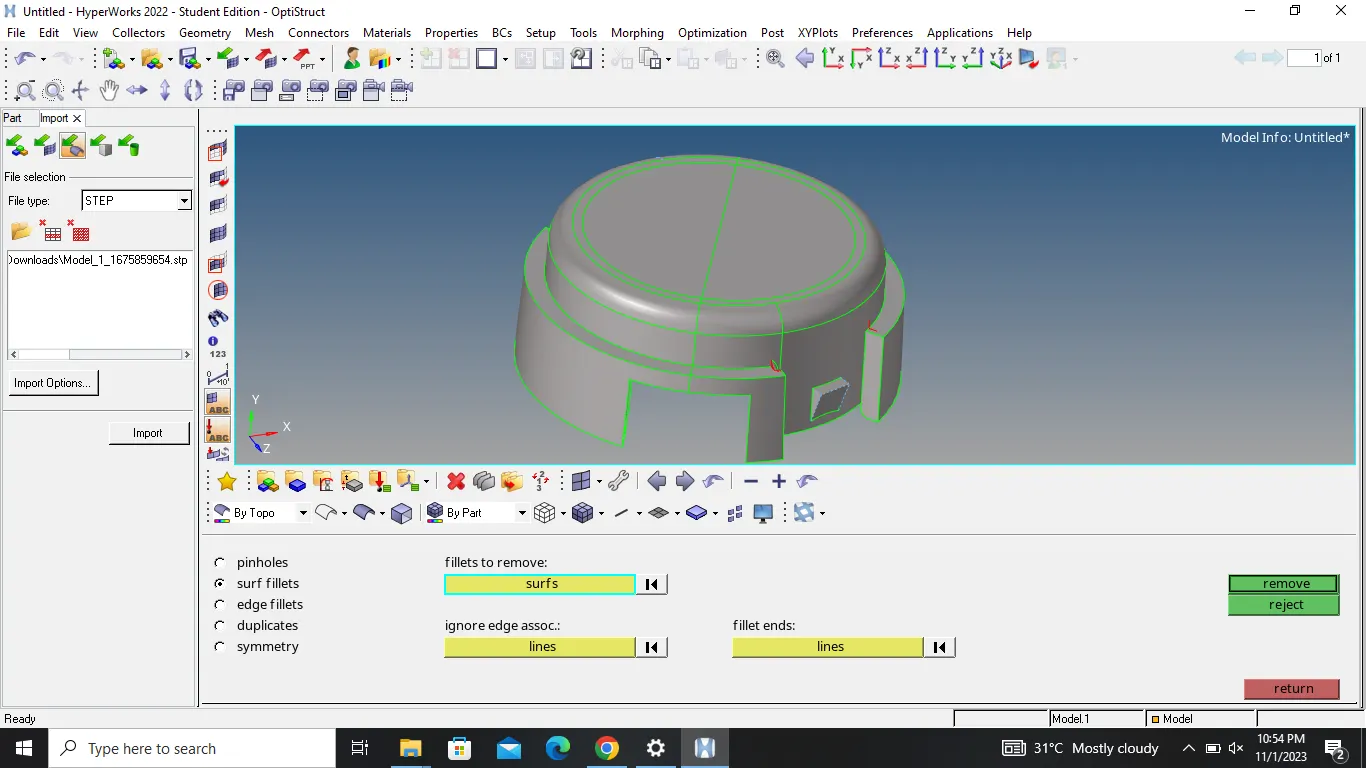
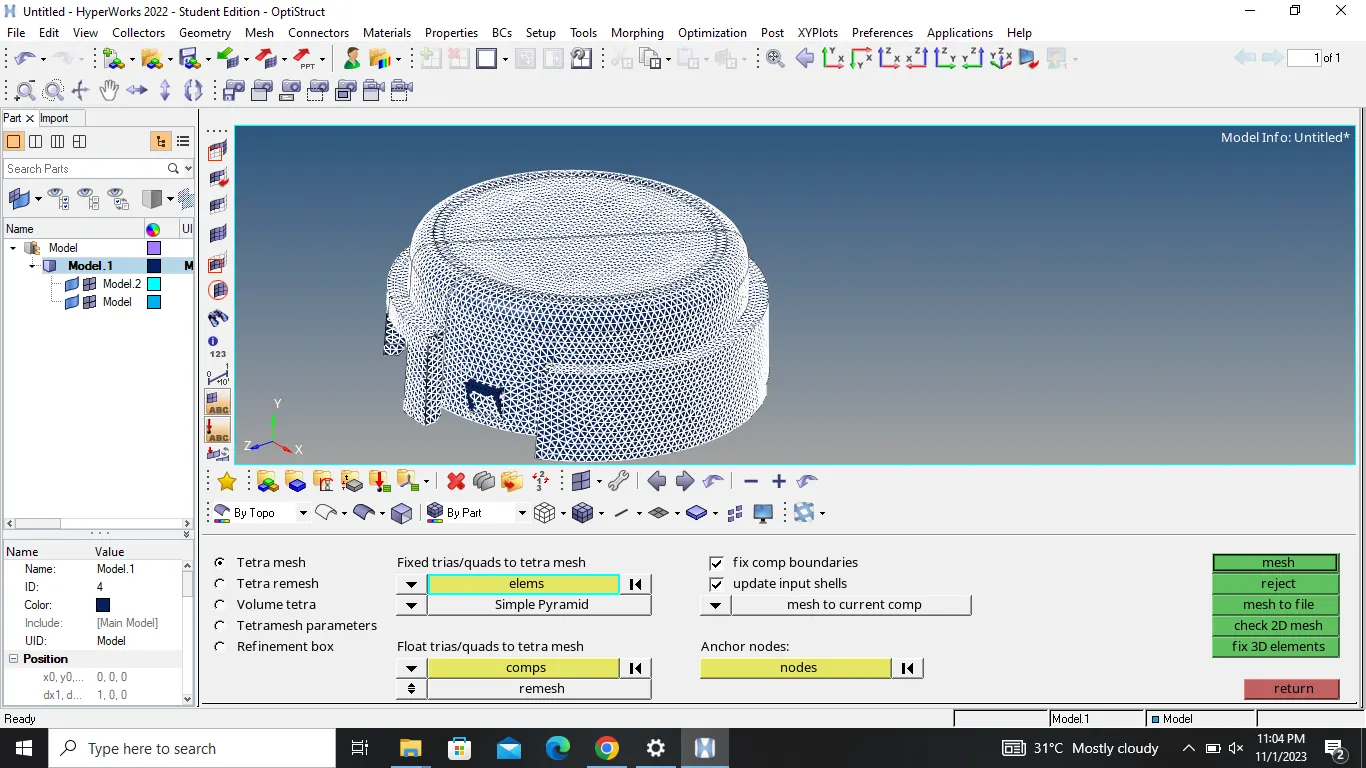
FOR MODEL 1:
OBJECTIVE :
to mesh the given geometry with 3D tetra elements
PROCEDURE :
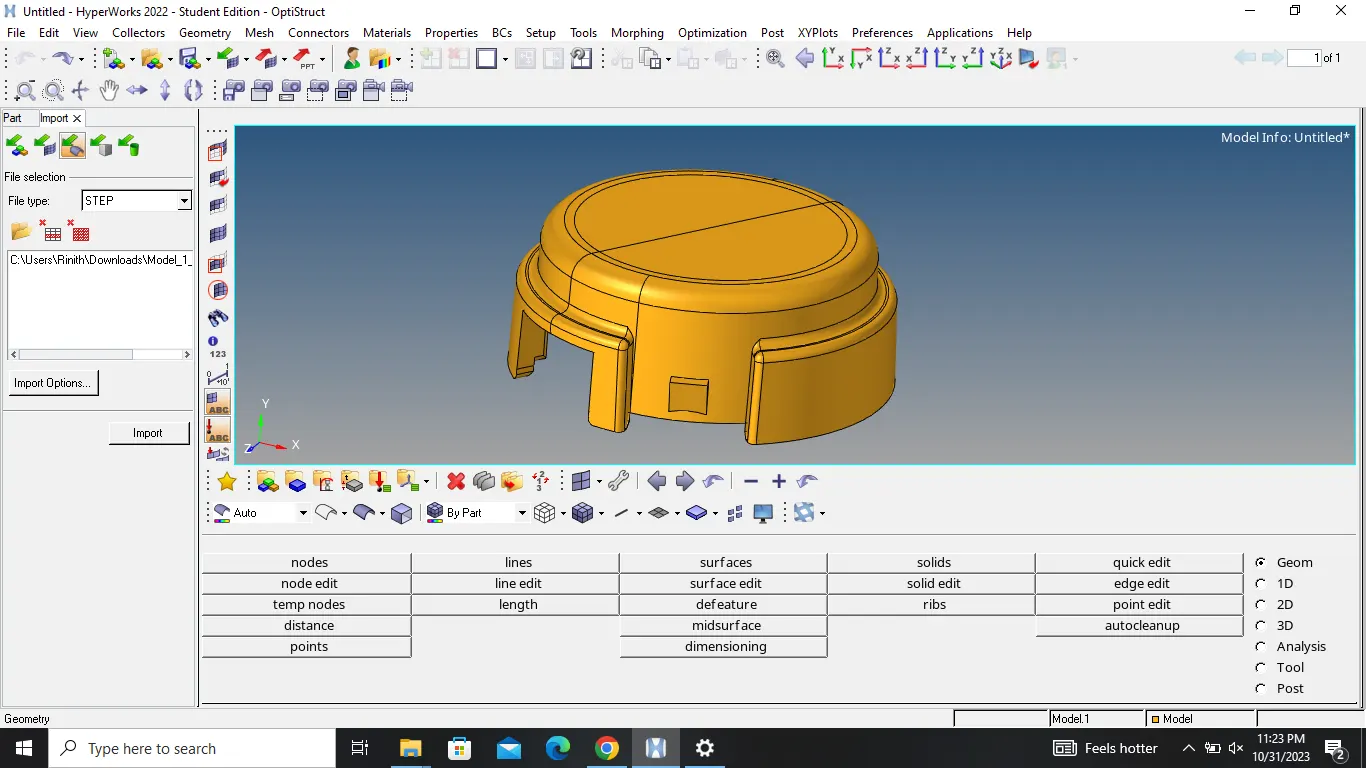
1) import the given geometry to the hypermesh window
2) delete the solid if you want
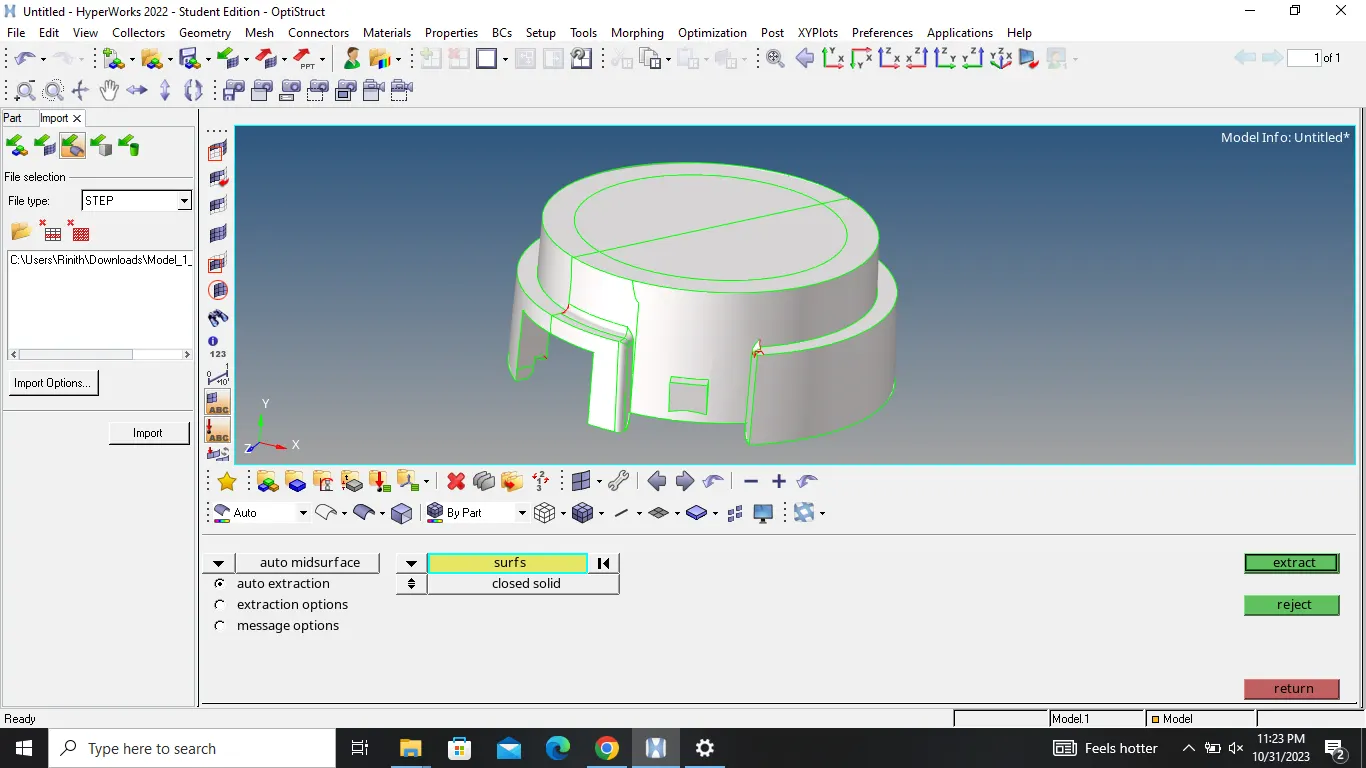
3) perform the geometry cleanup with the help of quick edit panel tools
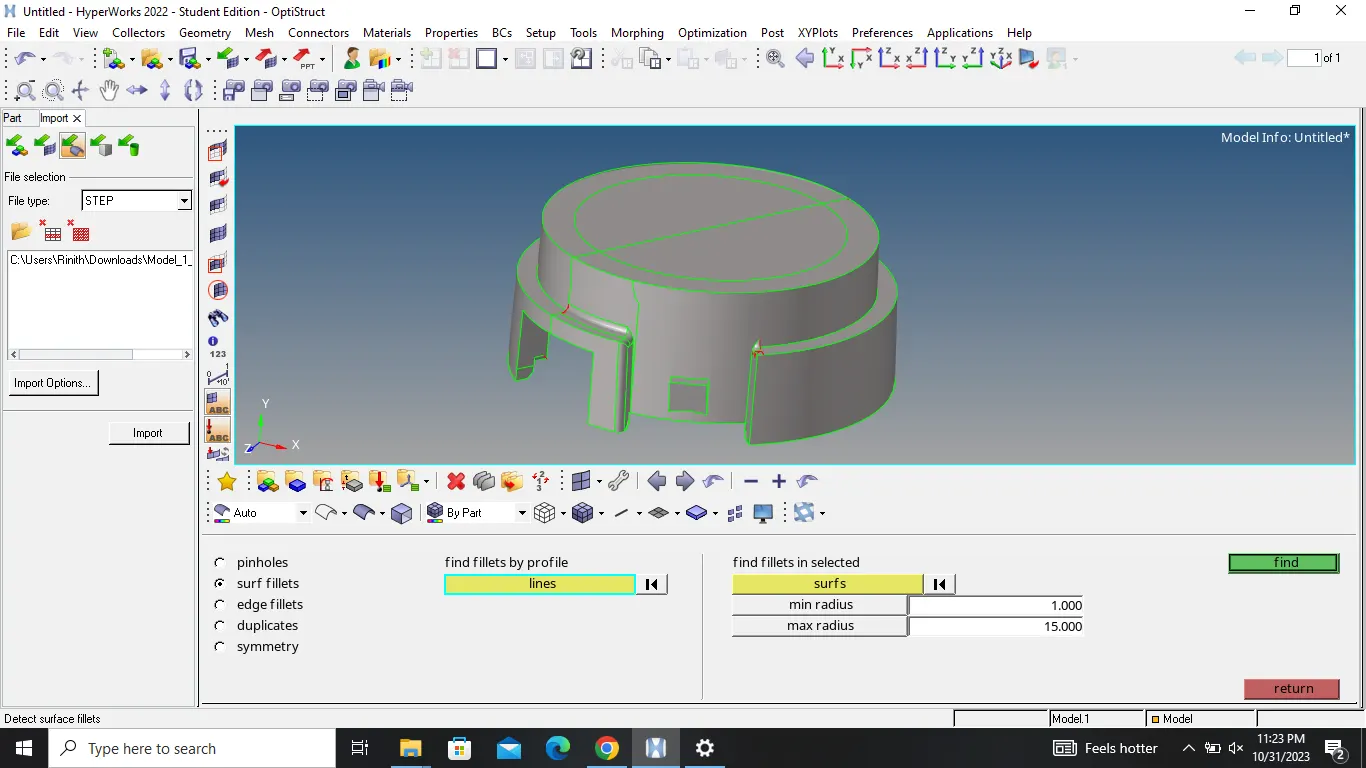
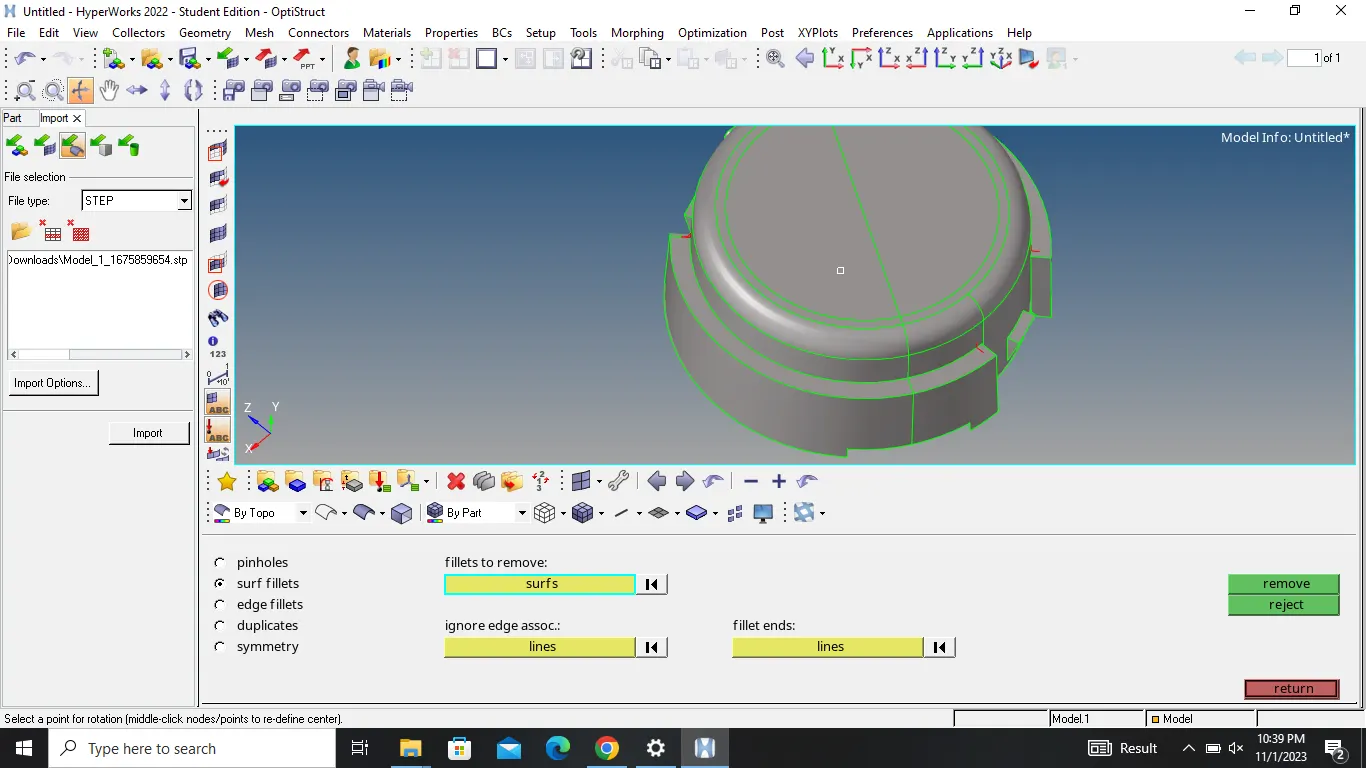
4) defeature the surface fillets and edge fillets which violate the minimum element length
5) go to 2D mesh panel and mesh the component with tria elements
6) go to tools and click for check elements option for quality check
7) afther the completion of quality check......go to 3D mesh panel
8) clicl tetramesh option and select the component
9) now mesh the model with 3D tetra elements
10) the given model is then subjected to 3D quality criteria
CONCLUSION :
the given model is successfully meshed with 3D tetra elements
FOR MODEL 2:
OBJECTIVE :
to mesh the given geometry with 3D tetra elements
PROCEDURE :
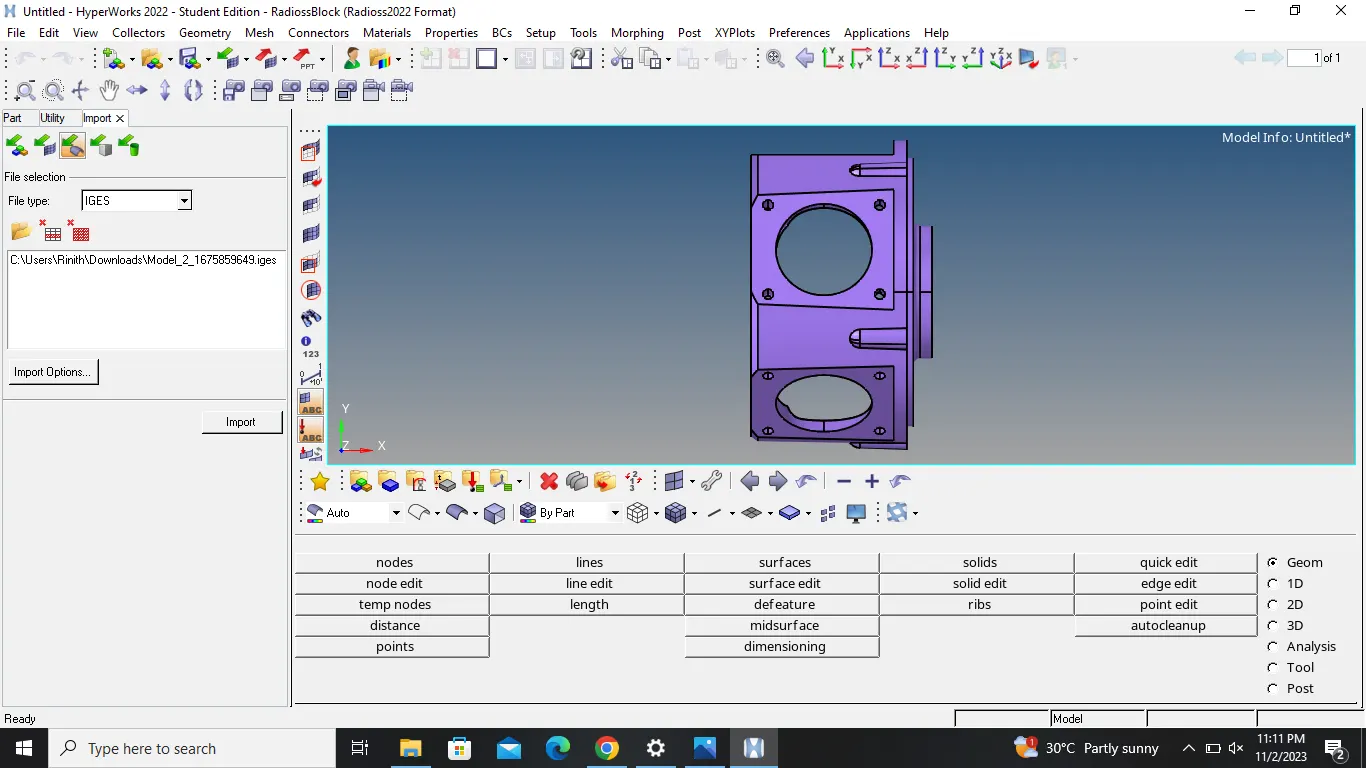
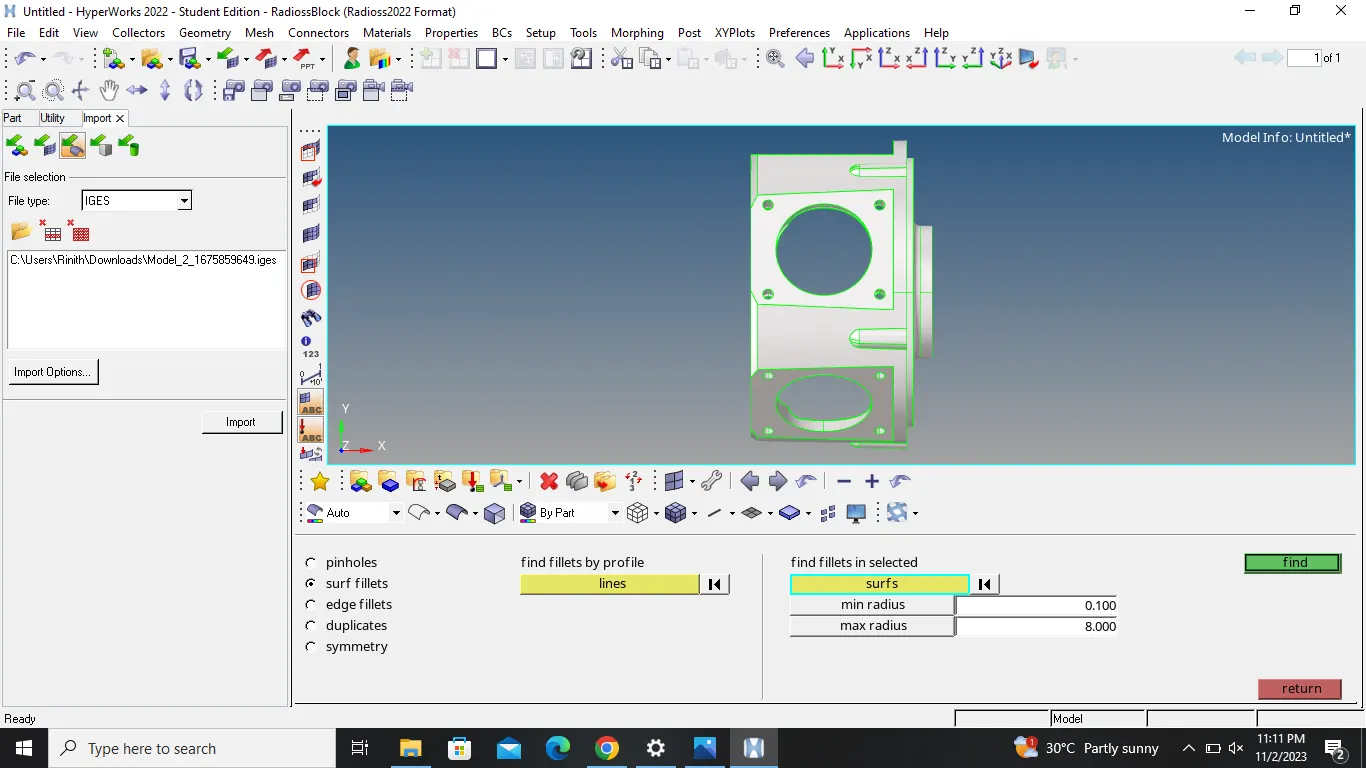
1) import the given geometry to the hypermesh window
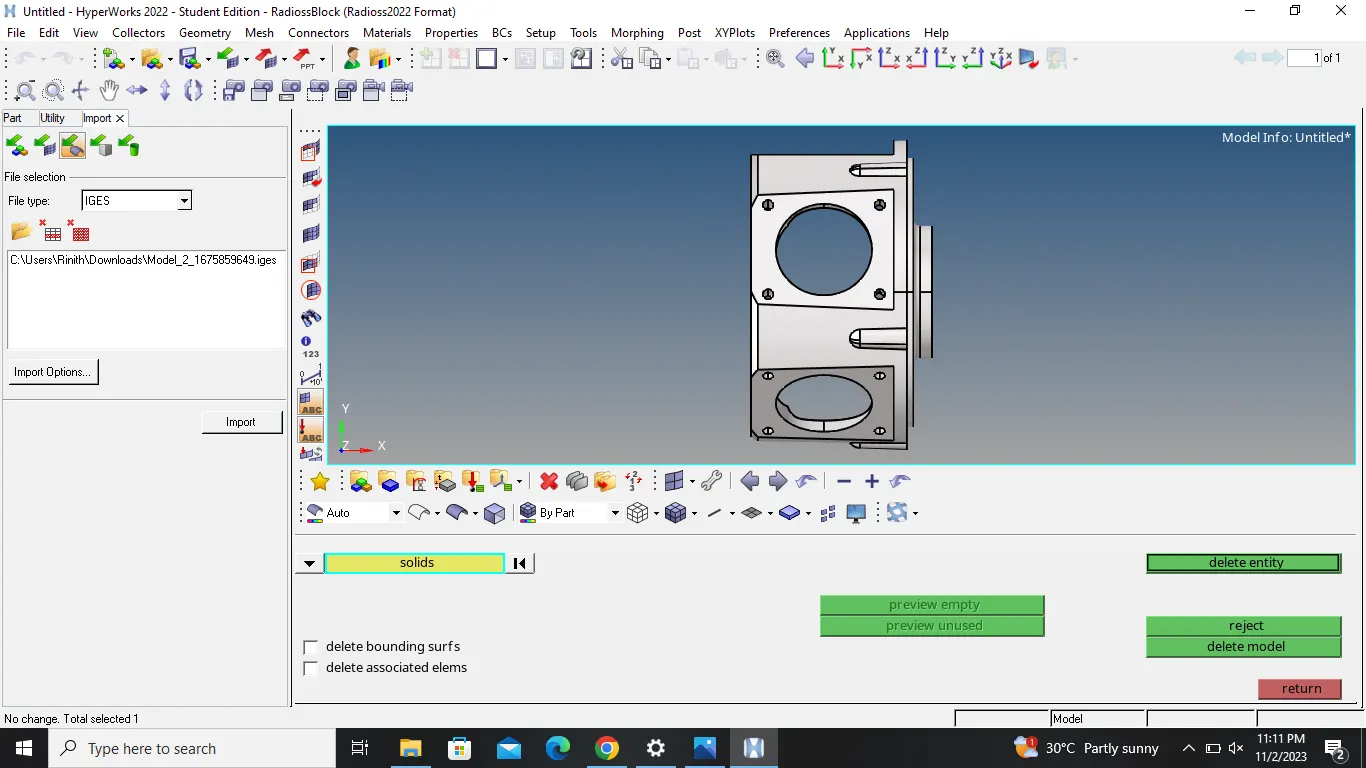
2) delete the solid if you want
3) perform the geometry cleanup with the help of quick edit panel tools
4) defeature the surface fillets and edge fillets which violate the minimum element length
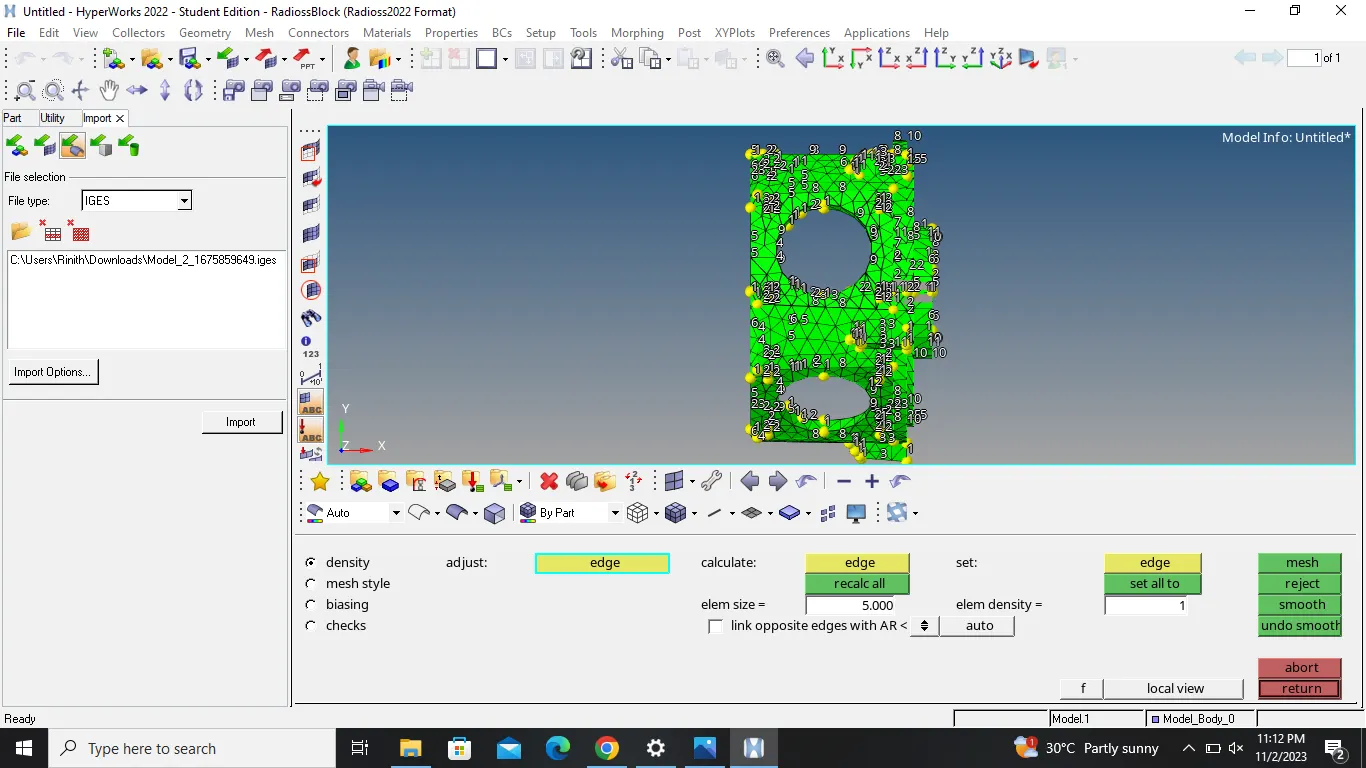
5) go to 2D mesh panel and mesh the component with tria elements
6) go to tools and click for check elements option for quality check
7) afther the completion of quality check......go to 3D mesh panel
8) clicl tetramesh option and select the component
9) now mesh the model with 3D tetra elements
10) if it throw error , go to view , then clickt hypermesh browser
11) select geometry mesh option
12) now select automesh and select the component
13) give the parameters and click mesh
14) the given model is then subjected to 3D quality criteria
CONCLUSION :
the given model is successfully meshed with 3D tetra elements
FOR MODEL 3:
OBJECTIVE :
to mesh the given geometry with 3D tetra elements
PROCEDURE :
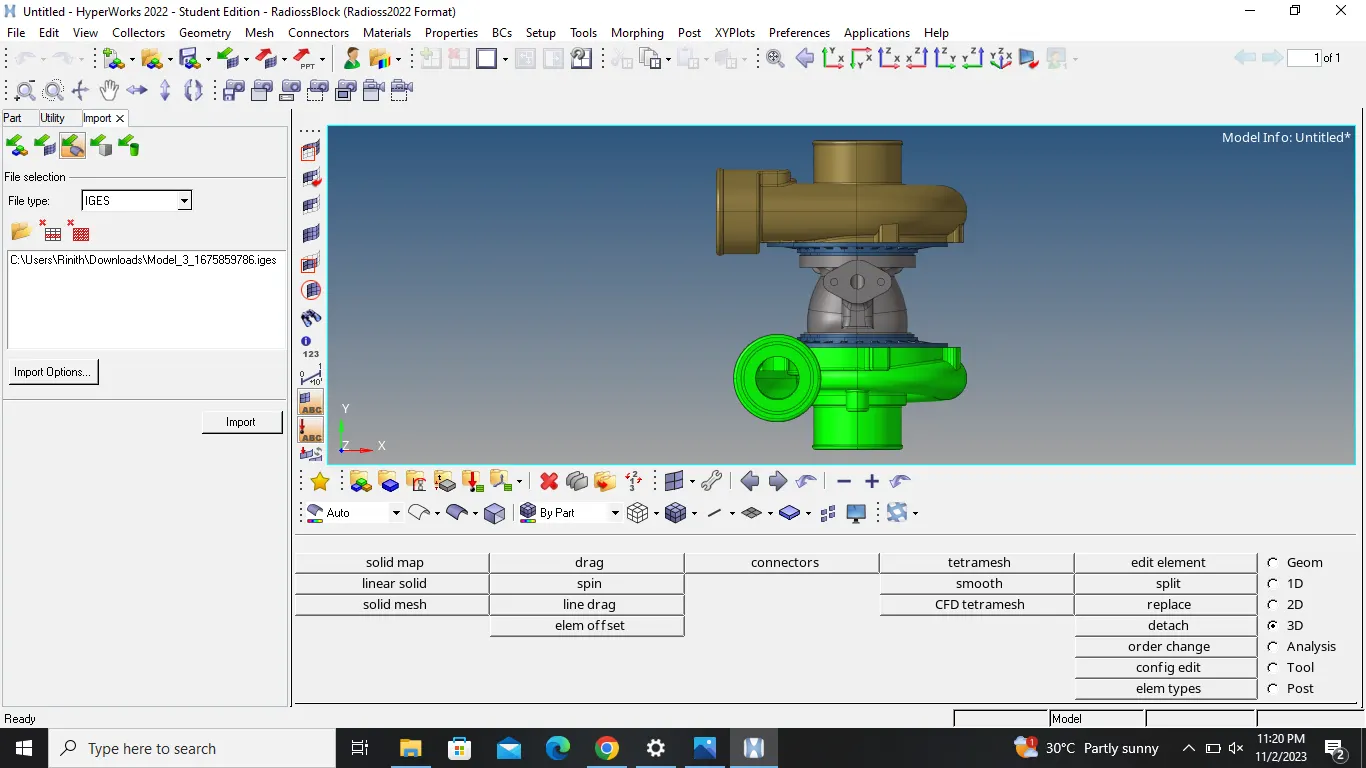
1) import the given geometry to the hypermesh window
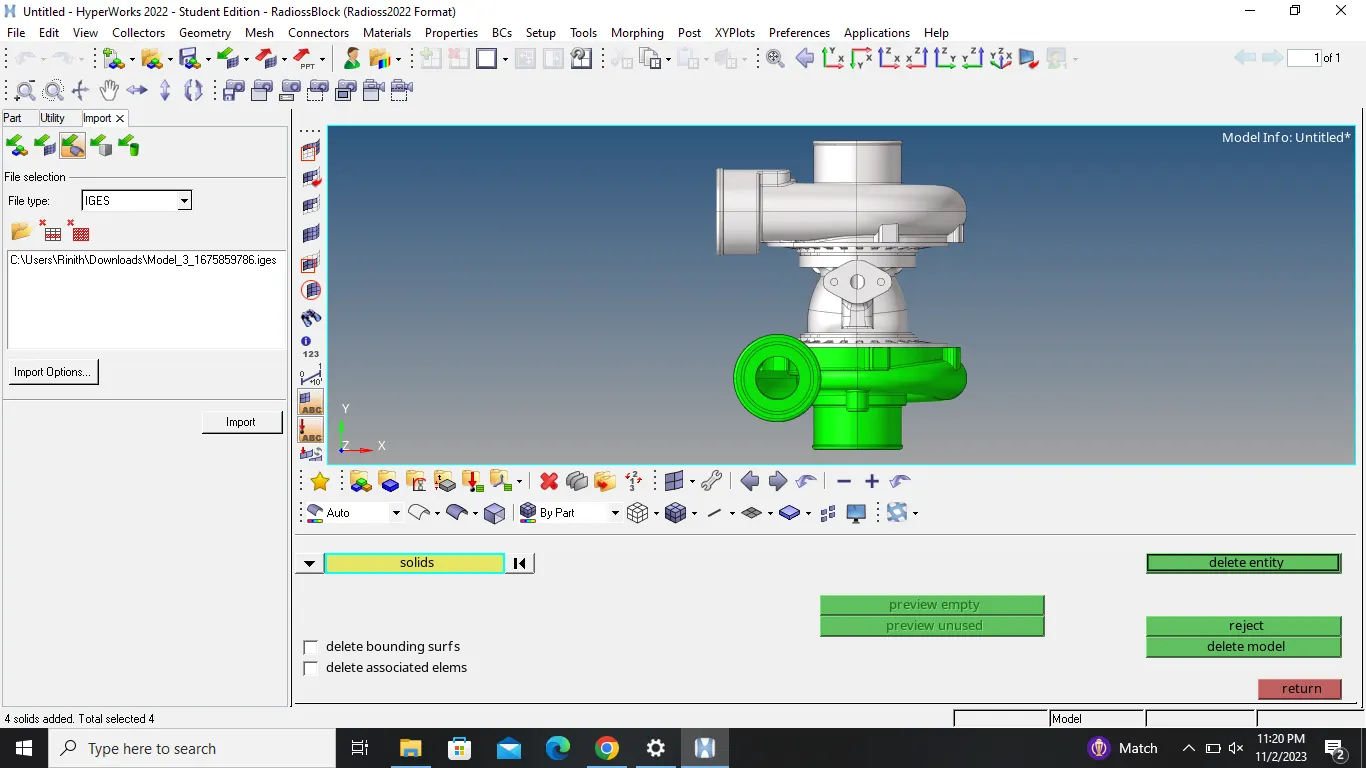
2) delete the solid if you want
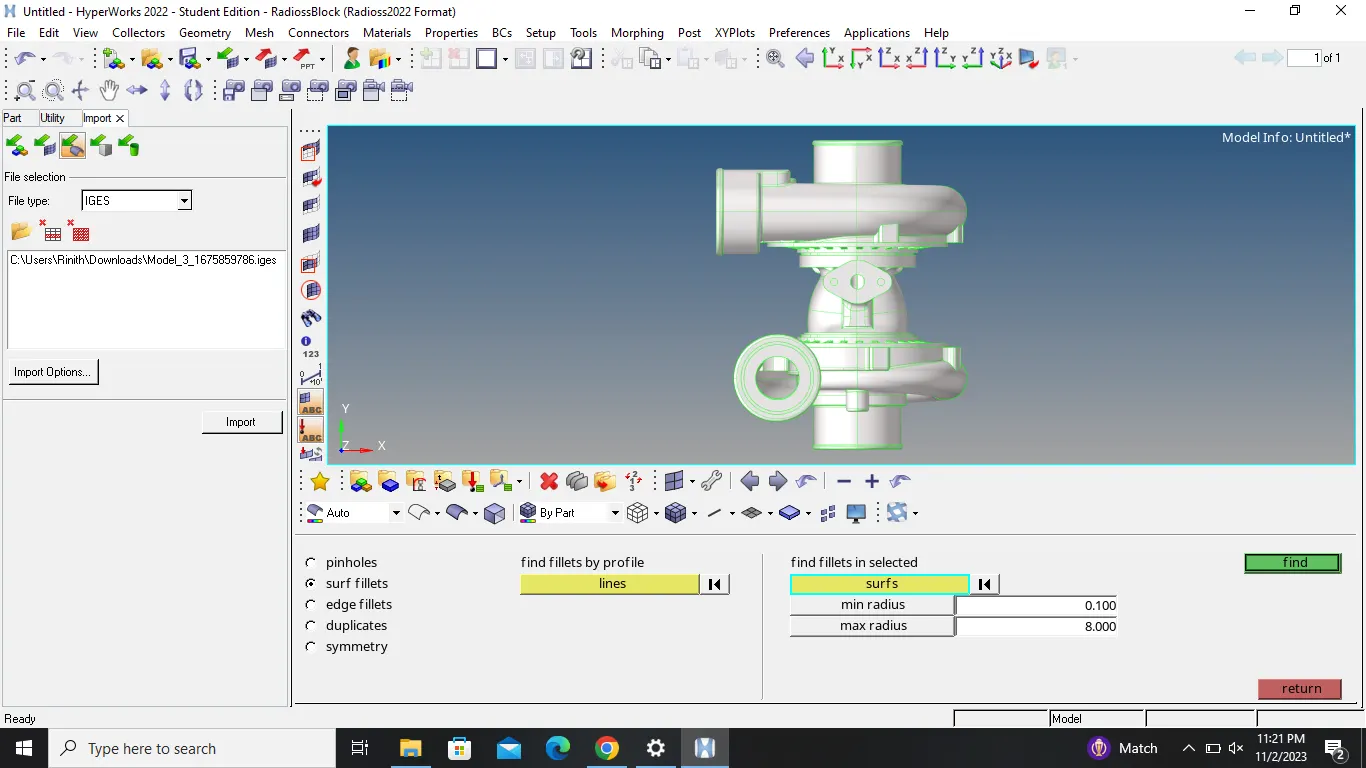
3) perform the geometry cleanup with the help of quick edit panel tools
4) defeature the surface fillets and edge fillets which violate the minimum element length
5) go to 2D mesh panel and mesh the component with tria elements
6) go to tools and click for check elements option for quality check
7) afther the completion of quality check......go to 3D mesh panel
8) clicl tetramesh option and select the component
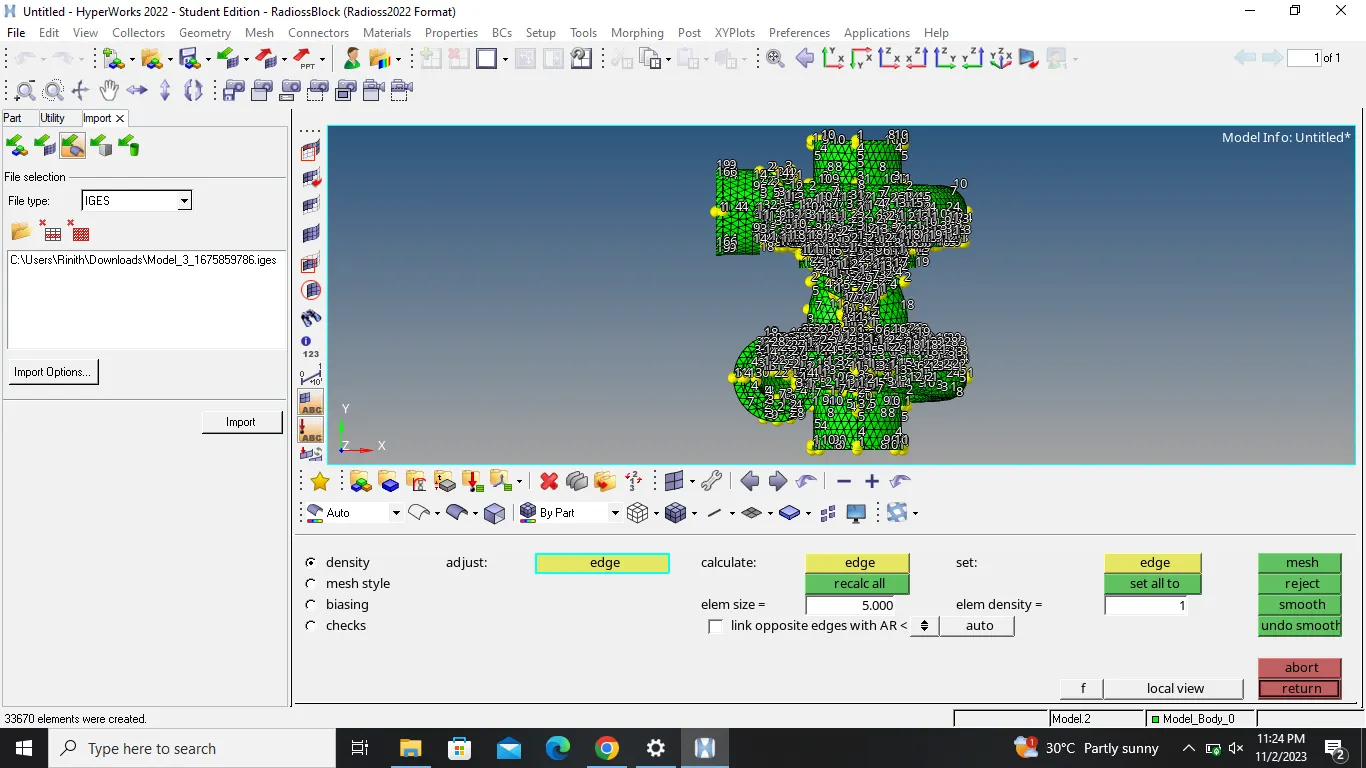
9) now mesh the model with 3D tetra elements
10) if it throw error , go to view , then clickt hypermesh browser
11) select geometry mesh option
12) now select automesh and select the component
13) give the parameters and click mesh
14) the given model is then subjected to 3D quality criteria
15) just keep in mind , this is an assembly model , so hide the remaining components and display only single component for the mesh to be easier
CONCLUSION :
the given model is successfully meshed with 3D tetra elements