Week 6-3D Tetra Meshing Challenge
- For the given MODEL 1, Create a Teramesh for Housing component with the following quality criteria.
TetraMesh Generation Method: 2D to 3D Conversion
Elements sizes: Min- 2 Units, Target- 5 Units, Max- 7 Units
Tet collapse: 0.15
MODEL-1 :
- Import the model given and work on it.
- Improve the Geometric errors if there are any.
- Check for the different components and work on them separately.
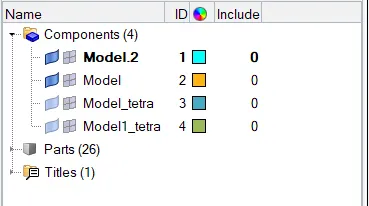
- I chose model 2 to work on first.
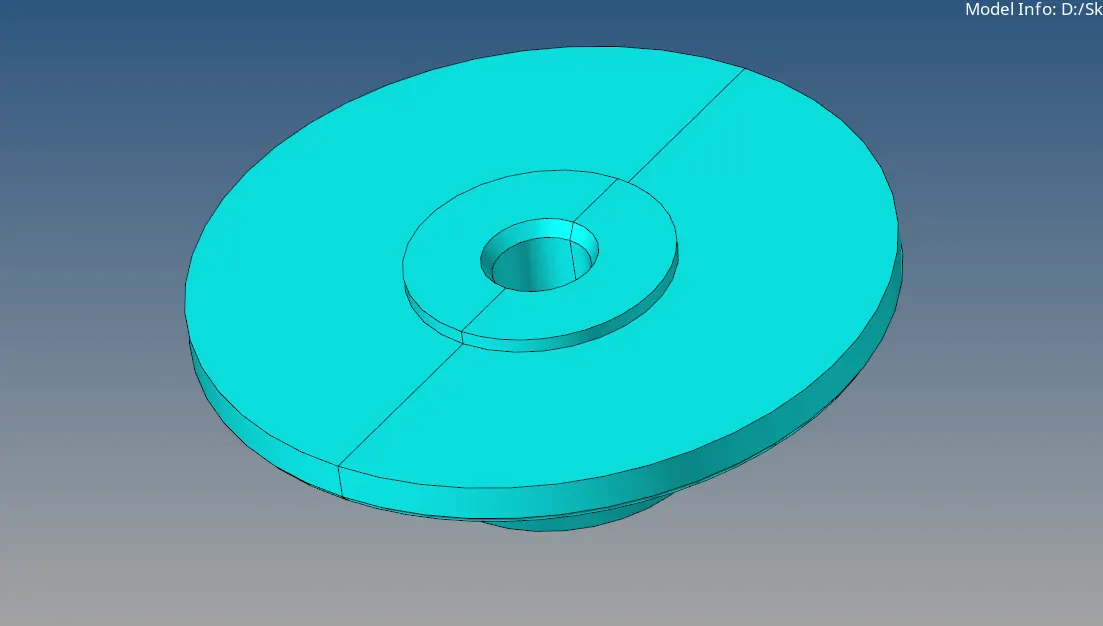
- First, we need to work on the outer part of the component for the 2D mesh.
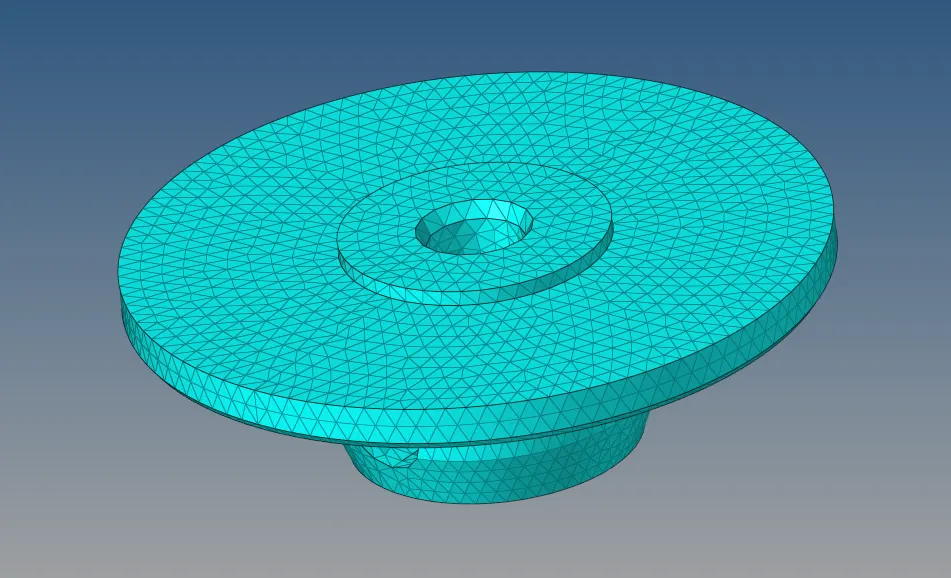
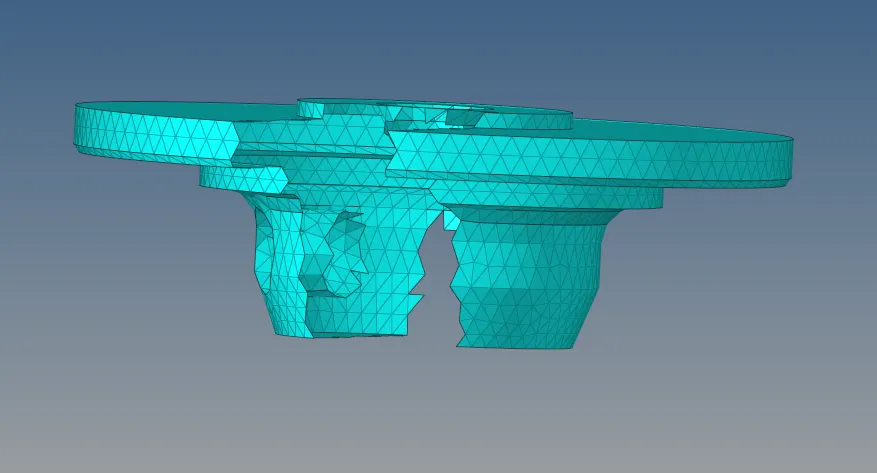
- Use 2D mesh >> Automesh option to mesh.

- After completing the 2D mesh and rectifying all errors in min and max length we can move to the 3D mesh.
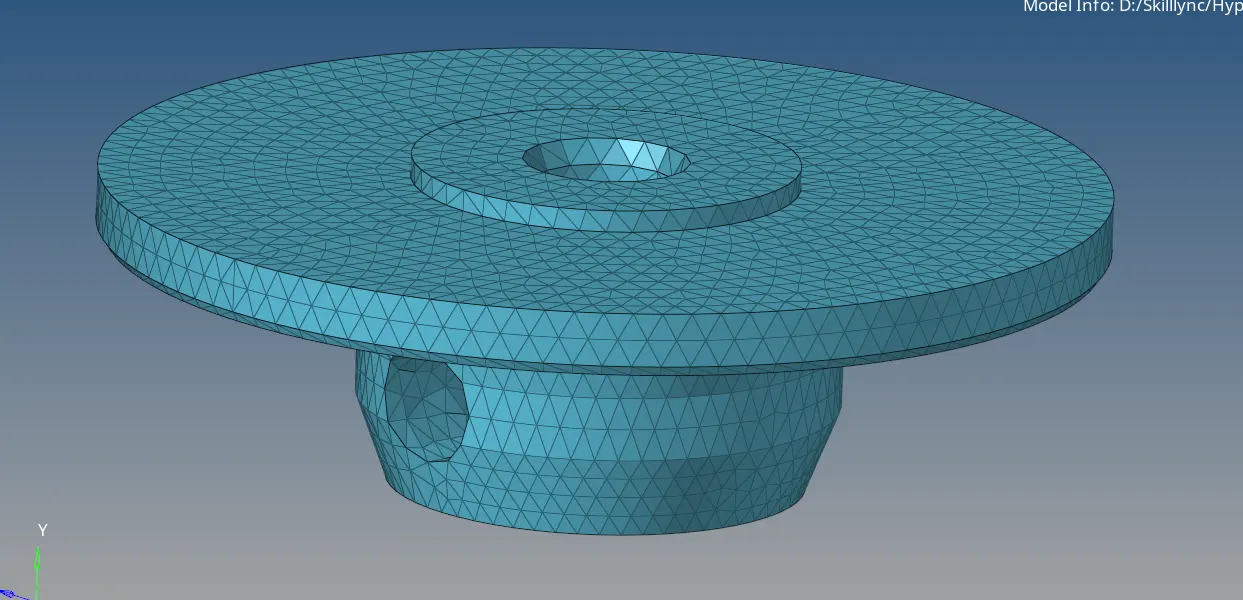
- Using 3D >> Tetra mesh we can mesh the component.

- After meshing check for the tetra collapse using F10.

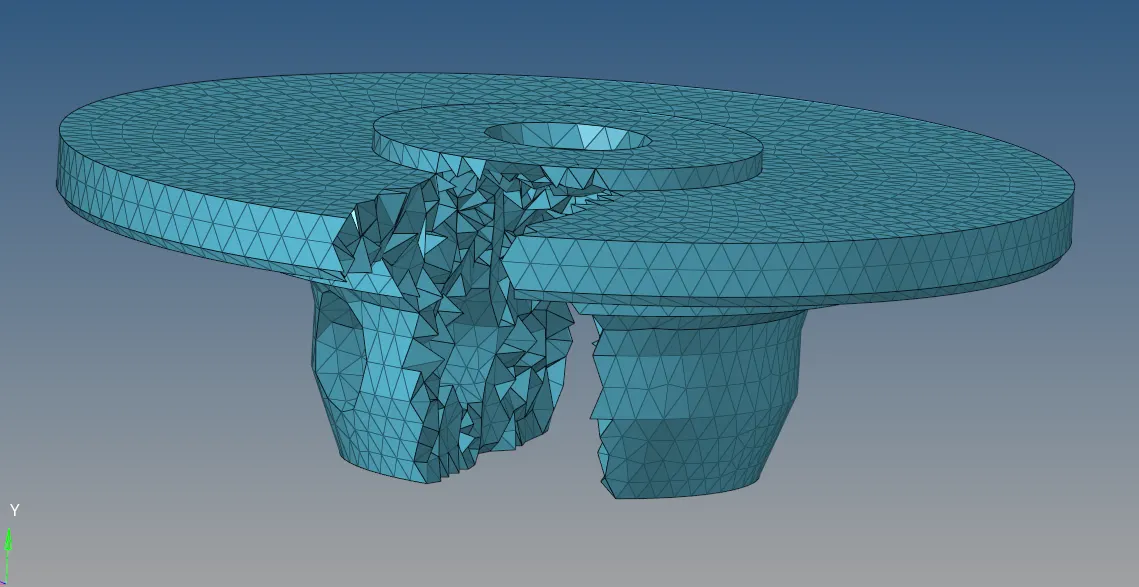
- Follow the same process for the second component.
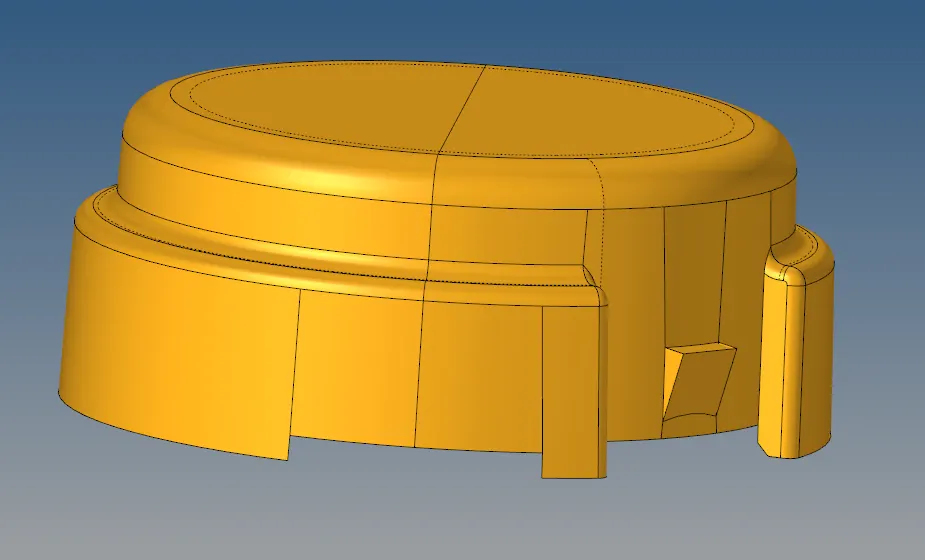
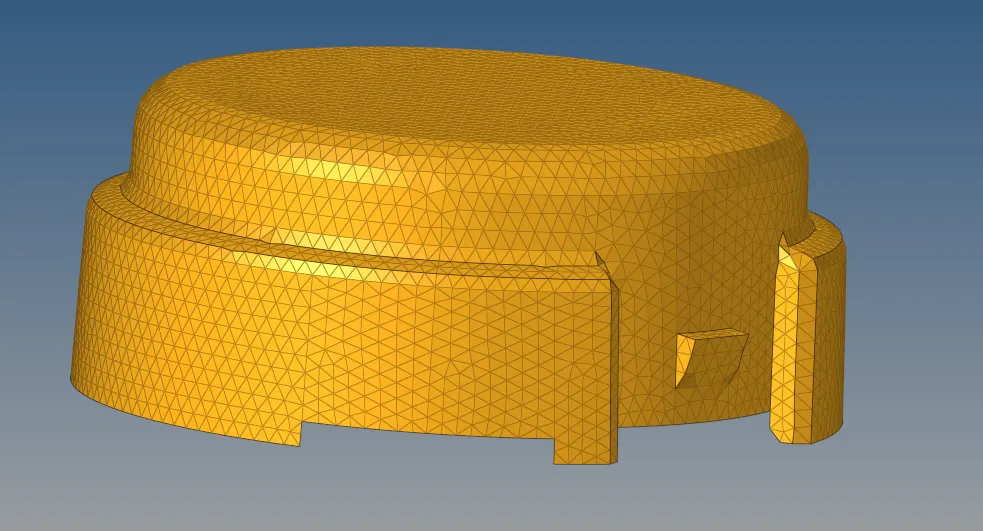
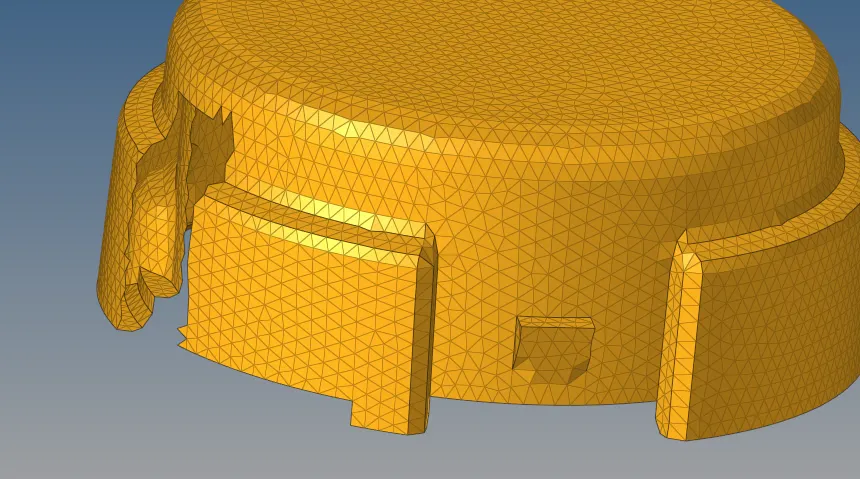
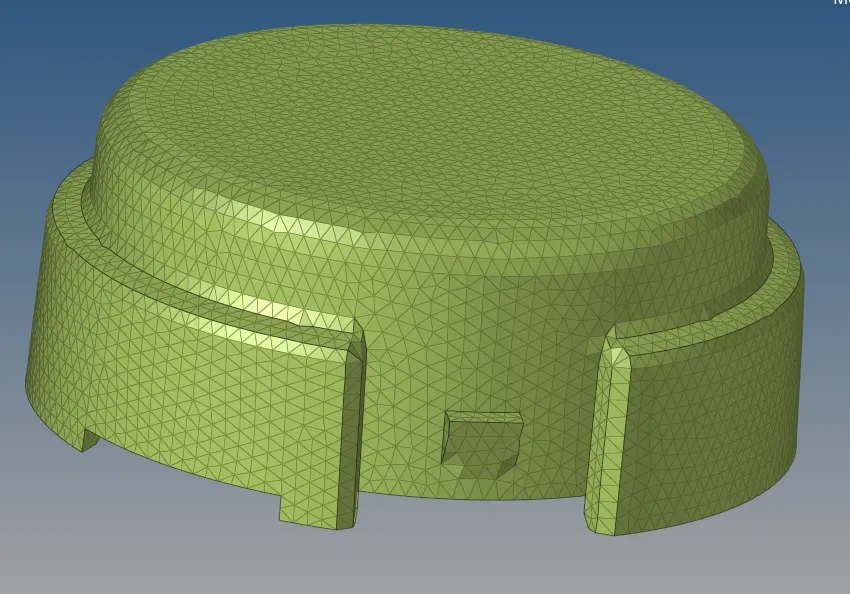
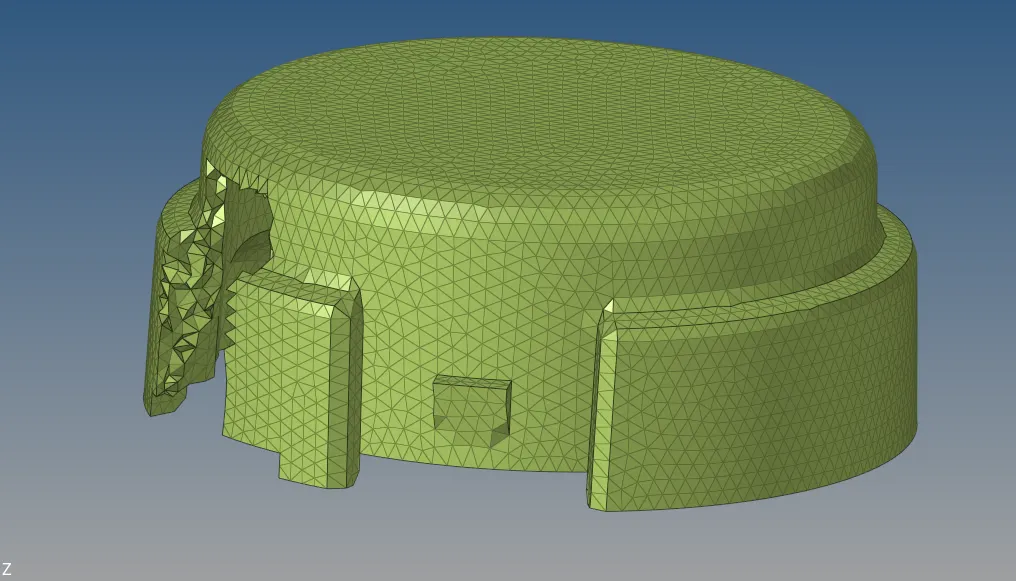
MOEDEL-2:
- For the given MODEL 2, Create a 3D Tetramesh with the following quality criteria.
TetraMesh Generation Method: Quick Tetra Mesh/ Volume Tetra Mesh
Target Element size: 3 Units.
Tet Collapse: 0.15
- Import the model given and work on it.
- Delete the solids first
- Improve the Geometric errors if there are any.
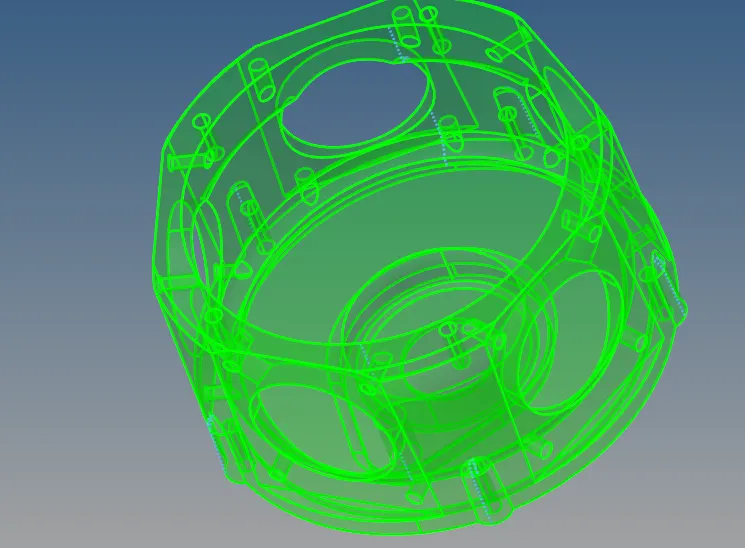
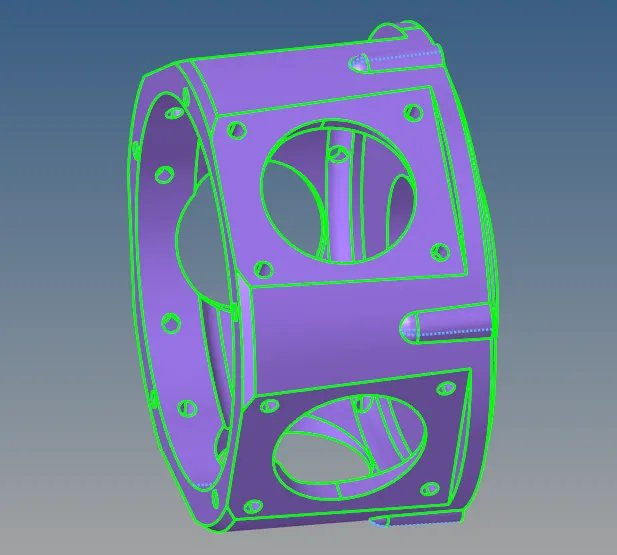
- After improving the geometry, use the Geom>>Solids>>Bounding surface to convert the surface into solids to use the volume mesh.


- After creating the solids we can proceed with the volume tetra meshing using 3D>>Tetra mesh>> Volume tetra.
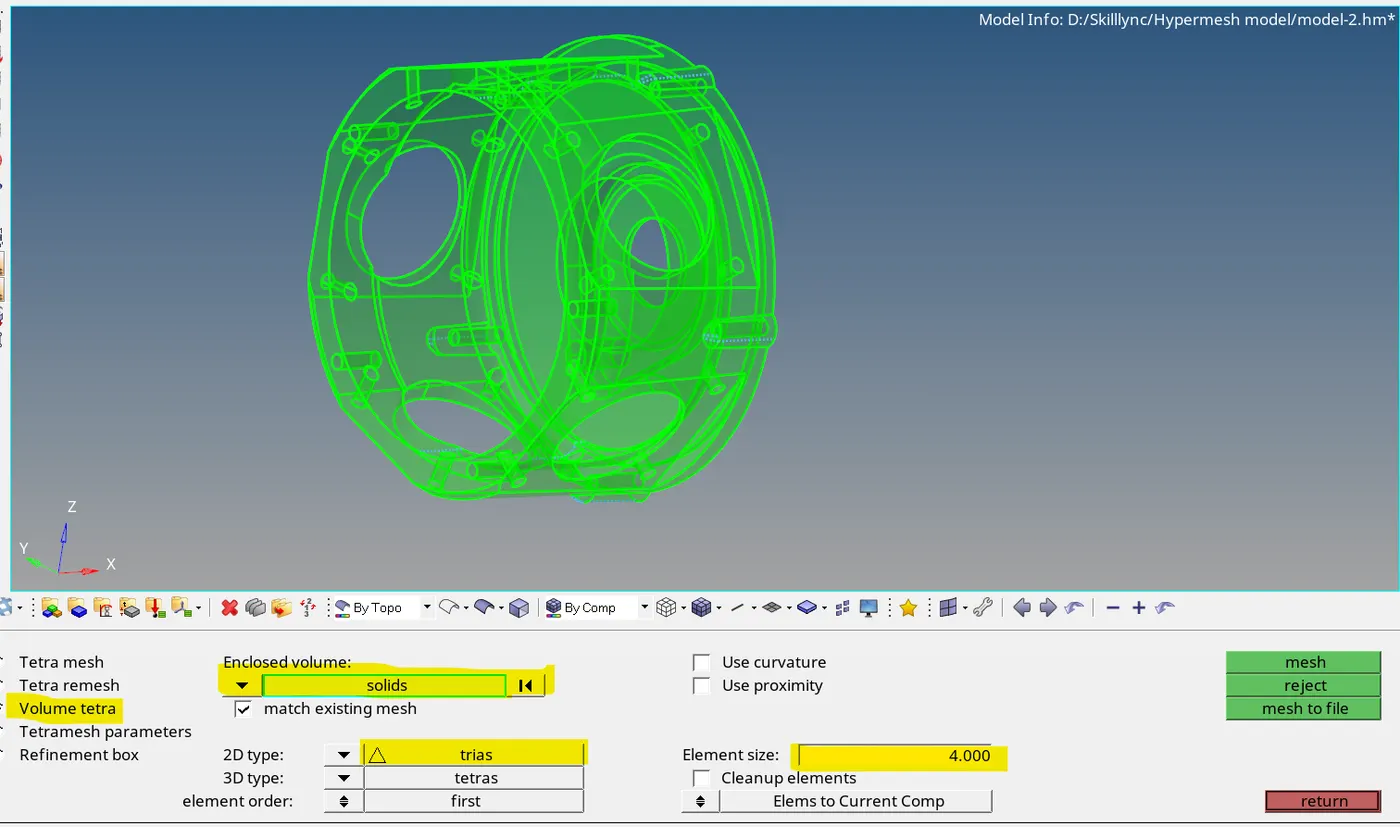
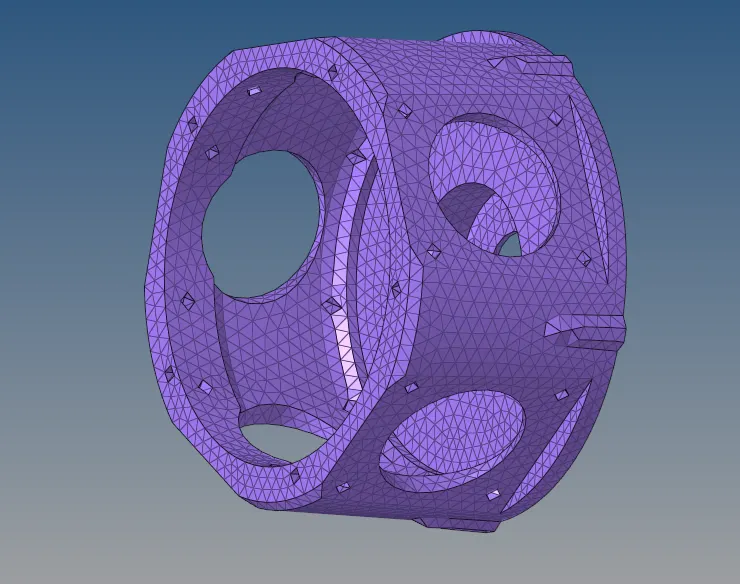
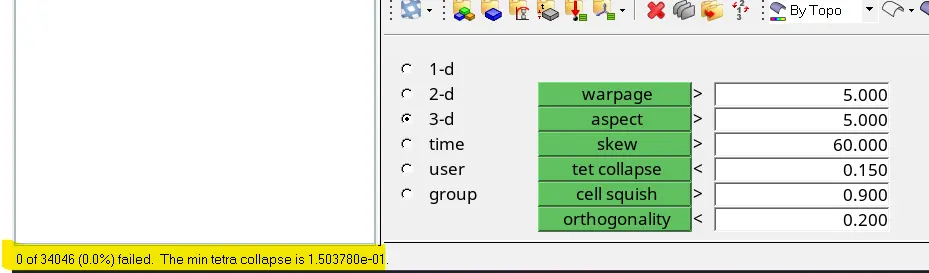
- After completing the Meshing check for the tetra collapse.
MODEL-3:
- For the given assembly MODEL 3, Create a 3D Tetramesh with the following quality criteria.
TetraMesh Generation Method: Quick Tetra Mesh/ Volume Tetra Mesh
Target Element size: 4 Units.
Tet Collapse: 0.15
- Import the model given and work on it.
- Delete the solids first
- Improve the Geometric errors if there are any.
- Check for the different components and work on them separately.
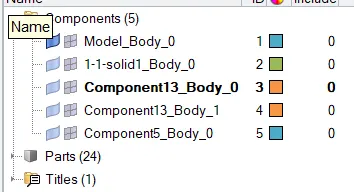
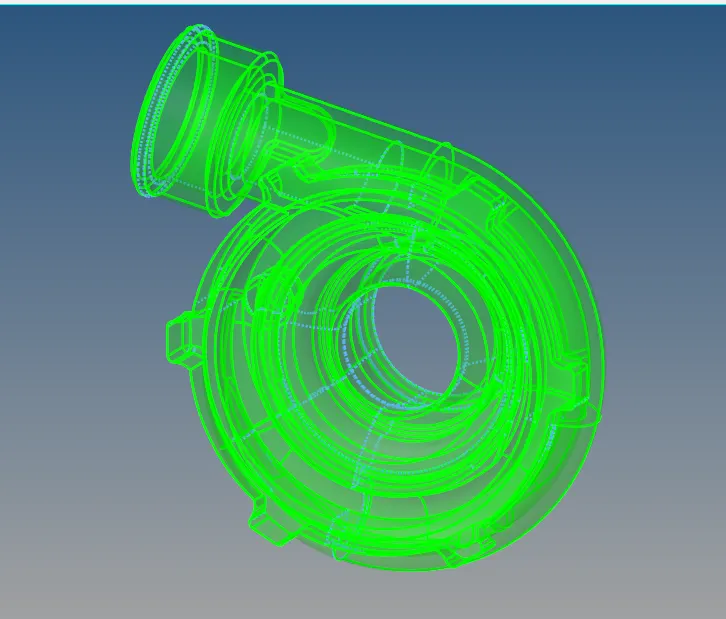
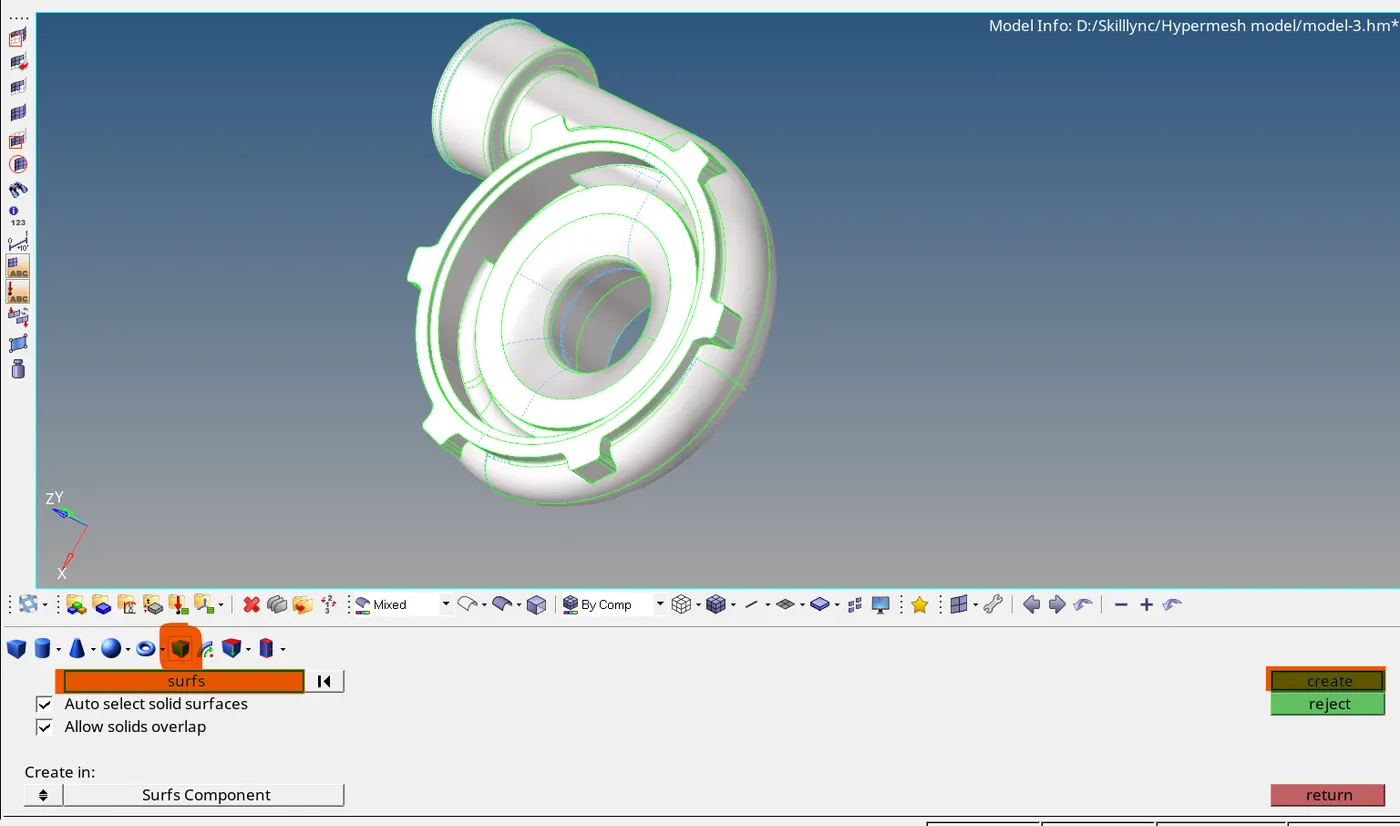
- After improving the geometry, use the Geom>>Solids>>Bounding surface to convert the surface into solids to use the volume mesh.
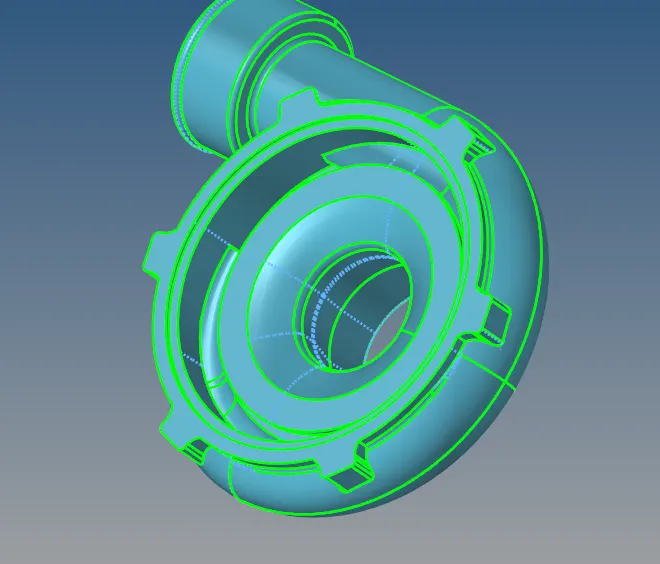
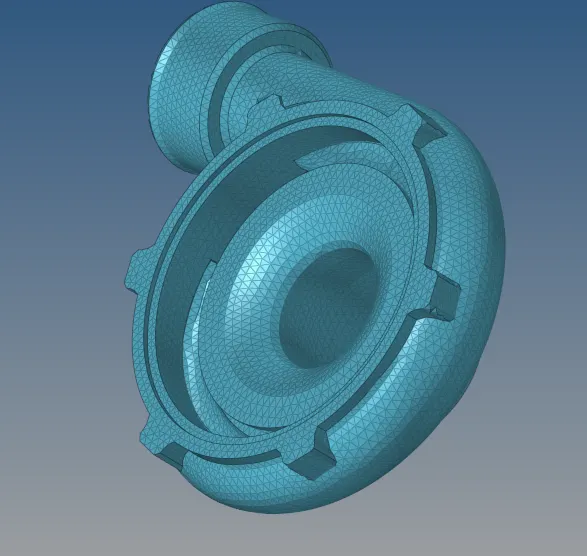
- After completing the Meshing check for the tetra collapse.
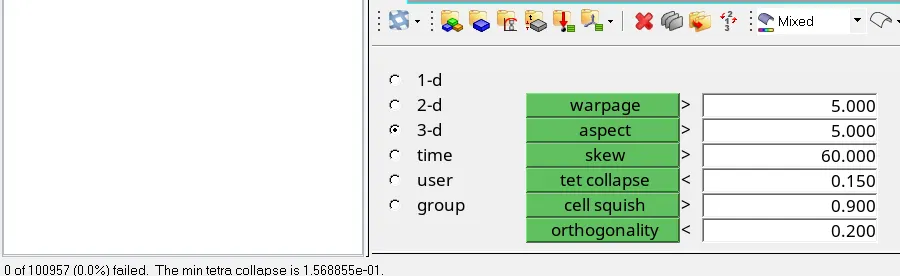
- Follow the same process With the Remaining components.
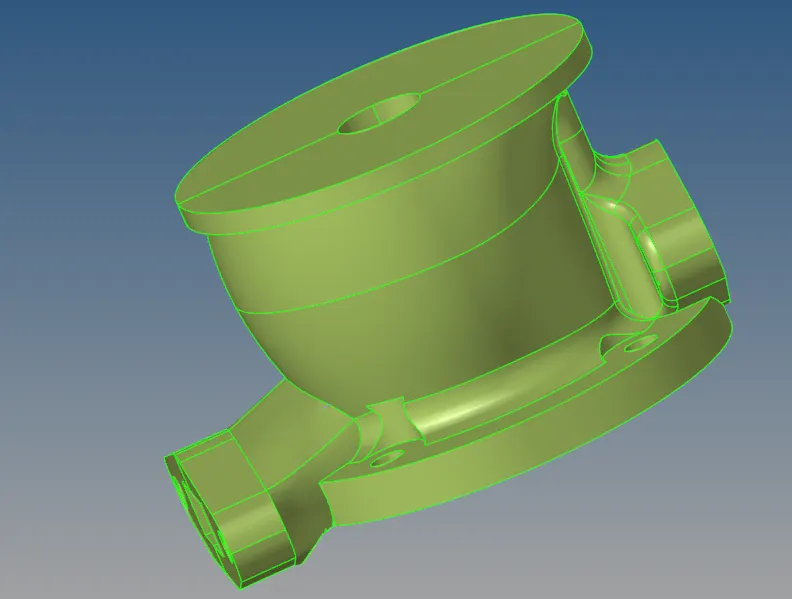
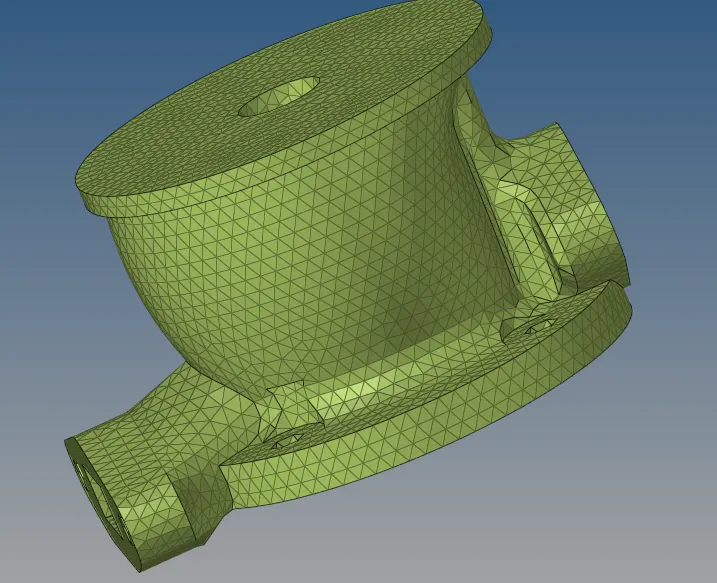
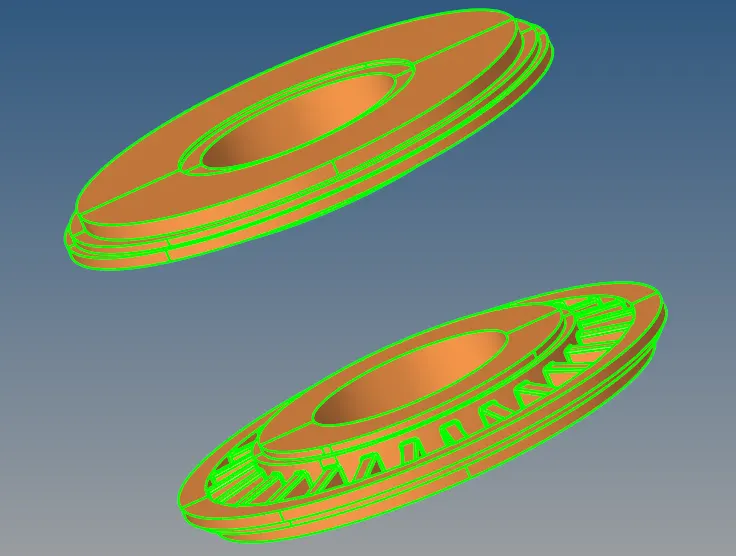
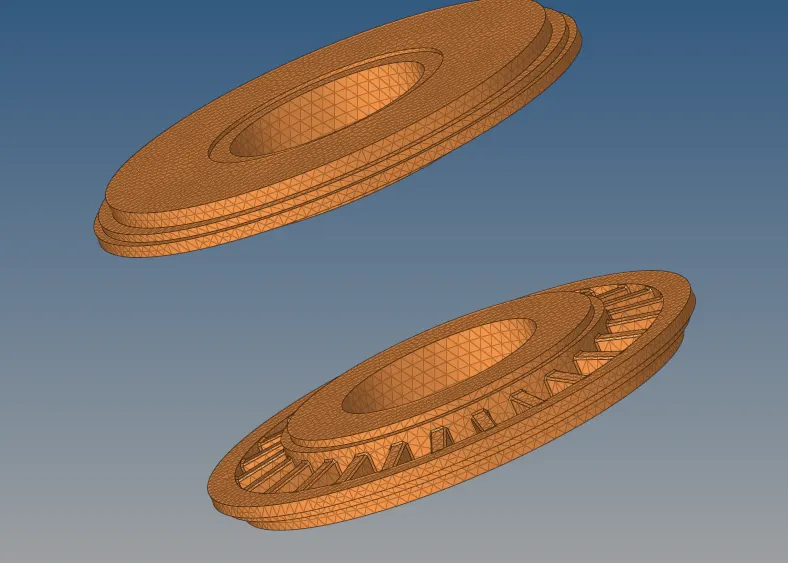
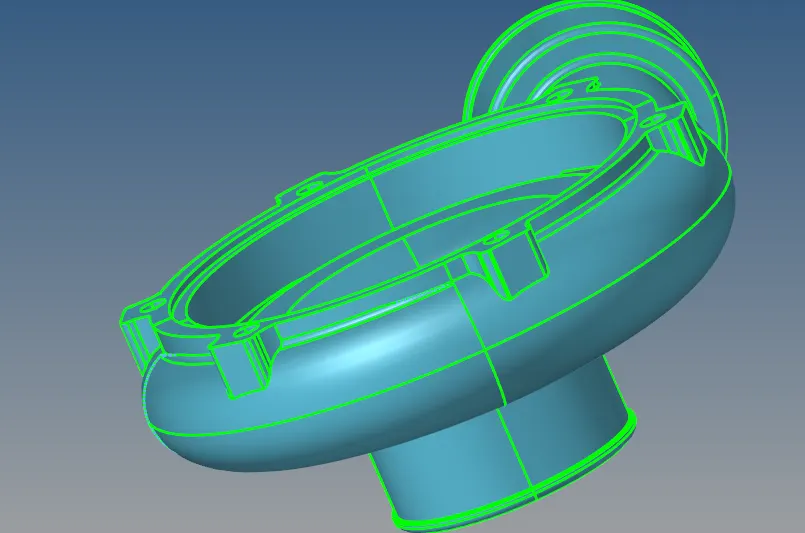
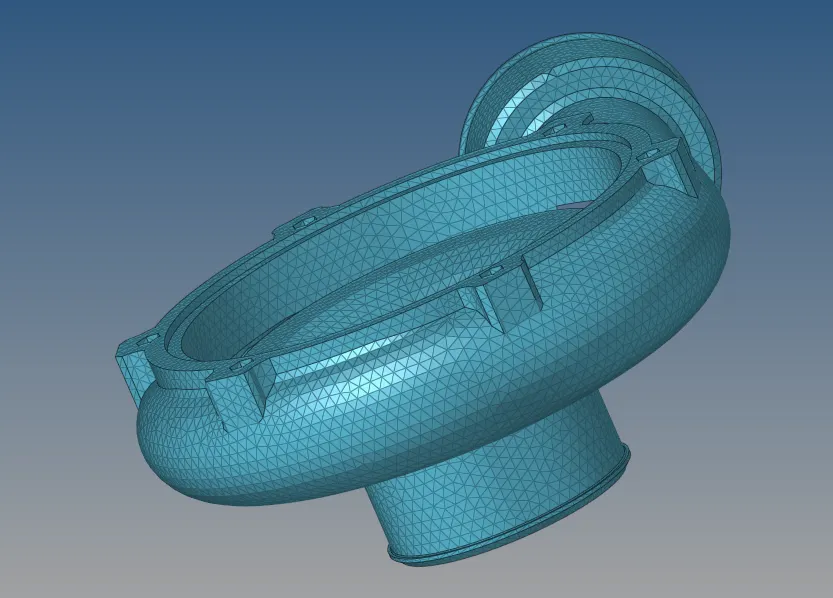
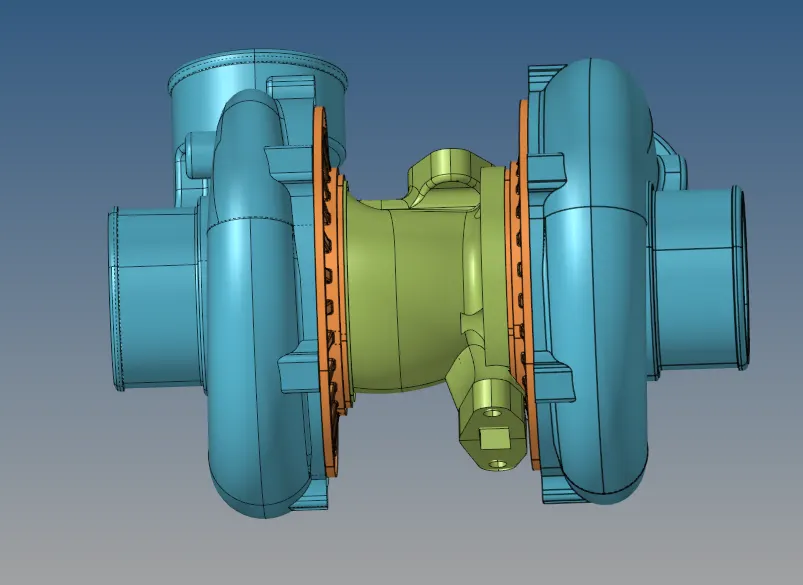
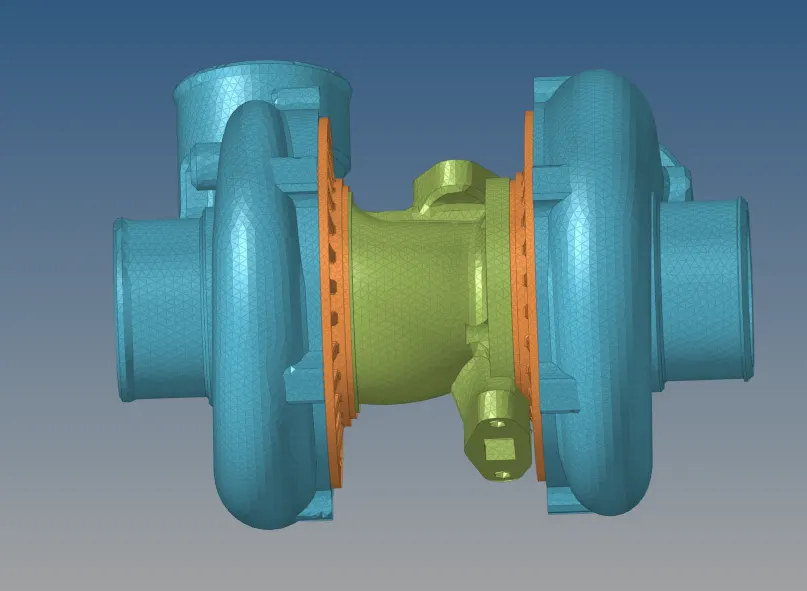
Hence obtained the tetra mesh to the given models with less than 1% tetra collapse error.
Drive files
https://drive.google.com/file/d/15a3qkUv8KXRn3uS04uGO16qDg8HWHJdm/view?usp=sharing
...