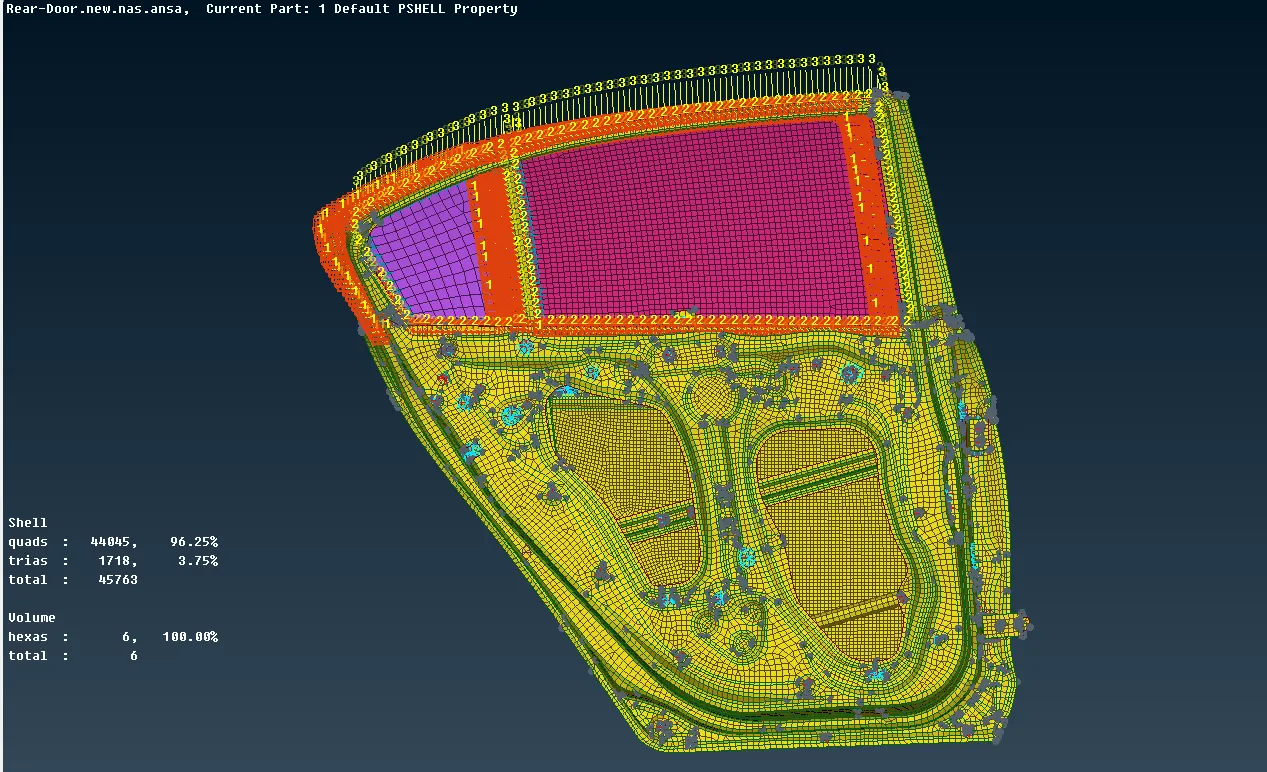
Providing required connections for rear door component using ANSA
https://drive.google.com/drive/folders/1i547QqjzuKCZ0yiCFAw-IoBH3eUlEbm7?usp=sharing
Aim : making the required connections for the given rear door component.
Procedure:
- Importing the rear door model, as the given model is .nas file the importing file as been done as shown in the below image.
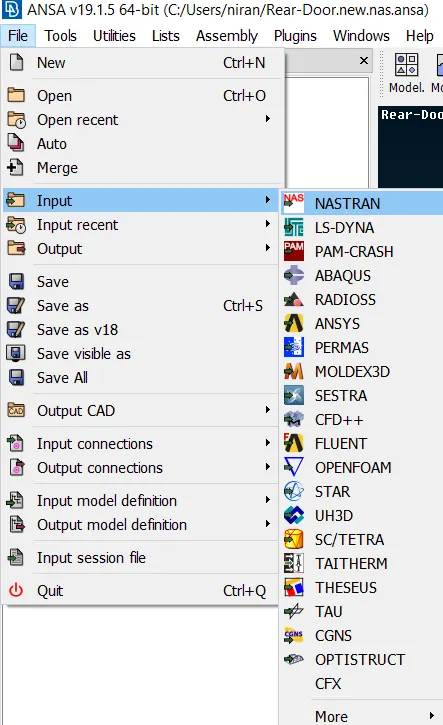
- As the given model is already meshed model so we just need to do the connections
- There are different type of connections available like RBE2, RBE3, CBAR, CBEAM, CBUSH, CONMI, SPOT WELD, SEAM WELD, etc., and surfaces are connected according to the requirement.
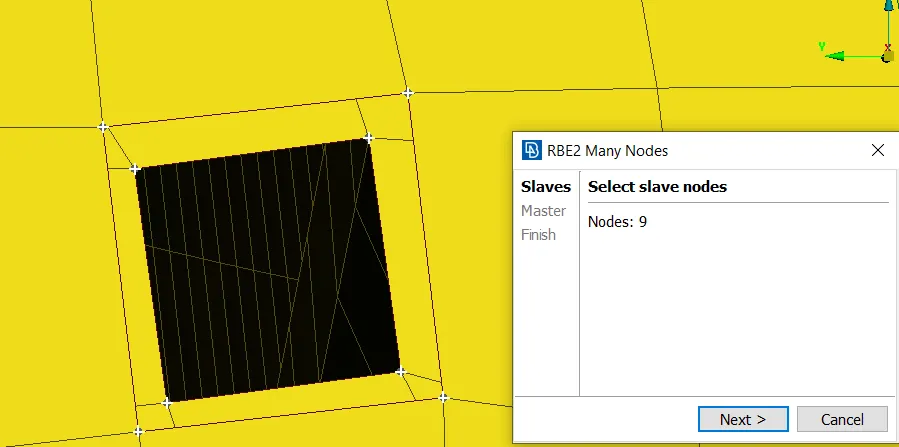
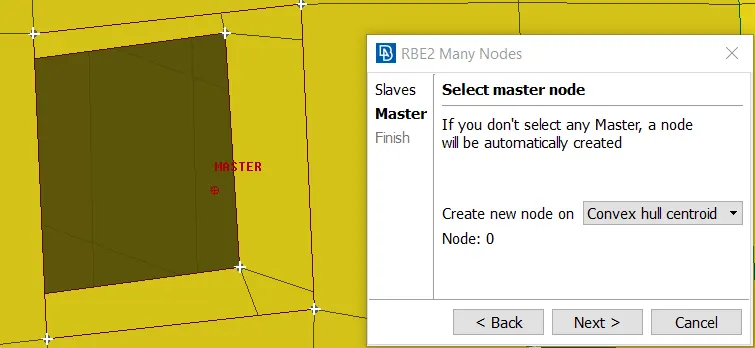
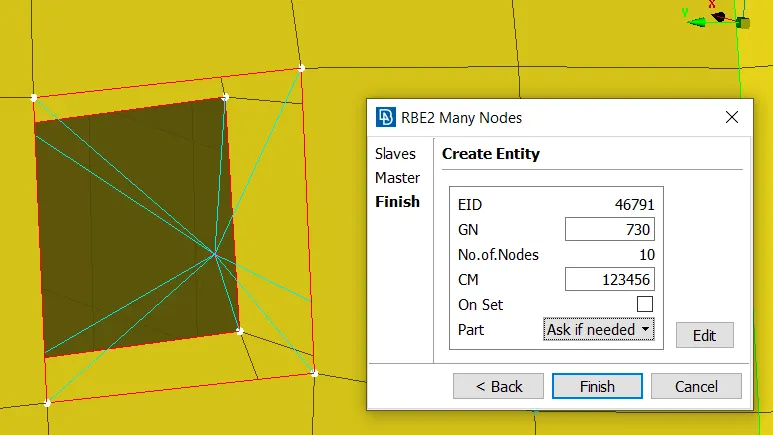
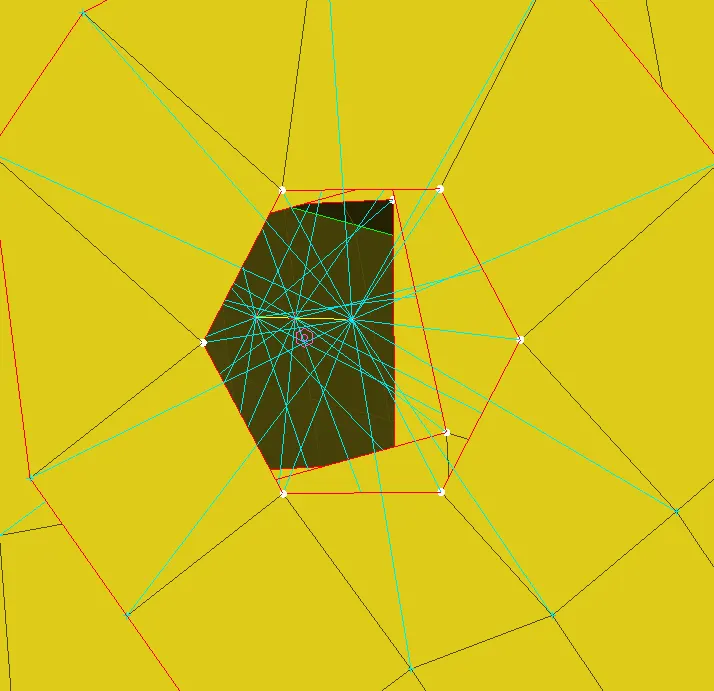
- For bolt connection representation there are mainly two ways we can represent first is using Nastran > elements > RBE2 > many nodes > selecting the slave nodes > automatically master node is created according to the convex hull centroid > it gives the details of element id, master id, number of nodes, degrees of freedom > after checking the all values and entered finish.
- Another way of representing the bolt is creating the COG using the on COG > edges > selecting the edges. After creating COG converting 3D points to bolt > connection selection assistant > selecting on the 3d point of bolt and middle click > selecting the P1, P2, P3 > FE Rep type to bolt > giving the search distance and zones as in/out > applying and realizing.
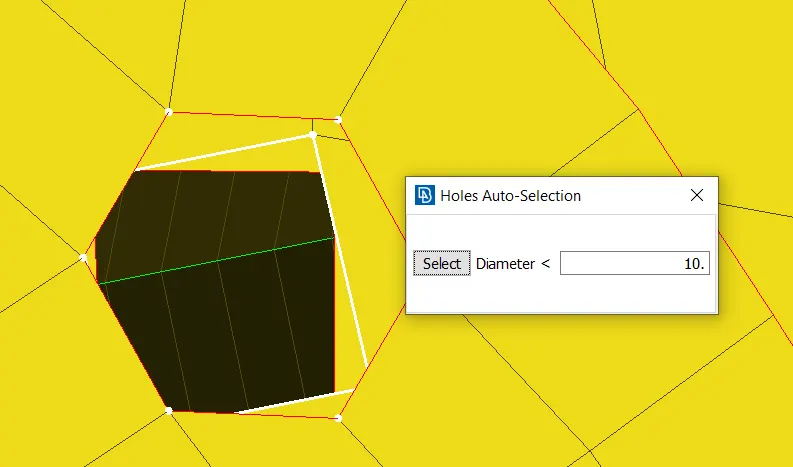
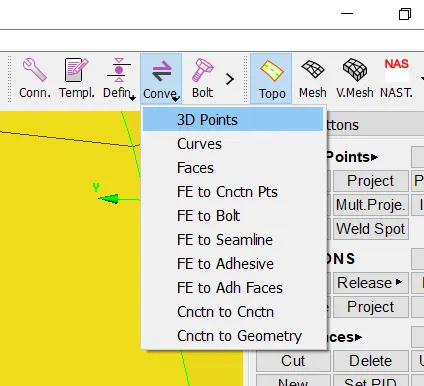
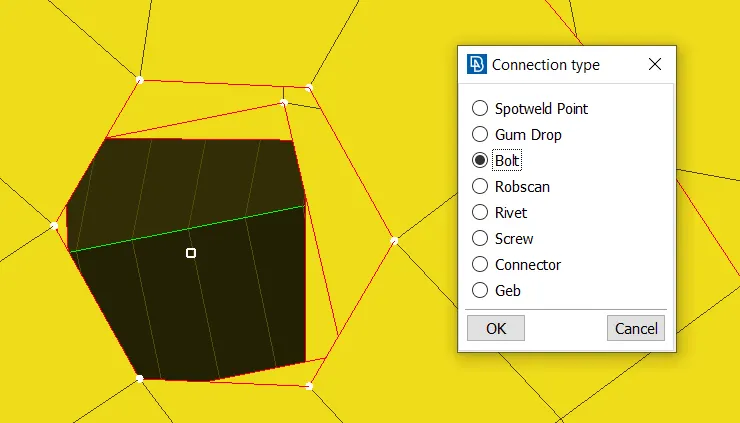
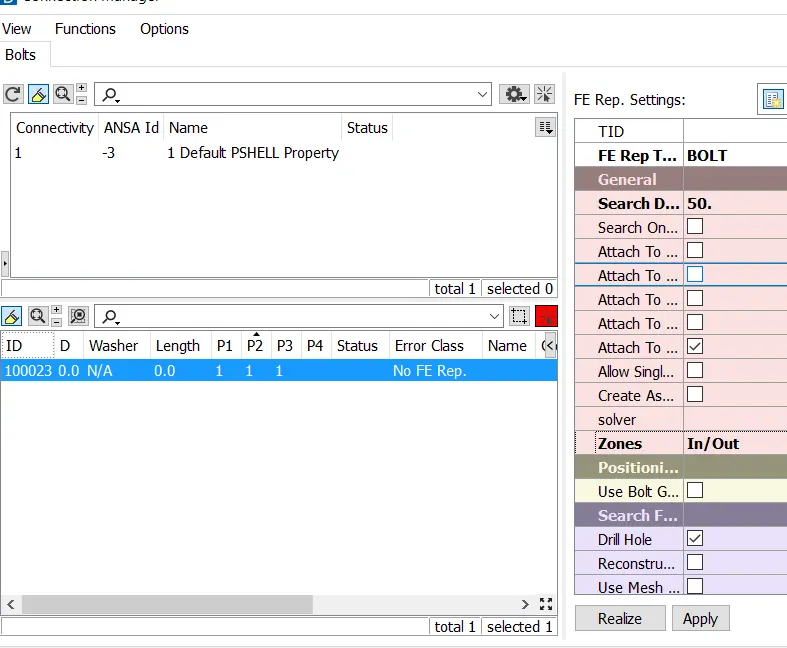
- For spot weld connection first creating the COG > converting 3d point to spotweld connection type > using the connection selection assistant selecting the spotwed 3d point > selecting P1, P2 > FE Rep type as RBE3-HEXA-RBE3 and giving search distance, PSOLID ID, etc.,> applying and realizing the spot weld.
- For weather seals on the windows we use the CBUSH connection first we need to create curve lines on the edges of the windows using mesh > Feat2curve > selecting the edges of the windows and creating the edge lines.
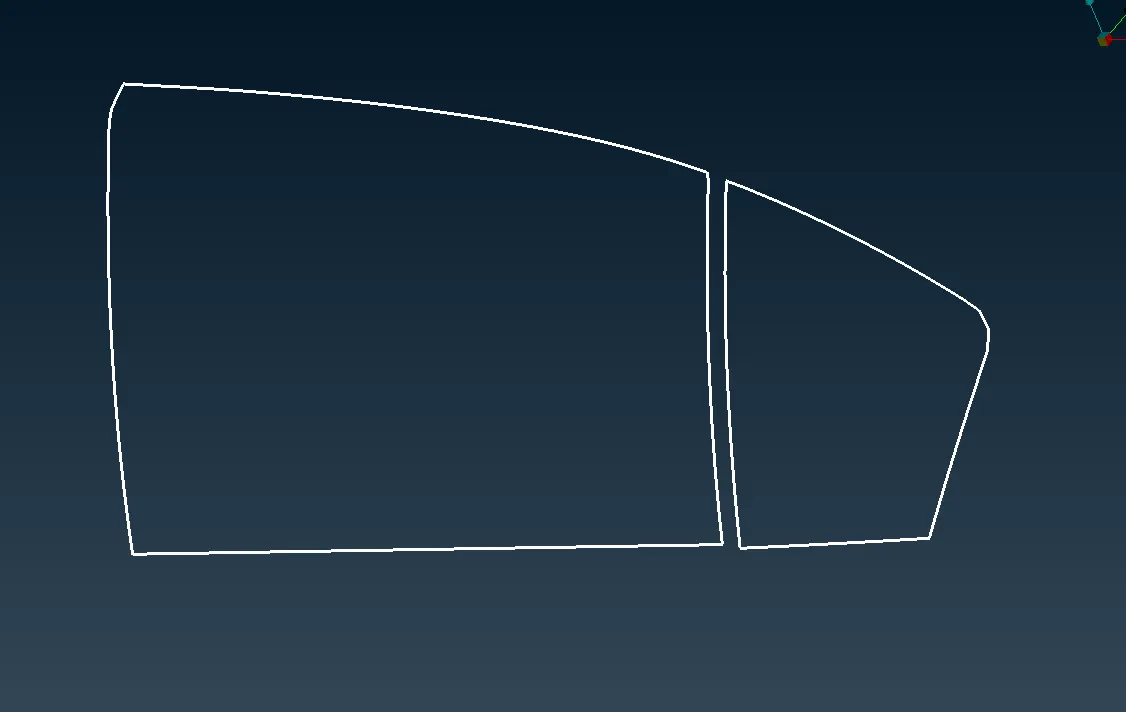
- Converting the curves to spotlines using convert option, using connection selection assistant selecting the spotlines > giving the s value as 10 and selecting P1 and P2 > FE rep type as RBE3-CBUSH-RBE3 > giving the search distance as around 50, keeping all branches on and creating PBUSH ID and giving the stiffness values > apply and realize.
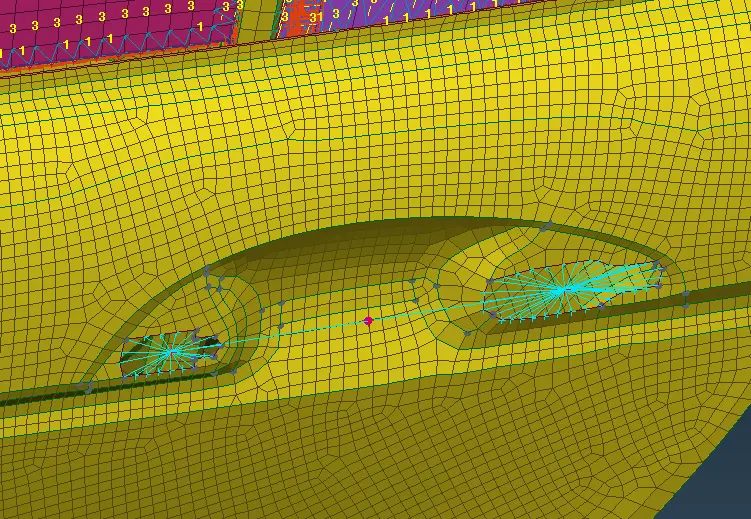
- For creating the handle with assigning mass to the handle on COG for creating the mass CONMI > CONM2 > two nodes > selecting the two nodes and mass is assigned on the COG.
Learning outcomes:
- Learnt some basics of connections like bolts, spotweld, seamwelds etc.,
- Assigning the masses to the rigid elements.
Conclusion :
According to the required connections for the given rear door component. The component is connected with various connections like bolts, spotweld, seamweld, cbush connections etc.,