Performing Tetra mesh on given component using different methods using HYPERMESH
https://drive.google.com/drive/folders/10hobuiqM2ml6eRbD9vvlXgvjo5QpdUTm?usp=sharing
(1)
OBJECTIVE: To create the 3D meshing(tetra mesh) for the given component of target length 5mm with tet collapse 0.15, min length 2mm and max length 7mm
PROCEDURE:
- Importing the geometry.
- Deleting the solid surfaces if any solid surfaces are present.
- Checking the distance of some surfaces where the distance between the surfaces is too low where minimum element length that kind of surfaces are toggled or replaced to one line using quick edit options.
- After clearing the geometry, for creating 3D mesh there is two options available one is firstly creating 2D mesh using auto mesh option and then 3D mesh is created by selecting the 2D shell elements using tetra mesh options.
- Other option is quick tetra mesh option i.e, view > browser > hypermesh > utility > geom/mesh options are choosed and then by selecting components, surfaces and giving the value of mesh size we can mesh.
- Most of the time first option is choosed because of various advantages like we easily get the minimum and maximum elements size in 2D where we can clear that using distance or cleanup tools after that we can proceed for 3D mesh
- Using tetra mesh option 3D mesh is created after that we need to check for the elements failing for tet collapse failing tet collapse is cleared using distance option or giving the tetra mesh parameters like giving the max tetra size , min tetra size, tet collapse value and clicking on the fill voids, fix midnodes and smoothing options and then tetra remesh option is choosed by selecting the 3d elements and 2d baffle elements we can remesh.
- After that checking for tet collapse if still anything fails again then manually as to clear the failed elements.
CONCLUSION:
The given component is meshed with tetra elements of size 5mm. tools used are quick edit, distance, quality index, tetramesh, replace, edit element, check elements and tetra mesh options.
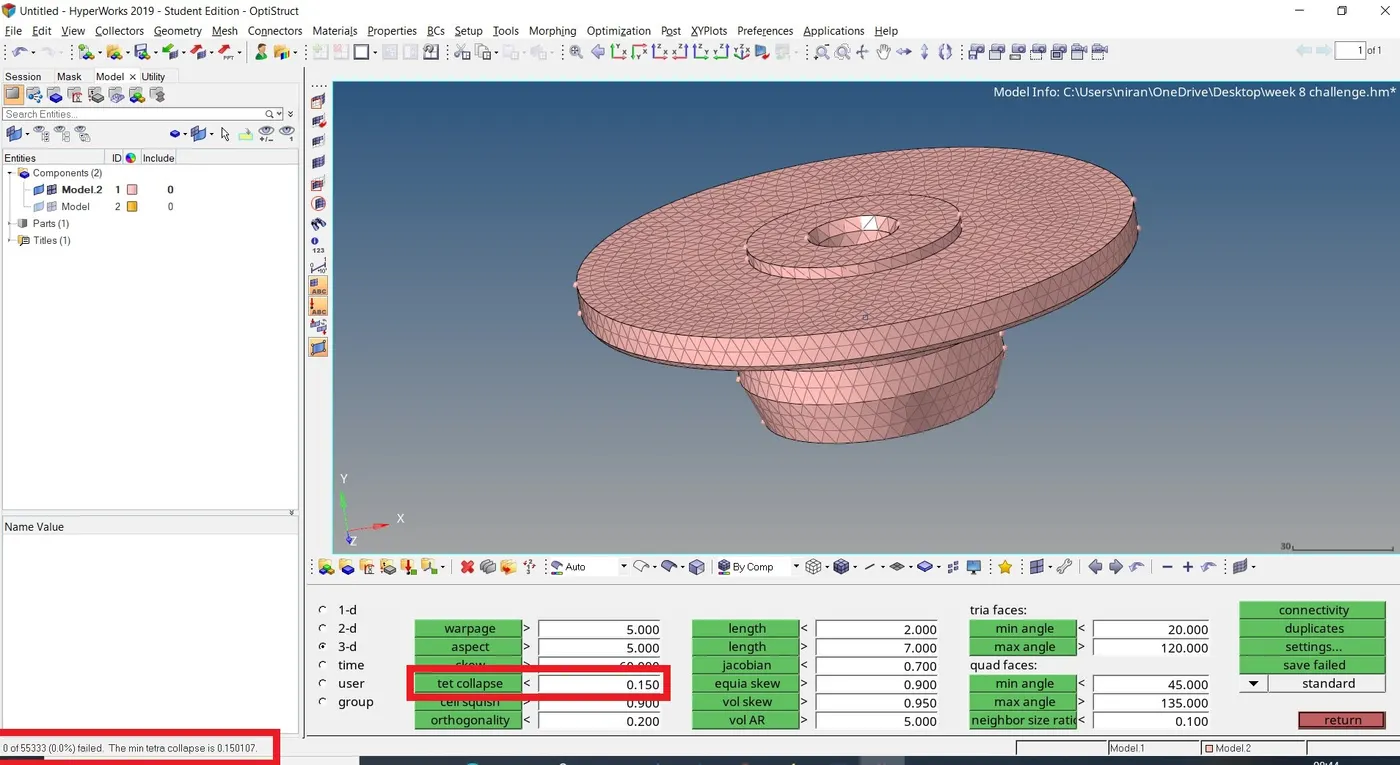
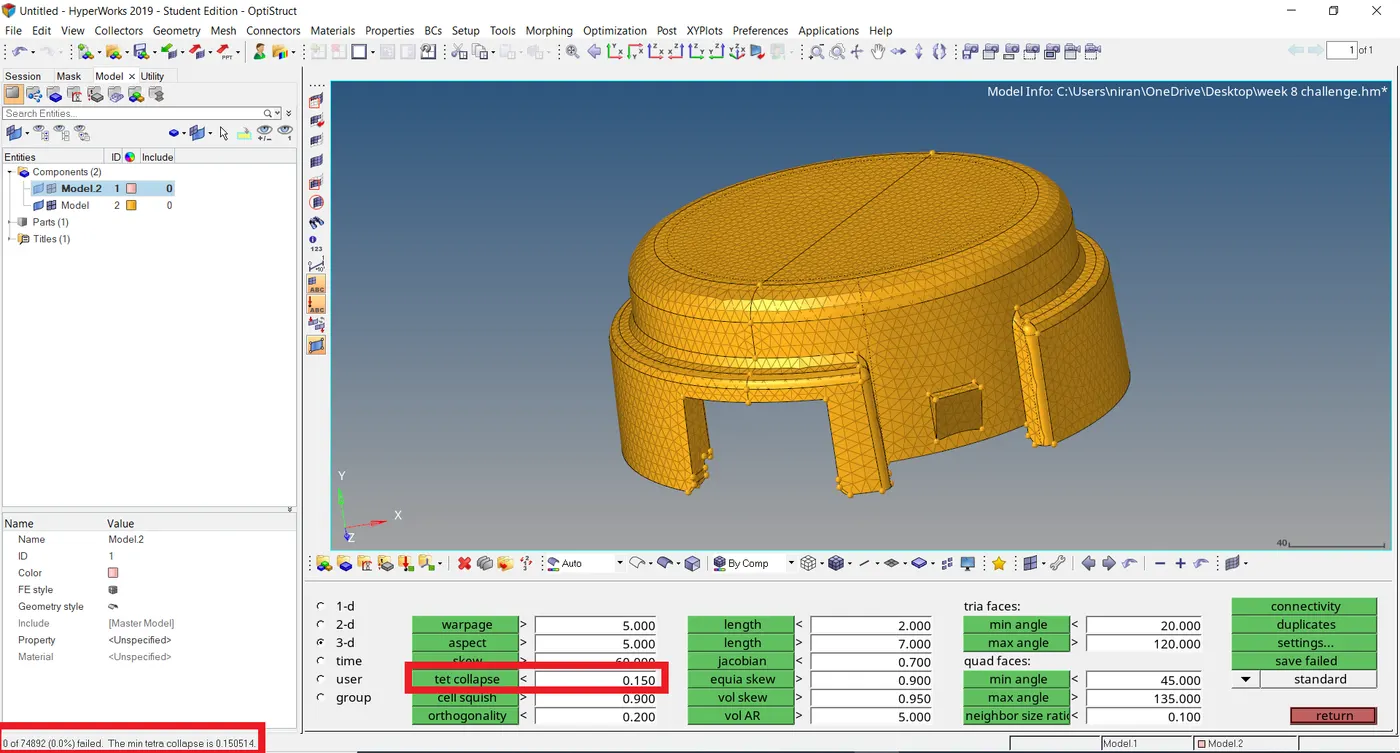
(2)
OBJECTIVE: To create the 3D meshing(tetra mesh) for the given components of target length 6mm with tet collapse 0.15.
PROCEDURE:
- Importing the geometry
- Deleting the solid surfaces if any solid surfaces are present
- Checking the distance of some surfaces where the distance between the surfaces is too low where minimum element length that kind of surfaces are toggled or replaced to one line using quick edit options
- using quick tetra mesh option i.e, view > browser > Hypermesh > utility > geom/mesh options are choosed and then by selecting components, surfaces and giving the value of mesh size as 6mm then we can mesh.
- after that we need to check for the elements failing for tet collapse failing tet collapse is cleared using distance option or giving the tetra mesh parameters like giving the max tetra size , min tetra size, tet collapse value and clicking on the fill voids, fix midnodes and smoothing options and then tetra remesh option is choosed by selecting the 3d elements and 2d baffle elements we can remesh.
CONCLUSION:
The given components is meshed with tetra elements of size 6mm.tools used are quick edit options, distance, tetramesh, edit element, check elements and tetra mesh options.
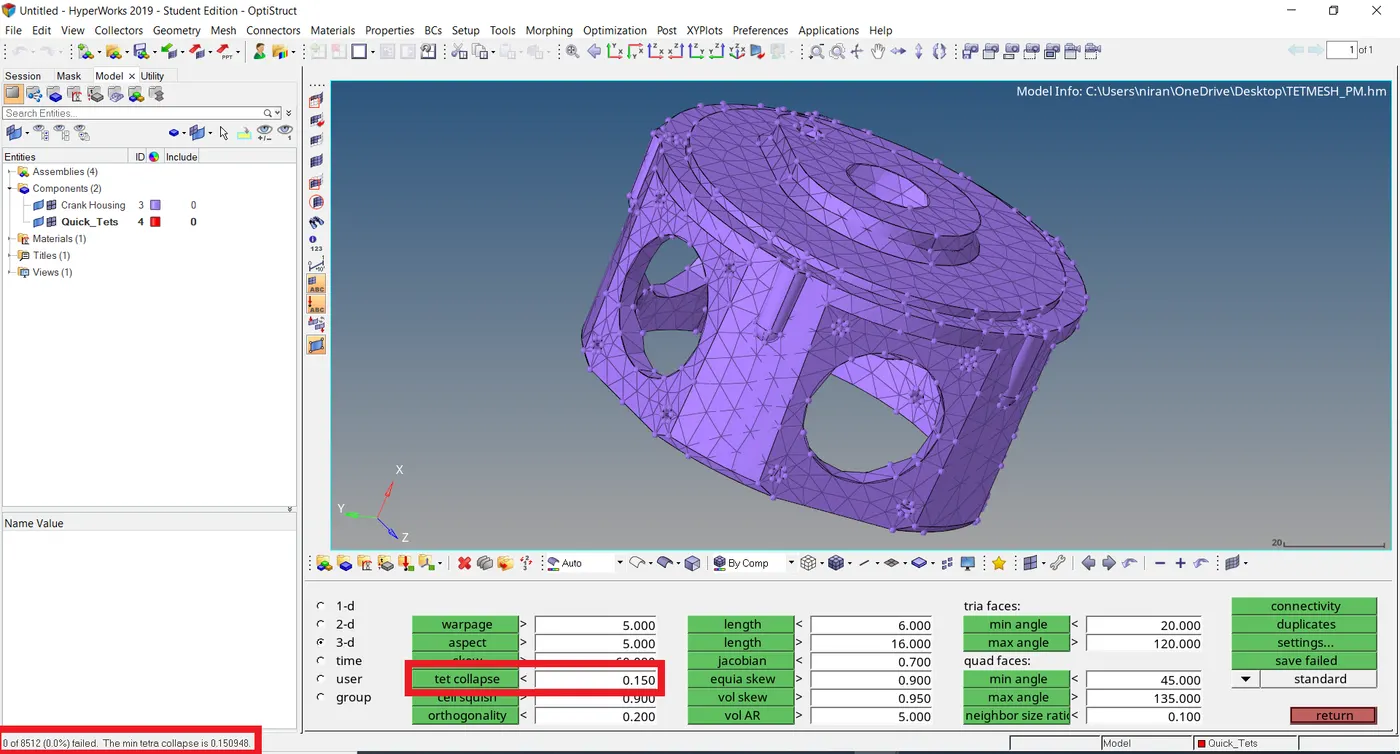
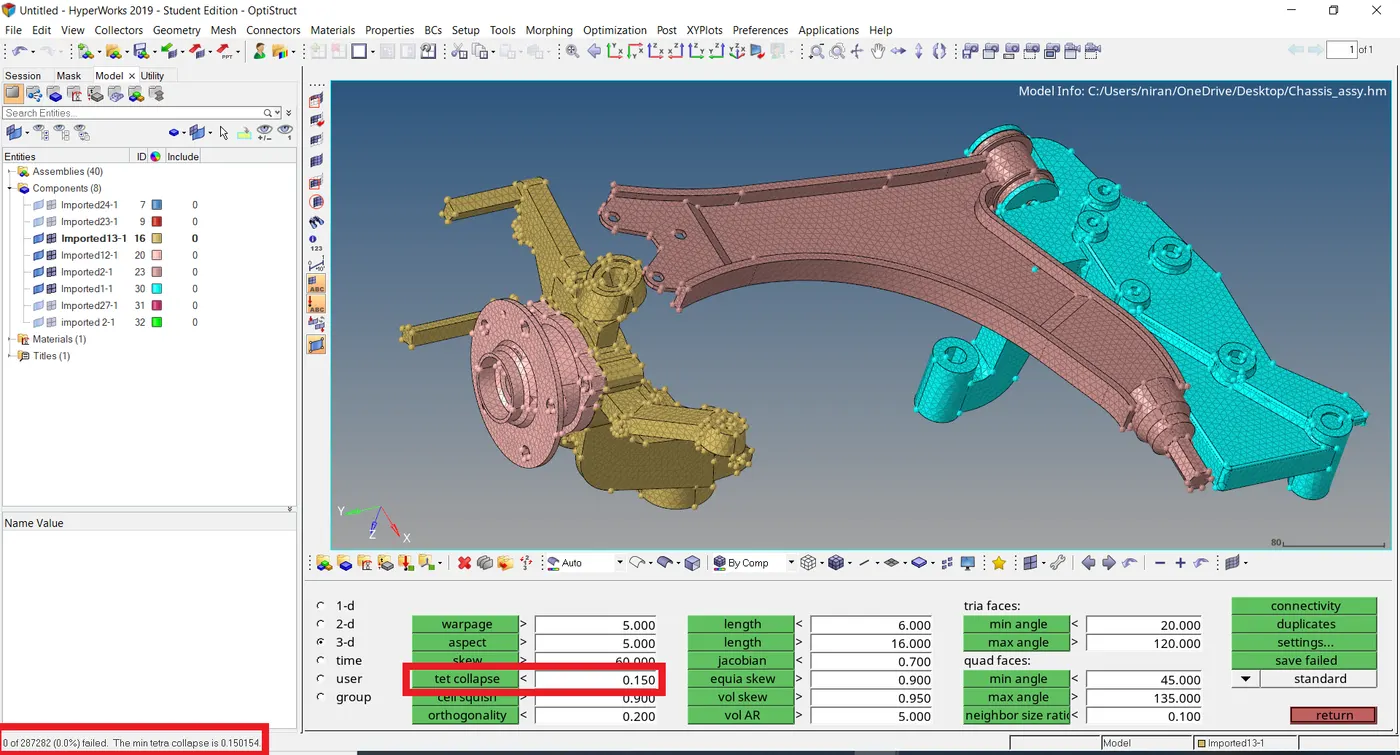
Note: In the given chassis assy component there is exceeding 1 lakh nodes so I couldn’t able to reflect the elements in opposite side.