ANSA - Rear Door - Connections
AIM :
To implement the connections for the given rear door FE model by applying the appropriate techniques.
PROCEDURE :
First of all the door model itself a system where many subsystems will come under it. It contains many mechanisms such as 1. Door lock mechanism, 2. Hinge mechanism, 3. Glass slider mechanism. As Glass is a brittle material it can't be bolted soo connections are to made which suits them.
As this is .nas file, this is opened through File - Input - Nastran.
BOLT CONNECTIONS To create a bolt connection, first COG point is to be created. Selecting Points - On COG and by choosing loop option nodes are selected. and the COG point is created. Now the COG Point is converted into 3D point as BOLT. And now via Connection manager have set the property for the particular bolt connection. According to the bolt connections number of properties were given. Zone types were assigned and Body type will be RBE2. 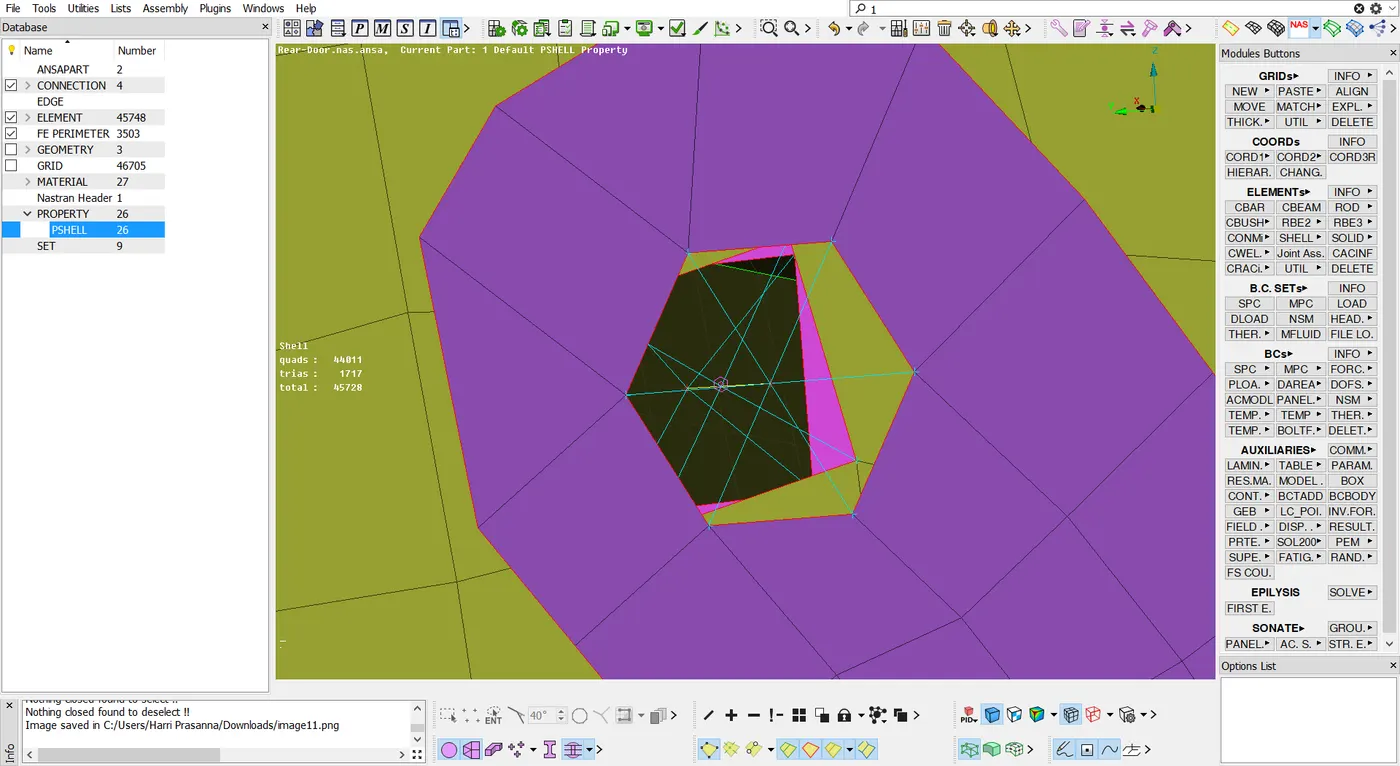
Zone type : Inner
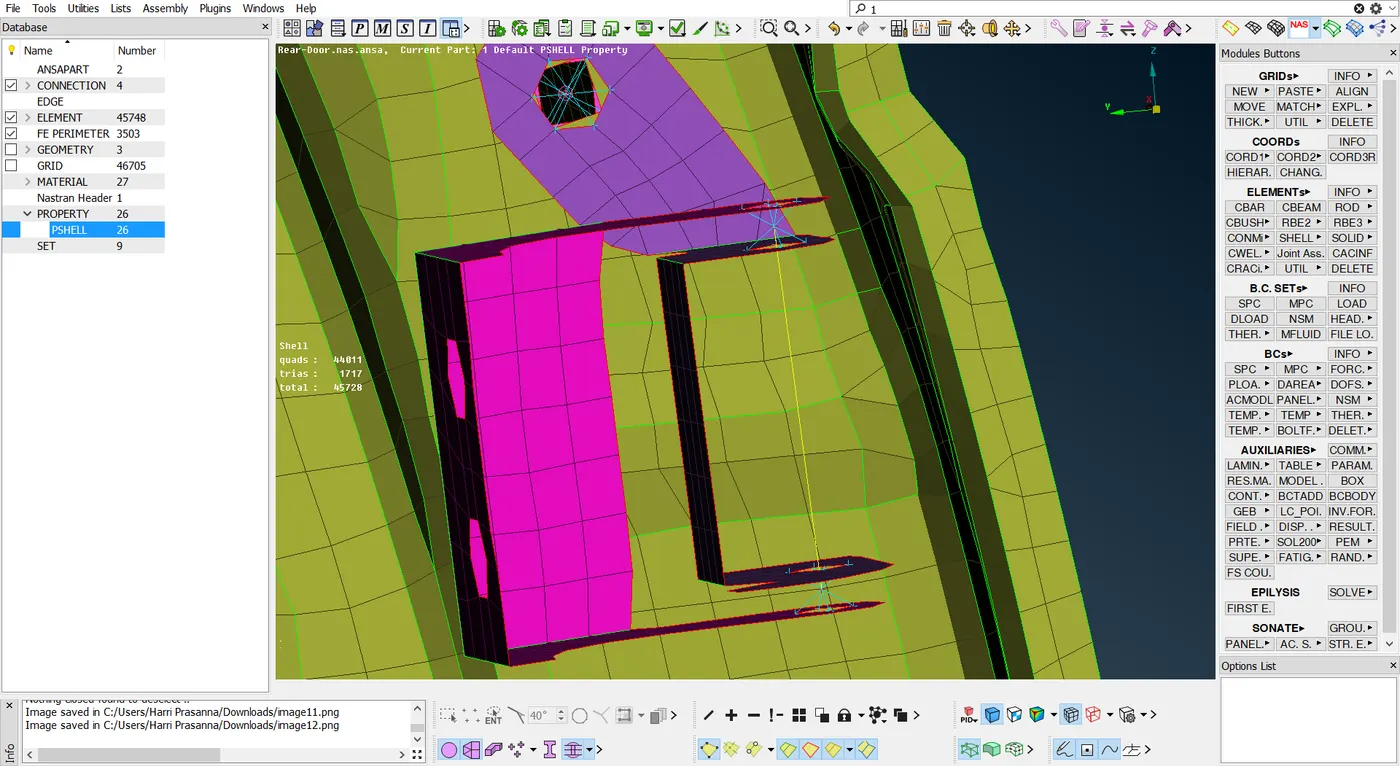
In this both the connections are made as rigid body connections and through Elements - RBE2 - Many nodes and select those connections to connect them together.
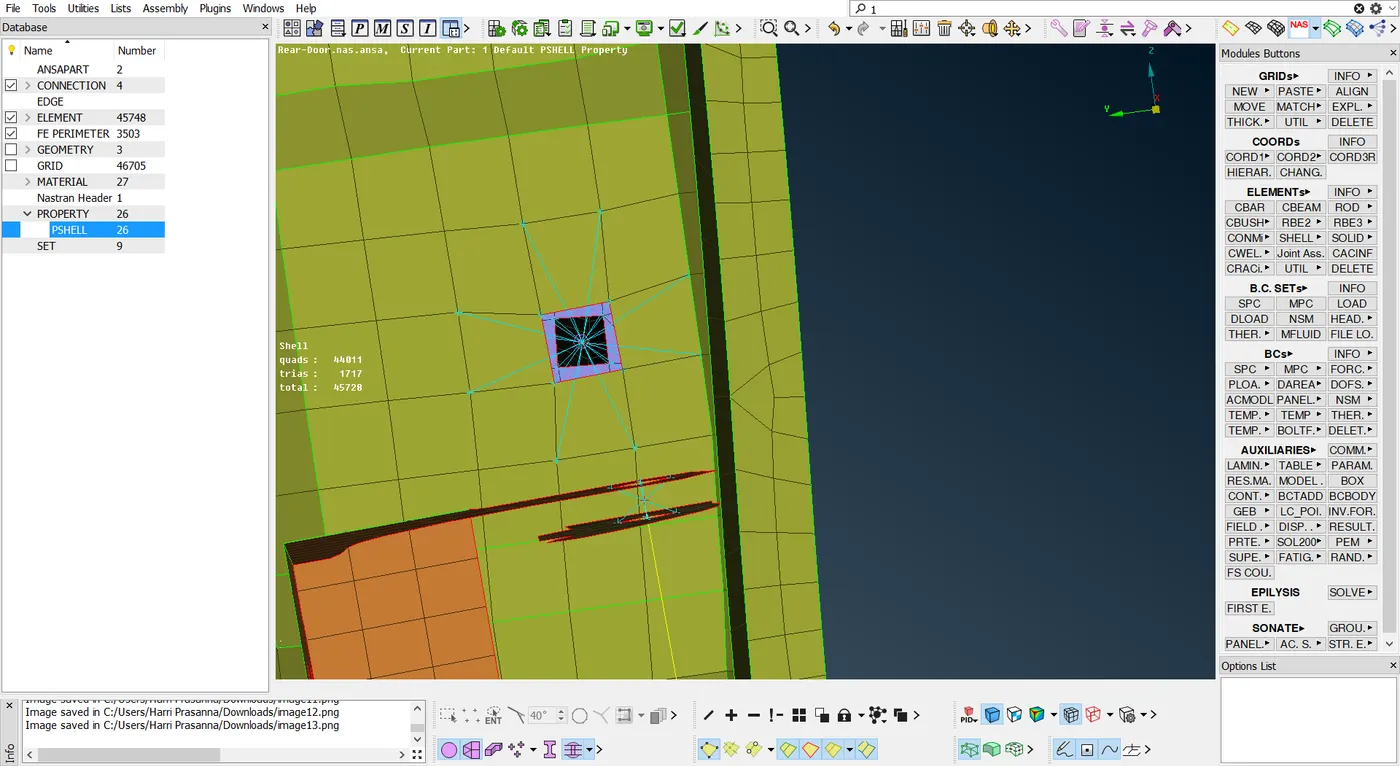
Zone tyoe : In/OutX
CBUSH CONNECTIONS :
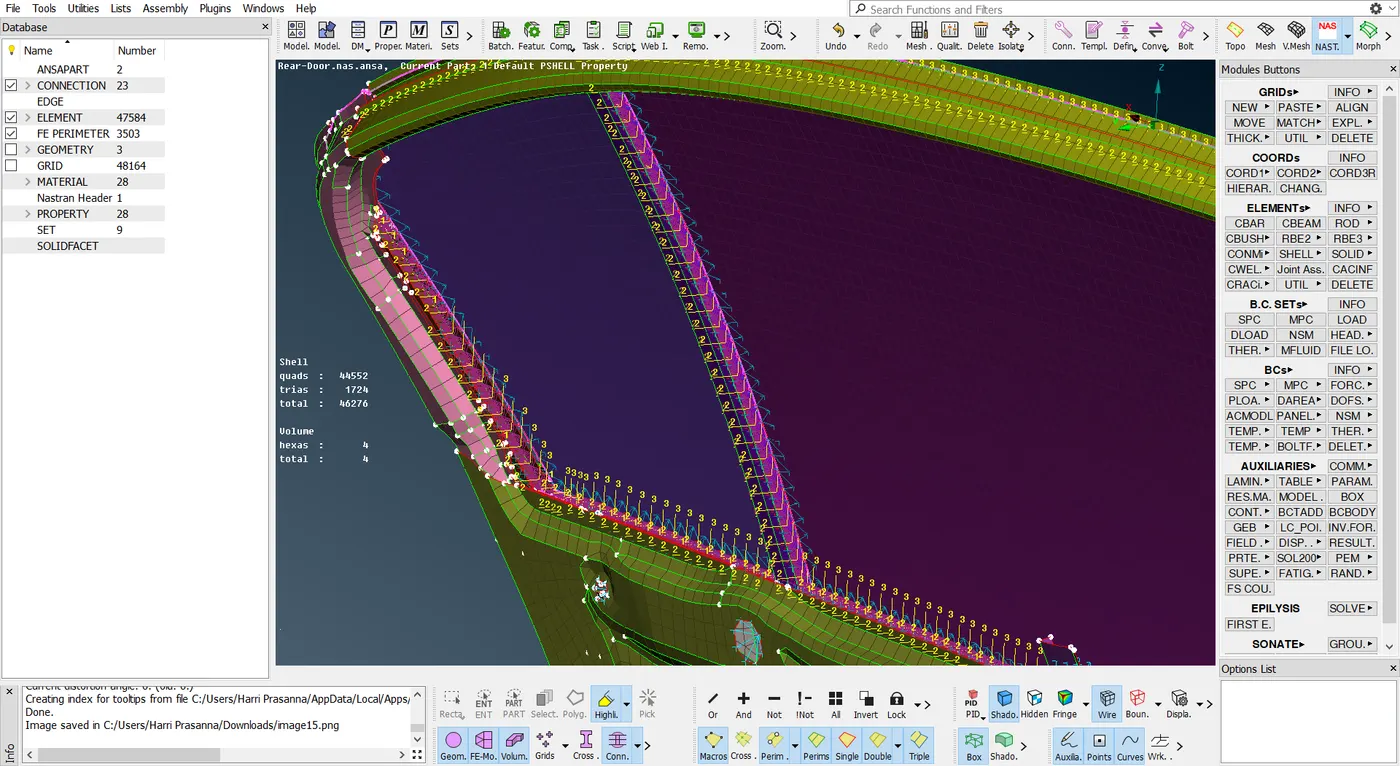
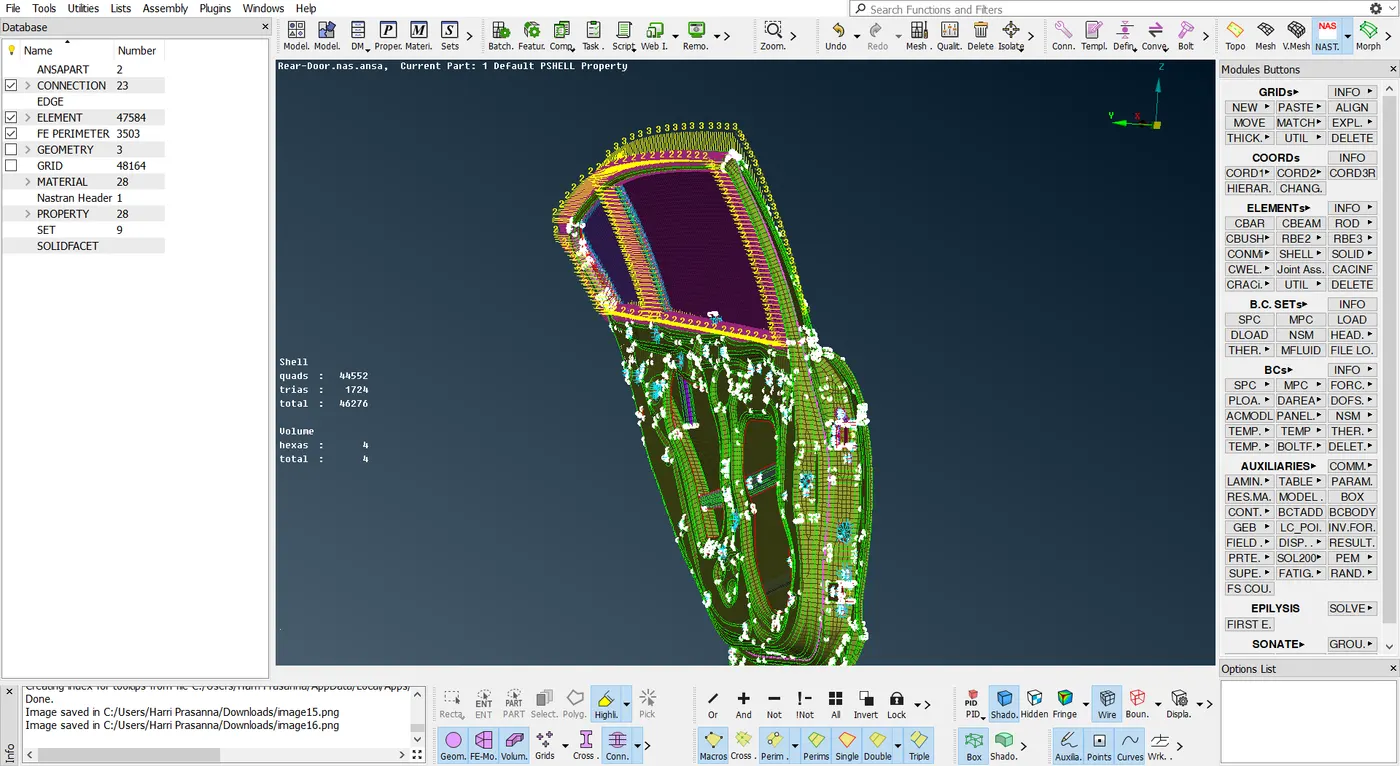
CBush connections are made in Glass slider mechanism. By Converting the curves of the glass into spotline. And in Connection manager assign it as RB3-CBUSH-RB3 and select the required properties and set distance as 50. and by doing this is all sides of the glass windows the cbush oriention will be of vector. Have to change it to the global axis. soo have to modify in ELEMNT-CBUSH, Orientation with vector to Orientation with Cord and CID value as 0. Now the CBush axis will be the same as global axis.
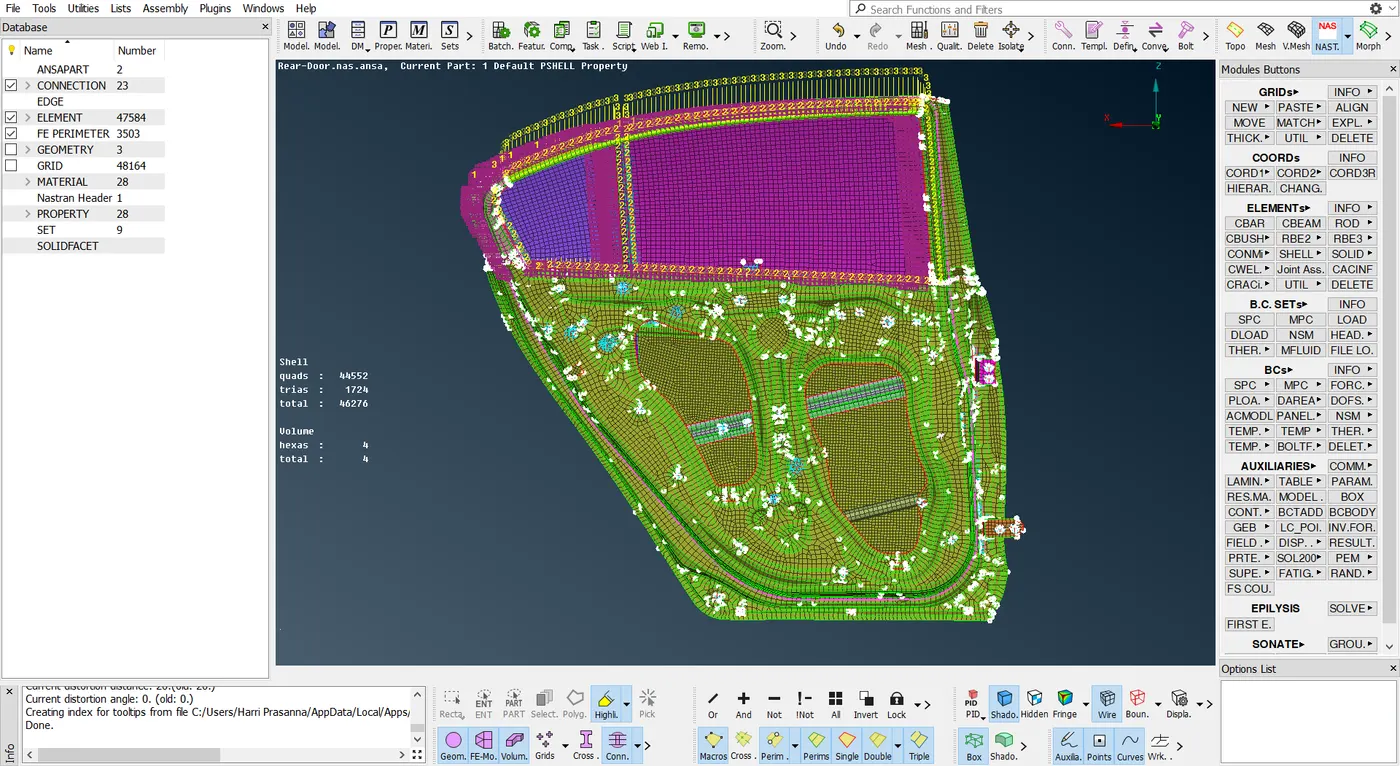
SPOTWELD CONNECTIONS :
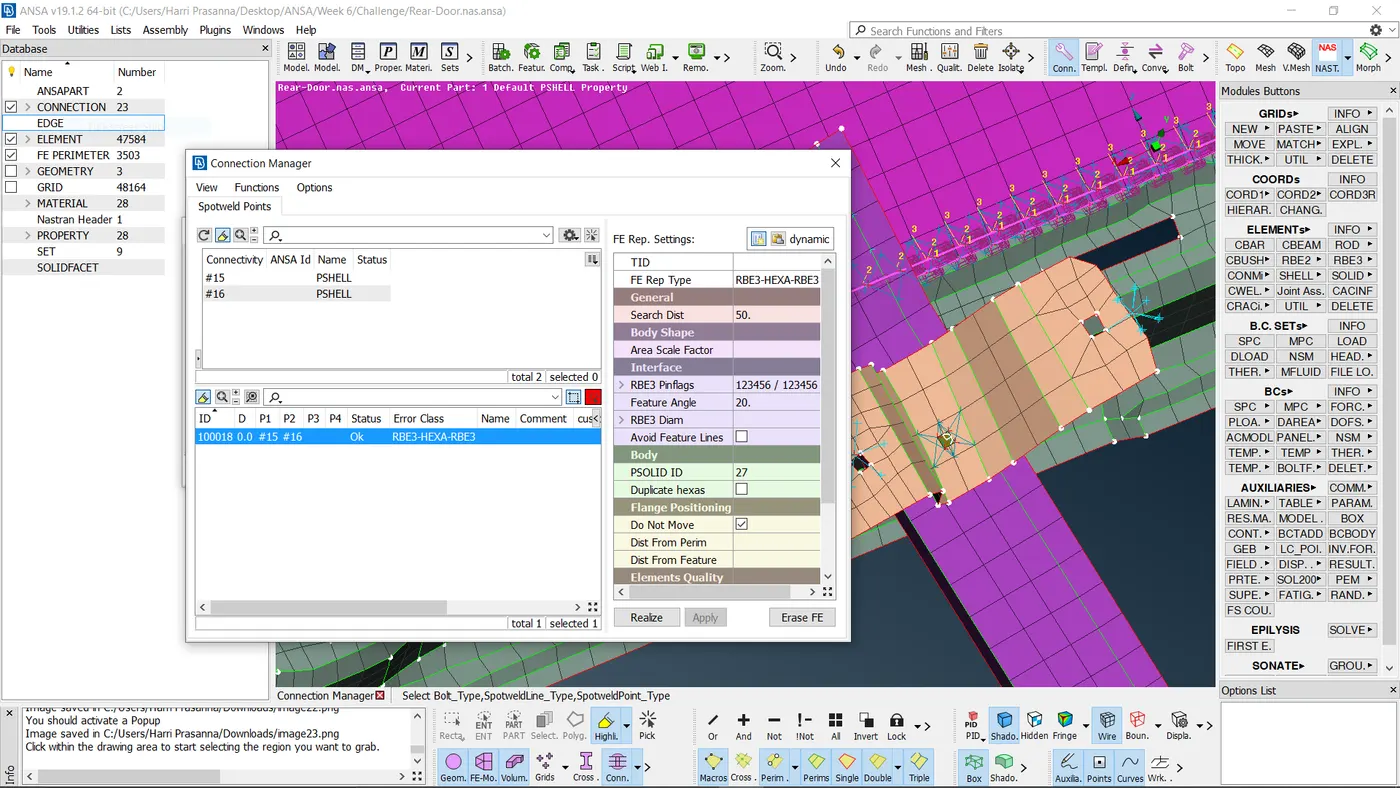
For Spotweld connections same as Bolt connections create a COG points and covert that point into a Spotweld. And in connection mangers assign it as RB3-HEXA-RB3. And assign the appropriate properties to it and set the distance as 50.
RIGID BODY CONNECTIONS :
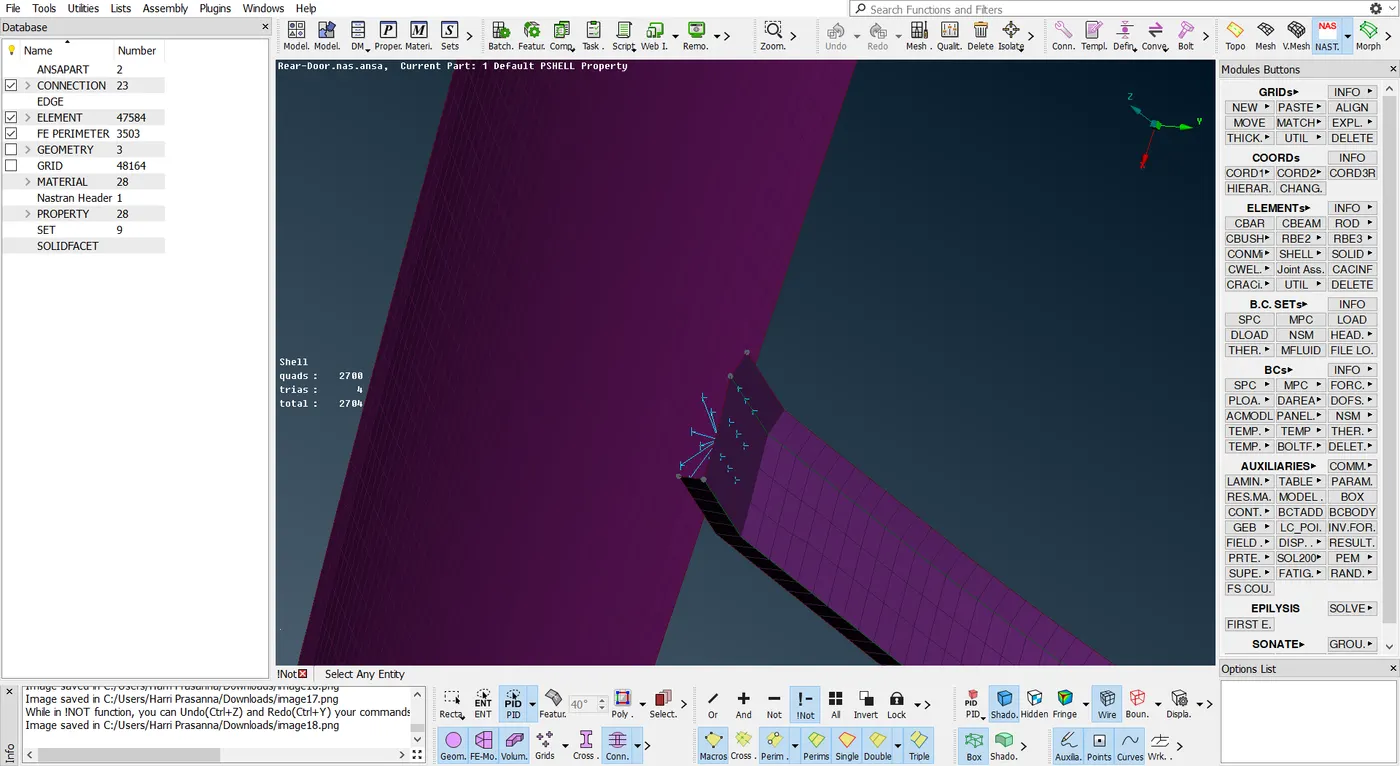
Other than bolt connections the rest of the areas are connected as a Rigid body connections through Element - RBE2 - Many nodes. And select the nodes to be connected.
DOOR HANDLE CONNECTION :
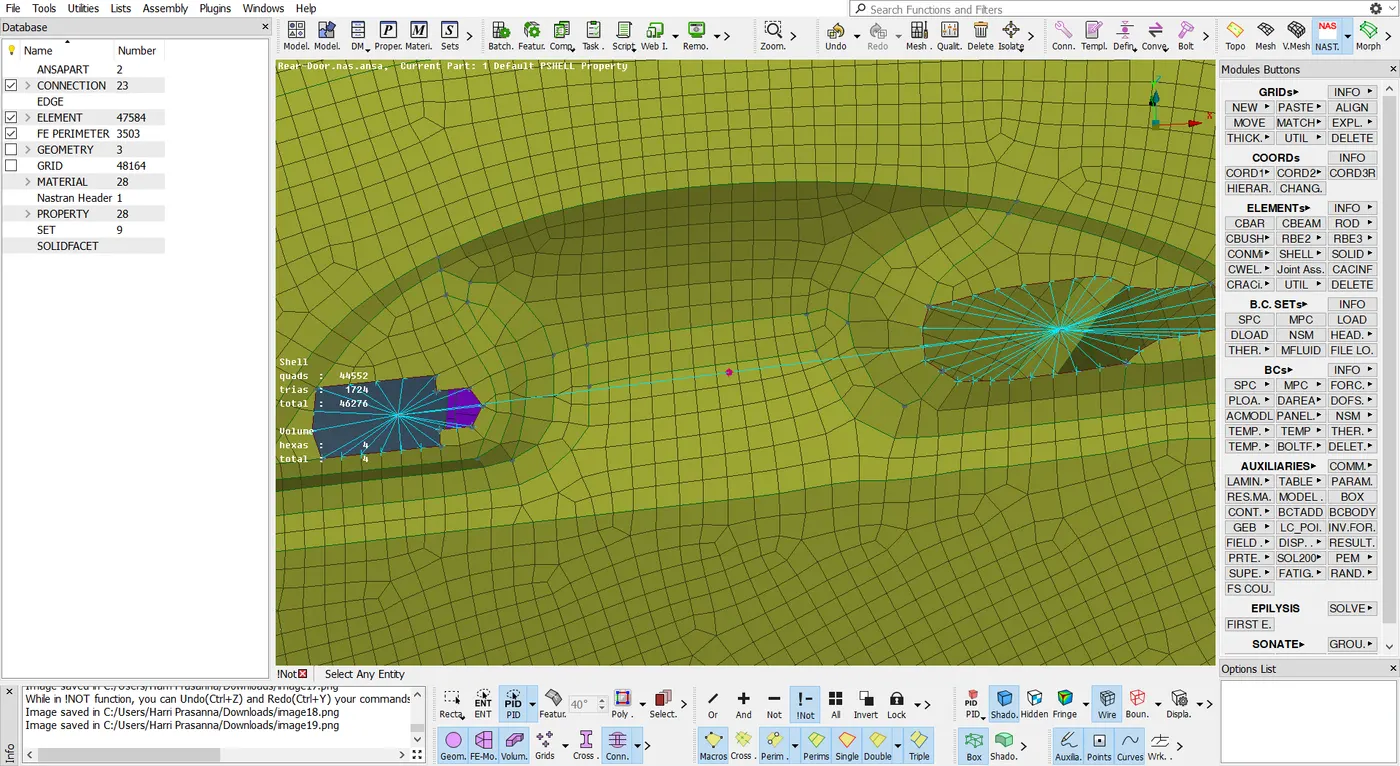
Door handle is generally modelled as a mass element and complete FE modelling of the door handle will not done. In order to do it, Rigid body connections are made and those two centers are connected and at the master node of the rigid I have defined a mass. Mass of the handle will be 100gm which will be 0.0001tonne. Mass should be assigned in tonnes.
LEARNING OUTCOME :
Have learnt to work with different types of connections and connectors and have known about their properties and where to use it.
CONCLUSION :
Hereby I conclude that the connections for the given rear door FE model is implemented by applying the appropriate techniques.
GOOGLE DRIVE LINK :
https://drive.google.com/file/d/1QygiRwiioUnl_yOxFIaDULKoG_kthA_b/view