Week 6.2 - Setting up a model (Hanging Node)
SETTING UP A MODEL (HANGING NODE)
Aim
To conduct multi level meshing in cad model in given geometry and to thermal simulation
Geometry
The given icepak bodies have two cad models
1 SheetMetal_HS
2guide_sweep-0_1.1
After normal meshing the two icepak object contains insufficient meshing as shown below
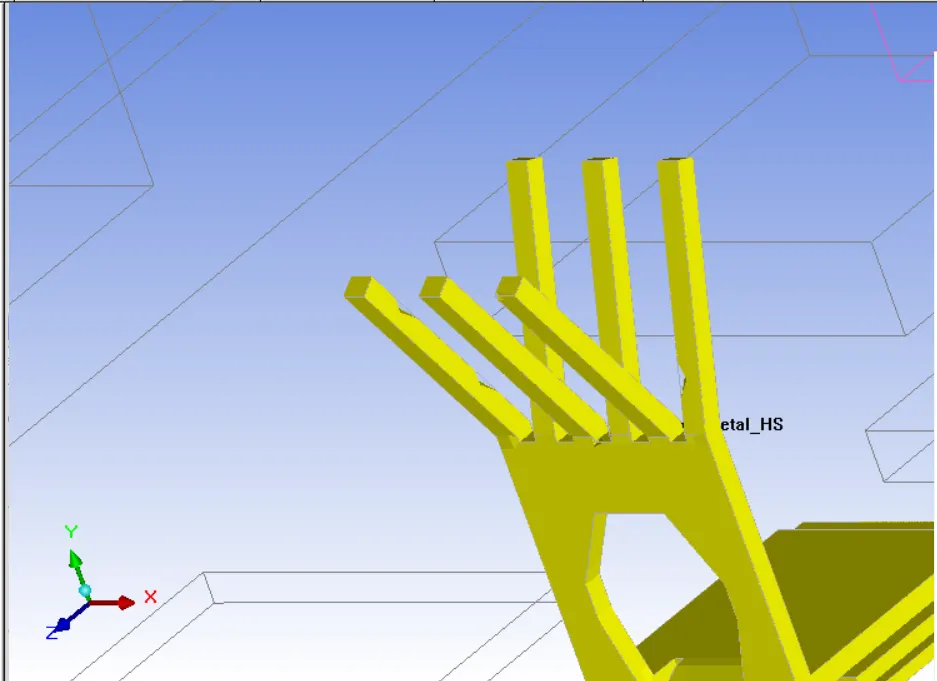
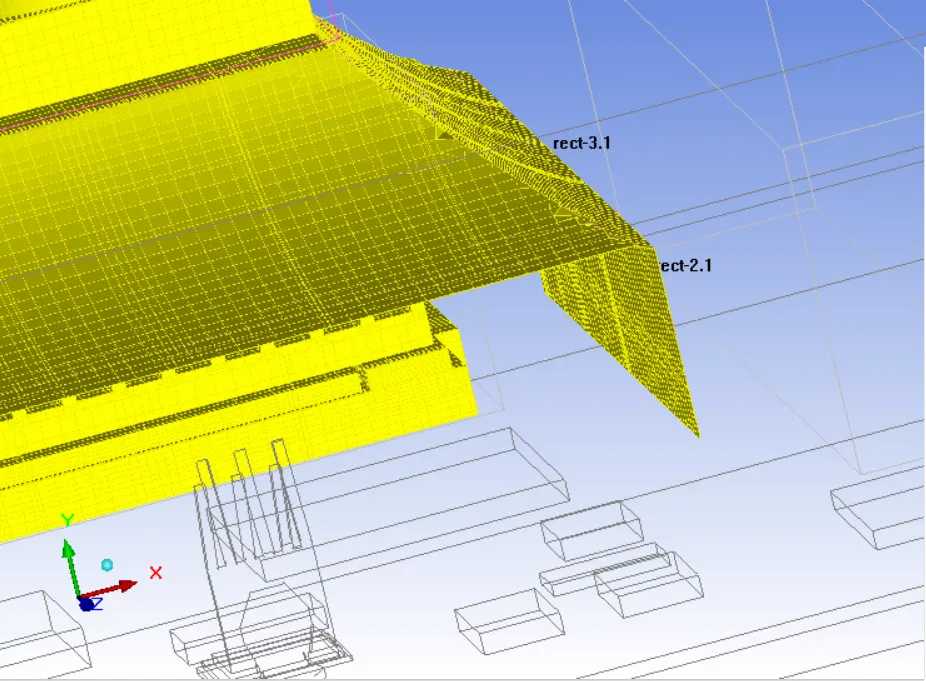
Then multilevel meshing is down on the cad object
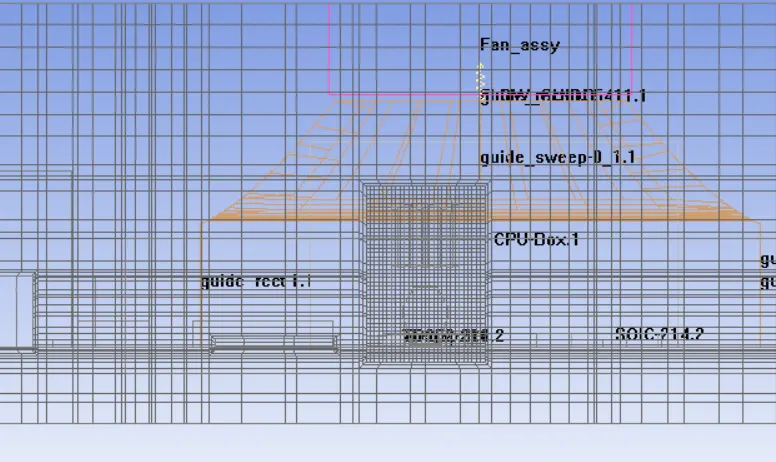
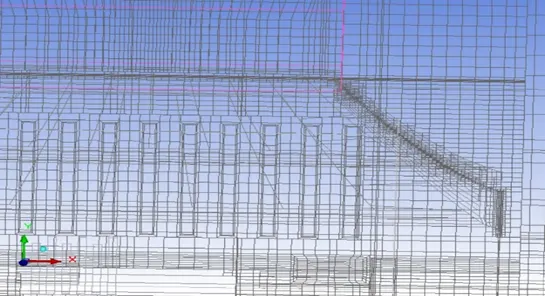
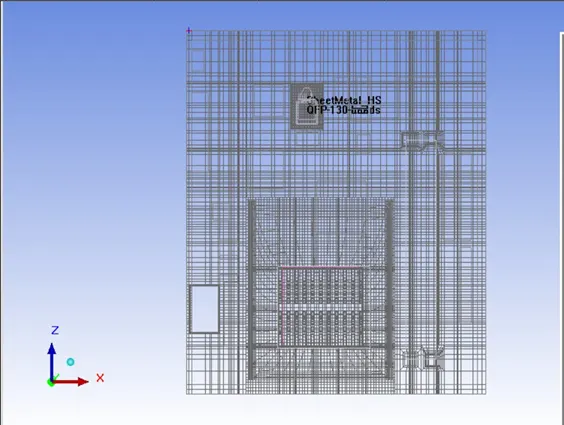
In the present project, we implement multi-level meshing to efficiently address CAD objects by incorporating a coarse background mesh. This approach allows for targeted refinement within a Cartesian mesh initially generated based on user-specified maximum element sizes. The refinement process is under precise control, focusing on areas where finer meshing is essential to resolve specific geometric features or gaps. Consequently, this method substantially decreases the overall mesh count while ensuring sufficient resolution precisely where required. Refer to the attached image for an illustration of the application of multi-level meshing.
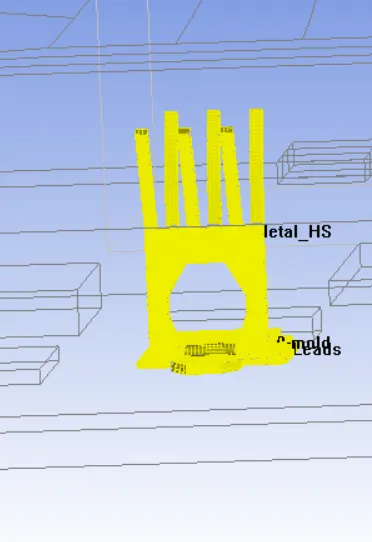
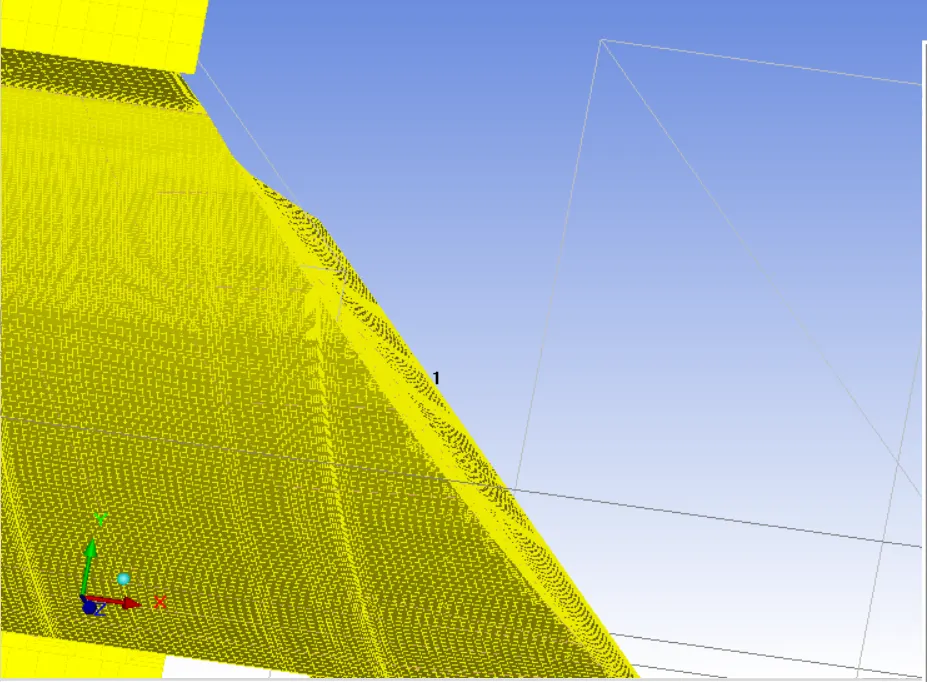
The two cad object are meshed properly in by using multilevel meshing methods
Section view
Result
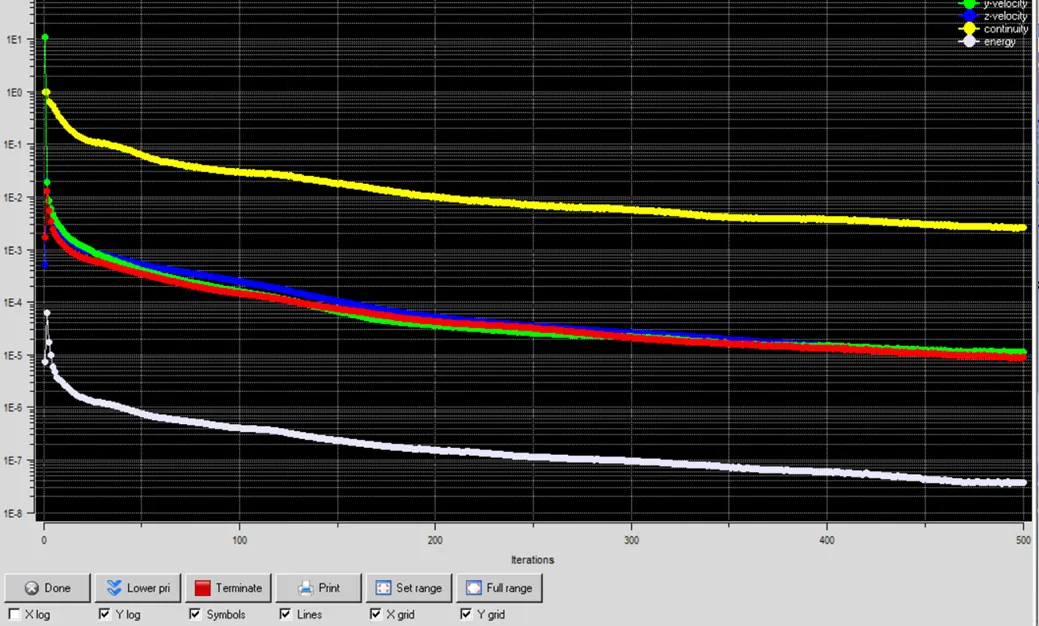
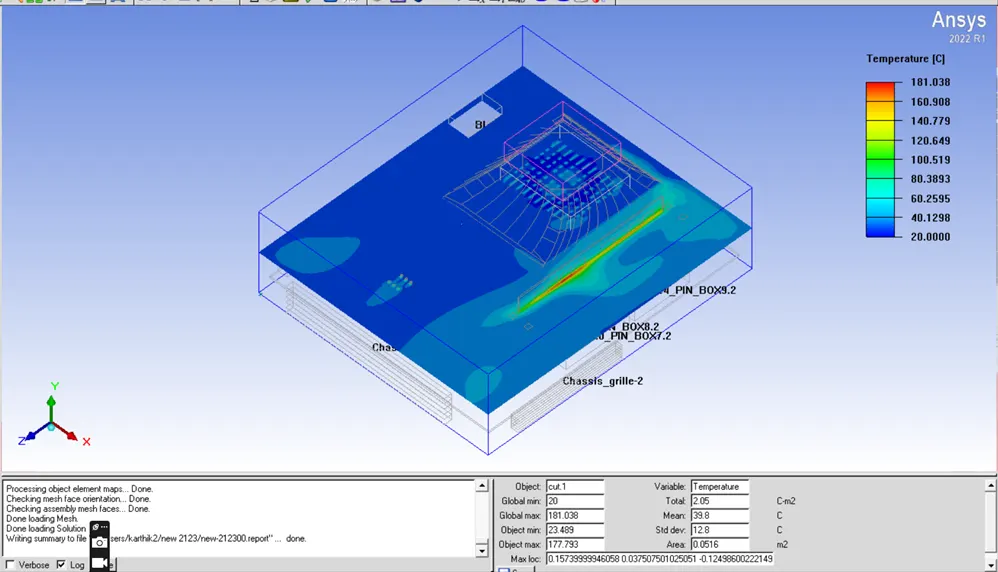
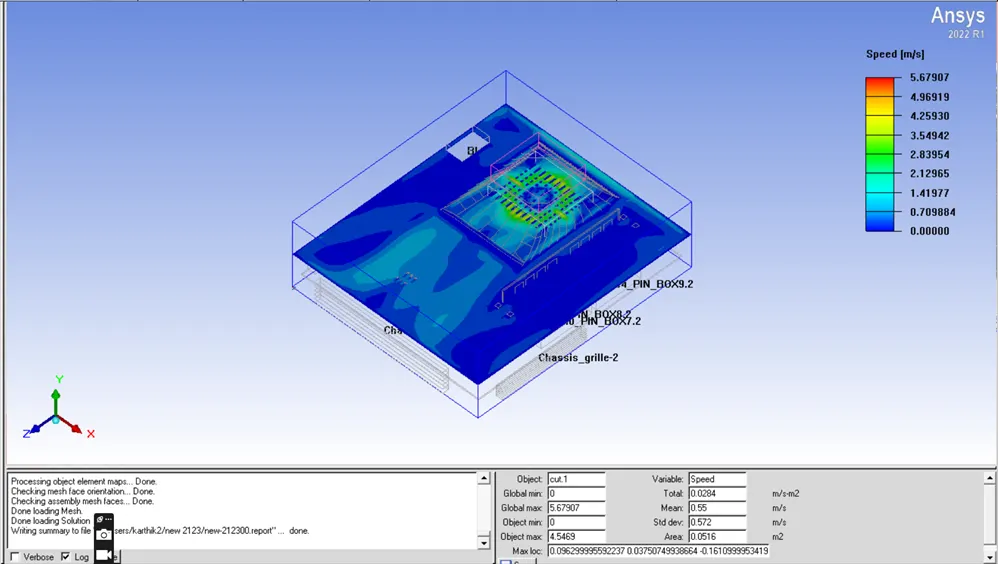
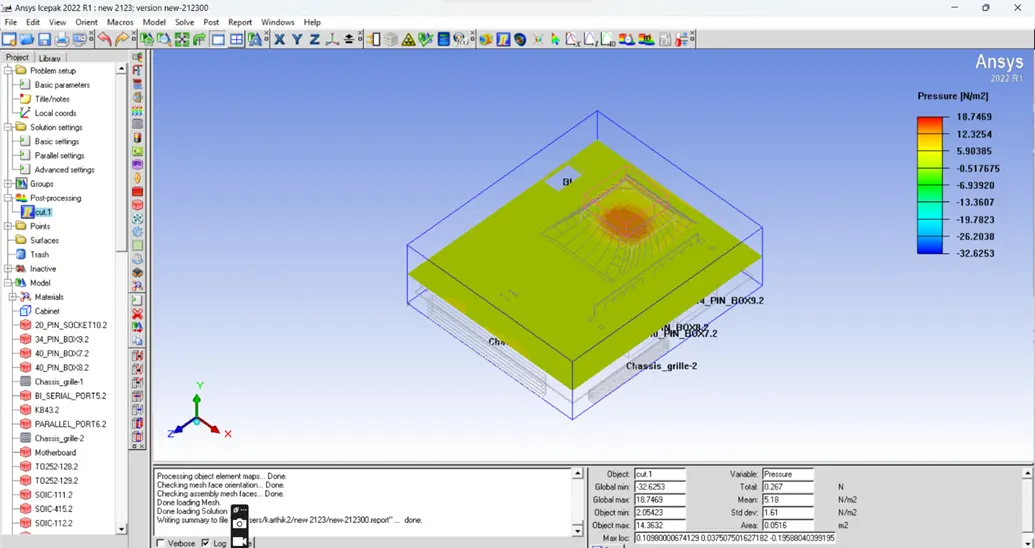
The simulation of forced convection is setup and the number of iteration of 500 is doneThe dimm (riser card) is given with a heat source .The temperature couture pressure and velocity of fan couture is plotted
Iteration
Temperature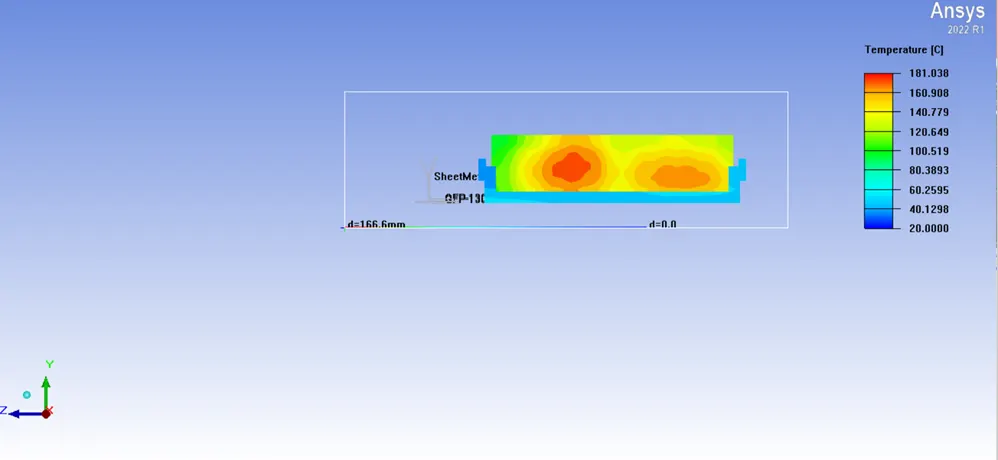
Velocity
Pressure
CONCLUSION
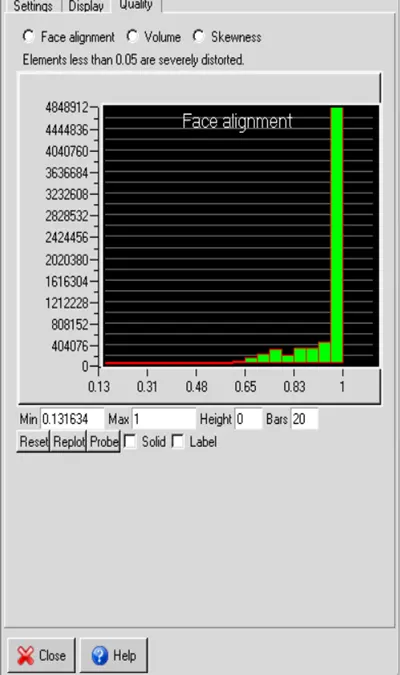
· The model incorporates the multi-level meshing technique to accurately capture the CAD model, resulting in a substantial reduction of mesh elements. The generated mesh undergoes visual inspection, and its quality is assessed based on three criteria: face alignment, skewness, and volume.
· The maximum temperature of dimm is 181.038 deg c
· The mean pressure of the system is 5.15 pa
· The maximum speed is 5.679 m/s