Week 5 Sphere pressing on a plate
AIM: The main of this week challenge is to perform a sphere pressing on a plate analysis with non linear structural material for the plate.The plastic deformation of the plate should be captured and explained based on the plots
PROCEDURE:
step 1: Open the ansys workbench module and select the static structural analysis.
step 2: Now open the engineering data library and add structural steel non linear material.
step 3: right click the geomentry tab and select import geomentry --> browse --> select the file --> open.
step 4: Now open the geomentry in mechanical modeller.
Geometry :
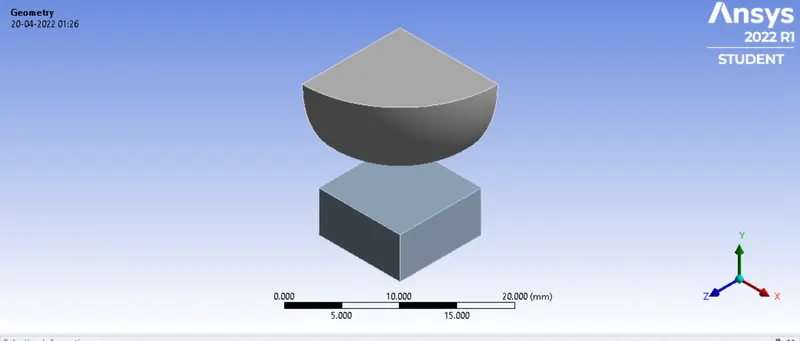
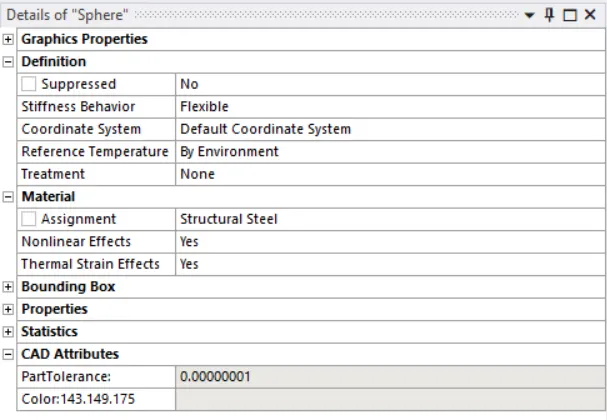
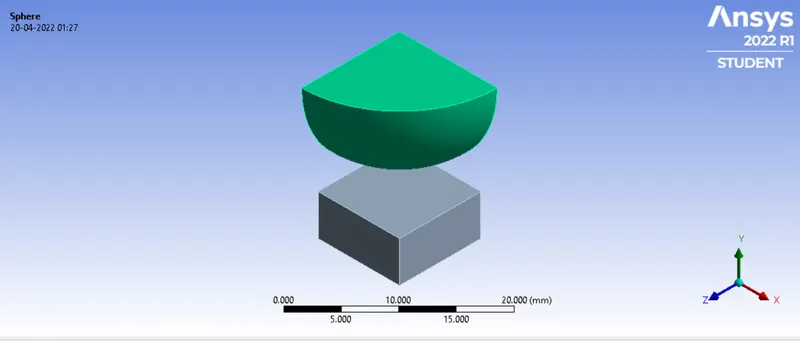
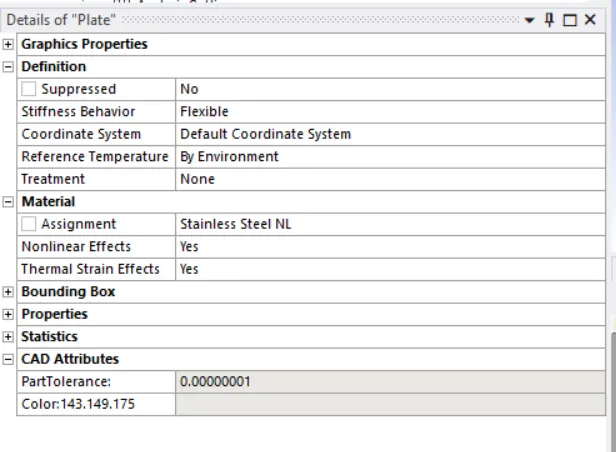
Step 5 : now assigned the material structural steel for sphere and structural steel non linear for plate.
sphere
Plate
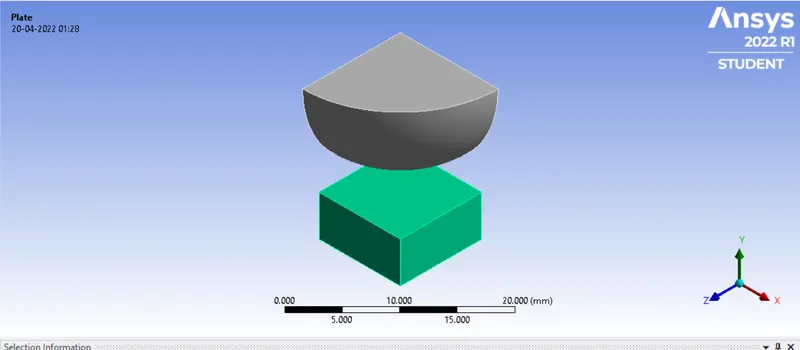
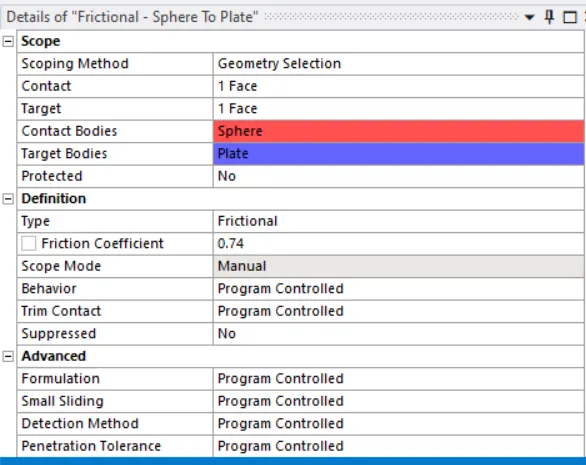
Step 6 : now create the contact betweeen plate and sphere
Frictional contact between plate sphere
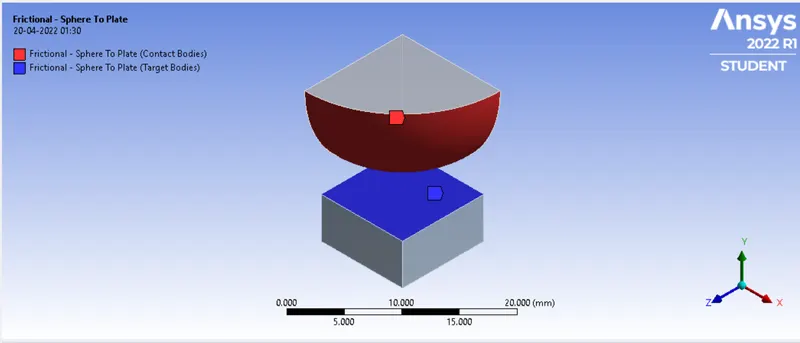
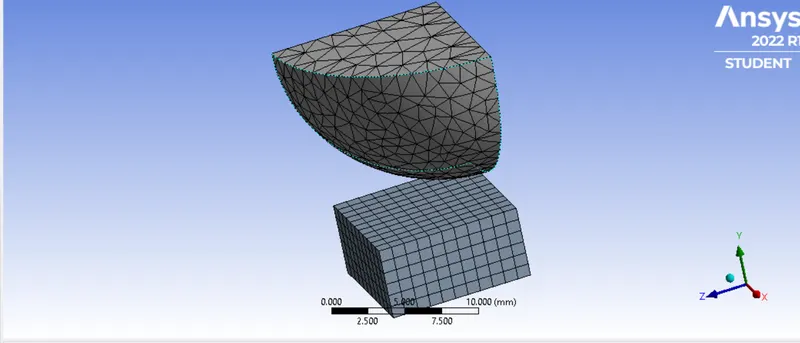
Step 7 : now mesh the body by sizing of 1.5mm for sphere and 1mm for plate
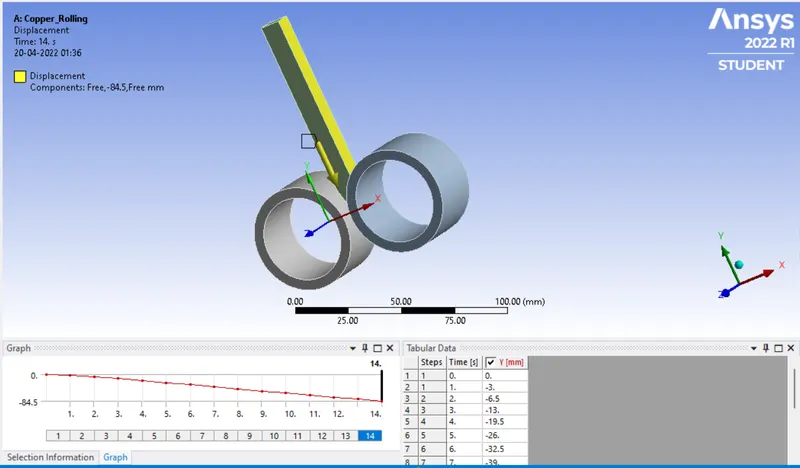
step 8 : now apply the boundary condition for the sphere to displace by 4mm from initial position
Displacement
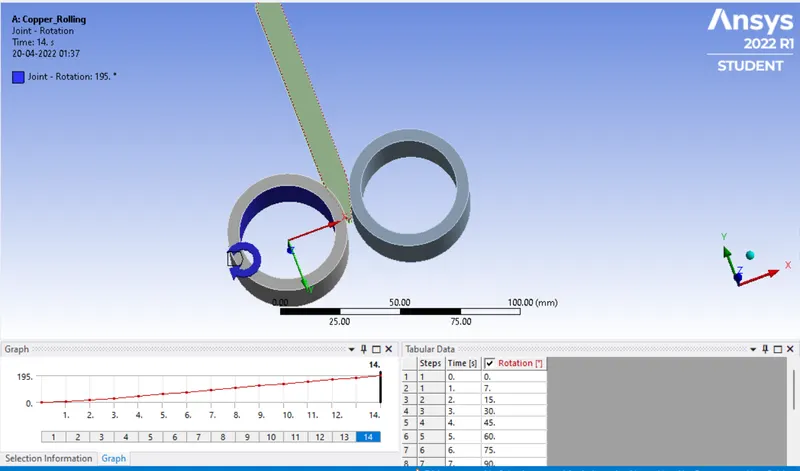
joint Rotation 1
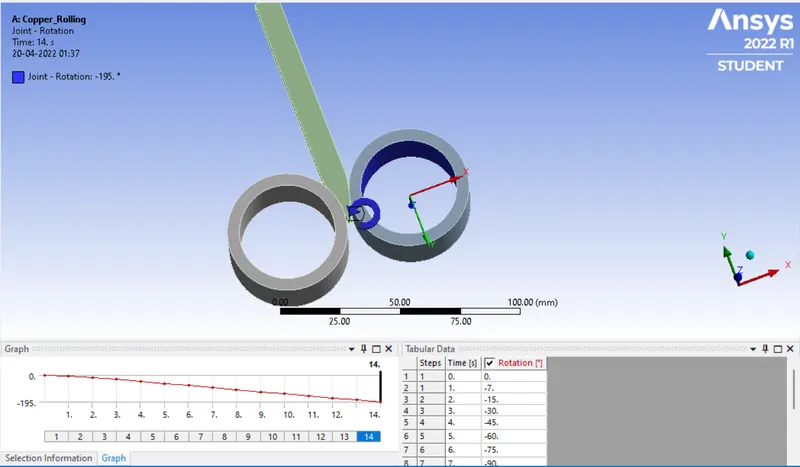
Joint rotation 2
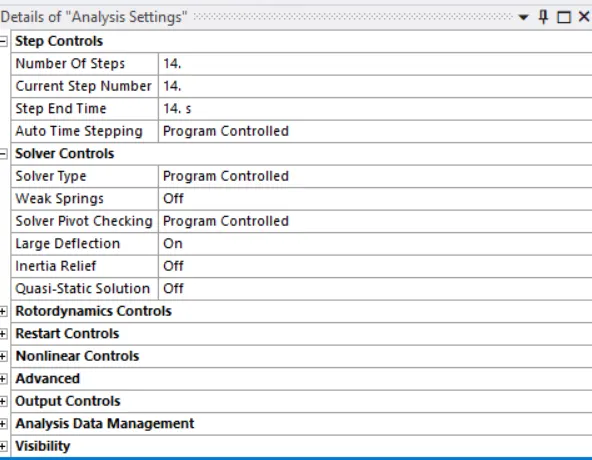
step 9 : now chnge the analysis setting
step 10: Now run the simulation.
step 11: Now include the total deformation, Equivalent stress and strain in output files.
step 12: Now change the material of the sheet and run the simulation
Step 13: Compare the result plot and give a detailed explanation.
OUTPUT RESULT:
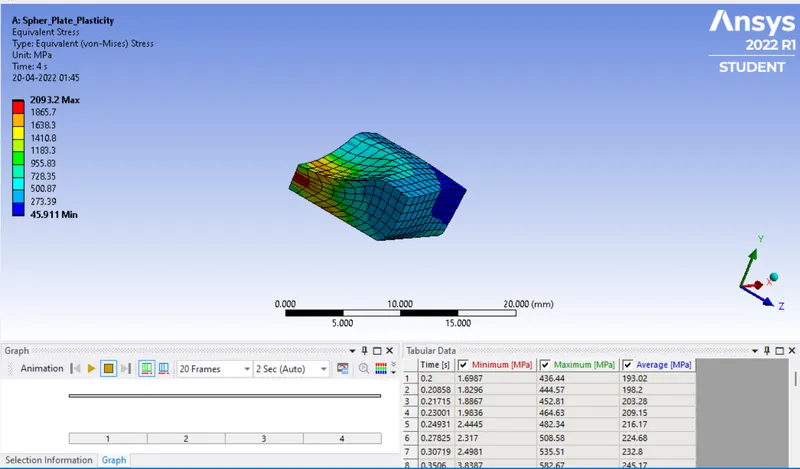
Equivalent stress
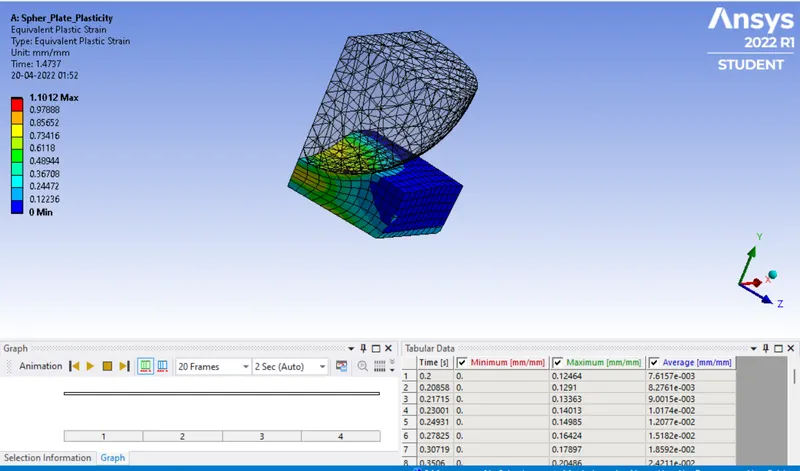
Eqyuvalent Plastic strain
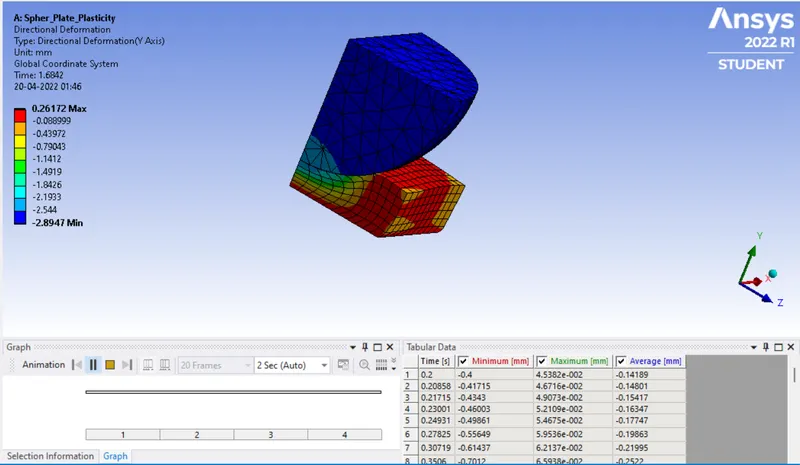
Directional deformation
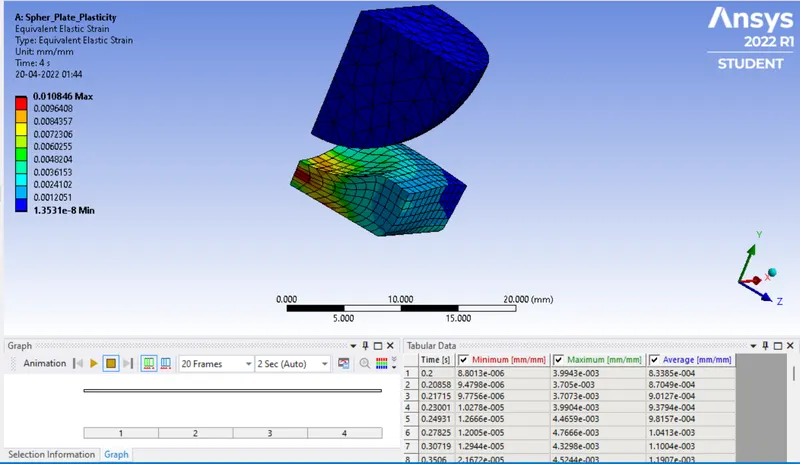
Equivaalent elastic strain
Conclusion:
Based on the result, we can conclude that even after the sphere has moved from contact the plate has deformed permanently hence the plate has experienced plastic deformation. The maximum deformation occours at the center of the plate.The maximum stress and plastic strain occours at the same area in the plate.