Week- 5 - Solid meshing
AIM
To mesh the given component using 2D tetra elements and define volume under the given quality criteria.
PROCEDURE
- Import the given component in the ANSA.
- First use the topo to fix all the free edges.
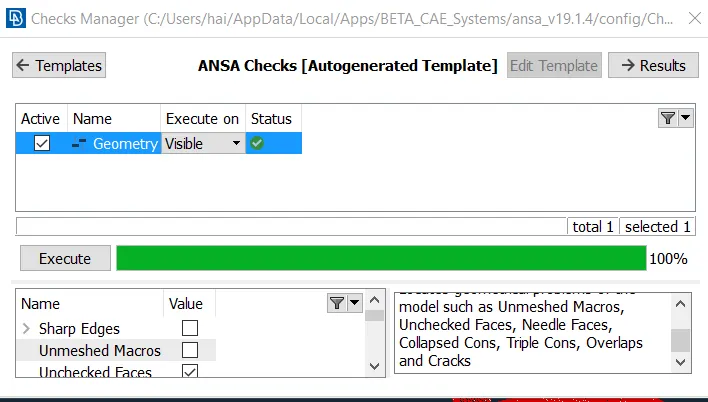
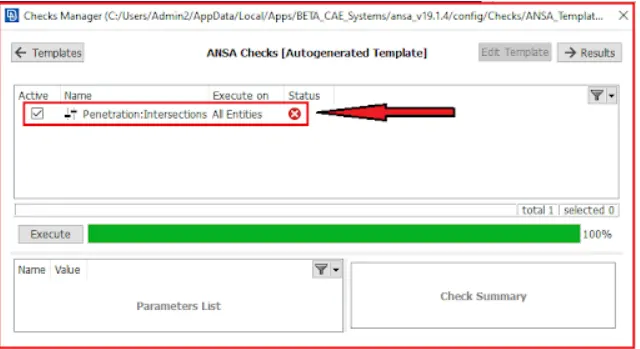
- And use check the geomentry.If there is any error use fix option to fix the issues or manually clean the issue.
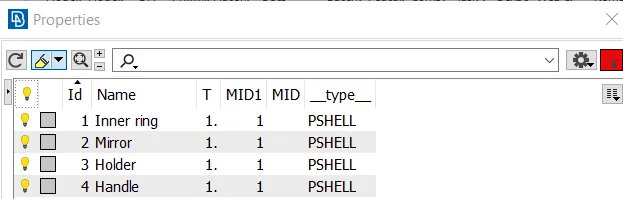
- In the component there is four different component are present and seperate it and assign property to it by using SET PID.
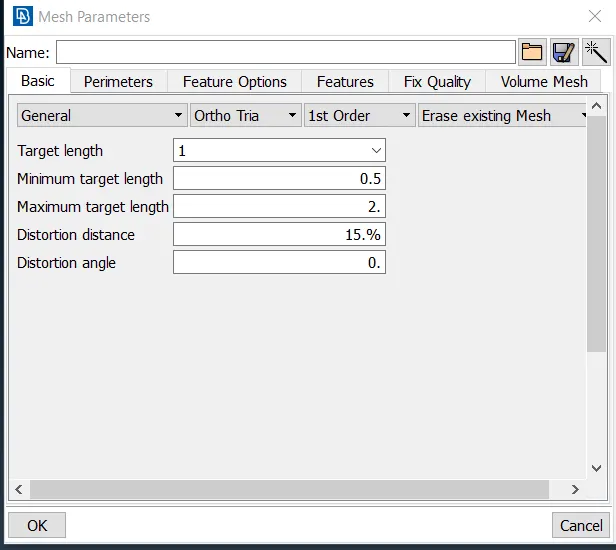
- Give the mesh criteria and mesh parameters using given quality criteria.

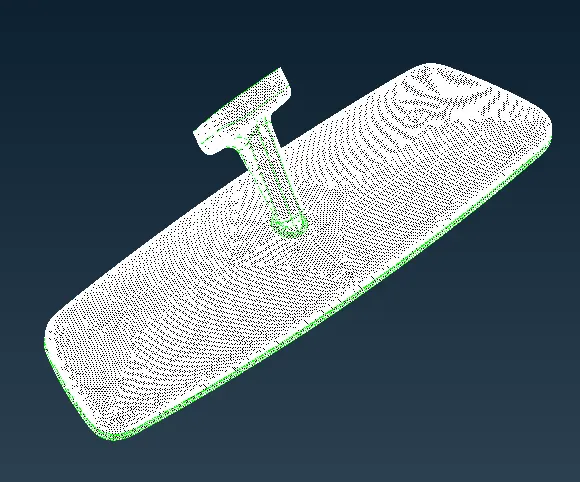
- Clean the geomentry which is below the given quality criteria or use the batch mesh the component the auto cleanup is done in the component automatically.
- Then mesh the component using spotmesh tria elements seperately for all component.
- Use shadow mode to view the error element presented in it.
- Use reconstruct option to change the mesh flow and minimize the error in it.And use the smooth option to smooth the mesh flow.
- By using this options clear all the error elements.
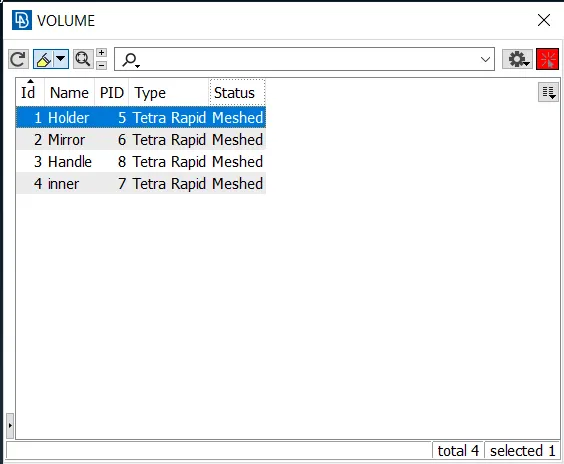
- After that go to volume mesh and define volume for the component.
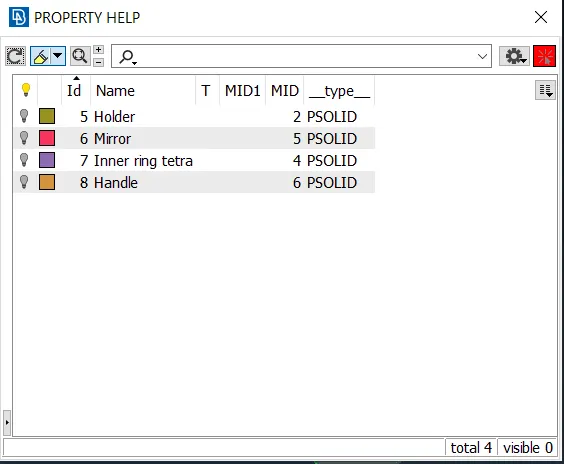
- Then volume mesh is done by unstructural mesh use Tetra rapid or Tetra FEM.
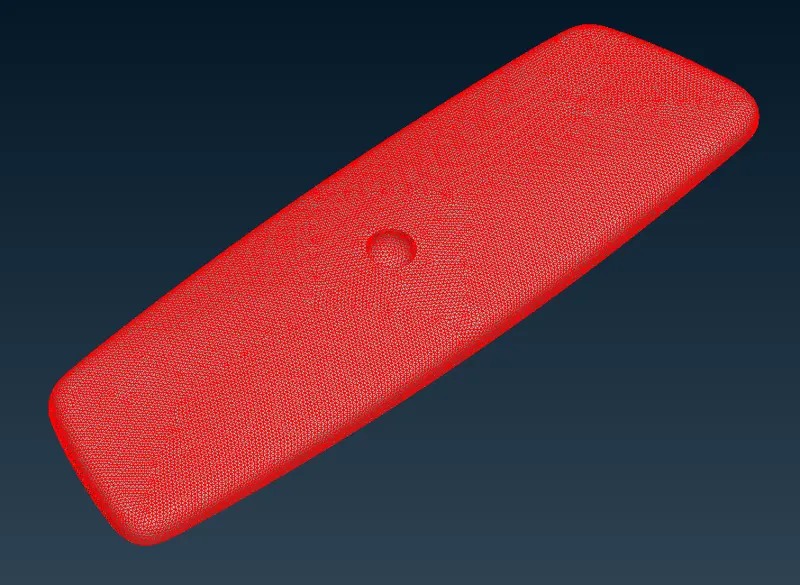
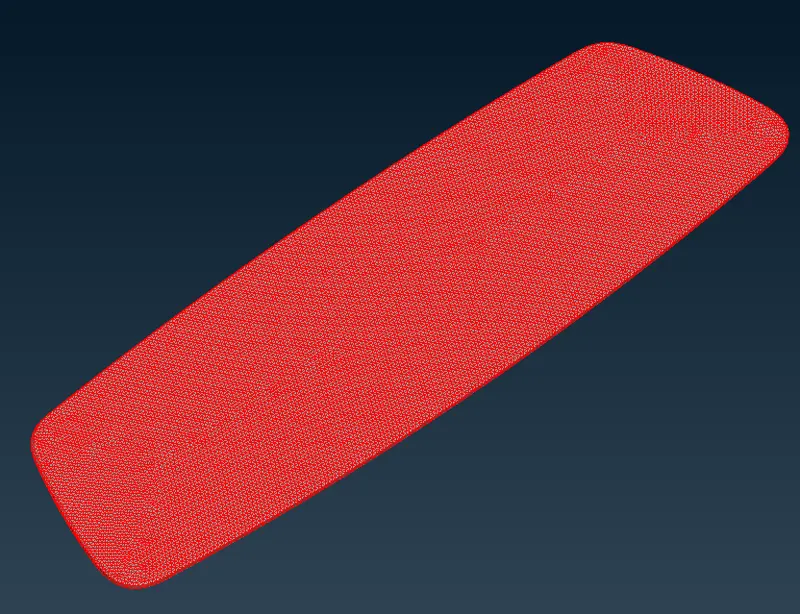
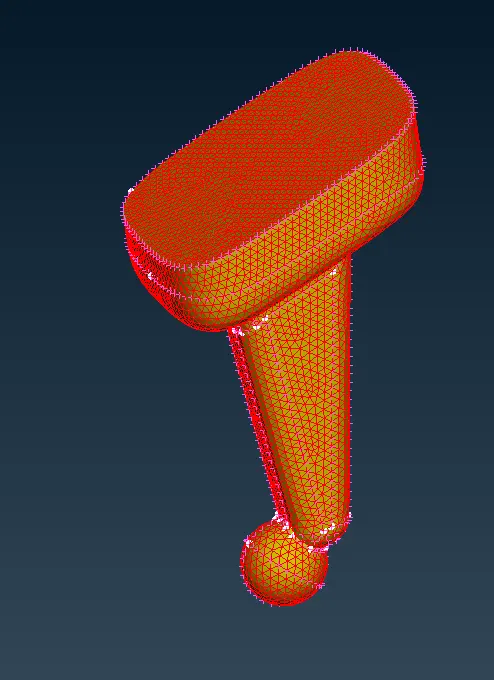
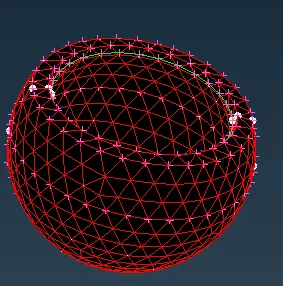
- By using this error is show in the meshing because of all the components are not attached to each other.
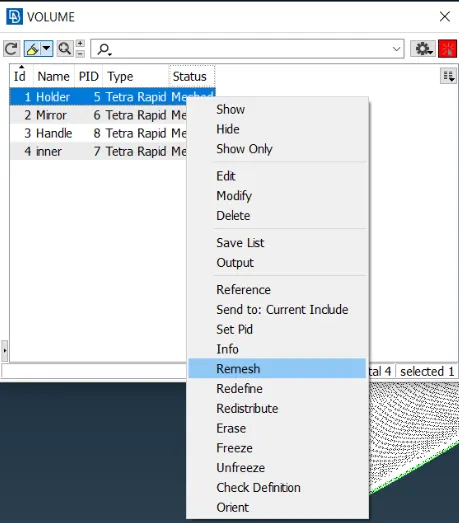
- So that use list option and select component and remesh one by one and change it to volume mesh.
- After meshing switch on the boundry option to see volume mesh.
- And use not option and cut the component to see it volume are not.
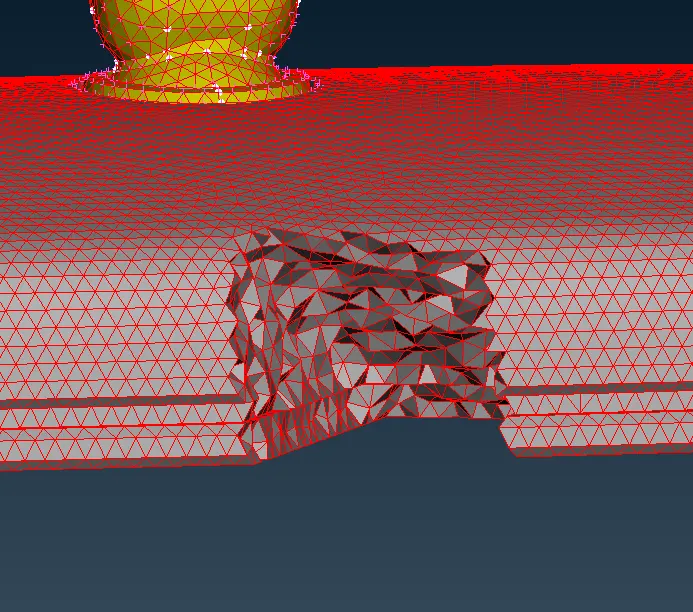
- If the volumes are all saved in one folder then seperate the volume using list option.
- And assign property as PSOLID to all the component seperately.
- And also assign PSHELL to the 2d mesh components.Then save the component.
CONCLUTION
Thus the given component is mesh with 2D elements and define volume under the given quality criteria.