Week- 5 - Solid meshing
AIM:
For the given Rear view mirror model do the 2D surface meshing and use tetra elements to mesh the volume inside the model with the specified quality parameters.
PROCEDURE:
1. First open the model in the ANSA application
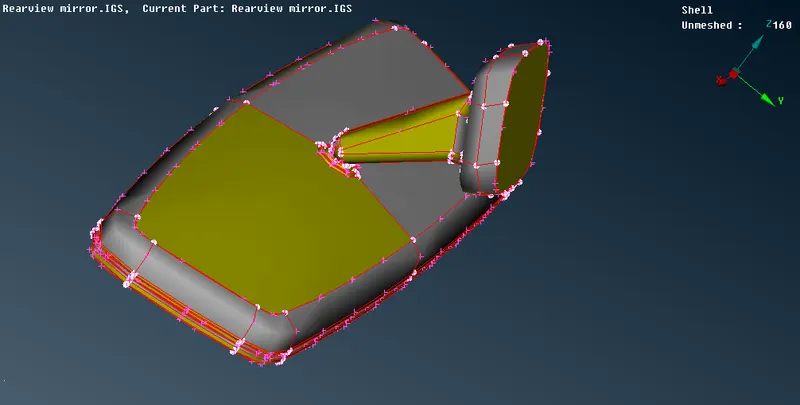
MODEL OPENED IN ANSA
2.Then open property tool icon and open parts of this model separatly by right clicking the parts using show only option.
3.Then give TOPO and do TOPO clean up and check the geometry
4.Repeat the above steps for every parts in the model
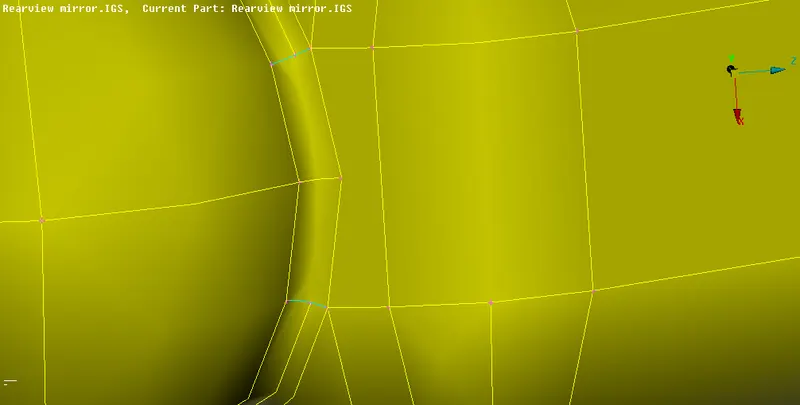
YOU CAN SEE THE BLUE TRIPLE CONS BEFORE TOPO CLEAN UP AND GEOMETRY CHECKUP IN THE NECK
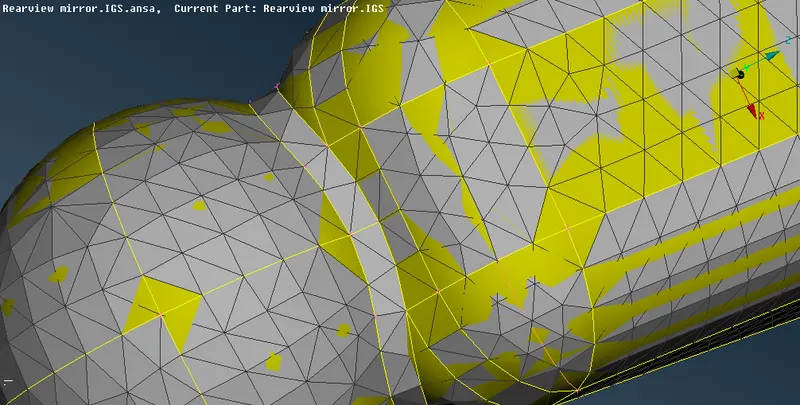
THE ABOVE IMAGE SHOW THE 3D VOLUME MESHED TOPO CLEANED PART OF THE MODEL
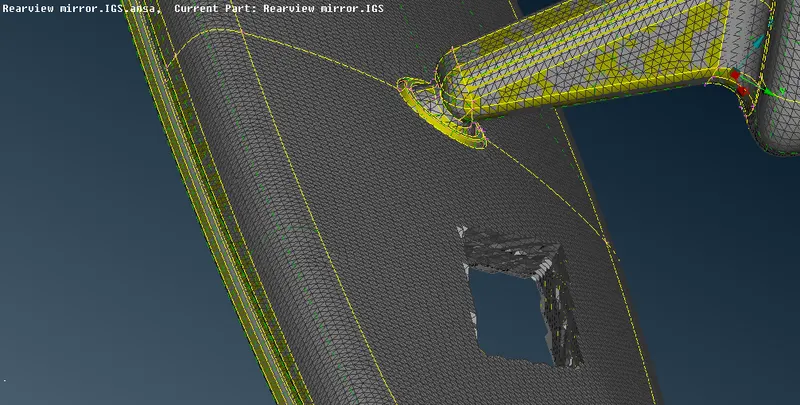
5. Then after topo clean up click mesh mode and start 2D meshing of the surface of the parts separatly using the specified quality parameters and also use ortho tria and Tria mesh options while meshing .
6.After meshing check the qualities using hidden mode option and clear the errors using reconstruct , smooth ,cut , split options.
7.Then click V mesh option and Define the volumes inside each parts of the model by clicking DEFINE>MANUAL>NEW>PROPERTY SOLID>NAME option and right click over the new volume property icon .
8.Then click the LIST>REMESH>TETRAFEM option.
9. Repeat the above step for each part of the model
10.After remeshing the each part volume of the model check the collapse quality parameter by enabling PID mode and hidden mode .
11. Clear the errors in 3D tetrafem volume mesh with the IMPROVE>MOVE >ALIGN and use other options under the Improve option.
MODEL BEFORE TETRA ELEMENT VOLUME MESHING AND BEFORE GIVING THICKNESS
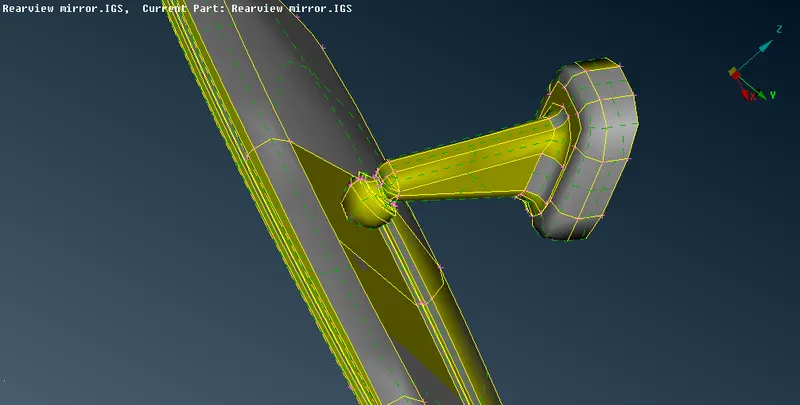
MODEL AFTER TETRA ELEMENT VOLUME MESHING AND GIVING THICKNESS
LEARNING OUTCOMES
1. The new options like volume meshing and tetrafem , solid meshing are learned
2. The Separate property id for Solids is learnt
3.The error options like IMPROVE>ALIGN>MOVE and more options under improve options are learnt
4.The options like define and list, remesh are learnt.
CONCLUSION:
For the given Rear view mirror model the 2D surface meshing and tetra element meshing of the volume inside the model with the specified quality parameters are done.