Week 3 - 2D meshing for sheet metal
AIM:
For the given Hood model, Take the mid surface for all the components after checking the geometrical errors and mesh the mid surface with the given element Quality criteria.
PROCEDURE:
1. Open the ANSA tool and open the Hood model .
2.Take midsurface or offset for all entities and properties separatly .
3.Then check geometry and TOPO clean every parts and properties till no error found.
4.Then use SETPID option and set a property id separately for each parts and entities.
5.Then start meshing and before starting meshing set mesh parameters and quality parameters.
6.Then use best mesh option to mesh all macroregions in any property.
7.Then clear the trias in the mesh using measure, Cut, Deletehotpoint , inserthotpoint ,Releasecons, TOPO, create surface,split ,reconstruct, smooth tool in any property in complicated areas and change needed areas.
8.Repeat the same for all properties on its midsurfaces
9.Now use the hidden mode option given below to check quality and mesh parameters .
10.In the last step in quality parameters option apply shell as solid option and change all midsurfaces to solids.
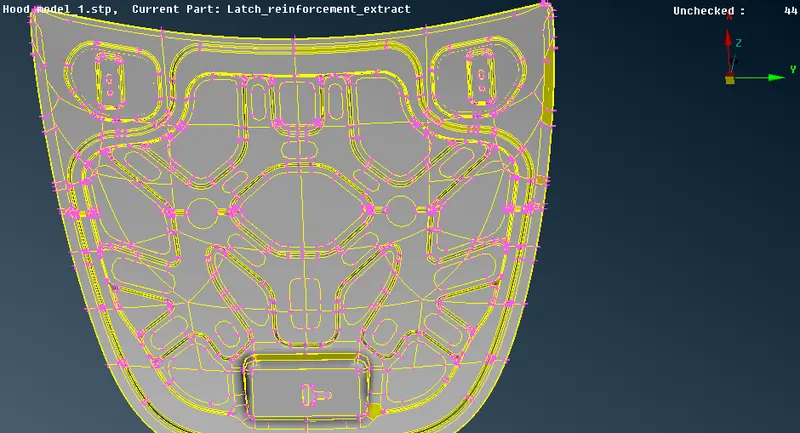
Hood model before Geometry cleanup
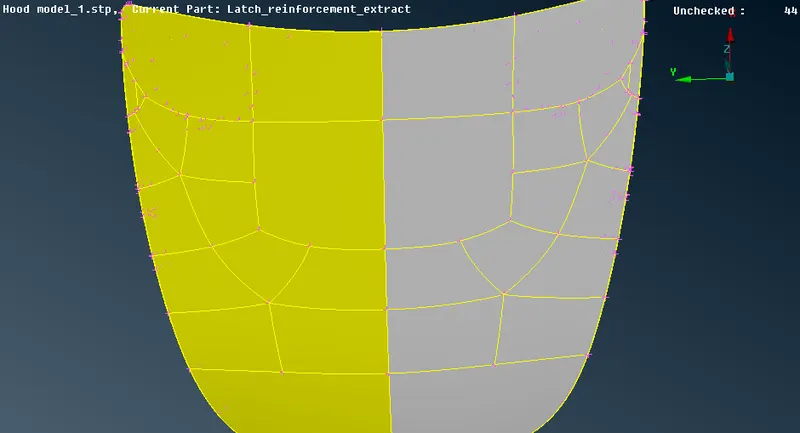
Outersurface of hood model before clean up.
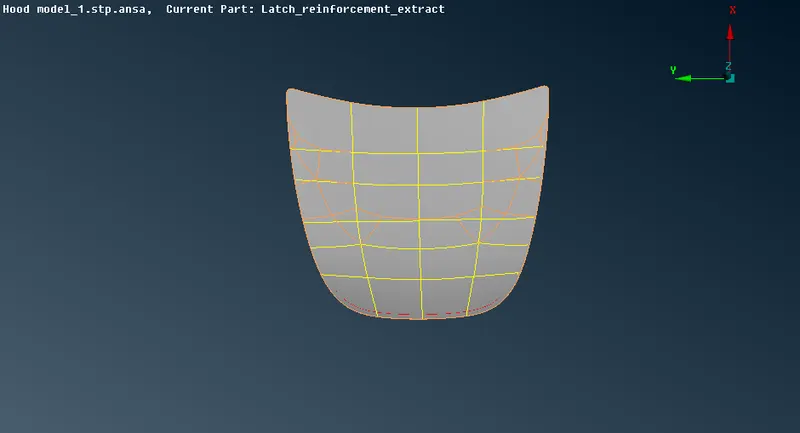
Outer surface of hood after cleanup
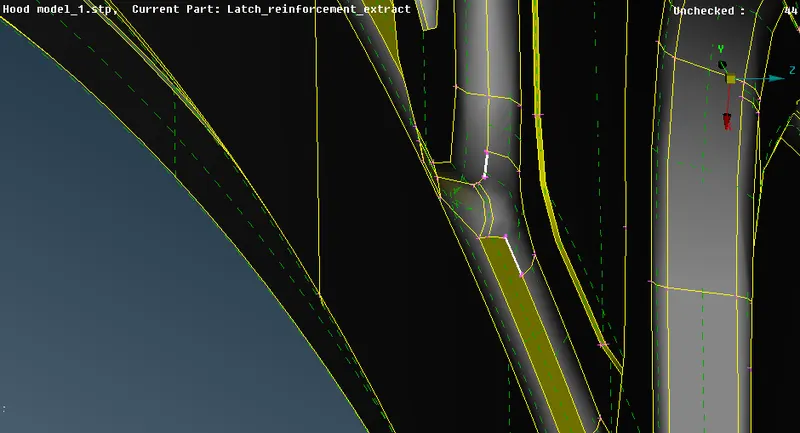
While TOPO clean use Show only option in check geometry option to see the spot of error.
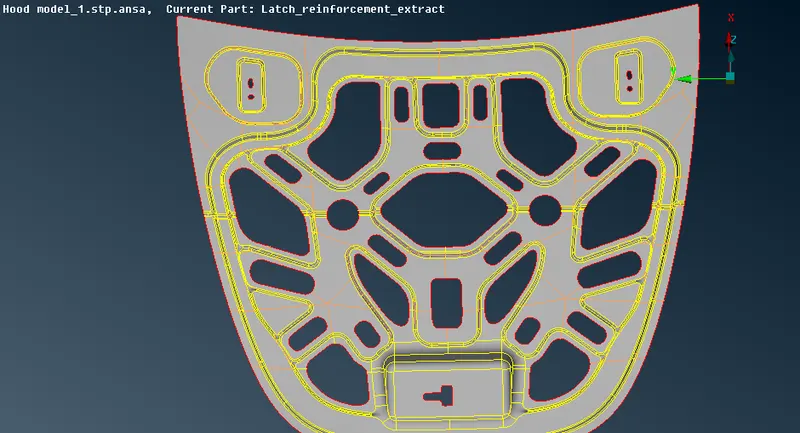
Midsurface for the Hood frame
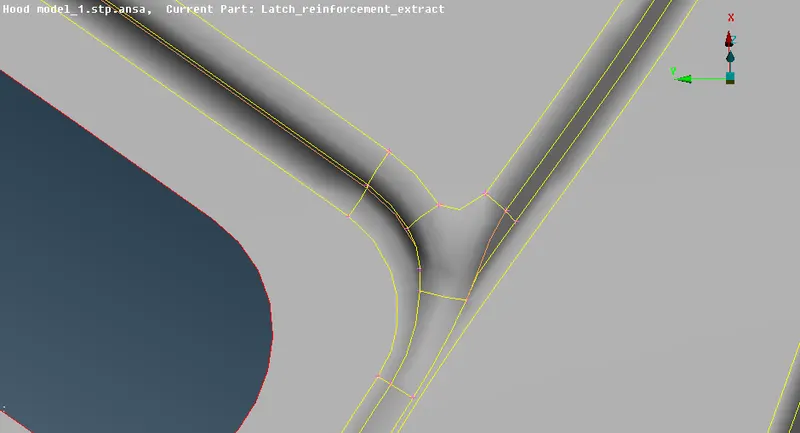
After usage of CUT option to defeature unfit feature not qualifying the quality parameters
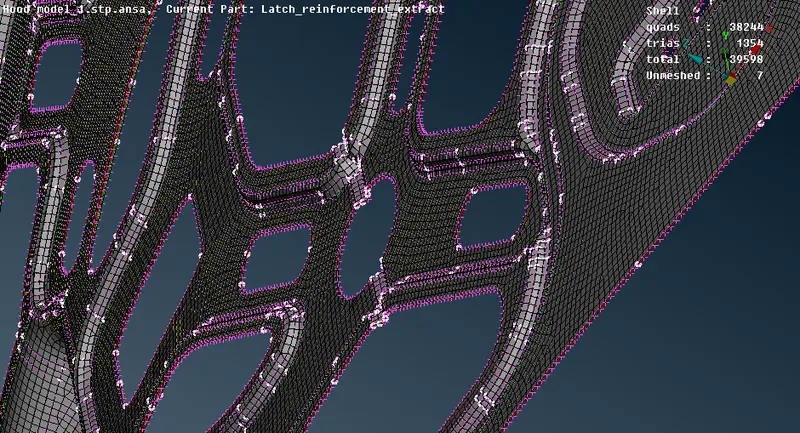
Meshed hood frame
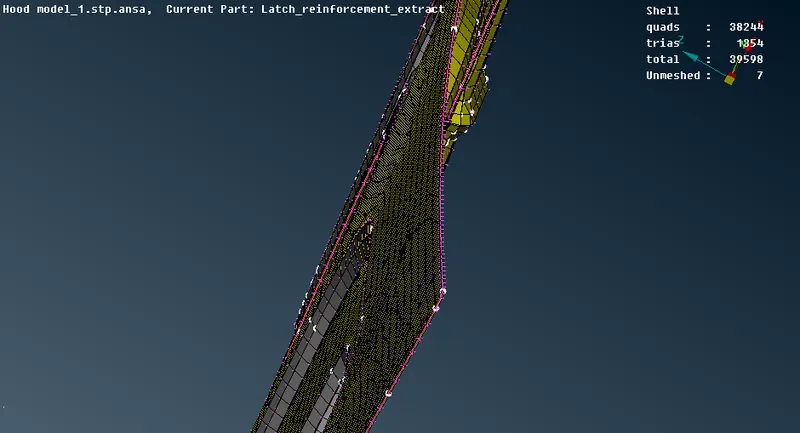
After shell as solid option.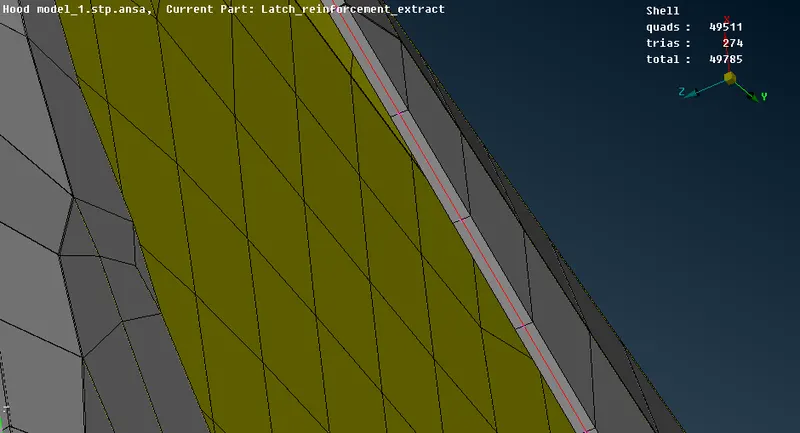
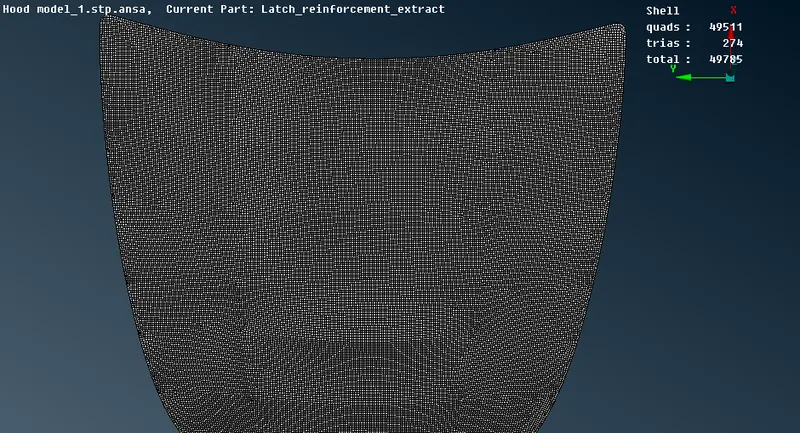
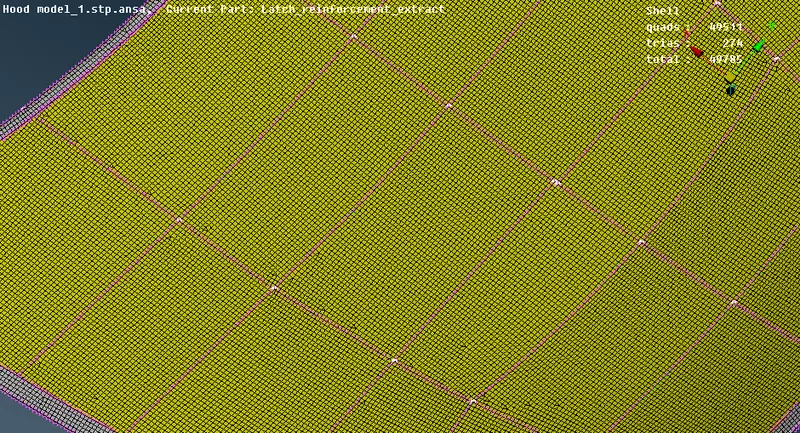
LEARNING OUTCOMES:
1.In this assignment I learnt about measure tool ,cut , paste ,releasecons, Delete face cons, DELETE and insert hot point tool, Best mesh , reconstruct, smooth, Not , nor ,invert, setpid, neighbour part pid selection, entity selection option , polyline , macroregion tool etc.
2.I learnt where and when to defeature cad geometry using cut tool, quality parameter, mesh quality tool.
3.I learnt how to take midsurface and mesh cad geometry
4.I learnt how to check geometry and clean errors
5.I learnt how to change from shell to solid geometry.
CONCLUSION:
For the given Hood model the mid surface for all the components are taken after checking and clearing the geometrical errors . Meshing the mid surface with the given element Quality criteria is done. Shell to solid geometry is created. More models can be worked like this assignment and submitted.