Week - 4 - 2D meshing for Plastic components
AIM:
For the given plastic bottle cap model check for geometrical errors and take mid surface by suitable mid surfacing techniques.
PROCEDURE:
1. First open the model inside ANSA
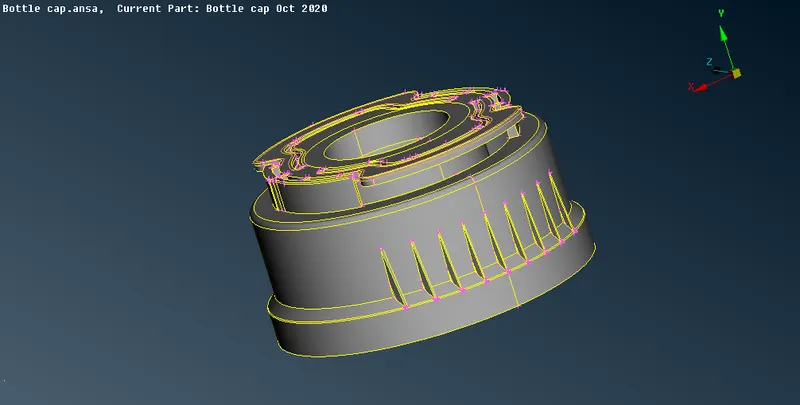
In the above image you can see the model
2. Take mid surface after measuring the thickness of surface in any part of the model and give half the thickness value as offset length and give minus sign if the arrow projected over the surface upwards.
3.After taking all the midsurfaces connect them using tools followed they are extend, intersect,surface,new,fitted.
4. We can also take midsurface by drawing lines using create tool listed under curves tool or create line by using middle tool . After taking line go to midsurface and project the line and using surface, new ,fitted tool create a midsurface.This method is used for creating midsurface for thread use cut option also for better result.
5.We can also create mid surface by middle tool listed under surface tool.
6.After creating the midsurface check the midsurface geometry using check geometry tool
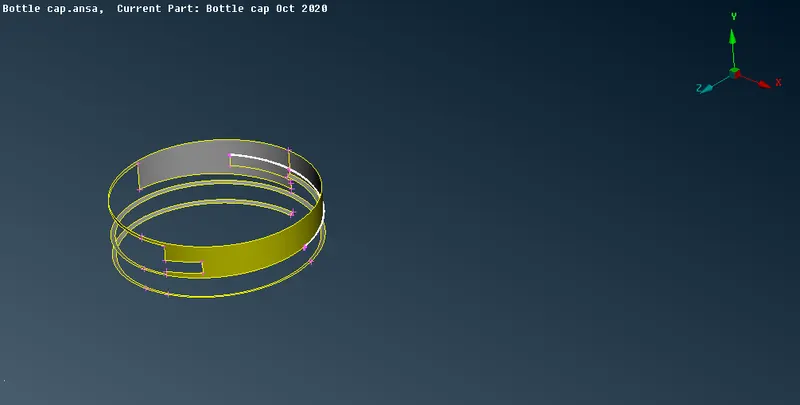
In the above image we can see errors in the midsurface before TOPO cleanup
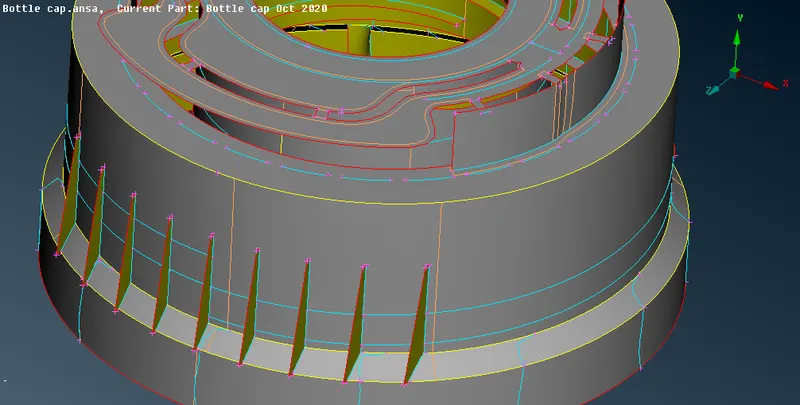
After topocleanup
7. Before meshing create separate property id for different type surfaces and assign different thickness corresponding to parent surface thickness using setpid tool.
8. For varying thickness go to thickness tool after meshing and select nodes or shells and assign corresponding thickness of parent surfaces
9.Click mesh tool and set the target length and all recommended parameters similarly do the same in mesh quality parameters and perimeter length, macros length.
10.Use best mesh tool while meshing the midsurface and use reconstruct tool , smooth ,split ,origin, cut tools . Always delete unwanted hotpoints using delete tool.
11.Then go to mesh quality tool and click convert shells as solid icon after meshing
12. Then save the model
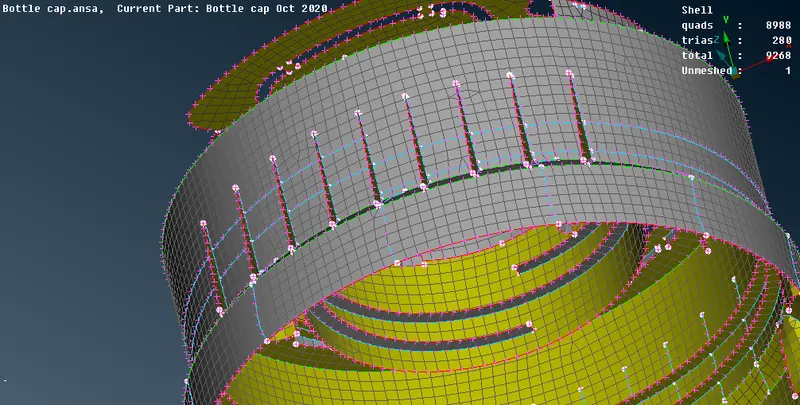
The above image shows the midsurface before assigning thickness
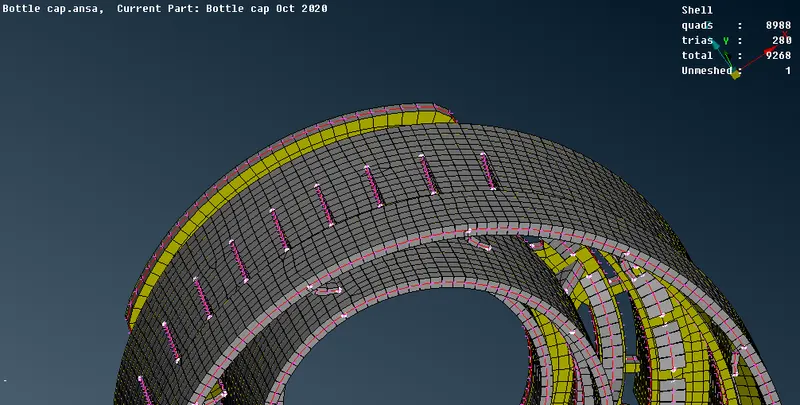
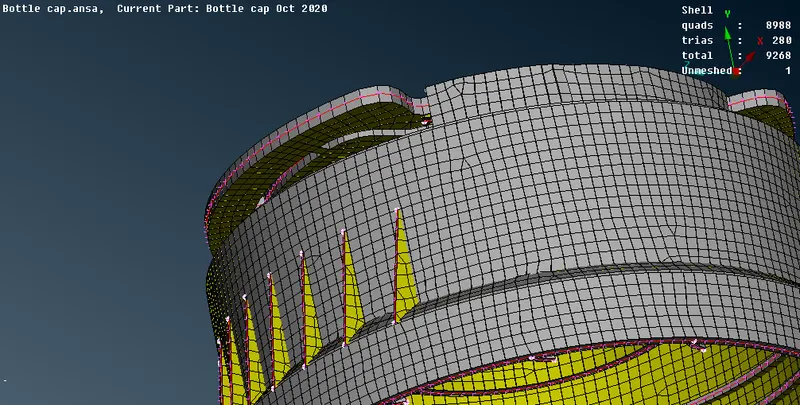
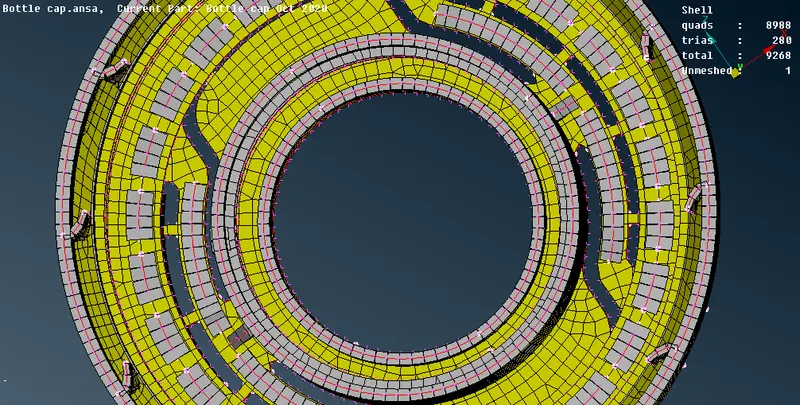
The above images show the midsurface after assigning thickness.
LEARNING OUTCOMES:
1. The tools like Grids origin , curves create middle, surface middle ,Extend , intersect, new fitted are learned
CONCLUSION:
The given plastic bottle cap model is succesfully taken midsurface and meshed. separate thickness are assigned to different surfaces according to the parent surface and solid surface is created.