Week- 5 - Solid meshing
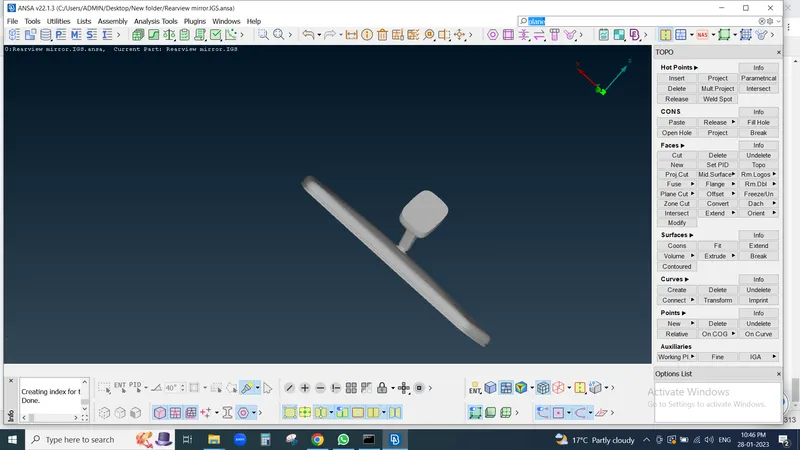
1st we Open Downloaded Model in ANSA
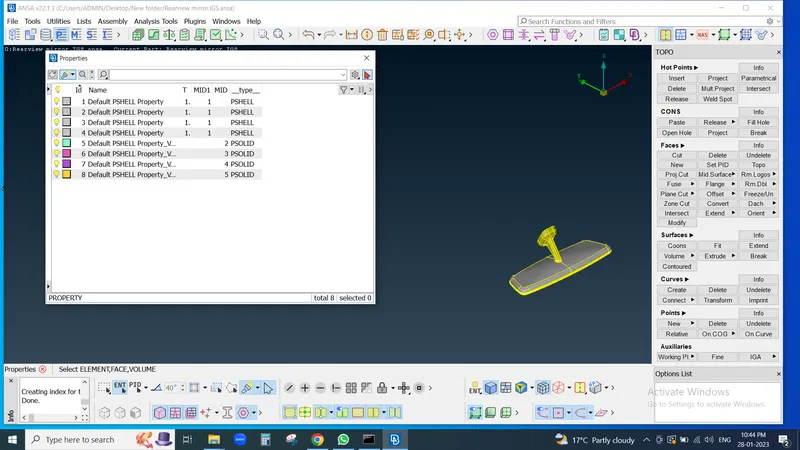
then check total component present in model as well as Property Id
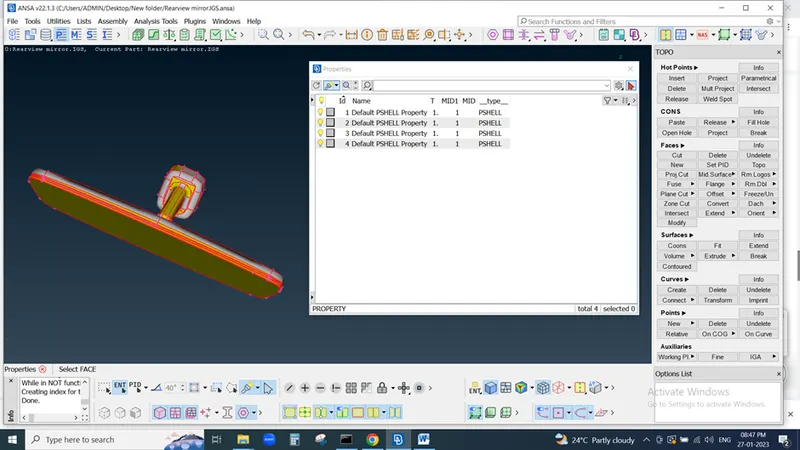
Now Here we can see 4 Property ID present in this model so here we need to do proper solid meshing as well as check Collaps
so 1st we need to check geometry of model present in check box
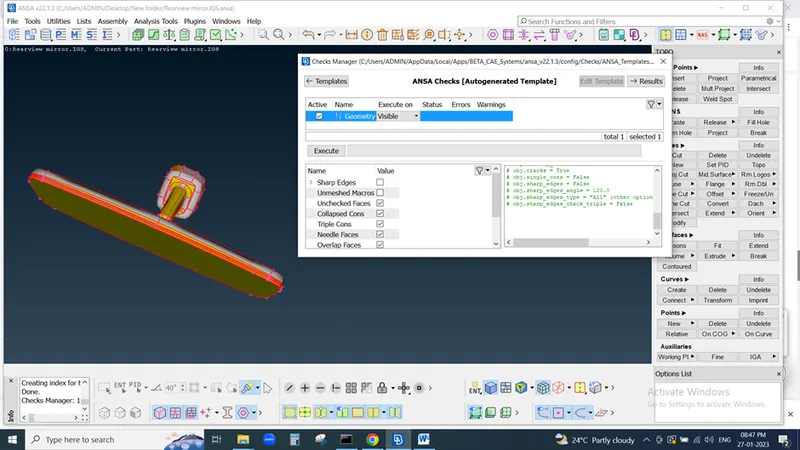
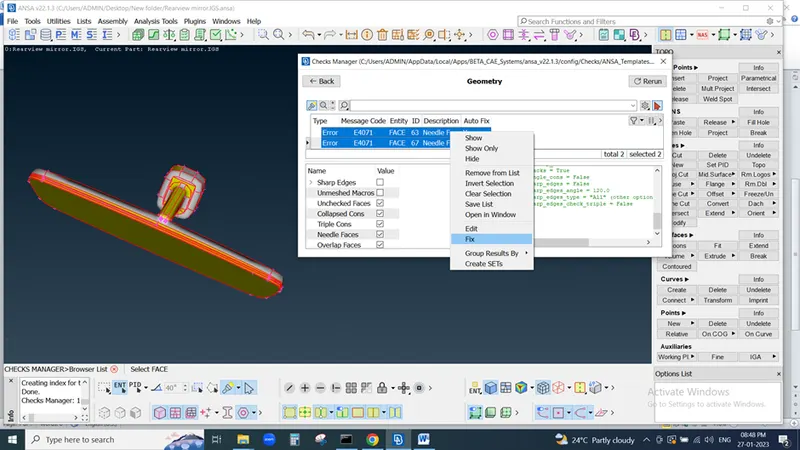
If any error occures in model the fix it either manually or Automatic
again execute the geometry
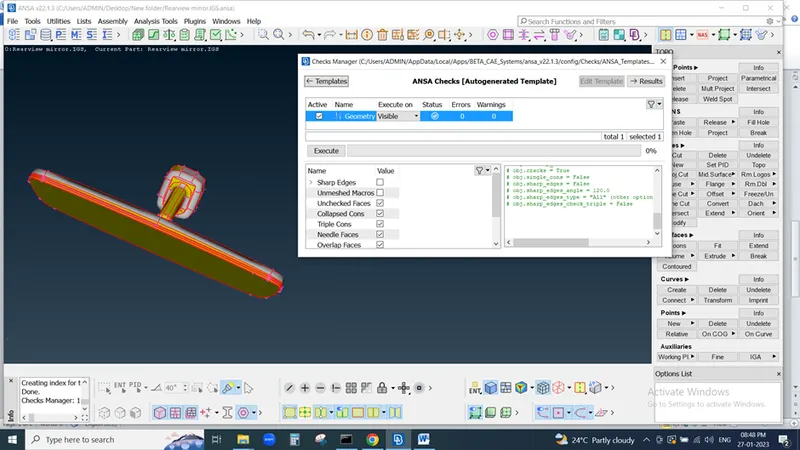
After that we need to check exctra hot points if available then delet it
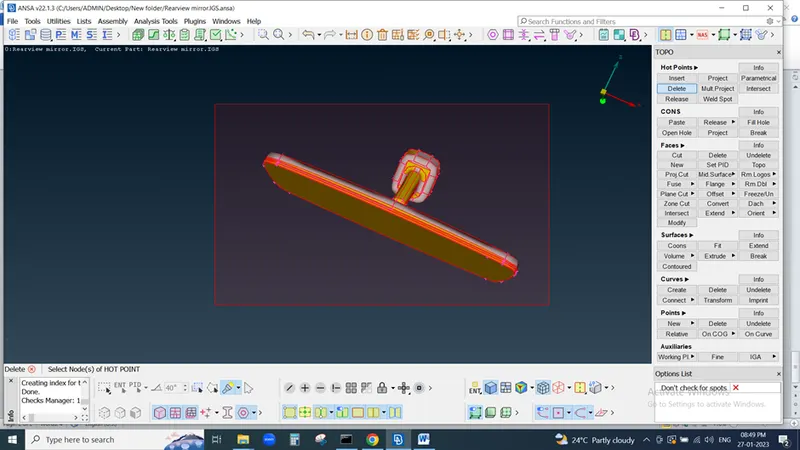
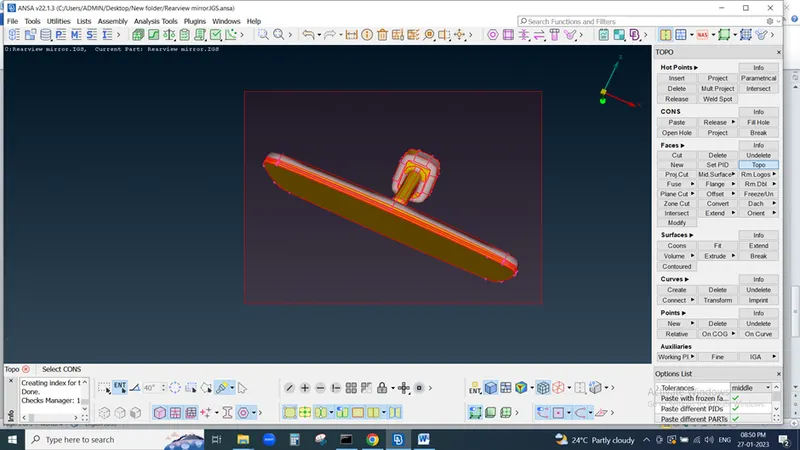
we already fix all geometrical issue but again do topo for cons
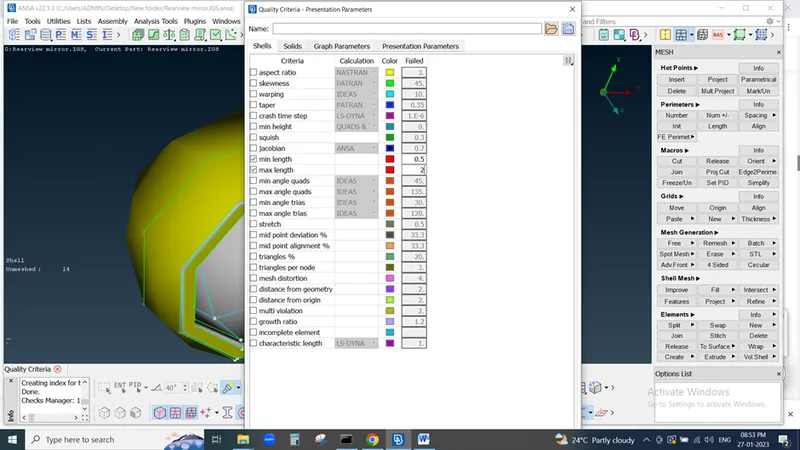
then we set Quality criteria
and Mesh Parameter
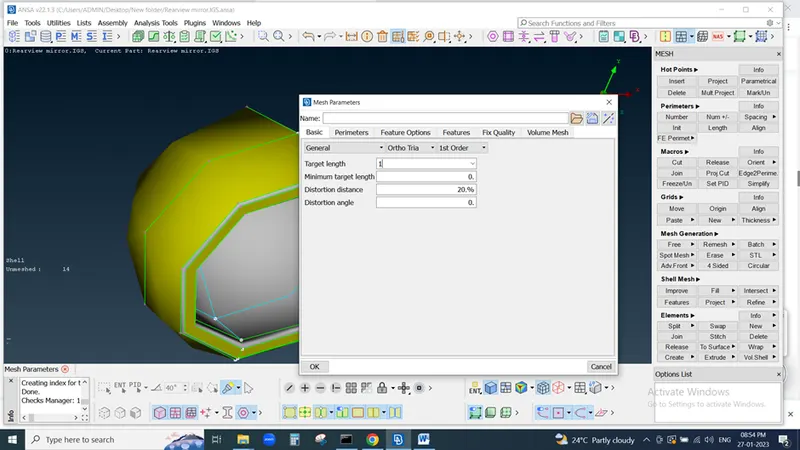
then set avarage length for parametric region and macro region for proper geometry check
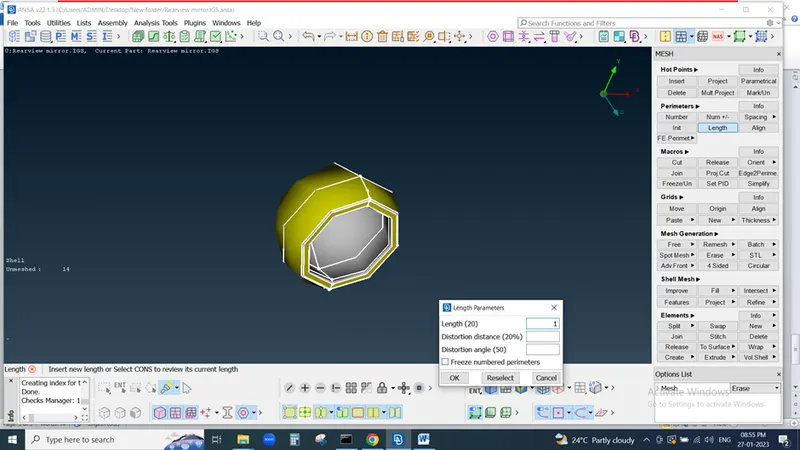
we need to mesh component for that we use Mesh generation in this we use Spot mesh , batch mesh , Best mesh
if meshing pattern is not good we can do re-construct operation but property select as ortho tria for curve and circular portion
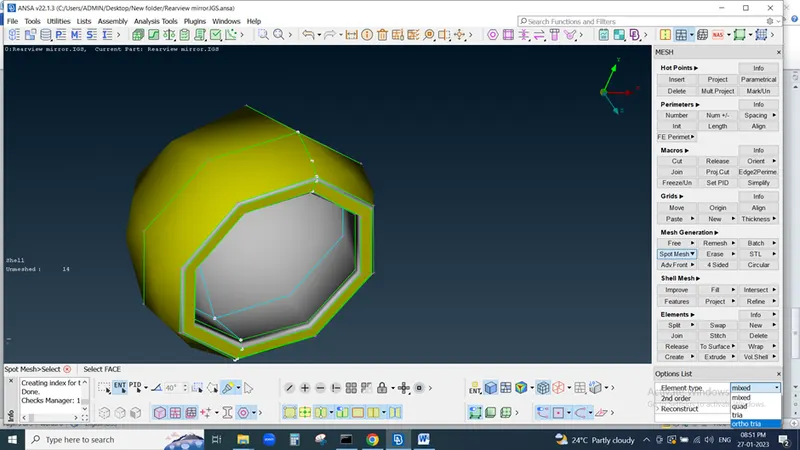
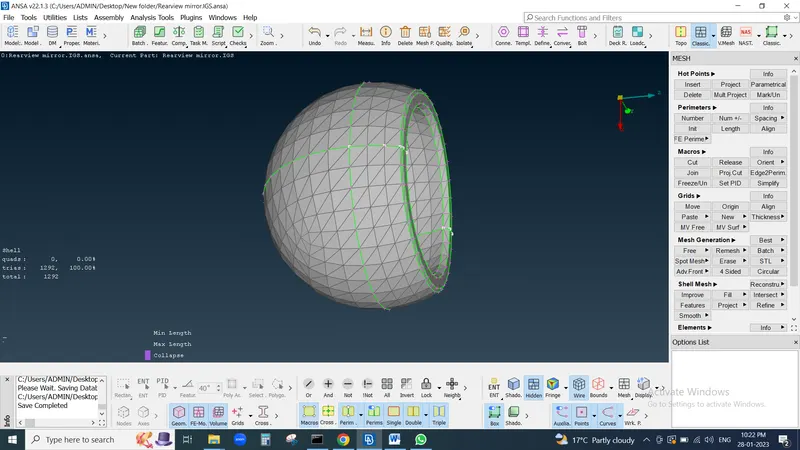
we can do all meshing for diferent different property Id
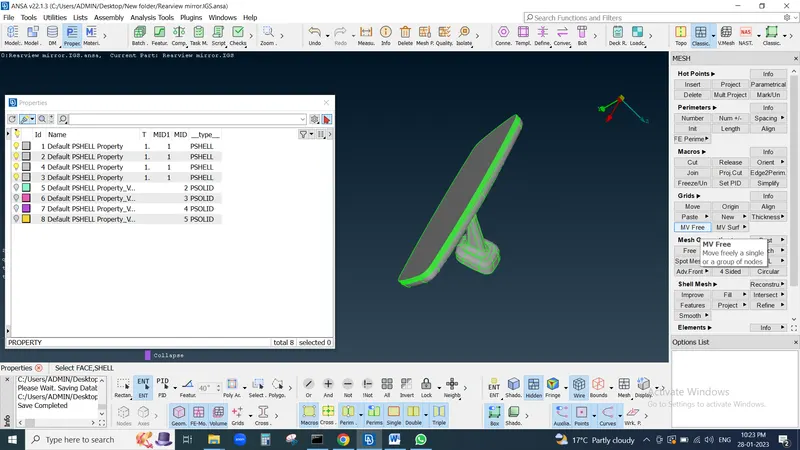
then we go for volume meshing
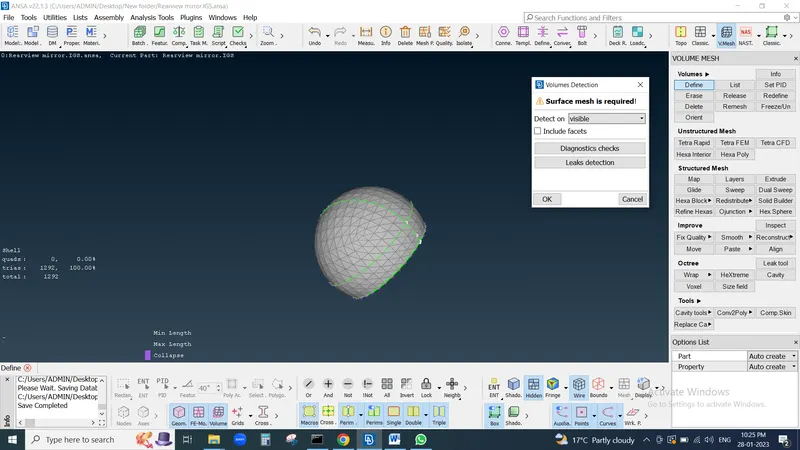
Goto define and select defined mode as visual and click on Ok
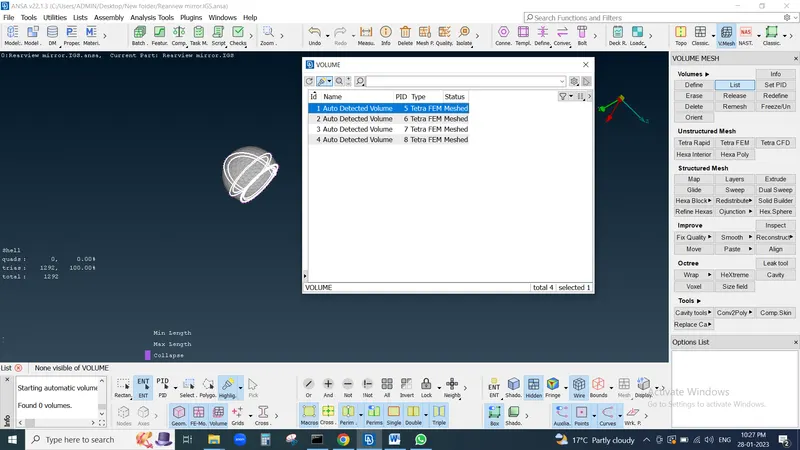
then this type of Id generate
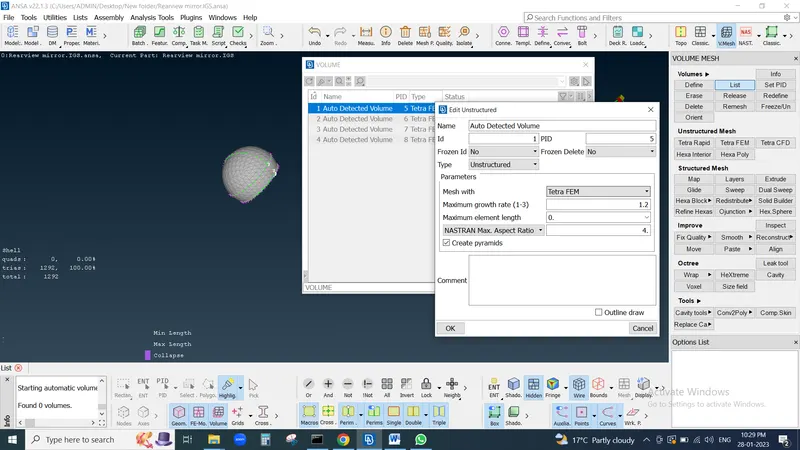
then double ckick on ID and select parameter mesh with tetra FEM for Accurate result and hit on ok
then Id shows status as Mesh on PID then again right click on Id and select remesh Option
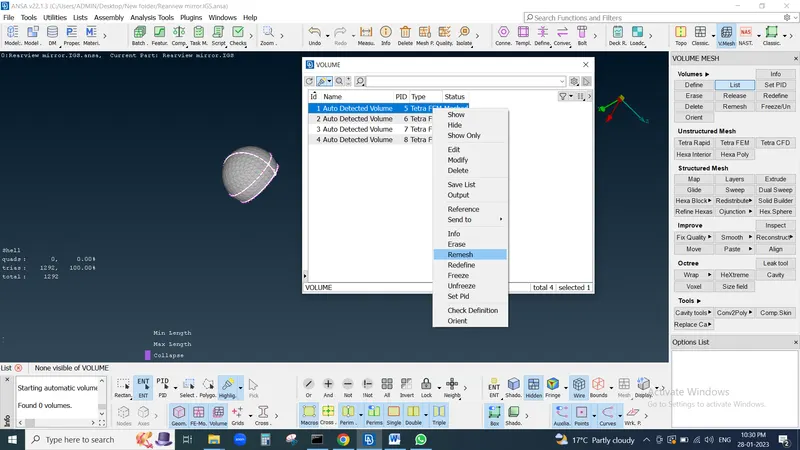
then our component become totally solid then we check our solid component in quality criteria
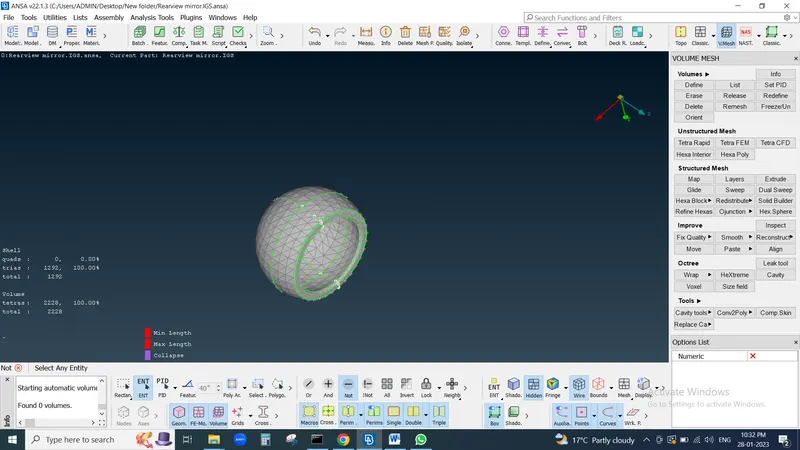
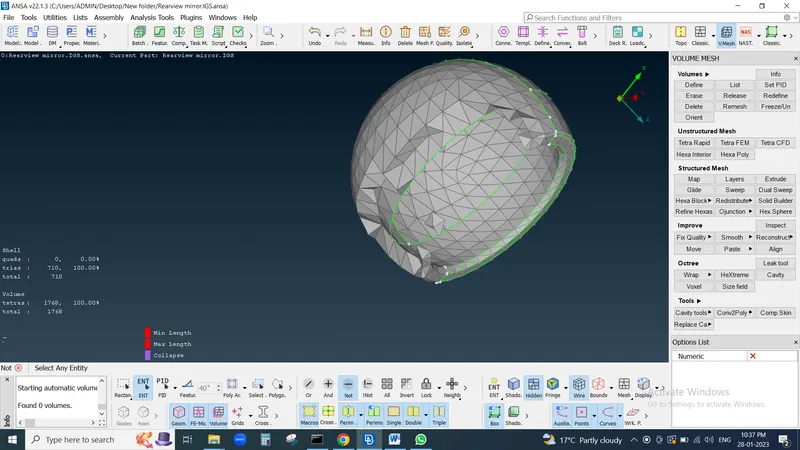
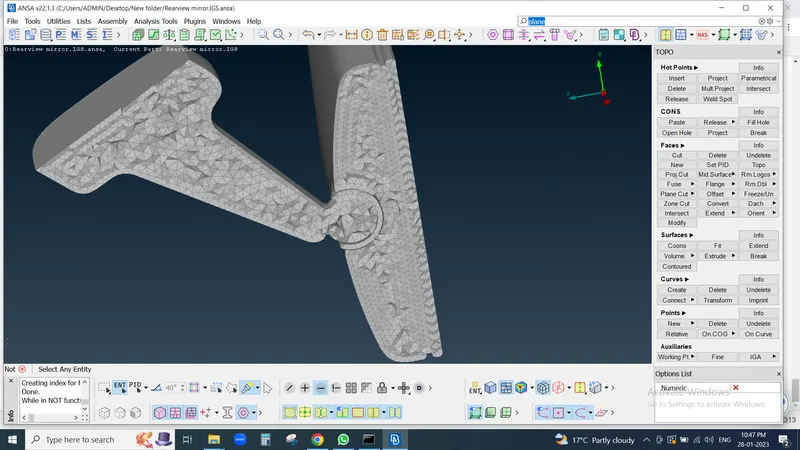
Make shure hidden mode is on and check all required criteria is meet or not if not meet then rework by using
Reconstruct tool, Smooth tool, then Map , move this type of tool we use and again check component if its satisfied all Quality criteria then our Meshing is proper
In this way I do all the component operation andd meshing