Week- 5 - Solid meshing
AIM:
To perform 3D unstructured mesh on the given rear view mirror in ANSA.
Procedure:
1.Import the provided IGS file into ANSA workspace, go to FILE > OPEN > select the file.
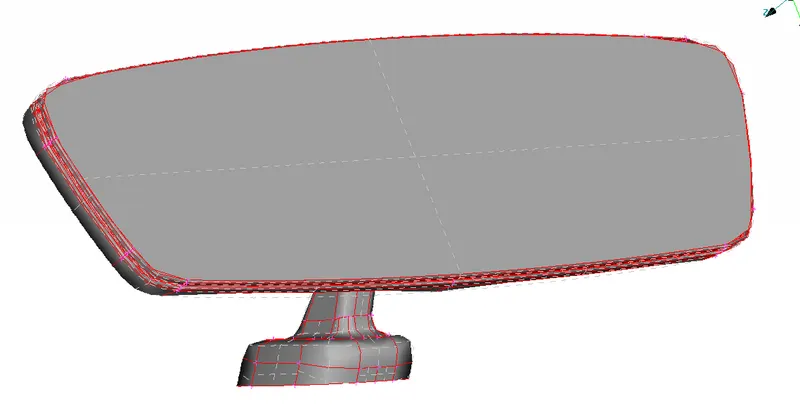
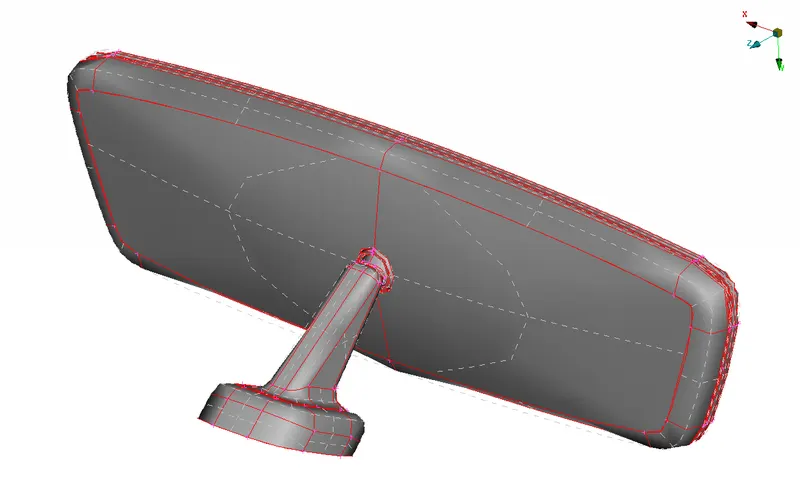
From the images above the red lines show that the edges of the given geometry are not connected, hence the first operation is to perform topology on the given CAD.
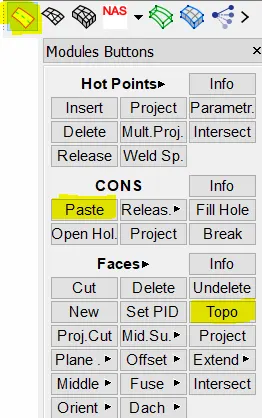
FACES > TOPO > select all the cons in the geometry > ok, this will paste the nearby cons with each other and creates a closed geometry for volume meshing.
other option to perform the similar operation is CONS > PASTE, this will take longer time as you must select each cons separately, with TOPO you can select all the cons at once.
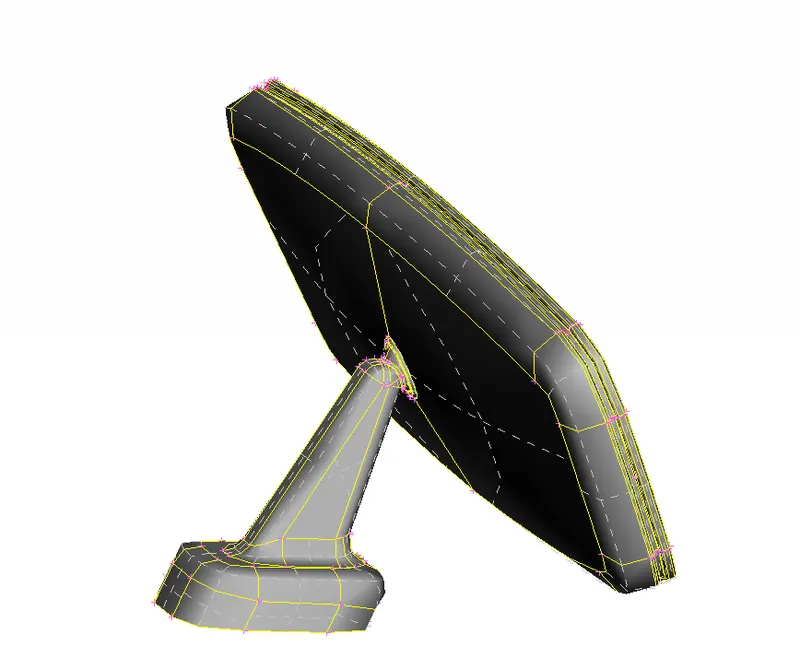
the top right image shows the CAD geometry after performing the TOPO operation.
2.Geomerty check.
To check for needle faces and missing faces we run the geometry check on the CAD.
TOOL > CHECKS > GEOMETRY > EXECUTE

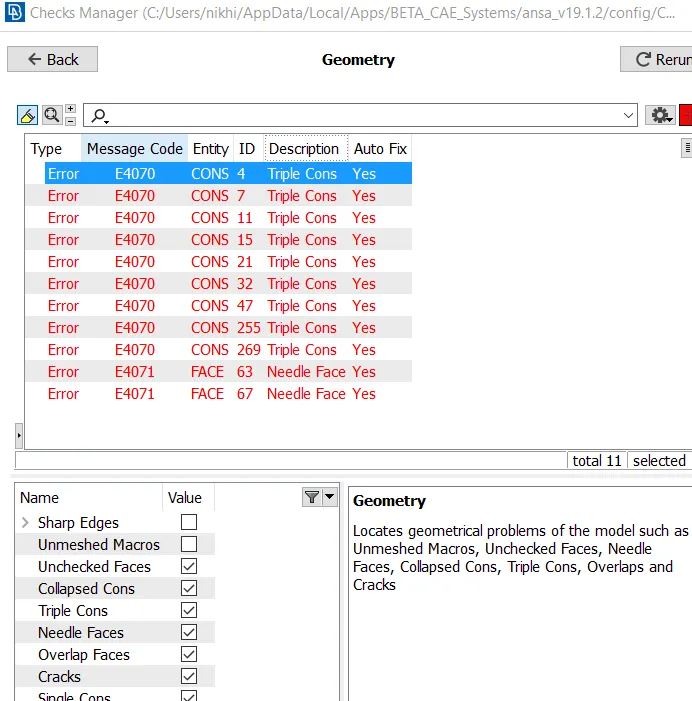
Fix the errors by right click and select FIX, if auto fix fails to solve the error fix the CAD manually by deleting the extra faces or by toggling the cons.
3.Quality Criteria setup.
Setup the quality criteria for meshing, UTILITIES > QUALITY CRITERIA
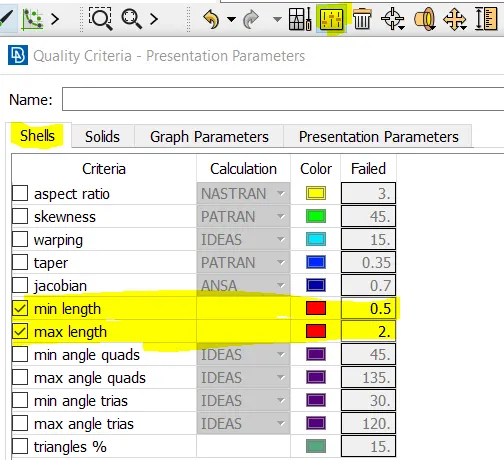
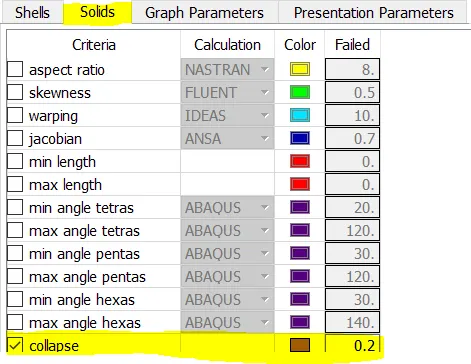
UTILITIES > MESH >MESH PARAMETERS
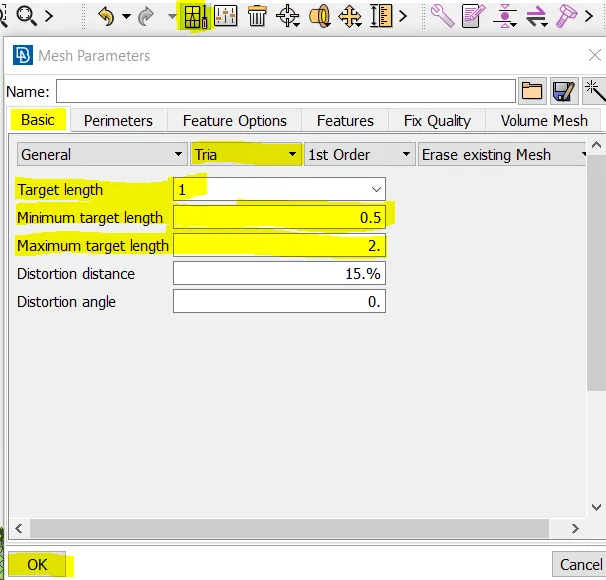
4.Topology clean-up.
once the geometry is fixed the topology of the CAD needs to be fixed based on the minimum element length, cons which are not satisfying the minimum length criteria needs to be joined to avoid the mesh quality failure in the later stage.
the geometry is ready to meshed when the topology is cleaned.
5.Shell Meshing.
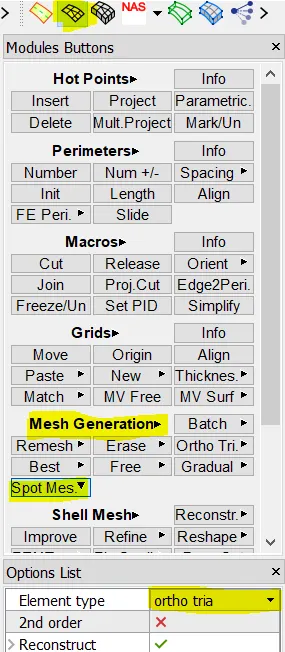
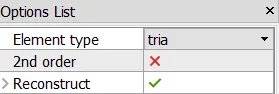
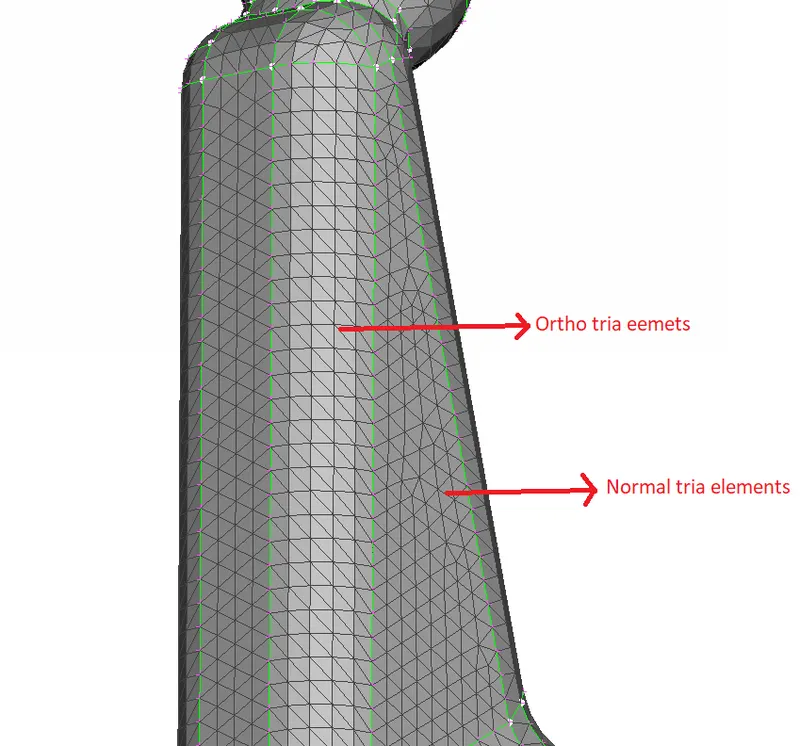
To capture the curved surfaces without any kinks or dips Ortho tria mesh is deployed on curved faces, ortho tria captures the curved faces more accurately then the normal trias, normal tria elements are used on the flat surfaces.
With the combination of ortho tria and normal tira the given model is surface meshed.
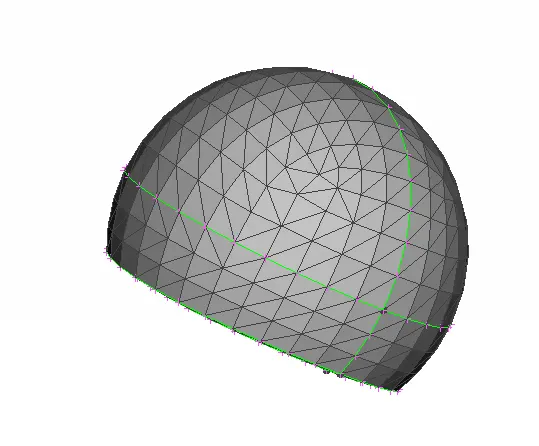
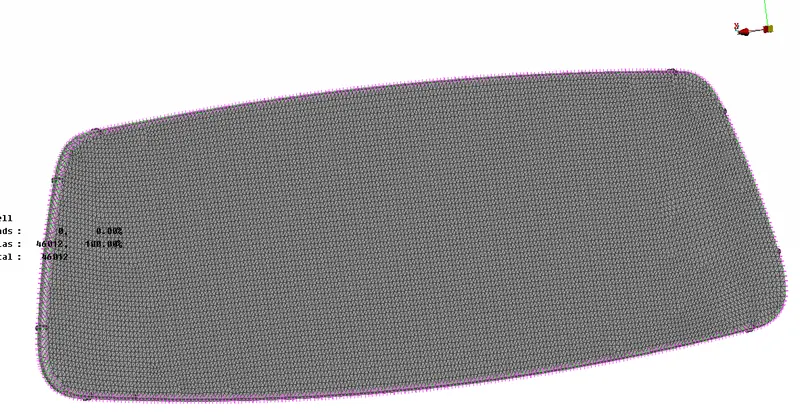
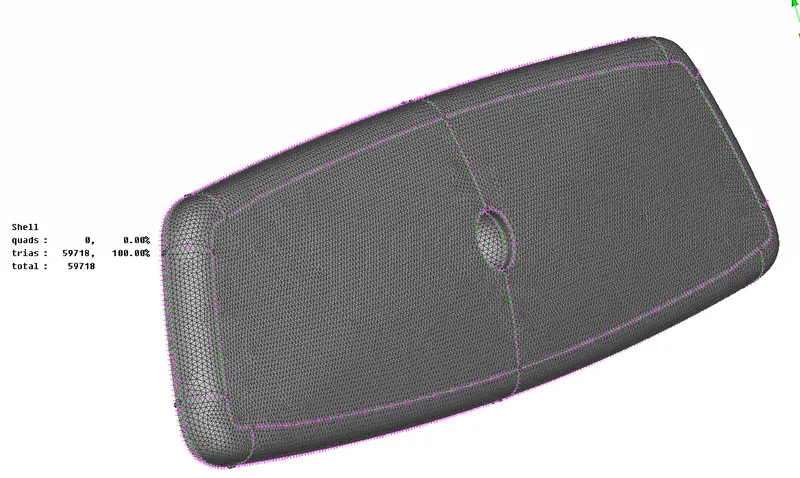
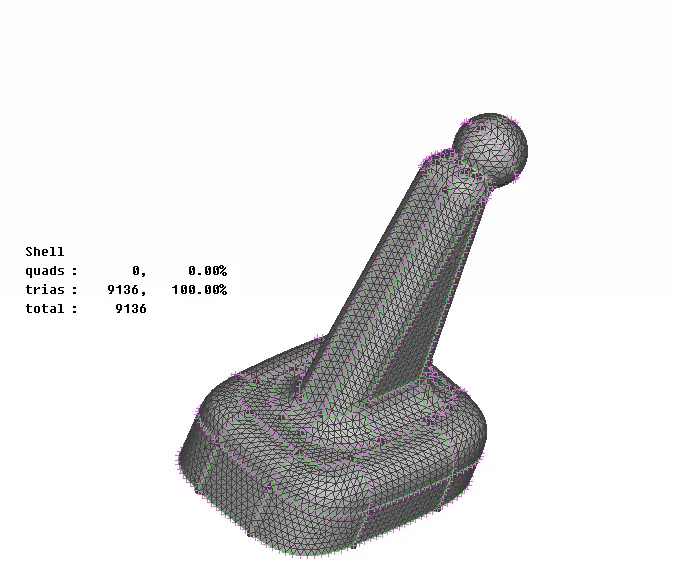
Shell mesh of all the parts in the model.
6.Volume Meshing.
In order to peroform volume mesh, first volume has to be created.
Go to MODULES > VOLUME MESH > DEFINE > MANULA > select the part. Volume is created which can be viewed and edited in LIST option.
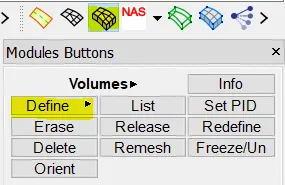
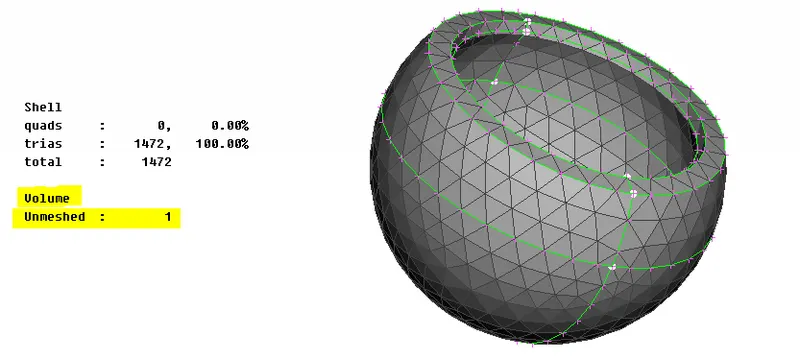
the created volume will be unmeshed which is shown in the image above.
Now the created volume need to be meshed with tetrahedral elements. Select eitrher tetra rapid or tetra FEM to generate the volume mesh inside the shell mesh.
Go to MODULES > VOLUME MESH > UNSTRUCTURED MESH > TETRA RAPID/TETRA FEM > select the volume.
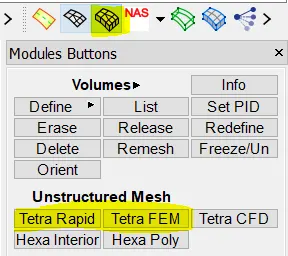
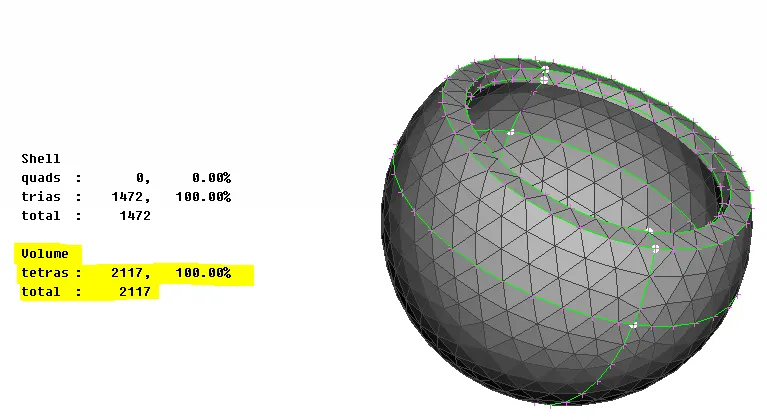
once the volume is meshed, the total number of elements generated will be displayed under the volume, as shown in the above image.
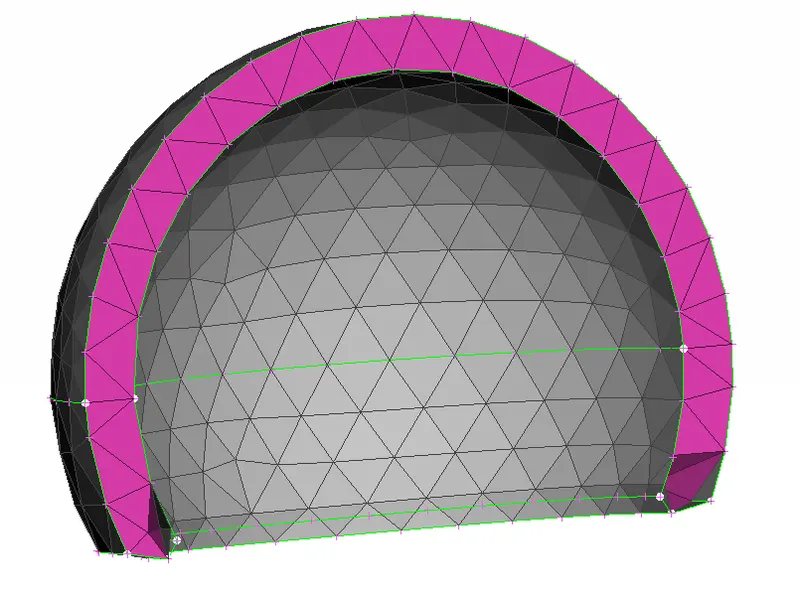
If the volume mesh has any off elements they have to be fixed to pass the tetcollapse criteria and minimum and maximum element length. If any off elements they can be automatically fixed by selecting the failed elements and selecting the fix quality.
MODULES > IMPROVE > FIX QUALITY > SELECT
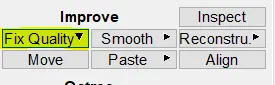
Other opertaion to fix the quality is by reconstruction in the improve tab. If these two option fail to fix the quality manual fix should be carried out, care should be taken when mocing the nodes, the surface of the geometry should not have any kinks or raised edges in the model.
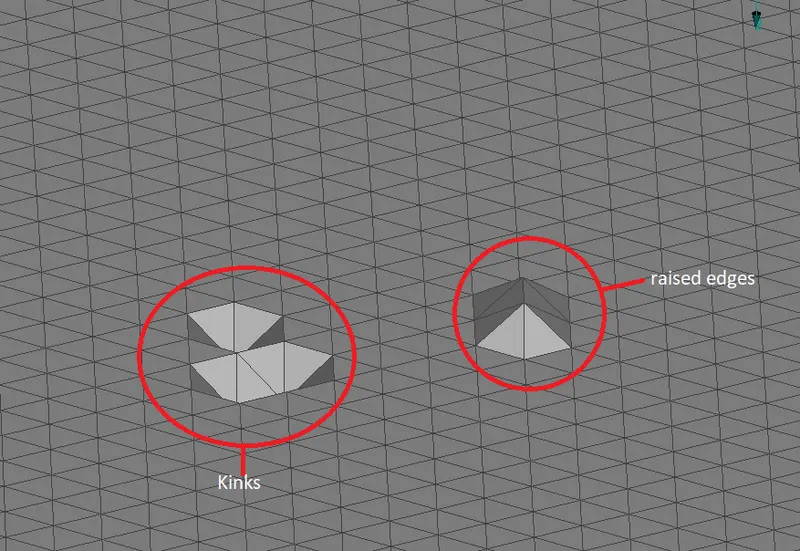
These can be fixed by aligning the grides to the neghbouring grid lines.
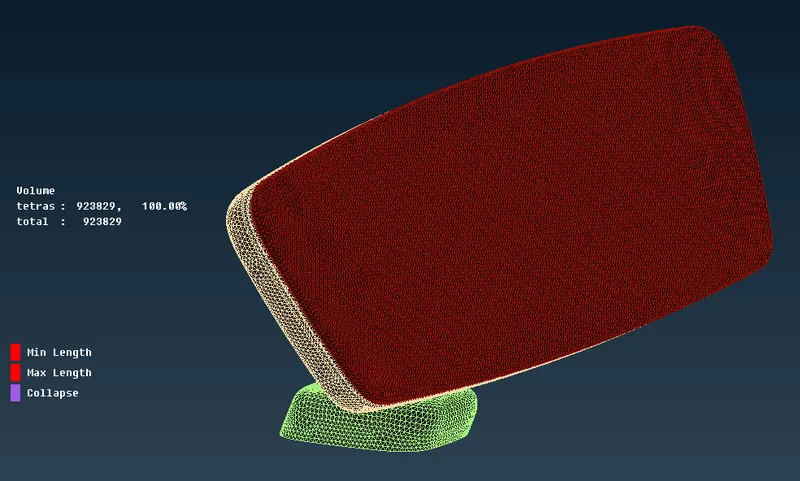
From the above image it can be observed that there are no off elements in the meshed model
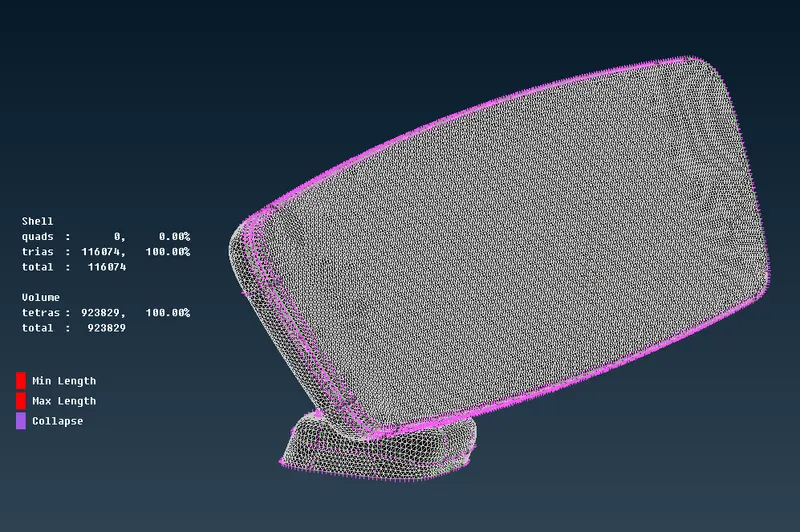
Both the shell and the solid elements pass for the given criteria
Learning outcome:
1.Gained knowlwdege on 3D meshing (Solid meshing), techinequies to capture curved faces with ortho trias
2.quality criteria for solid unstructured mesh and techniques to fix the failed elements
3.Handson practice on volume meshing module in ANSA preprocessor
Conclusion:
The given rear view mirror is meshed with solid tetraelements and checked for the qulaity criteria to pass the given quality criteria.