Assignment 1
Objective:
To import the given model into hypermesh, and to clean the model to remove any freeedges and extract the mid surface to carry out cleanup and mesh it according to the quality provided.
Procedure:
1.import the model into the hypermesh.
2.switch to 2d topology in geometry colour mode and toggel to wierframe mode, this will help to identify the free edges.
3. Use quick edit option to toggle free edges, trim option from surface edit to trim the overlapping surfaces and delet the unwanted surfaces from the model.
4. Use spline/filler option from the surfaces panel to fix the missing surfaces.
5. After fixing all the errors on the model, use midsurface option from geometry to extract the mid surface of the model.
6.use defeature option to remove the holes whose dia <= 5mm, and edge fillets.
7. cleanup the midsurface for meshing.
8. set the citeria file setting i.e mesh criteria by going to the preferences -> criteria file setting.
9. use automesh option to mesh the cleanedup mid surface of the model.
10. remesh the areas where tria concentration is high to reduce the tria elements in the model.
11. use smooth option to improve the mesh flow.
12. use check elements option to check for element quality.
13. To fix the quality of the elements use qualitycheck cleanup tools from 2D panel or remesh the areas where elements are failing.
14. creat a property card by right clicking in the tab area and selecting creat option.
15. Check the thickness of the geometry using distance option (F4)
16. set the thickness in the property card.
17. Assign the property to the component in which your mesh is saved.
18. To view the thickness assigned to the meshed model change 2D element view to 2D detailed Element Representation.
19. Repeat the steps for all the 3 models.
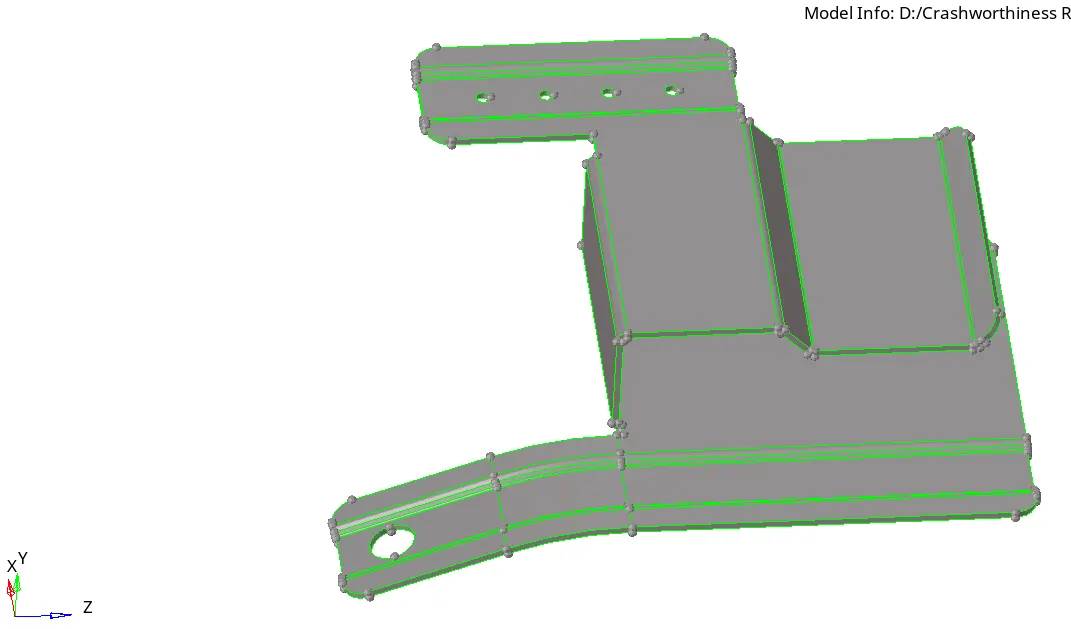
Model 1 before midsurface and cleanup.
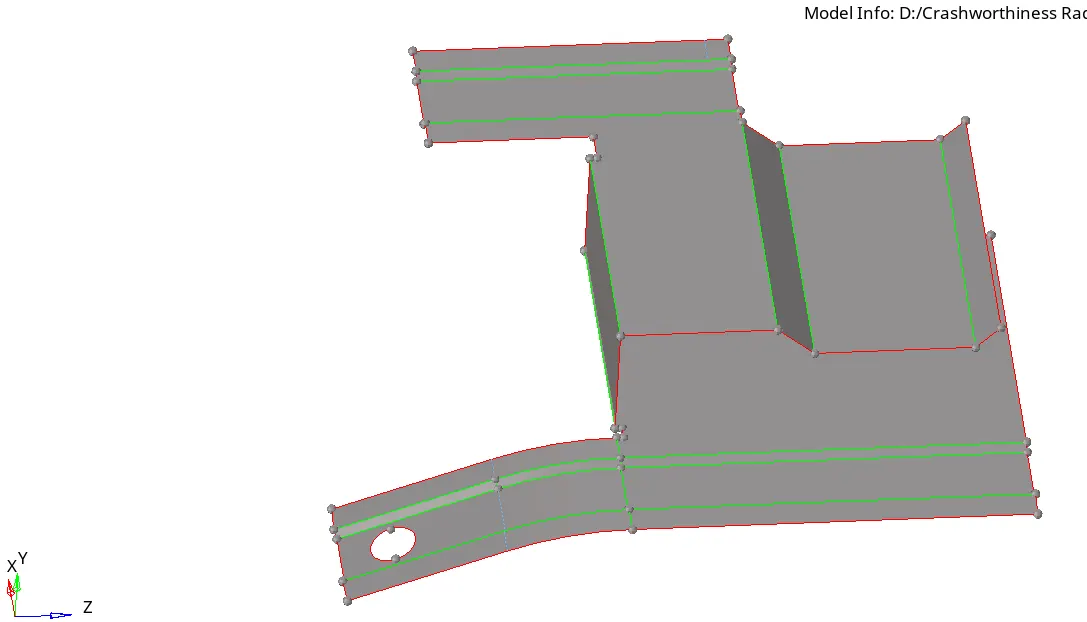
Model1 after midsurface extraction and cleanup.
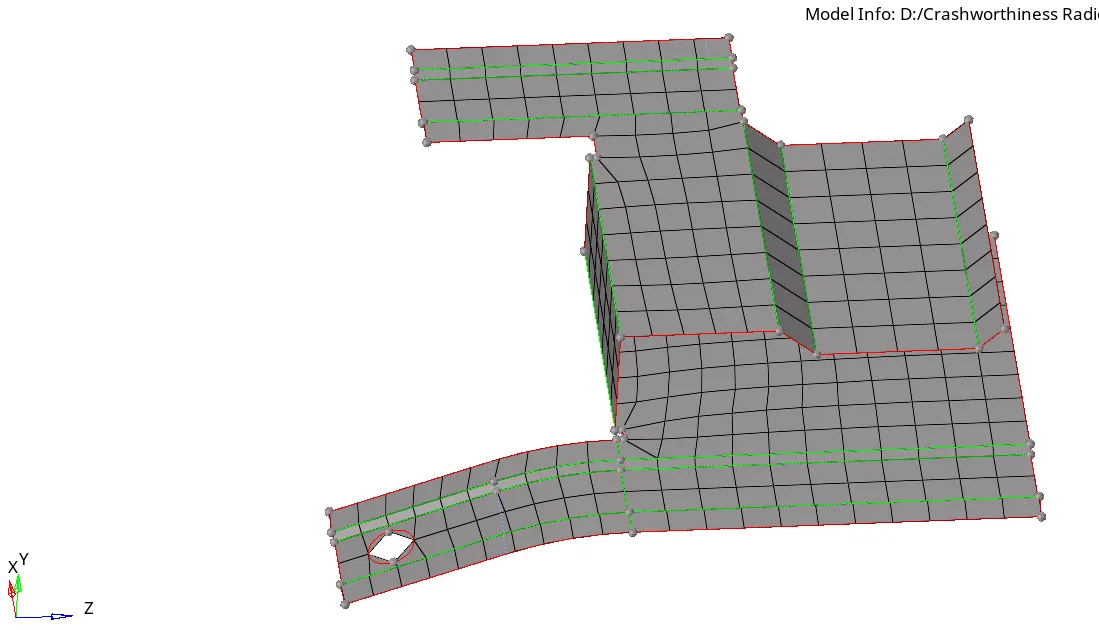
Model 1 after meshing.
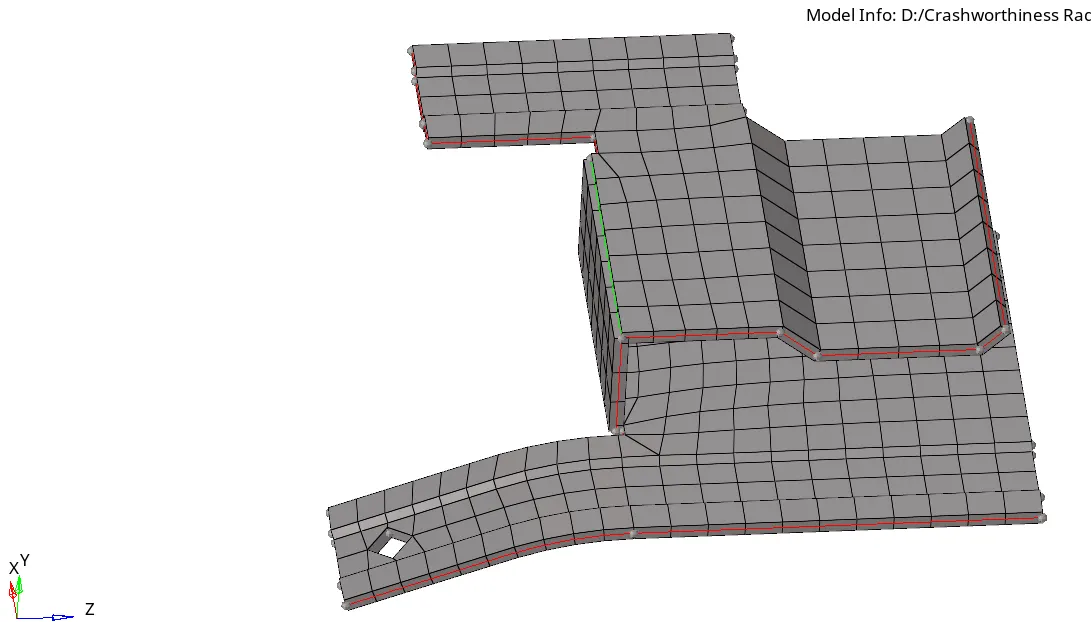
Model 1 after assigning the thickness.
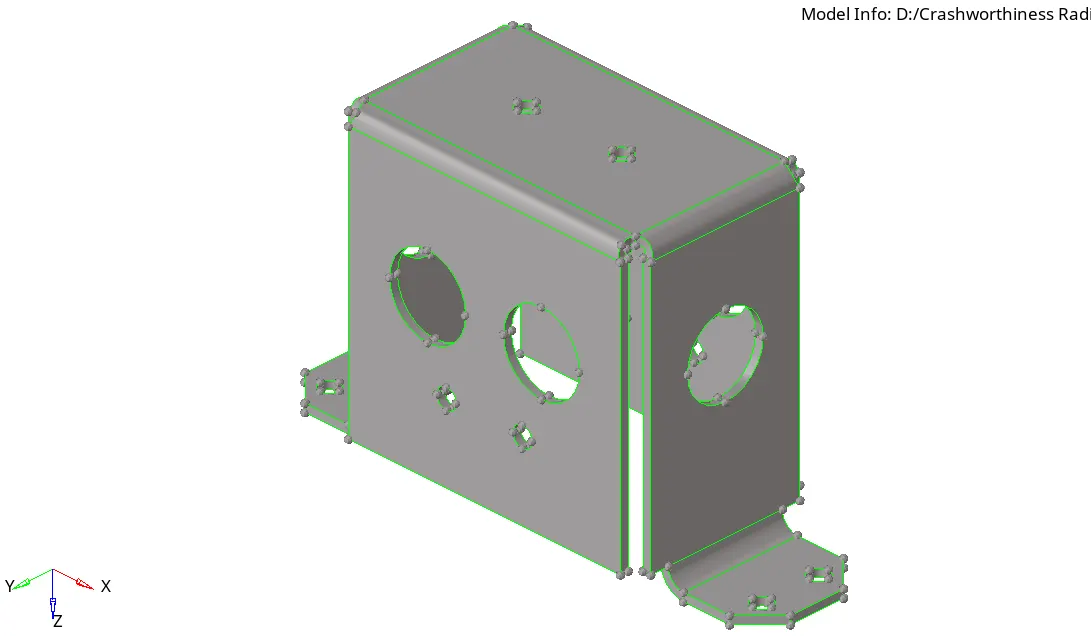
Model 2 before midsurface and cleanup.
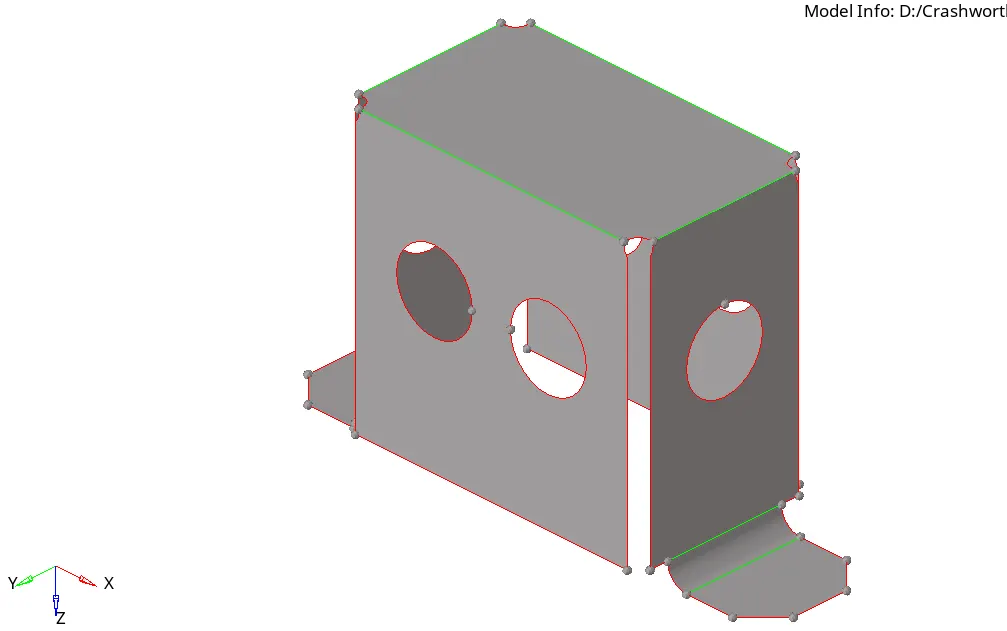
Model 2 after midsurface extraction and cleanup.
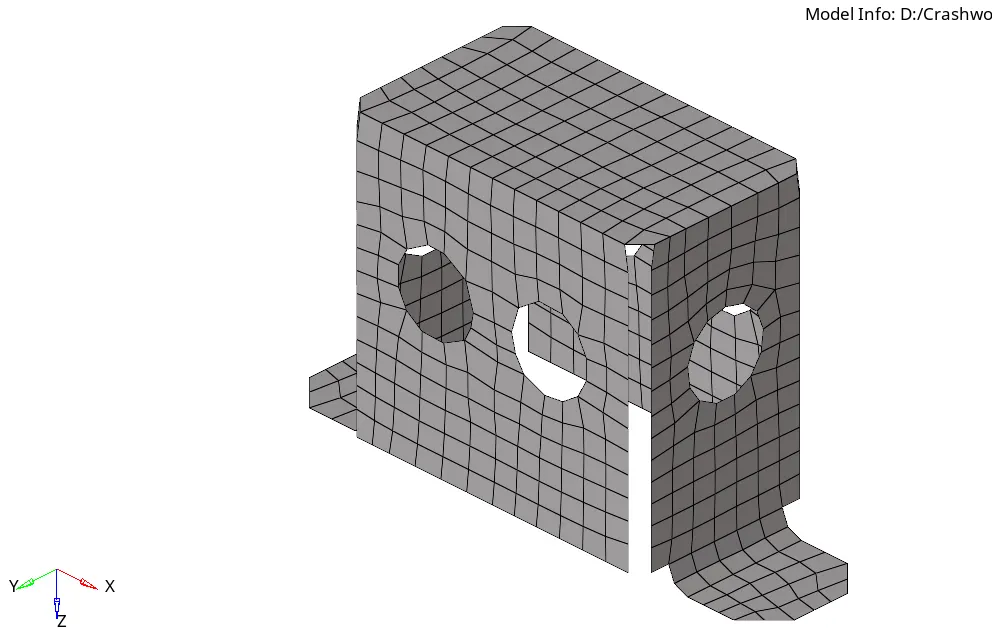
Model 2 after meshing.
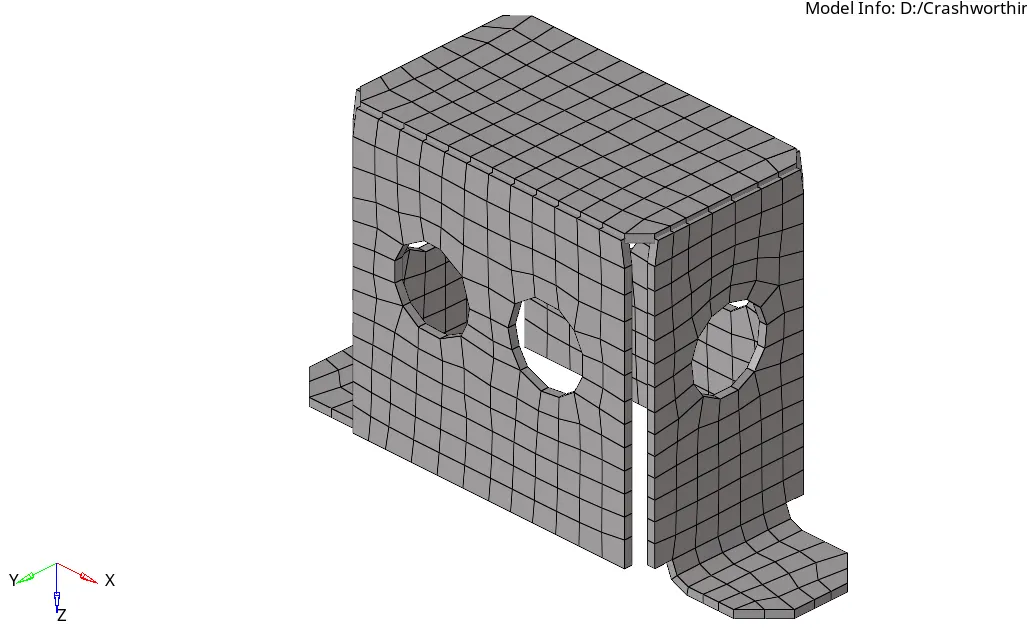
Model 2 after assigning the thickness.
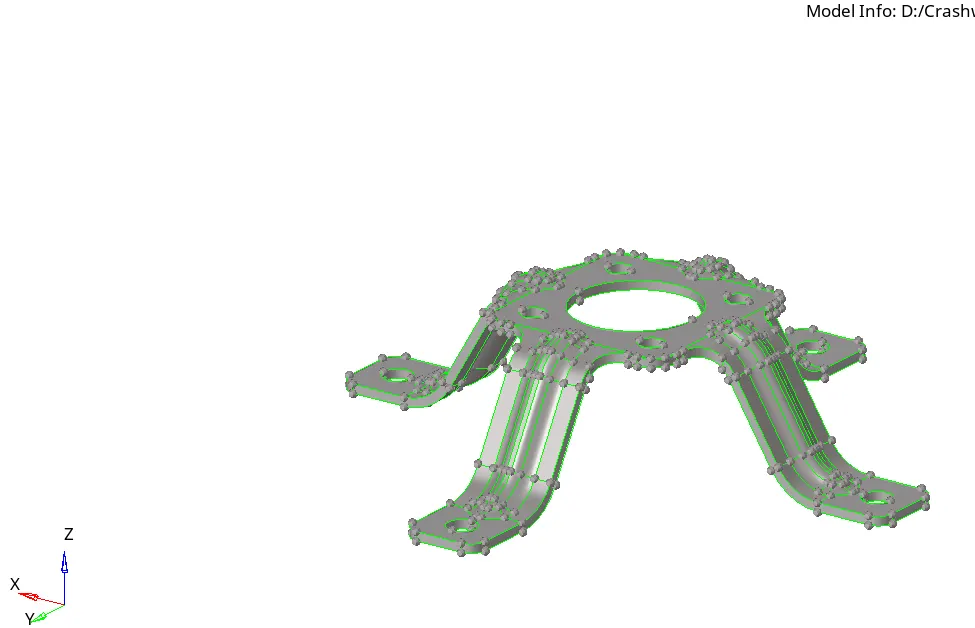
Model 3 before midsurface and cleanup.
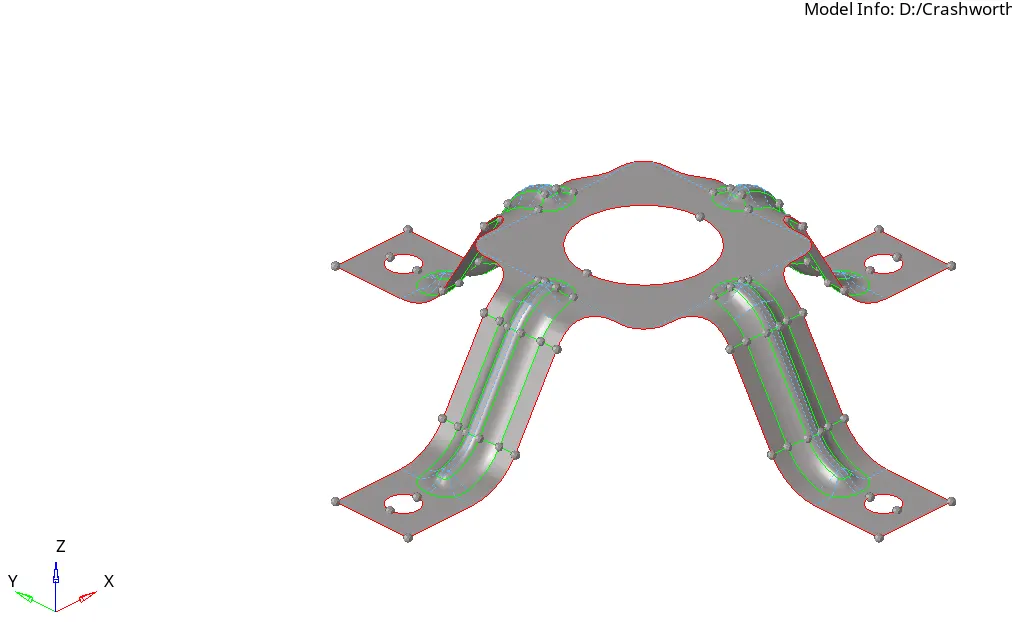
Model 3 after midsurface extraction and cleanup.
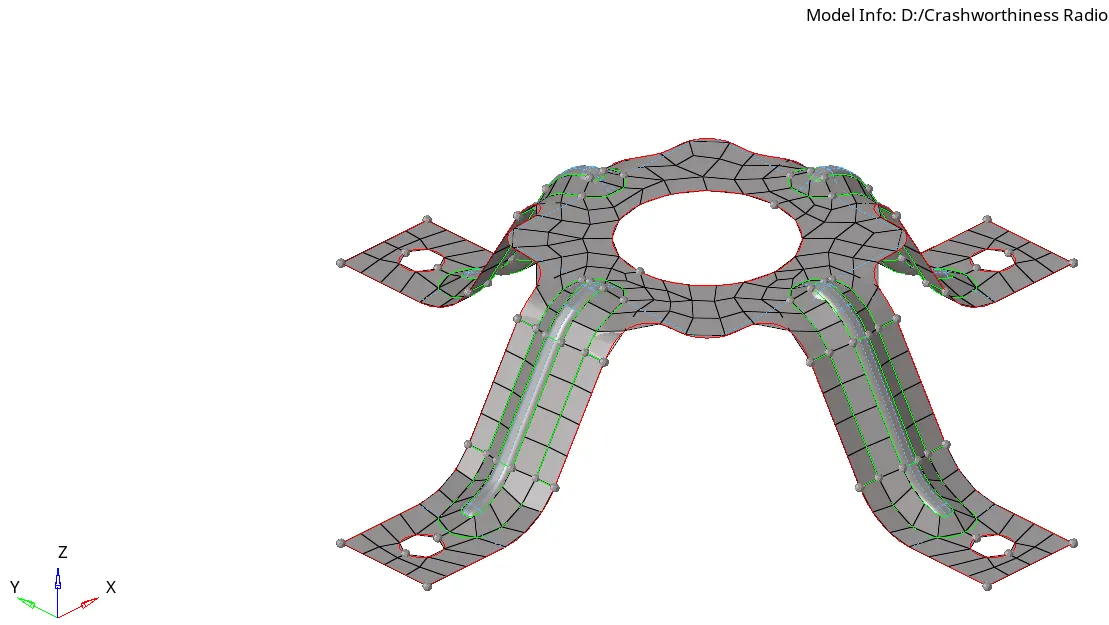
Model 3 after meshing.
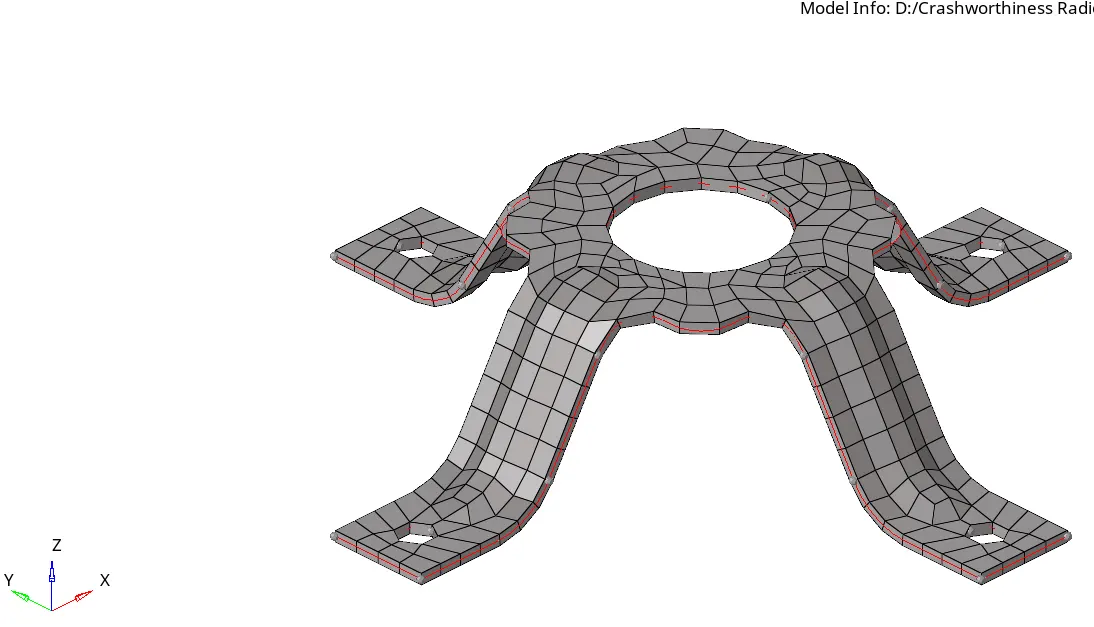
Model 2 after assigning the thickness.
Conclusion.
In this assignment, the midsurface of the given models were extracted and manual cleanup was carried out for meshing, meshing was carried out uing automesh on the cleanedup midsurface according to the quality criteria proveded, after which thickness was assigned to the meshed component.
link to the files :
https://drive.google.com/file/d/1O3n8Iys7-UbV1WBlLCQn1RA1i7Az8WzH/view?usp=sharing