Week 5 Challenge : Surface wrap on Automotive Assembly
https://drive.google.com/file/d/1-Yf-vtWo8HSDqOrk26jtPImBDBmMTwOC/view?usp=sharing
unwanted surface removed file
https://drive.google.com/file/d/1RGN5bl9L3q_gDM6AC-YbNbVt-1McpPio/view?usp=sharing
surface wrap model
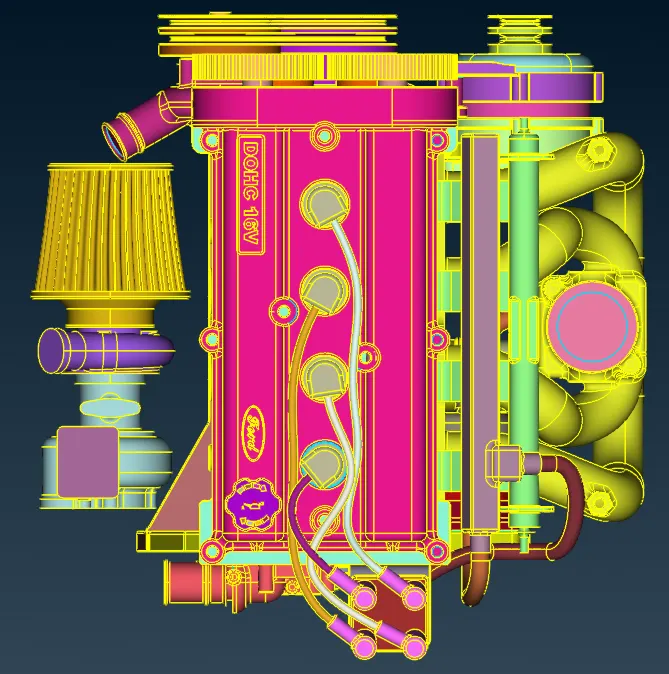
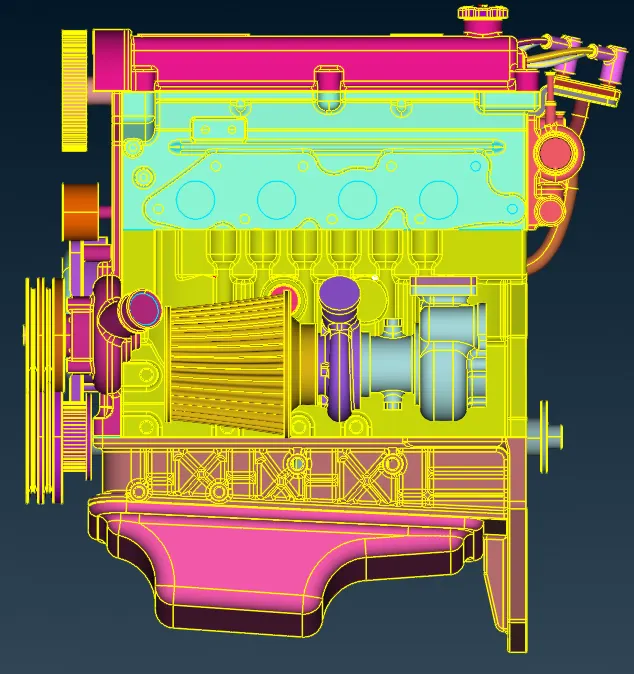
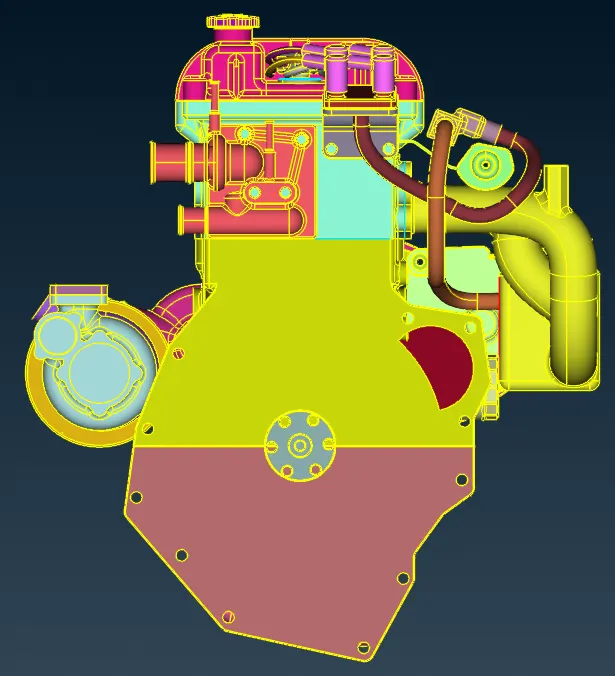
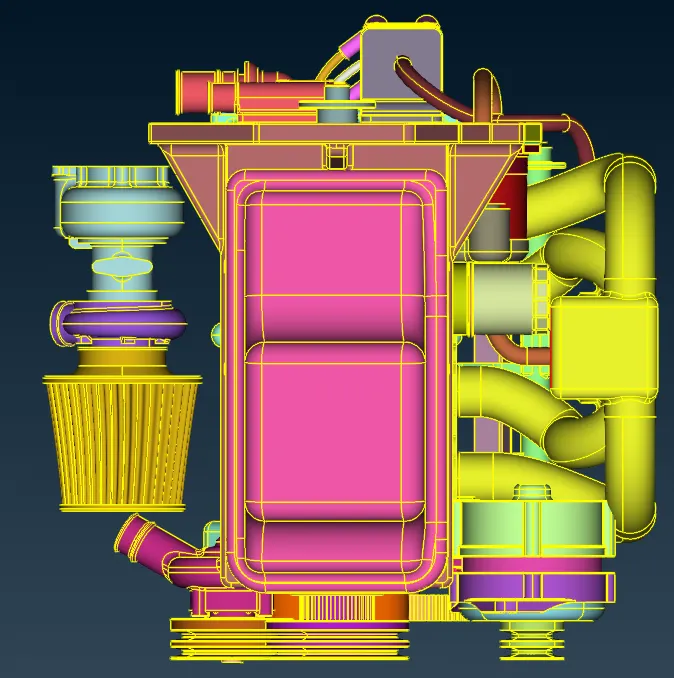
Fig 1 unwanted surface removed engine model
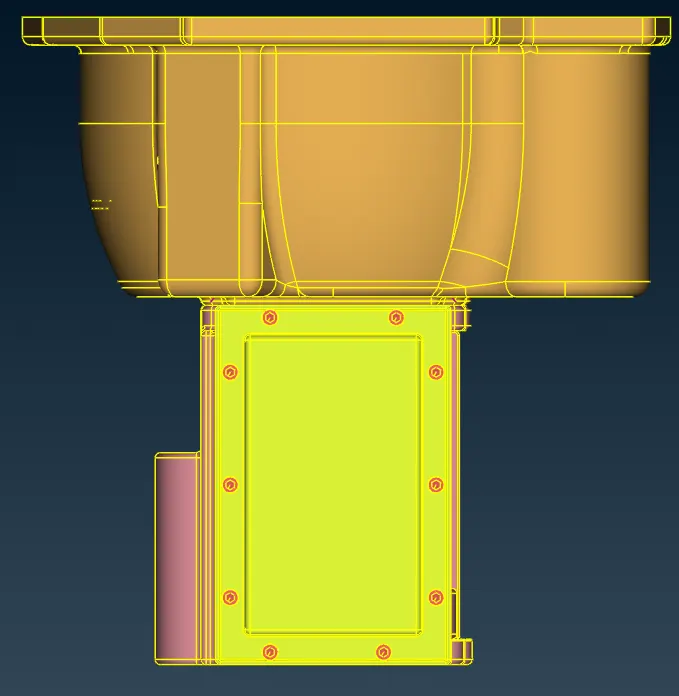
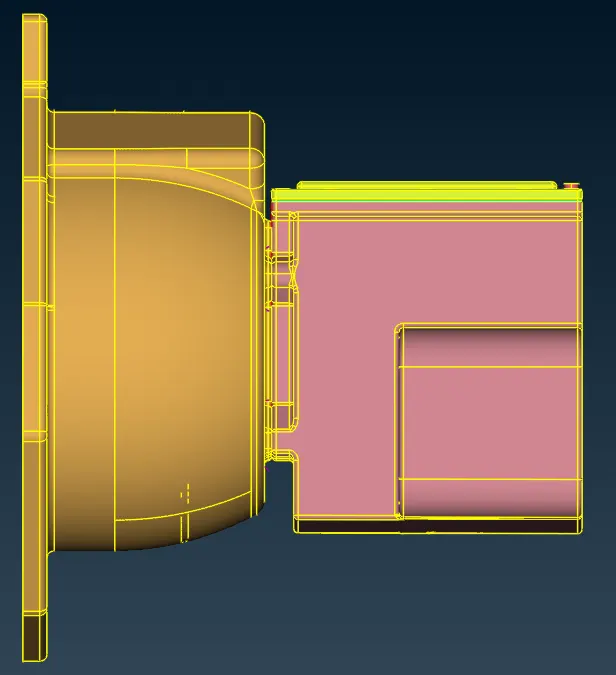
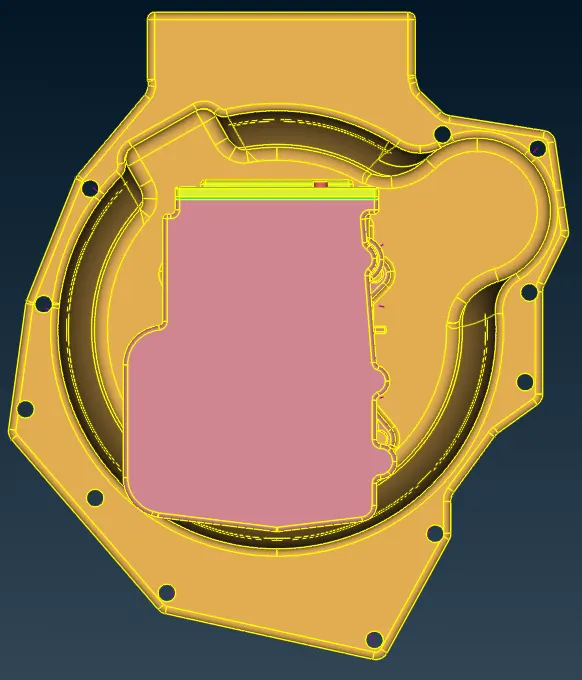
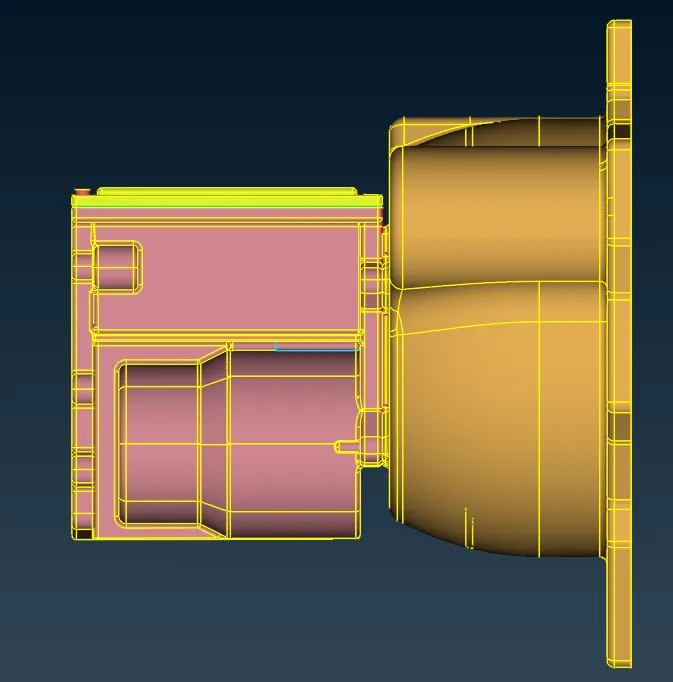
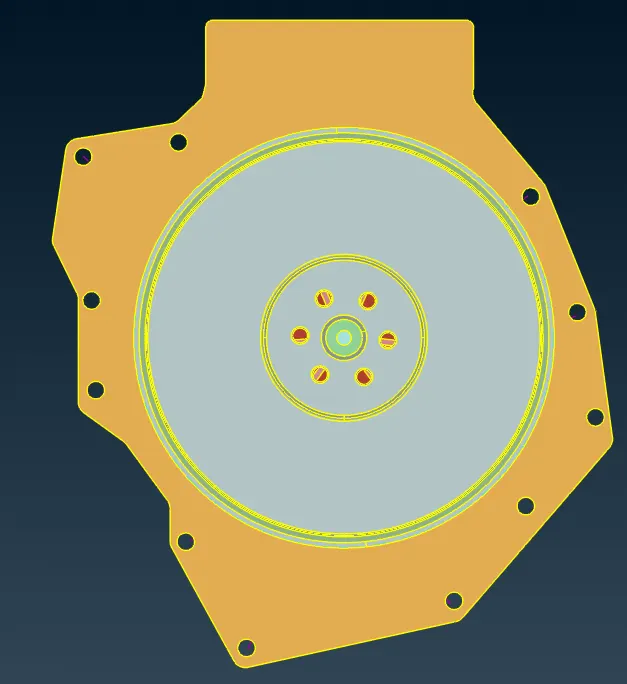
Fig 2 Unwanted surface removed transmission
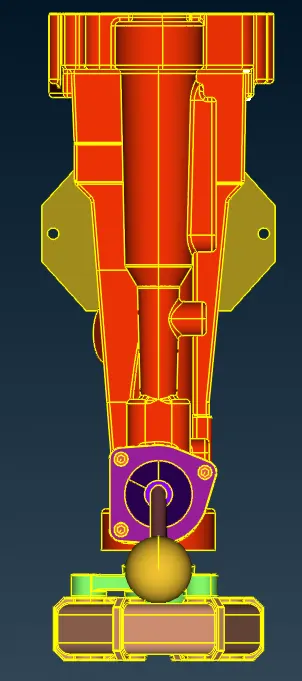
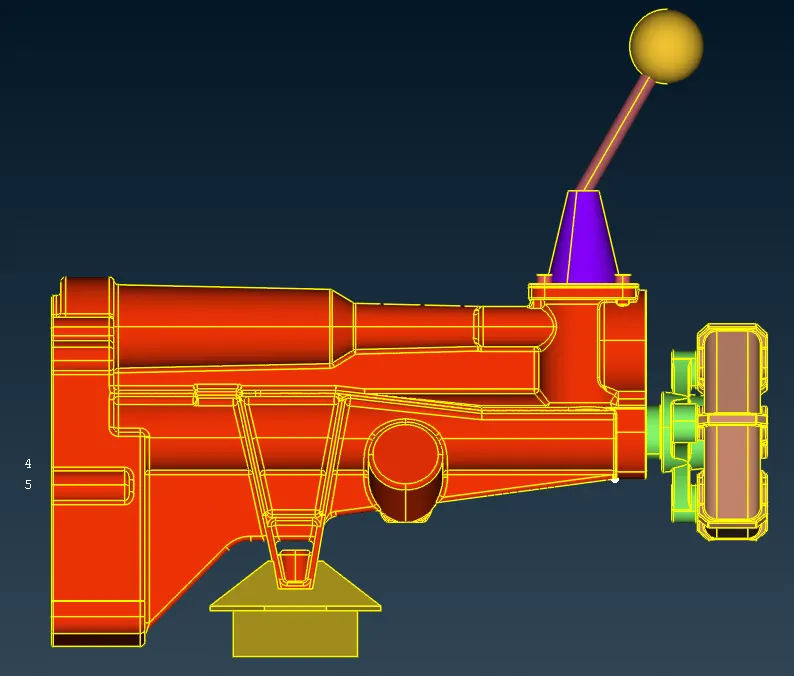
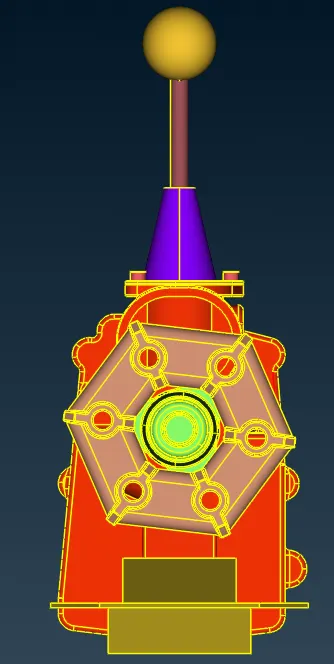
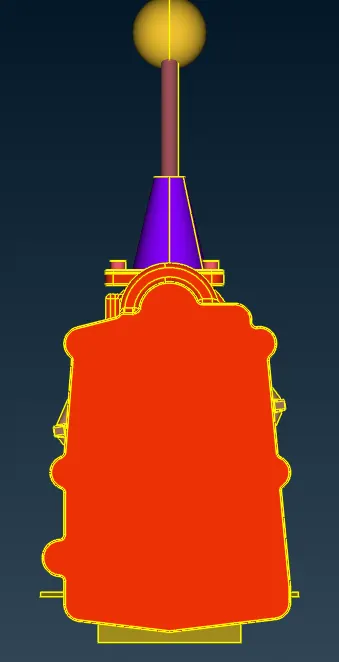
Fig 3 Unwanted surface removed Gear box
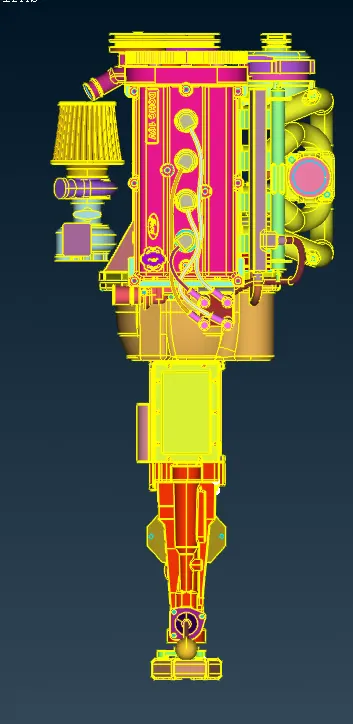
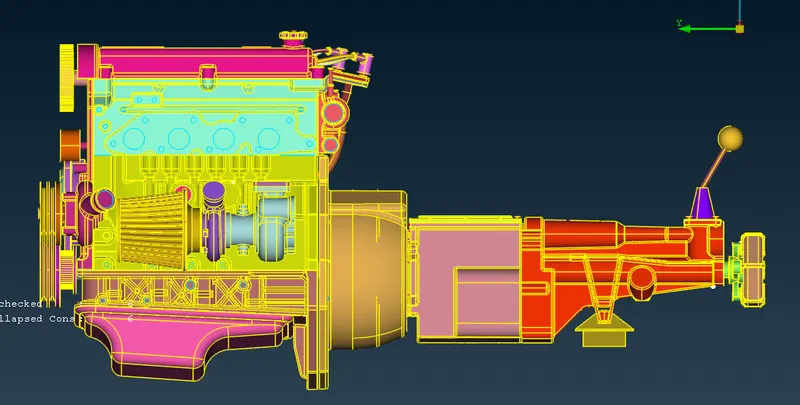
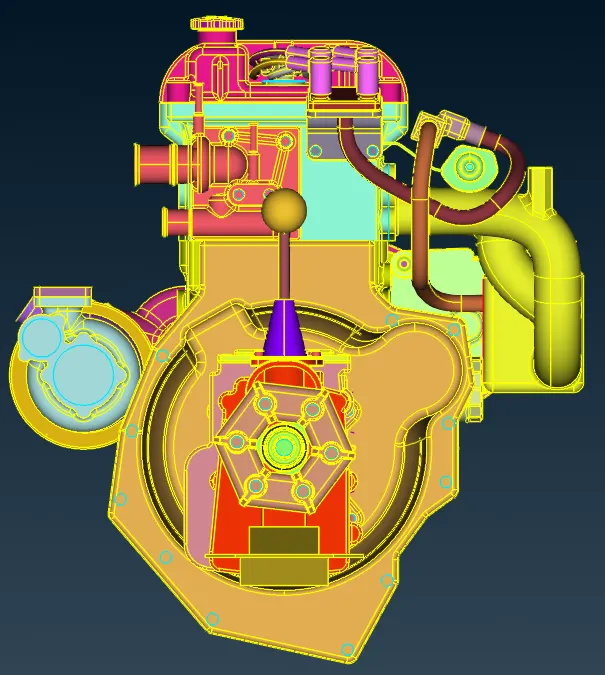
Fig 4 merged file of engine , transmission and Gear box
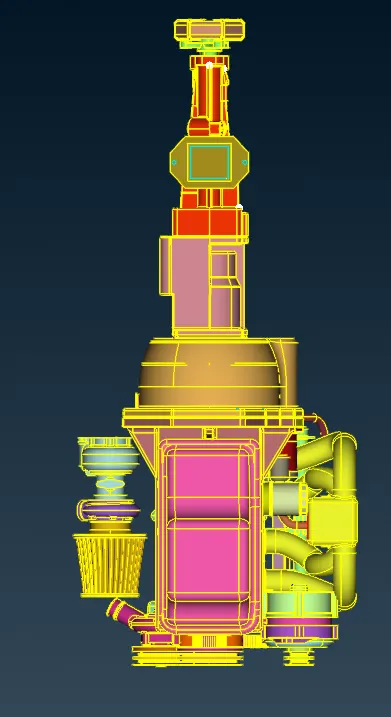
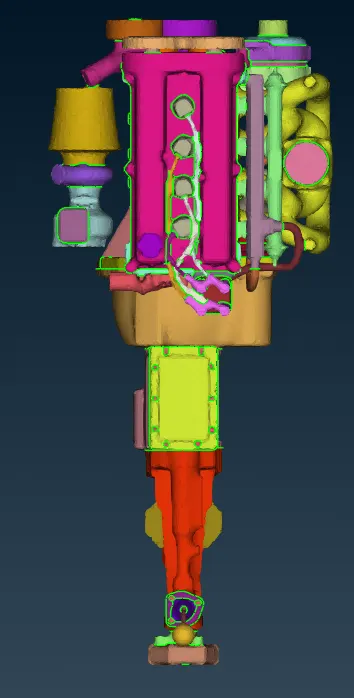
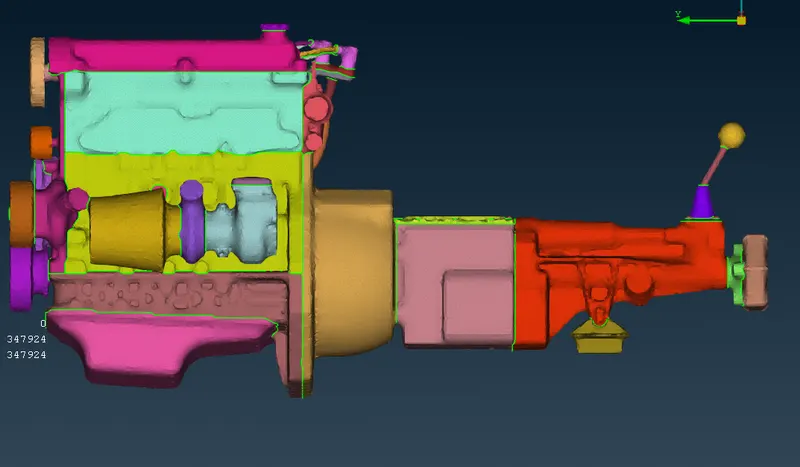
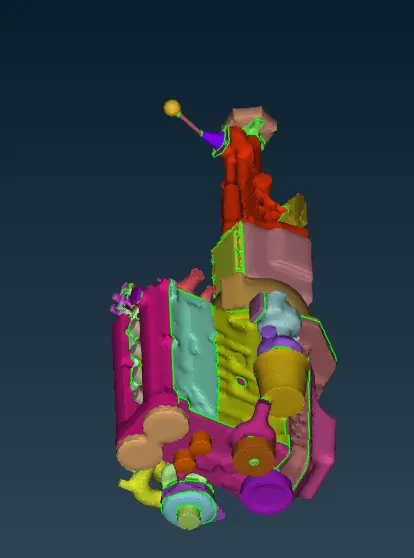
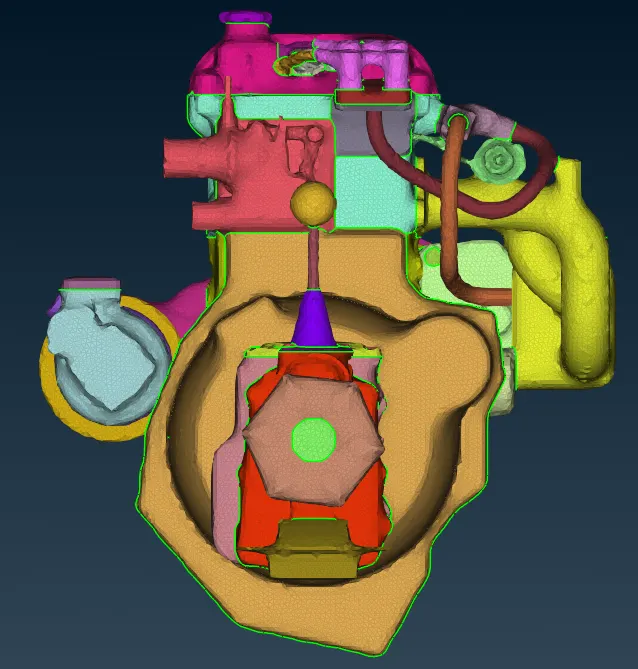
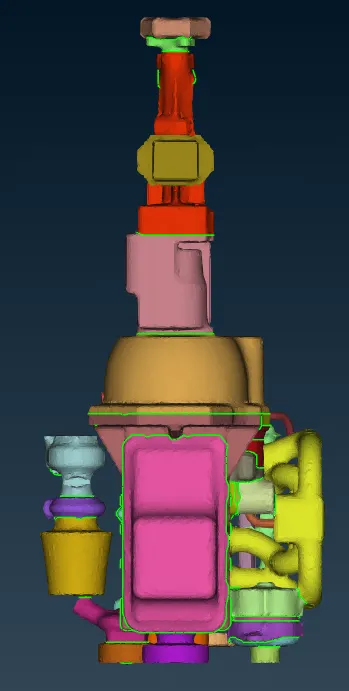
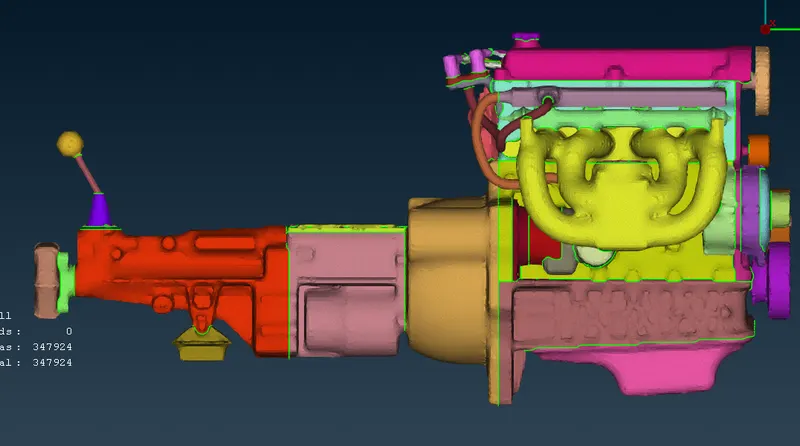
Fig 5 Surface Wraped model
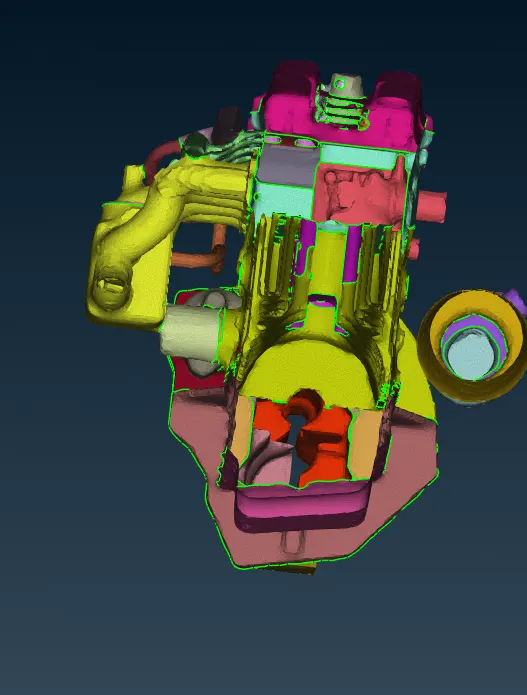
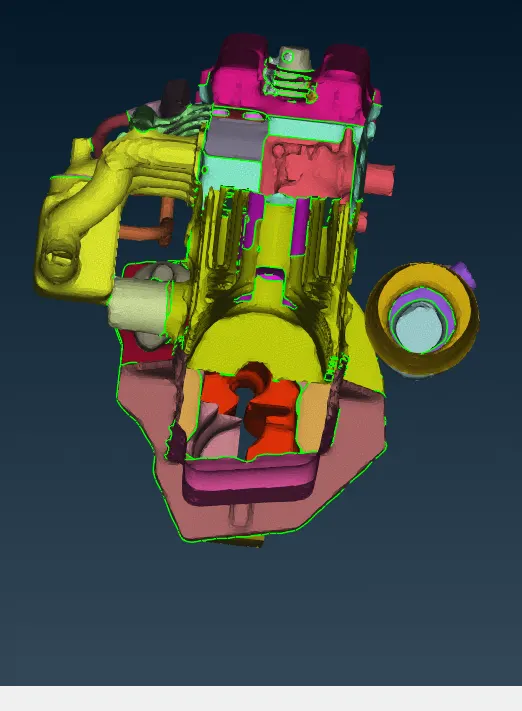
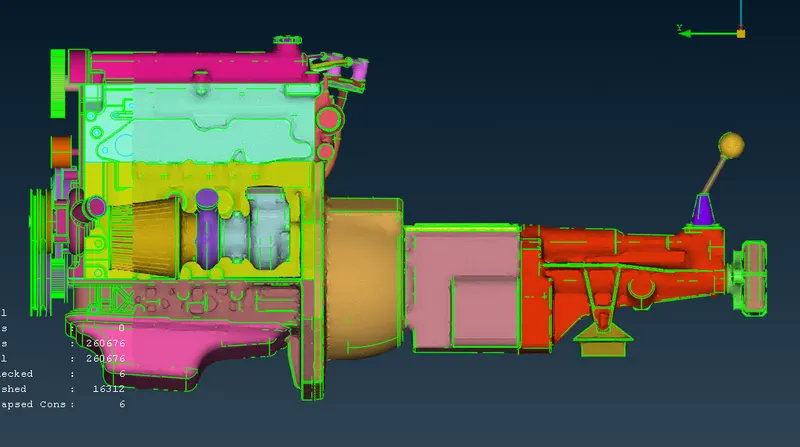
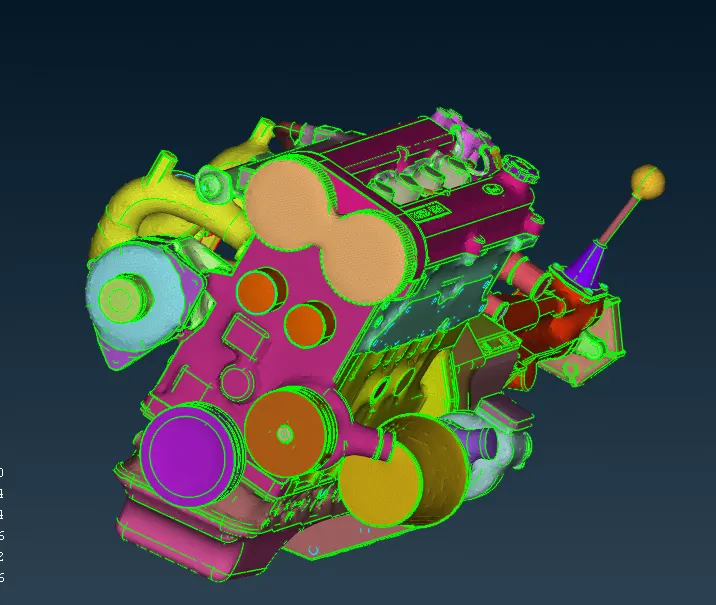
Fig 6 Surface wrap model with model
Challenge 5
Engine
- First model is imported to ansa workspace.
- Now remove all the isolated surface present over there.
- Try to remove single con and triple cons present on the surface
- Fill all the holes which are present over the surface because if there is any holes or void present the during surface Wrapping, they may form denting and surface wrap may not be good.
- Similar process is done for transmission and Gear box.
- Once all the surface finish is done now import three components to single workspace by merging all three models this is done using merge command.
Surface Wrapping
Once all the models were merged its time to surface wrap model
- first go to mesh section and select wrap command
- After long pressing wrap command there will be 2 option select constant length.
- Double click on status then in next pop up click on parameters give target length and click ok
- Double click on content select all PID and move to next step click ok
- Then run the Surface wrap command wait till the process complete.
Conclusion
Surface wrapping is used to do volumetric mesh for complex shape where creating single volume is difficult there Surface wrapping is used to do the analysis.