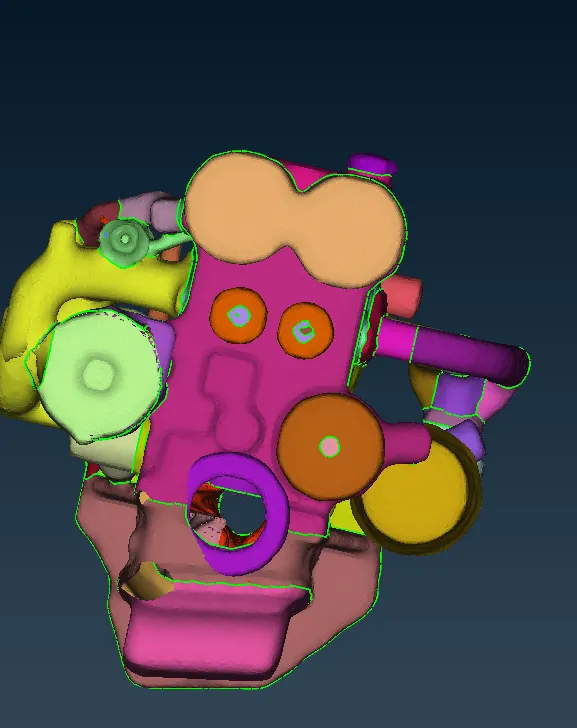
Surface wrap on Automotive Assembly
Aim:
To clear geometric errors, merge and surface wrap of all three given models.
Given:
Target length = 3 mm.
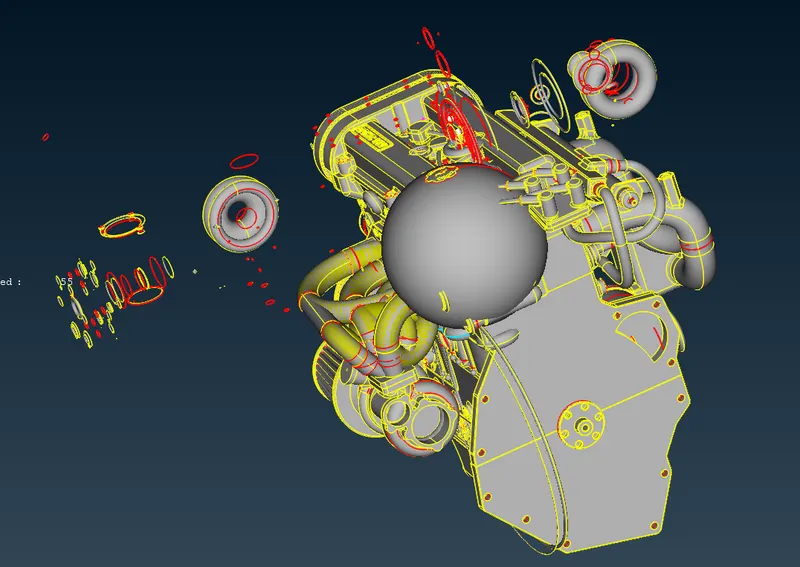
Engine Model:
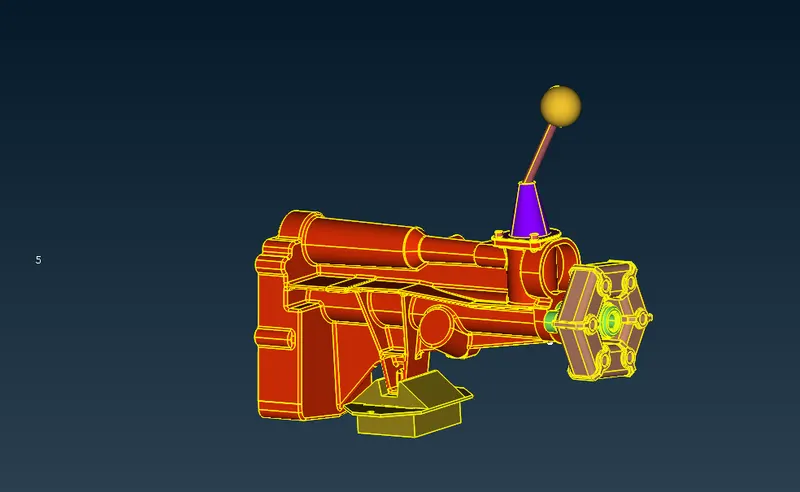
Gear Box Model:
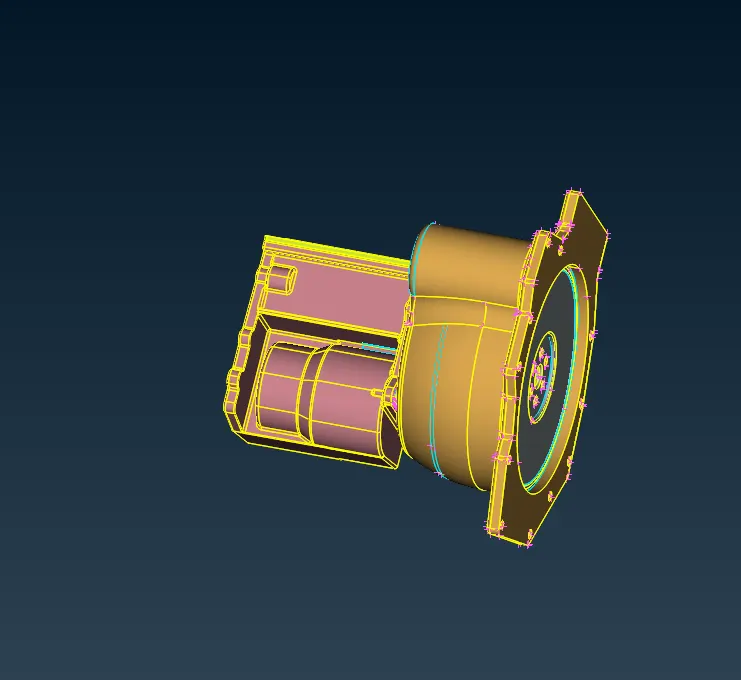
Transmission Model:
Procedure:
Step:1
- Import the CAD model into ANSA
- Clear all the unwanted surface in the model in topo module.
- All rings like structures are made by CAD professionals in order to create fillets or some kind of special surfaces.
- We are consider only single cons present in outer surfaces, because while performing surface wrap inside geometric is not considered.
- Close all the surface from outside, so that it will prevent to create dent while performing surface wrap.
- Repeat the topological clean up for individual model.
Step 2:
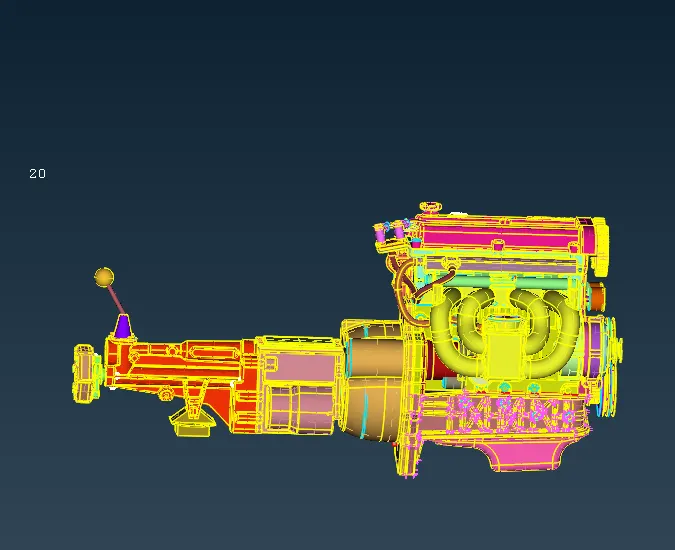
- After clearing topological errors in all models,next step is to merge into single product.
- Open ANSA ⇒ File ⇒ Merge.
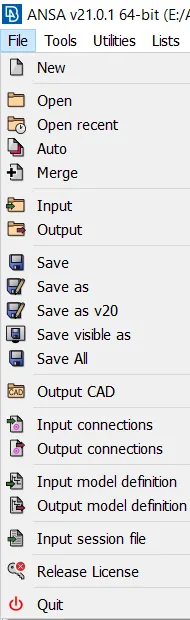
- Select the corresponding model to be merged.
- Engine ⇒ transmission ⇒ Gearbox.
Step: 3
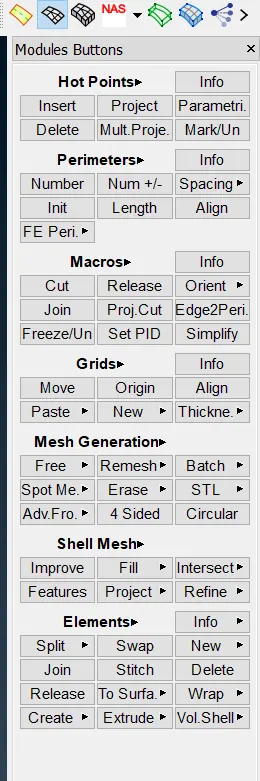
- After merging three models, go to Mesh Module.
- In Mesh Module,under elements section click wrap.
- Wrap ⇒ Constant length
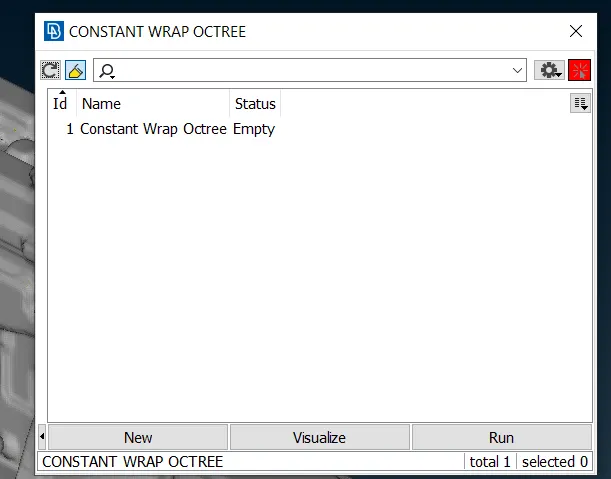
- Double click the status for opening it.
-
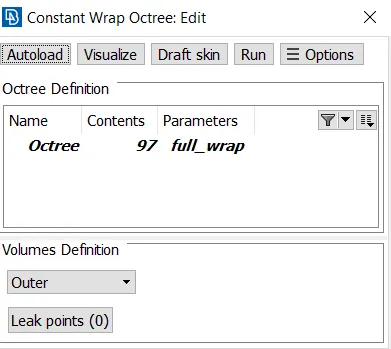
- Double click the parameters options and give the suitable mesh length.
- And then click the contents option and select appropriate PIDs to be surface wrap.
- click Run to execute.
Result:
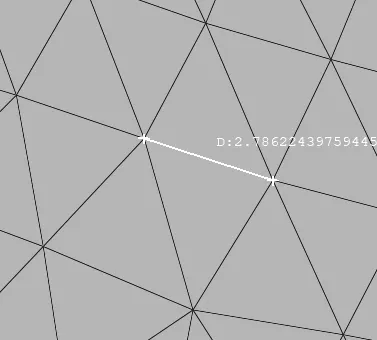
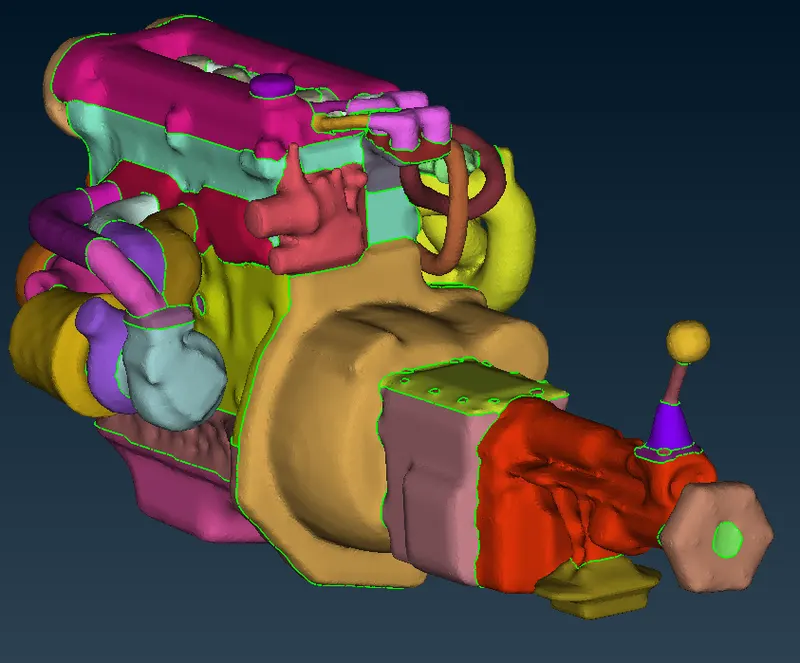
Surface wrap is used to perform fluid flow outside of the surface.