Week 5 Challenge : Surface wrap on Automotive Assembly
Aim:Surface wrap on Automotive Assembly
objective:For the given models, we have check for the geometrical errors and delete surfaces which are unwanted for Surface wrap. After clearing geometry we have to Merge all 3 models and perform surface wrap.
Procedure:
steps which we have to fallow to create surface wrap on our model shown below
- Geometry import and cheak
- Geometry clean up(deleting the unnecessary drawing)
- marge of the geometry
- surface wraping on model
Geometry import and cheak: First steps is to import the geometry into the ANSA by going to FILE>OPEN>IMPORT as shown below.
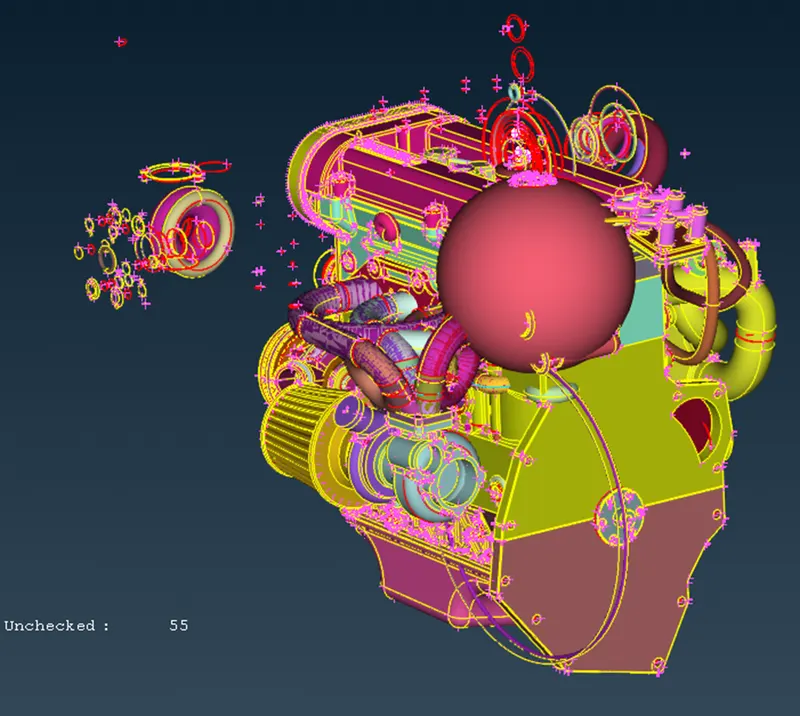
Geometry clean up(deleting the unnecessary drawing):here we have to clean the geometry by removing the any extra cones,face and hotpoints
1)Engine clean up.
- As we can see, there are many rings like a surface that looks useless because this ring is used by the designer sometimes to create a round in the model, so we need to remove all those surfaces that have no meaning.
- when warping the mesh the inner part is not that important so we don't need to worry about all the individual cons or all the overlapping surfaces, but it is a good practice to remove all unwanted surfaces to keep the geometry as smooth as possible
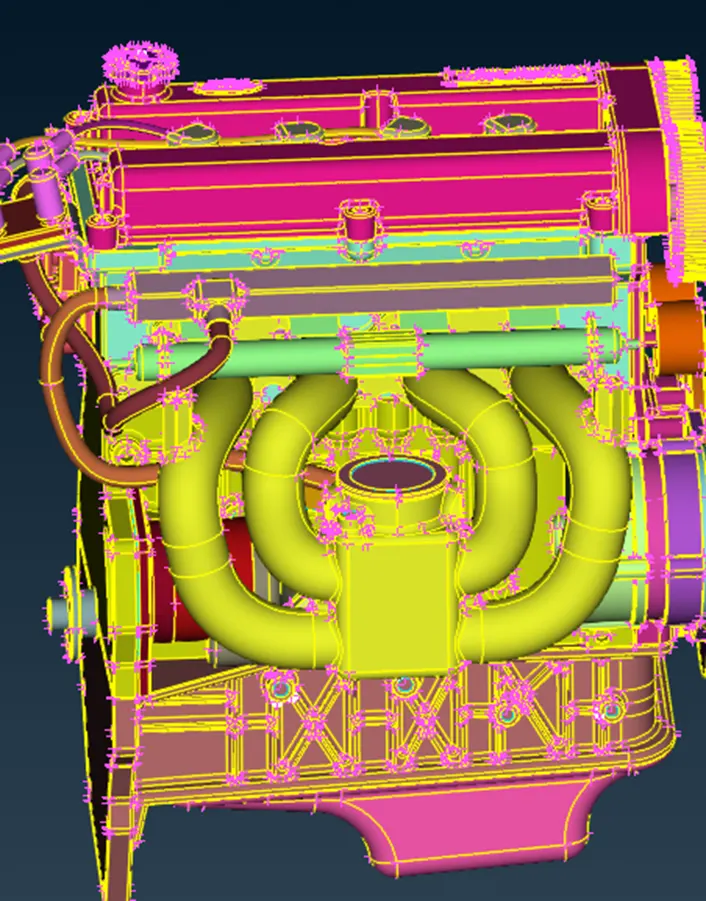
- below images shows the clean up of the model in diffrent deffrent locations
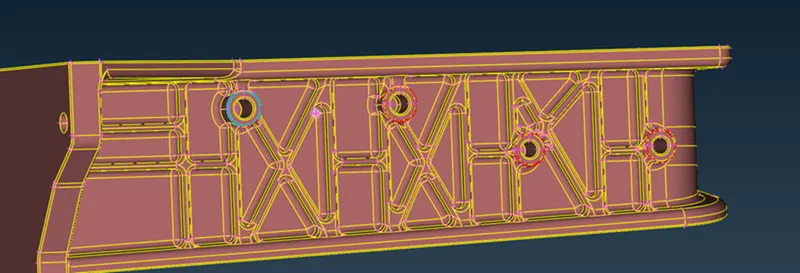
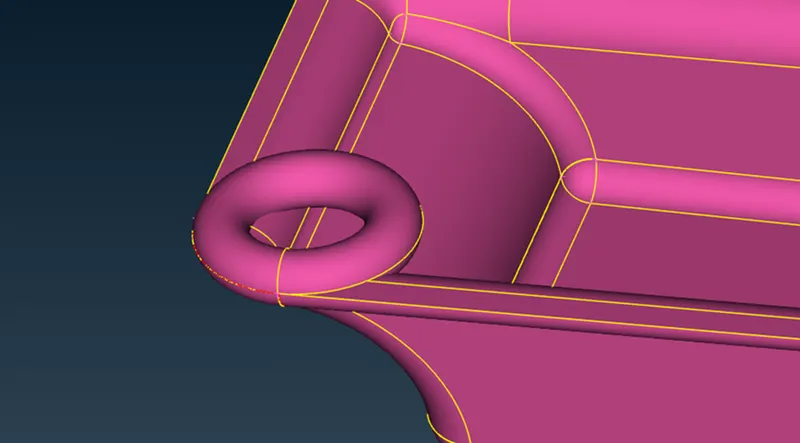
- An easy way to see all the rings quickly, we can use the NOT option with the PID selection and we can hide the important parts by which we can see all the rings clearly and then we can carefully remove the unwanted surfaces
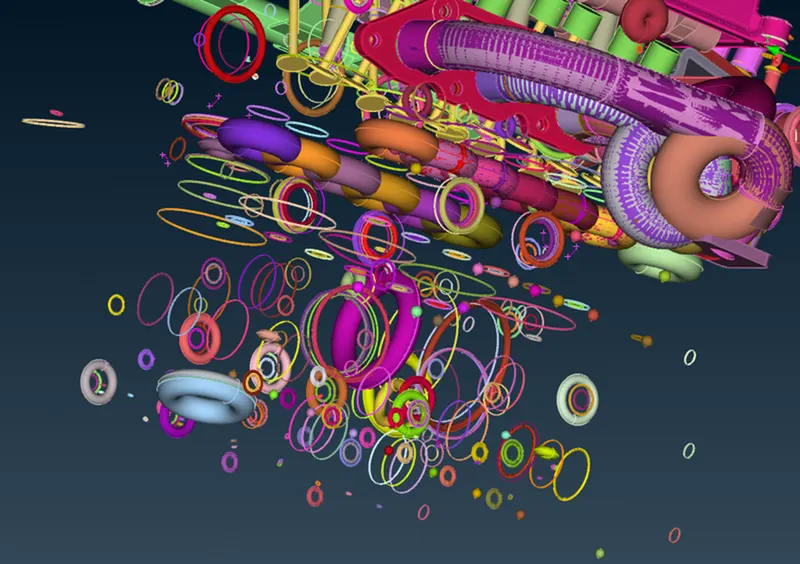
- he above pipes which can be seen as overlap surfaces are not important so can be deleted
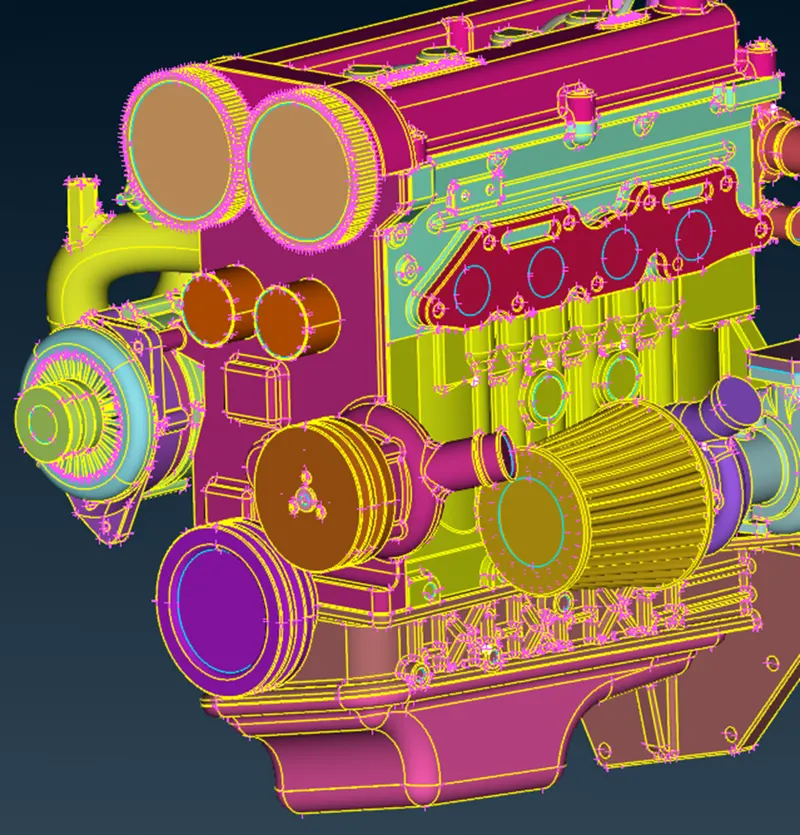
- the above model is cleaned up model
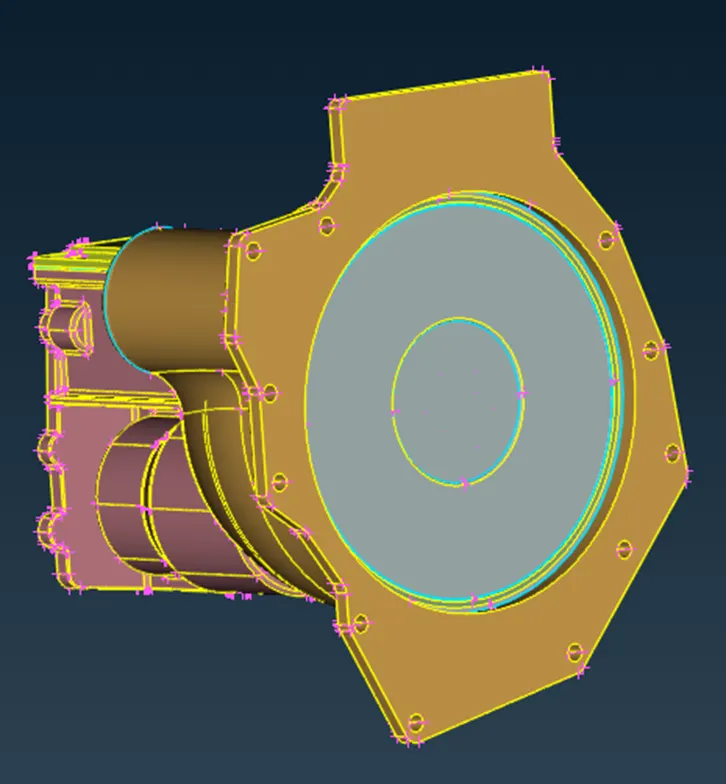
2)TRANSMISSION.
- here also we dont need to worry about the internal part of the model we just have to do the surface clean up of the moodel the below model shows the cleaned up geometry
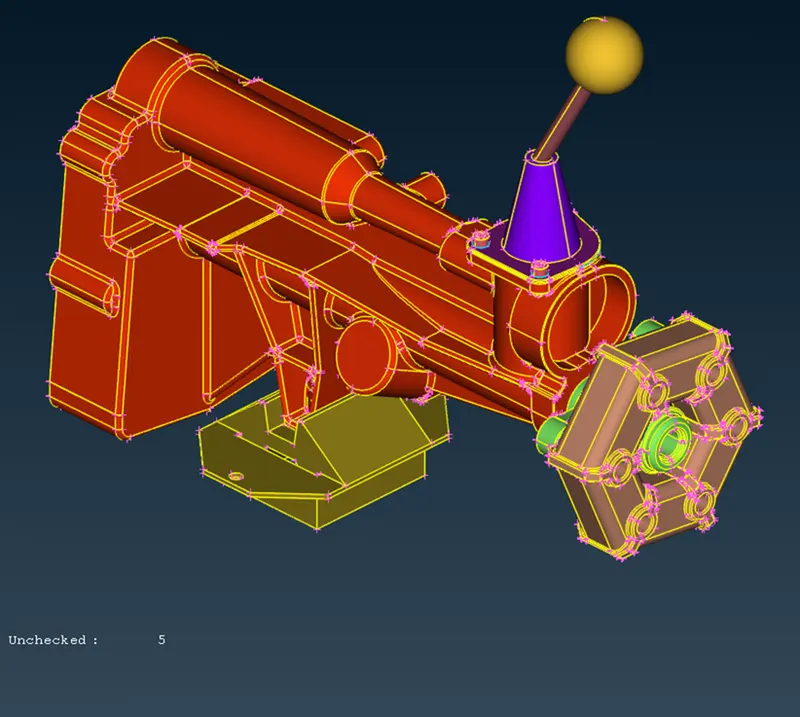
3)GEARBOX.
- here also we dont need to worry about the internal part of the model we just have to do the surface clean up of the moodel the below model shows the cleaned up geometry
Marge of the geometry:for merging of the geometry bwe have to go the FILE>MERGE>IMPORT THE GEOMETRY>THEN DONE
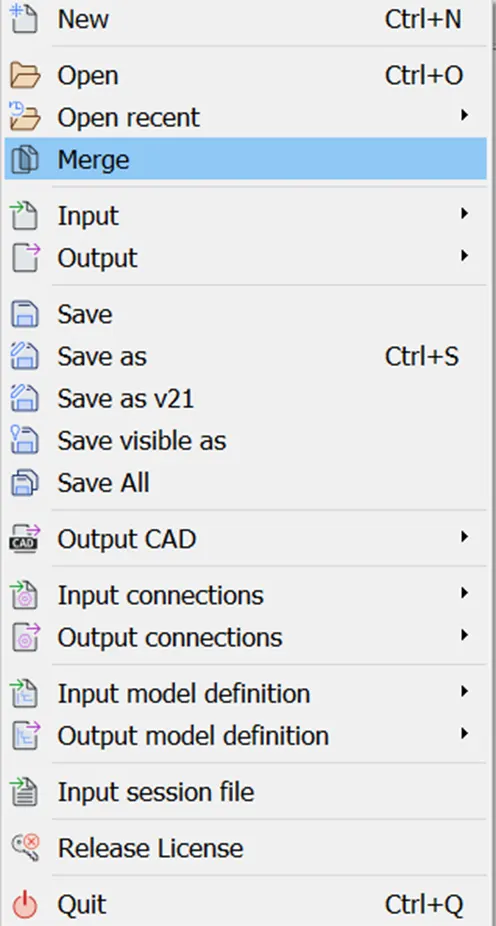
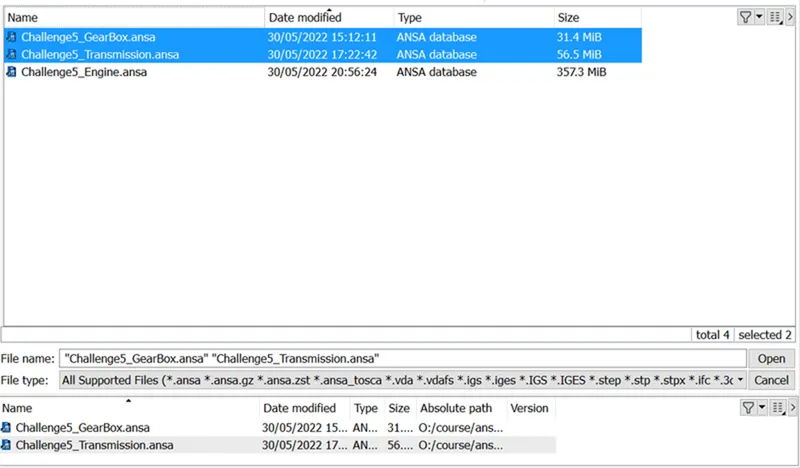
- the below model is the assemble model
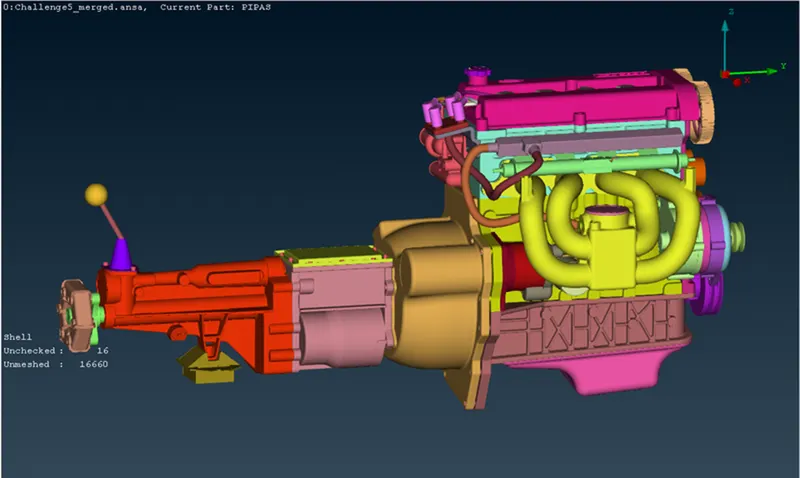
surface wraping on model:for surface wrop of the model we have to fallow the below steps
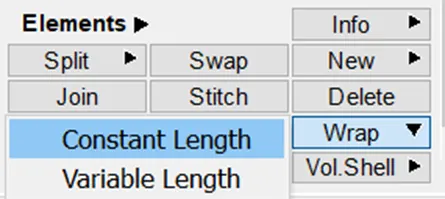
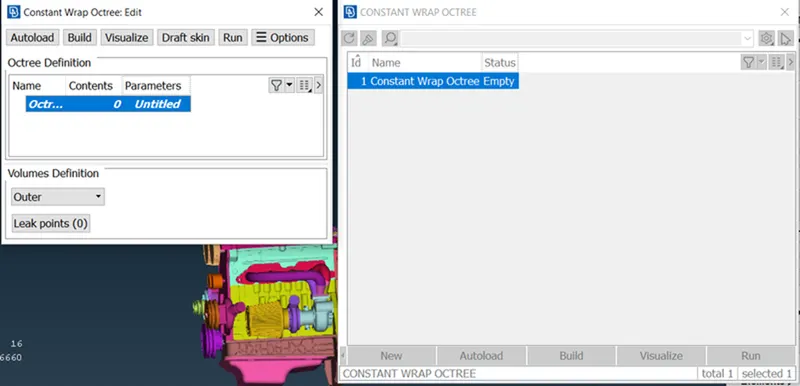
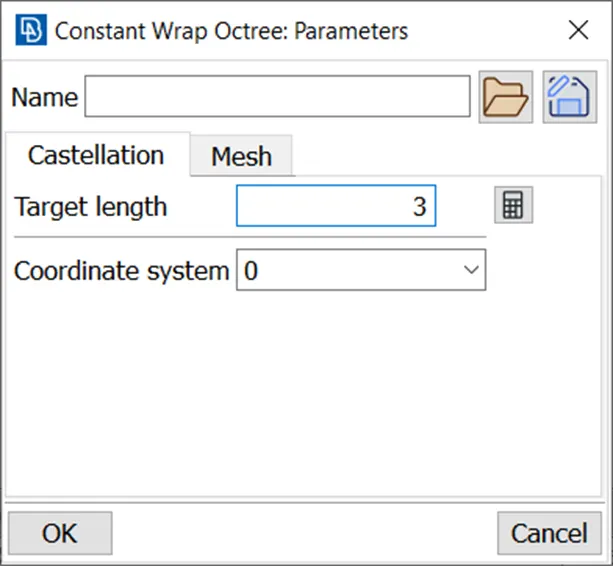
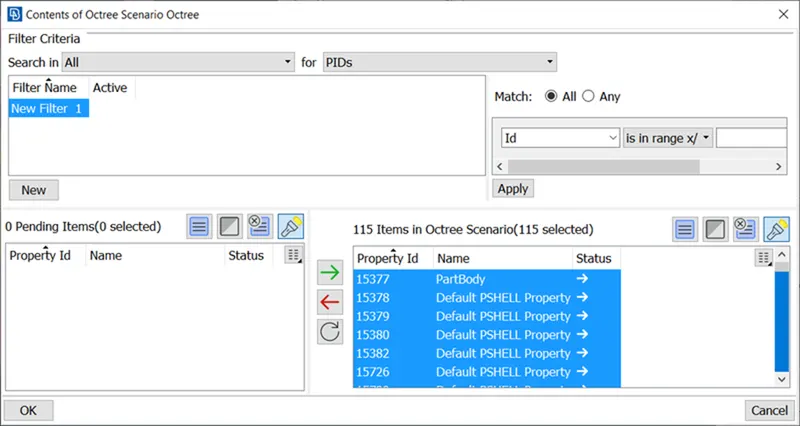
- Select all PIDS and put it in right box those will get selected, as shown there are 115 items in octree scenario
after doing this we have weit for 10 to 15 min after tha we will get our surface wrap ready
Conclusion:
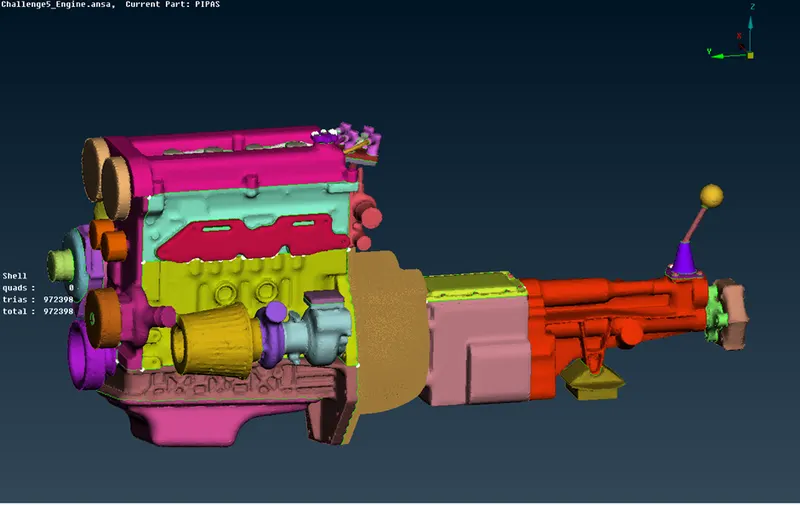
- Surface wrapping is achieved for the given powertrain components.
- The surface envelope is effective for external flow simulations where a volume between the body and the wind tunnel is required for flow simulations over the body.
- The surface is easier to implement because it doesn't depend on the quality of the wrap on each material because we don't care about the physics in the body.
- Effective surface wrapping is achieved on a given body at a given mesh length of 3 mm.
drive link:https://drive.google.com/file/d/1u30IsWbyZA3rs8LzEOuZMarjuLE8Vk6J/view?usp=sharing