Week 5 Challenge : Surface wrap on Automotive Assembly
Aim:
The aim of this project is to surface wrap an automotive powertrain. The CAD models to which can be found here.
Objective:
The objectives of this project are
- To check for the geometrical errors and delete surfaces that are unwanted for the surface wrap.
-
To Merge all 3 models and perform surface wrap after clearing geometry.
-
The target length for Wrap should be set to 3 mm.
Procedure:
Upload the engine ANSA file onto ANSA, first we perform topo-clean up on the engine.
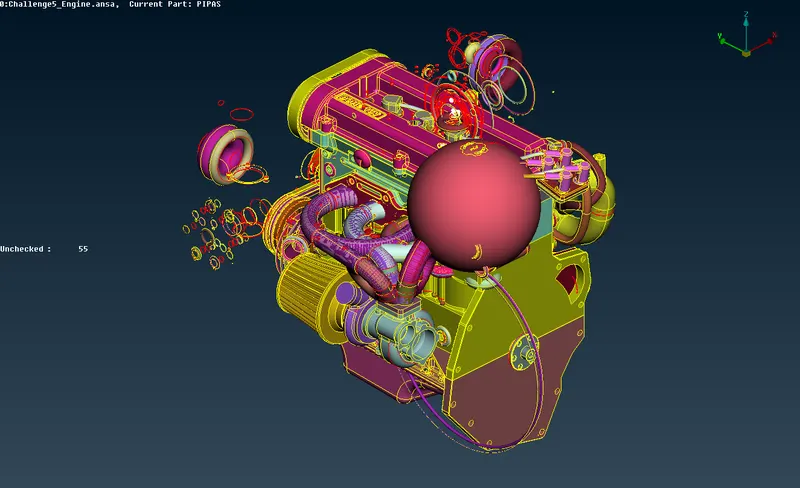
The engine file has a lot of excess parts which are not necessary for the surface wrap. We can select the main important parts in PID mode and hide them.
Now we can see the majority of the excess rings and pipes which are not needed. We can delete these using the box selection in the delete tool.
After deleting, we also delete some of the unwanted components such as the fuel hoses and belts. Next we fill up all the holes since we are interested only in the surface wrap.
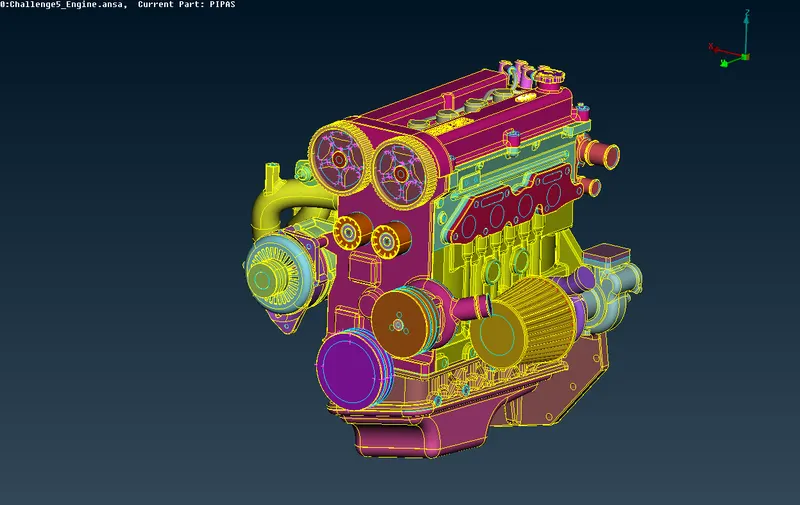
Save the updated file and open the gearbox and transmission individually.
Now, we need to perform topo-clean for gearbox and transmission, similarly to engine topo-clean.
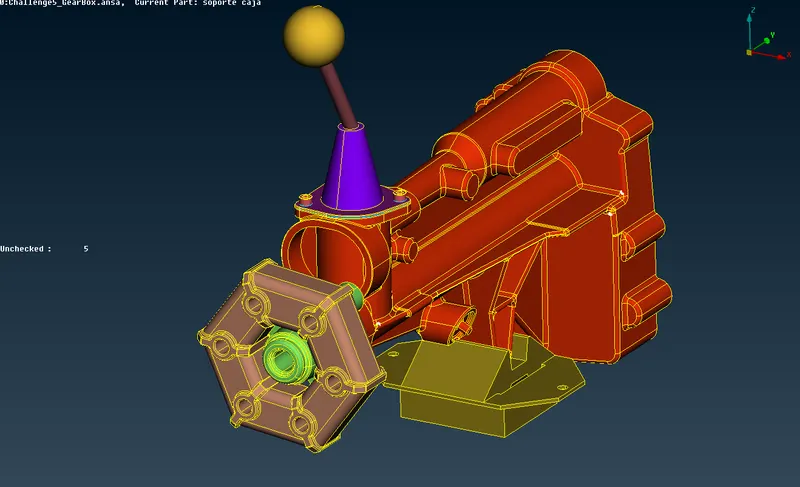
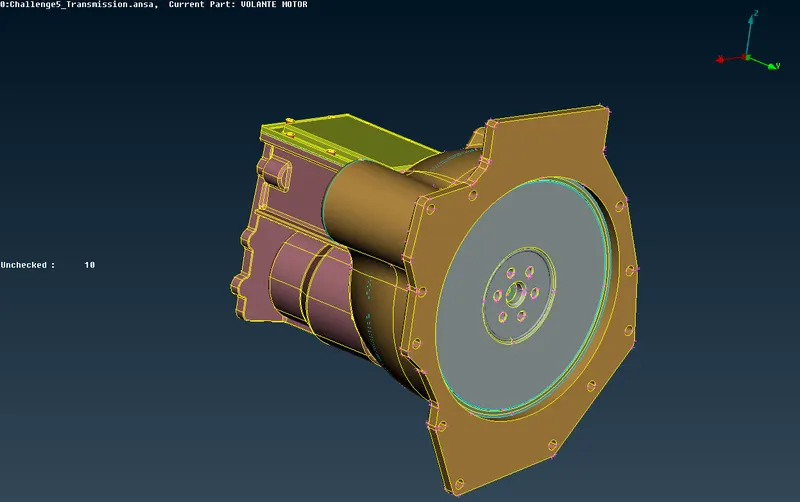
Remove the triple cons and discontinuous surfaces like rings and extra features which do not play the part in the single volume we need to achieve.
After performing topo-clean, we need to merge the 3 parts together and form a single volume so that surface mesh can be achieved perfectly.
Merge can be done by selecting the merge option under file and select the gearbox, transmission files and perform the merge.
After performing merge we can now perform surface mesh. But first, we need to delete the excess PID create and can be done by compress and only the required PIDs can be kept.
Go to mesh, Choose wrap under mesh generation. Click and hold on wrap and a drop-down appears. Choose constant length.
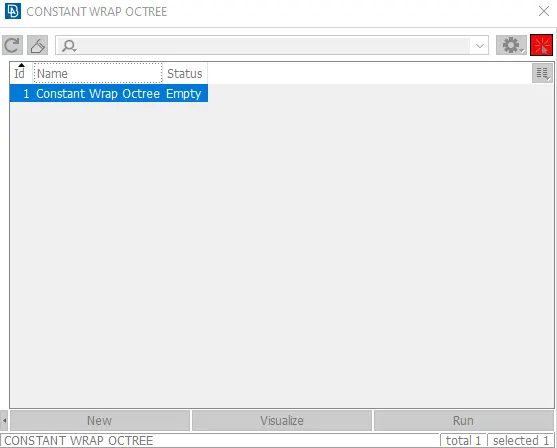
Create a new wrap octree and upon double-clicking it a pop-up window appears, where we are required to give mesh parameters.
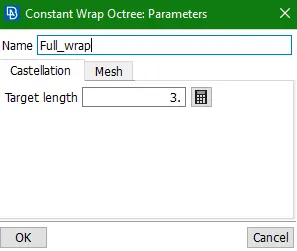
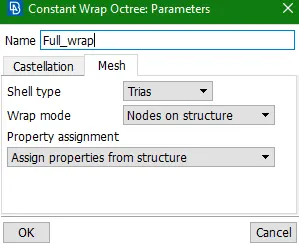
Click on the Parameters section, enter the mesh length as 3.
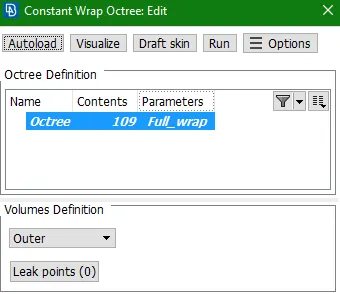
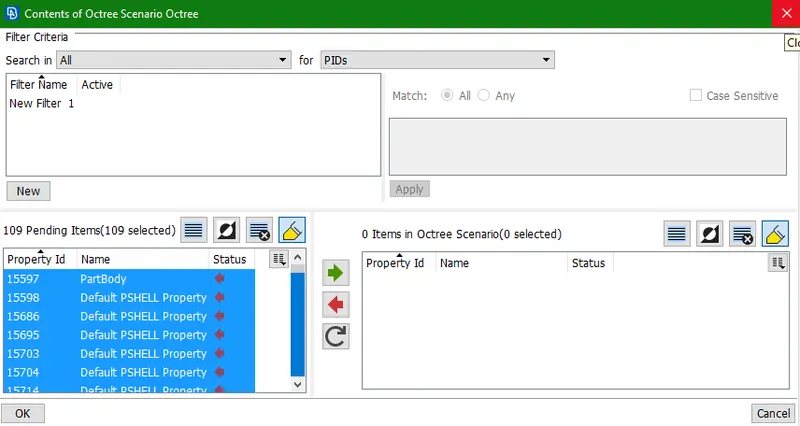
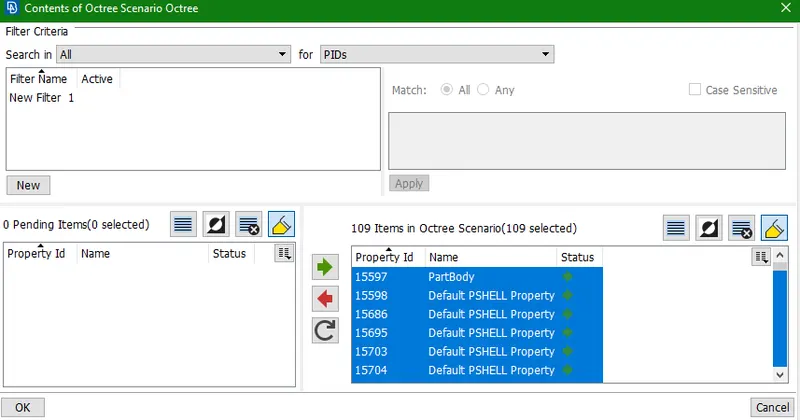
Click on contents and select all the PIDs to be meshed and surface wrapped.
Click on RUN to perform wrap on the selected PIDs.
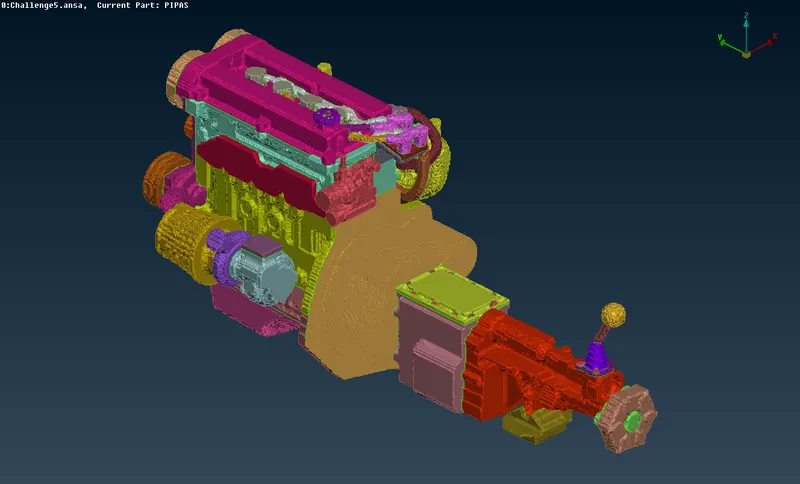
The surface wrap is achieved.
Results:
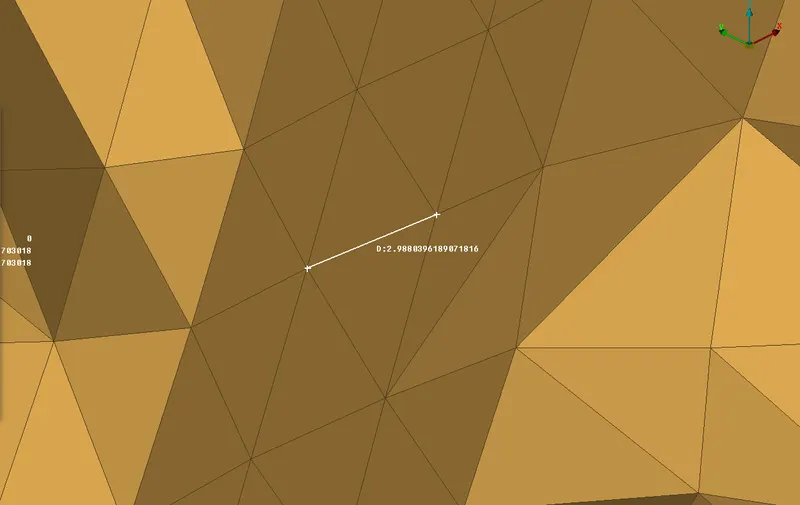
Wrapped mesh:
Conclusions:
The surface wrap is achieved on the given powertrain components with a total of 703018 elements. The surface is easier to perform since it does not depend on the quality of the wrap on each material as we are not interested in physics in the body. The effective surface wrap is achieved on the given body for a given mesh length of 3mm.