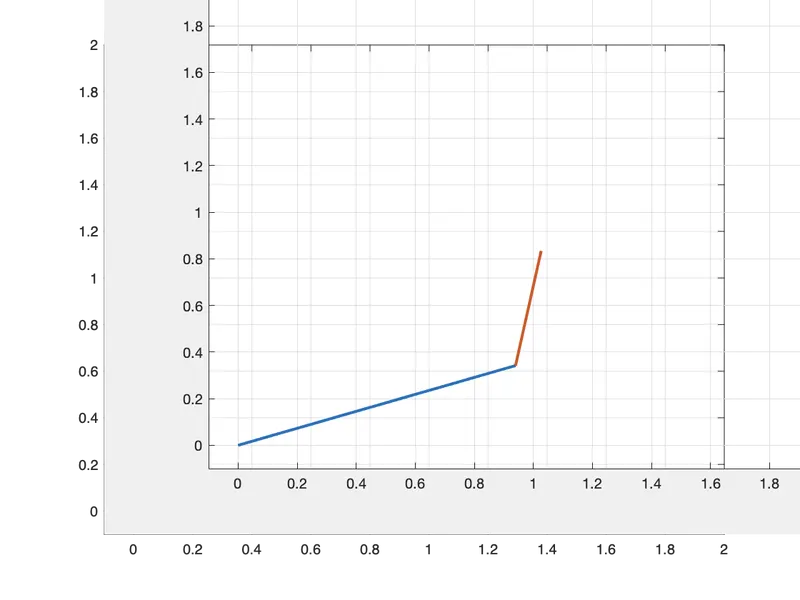
Week 2- 2R Robotic Arm Challenge
AIM - Write a program In Matlab to simulate the forward kinematics of 2R robotic arm.
OBJECTIVE-
:- To explain the code in a chronological order.
:- To represent the result in an animation format.
ROBOTIC ARM- These are the machines which are programmable to perform a specific task.
PRINCIPLE:-
- 1. Length of the links
- Length of link(l1)=1
- Length of link(l20=0.5
2. Coordinates X&Y of link 1&2
(X0 Y0)
The initial point of the link 1 is fixed at the origin so, the initial point of link 1cannot move therefore the value of X&Y will be 0
(X1 Y1)
The final point of the link 1 is the initial point of link 2. The length link 1 is l1 and the angle between the origin and link 1 is represented by an angle theta1
Equation- X1=l1*cosd(theta1) , Y1=l1*sind(theta1)
(X2 Y2)
This is the final point link 2. The angle between link 1 & link 2 is denoted by theta2 then the equation of x&y will be
X2=X1+l2*cosd(theta2)
Y2=Y1+l2*sind(theta2)
3. For loop statement:- this statement is used to move the robotic arm continuously
%% for loop
for i = 1:length(theta1)
THETA1 = theta1(i);
for j = 1:length(theta2)
THETA2 = theta2(j);
4. Axis command - this command is used to fix the axisby changing the XandY points.
axis([-0.1 2 -0.25 2])
5. Movie command- this command is used to represent the result in an animation format.
%movie
movie(M)
videofile = VideoWriter('forward kinematics of 2R robotic arm','Uncompressed AVI')
open(videofile% )
writeVideo(videofile,M)
close(videofile)
CODE:-
% forward kinematics of 2R robotic arm

close all
clear all
clc

%% inputs
l1 = 1;
l2 = 0.5;

theta1 = linspace (0,90,10);
theta2 = linspace(0,90,10);

ct=1;
%% for loop
for i = 1:length(theta1)
    THETA1 = theta1(i);
    for j = 1:length(theta2)
        THETA2 = theta2(j);

        % cordinates

        x0 = 0;
        y0 = 0;

        x1 = l1*cosd(THETA1);
        y1 = l1*sind(THETA1);

        x2 = x1 + l2*cosd(THETA2);
        y2 = y1 + l2*sind(THETA2);


        % plotting

figure(1)
        plot ([x0 x1],[y0 y1],[x1 x2],[y1 y2], 'linewidth',2)
        grid on
       axis([-0.1 2 -0.1 2])
        M(ct)=getframe(gcf)
        ct=ct+1
    end
end

%movie
movie(M)
videofile = VideoWriter('forward kinematics of 2R robotic arm','Uncompressed AVI')
open(videofile)
writeVideo(videofile,M)
close(videofile)
ERRORS FACED WHILE COMPILING THE PROGRAM:-
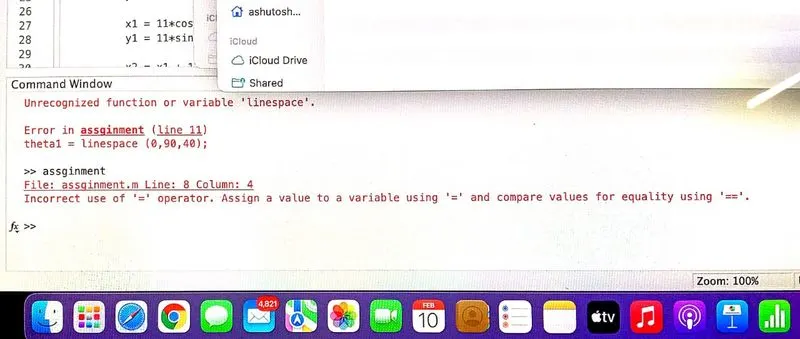
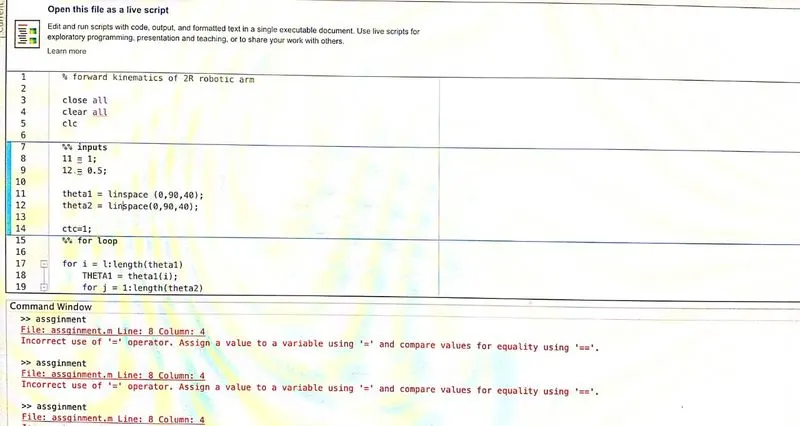
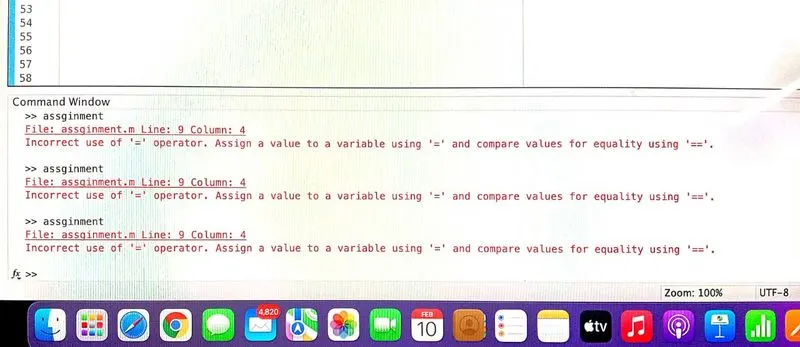
STEPS TAKEN TO OVERCOME THE ERRORS:
1- the program was crosschecked many times and each bug was dubgged in a chronological order.
RESULTS:-