Week 5 Challenge : Surface wrap on Automotive Assembly
AIM: To perform geometrical cleanup on the given model to avoid errors and to perform SURFACE WRAP on the given model(Drive Train of a AutoMobile) to consider every element of it under meshing inorder to make the further calculations in a simplified manner with Target length of meshing element as 7mm(By considering Computer performance parametrs I choose this size).
The above said process is going to do with Pre-Processing Software which is widely used, ANSA V23.0.X.
For pre-processing of any given CAD model for CFD caluclations it is necessary to perform Geometrical Cleanup and Meshing of the given model.
GEOMETRICAL CLEANUP: The importance of it is, after loading any given CAD file into pre-processing softwares, it will understand and convert the given model into its own understanding parameters. by observing those we need to delete or make corrections to the model in such a way that it is a proper one to perform further calculations.
MESHING: Meshing is a important step in any of the software-based simulation environmentlike in FEA, CFD analysis. It converts/discretizes the whole single volume model into n-number of elements which is understanble for a solver, so that partial/differential equations can be calculated on each single element seperately. By suming up all those results into one single result.Based on it, where we can analyse the physical behaviour of the whole model in the given medium.The geometry of mesh elements categorized as 1-D,2-D,3-D elements. Selection of geometry is completely user choice.
Meshing is done based on the type of analysis we are going to perform. INTERNAL or EXTERNAL flow analysis.There are different types of meshes based on the structure we obtained viz; STRUCTURED and UNSTRUCTURED Mesh. The final results may vary depending on the type of mesh structure & target length of the element which is called as Quality of the mesh.
SURFACE WRAPING:
Surface wraping is one of the process of meshing to perform EXTERNAL ANALYSIS on any COMPLEX GEOMETRY. Where the geometry consists of multiple parts involved with Intersections, open ended, un completed parts. There surface wraping gives close ended wraped mesh with define target length of the elements.
PROCEDURE:
Steps Involved in Pre-Processing the File using ANSA:
STAGE1: Geometric Cleanup.
STAGE2: Surface Wraping.
As the given model is complex one, I choosed to perform SURFACE WRAPING with AUTOCFD algorithm for spacing of elements and CFD >VISIBLE algorithm for final meshing with TRIA WRAP elements.
STAGE1:The given CAD model is loaded into ANSA using FILE>OPEN by selecting the required file. After loading into ANSA checked the topographical check and performed geometric cleanup as below mentioned.
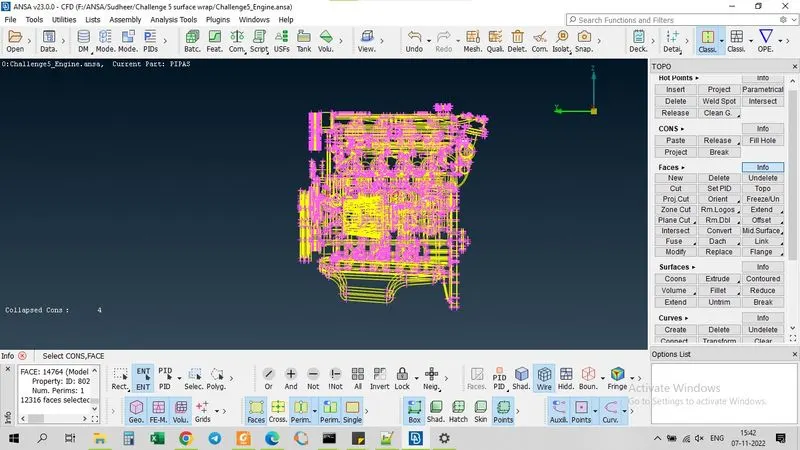
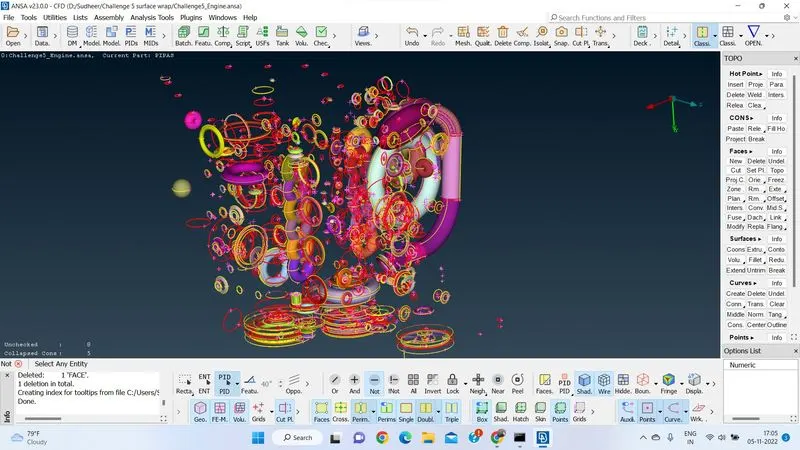
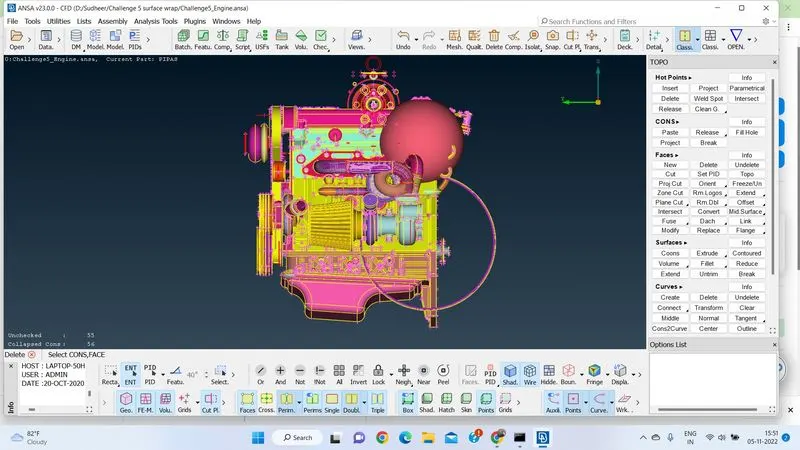
It is clear that the analysis which is performing is on EXTERNALLY. On observing the given model wireframe drwing, I choose to go with external cleanup with leaving the errors of the model which are internal in nature of the drawing.
In the given model it consists of many undefined, unnecessary parts which were not part of the model.Deleted those, by isloting the engine parts using NOT option in FOCUS tool. Found several overlapping and intersecting parts deleted using FACES>DELETE option in TOPO feature. Found several open faces and triple cons, deleted/covered as per the requirement using FACES TOOLin TOPO feature. While going for surface wrap, it is a good practice to close open ends as much possible as we can, so that the surface wraping gives a smooth wrap which will give near approximation results.
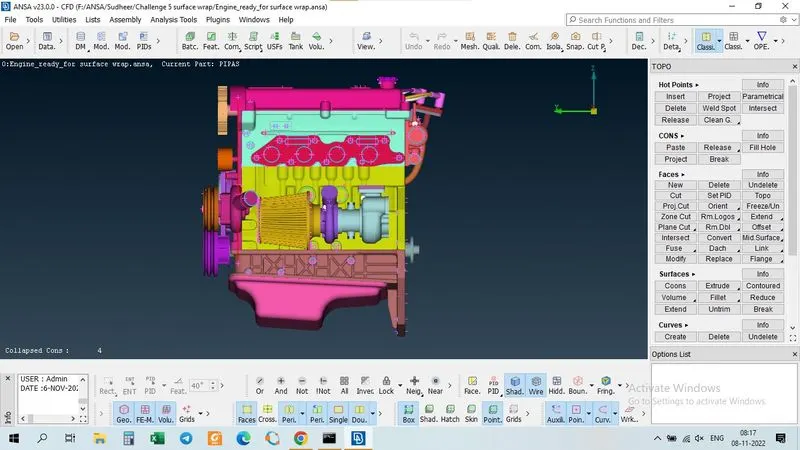
Found some collapsed cons in the model which were on internal elements. But,as per the requirement I focused only external geometry cleanup.
The same above said procedure is followed two more models of the drive train, TRANSMISSION & GEAR BOX.
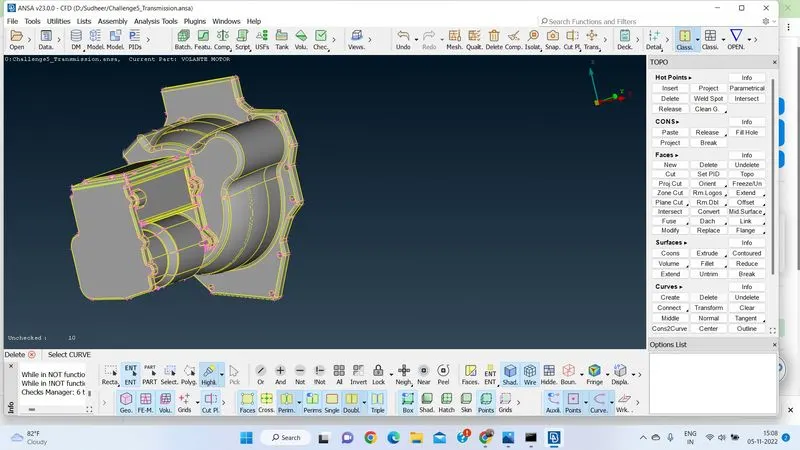
After cleaning up of geometry.
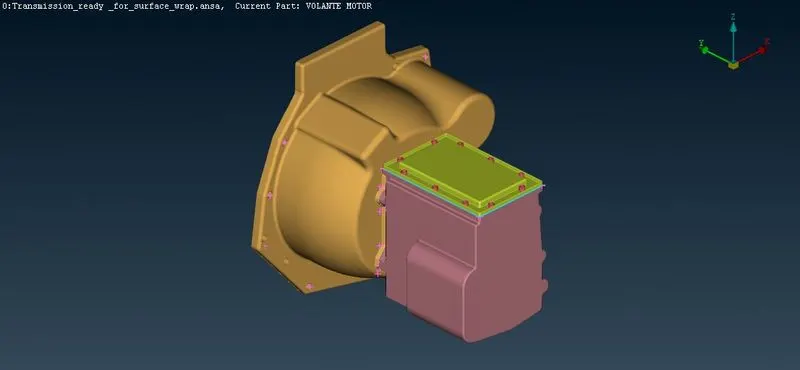
After cleaning up of geometry on gear box.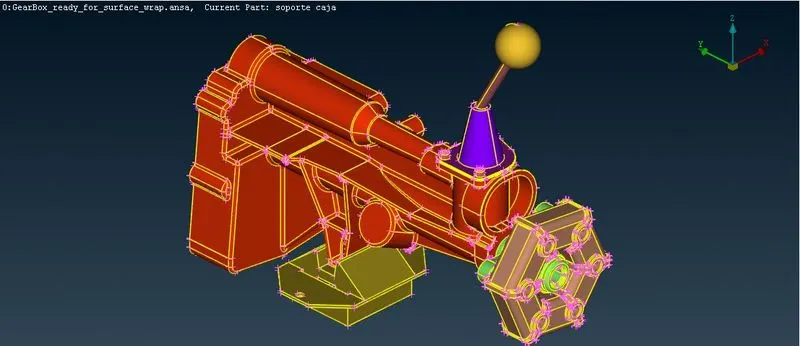
Found some open faces, closed all those faces using FACES>NEW>PLANAR option of TOPO feature. While closing the faces, observed TRIPLE cons. I considered these triple cons are not errors,as it is necessary in creating a closed geometry.
Geometry cleanup has completed.
STAGE2: SURFACE WRAPING
Surface wraping can be done by merging all different models as a single volume or by dong surface wraping individually on each model and merging them. i choose to do it as a single volume.
Inorder to do so, we must understand the sequence of the assemblage of different models.
ENGINE+TRANSMISSION+GEAR BOX
After opening Engine.ansa model choose FILE>MERGE option.Selected TRANSMISSION.ansa file.Later FILE>MERGE selected GEARBOX.ansa file. Now the merge is completed giving a single volume.
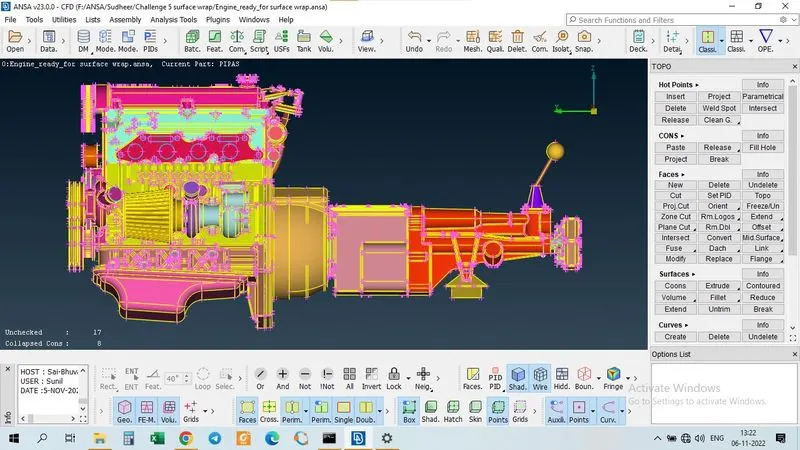
ASSIGNING PIDs:
After merging, found that 1523 PIDs when checked with PID properties tool from LISTS feature.As it is very complex model to assign PID or give name to each PID i left it as usual and compress it by using COMPRESS option in UTILITIES features. After deleting unnecessary PIDs it reduced to a size of 83 PIDs.
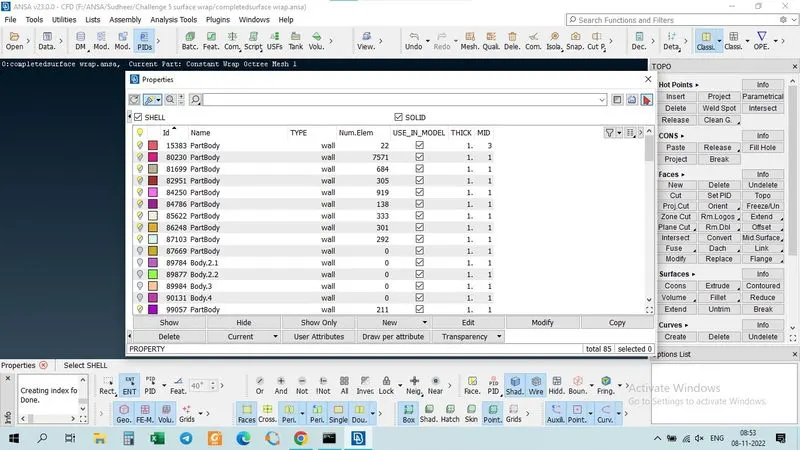
Now the MESHING part. Choosen CLASSIC MESH feature. choose to go with wrap element as TRIA element with size of the element as 7mm(Considering my System performance to mesh).
Choose ELEMENTS tool>WRAP> OCTREE algorithm.
Now we need to define the model name, in PARAMETERS option.
Target length given as 7mm.
Now we need to define Contents for OCTREE WRAP SCENARIO. By selecting on what PIDs we need wrap into it.
By using RUN option in CONSTANT WRAP OCTREE :Edit page which contains the defination of wraping, the wraping is completed.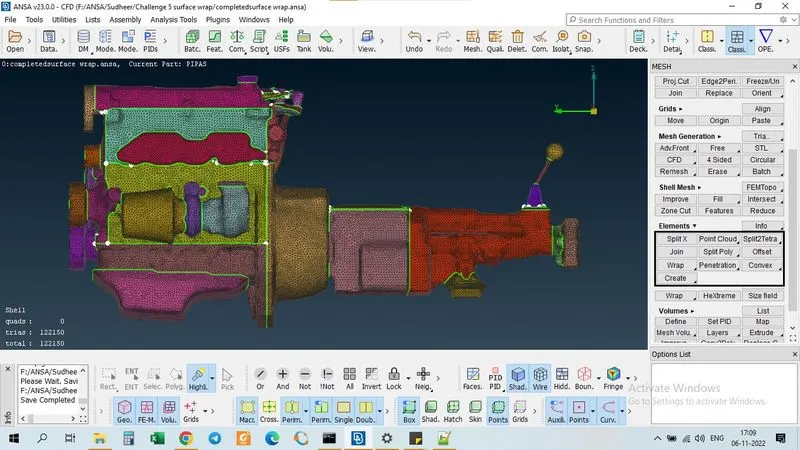
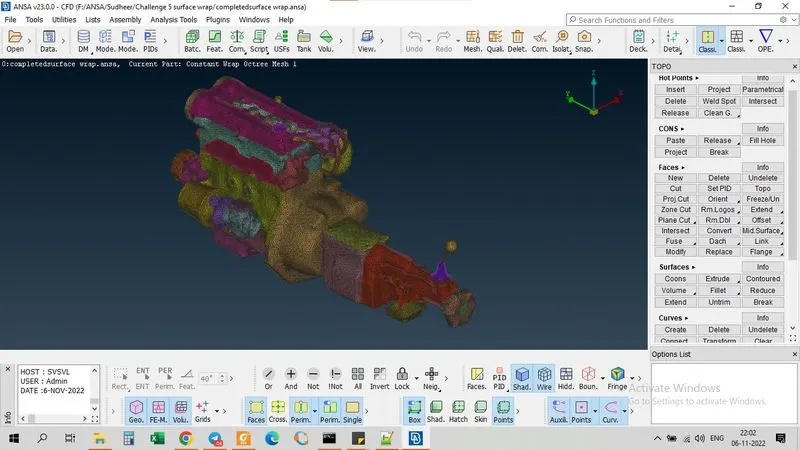
No leaks were detected.
RESULT: All the given model were GEOMETRICALLY CLEANED UP , and merged into a single volume. Successfully wrapped the merged model with COSTANT WRAP OCTREE method with 122150 tria elements.
CONCLUSION: The above model is now prepared for next stage after pre-processing in CFD Analysis process.