Week 5 Challenge : Surface wrap on Automotive Assembly
Objective:
To do the Surface wrap of the given model (Engine, Gearbox and Transmission)
Surface Wrap:
The surface wrapper wraps the geometry of interest to create a volume for the external flow analysis of the part.
The surface wrapper can be used when parts are overlapping, have duplicate surfaces or when your input has to high level of detail
Procedure:
Step 1: Open the three models in ANSA seperately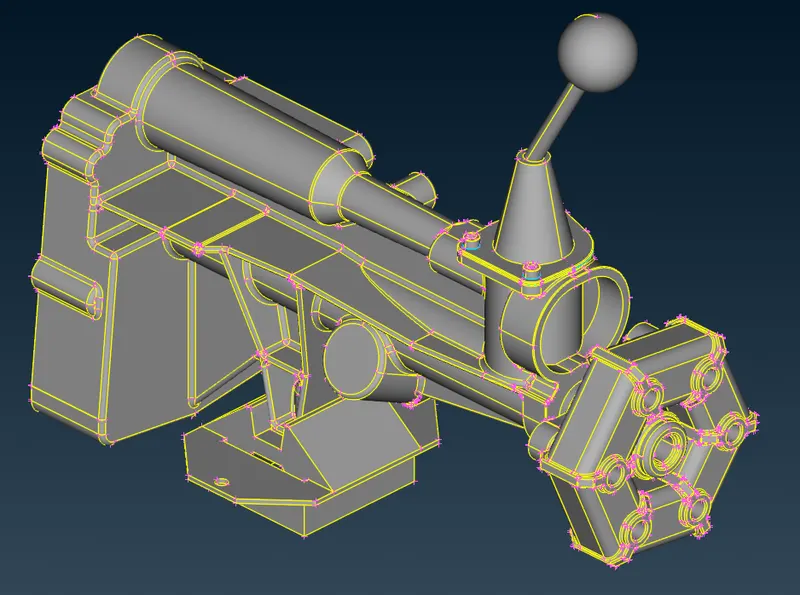
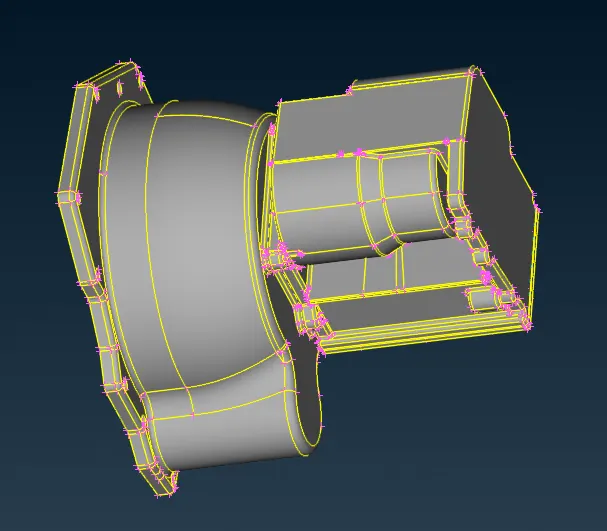
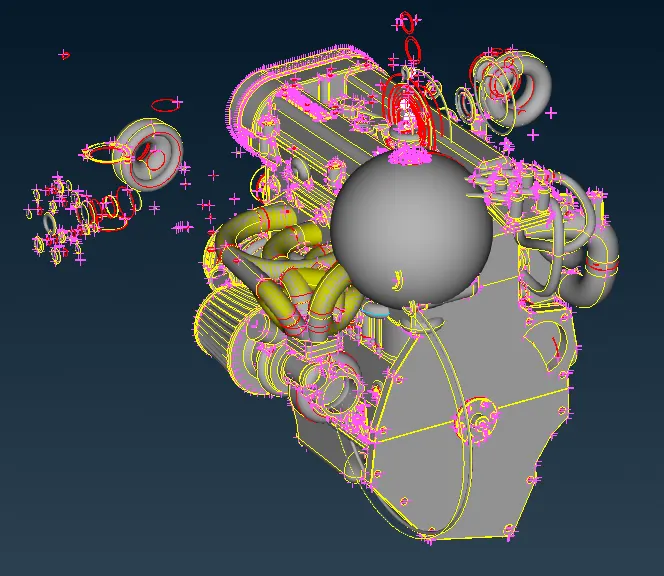
Step 2:
Remove the unwanted geometry from Engine model but isolating the main parts from engine using NOT option
Then try to remove the Triple coons and single coons using Global Delete option and Face --> New option.
Repeat the process for the other two models also (Only in exterior surface of the model need to be modified)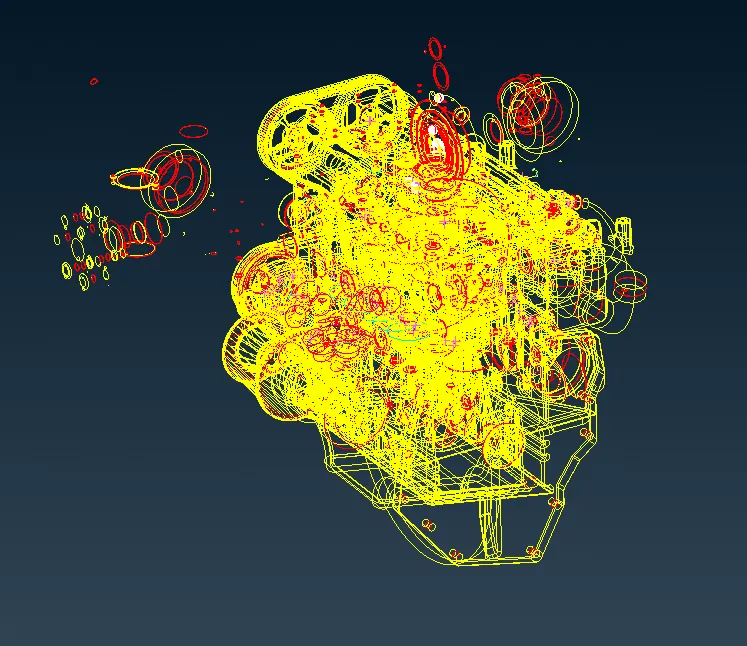
After Geometry cleanup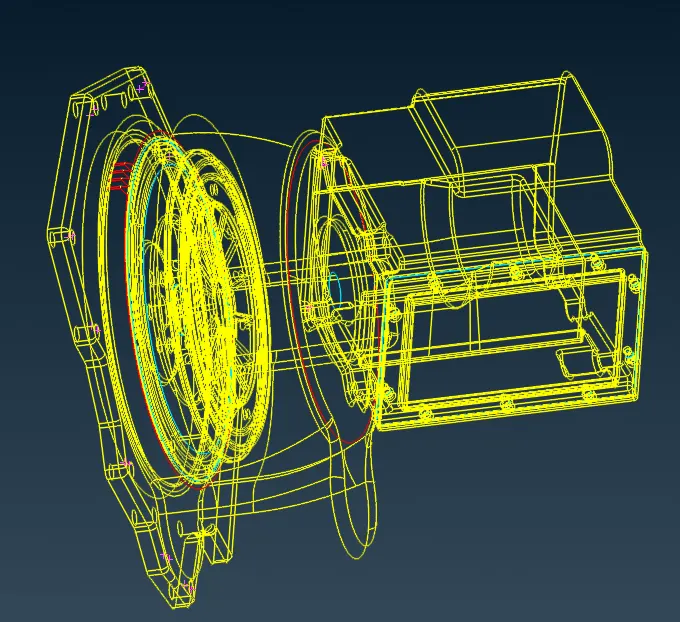
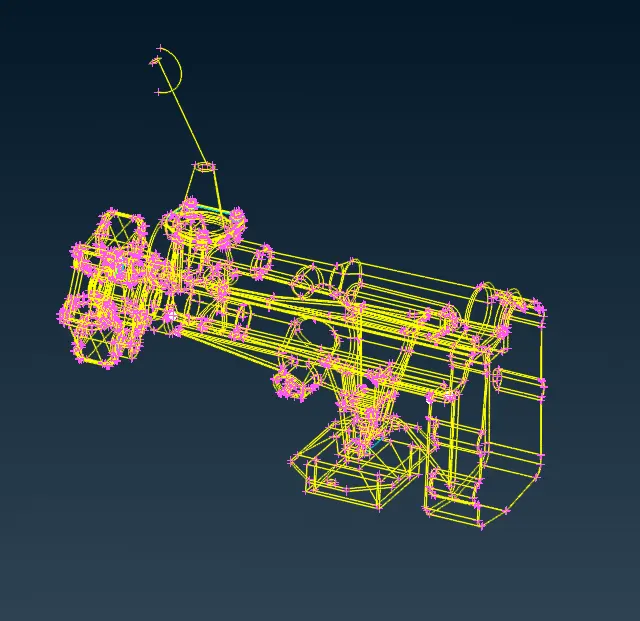
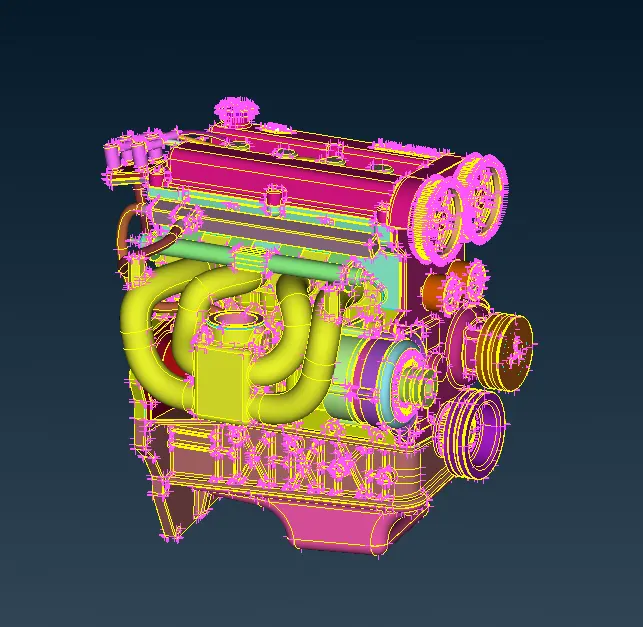
Step 3:
Merge the three models into one model using File --> Merge --> Select the other two models after saving the updates
After this close the openings in the model using Face --> New --> Coons option
Before closing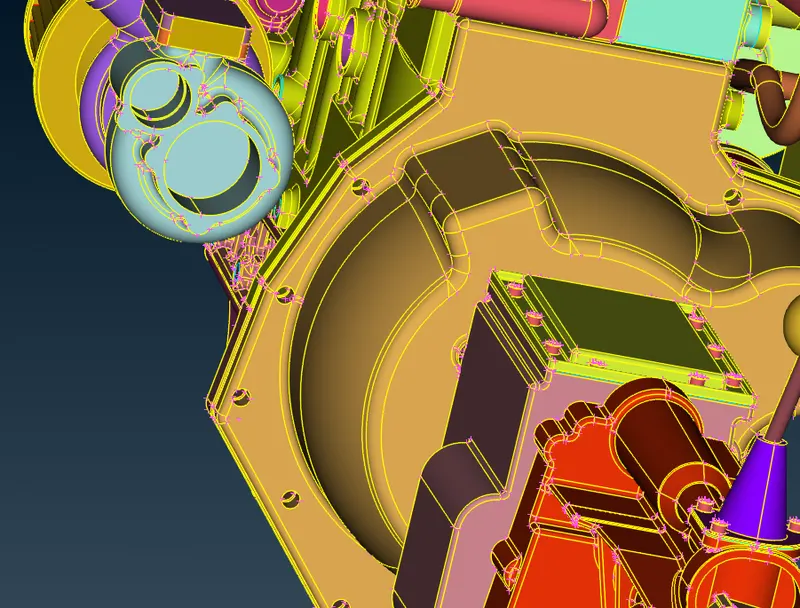
After Closing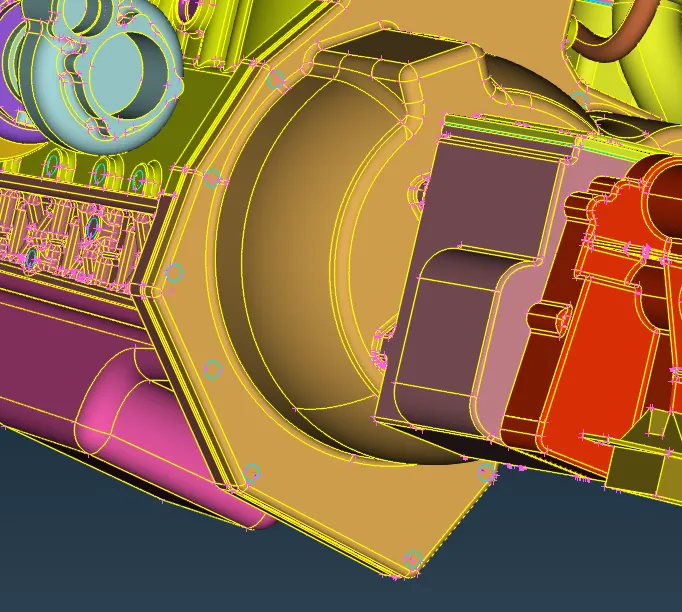
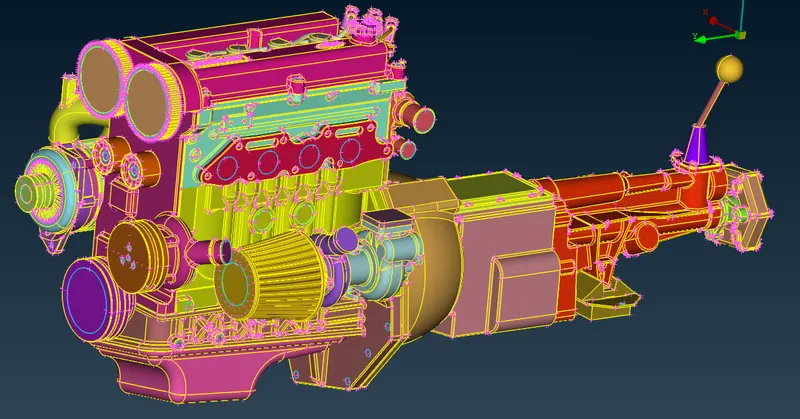
Step 4:
After closing the model, Select PID and then Compress the unwanted PIDs
Then click Meshing deck and Select Elements --> Wrap Option with Constant Length
Pop up window appears
Double click the parameter window and then provide the name and target length as 5mm and click type of mesh as Trias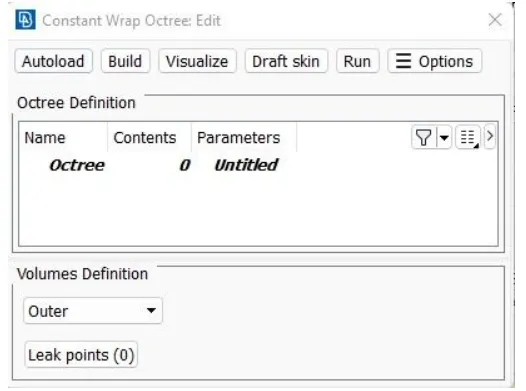
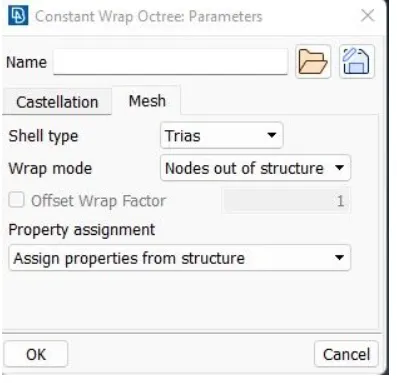
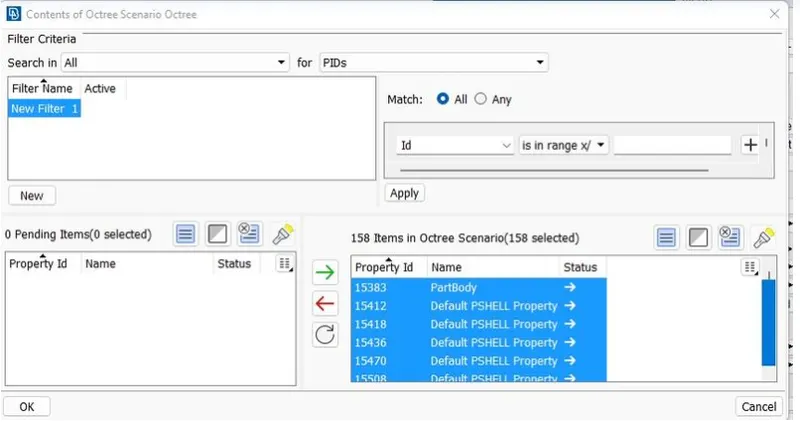
Finally Click Run option to do the surface wrap
Surface wrap is shown below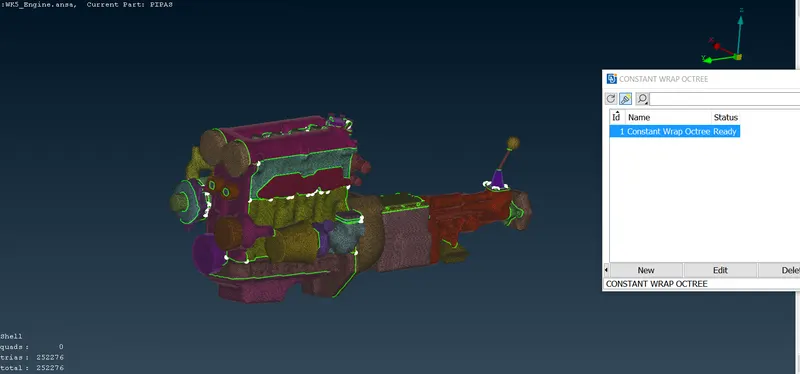
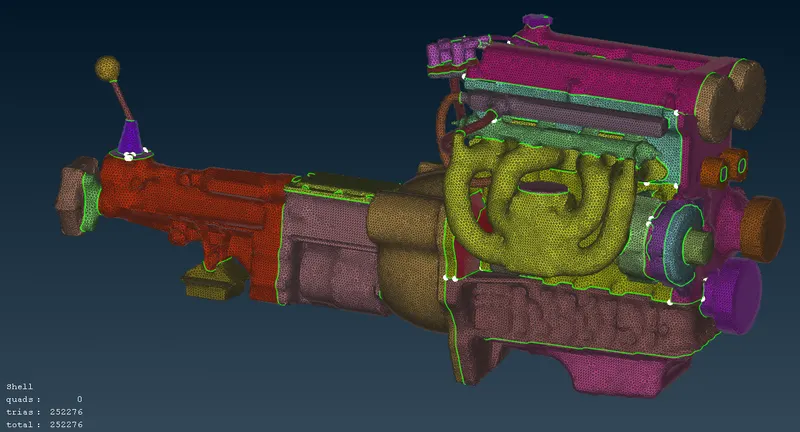
Surface Wrap Final Model Drive link provided below (Can't able to attach the file directly due to large size of model)
https://drive.google.com/file/d/1sMU5gQeP1CZo4msLF5RcwpbxxA1cS0p6/view?usp=sharing