Week 5 Challenge : Surface wrap on Automotive Assembly
Surface wrap on Automotive Assembly
Aim :
To do surface wrap over assembled parts (engine, transmission, and gearbox)
Target length for Wrap = 3mm
Procedure :
- First, the model is loaded onto ANSA
- Unwanted surfaces are deleted without damaging the outer shape of the geometries.
- Single cons are resolved mainly here as it would affect negatively the surface wrapping.
- After cleaning up the geometry from the unwanted surfaces it is then solved.
- The whole three geometries are merged to form the required system.
- A surface wrapping tool with a constant length of 3mm is chosen from the meshing interface.
- It is then named, the required parts are selected(all), and the run button is pressed to start the surface wrapping.
Model :
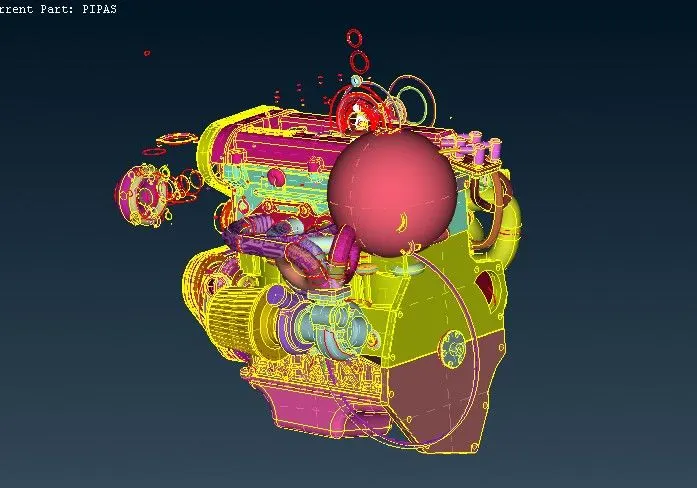
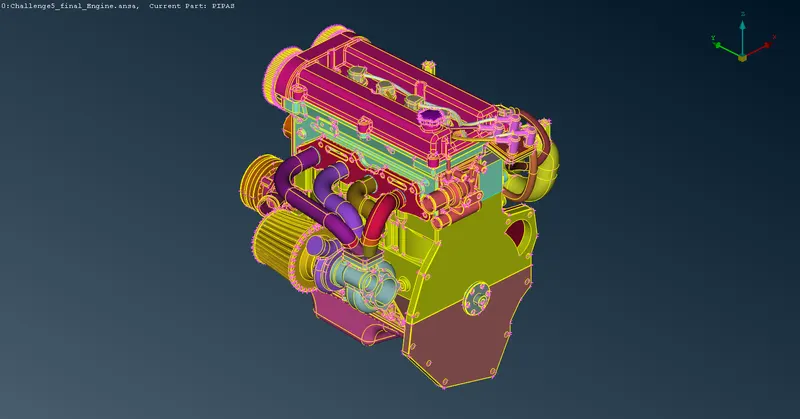
1. Engine :
Before:
After:
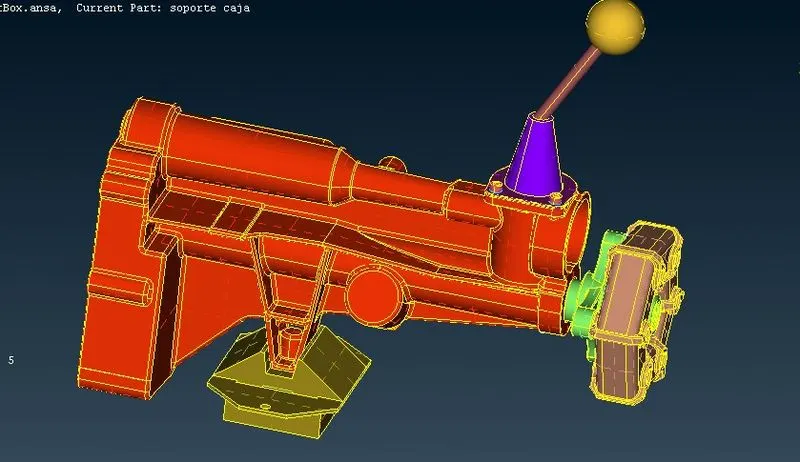
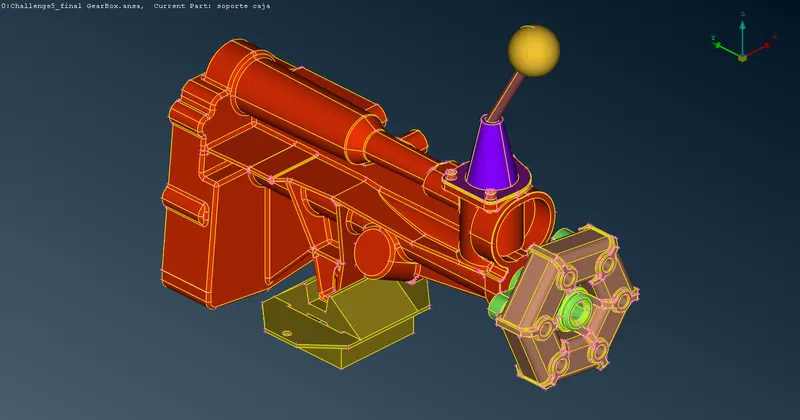
2. Gearbox :
Before:
After:
3. Transmission :
Before:
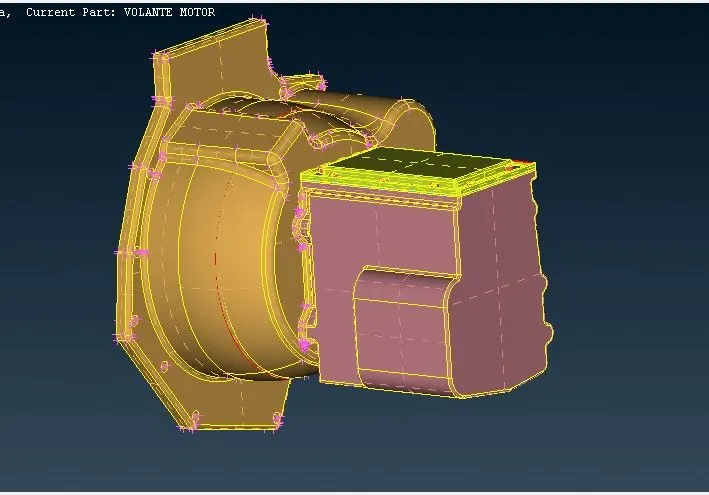
After:
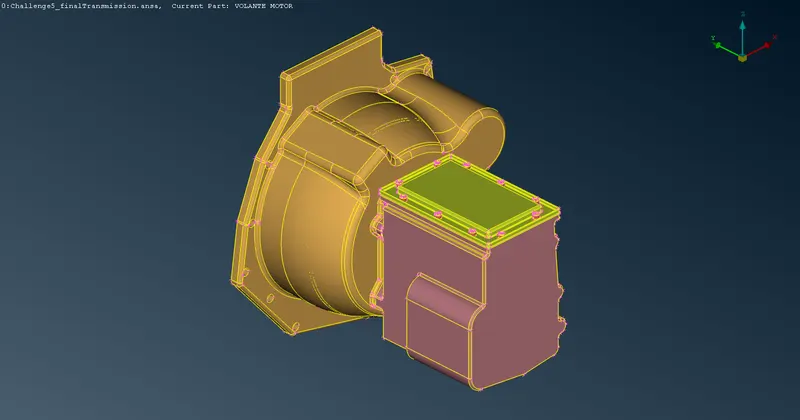
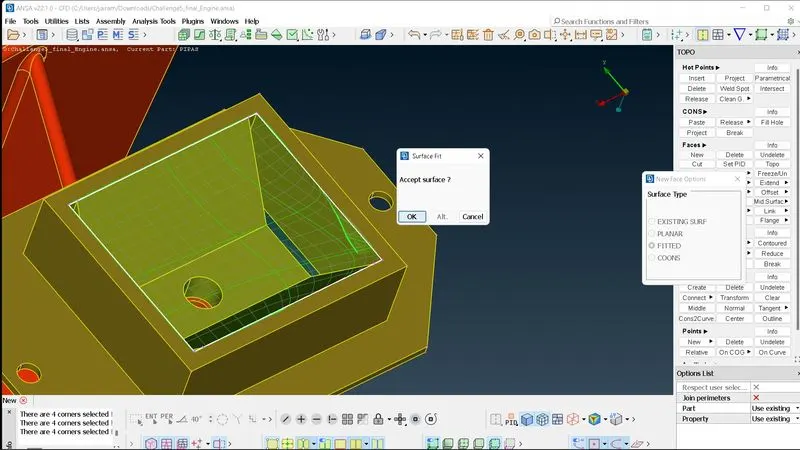
After deleting, we also delete some of the unwanted components such as the fuel hoses and belts. Next, we fill up all the holes since we are interested only in the surface wrap.
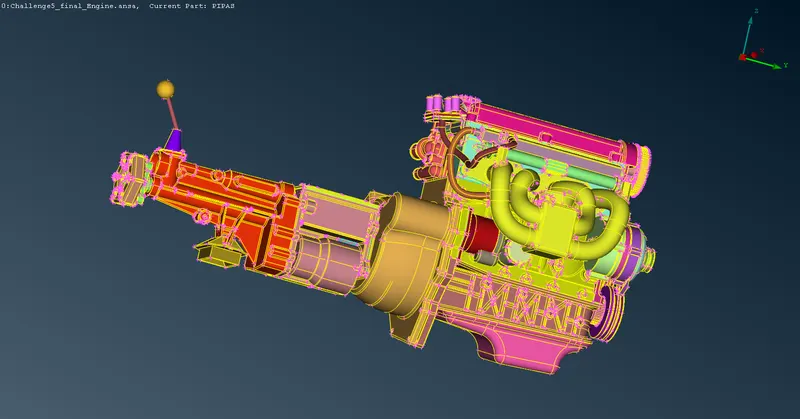
The next step is to merge all components
We use the Merge tool and select previous models and the body will be merged.
After merging we fill all holes as shown below.
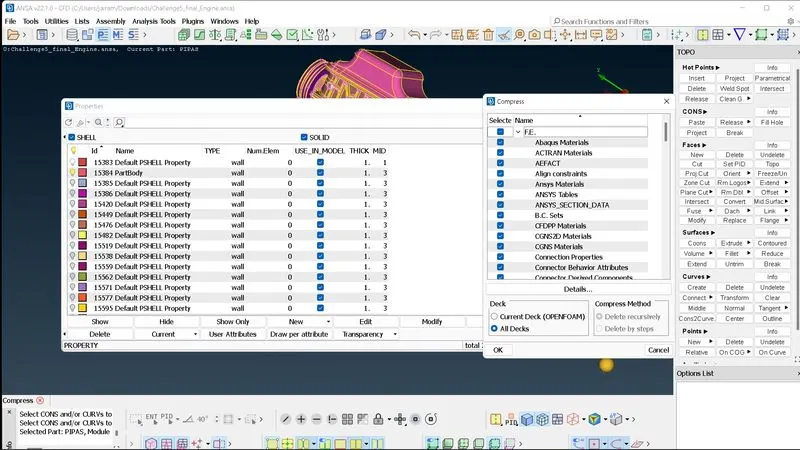
Compression of not necessary PIDs:
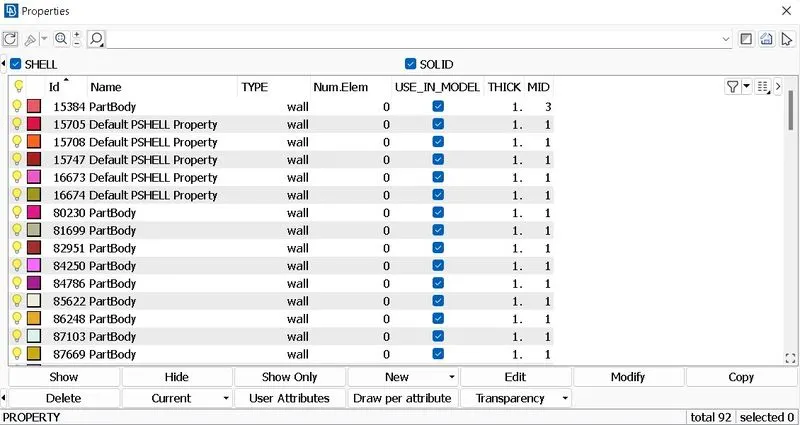
- The number of PIDs from the whole assembly was found to be very high i.e. 1588 and most of them are inactive.
- So the inactive PIDs are compressed.
- The final number of PIDs involved in the whole assembly is reduced to 92.
We Perform SURFACE WRAPPING.
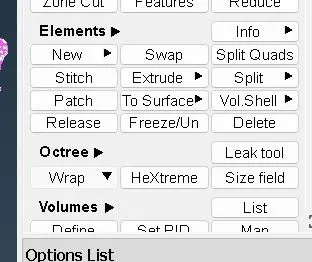
We go under elements in Surface mesh and use Wrap or under octree tool wrap
The toolbox will appear as shown below
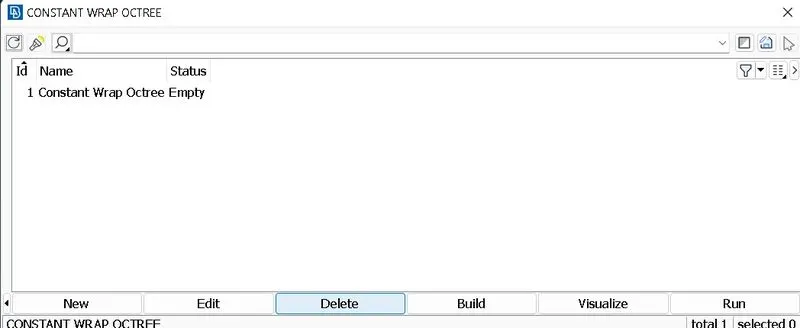
We click on parameters as shown above and a toolbox like below will appear we name the parameter type and insert the target length in this case it's 3mm.
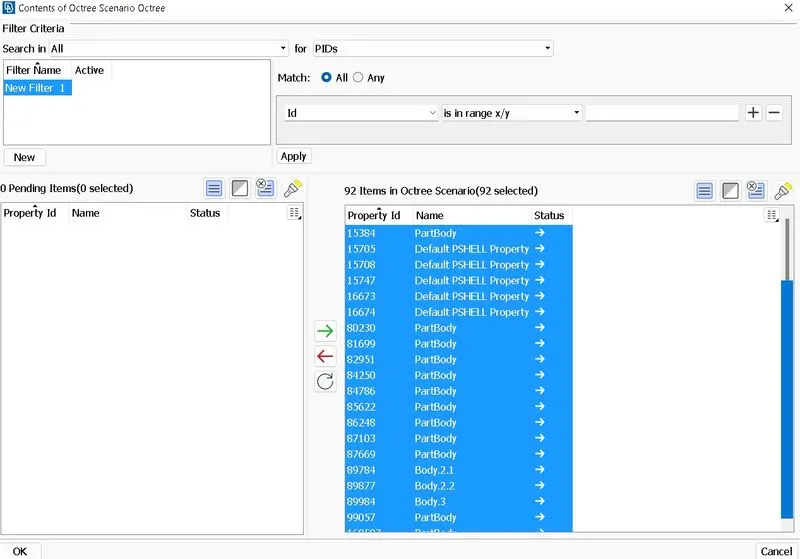
After giving the target length we select PIDs left after deleting irrelevant ones after using the Compress tool.
all PIDs will appear on left in the toolbox as shown below.
Select all and click the green arrow below and finally click ok.
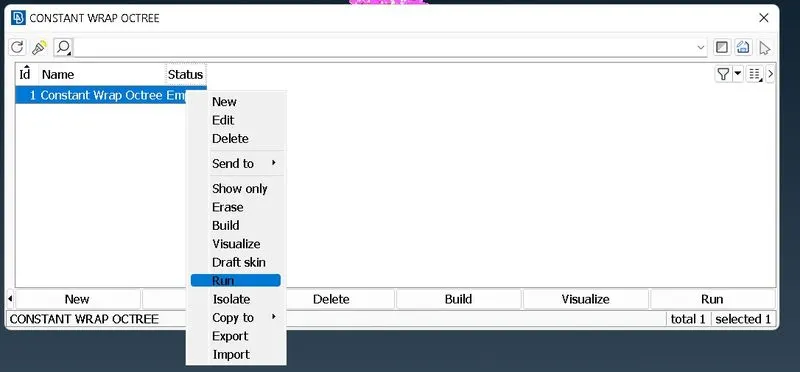
After all, is done just click Run and surface wrapping will be completed.
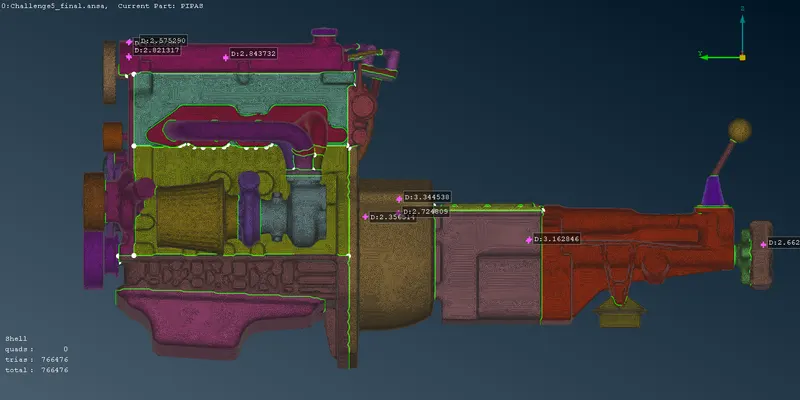
RESULTS:
Learning Outcomes
Geometry cleanup
Geometry merging
Surface wrapping
Conclusion
1. Surface wrapping was run successfully on the given parts.
2. Surface wrap is effective for outside flow simulations where the volume between the body and wind tunnel is required for flow over the body simulations.
3. Surface is easier to perform since it does not depend on the quality of the wrap on each material as we are not interested in physics in the body.
4. Effective surface wrap is achieved on the given body for a given mesh length of 3mm.
Google Drive Link :
https://drive.google.com/file/d/19rKSqaRnAffnmTG7POa_5DO82BdZFO8m/view?usp=sharing