Week 5
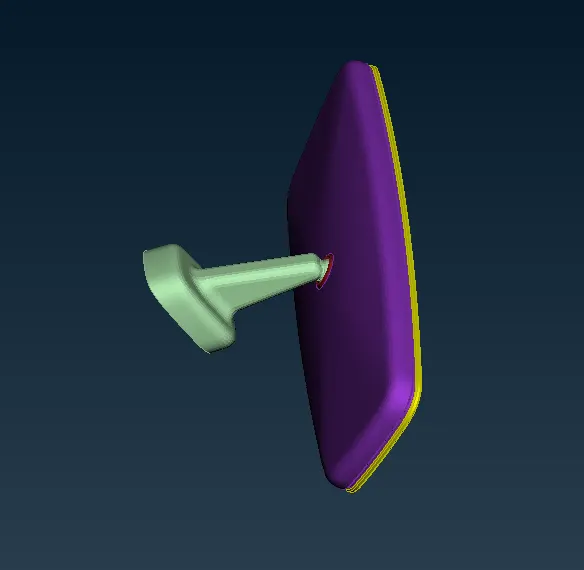
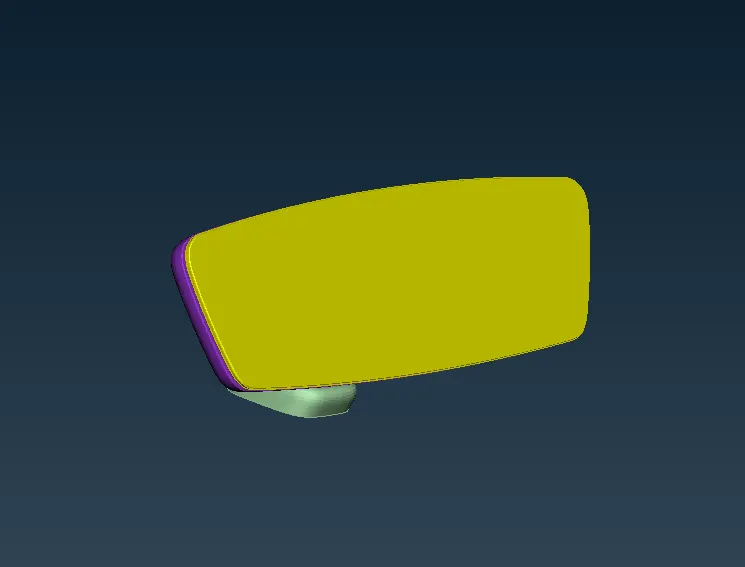
Aim: 1) To check the geometry and perform 3D tetra meshing on the surface.
2) To check the quality criteria and eliminate failing element, without changing the mesh flow.
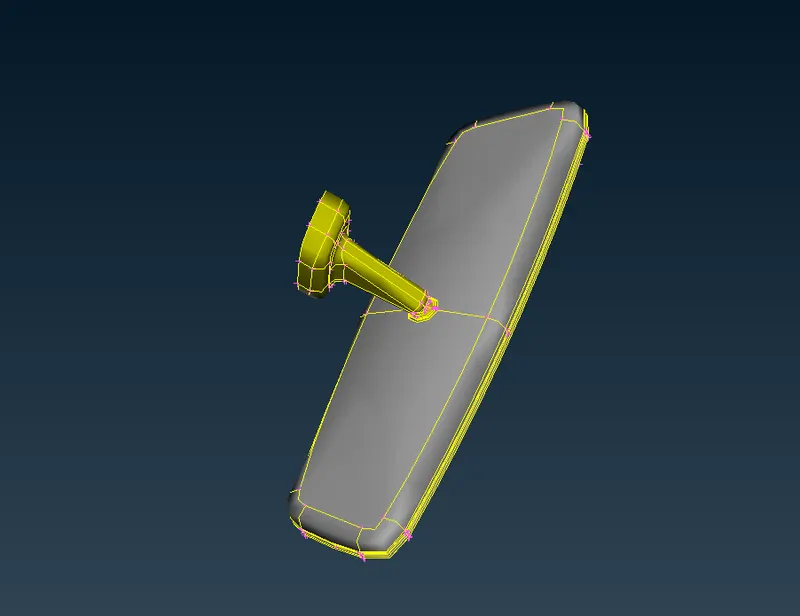
CAD File:
Procedure:
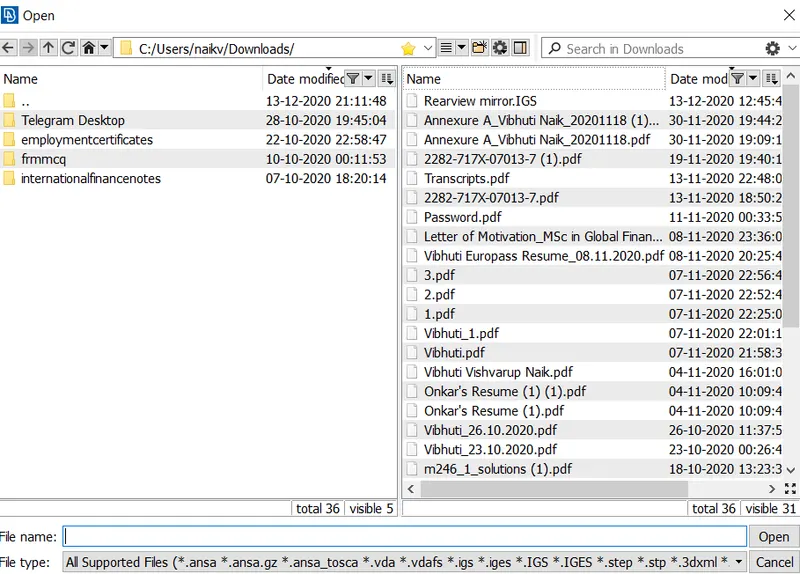
i) To import file and check the geometry
To import the using file – open – option irrespective of the extension of the file.
Before starting the work on the model perform the topo as this tool will connect the neighboring single cons.
ii) To check the Geometry
Utility – check – geometry – Execute
If there is any problem in the geometry the check manager will show an error.
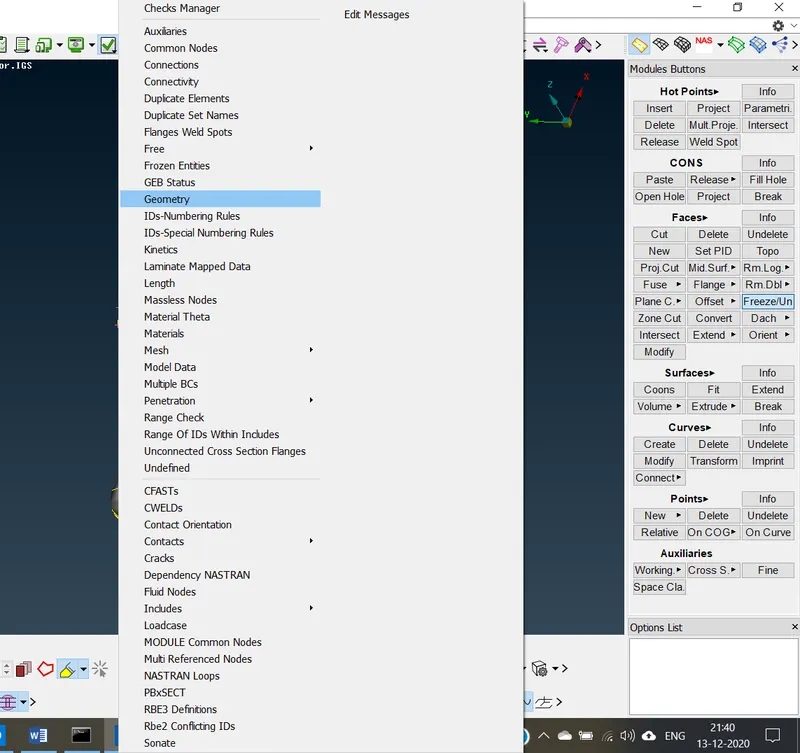
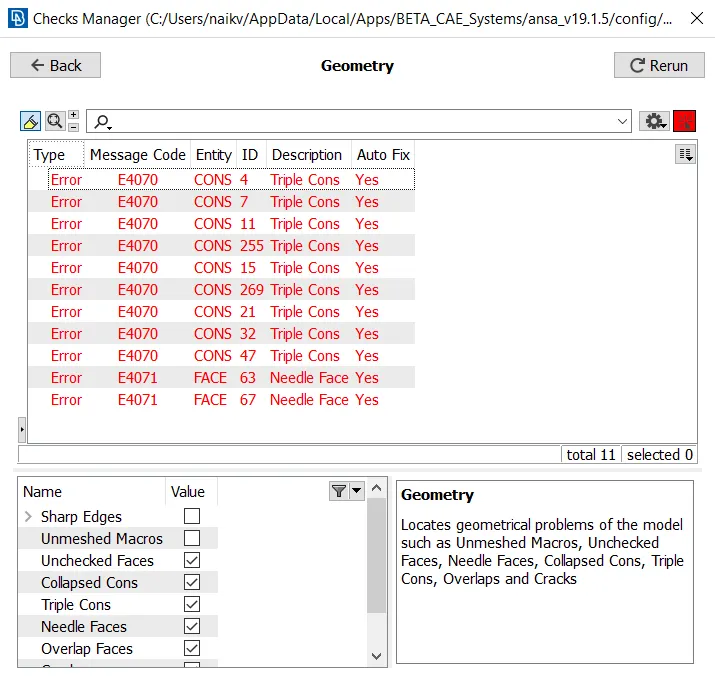
Eliminating each error manually or automatically. Once all error is resolved then geometry is clean for meshing.
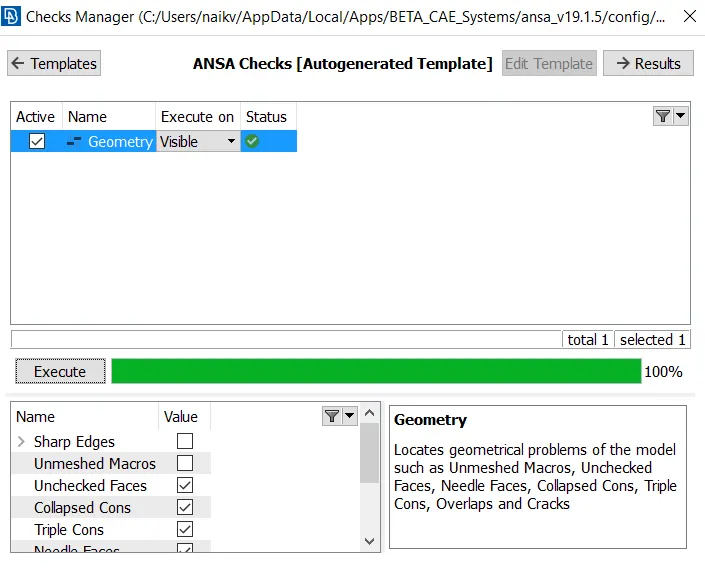
While performing solid meshing, the model should be meshed using shell elements and then converting shell to solid elements.
2) Meshing the component using PSHELL element:
i) Change the quality criteria and meshing criteria as mention in the problem statement.
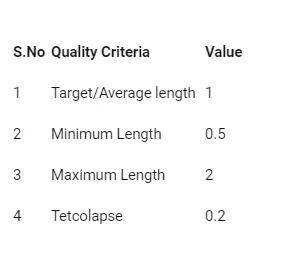
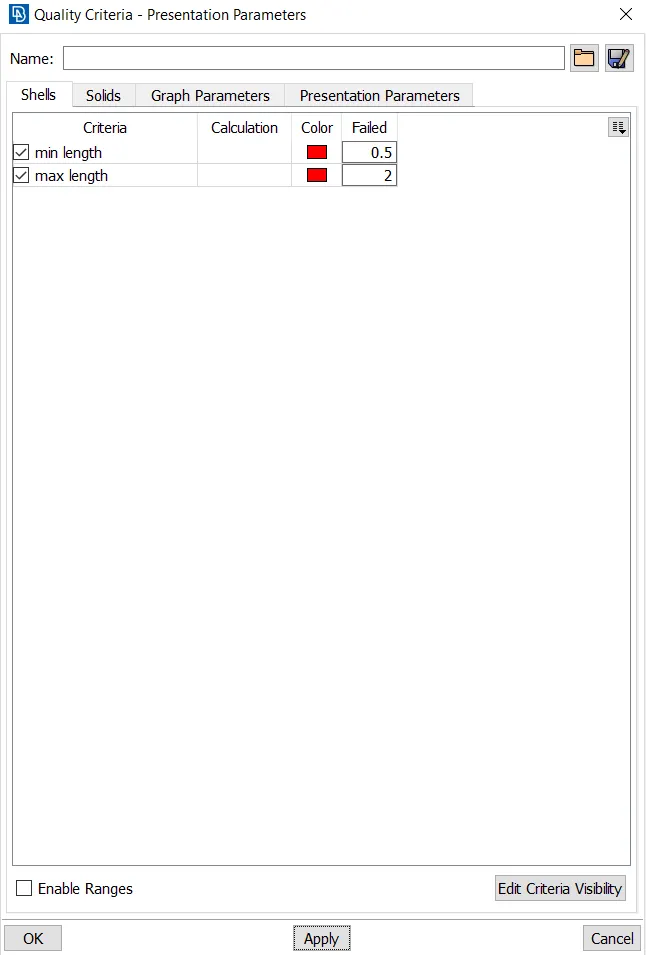
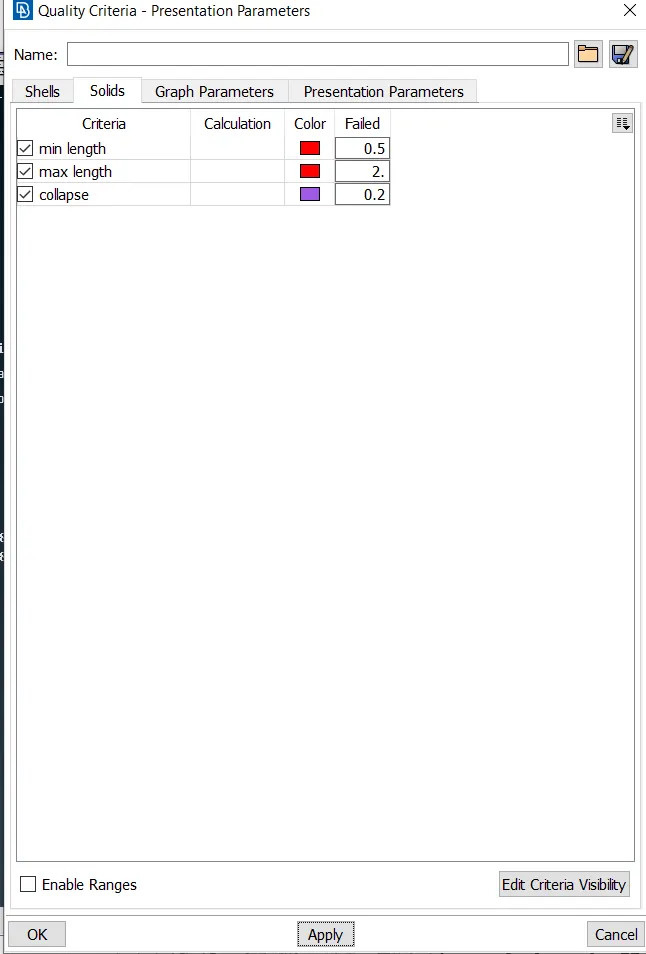
Change the mesh parameter to ortho tria element:
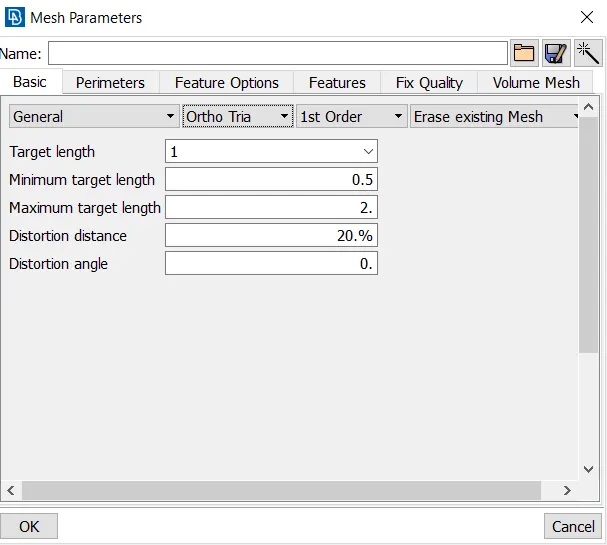
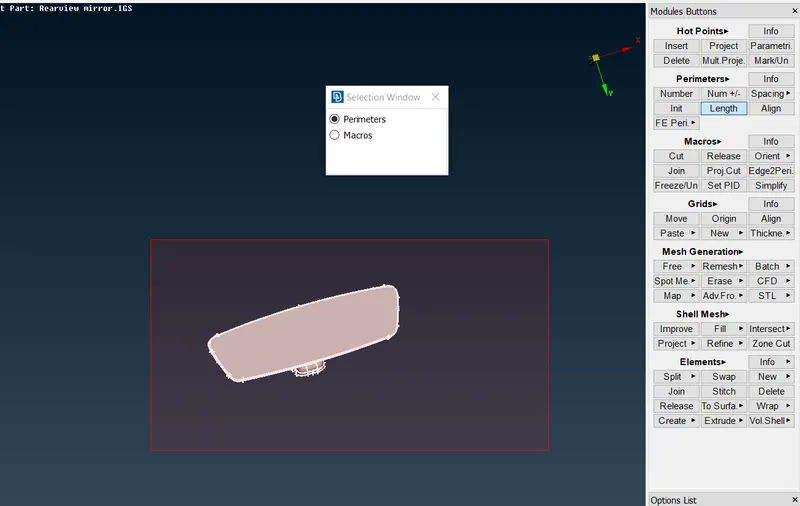
ii) Changing the perimeter and macro length:
This tool will change the distance between two hot points. Change perimeter to element length.
iii) Meshing the model
Meshing the model using ortho tria element on a curved surface and tria element on a flat surface.
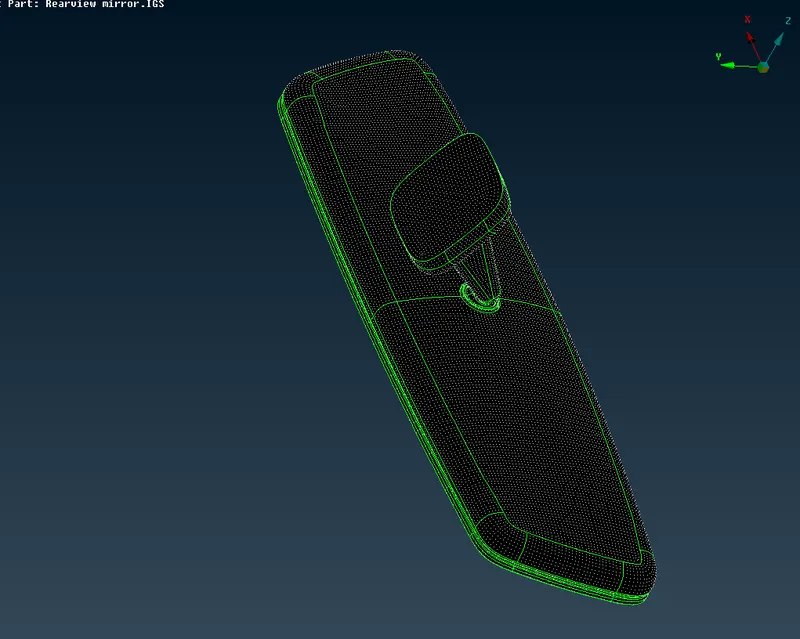
Eliminate shell failing element for minimum and maximum quality criteria by reconstructing the mesh and.
3) Meshing volume mesh
i) Differentiate with respect to PID
In some model, we have to mesh the component using different volume as model consist of different parts.
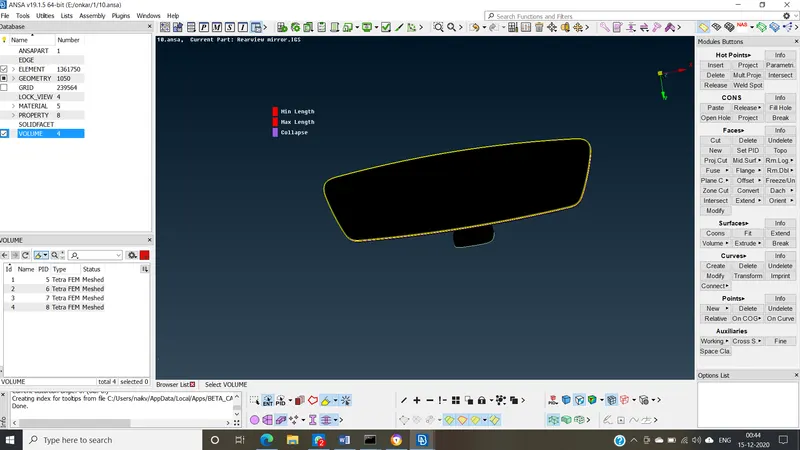
Using the PID region, we got to know there are 4 parts, storing the PID using lock view.
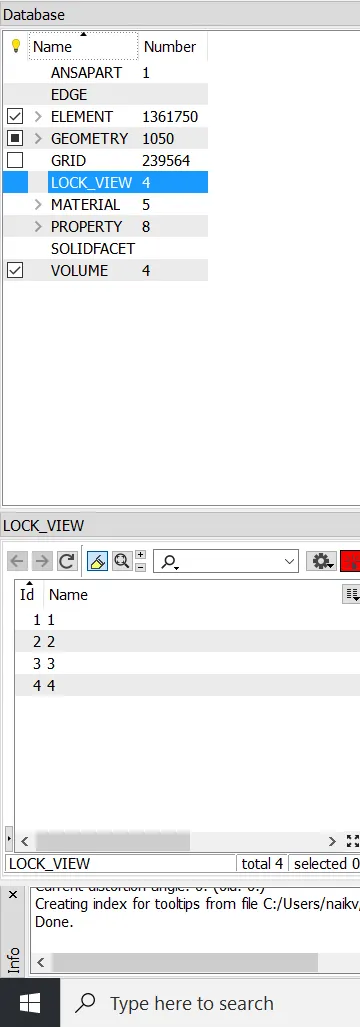
ii) Creating volume for the model
For individual PID region, we have to create different volumes
Volume mesh – define – manual – select PID – create
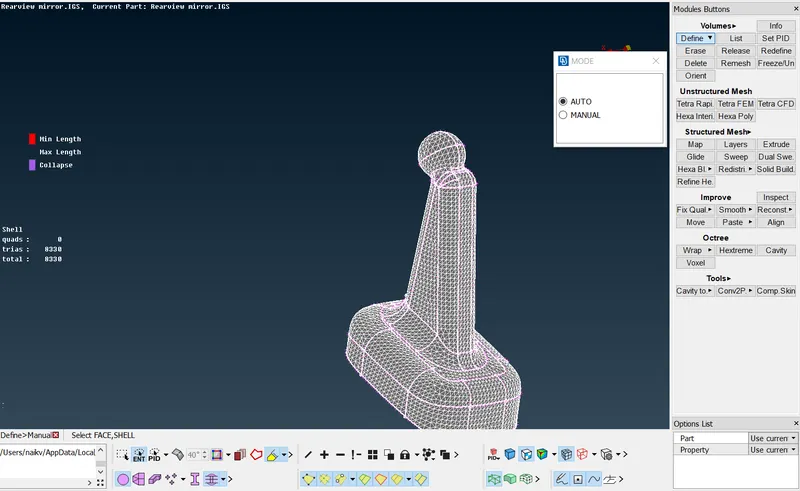
Create a property card for the Model as well as assign solid property for the volume.
iv) Assign the Meshing algorithm for the mesh.
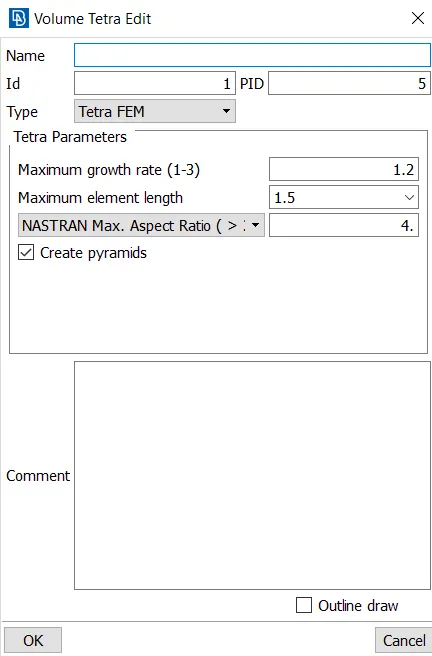
In volume right-click and generate the mesh.
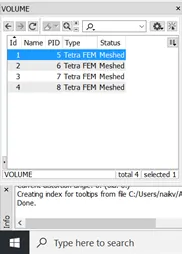
To view, the 3D mesh unlock volume option in the toolbar
v) Eliminate tet collapse element using MVFree or by auto clean
Conclusion:
- Learned meshing parameter of 3D meshing and how to perform 3D meshing
- Got to know 3D quality criteria and learned how to eliminate quality criteria.
Final Model: