Week 5
Objective:-
Check for the geometrical errors and mesh with create volume the given element Quality criteria.
Quality Criteria:-
|
S.No |
Quality Criteria |
Value |
|
1 |
Target/Average length |
1 |
|
2 |
Minimum Length |
0.5 |
|
3 |
Maximum Length |
2 |
|
4 |
Tetcolapse |
0.2 |
Geometry:-
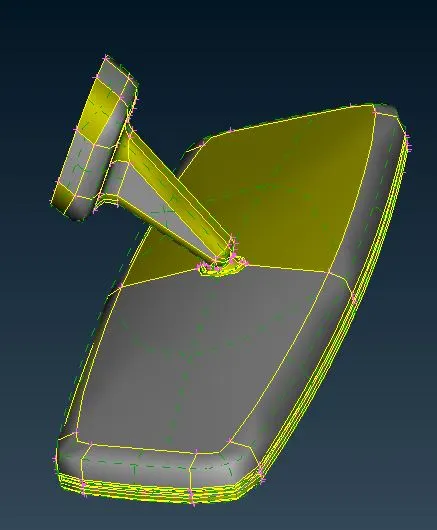
Procedure:-
CAD Cleanup
Open the CAD model in ANSA and Check for the geometry.
Check Manager -> Geometry -> Execute
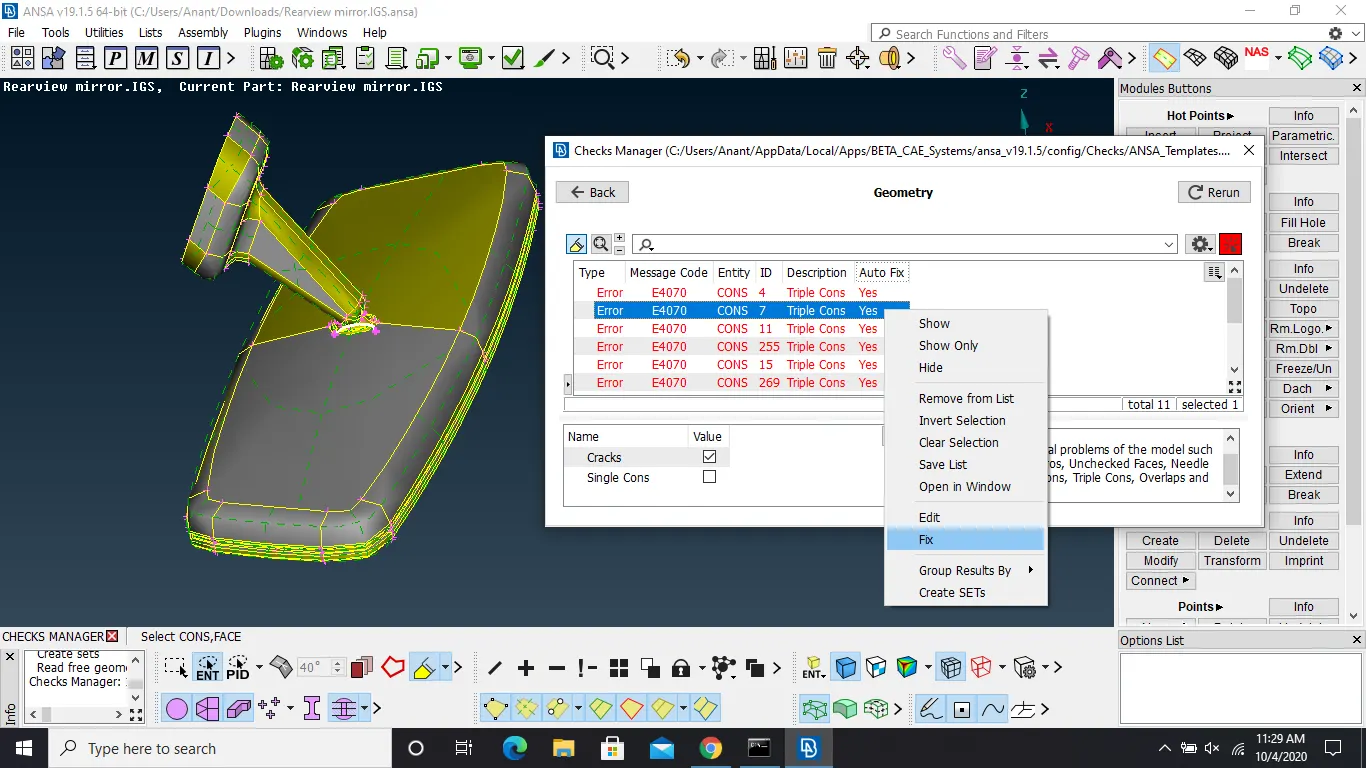
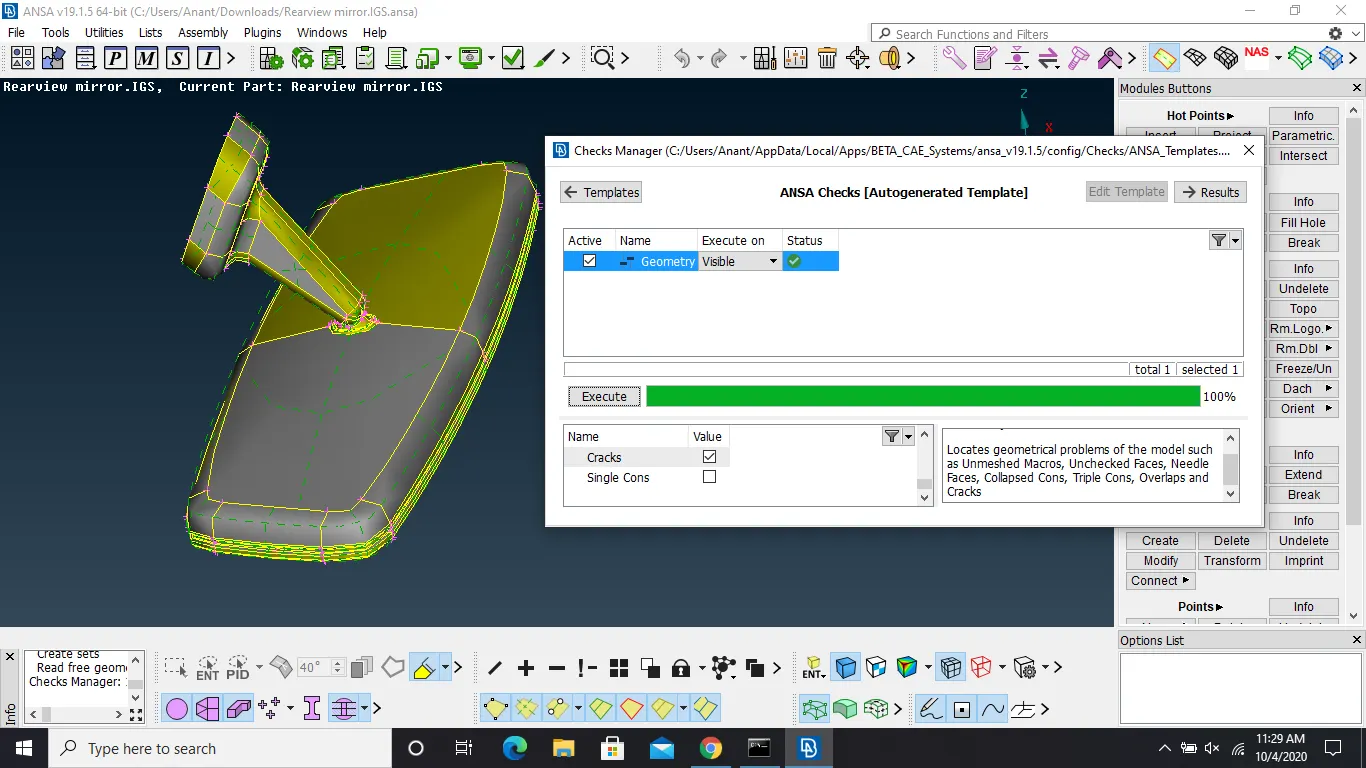
select all the errors and and give auto fix.
TOPO Cleanup:-
Remove all the unnecessary cuts and hot points which can probably create quality criteria issuse.
Before topo cleanup
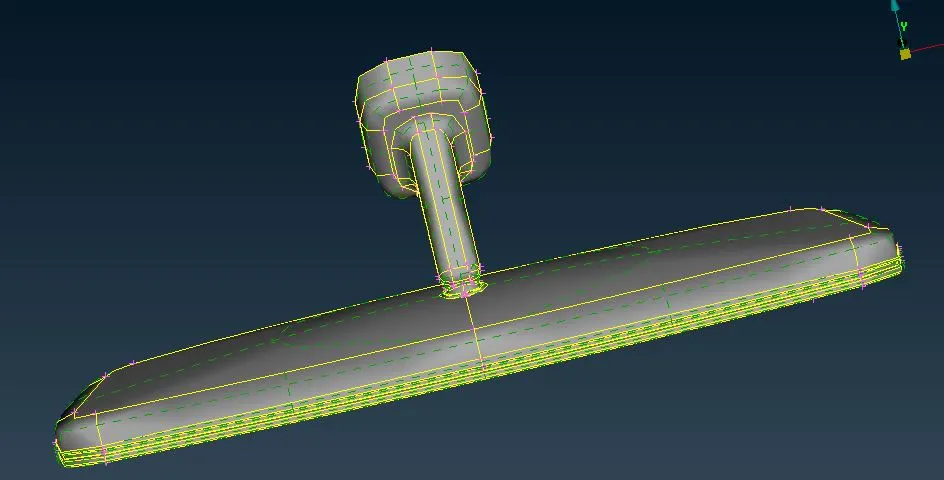
After topo cleanup
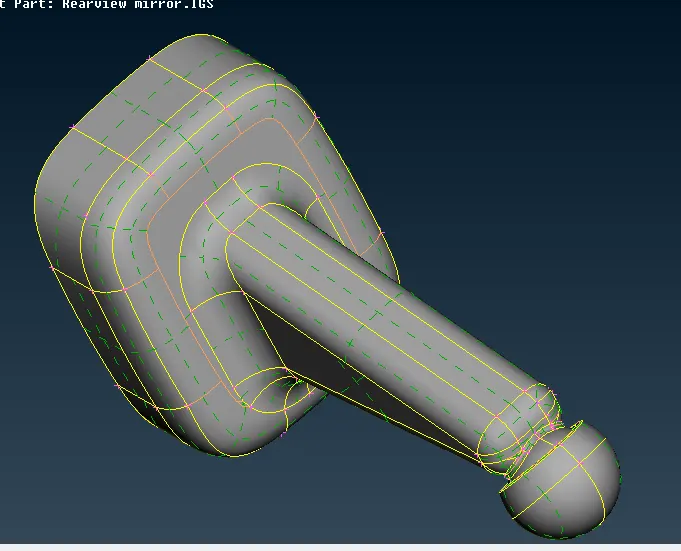
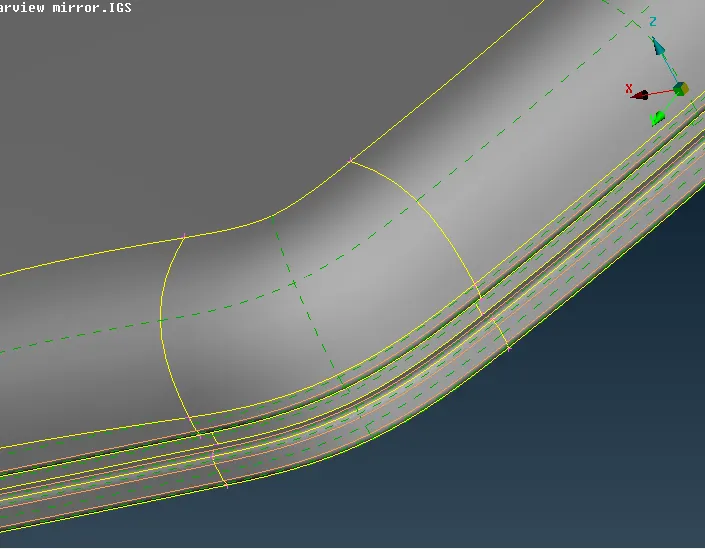
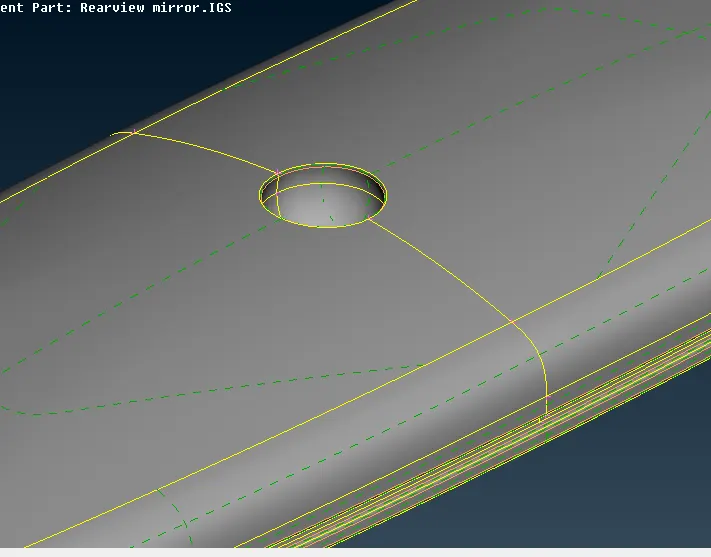
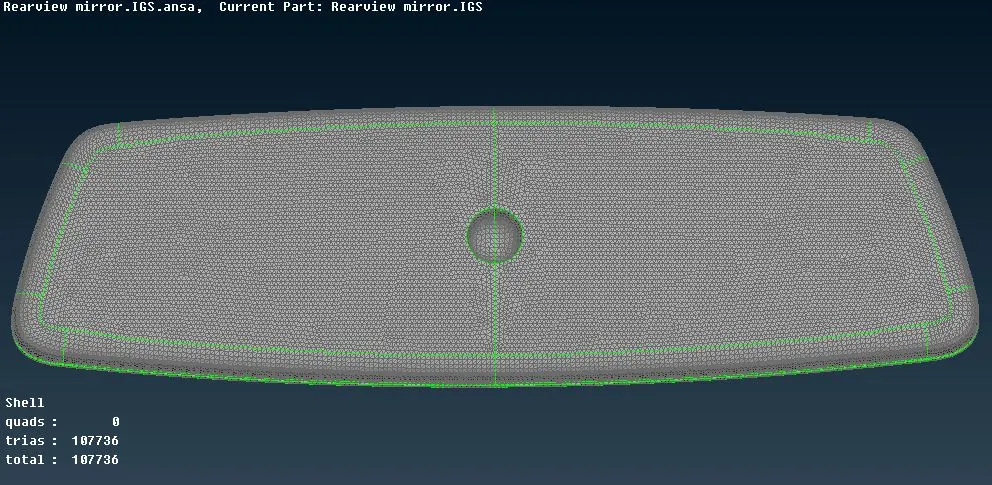
Meshing:-
Select the mesh mode and select the quality criteria. Provide the lenght of element using length tool with minimum and maximum length.
Curved surface should be meshed with ortho trias where as flat surface should be meshed with trias.
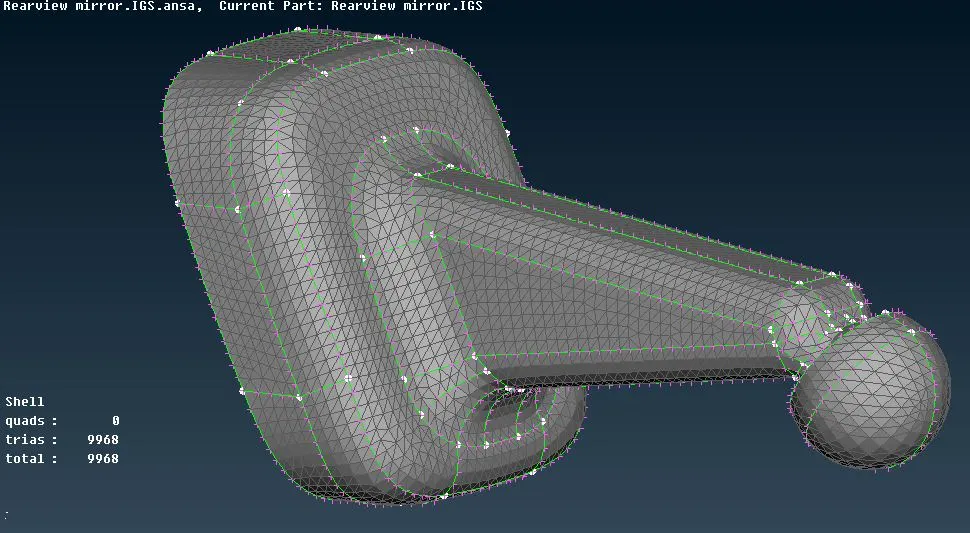
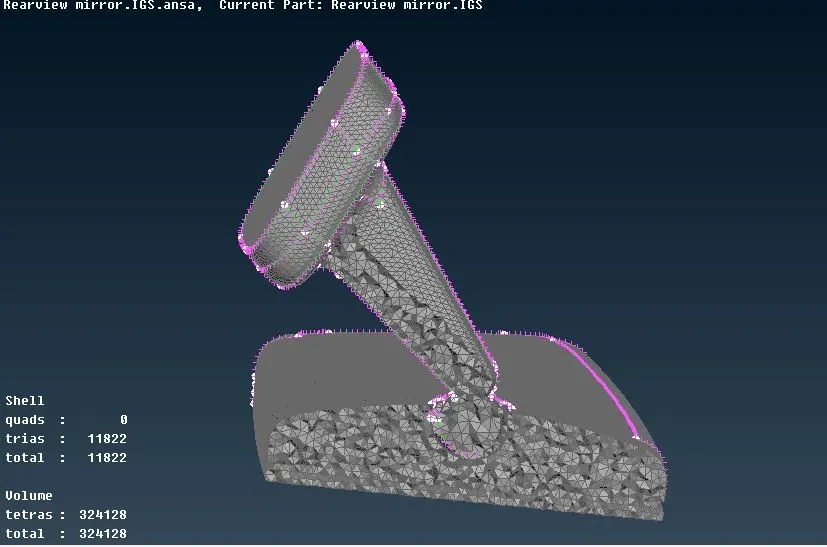
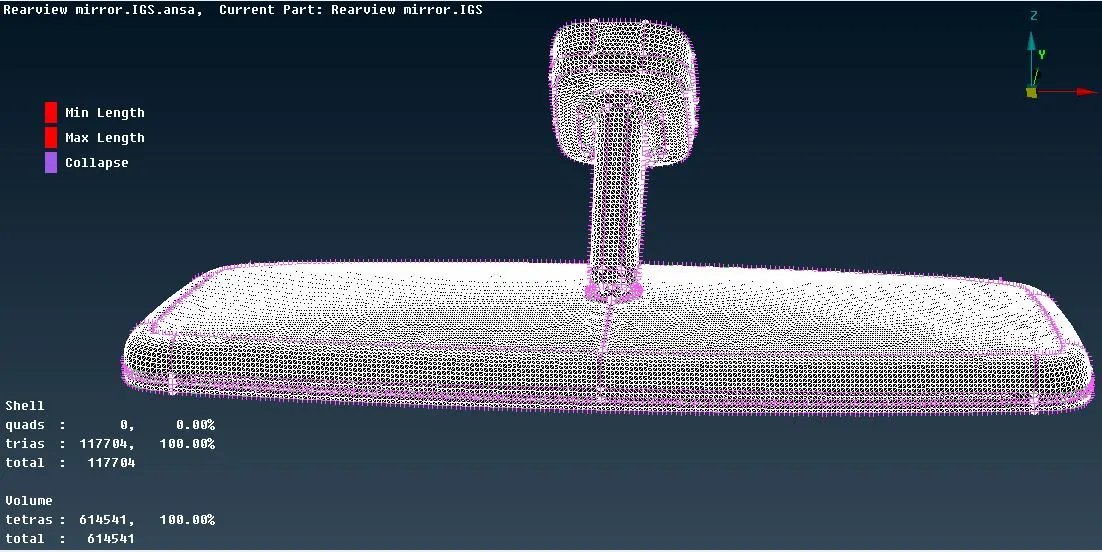
Volume Mesh
Define the mesh using Define and remesh using Tetra Rapid
Learning Outcomes:-
- learnt to do mesh with ortho trias and trias.
- leant to define mesh volume
- learnt to do volume mesh with Tetra Rapid
- learnt to tackle with collapse tetras.
Conclusion:-
Attention is required while addressing collapse tetras. No depression and elevation should be on the surface. We should provide ortho trias only at required place because it takes more simulation time.