Meshing the Geometry of Rear View Mirror of Automotive Vehicle using FEA tool ANSA
Aim - To check for the geometrical errors and mesh with the given element Quality criteria for Rear View Mirror using FEA Tool ANSA
Procedure -
Step I - Import the geometry i.e, .step file (extension)using the file tab in the ANSA window.
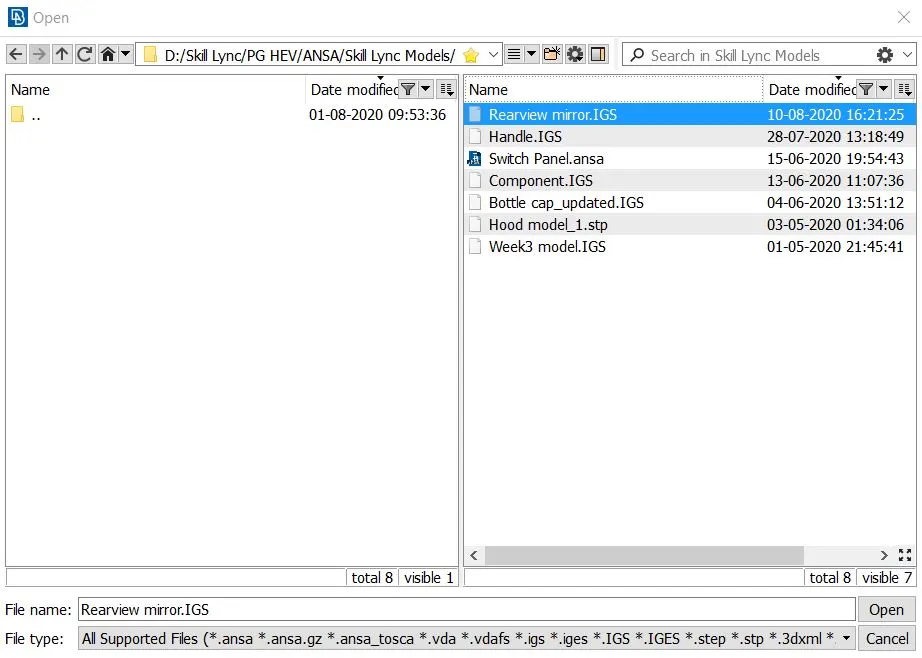
fig - Importing file in ANSA
Step II - Select parent geometry lock view and go for geometry check in the tools tab.
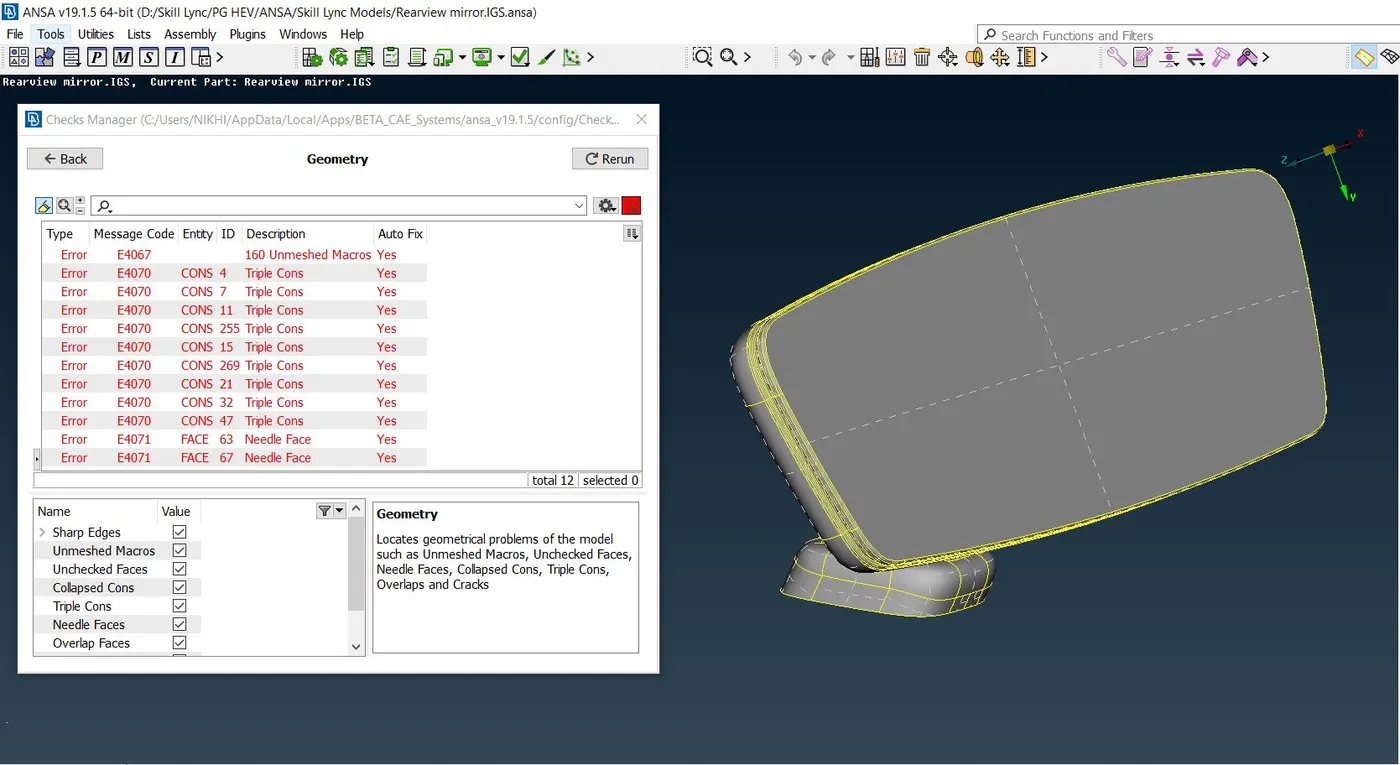
After checking for geometry, we get the following errors in the geometry as shown above. There were needle faces, triple cons, and unmeshed macros errors in the geometry. This needle face error is nothing but the unwanted faces in the geometry which needs to be cleaned up. Triple Cons errors are cleaned using releasing the two surfaces and performing proper topo. At last unmeshed macros, the error is fixed using the auto-fix option.
After clearing all the errors in the geometry there is no error after performing a geometry check-up.
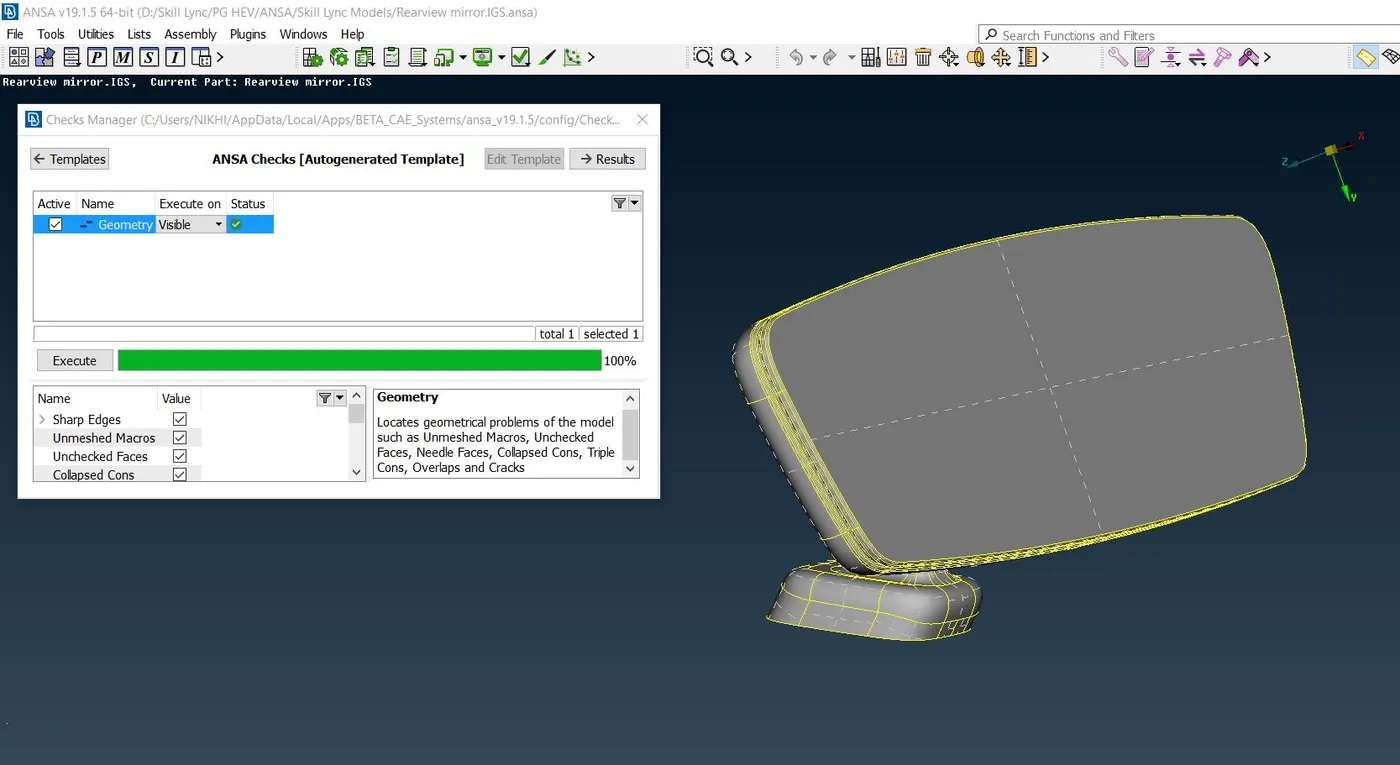
Fig - Zero Error after the geometry topo cleaned up
After geometry clean-up, I checked for the thickness measurement of the various surfaces to identify the type of mesh to be used on the model based on the thickness. After measuring the thickness of the model I found that most of the regions were having thicknesses more than 5 mm so I decided to go for a solid mesh option.
Step IV - Defining the perimeter and Macross element length.
Under the mesh module in the module buttons section, we have the option to set the perimeter and Macross element length.
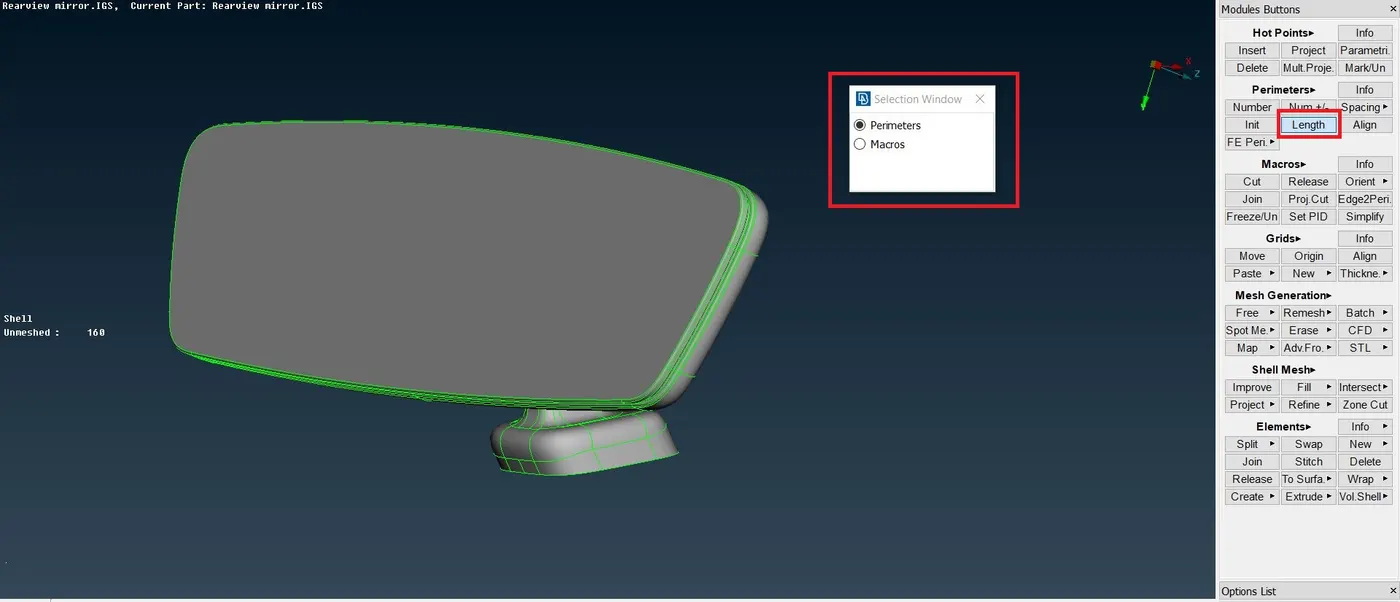
Fig - Defining the perimeter and Macross length
The perimeter length is defined as the target length of the element equal to 1mm.
After this rearview mirror is separated into different parts and stored in the different lock view for easy definition of mesh on each part as shown below
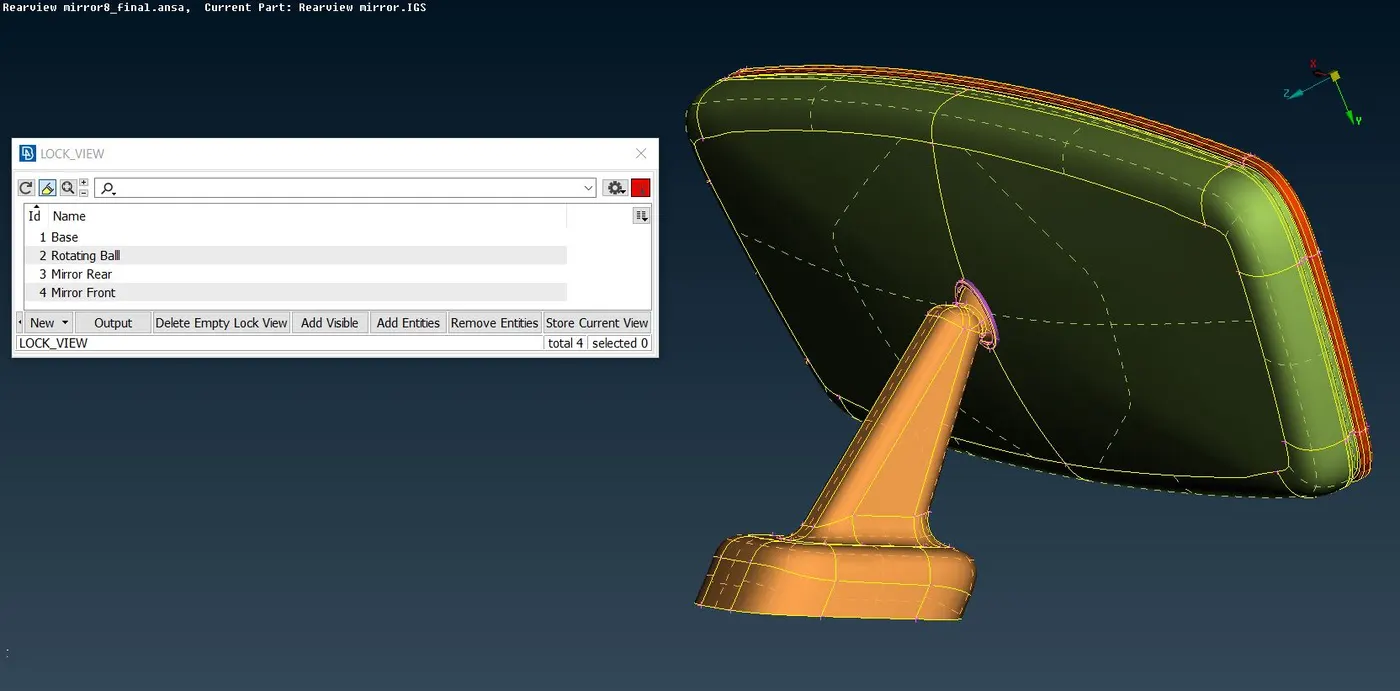
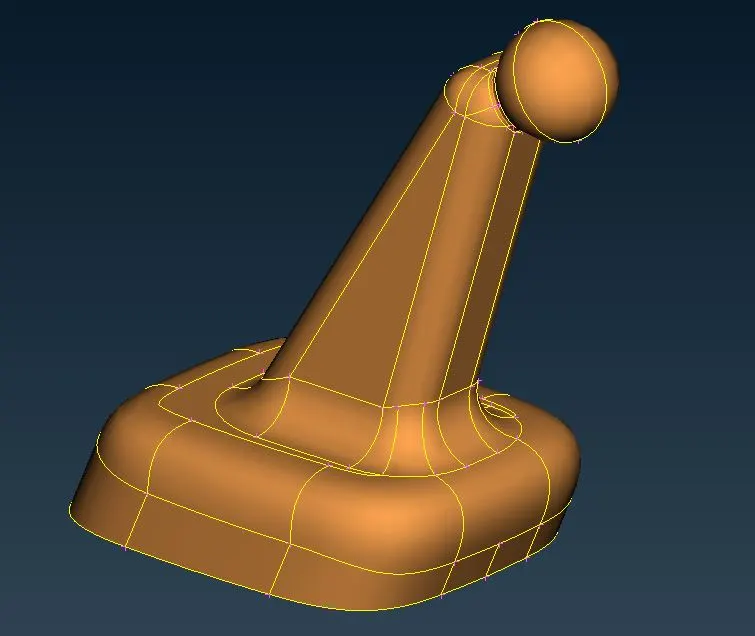
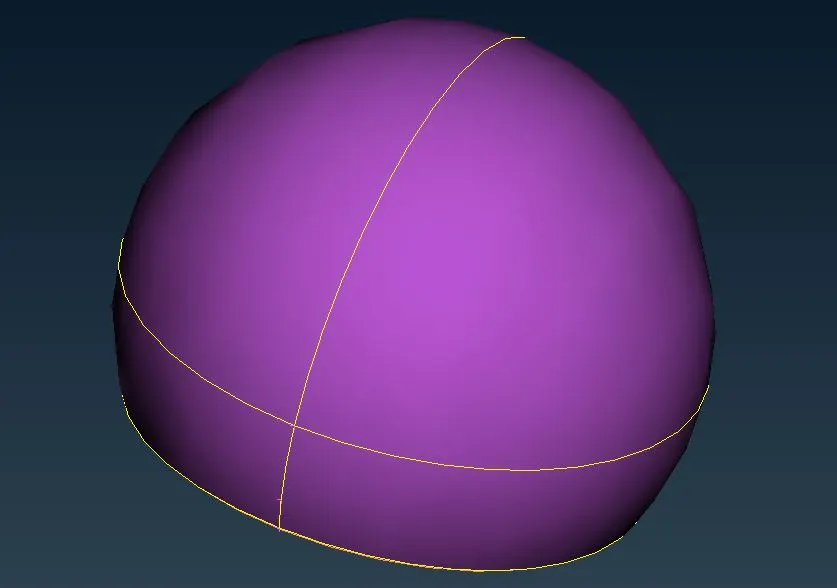
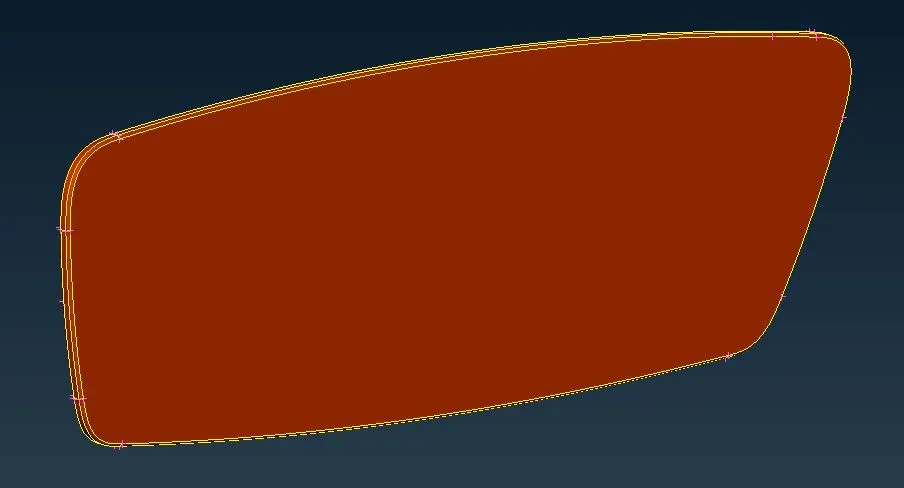
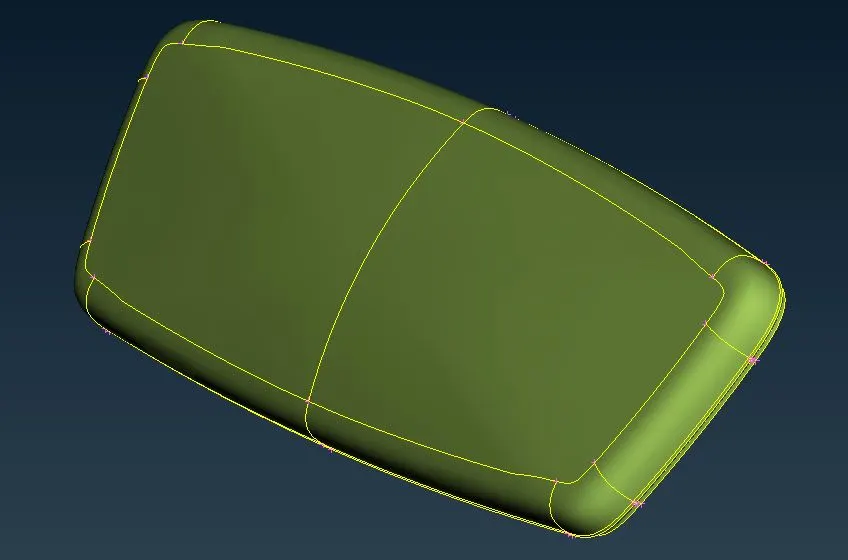
Fig - Different Lock View
Step V - Meshing the geometry using Mesh Module
Before meshing the modules, we assign perimeter length, mesh parameter, and quality criteria as below,
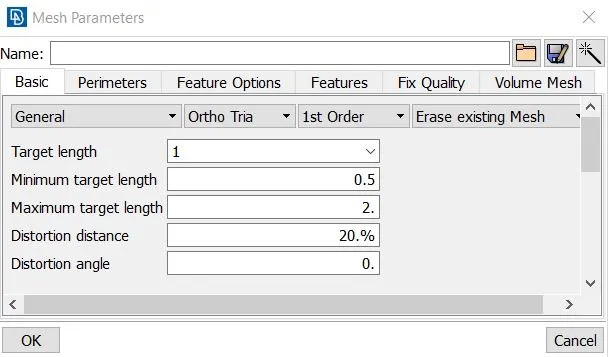
Fig - Mesh Parameters
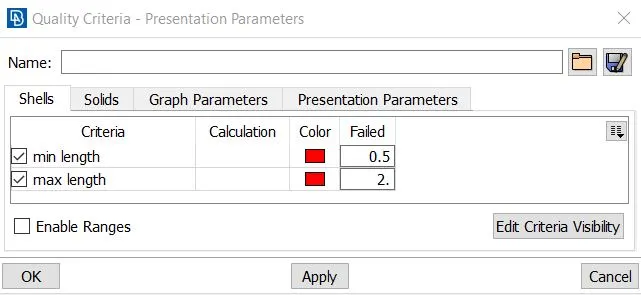
Fig - Quality Criteria
After assigning the parameter we spot mesh under mesh generation tab in mesh module and select ortho tria element for curved surfaces to obtain good mesh flow and tria element for the plane surface as below shown below,
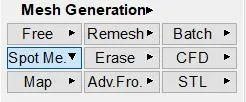
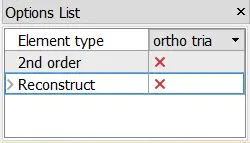
The geometry is meshed on the outer surface using spot mesh in mesh generation tool and with the help of various other commands like reconstruction, smooth, etc and mesh is obtained as shown below,
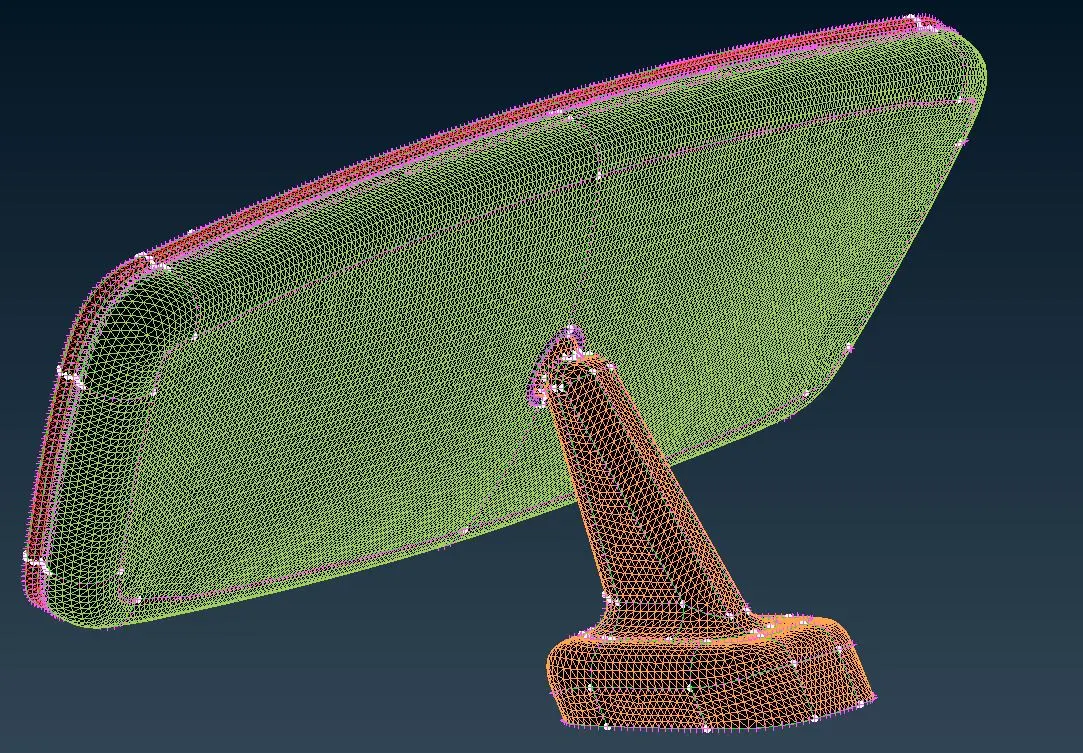
Fig - Surface Mesh Generation Complete
Step VI - Meshing the volume using Volume Mesh Module
After obtaining the surface mesh for all the components we go for volume mesh to convert the surface element mesh as solid which can be seen in the below screenshots,
For volume mesh, we first define the volume under the volume tab in the Volume mesh module as shown below,
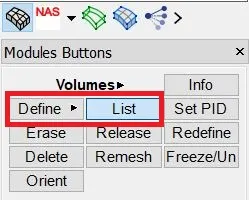
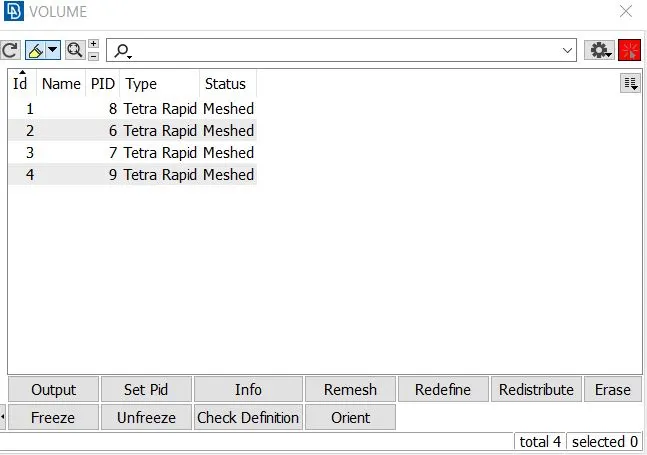
Fig - Defining the volume
After defining the volume we go for the tetra rapid mesh algorithm to perform the mesh generation on the above-defined volume one by one.
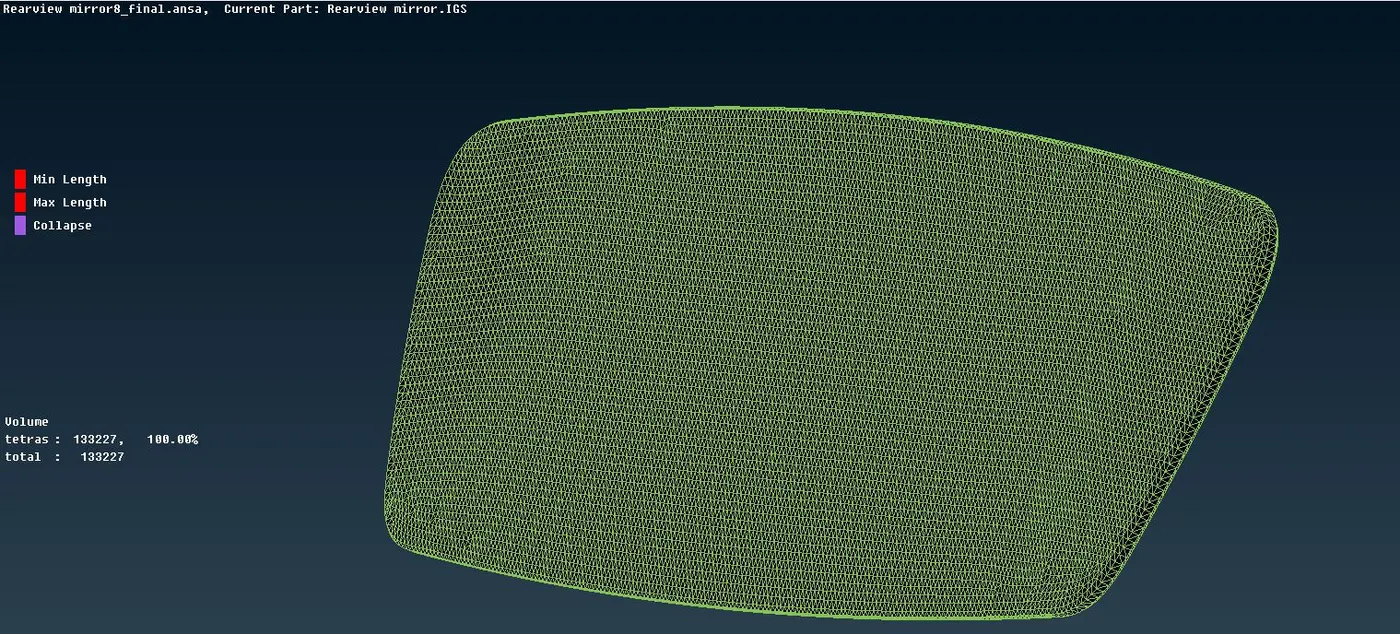
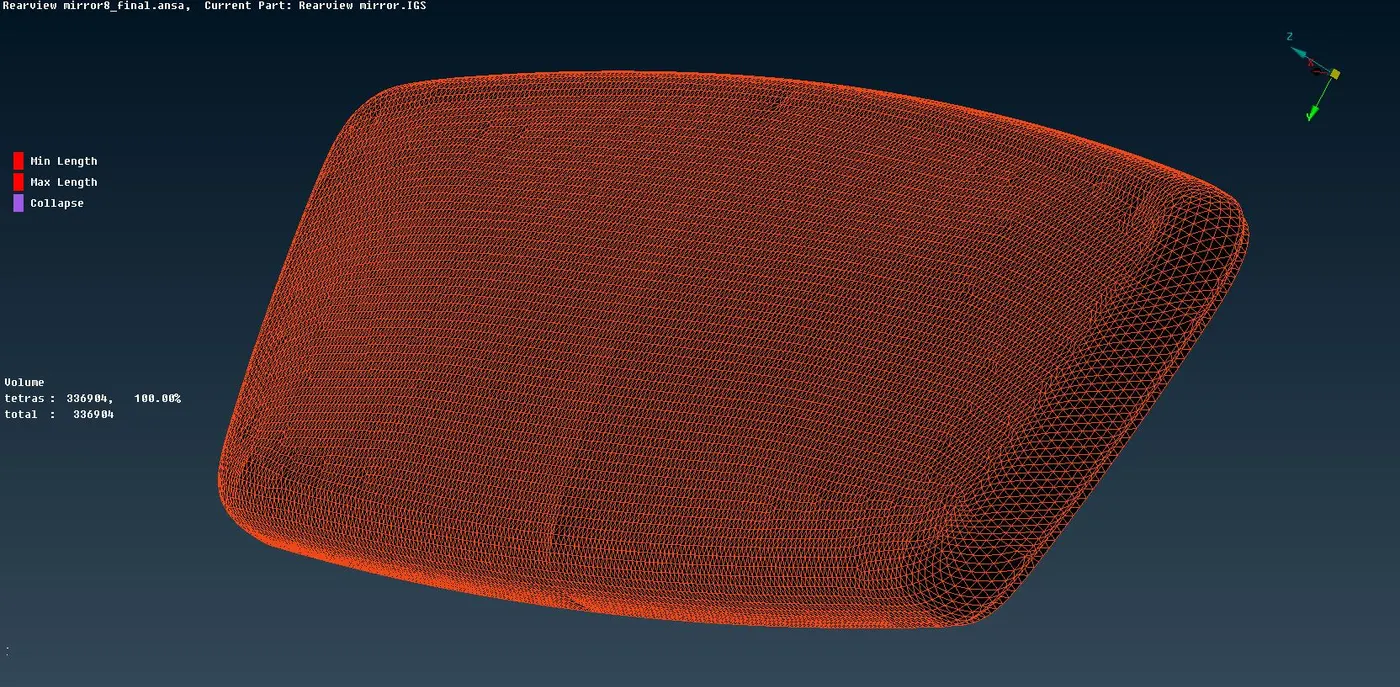
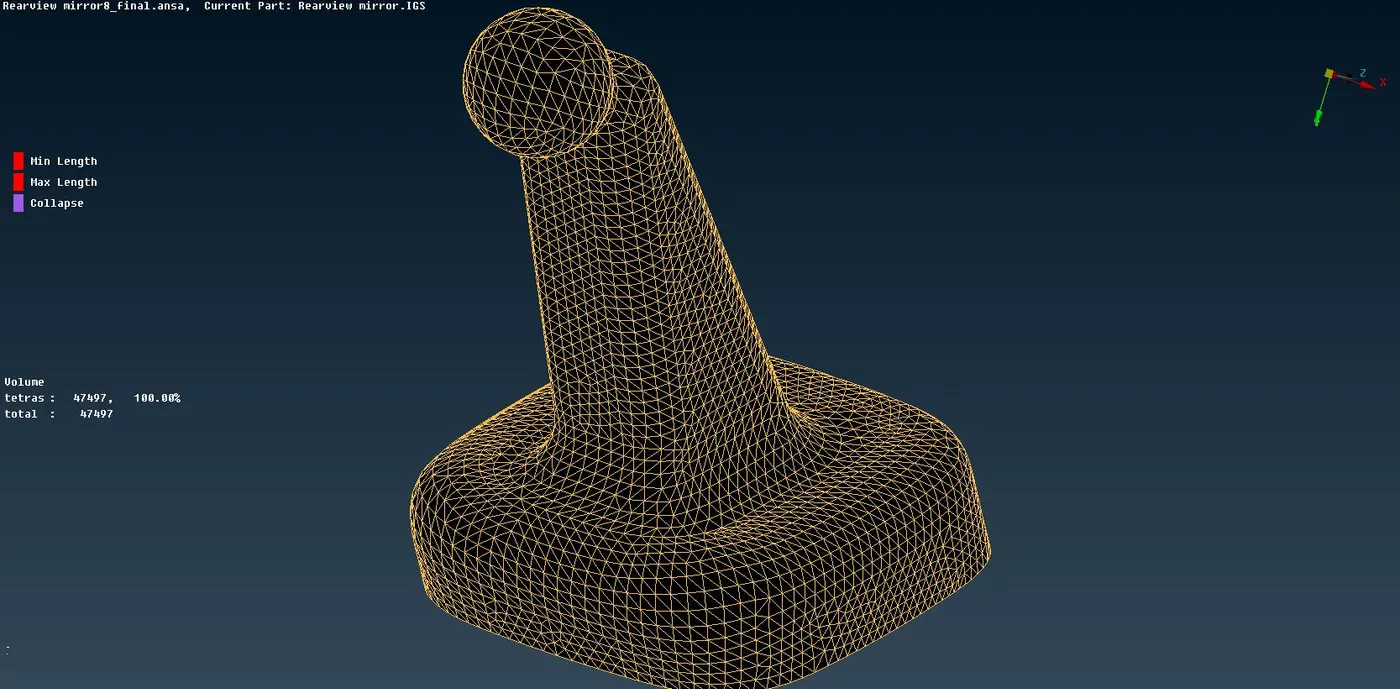
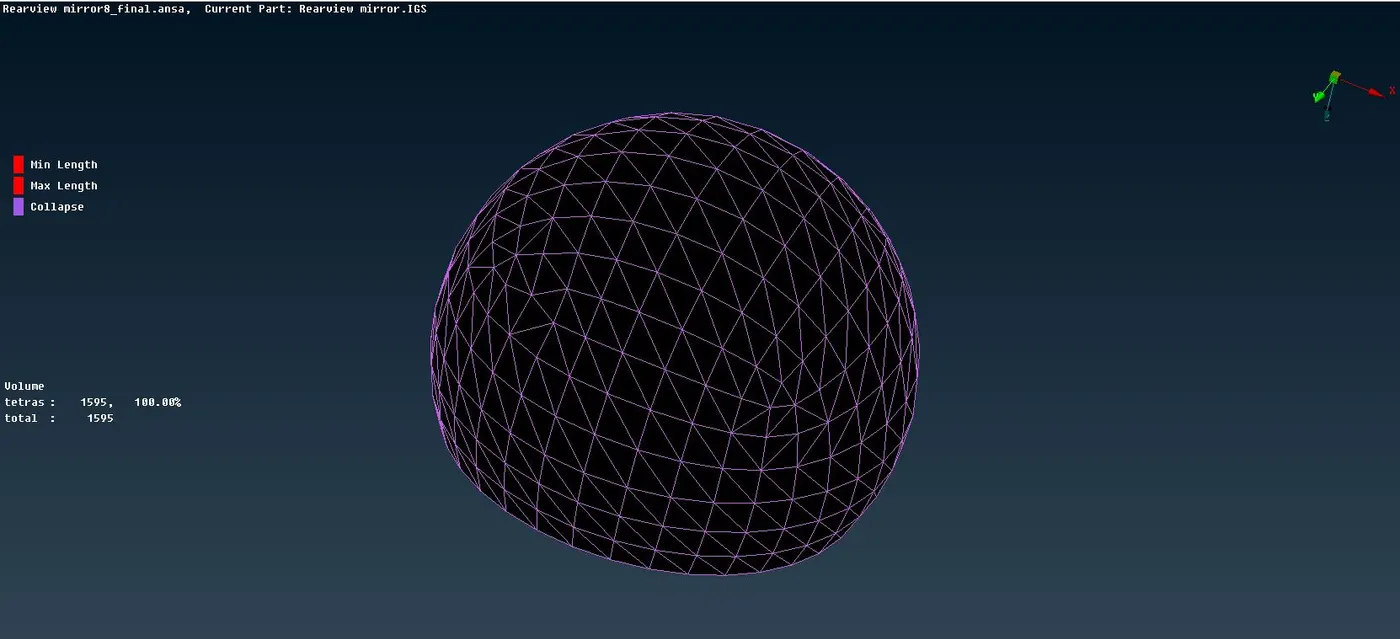
Fig - Volume Mesh of Different Parts
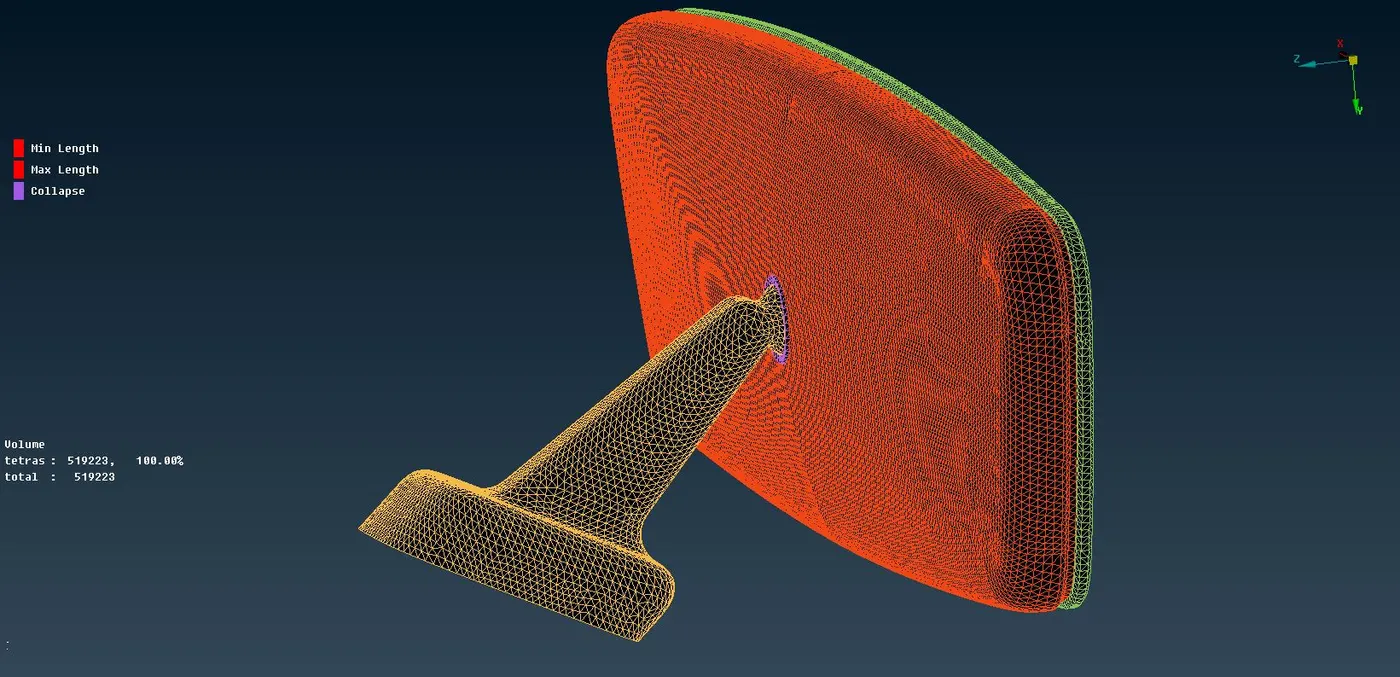
Fig - Total Geometry Mesh
We get a total 519223 number of elements after performing the volume mesh with all the tetra elements and there were no errors in link element collapse and kinks & dips in the geometry.
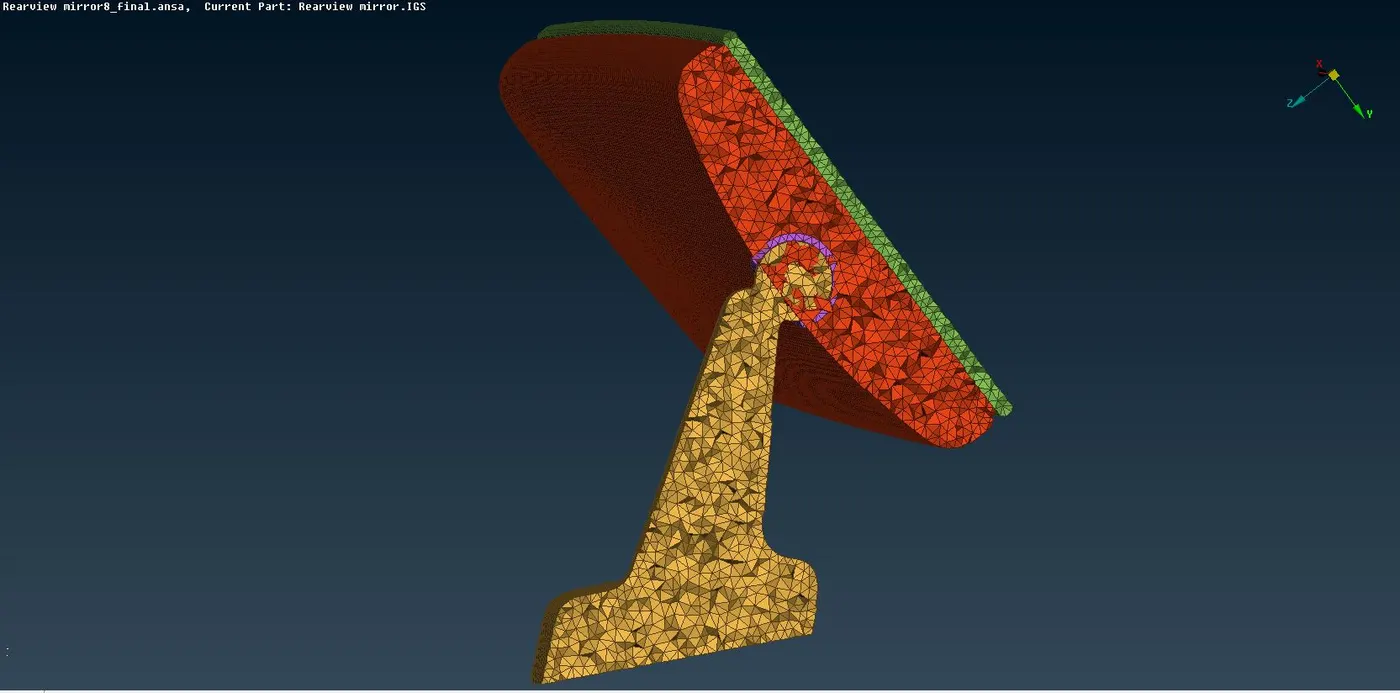
Fig - Cut Section of Mesh
Google Link for Model -
https://drive.google.com/file/d/172Ar5GRiCFzHP2FHuVjIpOI8_K9OEBnc/view?usp=sharing
Learning Outcome -
1] Solid Mesh Concept.
2] Spot Mesh Usage in Solid Mesh.
3] Definition of Volume Mesh for Parts.
4] Assigning the Unstructured Mesh using different algorithms.
Note - Algorithm is selected based on the requirement of the user. Both the algorithm have their own advantages and disadvantages.
Conclusion -
Here we can conclude that the rear-view mirror is successfully meshed after the geometry topo clean up using the FEA tool ANSA. In this model, some elements which were failed to capture the minimum length have been resolved using the reconstruction option and there was no element found to be collapsed due to Tetra Collapse as the quality criterion for it was very minimal i.e, 0.2.