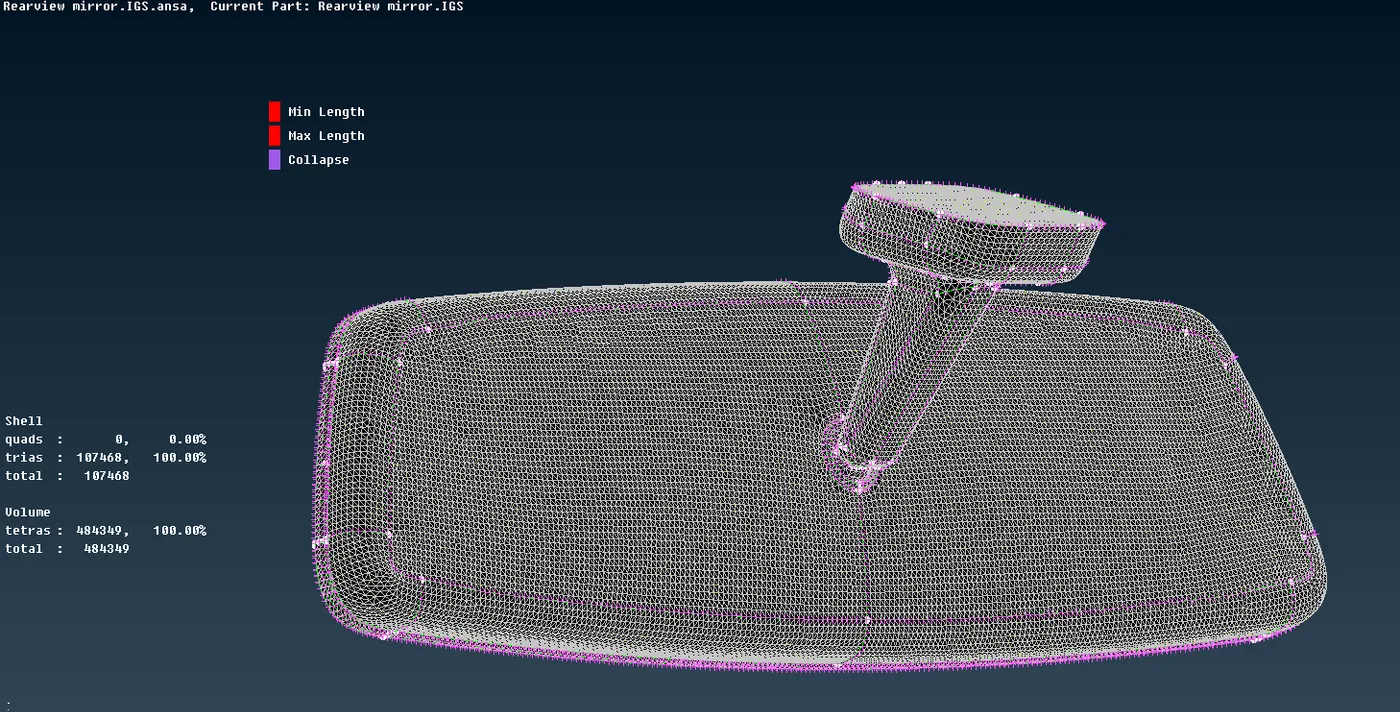
Tetra meshing on rear view mirror using ANSA
https://drive.google.com/file/d/1h_RdvKZ2JB--AyRjqxvmIn3DOiULOwzL/view?usp=sharing
Aim : For the given component, check for the geometrical errors and mesh with the given element Quality criteria. Use tetra elements to model the component and there should not and kinks and dips on the surface of the component.
|
Sl No |
Quality Criteria |
Value |
|
1 |
Target/Average length |
1 |
|
2 |
Minimum Length |
0.5 |
|
3 |
Maximum Length |
2 |
|
4 |
Tetcollapse |
0.2 |
Procedure:
- Importing the given file. As the given model is rearview mirror i.e, solid model with not possible to extract midsurface so it as to be meshed with 3D elements
- As the given model as no connection between the surfaces so using topo option all the surfaces are connected.
- First selecting mesh > perimeters > length > selecting all surfaces and giving the value of length to 1 mm.
- Selecting all the surfaces and done the geometry checks using tools > checks > Geometry and clicking on the geometrical problems of the model such as Unchecked Faces, Needle Faces, Collapsed Cons, Triple Cons, Overlaps, Single cons and Cracks. Clicking on the execute option and finding the errors in the surfaces. If any errors found that as been cleared using the automatic fix option or manually cleared using the topo options.
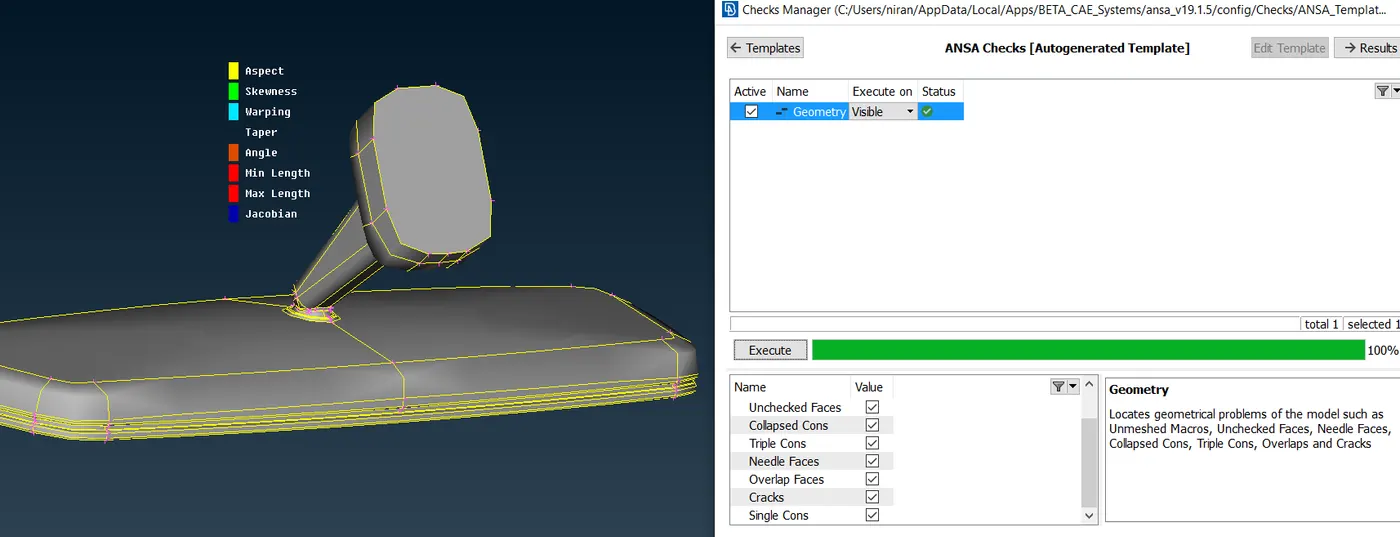
- As there are some surfaces are failing for minimum element length so that type of surfaces are toggled or created the mid line between the lines and toggled the other two lines.
- After clearing the mid surface errors the given quality criteria values as been assigned using the quality criteria option selecting the whichever criteria needed and adding the values to it and in mesh parameters giving target length, min length and max length values.
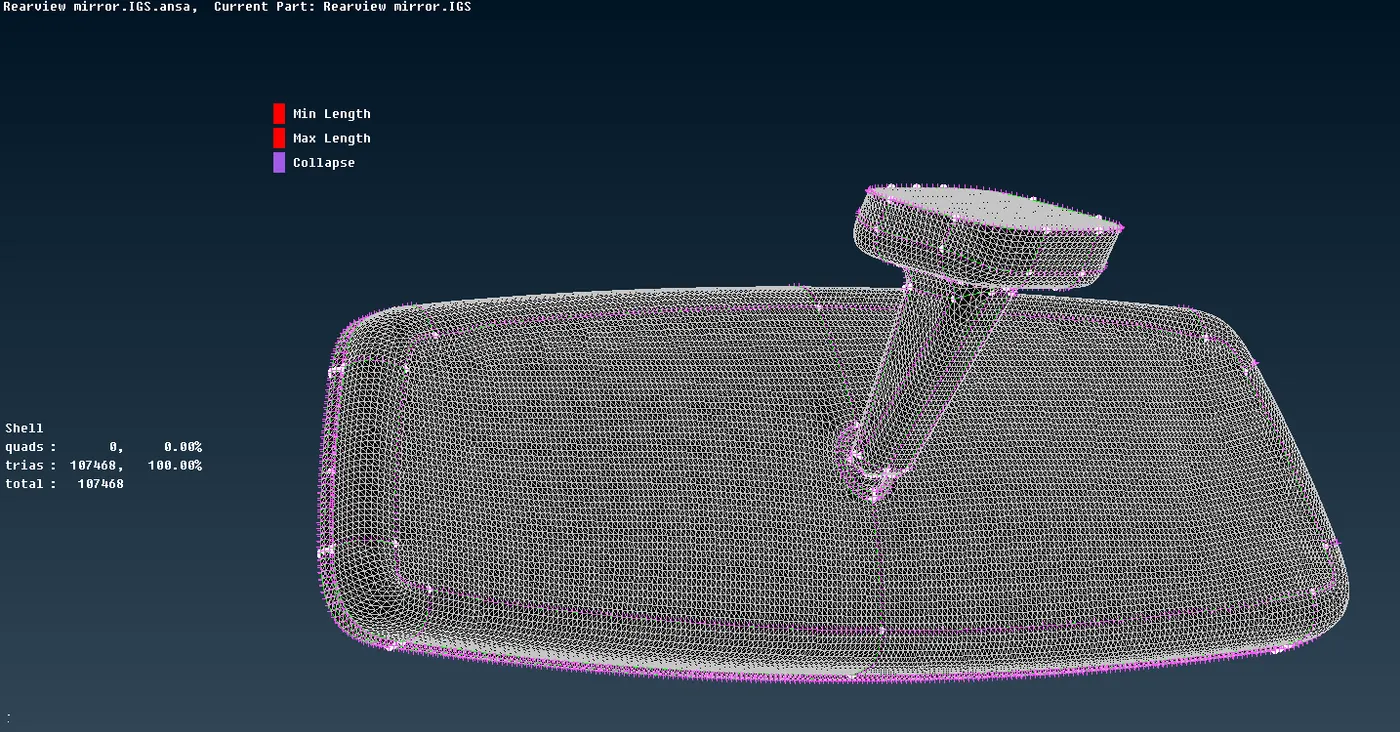
- Then using mesh > mesh generations > spot mesh > ortho tria mesh as been done on the surfaces where the more load going to act and also on the fillets and connections otherwise normal tria as been used wherever possible, where we can’t use the ortho tria on all the surfaces due to more computational time will taken by ortho tria’s.
- After creating the 2D tria elements and clearing all the min and max tria elements criteria.
- For creating 3D elements first creating the property using volumes > define > manual > New.
- Using V mesh > unstructured mesh > tetra rapid. 3D tetra elements are created.
- If any tet collapse failed using MV free or move options are used to move the elements so that it won’t fail for tet collapse or otherwise using improve > fix quality to clear it but using auto fix quality option the surface may create kinks and dips so it better to use mv free or move options.
Learning Outcomes:
- After completing everything it gave me the idea of all the basics tools option used for geometric clean up, 2D meshing,3D meshing etc.,
- Learnt all about the volume meshing
- More importantly managing the time is more important in meshing as compare to last model I improved a lot in managing the time.
Conclusion:
As per given objective geometry clean up as been done and as per given quality criteria the given model is 2D and 3D meshed accordingly, Tools used are property, checks, mesh parameters, quality criteria, transform, measure. For selecting any surface or faces ENT, PID, Macro Area, feature options are used according to the requirement. For masking and unmasking the surfaces or, and, not, inot, all, invert, lock, nieghb options are used. In topo model insert, delete, weld spot, release, cut, delete, set PID, topo, proj cut, Rm Dbl, offset, orient, fine etc., In mesh module insert, delete, number, num+/-, length, slide, cut, edge2peri, move, best, remesh, batch, erase, map, smooth, reconstruct, split etc.,