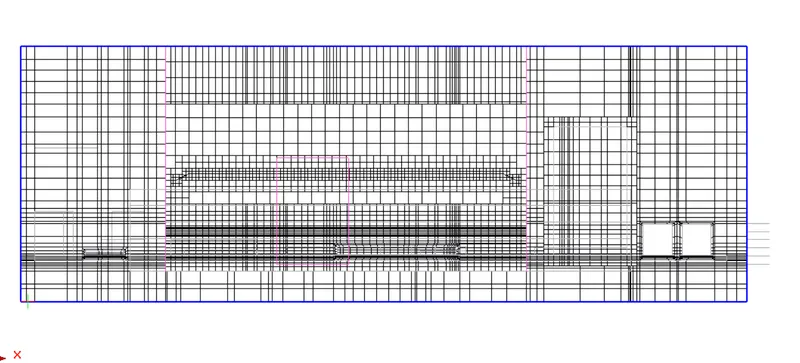
Week 5.2 - Multi Level Meshing
Aim :
To reduce Mesh count with help of Multilevel meshing option and non-conformal assembly.
Introduction of Challenge :
In given model file, the mesh count was nearly 70000 with coarse mesh control. I didn't change anything in mesh control setting. The CAD geometry hasn't meshed properly with default option.
Now, I have enabled multi level meshing with level 2 in both CAD geometry assemblies and set uniform average mesh parameter.
HS_assy.1
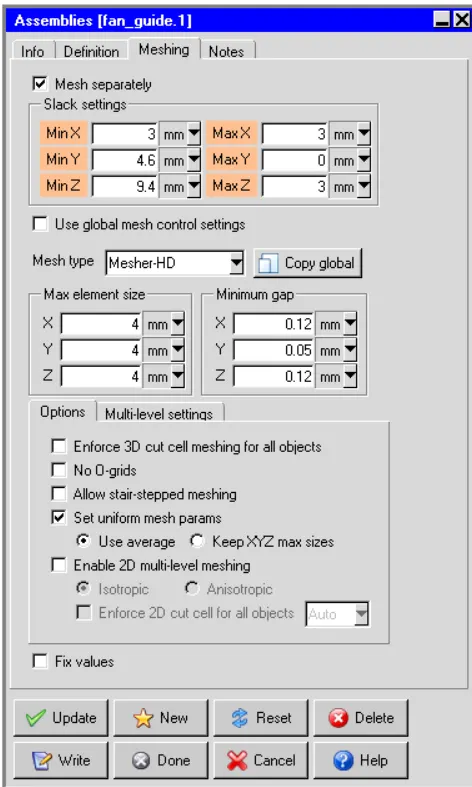
Fan_Guide.1
Then, I created another non-conformal assembly to reduce mesh count.
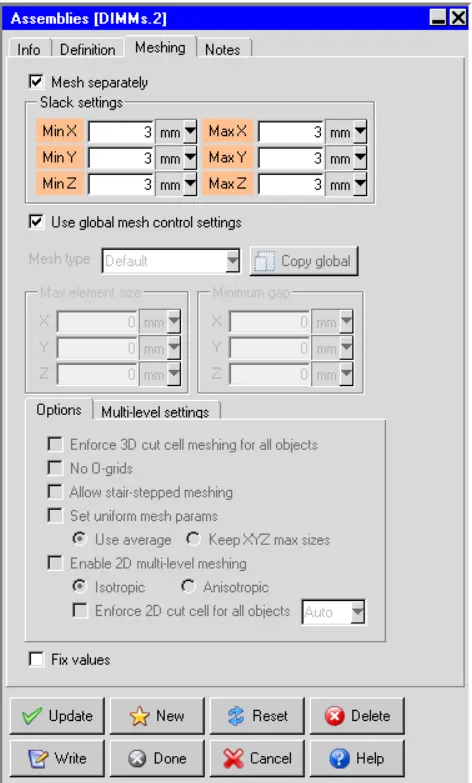
Conclusion :
Once set multilevel meshing and non-confirmal assembly, i have used coarse mesh control option and followed values as it. Eventually, mesh count has reduced nearly to 50000 and done Quality and Visual checking.
face alignment - 0.398151
Volume - 5.46376e-13
Skewness - 0.0136871
Visual checking,
X-Axis cut plane
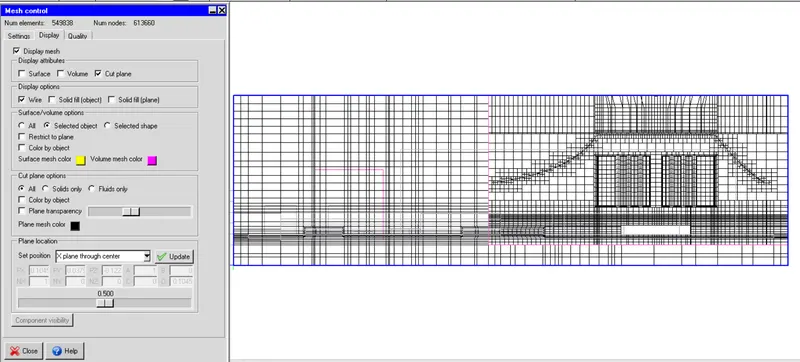
Y-Axis cut plane
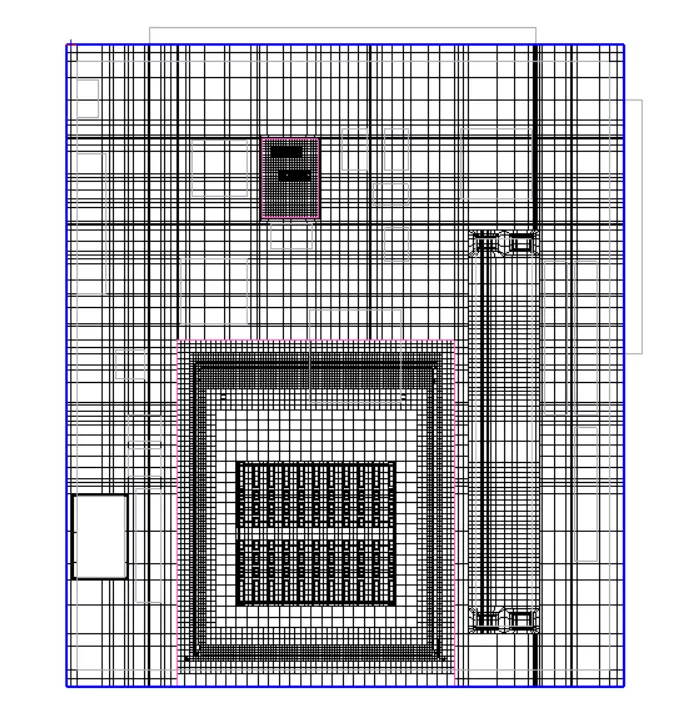
Z-Axis cut plane