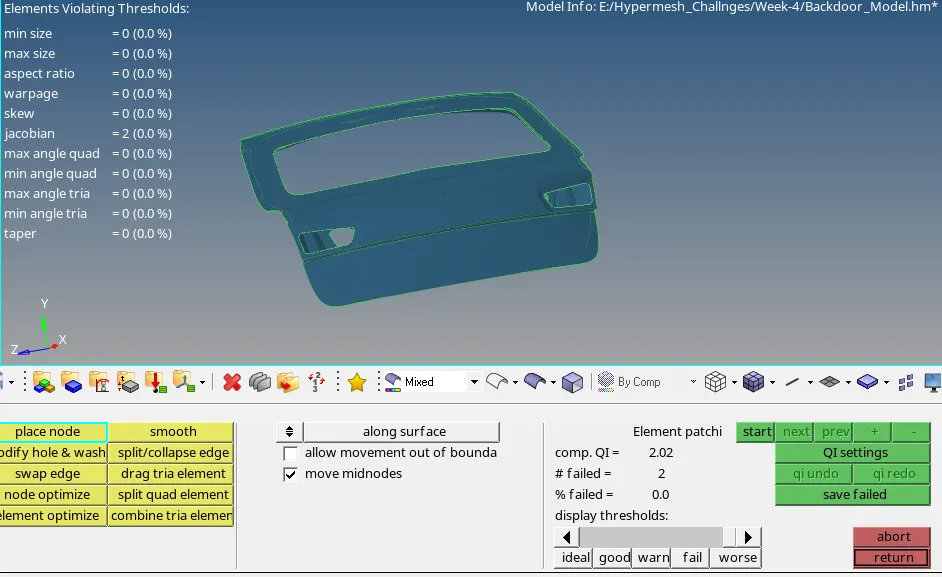
Week 4- Meshing of Backdoor Challenge
For this task i have started by importing the model into hypermesh. to do this choose import option---geometry.
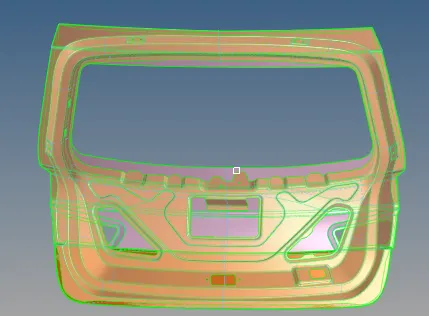
From this model i did the analysis whether is any missing surfaces or any faulty surface, feature is present. like in the pic given. i found two faces i correct them by 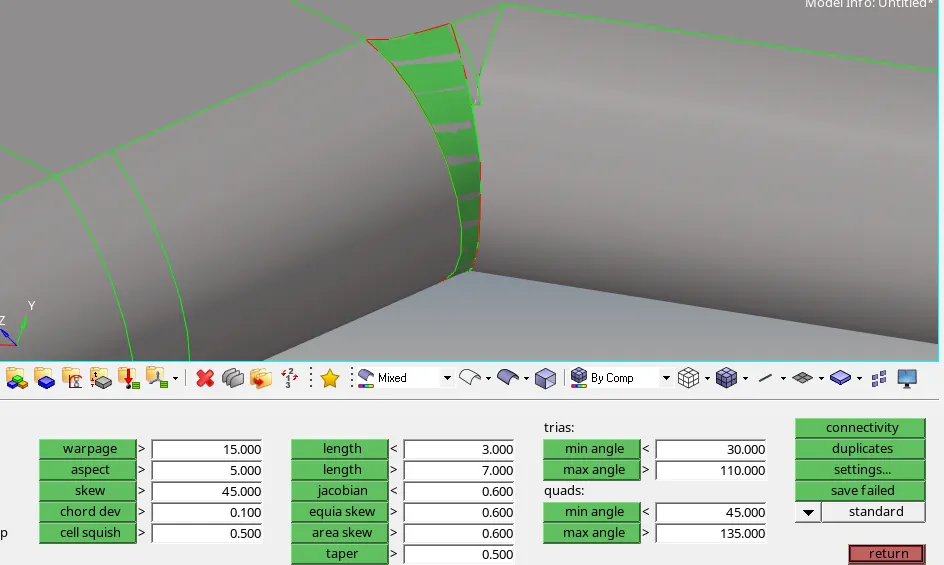
using several command like- fill surf, ruled spline. there are lot of topology lines are having in this model so for the meshing we don't required every lines lines. we can toggle off unnecessary lines by doing manually it will take lot of time. so for saving the time i am using the command auto clean up tool inside of geom tab. next step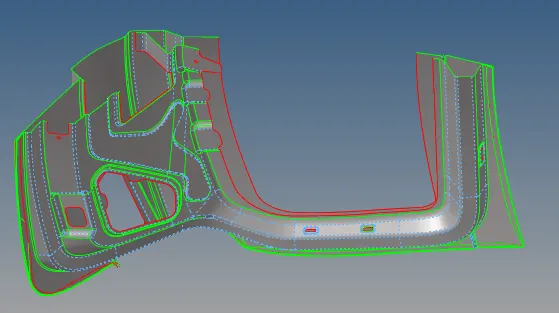
to check the geometry is symmetric or not if it is symmetry then good for us to mesh the model. it will also saves our lot of time. for this model i am using half model for meshing. initially i have extracted mid surface one by one with the help of auto mid surface----offset surface. 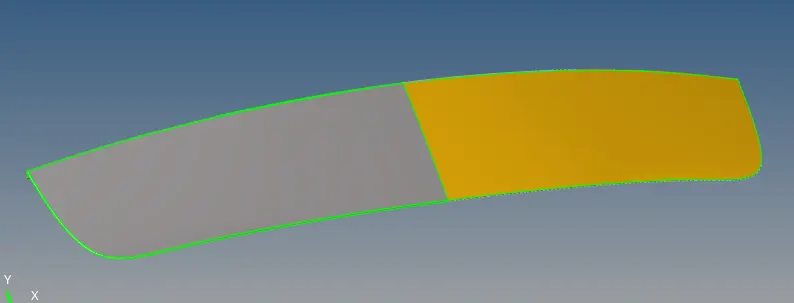
then i splited the surface into half surface. and i create one new component and defined the half surface for work only this will ease for me to do the meshing and after i can reflect the half meshing on the remaining surface just as shown in the above fig.
for meshing i have selected the quality tab and enter all the required quality values as per task given for quality.
So i did one by one meshing on each half surface with global size of 5mm, mixed element shape and clear all the quality by remeshing and auto clean up tool, edit elements of the elements like min length, max, warpage, max, min tria angle etc.
after meshing i have reflected each components and equivalence all the nodes so that every nodes should be connected to each other. 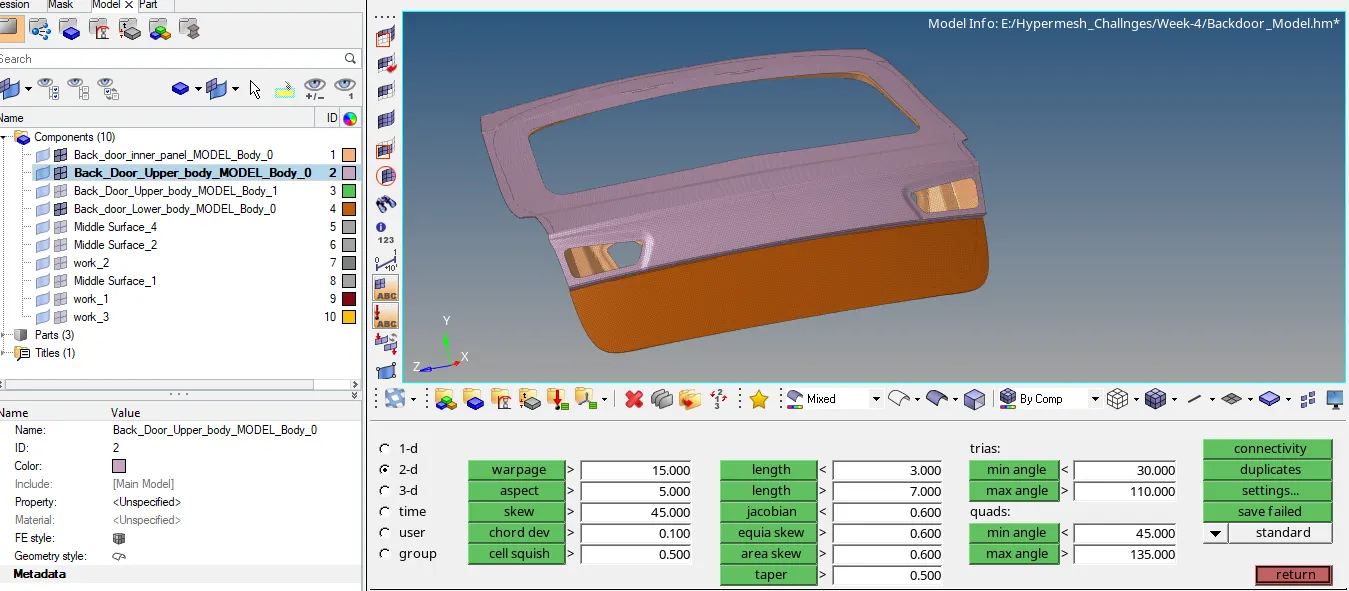
In this way i have completed the meshing task for this model. as you can see there is no failing elements are showing in the meshing.