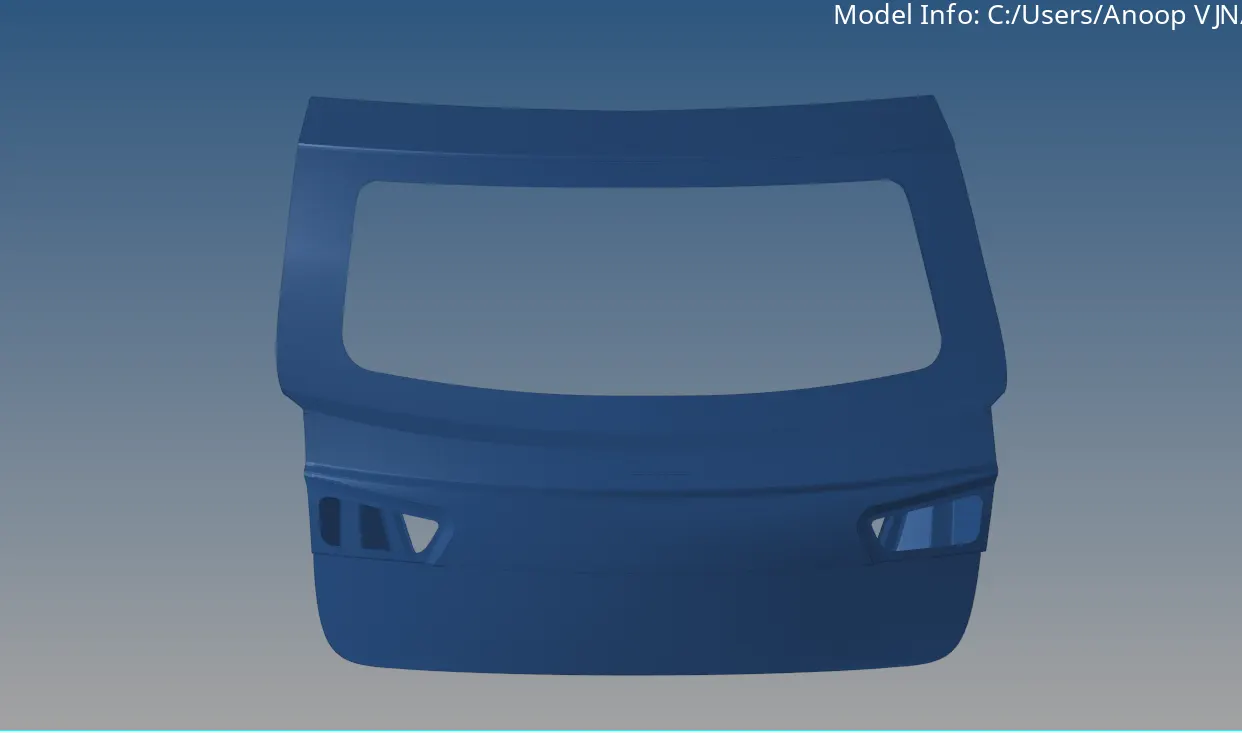
Week 4- Meshing of Backdoor Challenge
REPORT
AIM
To mesh the given backdoor geometry of a car satisfying the quality criteria.
PROCEDURE
Deleted the solids from the model.
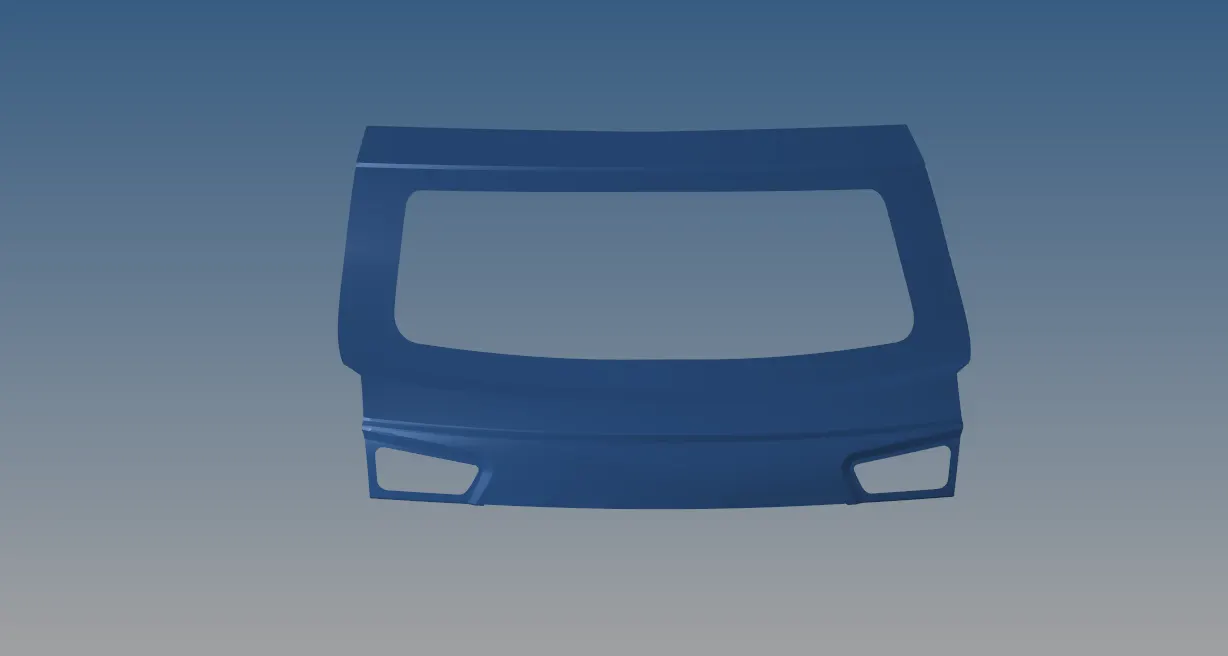
There are three parts in the model.
1.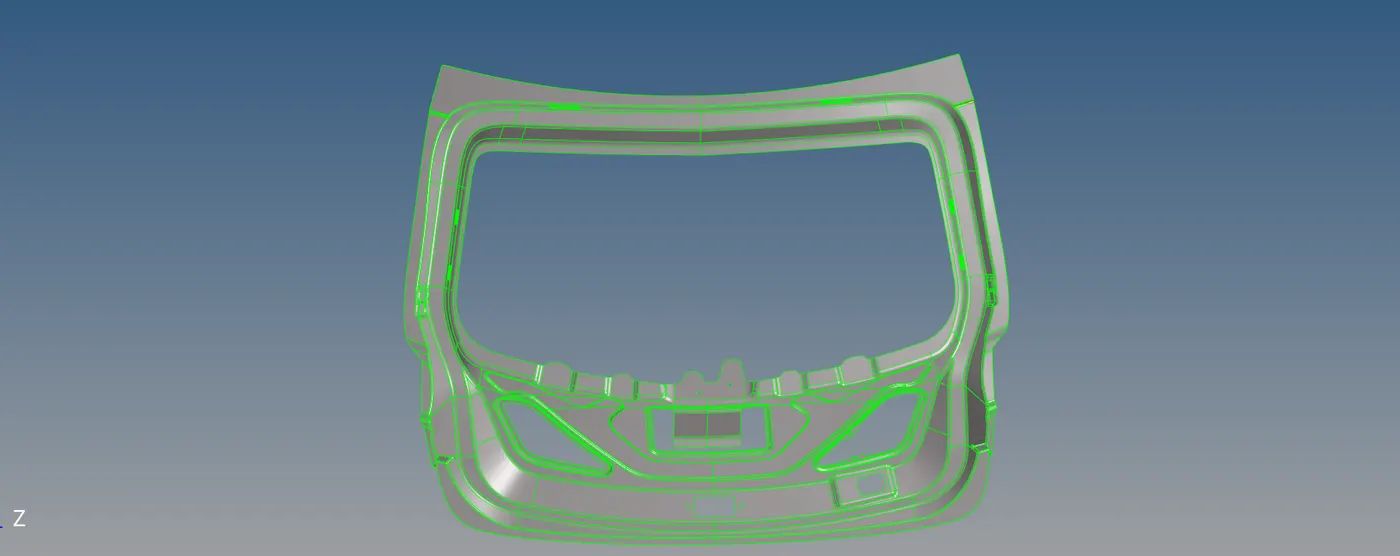 this is the first part.
There are some geometrical issues in the model.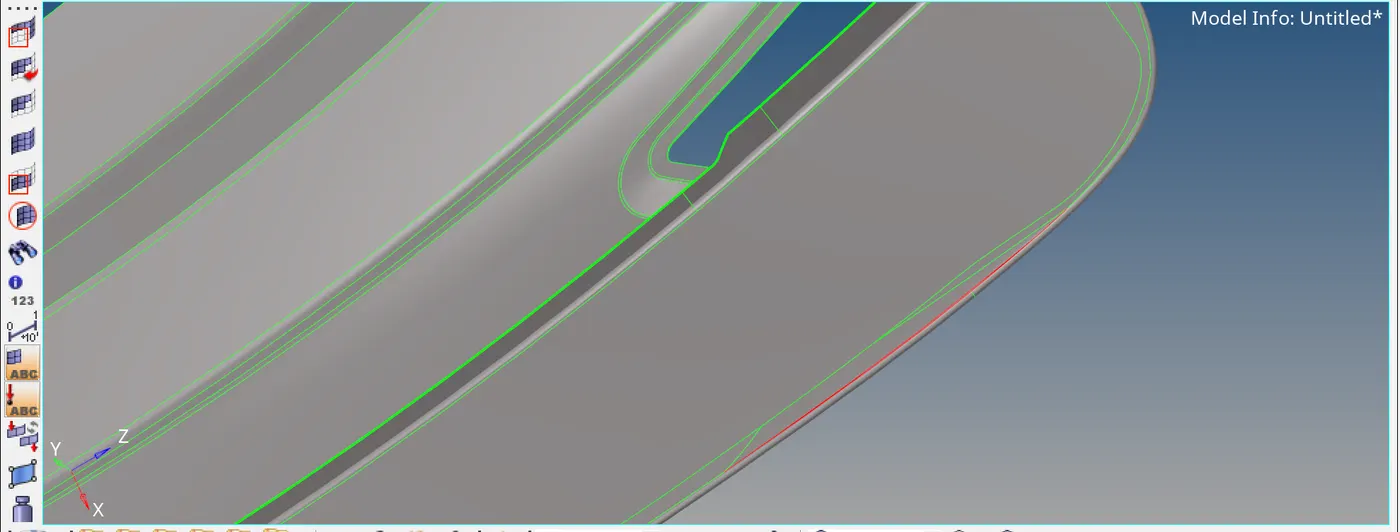 this error is rectified using quick edit-toggle edge, 2D-spline.
After fixing the geometric errors, using geom-midsurface , mid surface is ectracted.
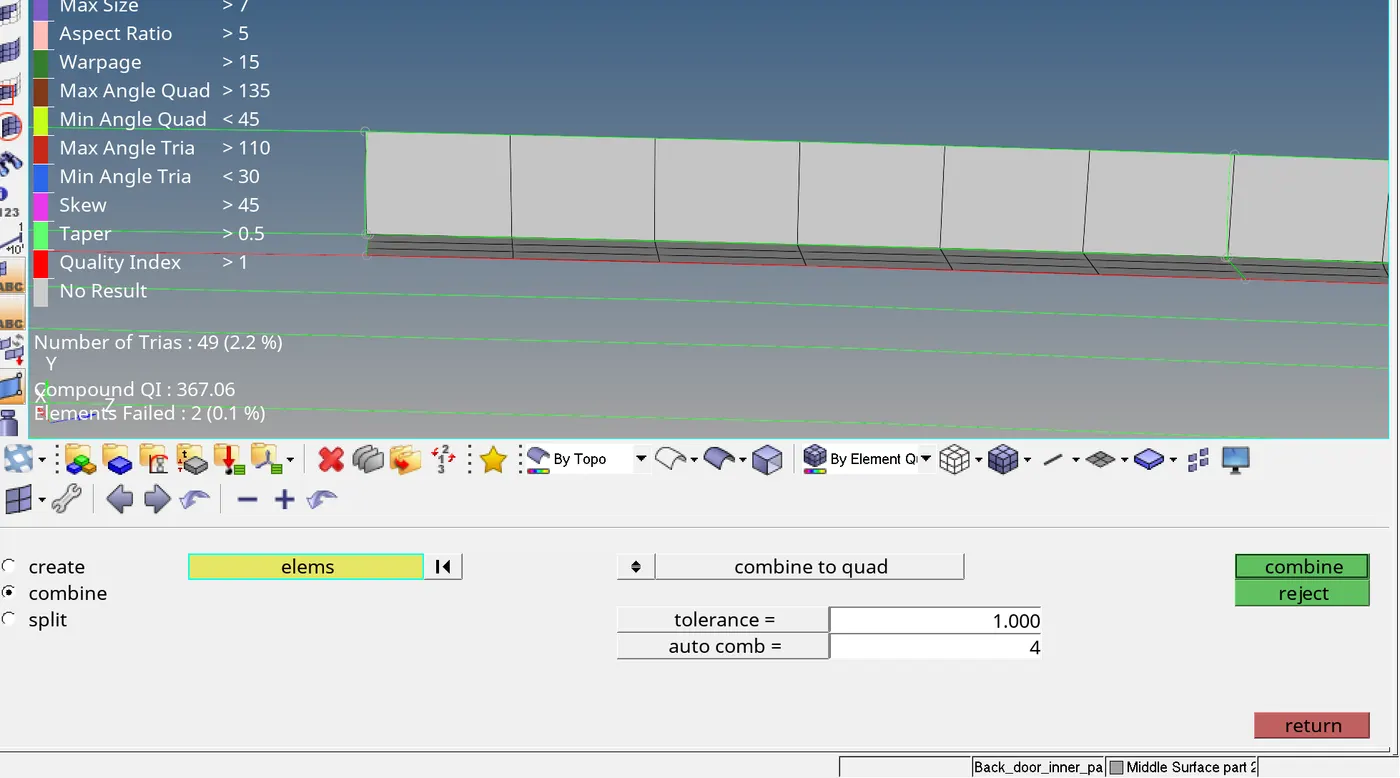
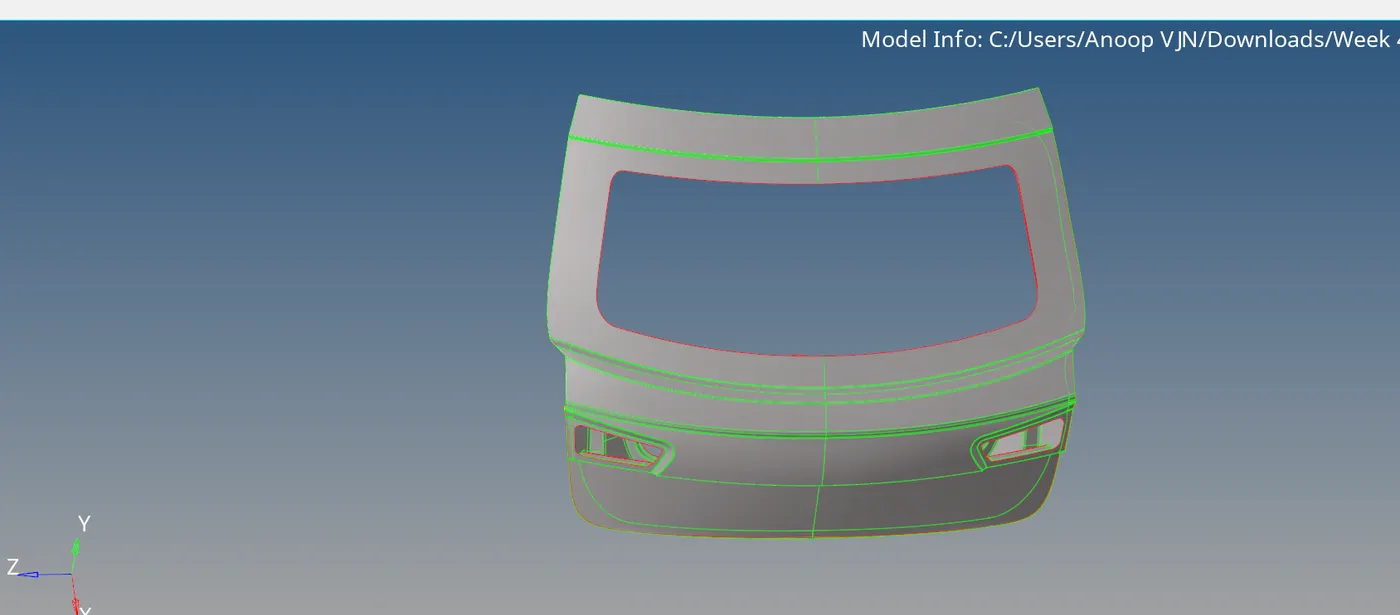
But there was also geometric errors.
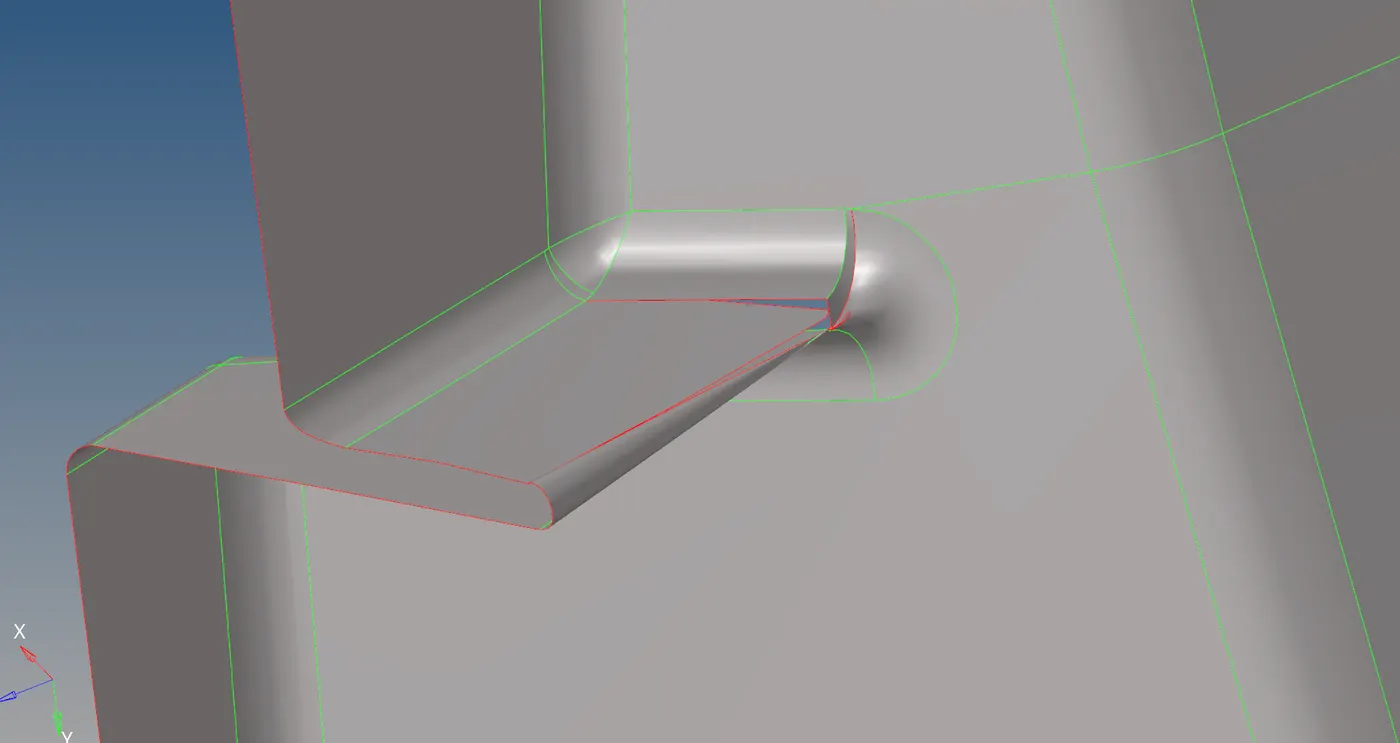 first deleted the defected surface and offseted it using surface edit-offset. By the use of toggle edge, fixed the free edges.
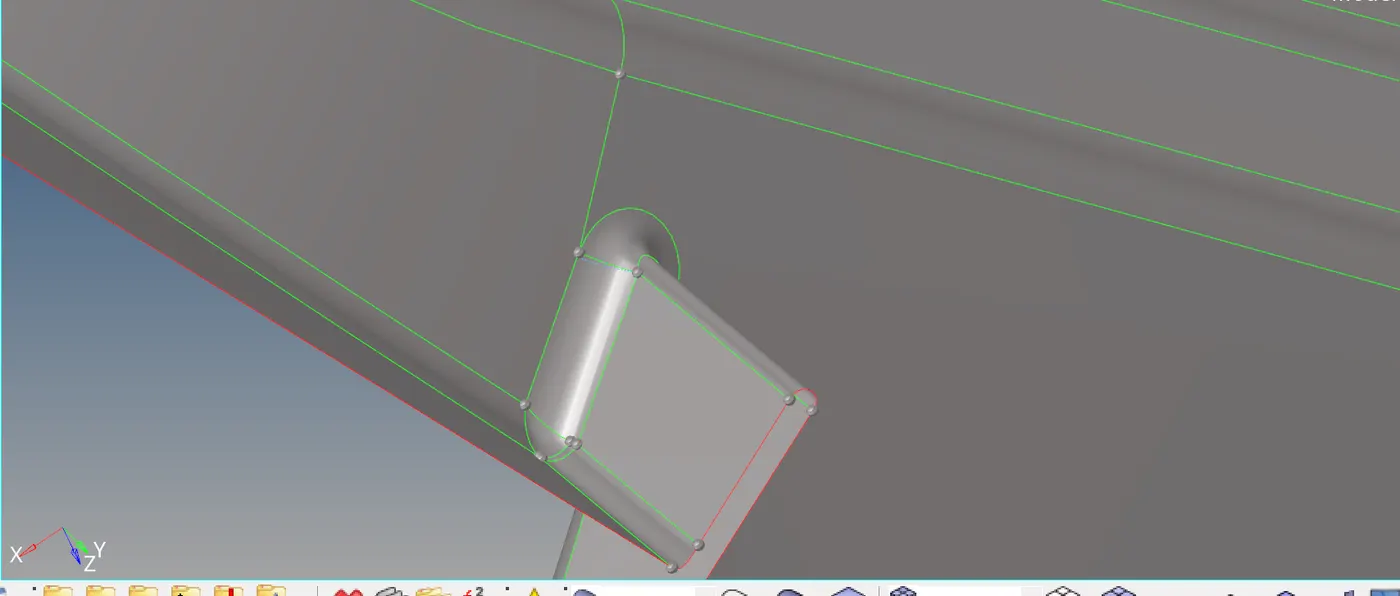
Since the model is symmetrical, i only need to mesh one half of the model. So i deleted the one half, 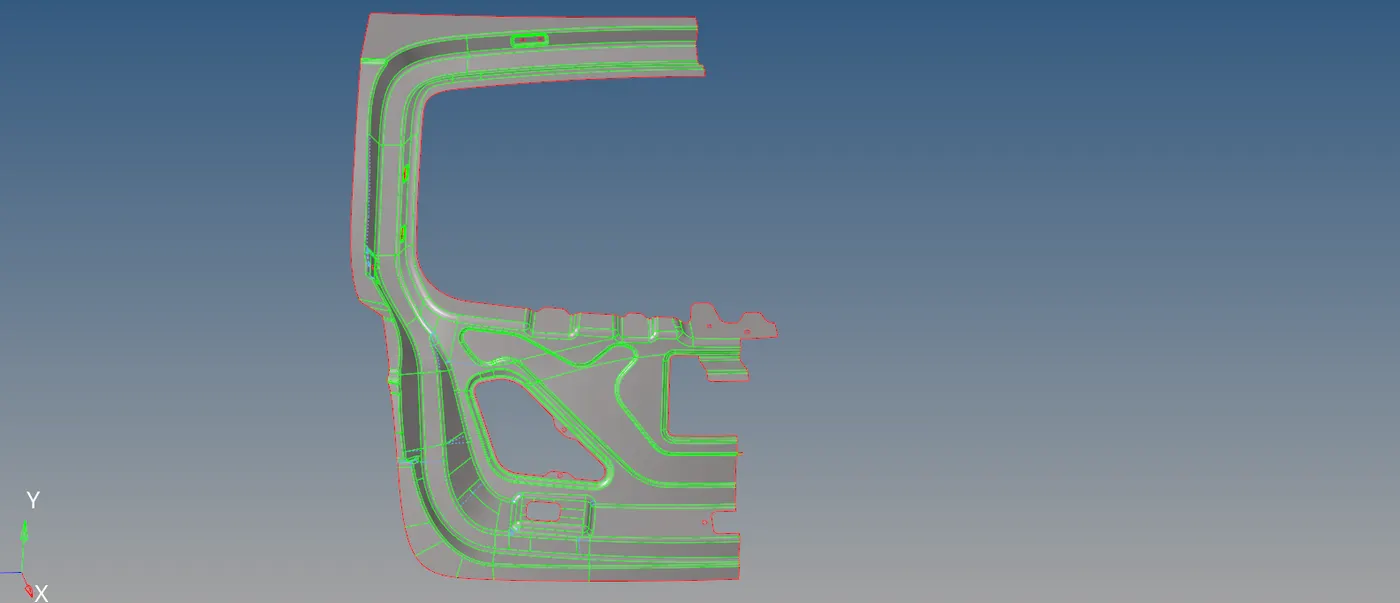 and started geometric cleanup so that the model will be ready for meshing. Using geom-quick edit, created and removed cuts and made washer splits.
then i given the quality criteria values in the quality intex-edit criteria. Then i started meshing.
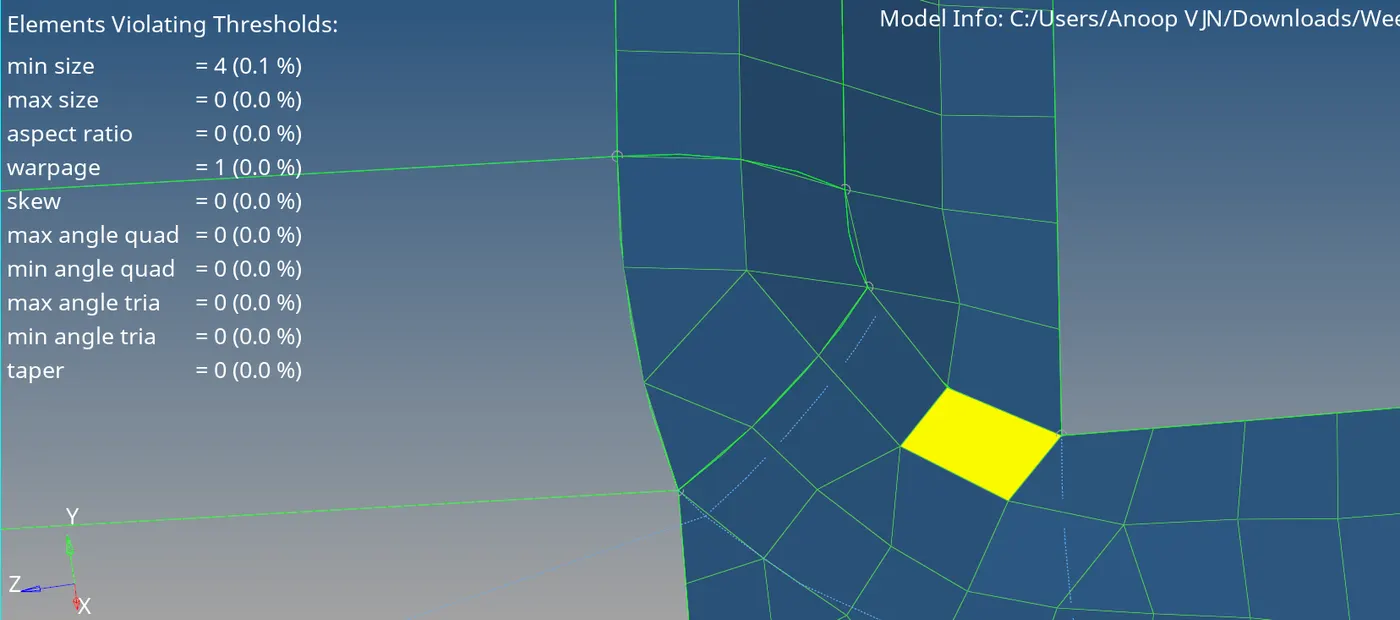
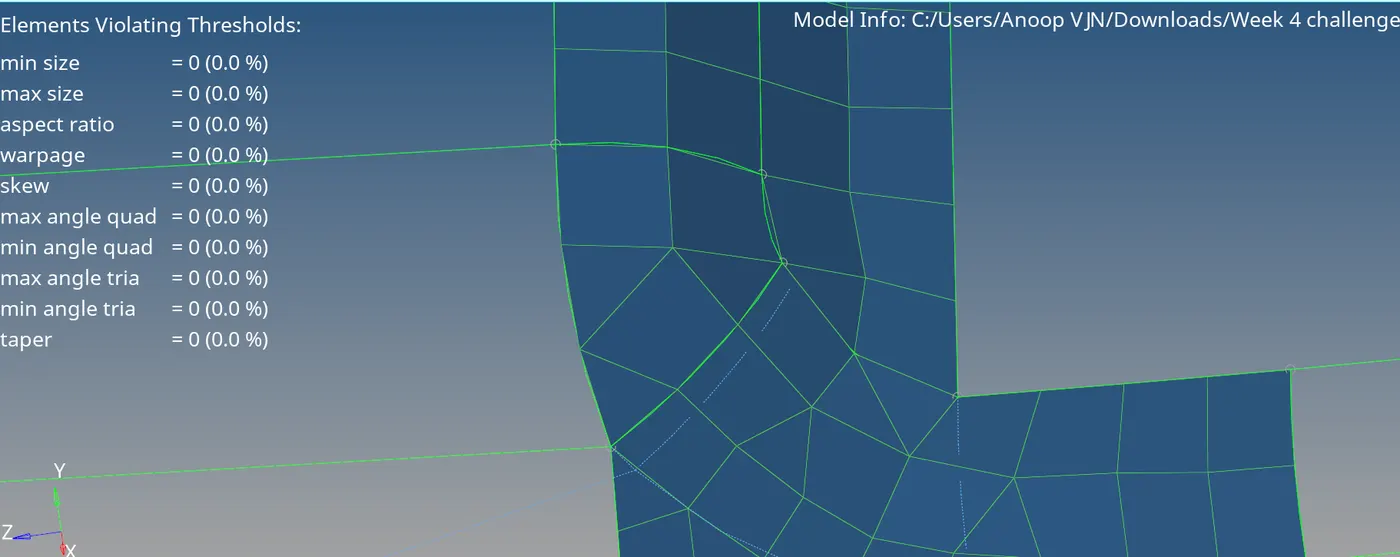
In the above figure the quality error is corrected using 2D-quality intex-clenup tools-split quad element.
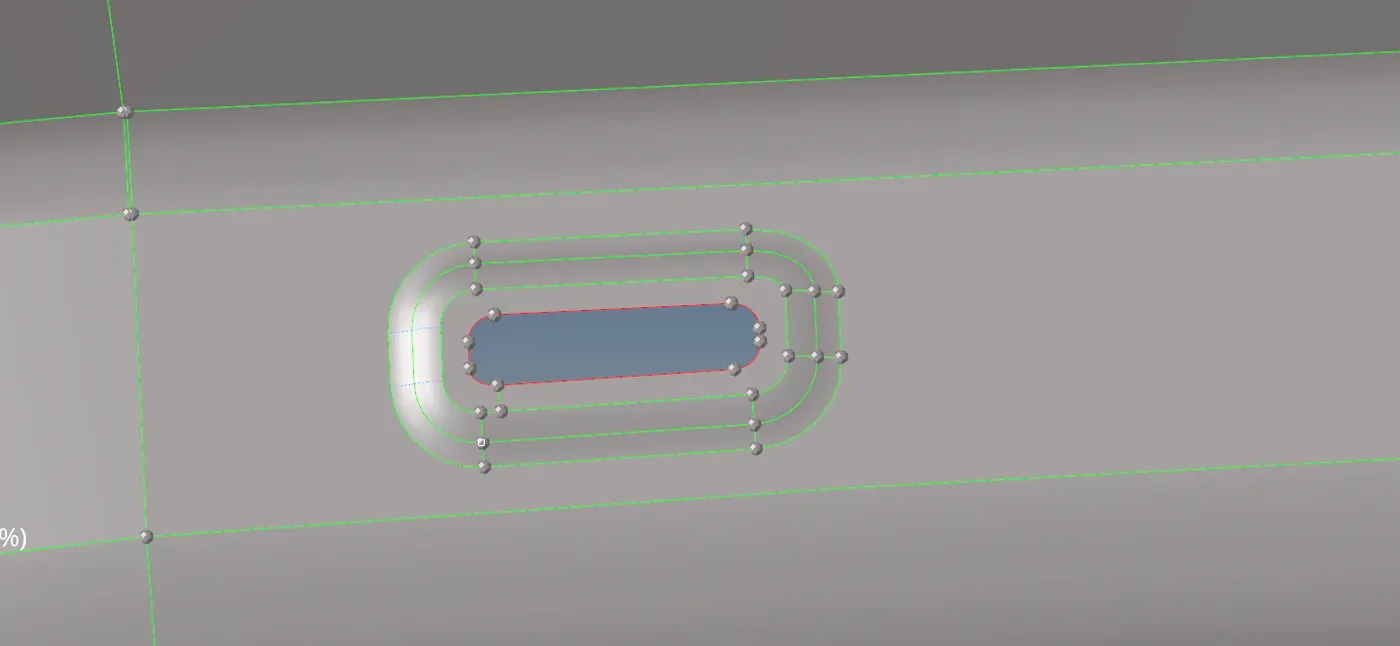 Here the feature lines in this feature is very low as it is impossible to mesh satisfying minimum length criteria, so i removed feature lines in this feature and other similar features.
There was an opposite trias in the mesh, that is corrected by dragging the trias together by quality intex-drag tria element and combined it using edit element-combine.
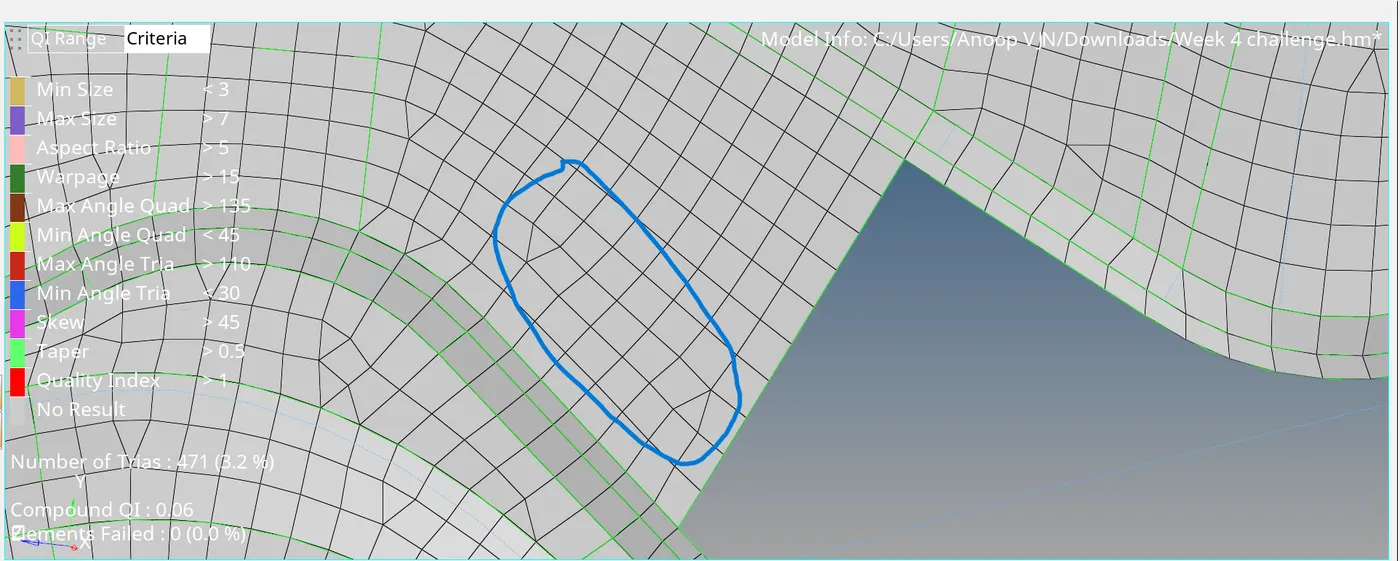
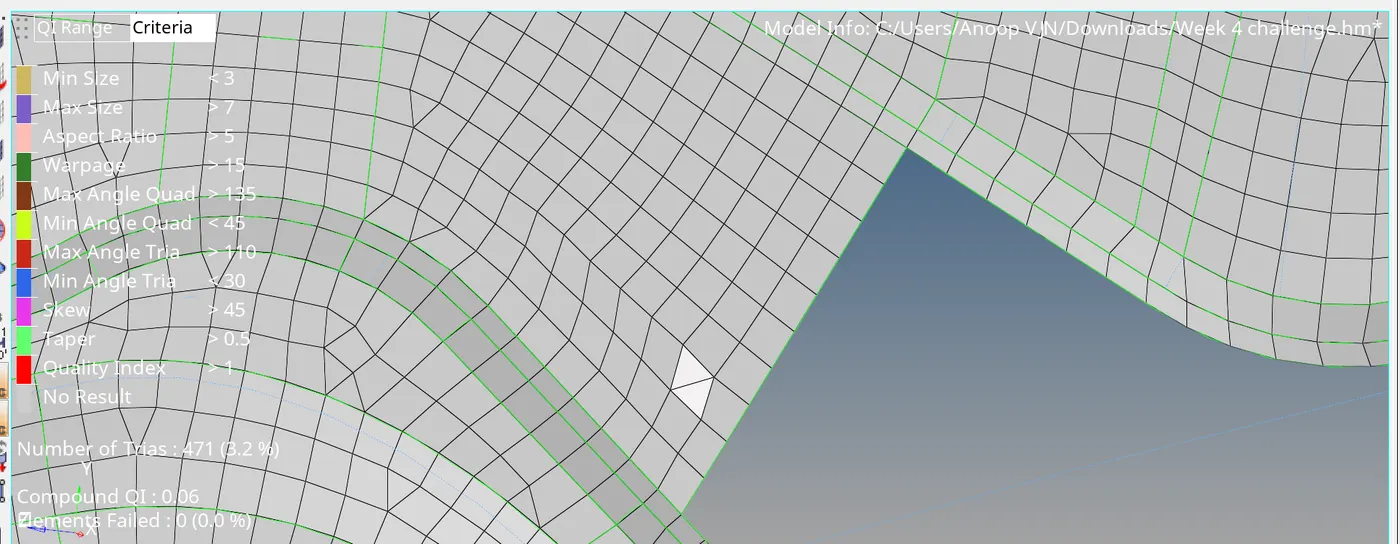
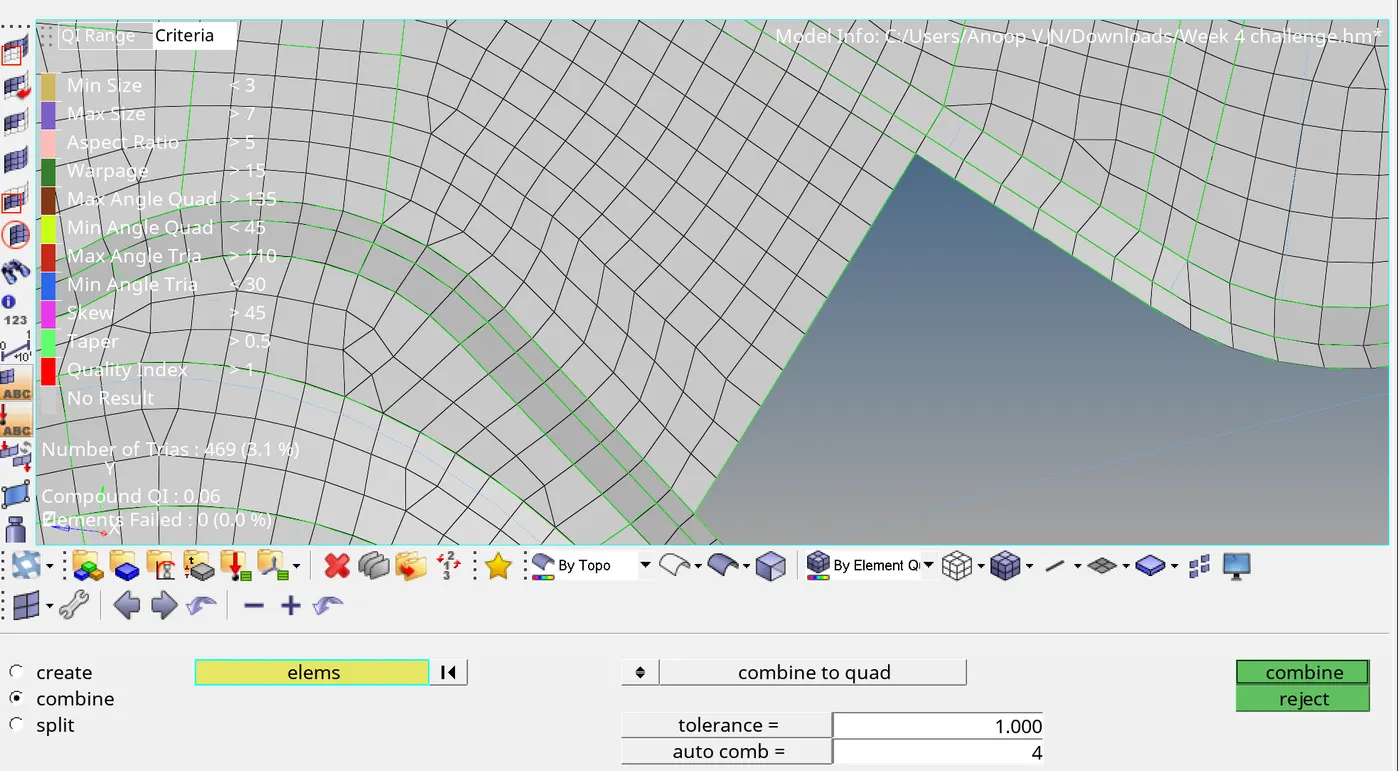
To correct the failed elements, i used quality intex, quick edit, remesh and adjusted the number of nodes. After completing meshing on one half i find out that some portion of the model is not symmetrical. So i had to delete the elements in that portion.
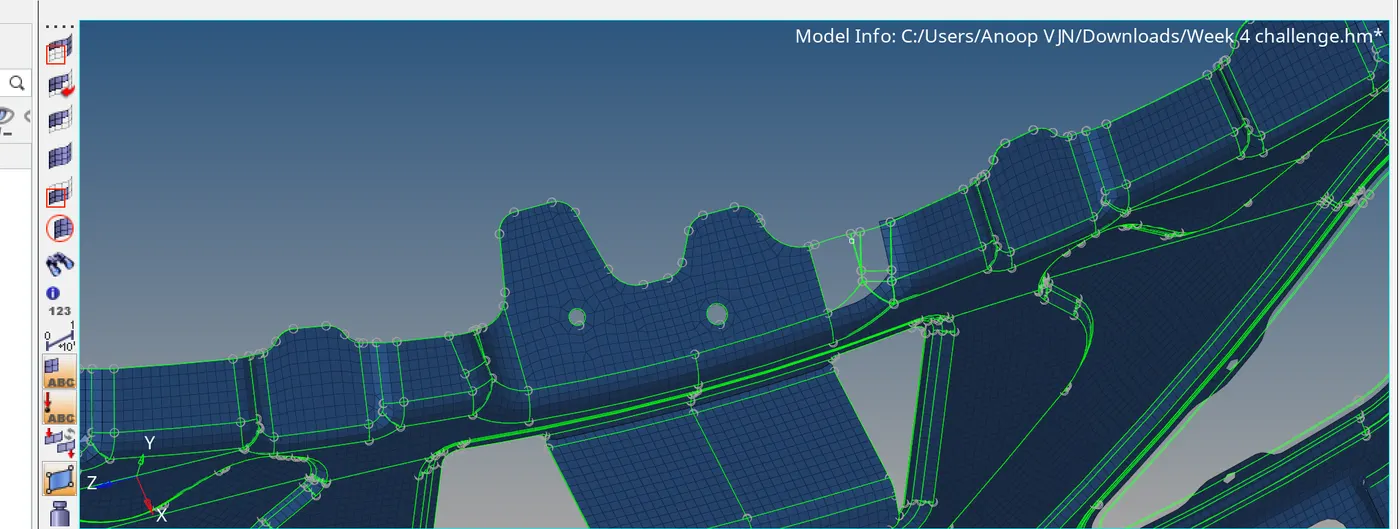 Then i offsetted the suraface in that part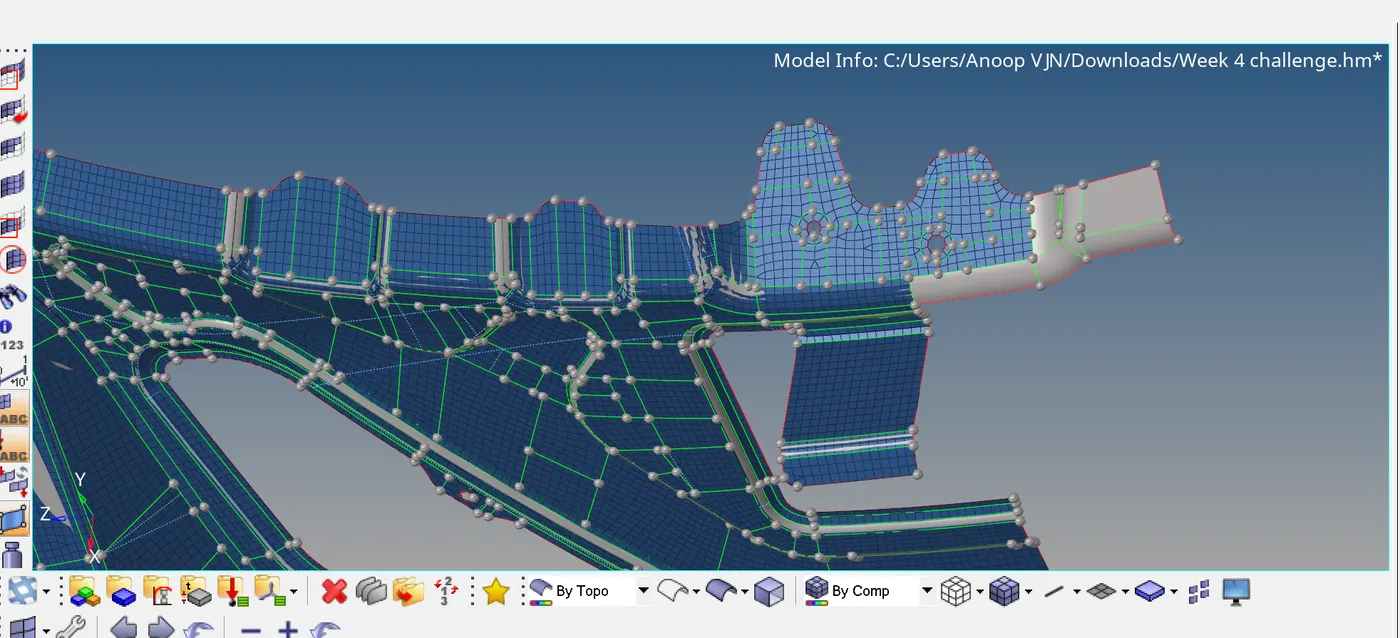
Then i meshed that surface, and there are still problems, so i had to create some elements using edit elements and used replace node to rectify the connectivity. The i checked for gap in tool-edges , and corrected it using equivalence option.
There are still some connectivity issues,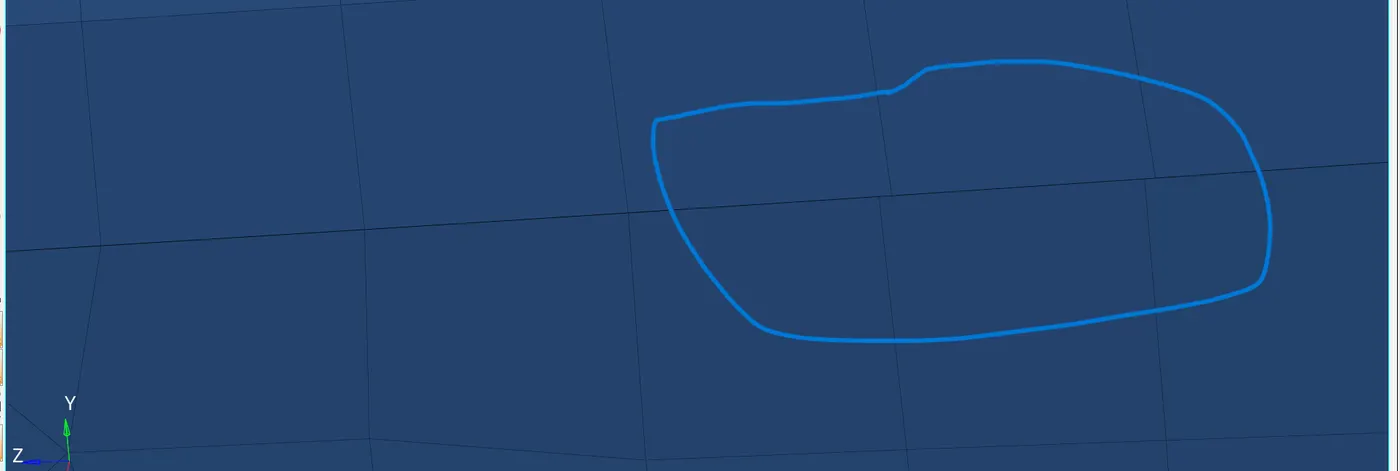 pasted the nodes together by replace node command.Finally i checked for edges no issues were found.
The main part is completed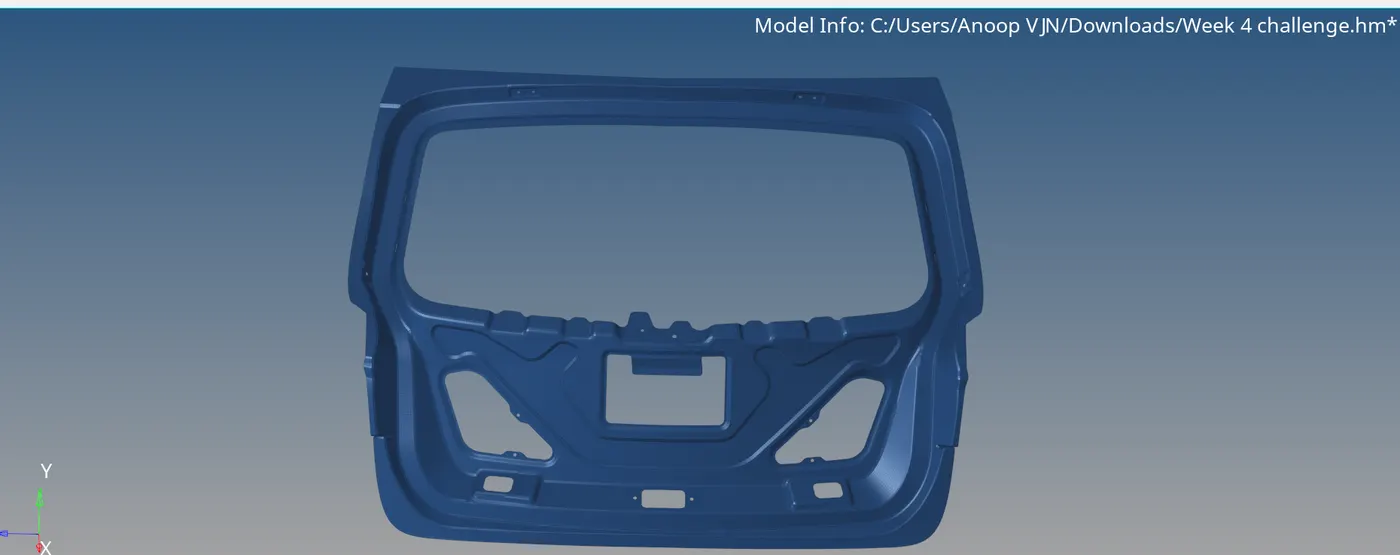 .
.
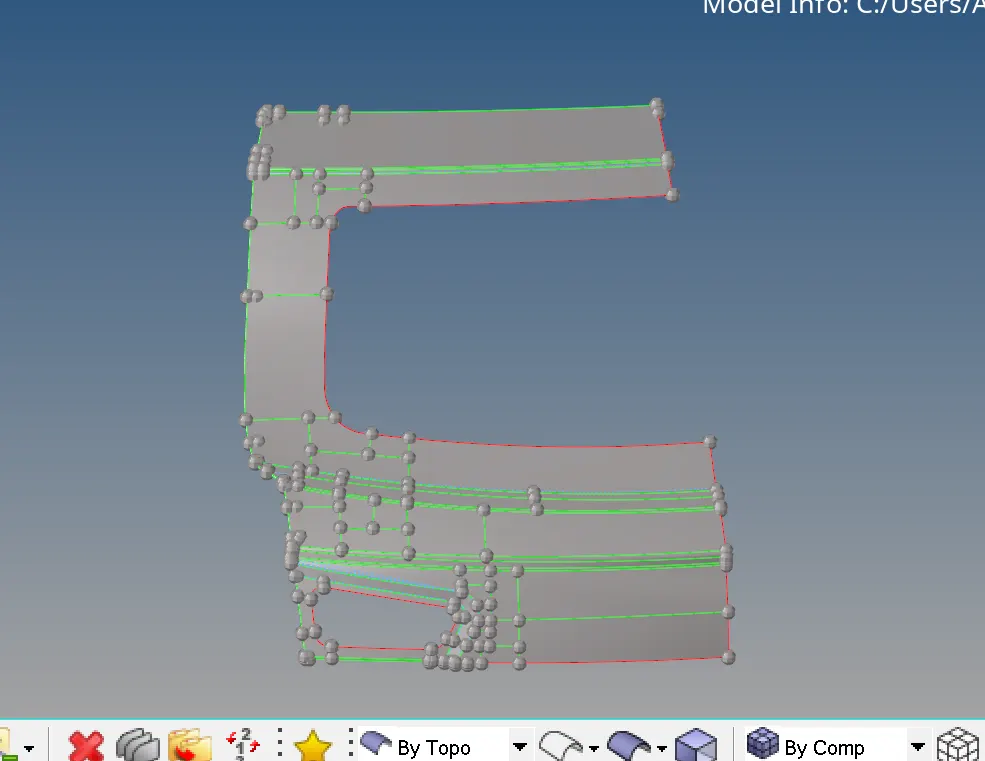
Created the mesh to the other parts of the model by following the similar steps, created the mid surface and deleted one half as it is symmetric.
,
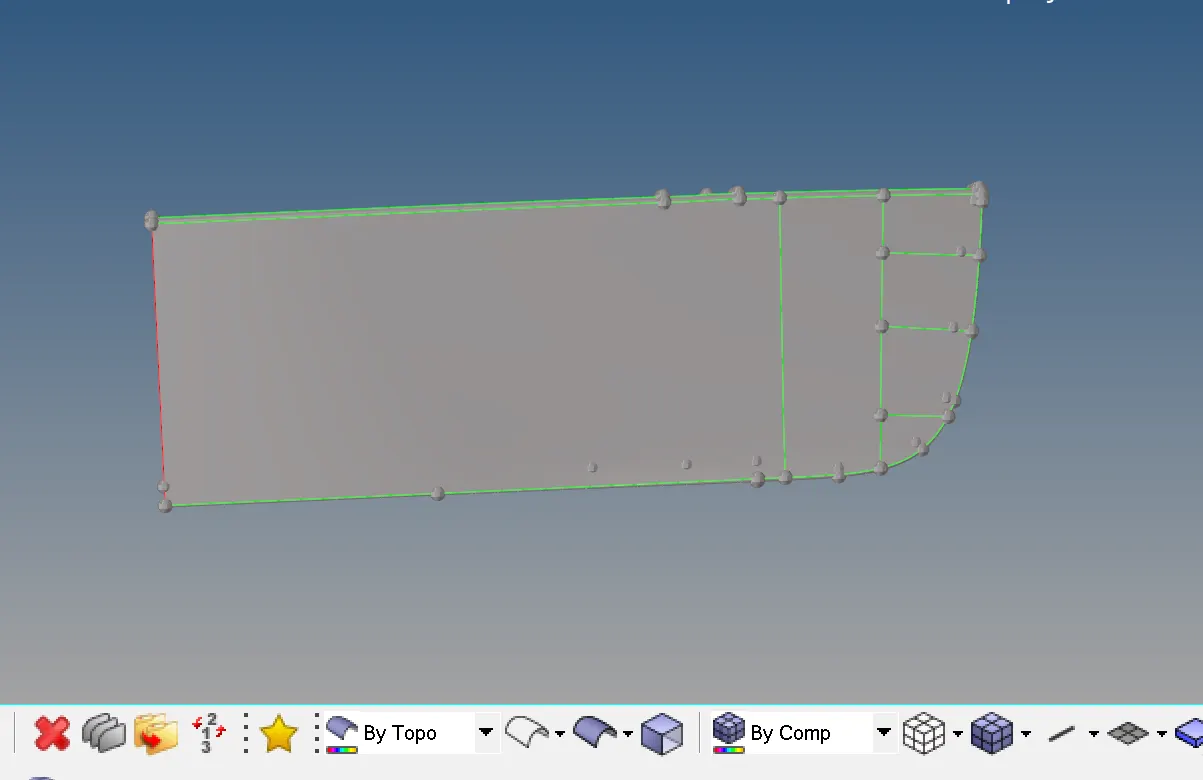
There are some geometric issues, i corrected it using delete, spline and toggle edge,
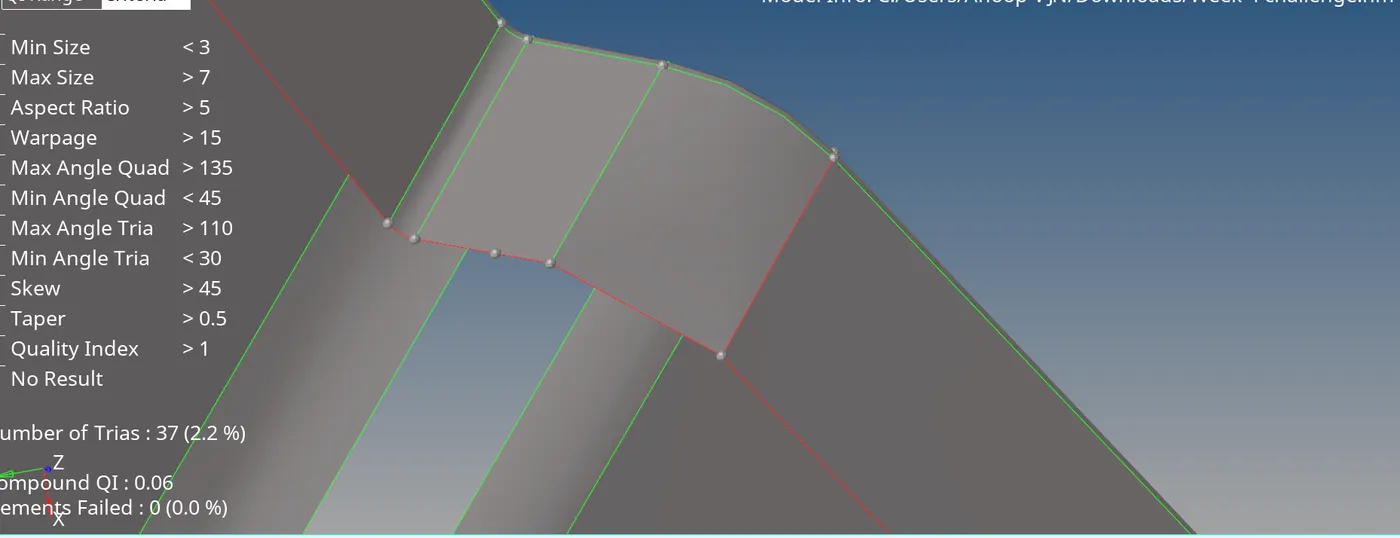
Due to the minimum size of the surface i cant mesh the surface below, so i created line between those two nodes and created surface then i trimmed it for meshing.
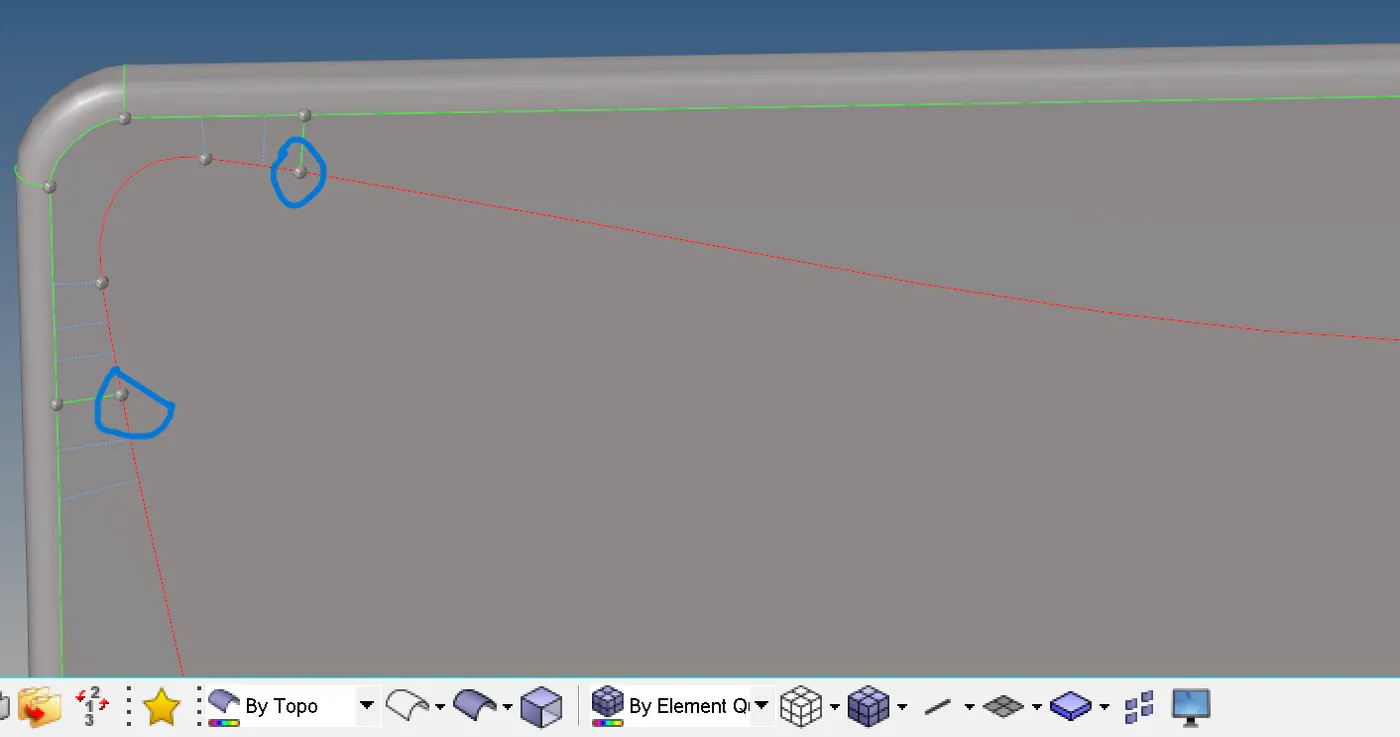
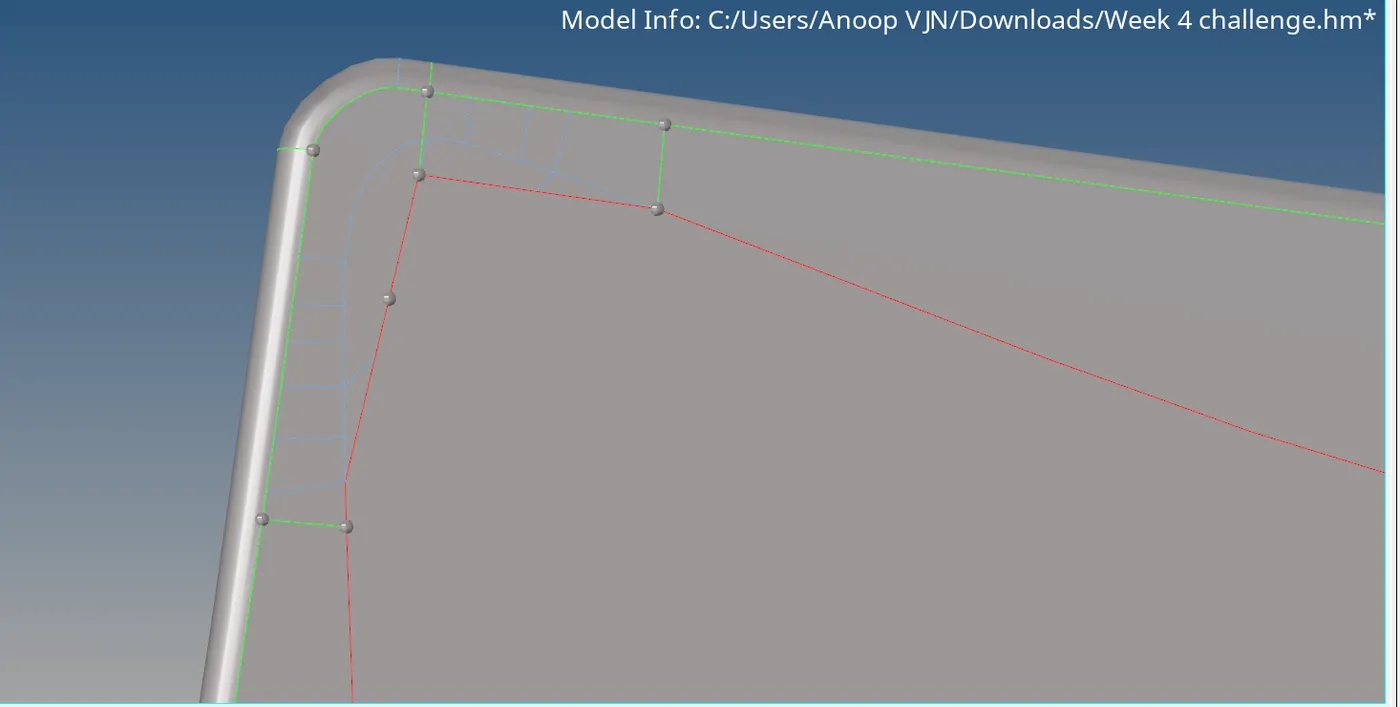
By using combine the error showed below is rectified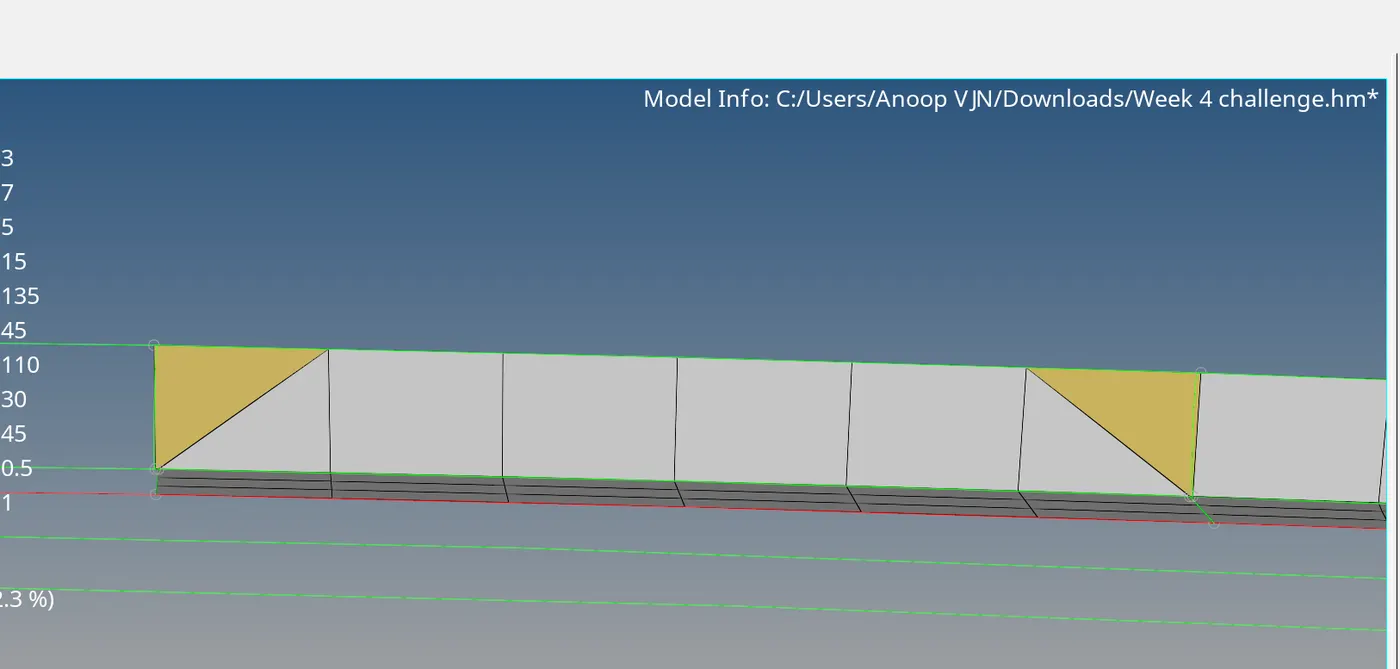 .
.
The remaining part is meshed
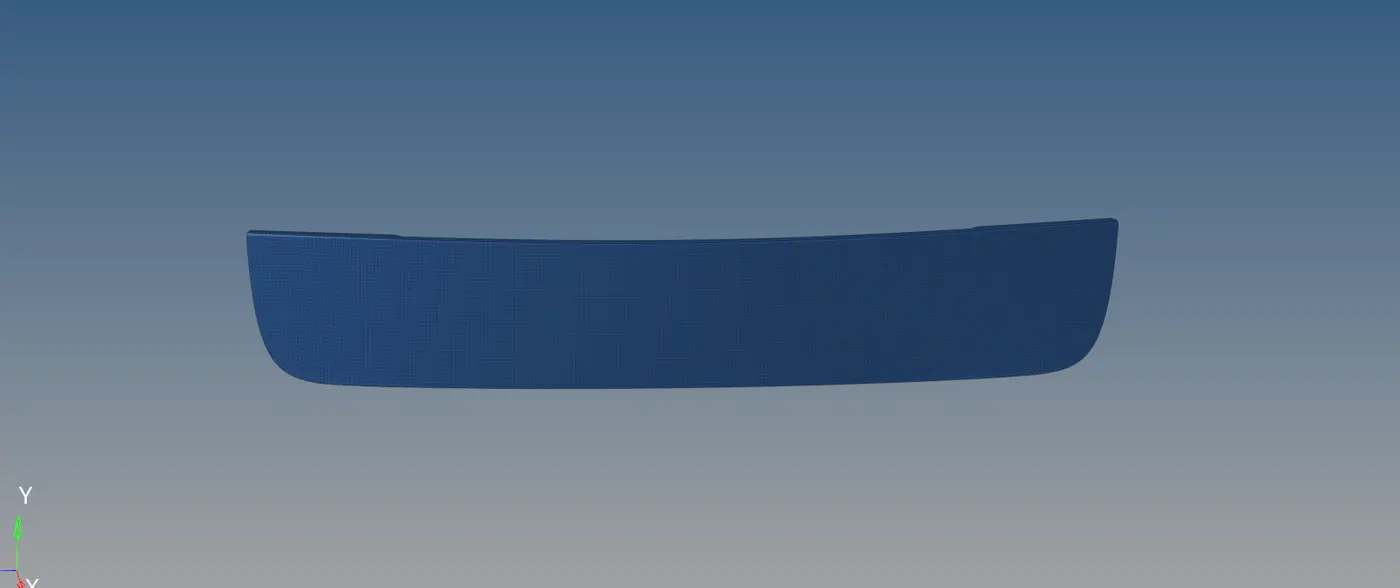 Finally applied the thickness.
RESULT
Completed the meshing of the given model. There are no quality issues or free edge present in the model. The tria percentage is three.