Week - 4 - Crash Box Simulation
AIM: To do the crash box simulation based on the given conditions and calculate the stresses and displacements and plot the energies.
PROCEDURE:
- Import the model into the LS-DYNA, that model is having the cad model and meshing.
- The material properties has to be created first with dimensions gm-mm-ms with elastic steel material and non-linear material MAT024 and then create section shell with intial thickness 1.2mm and 1.5mm later.
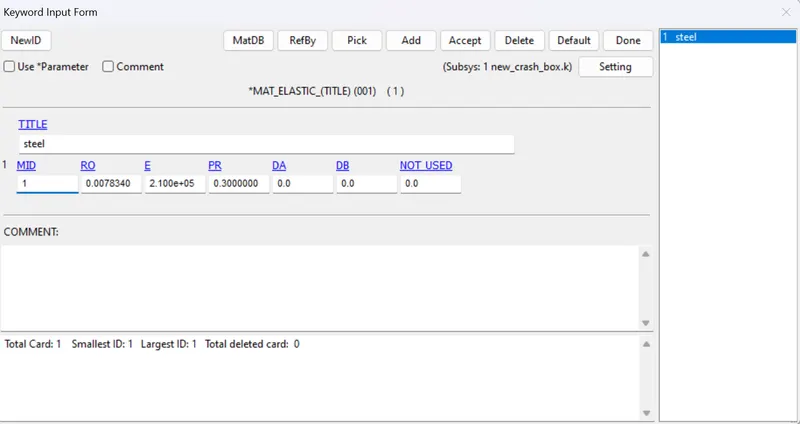
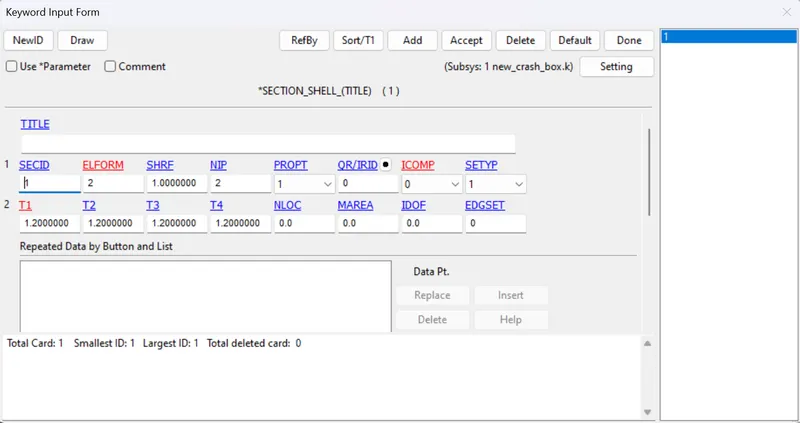
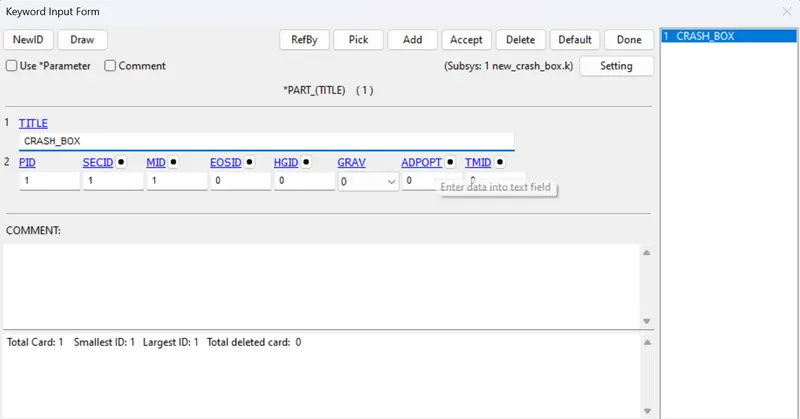
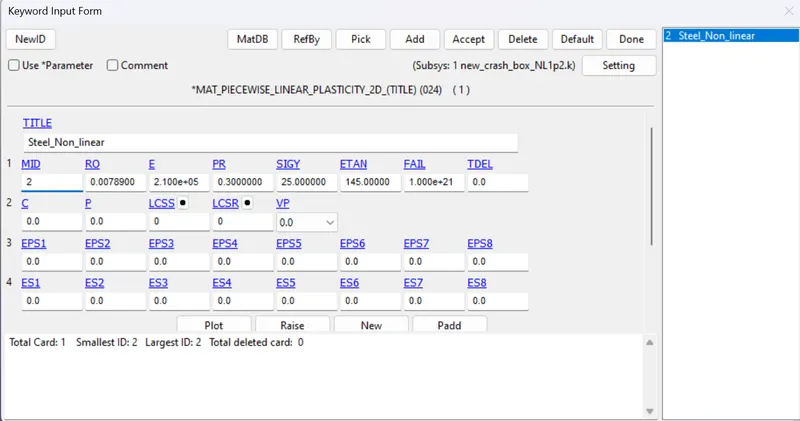
- The Material and section has to be assigned to the part.
- This is a crash box simulation so this meshed crash box has to be hit on to some wall for that the RIGID WALL has to be created and using the RIGIDWALL_PLANAR keyword.
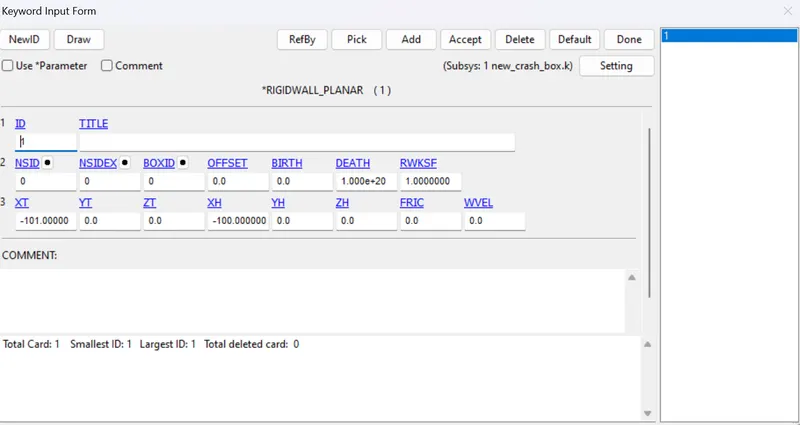
- There is no need to create the contact if we choose RIGIDWALL.
- After creating the RIGIDWALL, SLAVE nodes has to be created for crash box to give the initial velocity card as 13.888 mm/ms.
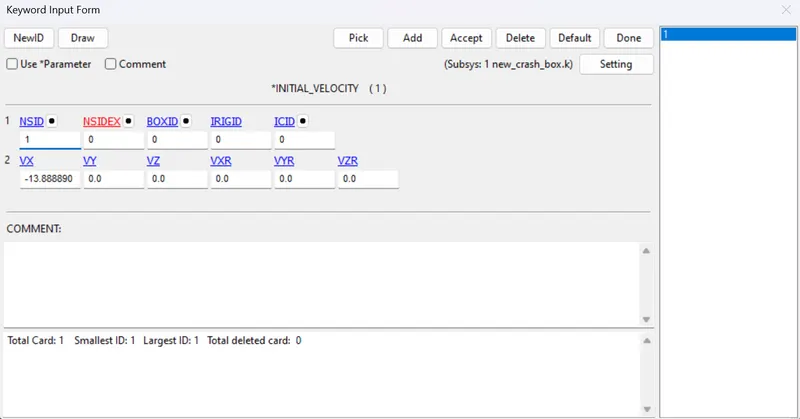
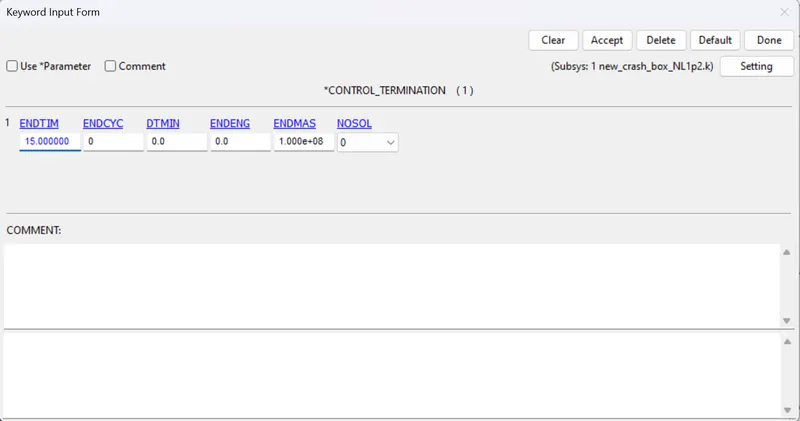
- Termination time has be given based on the distance given and speed, we need to specify the time as 2*time calculated.
- The output requirements has be given by selecting DATABASE and seclect the ASCII output required like glstat,RWFORC, SECFORC and D3PLOT with DT as 0.5 for elastic material and 0.1 for non-linear material.
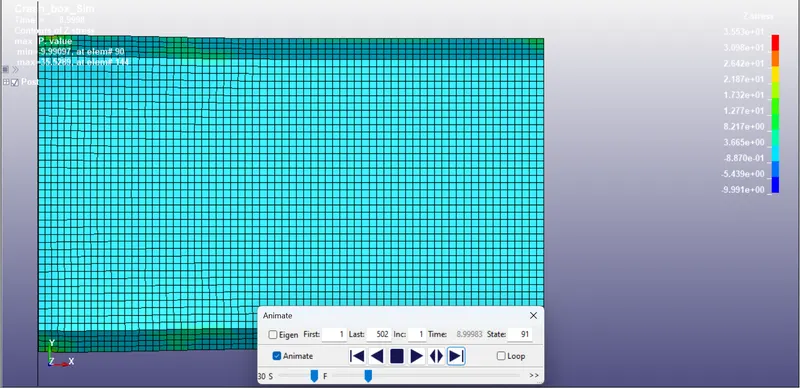
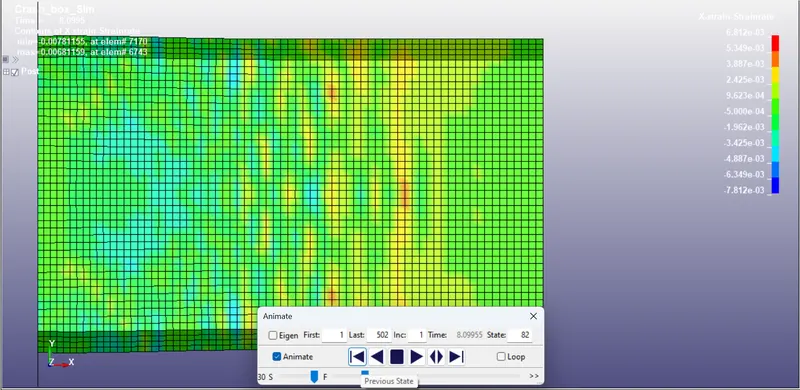
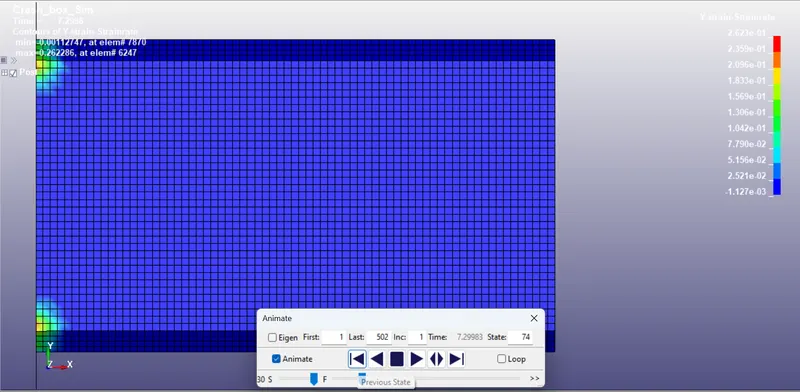
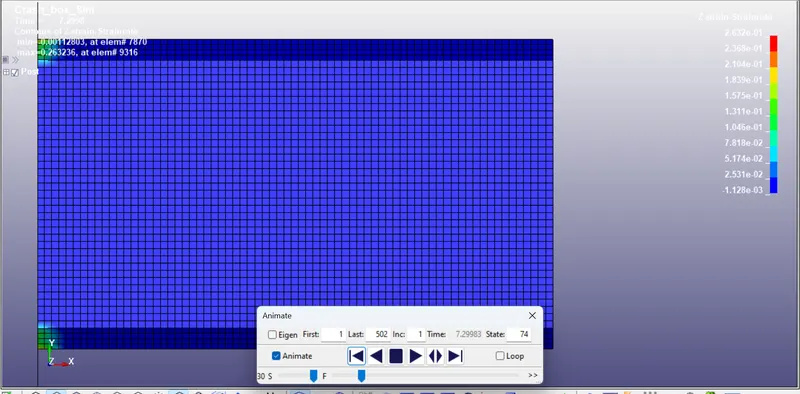
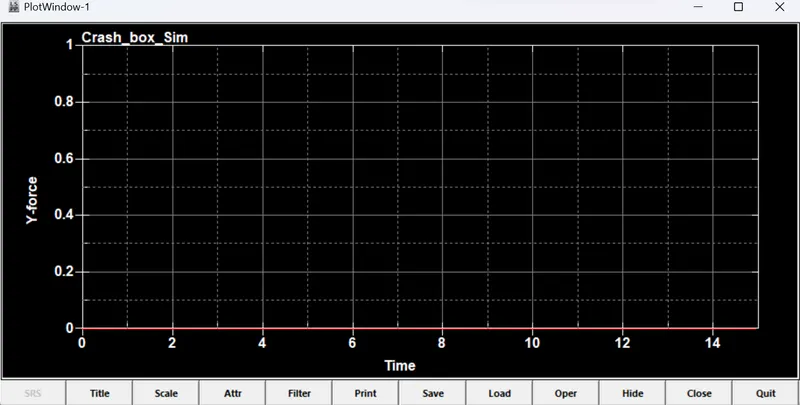
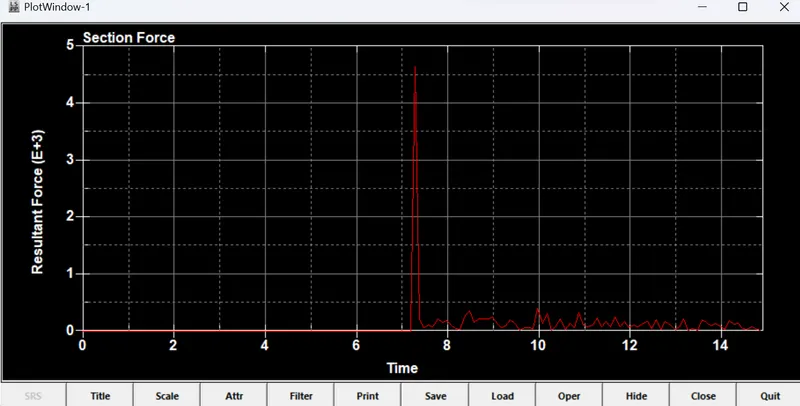
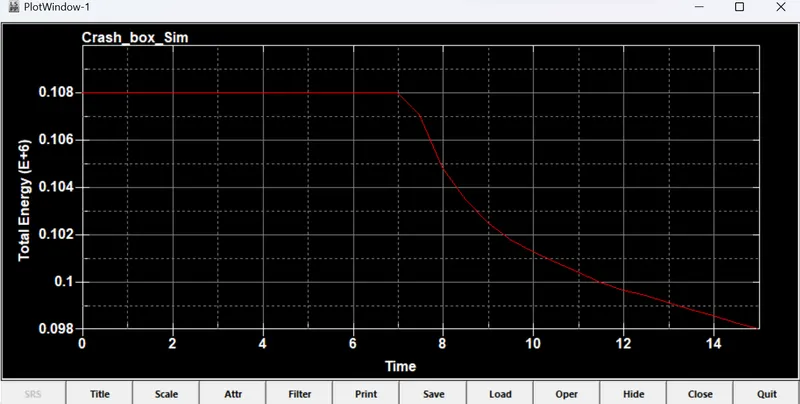
- The results are given in the following figures for thcikness =1.2mm and elastic material.
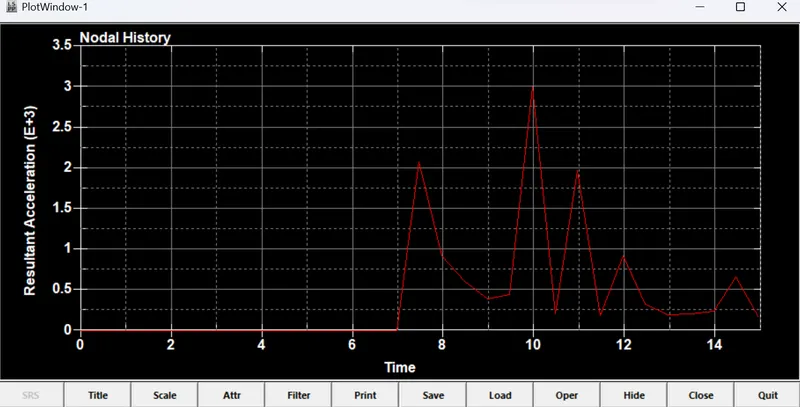
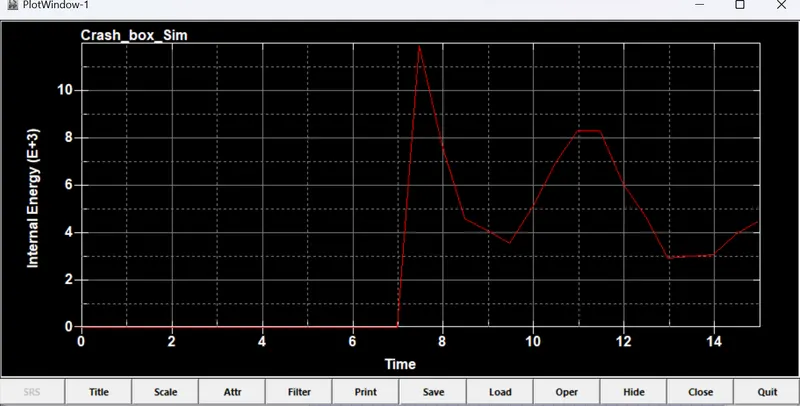
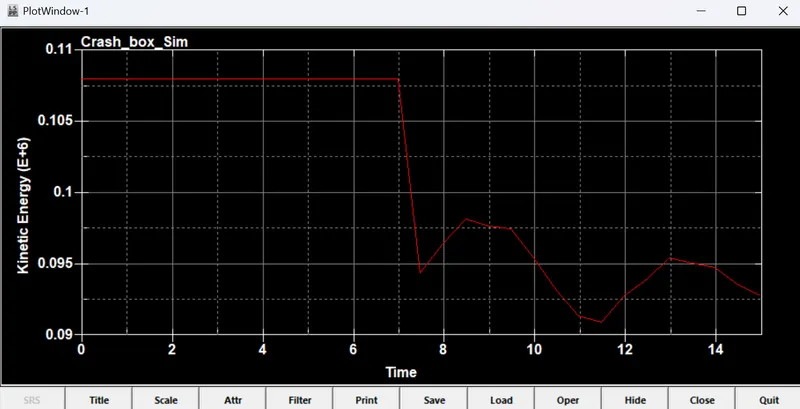
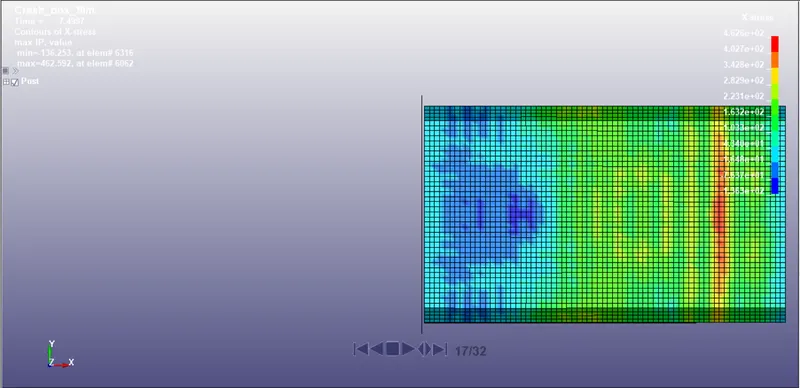
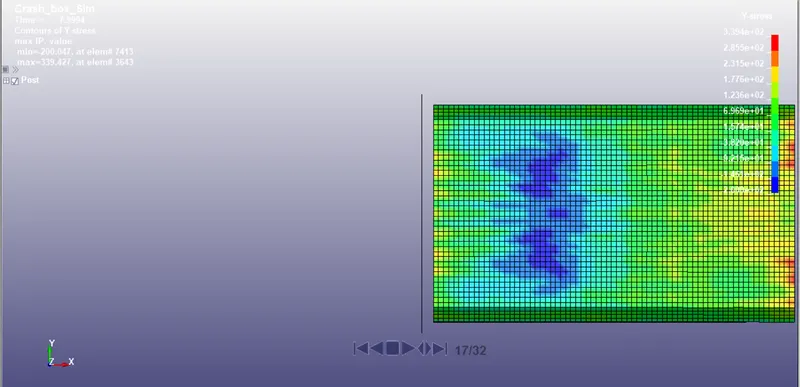
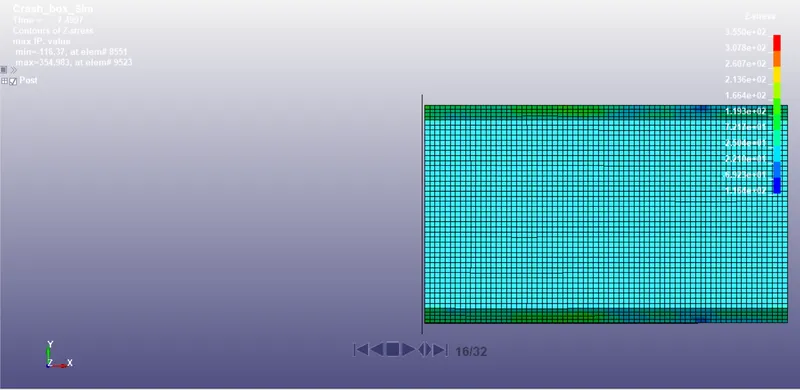
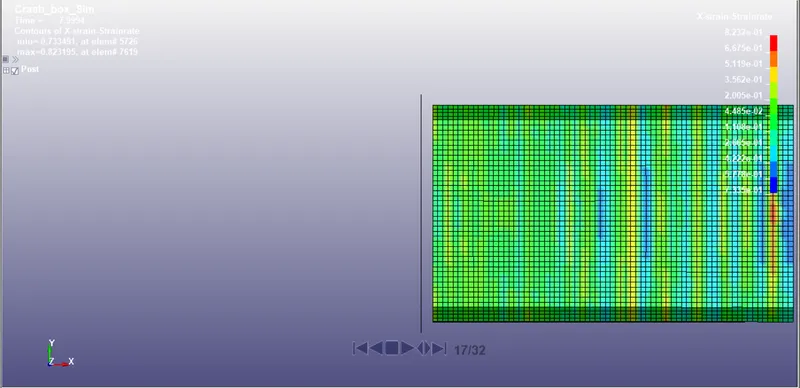
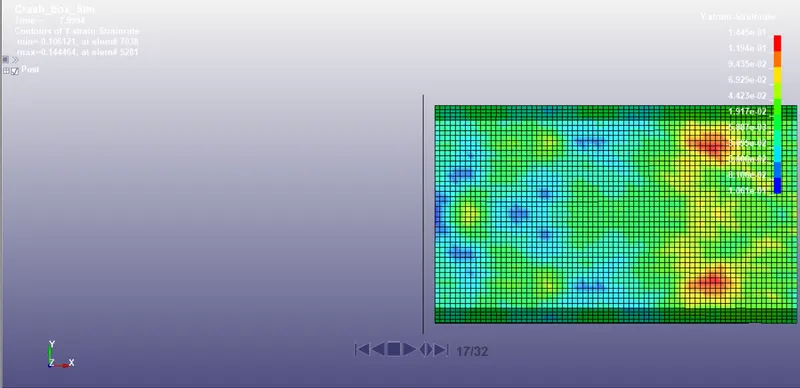
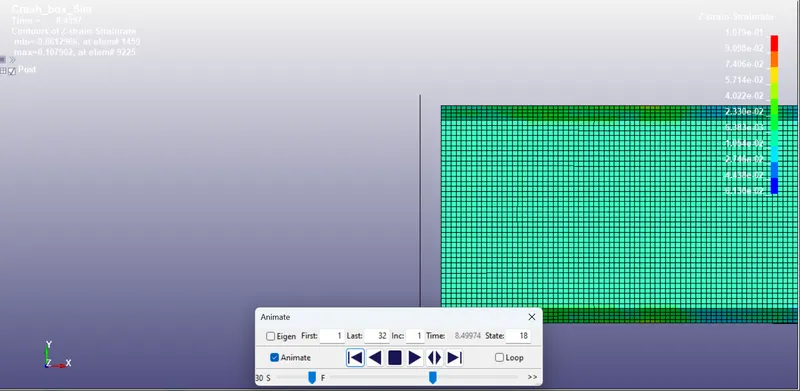
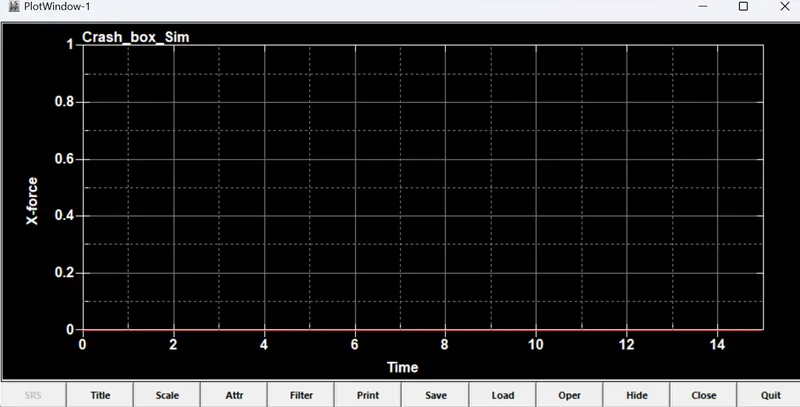
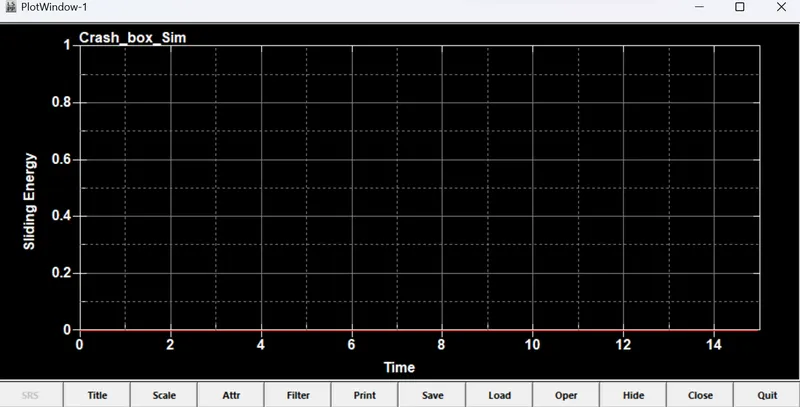
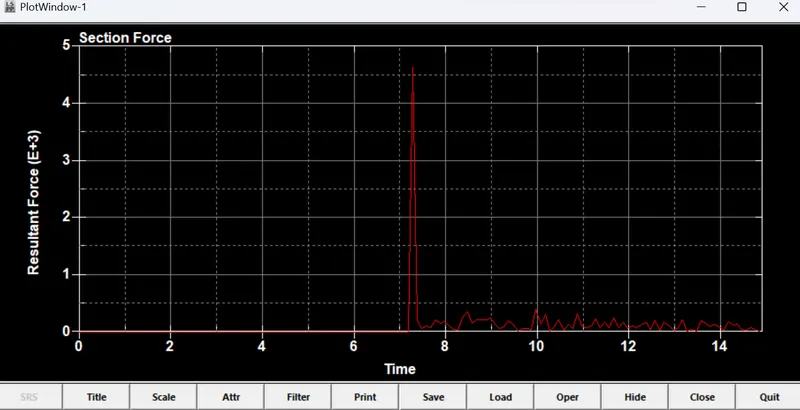
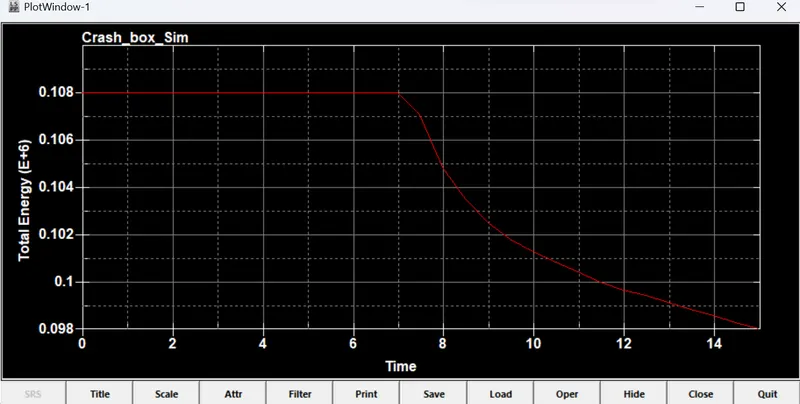
- The results are given in the following figures for thcikness =1.5mm and elastic material.
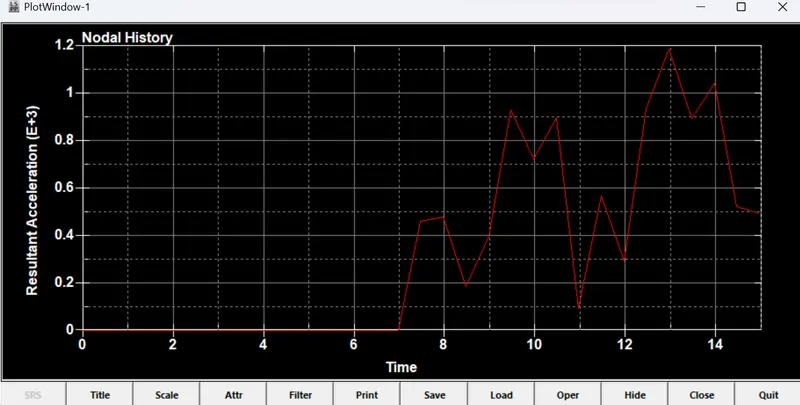
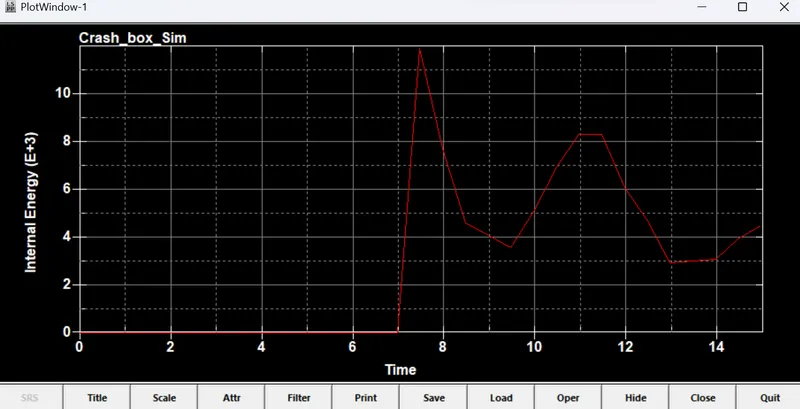
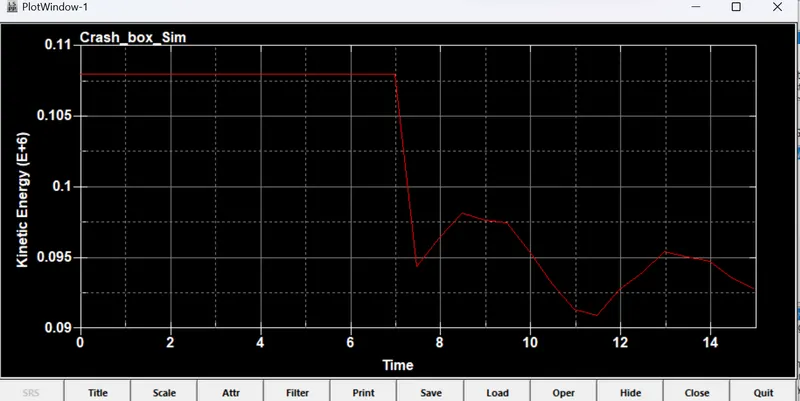
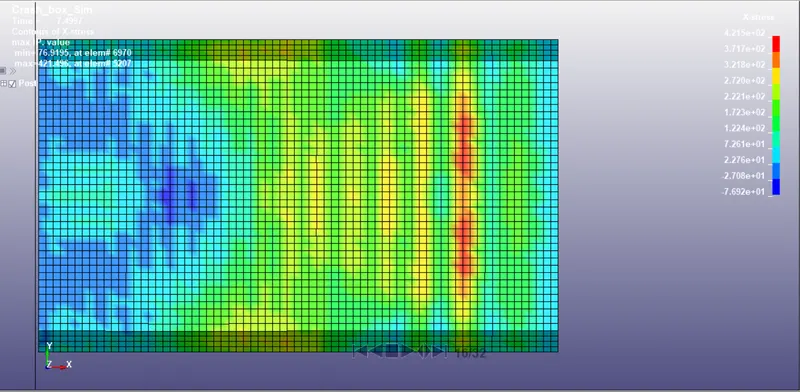
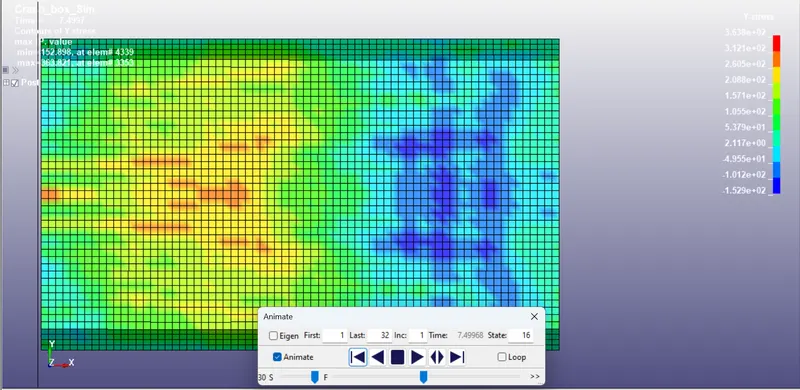
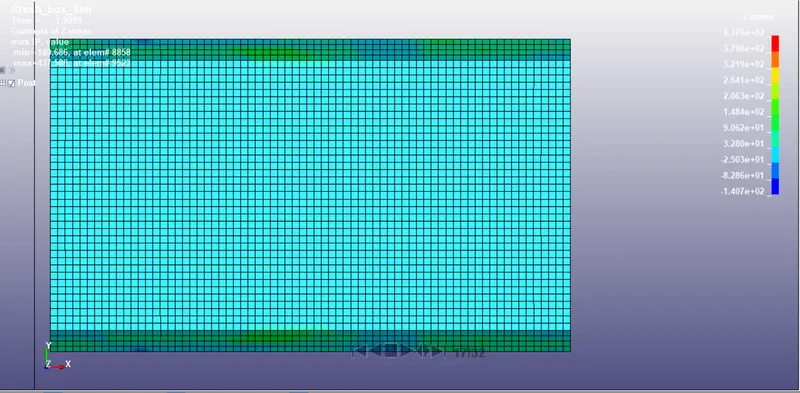
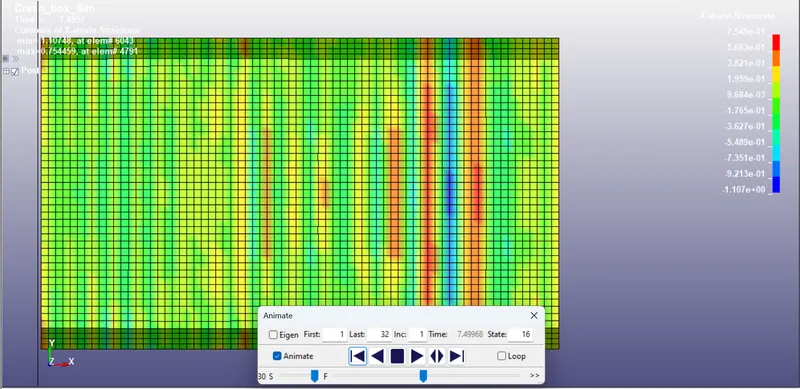
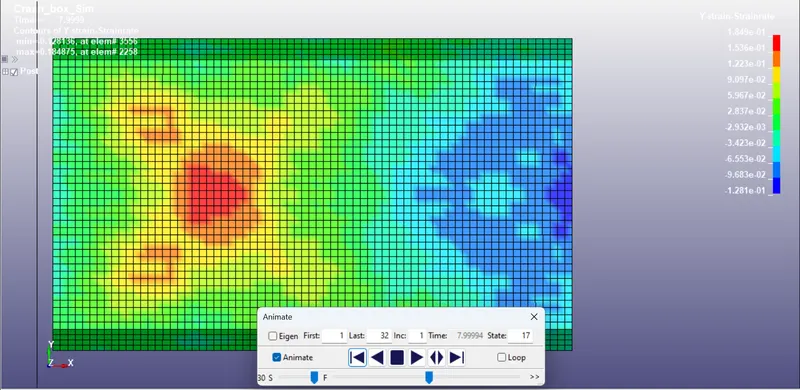
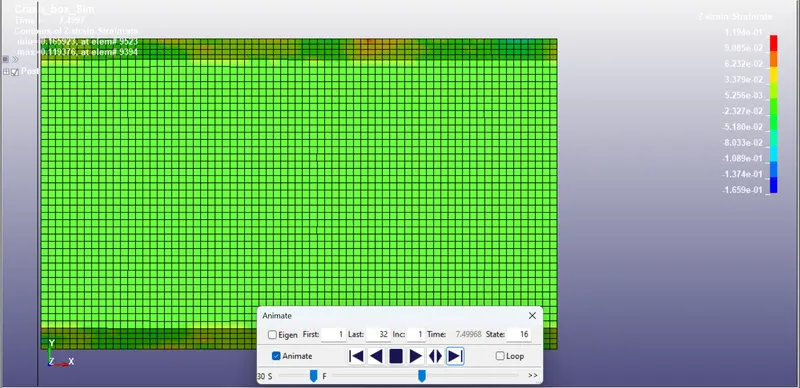
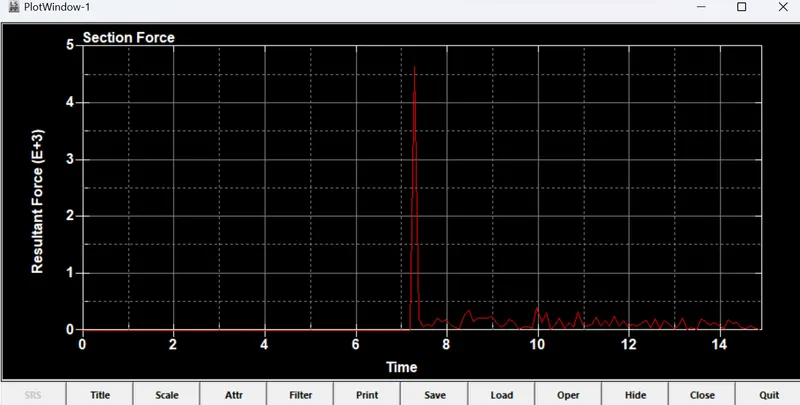
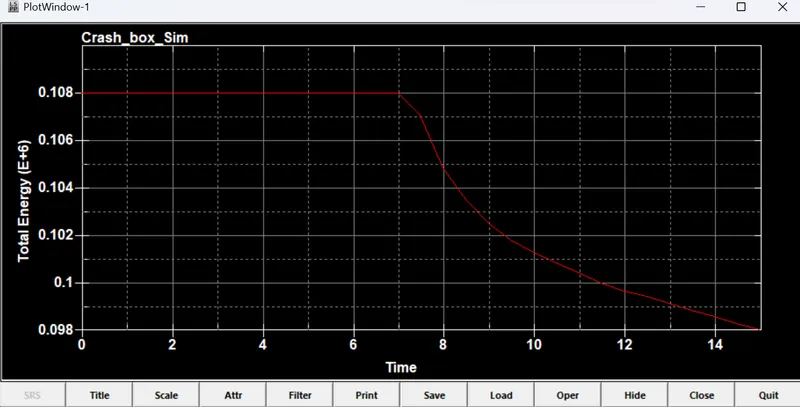
- The results are given in the following figures for thcikness =1.2mm and Non-linear material.
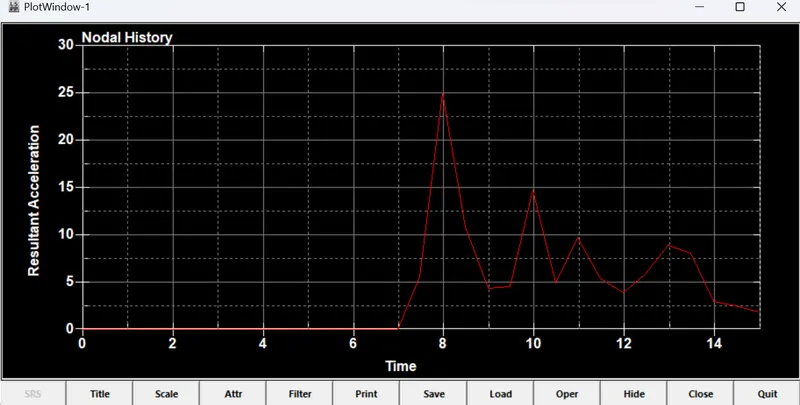
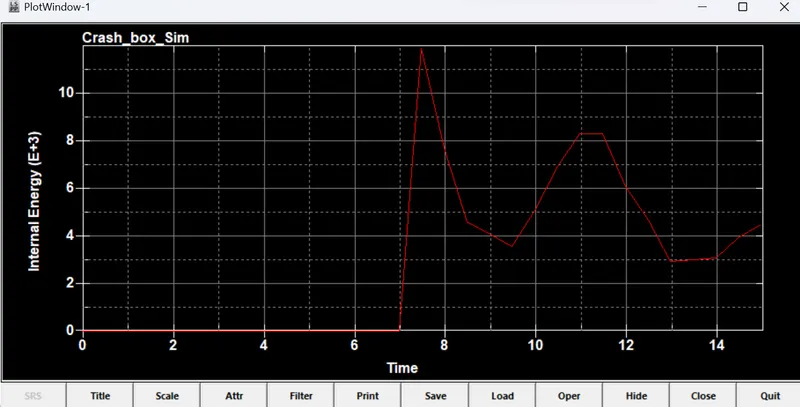
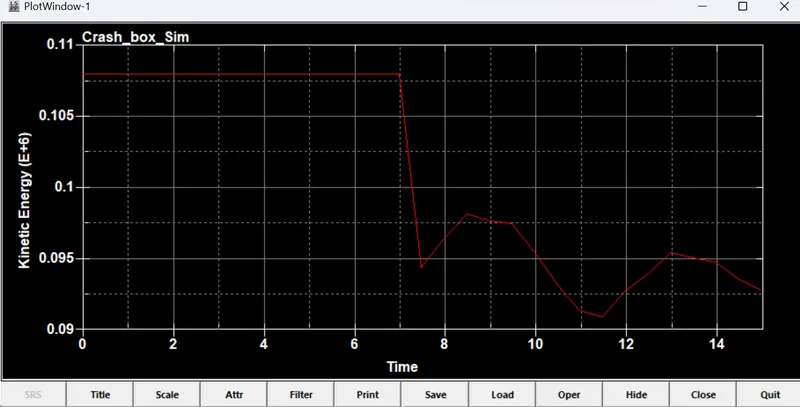
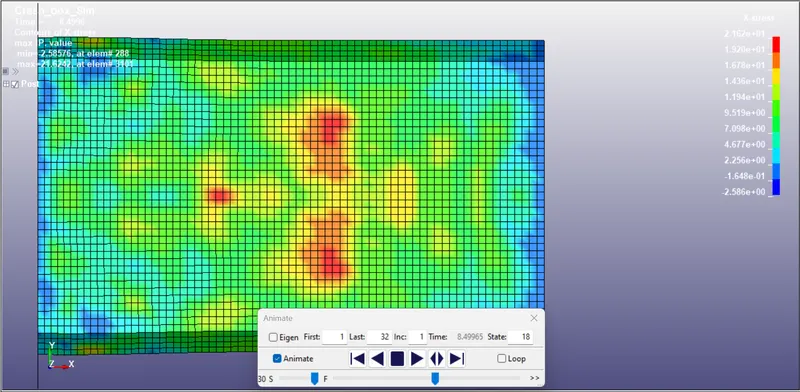
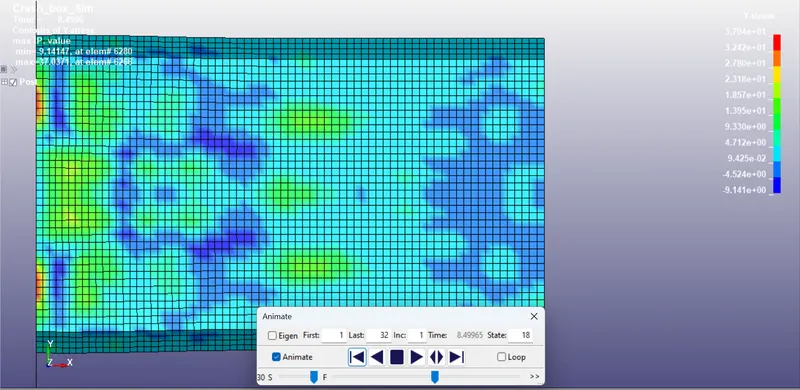
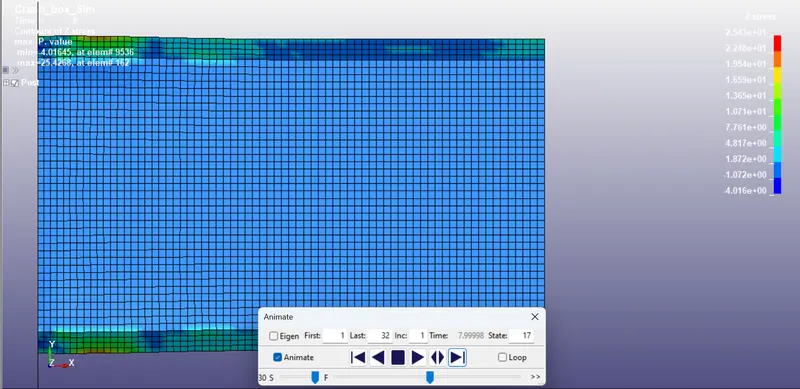
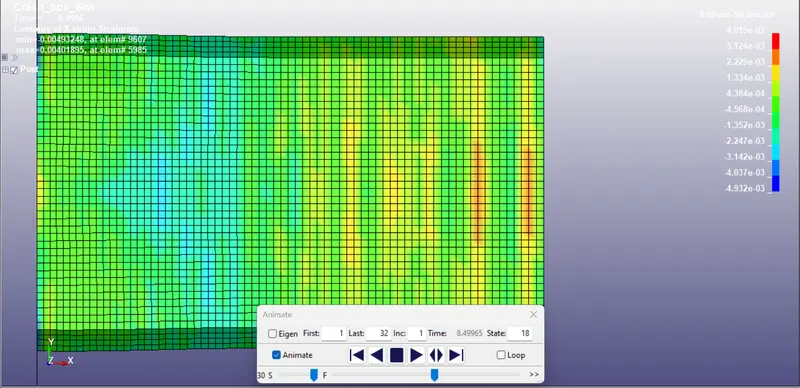
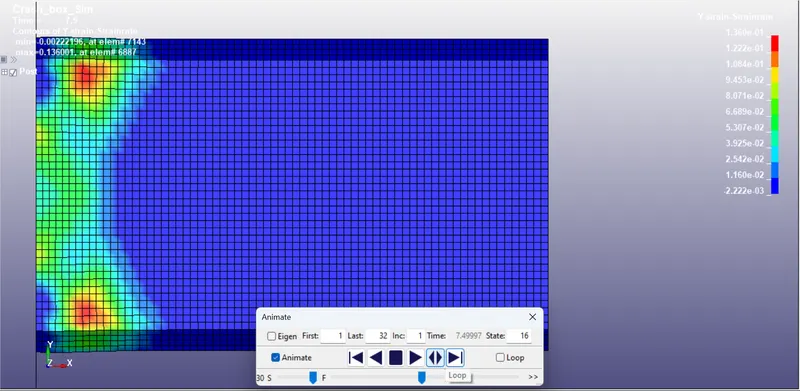
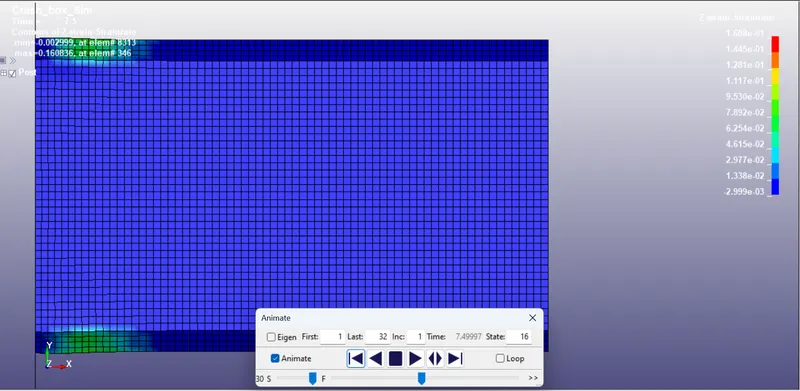
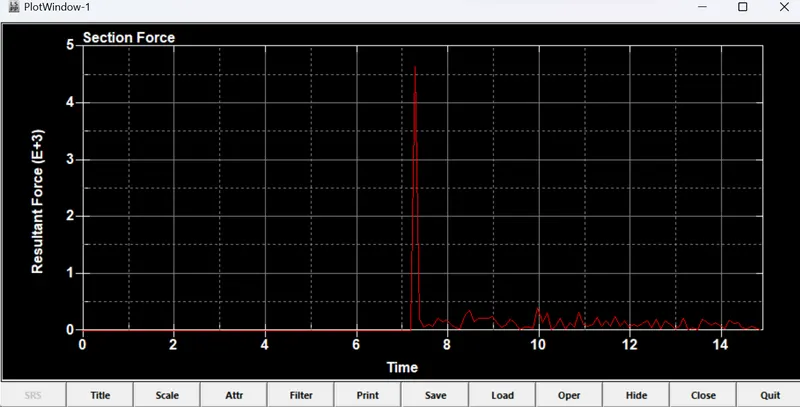
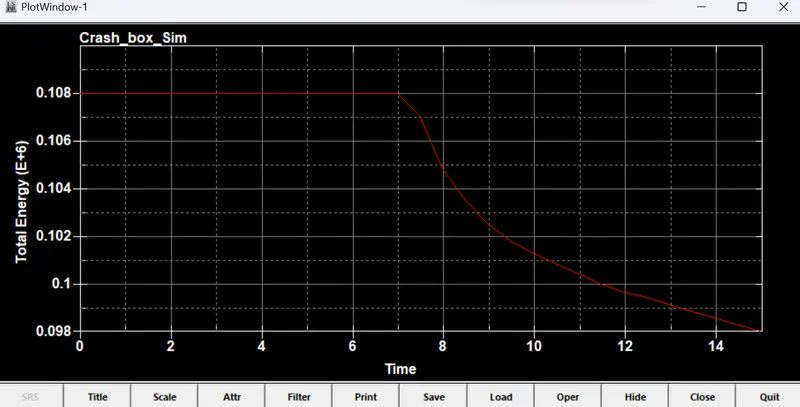
- The results are given in the following figures for thcikness =1.5mm and Non-linear material.
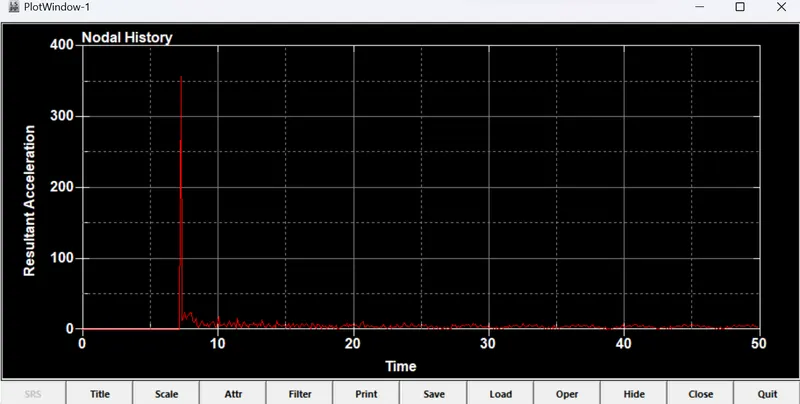
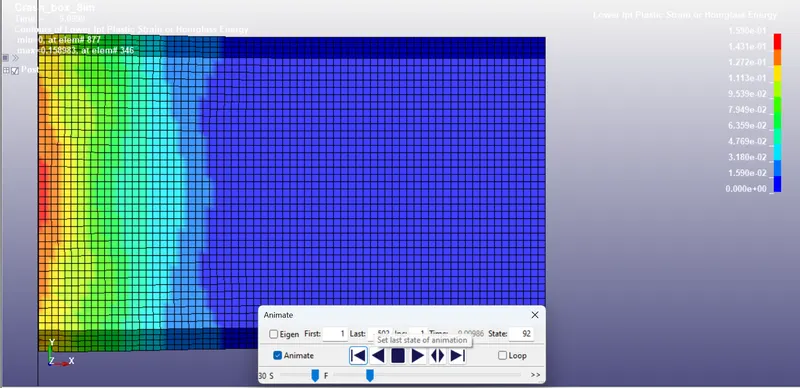
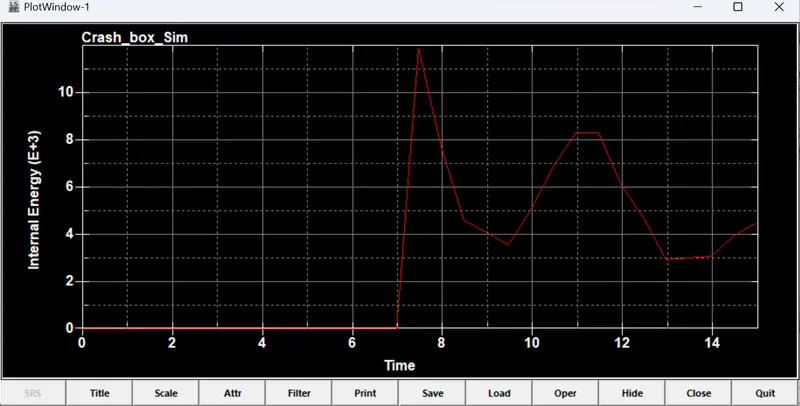
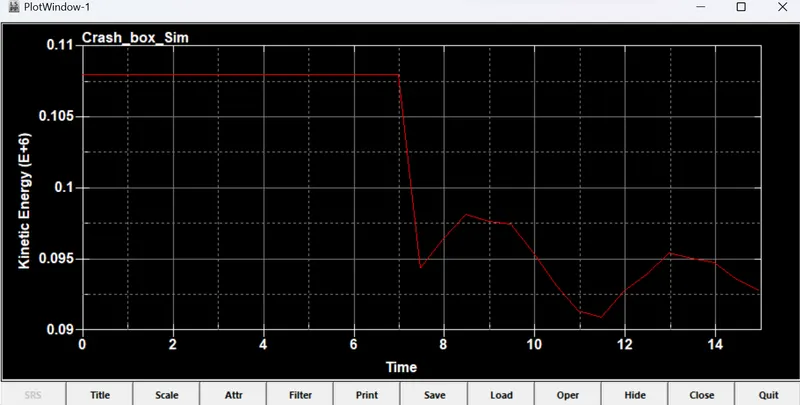
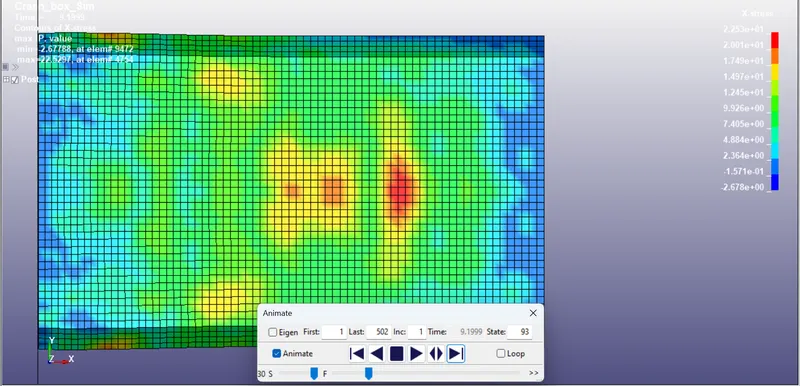
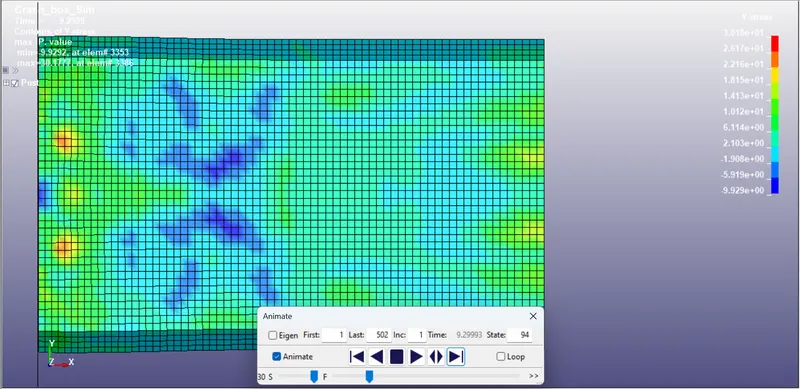
CONCLUSIONS: The crash box has been simulated for thicknesses 1.2mm and 1.5mm for elastic and nonlinear material.
- It has been observed that for elastic materiala and the crash box has been bounced back, but for nonlinear material there is a slight deformation and then bounced back.
- The plots for the asked results has been plotted for all the cases.