Week-4 Challenge WOT Condition Part-2
1.Difference between mapped and dynamic of engine , motor & generator :
ENGINE:
| MAPPED ENGINE | DYNAMIC ENGINE |
EX:
|
|
Note: This picture takes for reference from mathworks
Upcoming pictures represents the Mapped engine:
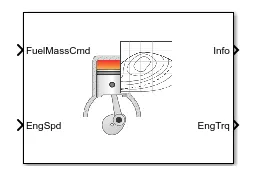
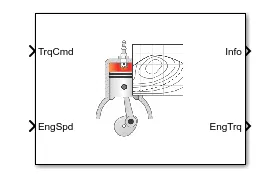
Figure 0.1 Figure 0.2
this Figure 0.1 represents the MAPPED CI ENGINE This figure 0.2 represents the MAPPED SI ENGINE
| MAPPED CI ENGINE | MAPPED SI ENGINE |
INPUT PORTS
OUTPUT PORTS
|
INPUT PORTS
OUTPUT PORTS
|
Upcoming picture reprents the dynamic engine:
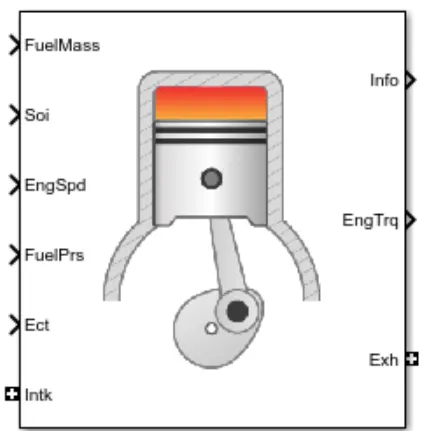
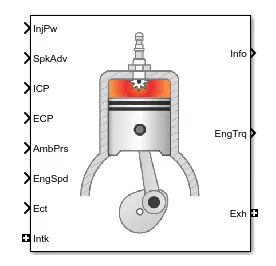
Figure 0.3 Figure 0.4
The figure 0.3 represents the DYNAMIC CI ENGINE The Figure 0.4 represents the DYNAMIC SI ENGINE
| DYNAMIC CI ENGINE | DYNAMIC SI ENGINE |
INPUT PORTS
OUTPUT PORTS:
|
INPUT PORTS:
OUTPUT PORTS :
|
DIFFERENCE BETWEEN MAPPED AND DYNAMIC MOTOR AND GENERATOR:
| MAPPED MODEL | DYNAMIC MODEL |
|
|
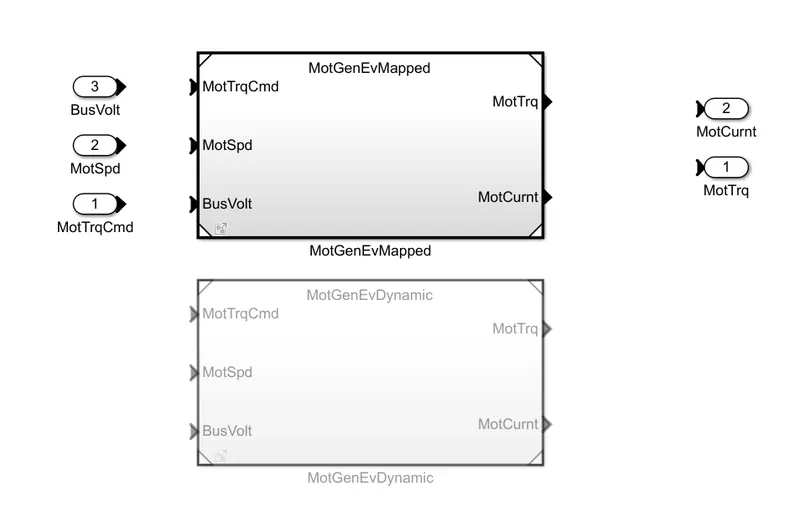
FIGURE 0.5
- Figure 0.5 represents the mapped and dynamic motor
MAPPED MOTOR:
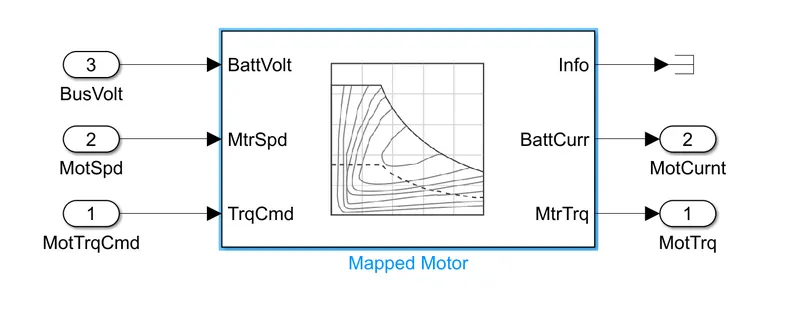
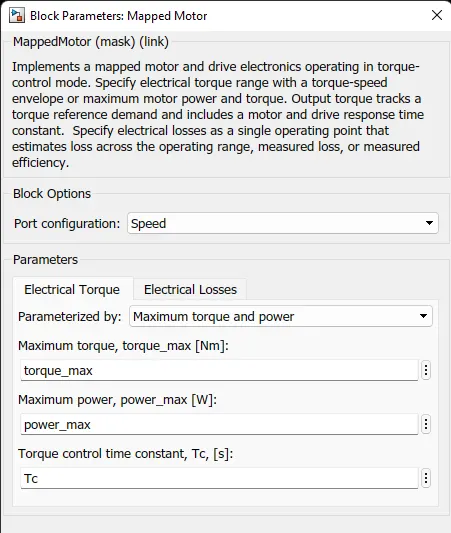
Figure 0.6 Figure 0.7
- Figure 0.6 represents the mapped motor
DYNAMIC MOTOR :
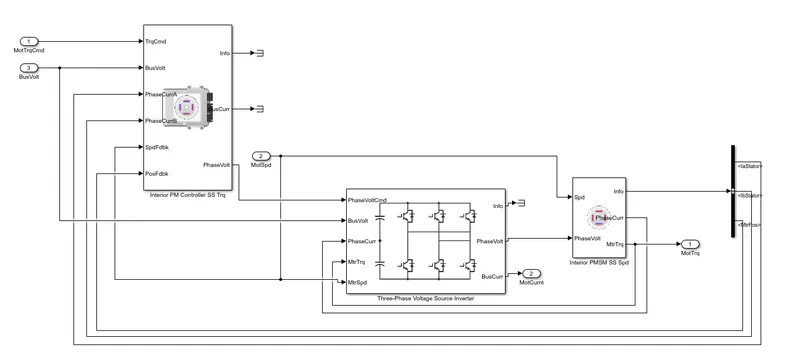
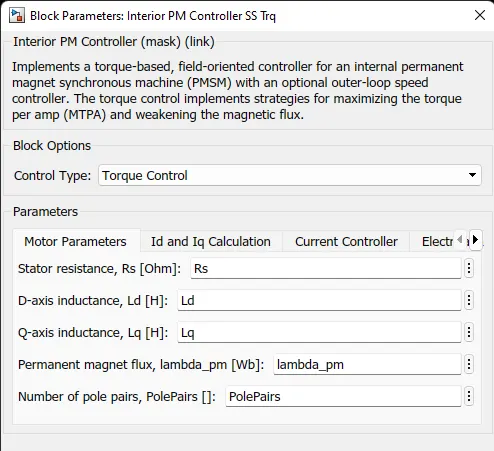
Figure 0.8 Figure 0.9
- This Figure 0.8 represents the dynamic motor.
MAPPED AND DYNAMIC GENERATOR
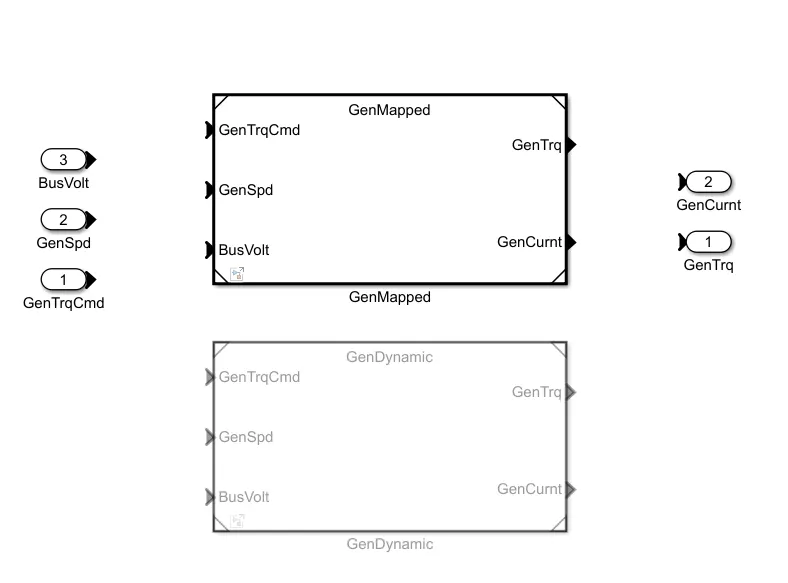
Figure 0.10
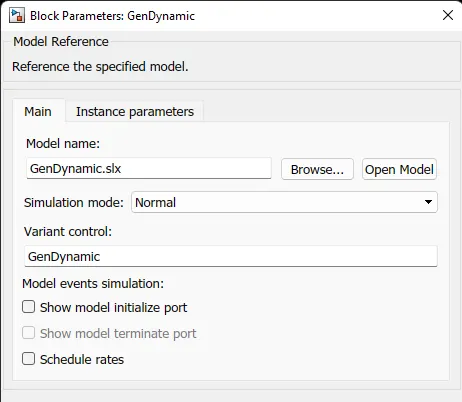
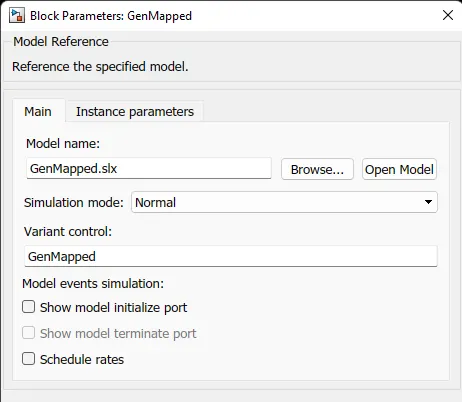 dynamic generator mapped geberator
To changing model type :
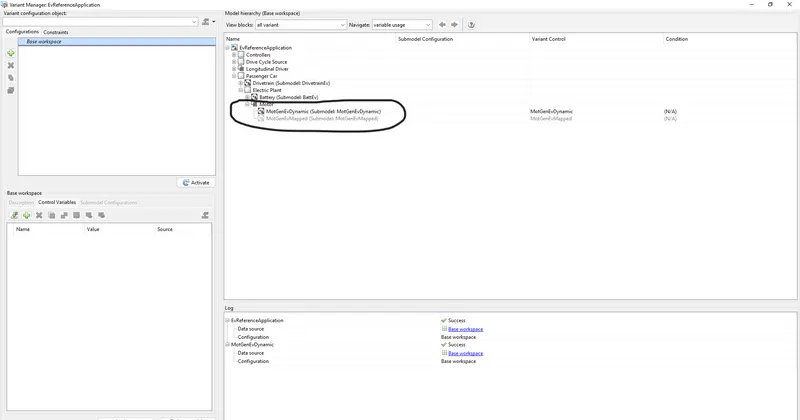
- right click the motor block , by next the pop up window opens click varient - varient manager - motor - dynamic motor or mapped motor
2.) To calculate the model to miles per gallon :
For this objective , using the electric vehicle reference application
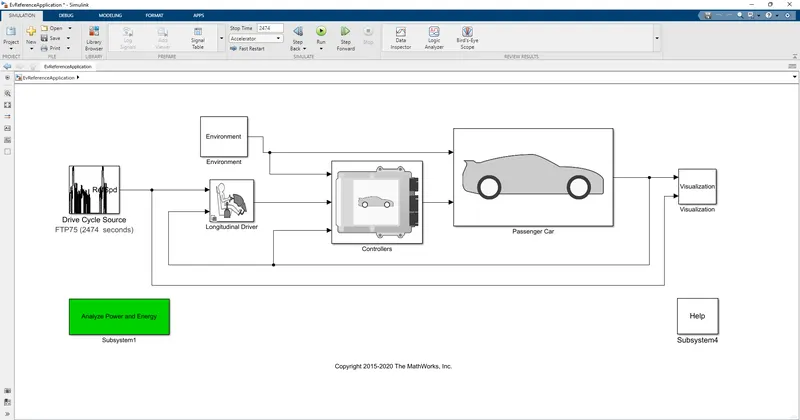
- This simulation represents the fully electrical vehicle reference application
this picture reprents how to enter into the perferming calculations to find out the how the models calculate miles per gallon.
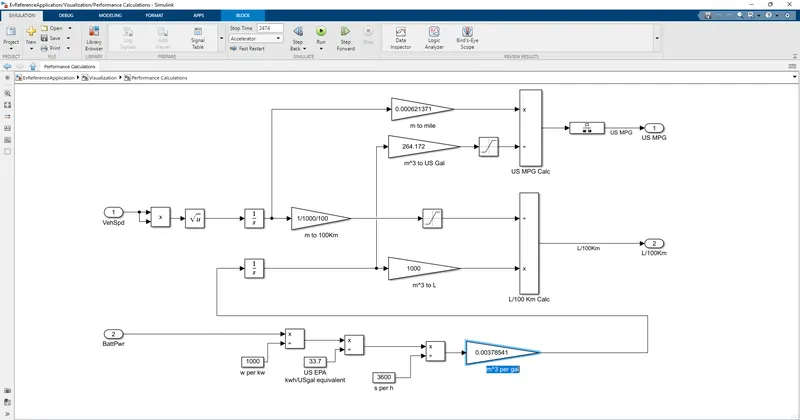
This is how the model calculate the miles per gallon - m per gal
which factors are considered to model fuel flow
- vehicle speed
- battery power
3.Run the HEV refernece application with wide open throttle:
- Open HEV reference application by using the option in the top right corner in matlab window
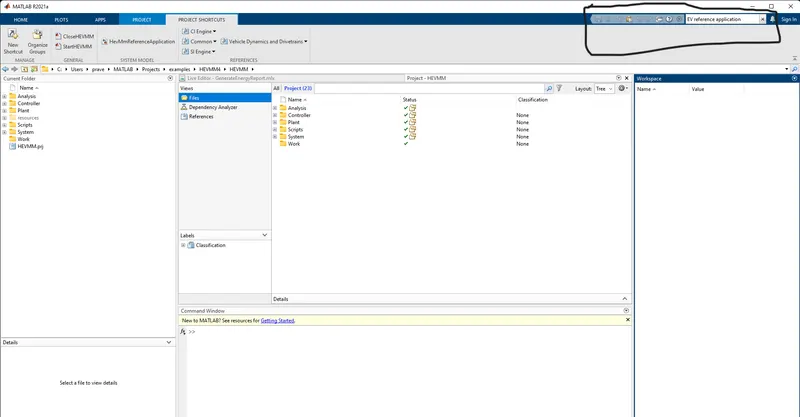
- By Using The link autob1KHevstart the HEV reference application can be opend
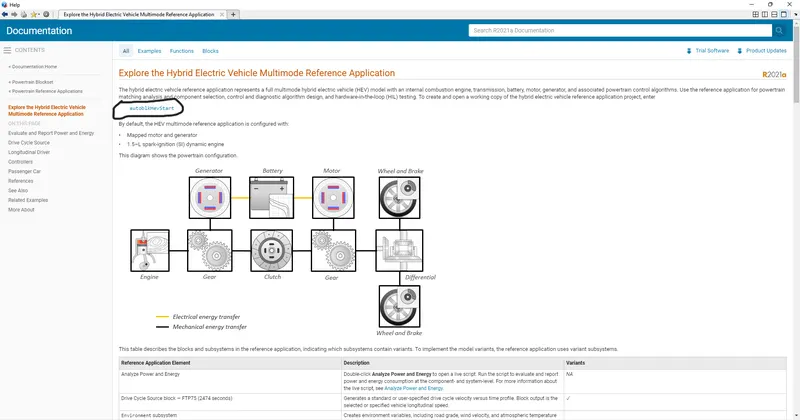
OPENING THE HEV REFERENCE APPLICATION IN SIMULINK :
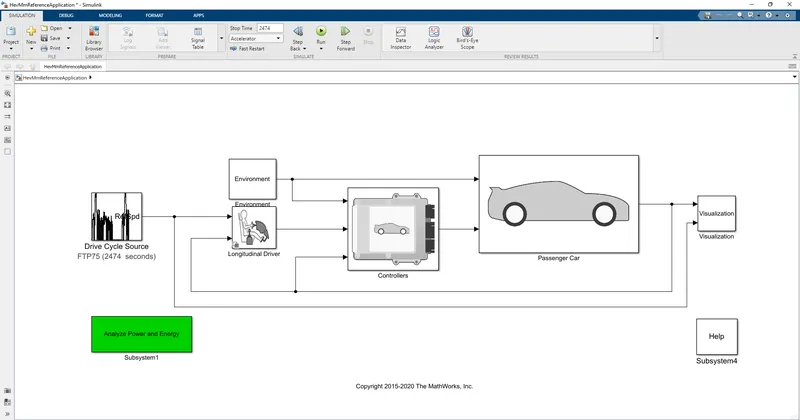
- Next step is to change into the DRIVE CYCLE FTP75 to WIDE OPEN THROTTLE
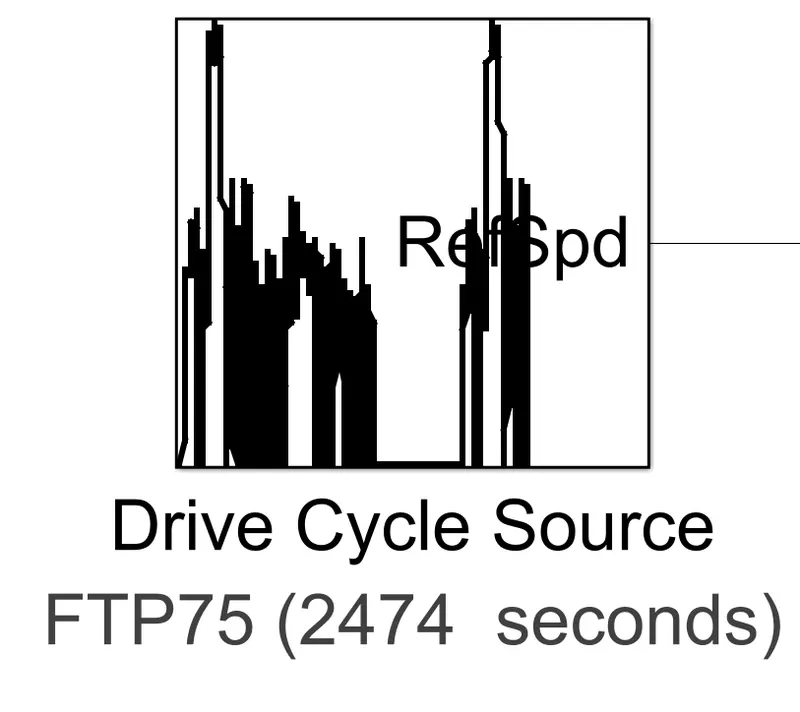
- this is the drive cycle source
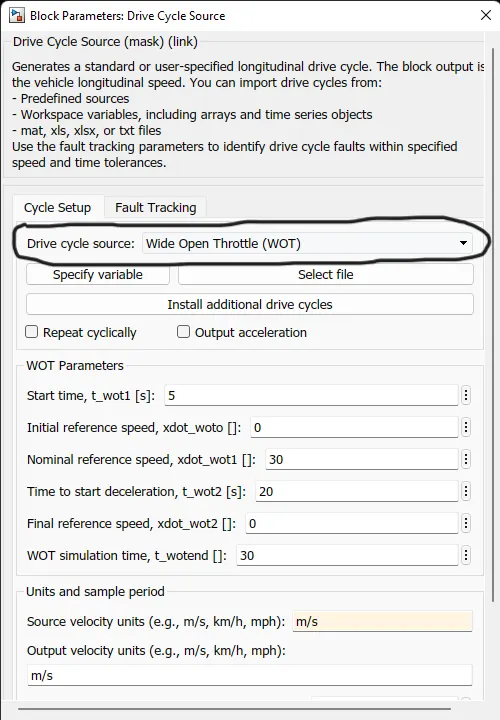
- the drive cycle source is changed into WIDE OPEN THROTTLE
Now the Grade and wind velocity want to be changed
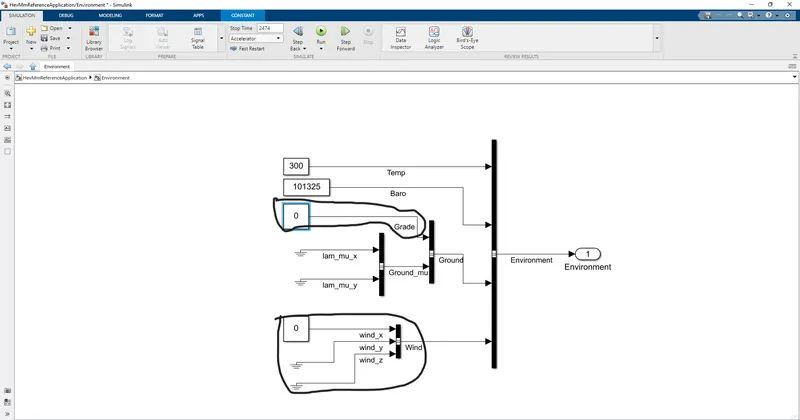
- these are blocks where the grid and wind velocity to be changed
gradeability changed to 7%:
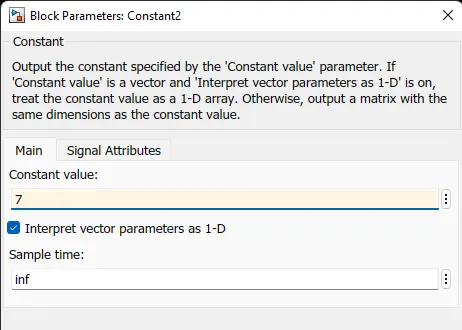
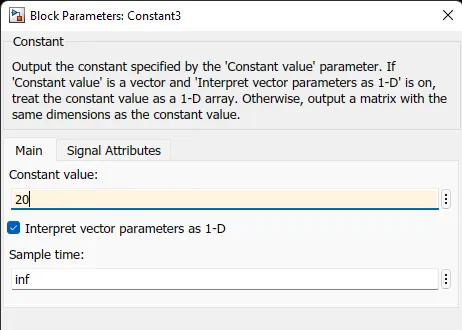
wind velocity changed to 20:
the visuvalization gives the output:
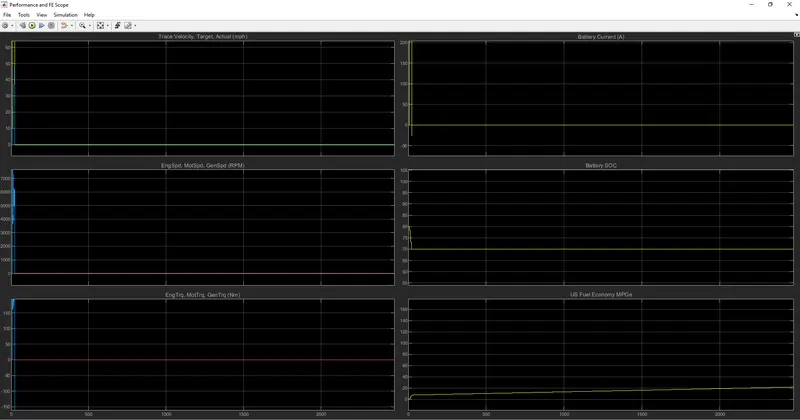
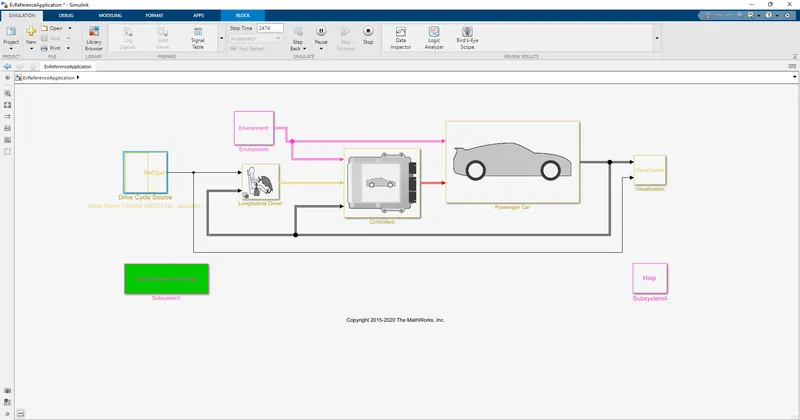
the simulation is run for 2474S as per default.
pure electric vehicle:
hev output:
Pure ev output:
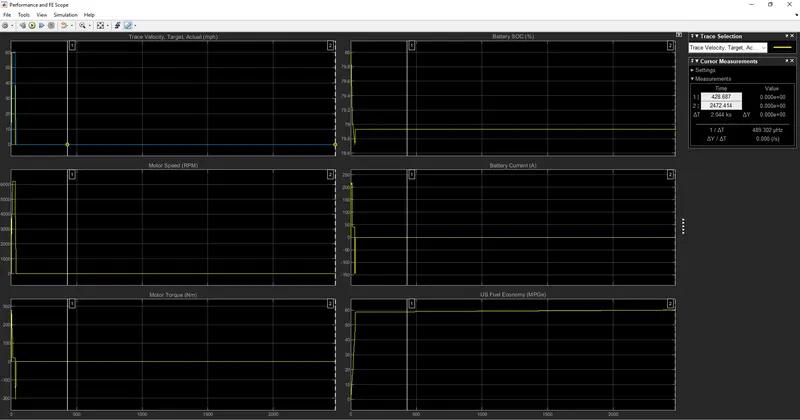
for both the HEV and Pure electric the step time to be default as 2474S.
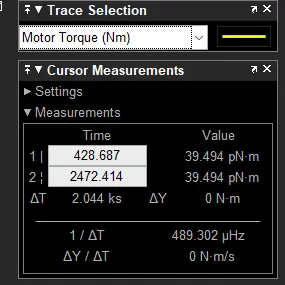
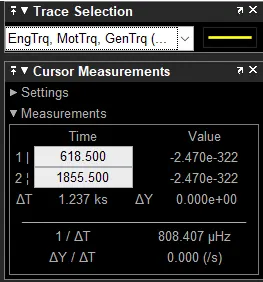
motor & engine torque for EV And Hev:
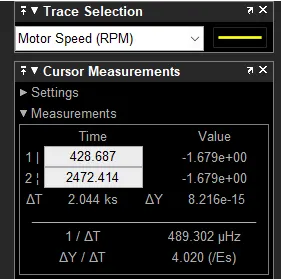
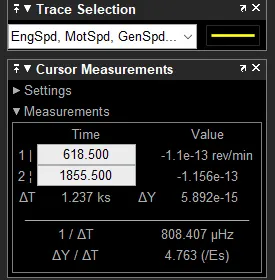
Motor and engine speed for EV And Hev:
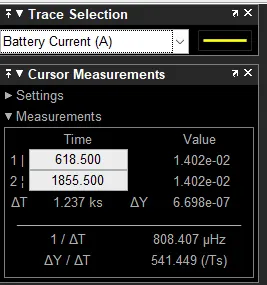
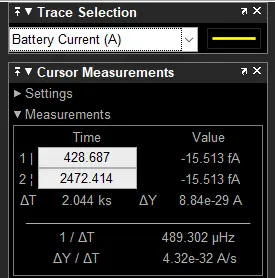
Battery Current for EV And Hev: