Week 4 Challenge : CFD Meshing for BMW car
Link for Model:
https://drive.google.com/file/d/1hNdx03q54MxSMP-7RjW1ERiBuWZLysxW/view?usp=sharing
Aim:
For the given model, check and solve all geometrical errors on half portion and Assign appropriate PIDs. Perform meshing with the given Target length and element Quality criteria. After meshing the half model, Do symmetry to the other side.
Procedure:
1. Deleted one half of the car, so we can use the transform option to mirror it later.
2. Performed the topo cleanup on the grill using options such as paste, cut, project, etc.
3. Performed more topo Cleanup on all the different components individually using many options such as Coons2Curves and Extend etc.
4. Assigned the required PIDs to the specific parts and used the compress option to force delete unrequited PIDs.
5. Perfromed Surface Mesh for each part depending upon the required target length for that part.
6. Created the wind tunnel around the car and then meshed the wind tunnel as well according to the suggested dimensions.
7. Used the autodetect option in the volumetric mesh tab to auto define volumes so as to perform volumetric mesh in the volume between the car and the created wind tunnel.
Procedure Snapshots: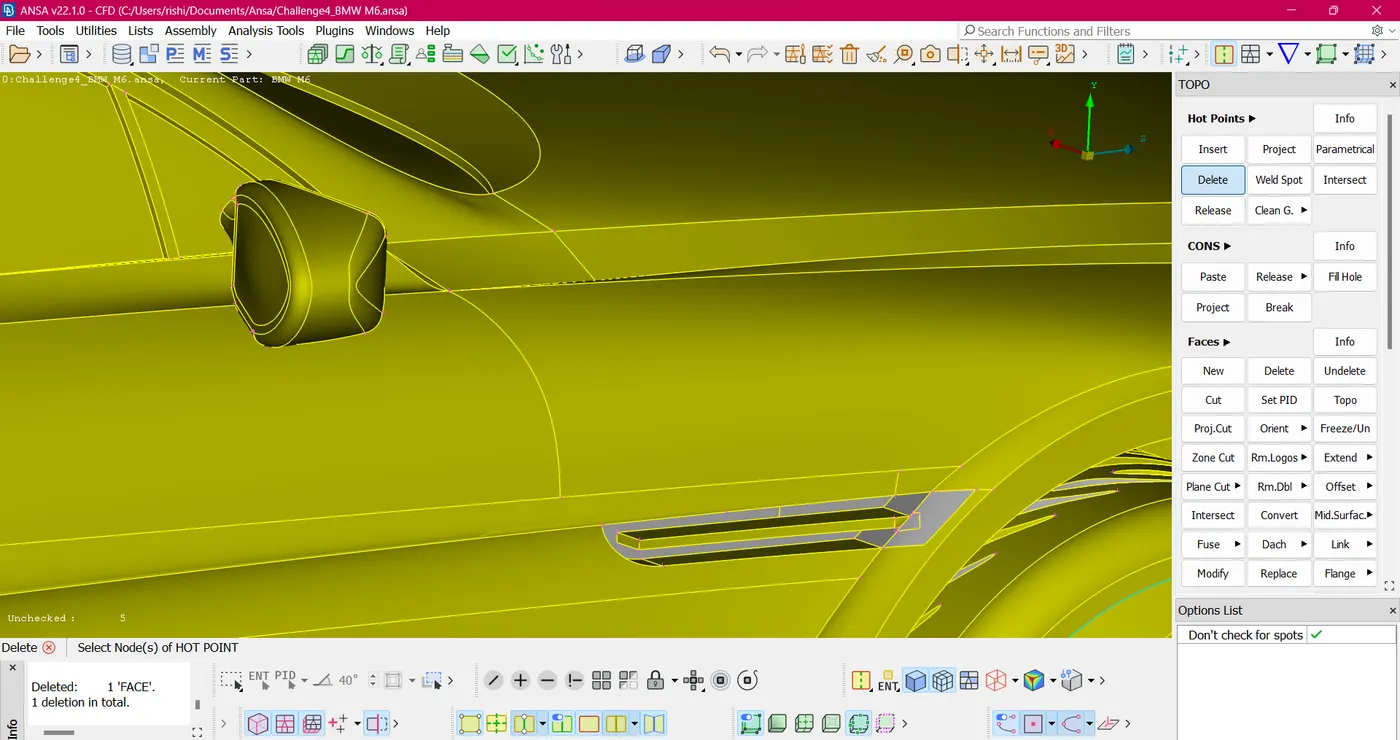
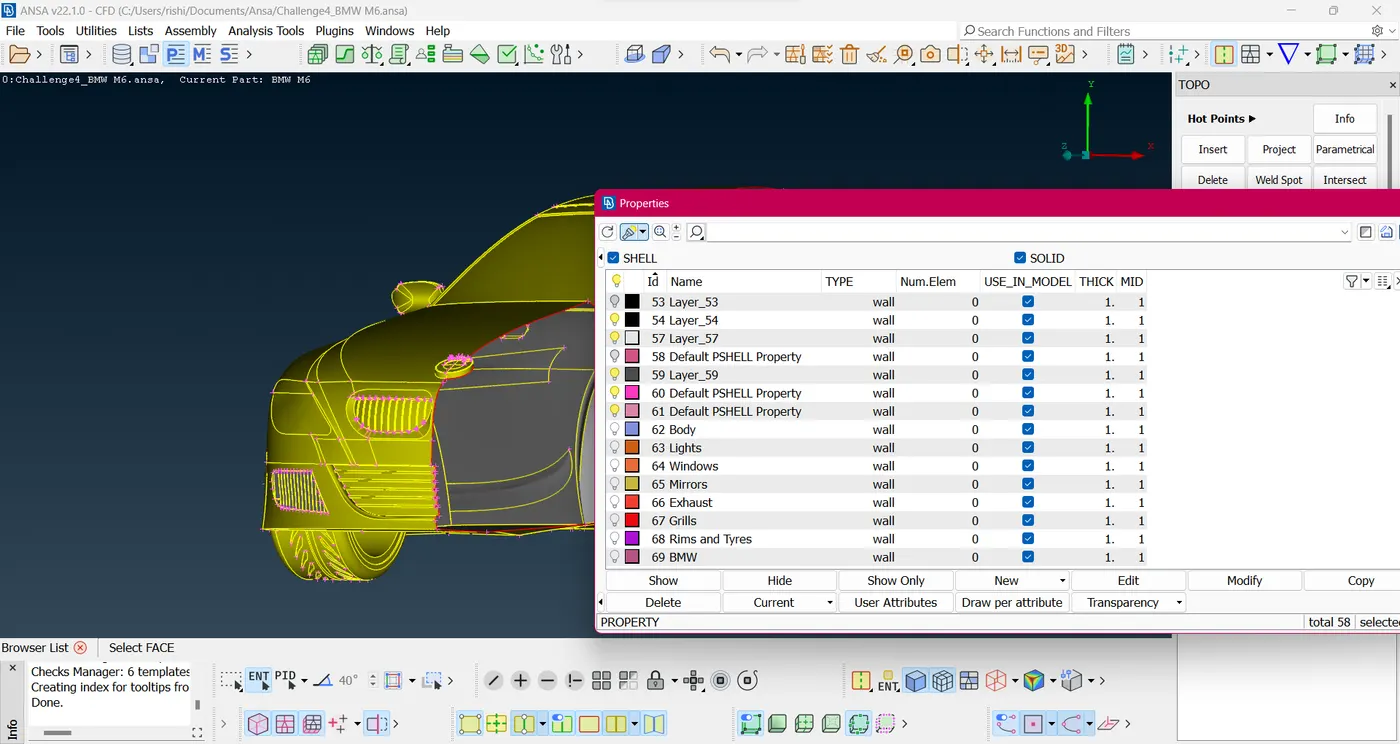
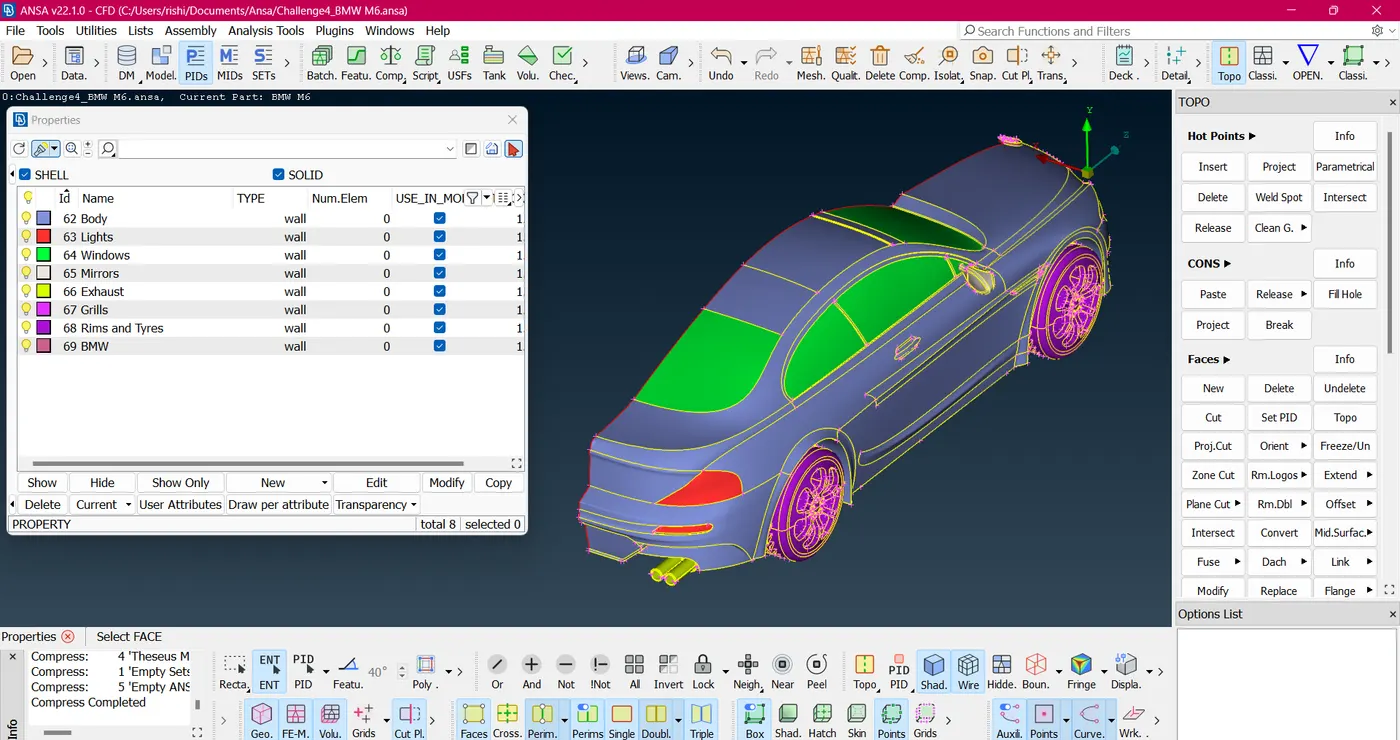
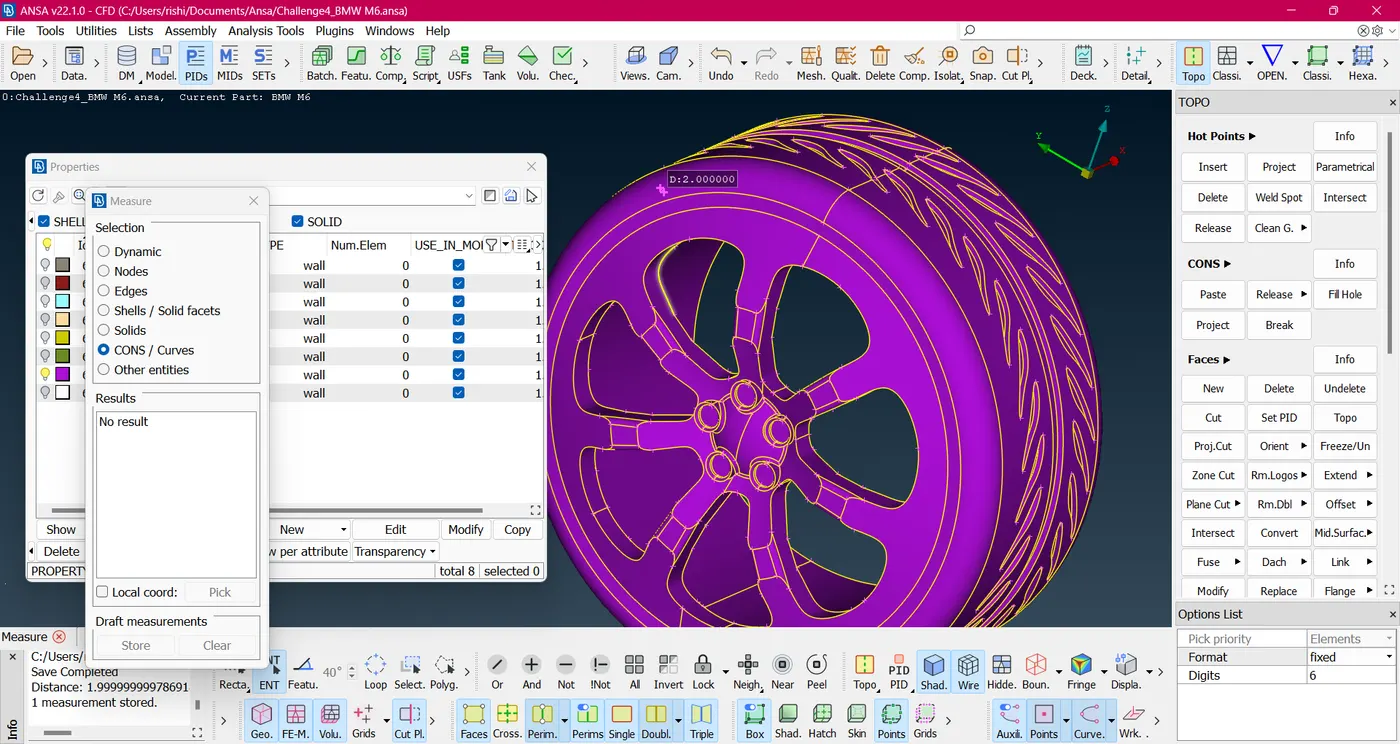
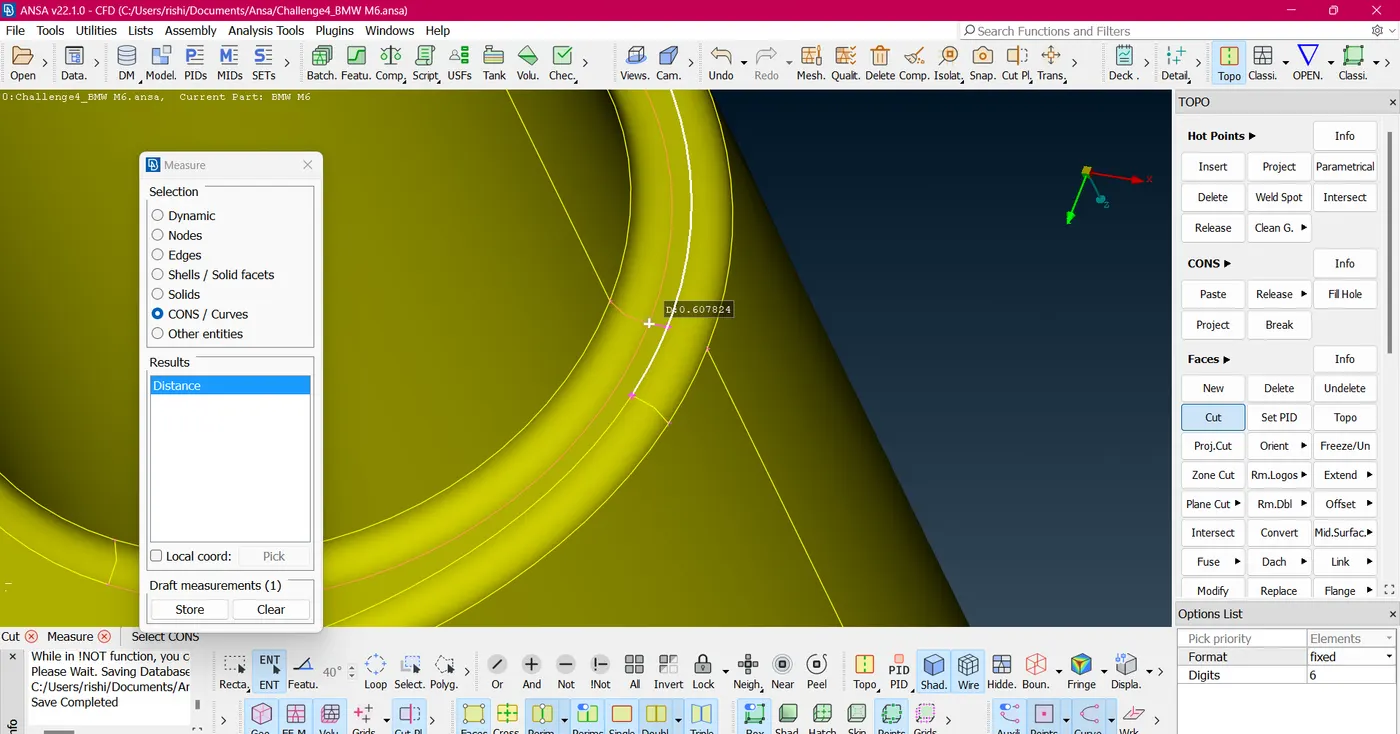
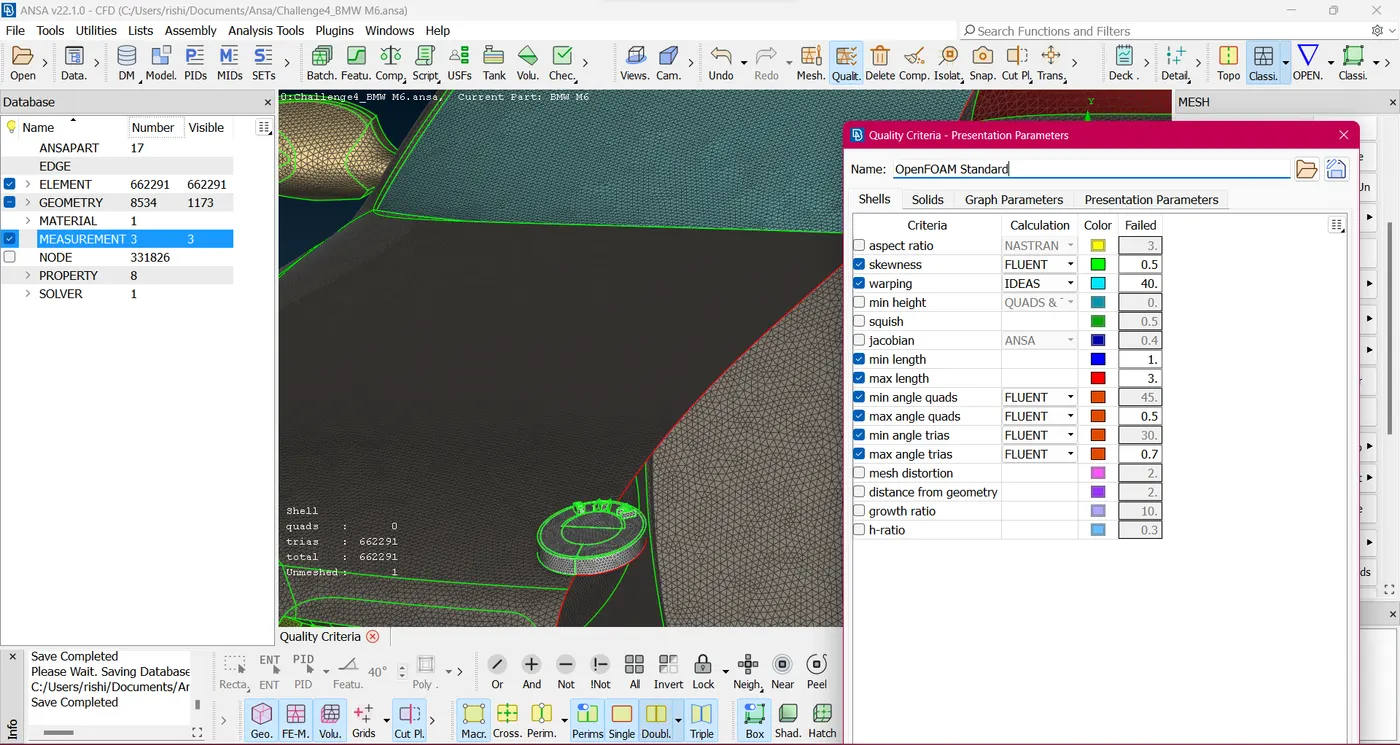
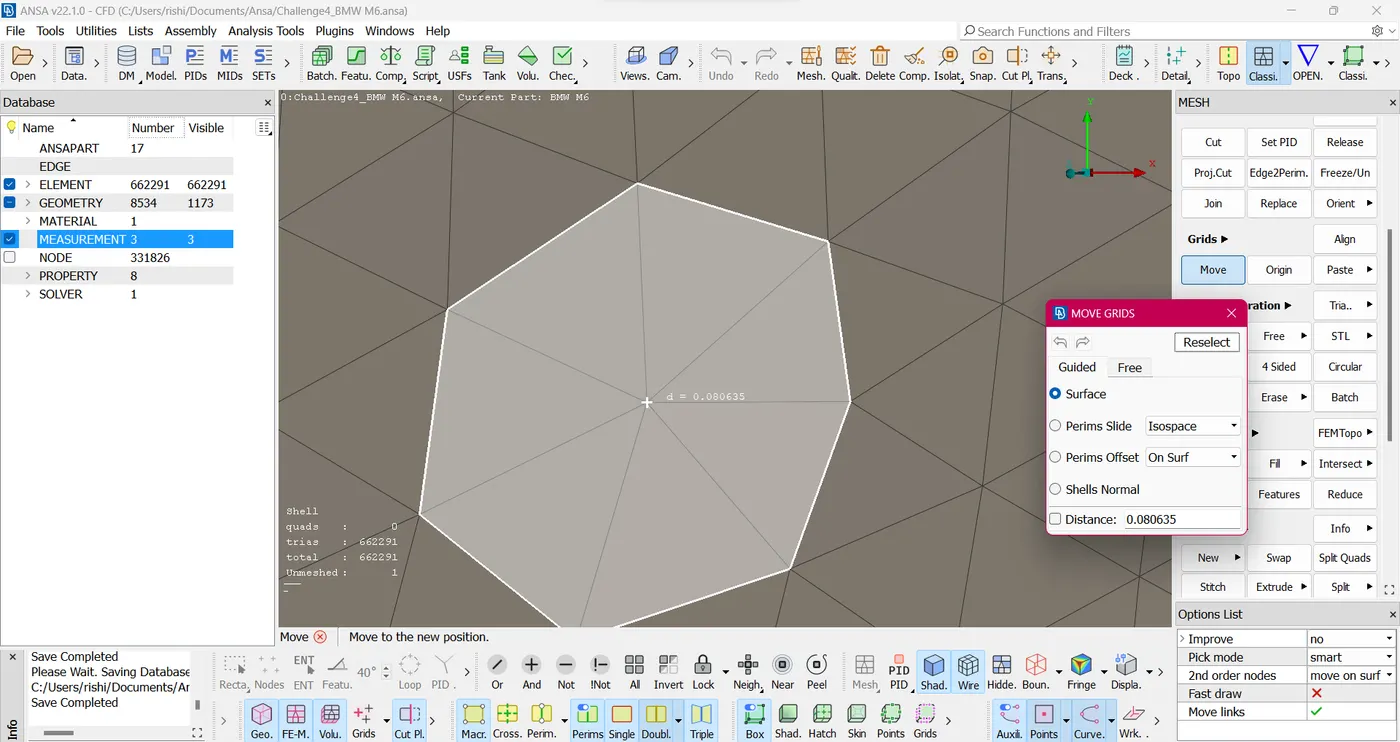
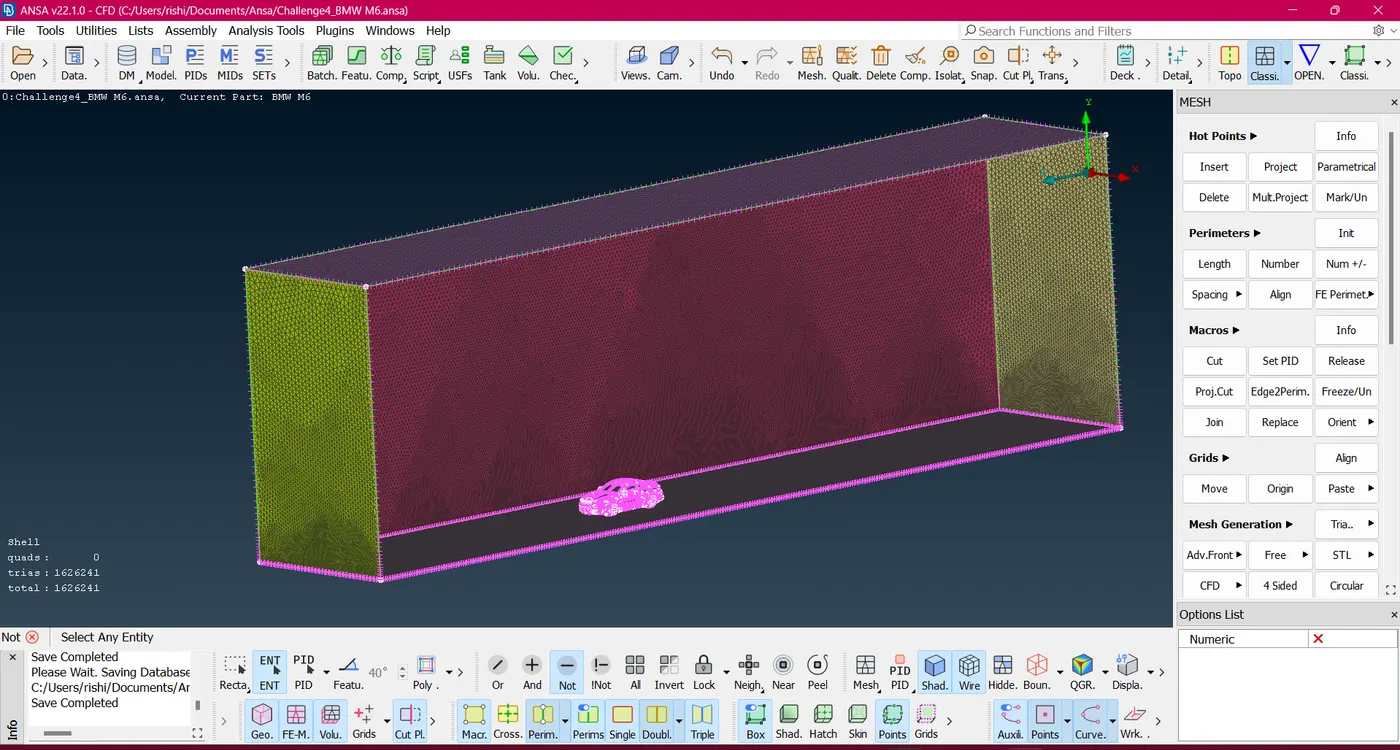
Conclusion :
Learned how to do the topo cleanup and its concepts for an entire model by targeting specific parts one by one and using various options such as extend, paste, coons2curves and so on. Also learned how to assign PIDs, create a wind tunnel and meshed different components with different target lengths and finally achieve the required volume to be tested.