Week 4 Challenge : CFD Meshing for BMW car
OBJECTIVE
MODEL FILE LINK ADVANCE MEHING ON CAR MODEL
https://drive.google.com/file/d/1KXlC-ijFUs-5D7CvF3vlZbEWWfwfBttC/view?usp=share_link
ERFORM THE CAD CLEANUP OF THE CAR MODEL AND ADVACE MESHING
the car model should be free of any error
write a detailed report explaning how you cleaned the model in ANSA step-by step with snapsshots for each step.
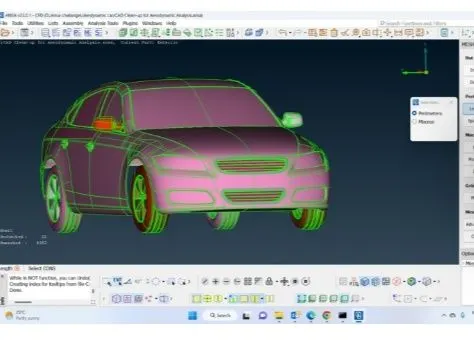
1.INCREASE THE RESULATION
we will have do a resulation to caputure the geometry error .
mesh deck>perimeter>length1
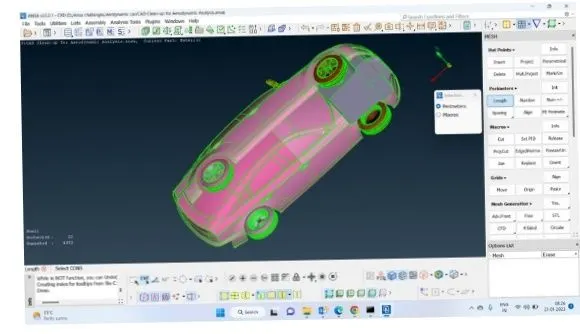
2.HIDE THE PART WHICH ARE NOT SYMETRICAL
by hide the ppart which are not symetrical so that we can do the geometrical cleanup only for one half and reduce the process of geometry cleanup
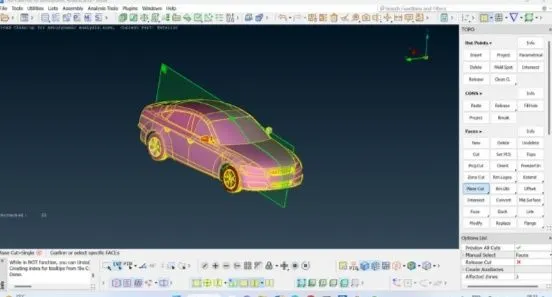
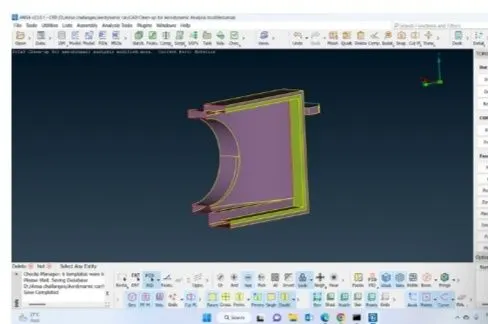
3.CUT THE GEOMETRY INTO TWO HAVELS
toppo deck>faces>plane cut
select any 3 points of the diresction which we want to cut the planned middle click
4. check the one half which is having more errors
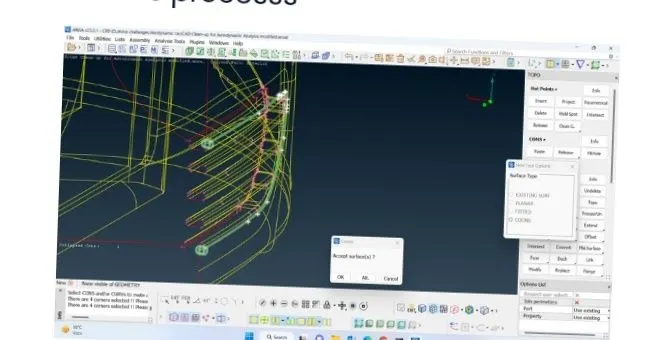
by clicking the ctrl+shift we can she in which half there was more no of errors
5. REMOVING ONE SIDE WHICH IS HAVING MORE NO OF ERROR
BY SELECTING THE ALL FACES ON THE LEFT HAND SIDE
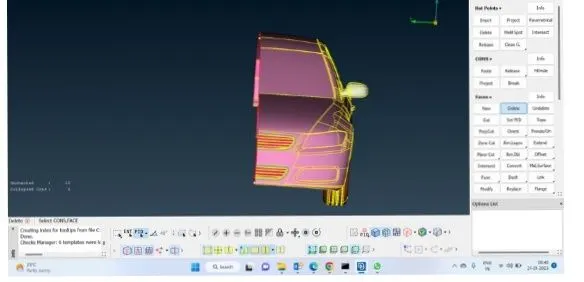
WE CAN GO UNIVERSAL DELETE
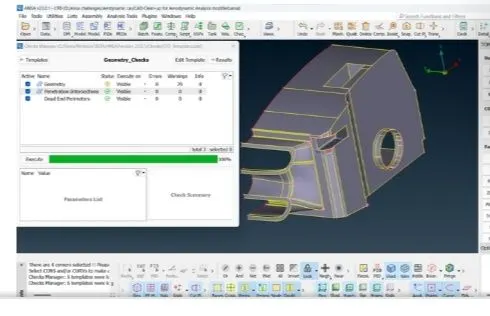
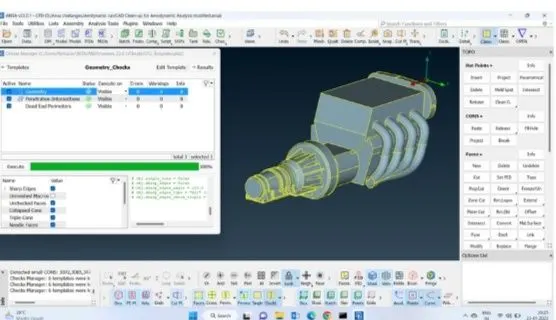
CHECH GEOMERIC ERROR
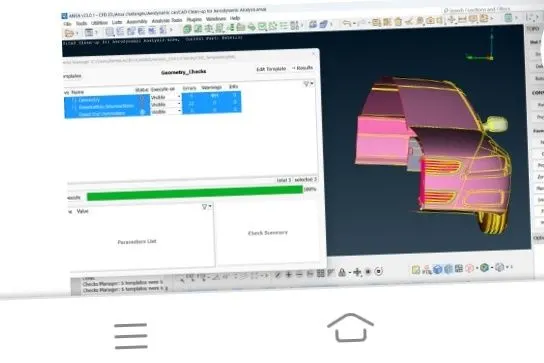
REMOVE THE INTERSECTION ERROR
REMOVE THE ALL INTERSECTION ERROR
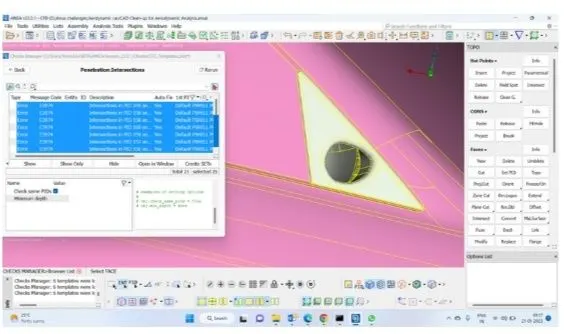
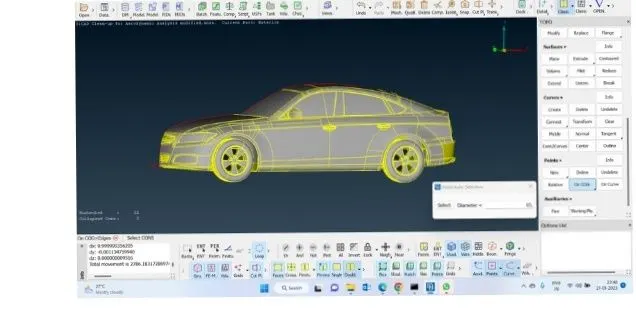
CREATE A ANOTHER HALF OFF THE PART
we have clared thegeomtry error for one half and mirror that geomtry create the another part
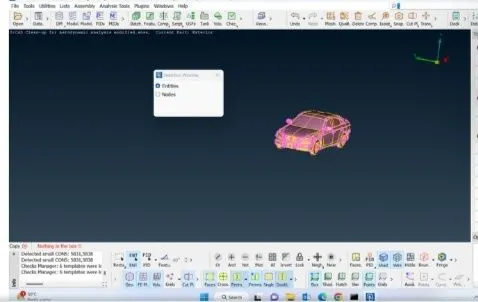
use 3 point curve
utility transform>symmetry>mirror3>pount apply will given the mirror face of the body
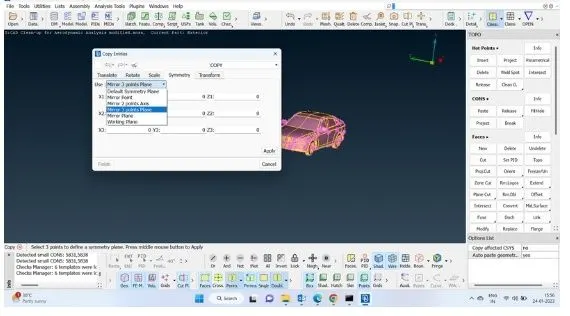
clean radioter overlapping
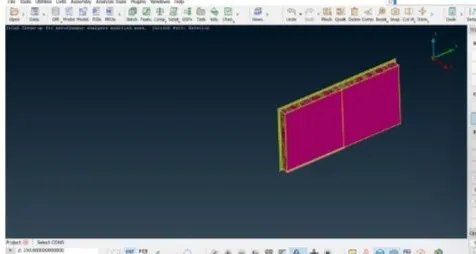
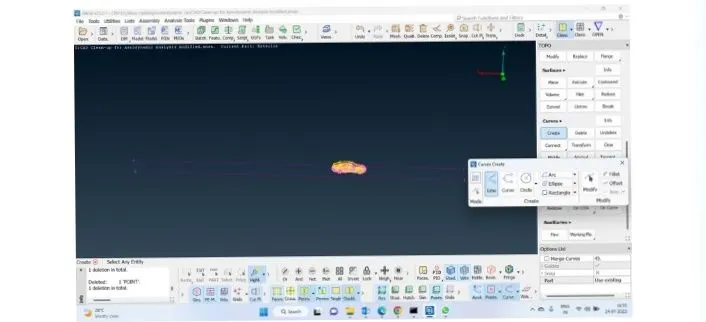
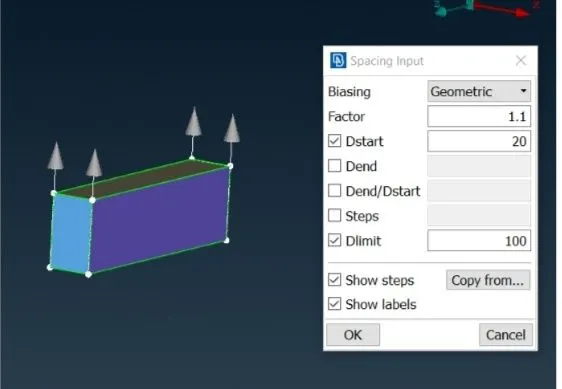
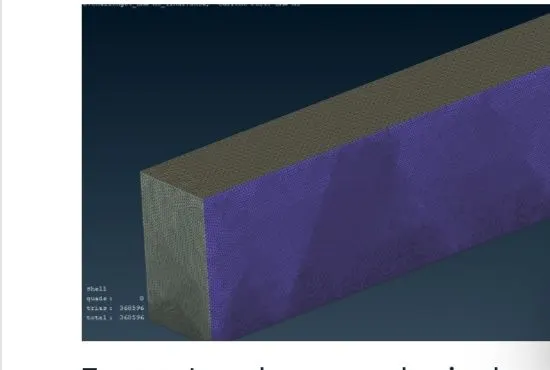
now wind tunnel creation from the point face of the the car will have a create a relative point with a distance 3*1
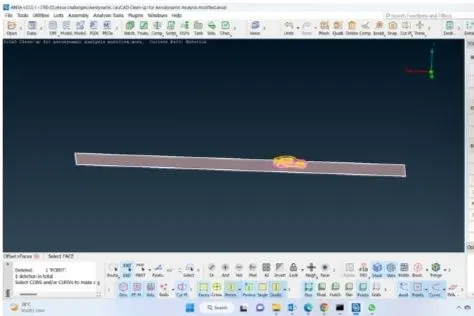
use curves or line for the botton surface offset the bottom face and create the top face of the wind tunel
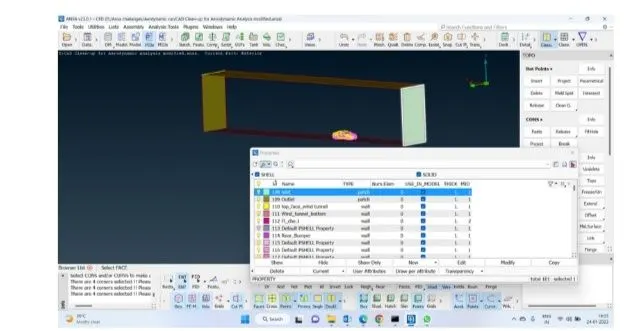
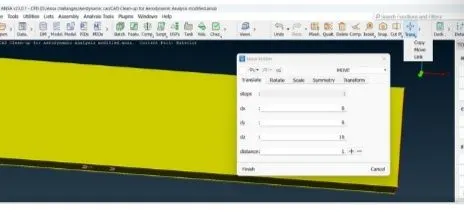
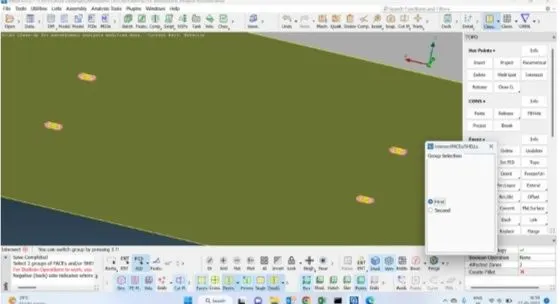
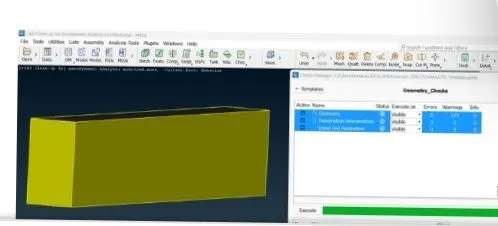
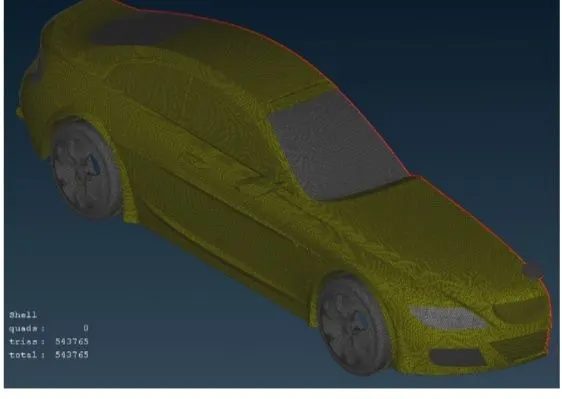
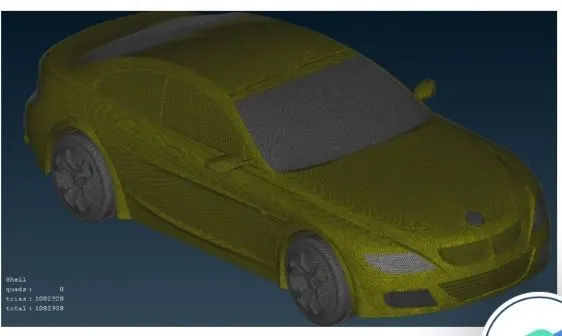
BEFORE MESHING MESH PARAMETR DIALOGUE BOX THE TARGET LENGTH HAS BEEN ENTERED AFTER SELECTING GENERAL CRIETRIA AND MESH TYPE HAS BEEN SELECTED TRIA
https://drive.google.com/file/d/1KXlC-ijFUs-5D7CvF3vlZbEWWfwfBttC/view?usp=share_link