Week 4 Challenge : CFD Meshing for BMW car
Aim:
To surface mesh Wind Tunnel by considering the mesh target length for BMW M6 Car
Procedure:
Step 1: Open the WK4 Challenge model in ANSA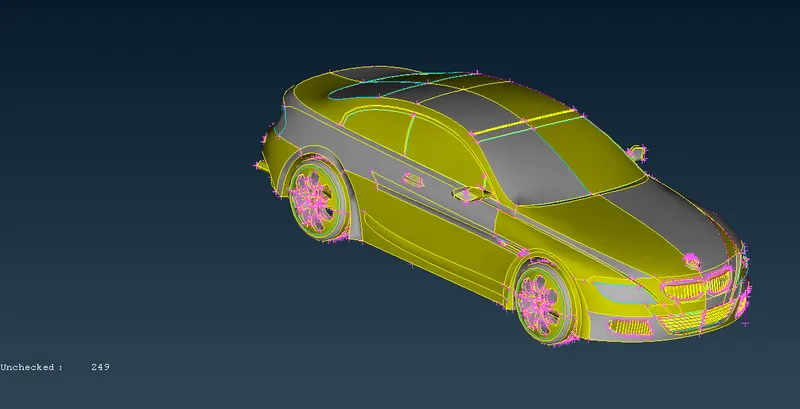
Then do the perimeters --> Length from Classic MESH Deck to change the length of perimeter to 1 inorder to have a proper curvature.
Then isolate, the logo of M6
Now delete the half of the model using global delete option 
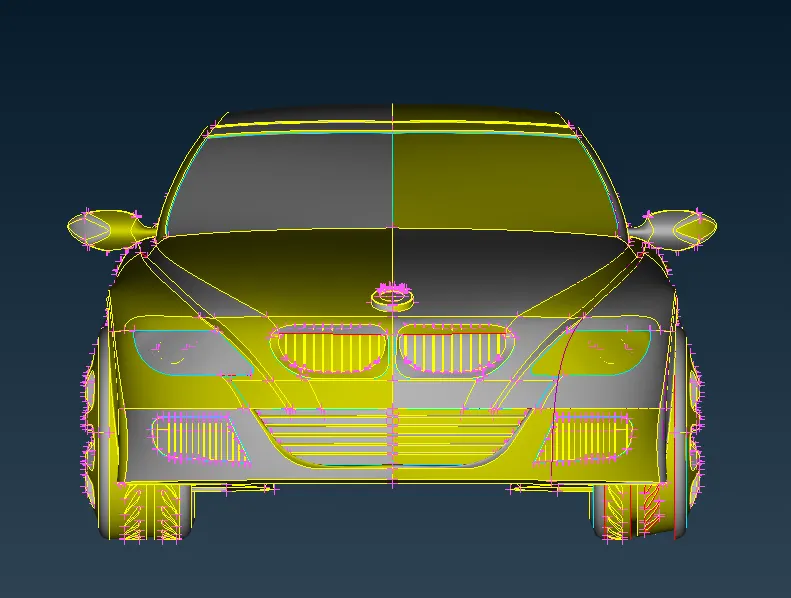
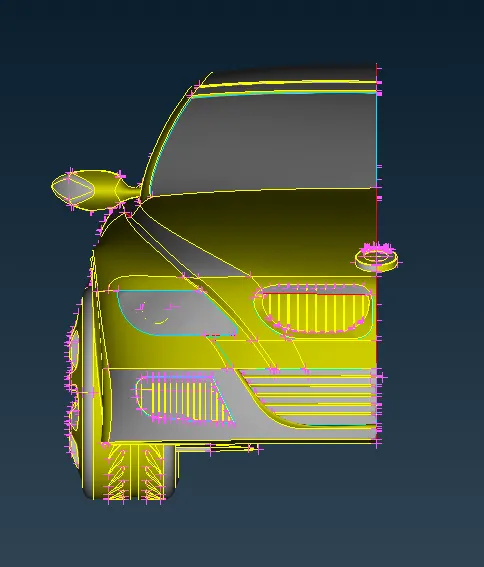
Step 2:Need to perform geometry cleanups for the parts in M6 Model.
First isolate the grills using NOT option 
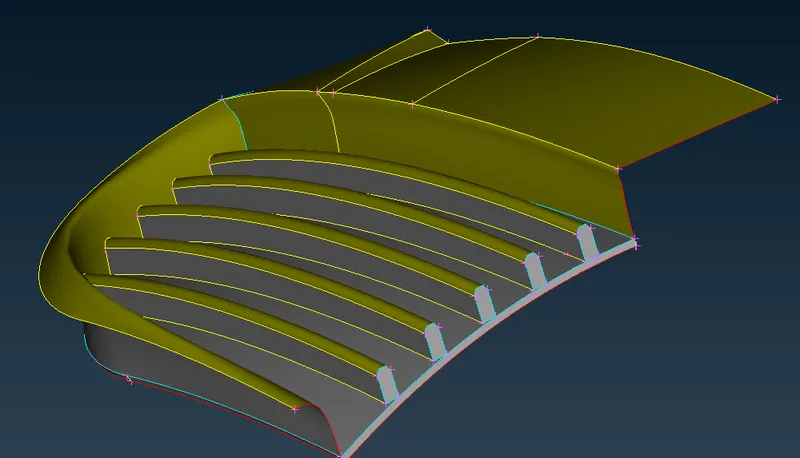
Remove the inner volume of the Grills using Face --> Delete option
Then do the necessary geometry cleanups for the grills using Cons Project option and Face --> New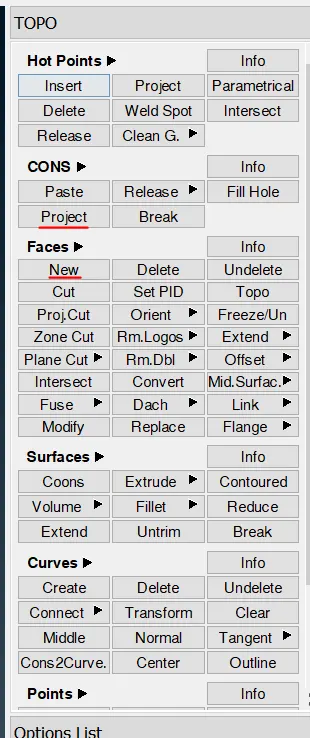
Try to adjust the grill face properly to the surface using project option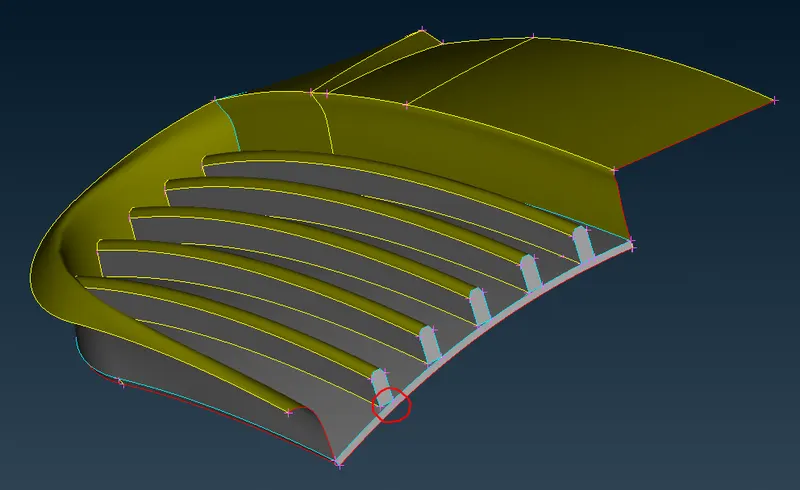
Need to do for all the grills using the following above process
Before Geometry Cleanup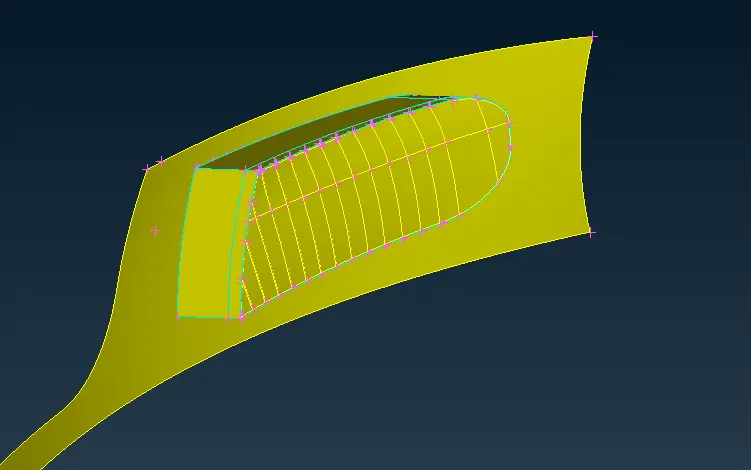
After Geometry Cleanup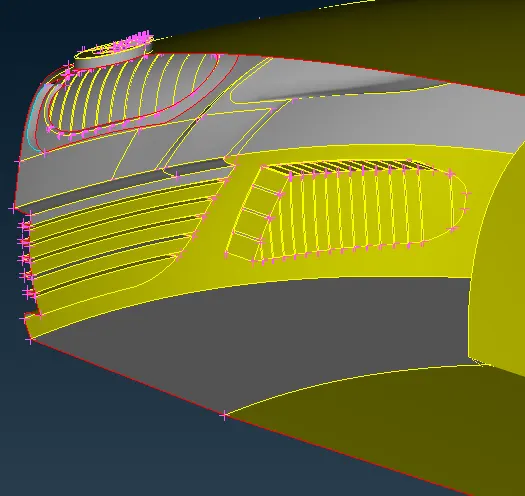
Step 3: Do Geometry Checks using Checks --> Geomtery check
Then try to remove the intersections, Triple COns, Cracks, Mixed cons from the model
Step 4:
During Geometry cleanup on the face, try to delete the unwanted faces from the model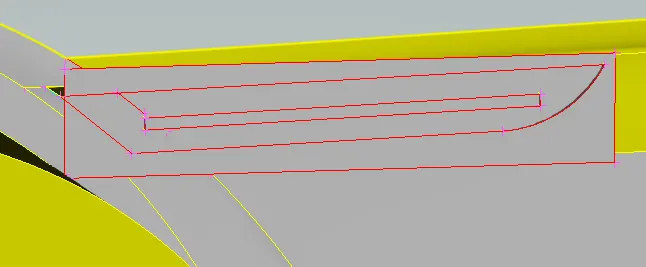
Then using Faces --> Extend option to extend the siding face of the model, using intersect option we can now seperate the faces to be kept and delete.
Now, delete the unwanted faces using Global delete or Face --> Delete option
Remove the triple cons from the model by deleteing and recreating the same face using Face --> DELETE & Face --> New option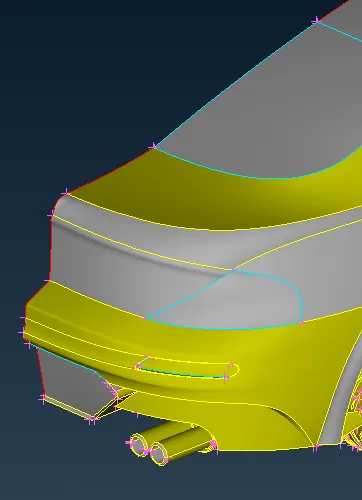
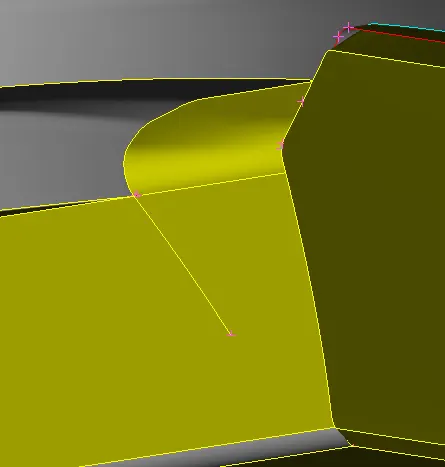
This double cons will create a inetrsection errors, inorder to solve it, delete the nearby face by creating a face cut option to seperate the face 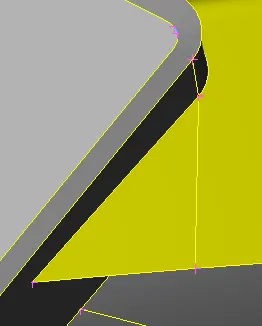
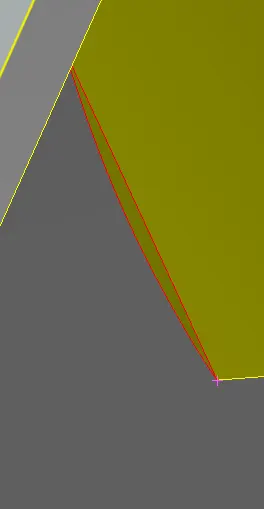
Use face --> New option to close the single cons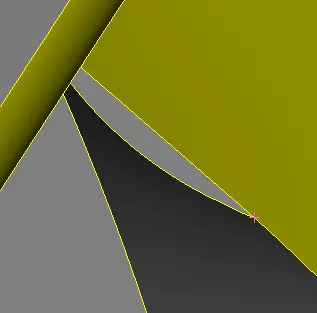
Do the Geometry check again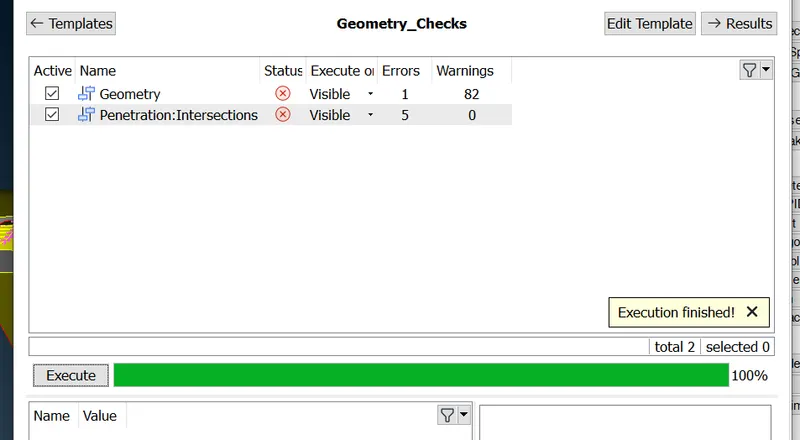
Step 5 : Redo the above process to clear the Geometry errors and intersection
FLoor Cleanup is one of the important process to remove the intersection and Triple Cons
Using Cons2Curve option from Curve deck, make a curve by selecting the cons (Outer profile to be maintained inorder to have the same design size)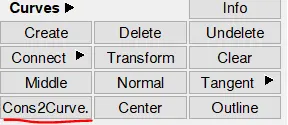
After this, delete the face and recreate a new faces to avoid these errors. Recheck the geometry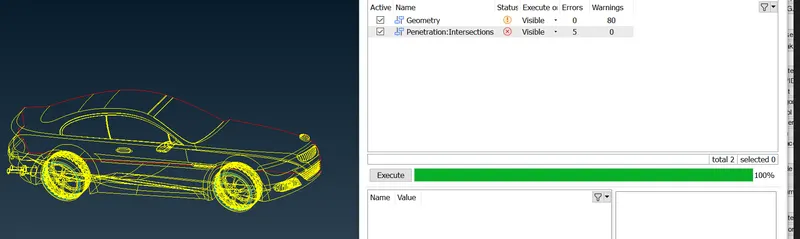
Now redo the geometry cleanups where and all required using above mentioned options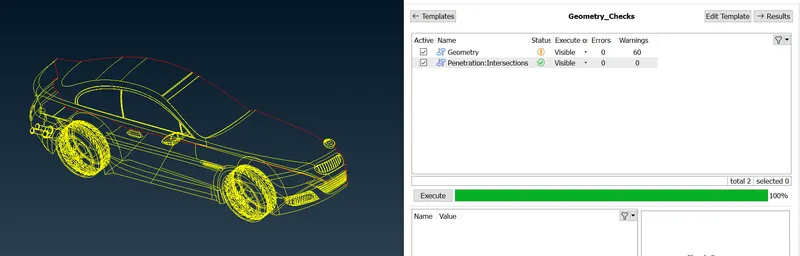
Step 6: Assign PID's for the respective part, compress the other PID's (not required one)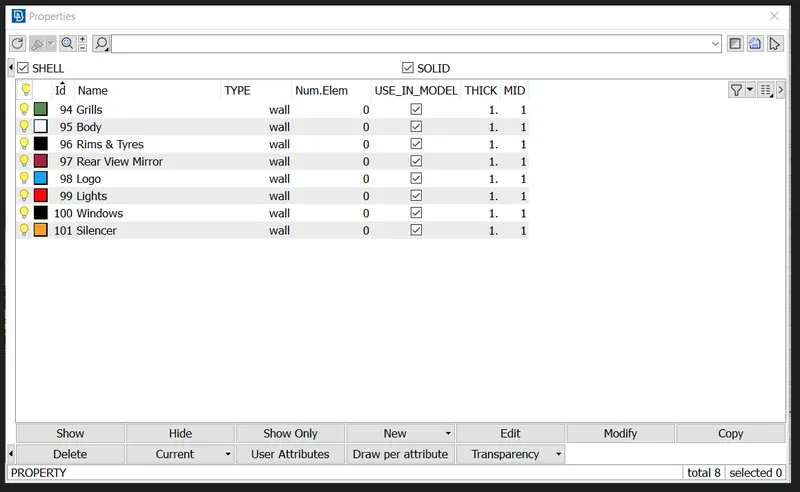
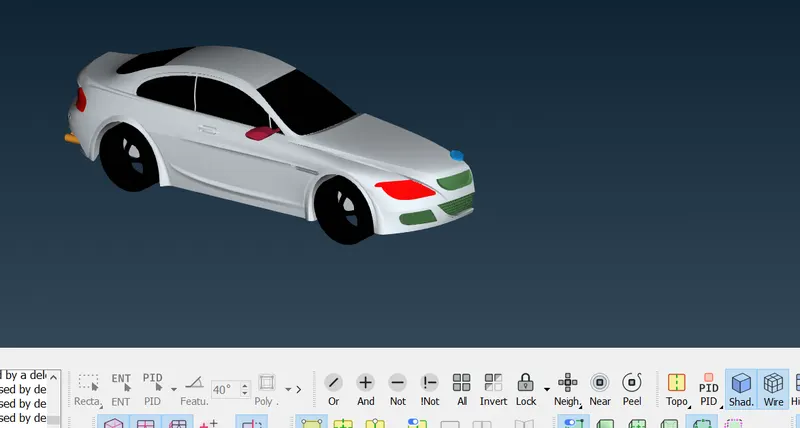
Then using Transform --> Copy by selecting the model (half shape), a pop up appears. In that select symmetry and click Mirror 3point plane to mirror the PIDs to next half inorder to get a complete model.
Then recheck again using Geomtery checks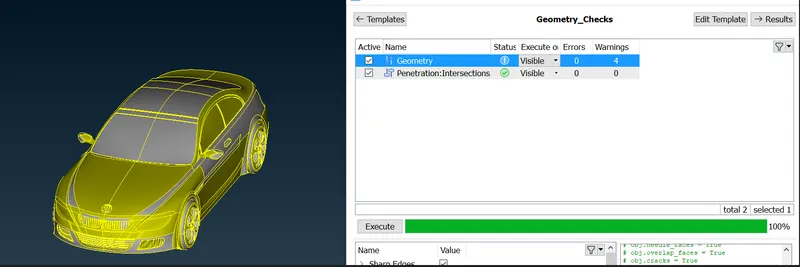
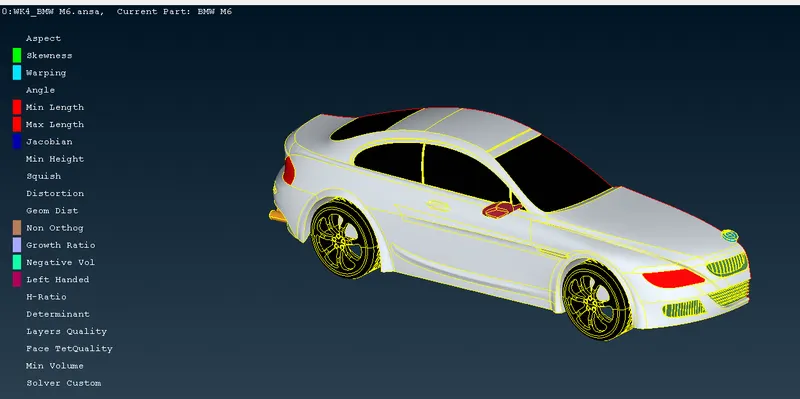
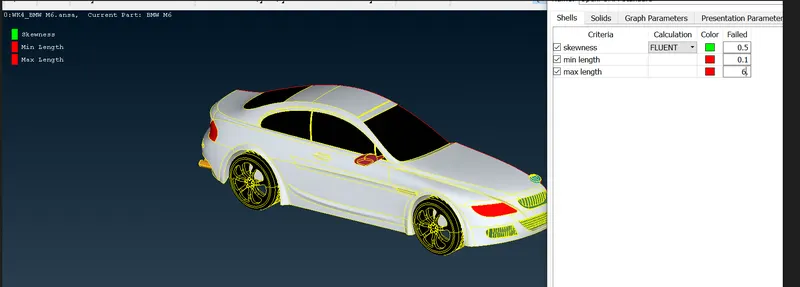
Step 7: After this, apply the quality criteria, Skewness = 0.5, Min length and Max length = 0.1mm and 6mm
Unwanted criterias can be hidden using edit criteria visiblity by deselecting it
Step 8: Do the surface mesh by assigning the respective element length given in the challenge description.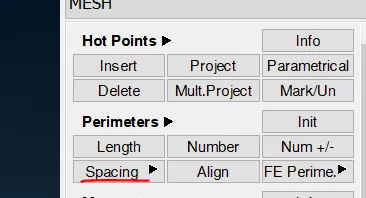
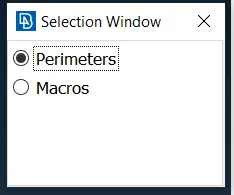
Then click CFD --> Visible option to mesh the PID part
Then Select freeze option to freeze the PID meshed part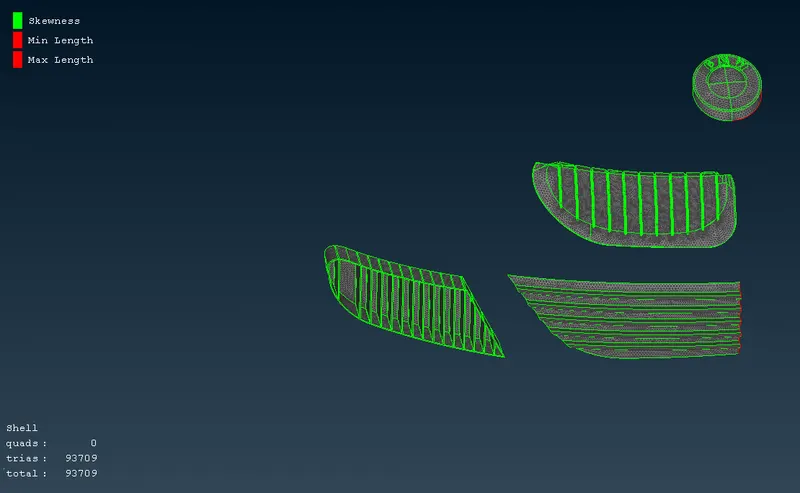
If there is a mesh affected by the quality crtieria's, it will show in the below list of Shell Mesh count. In that Right click, select Improve --> Reconstruct --> Select edges arrow --> OK
Now most of the impacted meshes get improvised, then for remaining ones, using Grid --> Move option we can modify the mesh grid by moving (Highlighted in Green)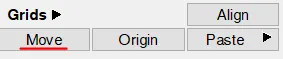
Now the mesh has been created for the model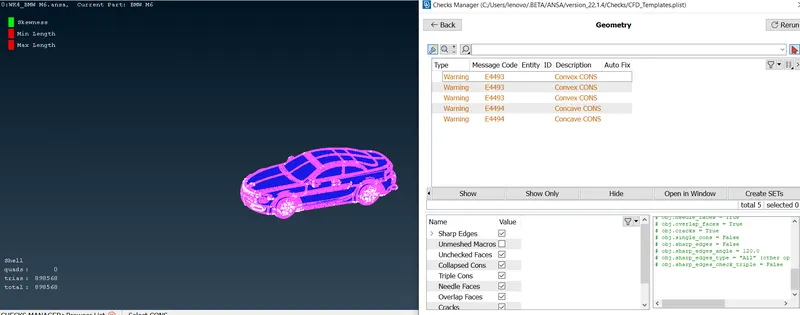
Step 9: Need to create a wind tunnel using Point --> Relative option 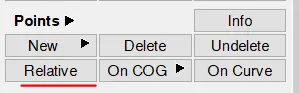
Need to measure the total length of car and then based on the criteria --> length, breadth and width of Tunnels is defined
Create a point using the proper dimensioning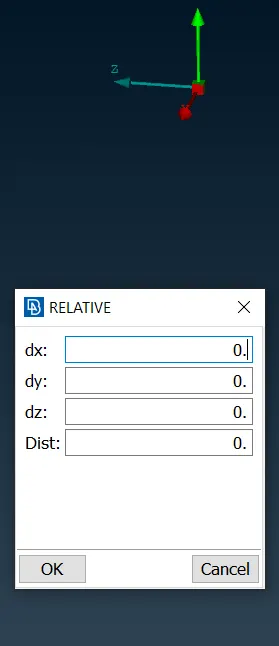
After this create a face --> new to have the wind tunnel like below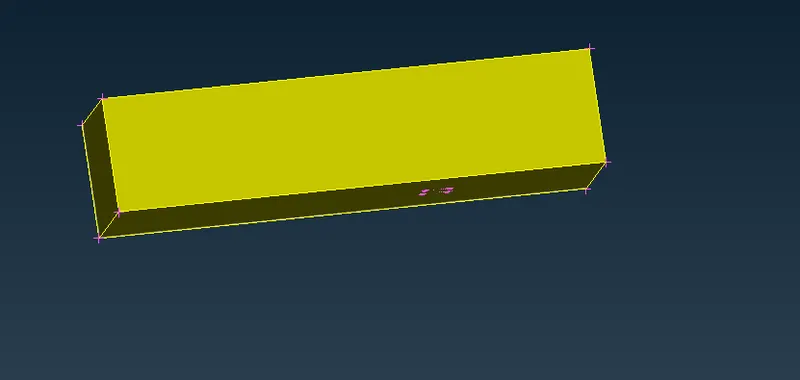
Assign PID's for that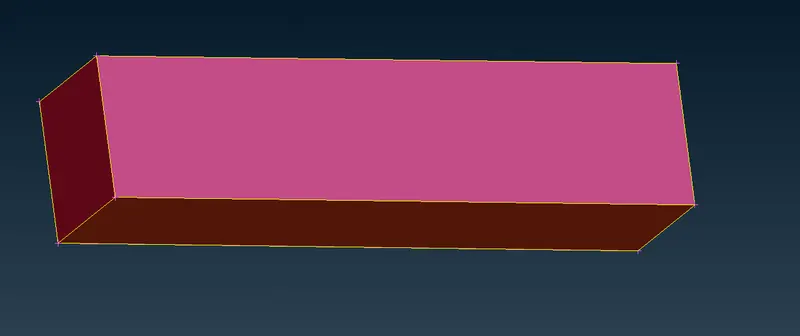
Step 10: Here do the surface mesh for wind tunnel but with a concept of Growing mesh ( 50 - 200 target length)
Select the bottom and Top face with a target element length of 50 and 200 using Spacing --> Auto CFD and then mesh using CFD --> Visible 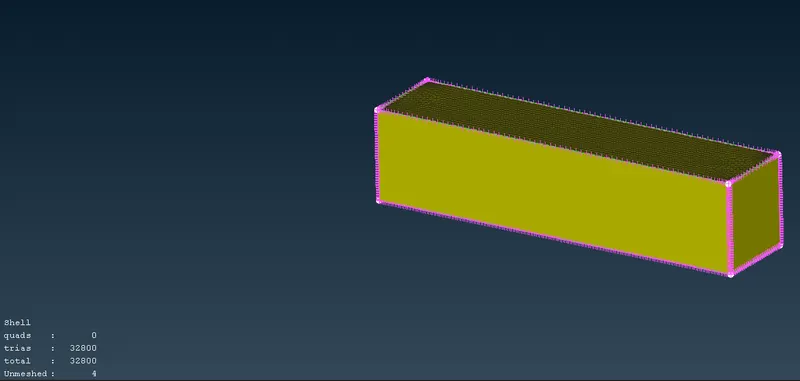
After that, select the Spacing--> Manual. Click four edges by making the arrow facing towards upside inorder to have growing mesh from lowest target length to highest (downward to upward)and provide the below neccessary info
Click CFD --> VISIBLE to mesh the wind tunnel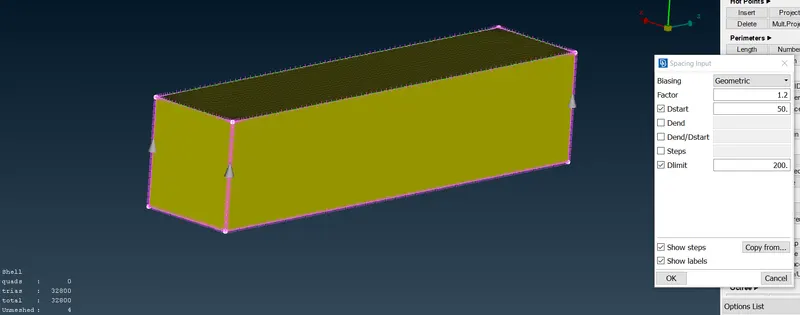
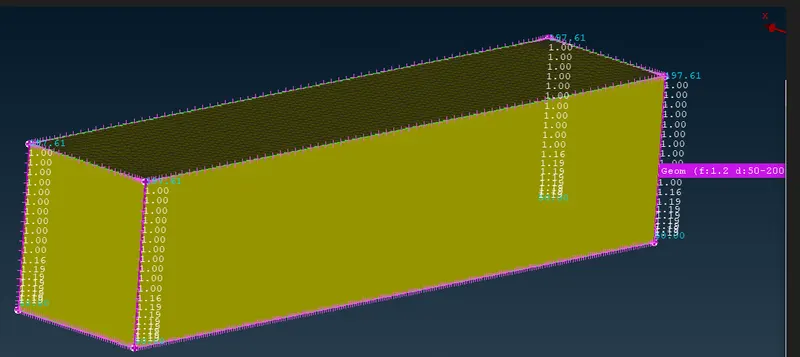
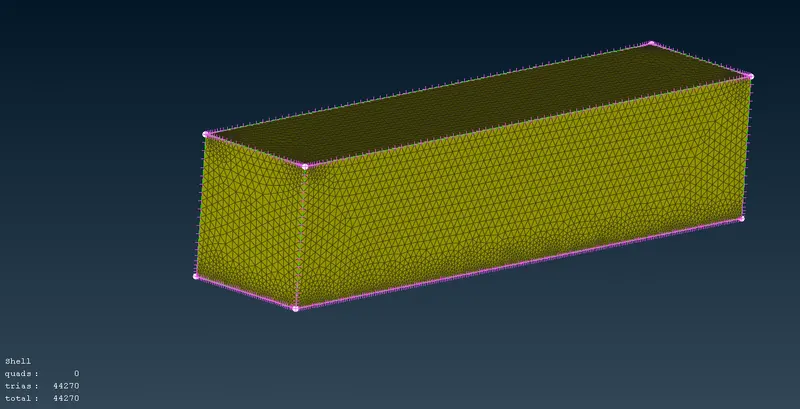
Meshing of wind tunnel is hown above
Final meshing of wind tunnel along with M6 Model surface mesh is shown below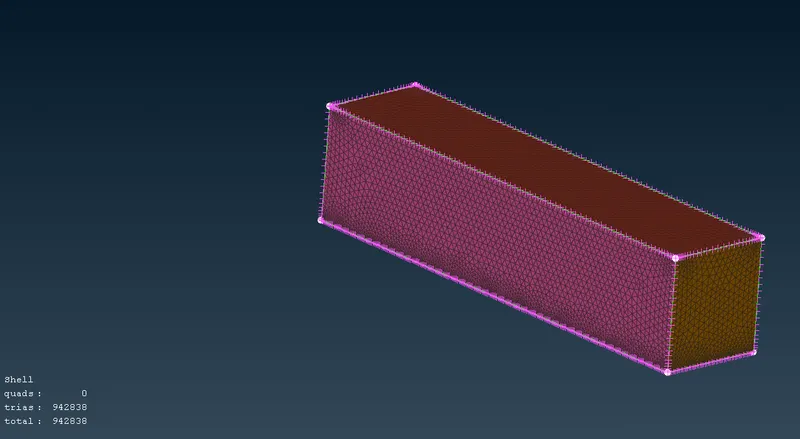
Volumteric mesh not considered due to the system competency