Week 4- Challenge
Objective:
the objective of this challenge is to Creat a 1D elements ( bar, rod, beam, mass & spring elements) on the Bracket with DOF's
Procedure:
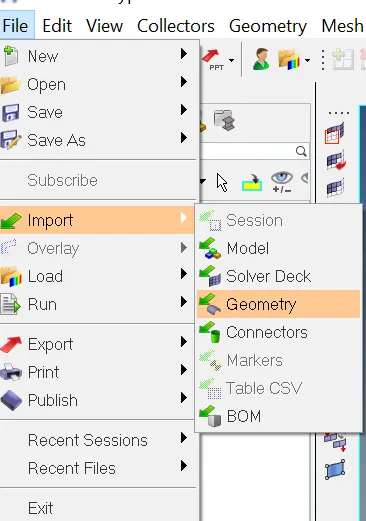
Step-1: Importing the Geomentry
File->Import->Geomentry.
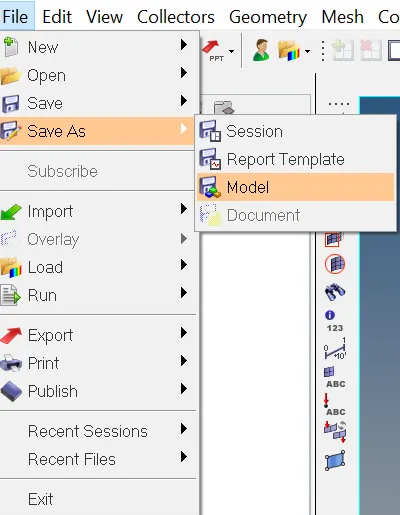
Step-2: Save the File.
File->SaveAs->Model.
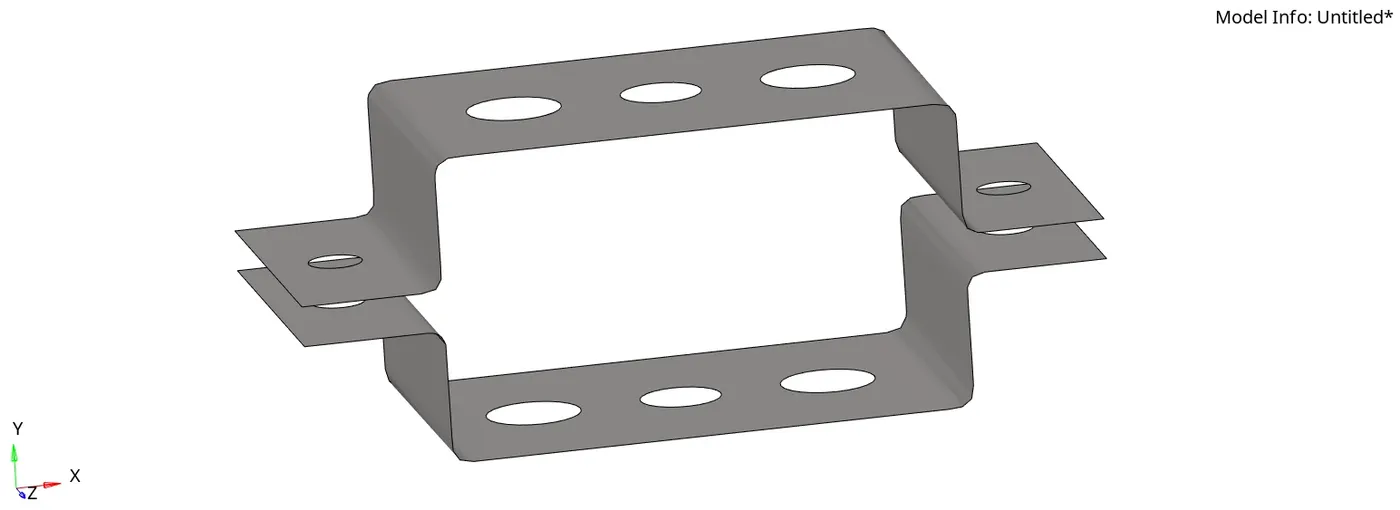
STep-3: Creating the midsurface
Geomentry->Midsurface->surf->displayed.
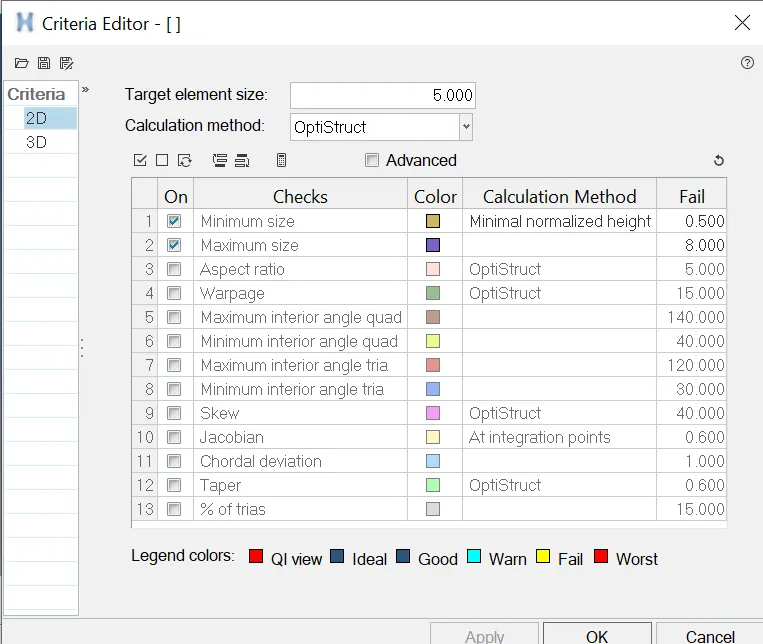
Step-4: set up file criteria.
Preferences->File criteria Settings.
set the target element to 5, minimum as 0.5 and maximum as 8.
Step-5: Autocleanup
Geomentry->Autocleanup->Surf->Displayed.
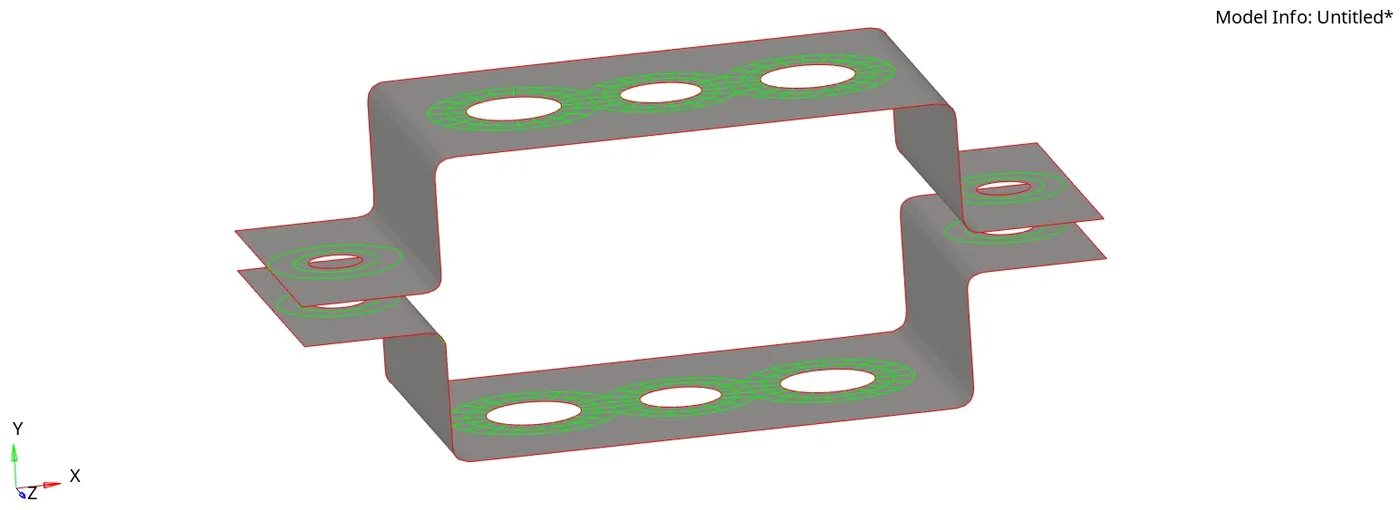
Step-6: Creating Automesh.
2D->Automesh->Surf->Displayed.
set the element size as 5 and element type as mixed.
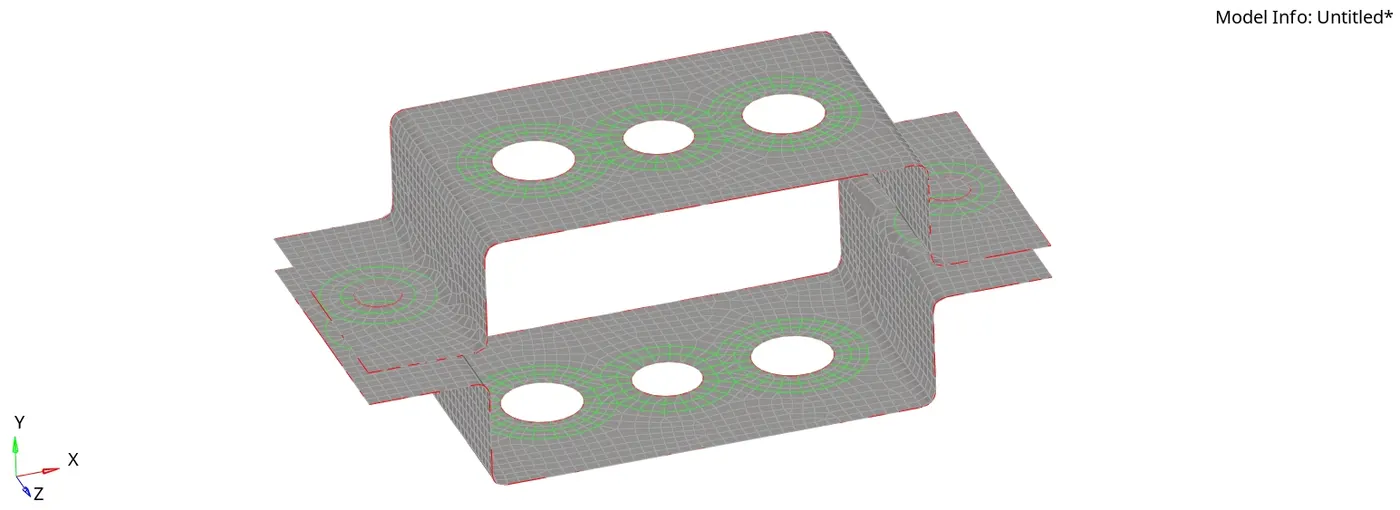
Step-7: Creating the 1D Elements (Bar, Rod, Beam, Mass & Spring).
- For Rod - 1D->Rod.
- For Bar - 1D->Bar.
- For Beam- 1D->Bar->Element types as CBEAM.
- For Mass - 1D->Mass
- for Spring - 1D->Spring.
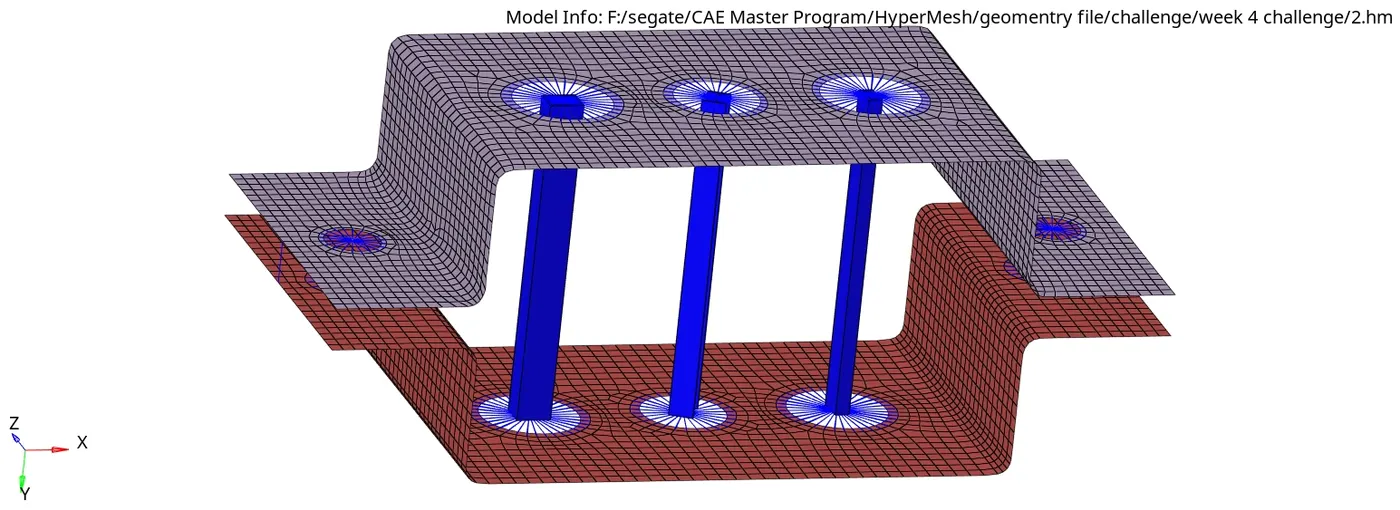
Step-8: Creating Properties for Beam, Rod, Bar and Bracket.
Step-9: Creating Material for Beam, Rod, Bar and Bracket.
step-10: assigning the properties and material to the respective components.
Step-11: Save
Final Model:
Result:
1D elements on the following component with given cross-section and DOF's is created
https://drive.google.com/file/d/13PklAzqhaFuGkZSb_qQtF-p8irZpOJgO/view?usp=sharing