Week 4 - 2D Meshing for Sheet Metal
Solution
First open the file by going to File-Open
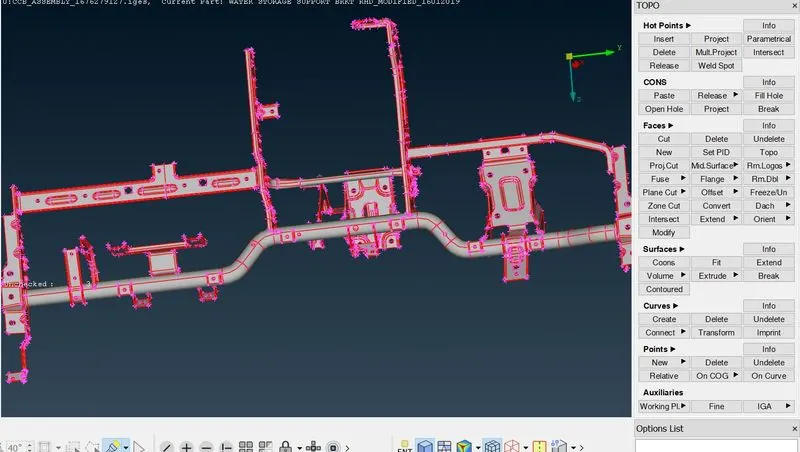
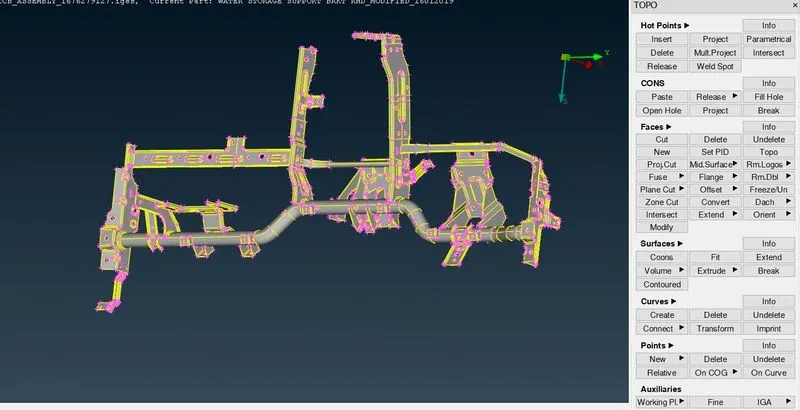
Now,After opening the file select the whole component and do Topo option (it connect the cons if they are not connected)
Now,check for any geometrical errors by going to Tools-checks-geometry Or search check on search box
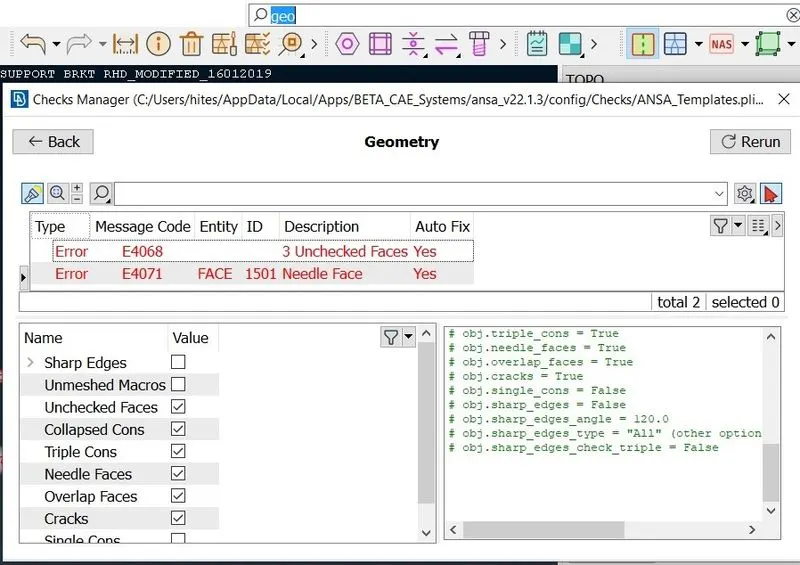
select all the errors by Ctrl+A and then right click and fix the errors automatically
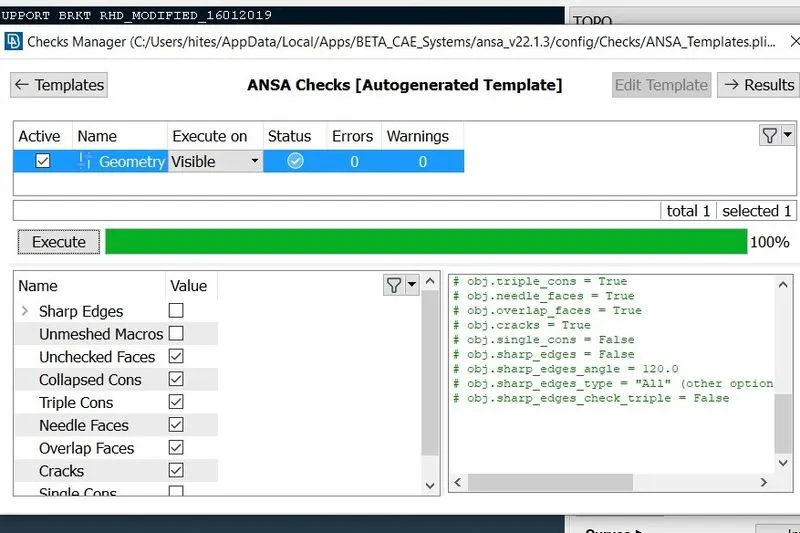
Geometry check up is done.
Now,MESHING
before moving to meshing
step1.Give the Quality criteria
now,give the mesh parameters
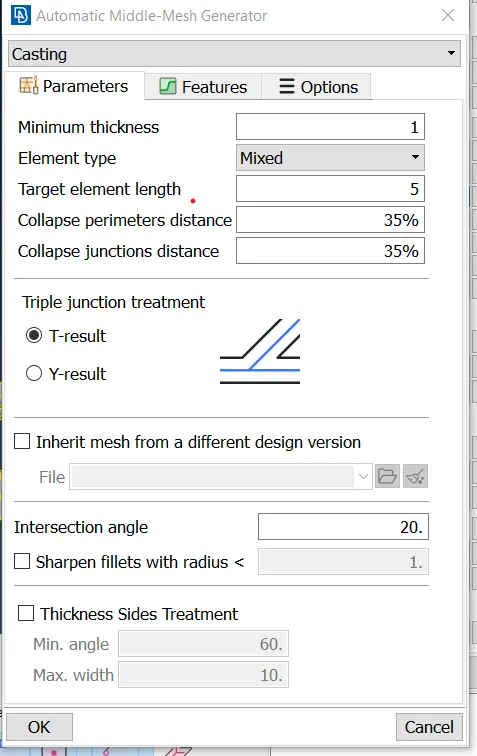
Here, I am using Casting
In the casting just give the criteria and it will automatically take mid-surface and mesh.
now,To do casting Go to TOPO-mid surface-casting
give the criteria
Mesh generated
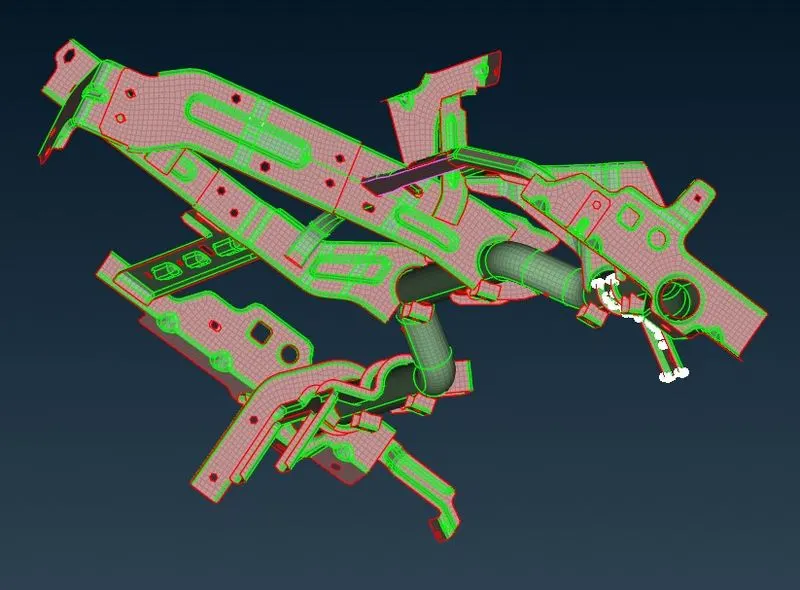
There are OFF elements
you can clear the errors by these following option also
paste option in grids
Smooth ,Reconstruction in Shell Mesh
Used Split,swap option in Elements to remove trias.
After solving the errors
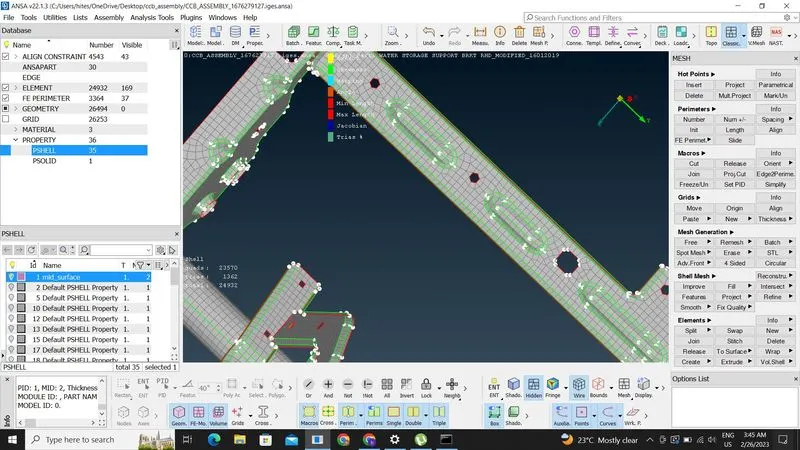
Conclusion
Mid surface and mesh is Done.